Small Envelope & Card Mockup Set
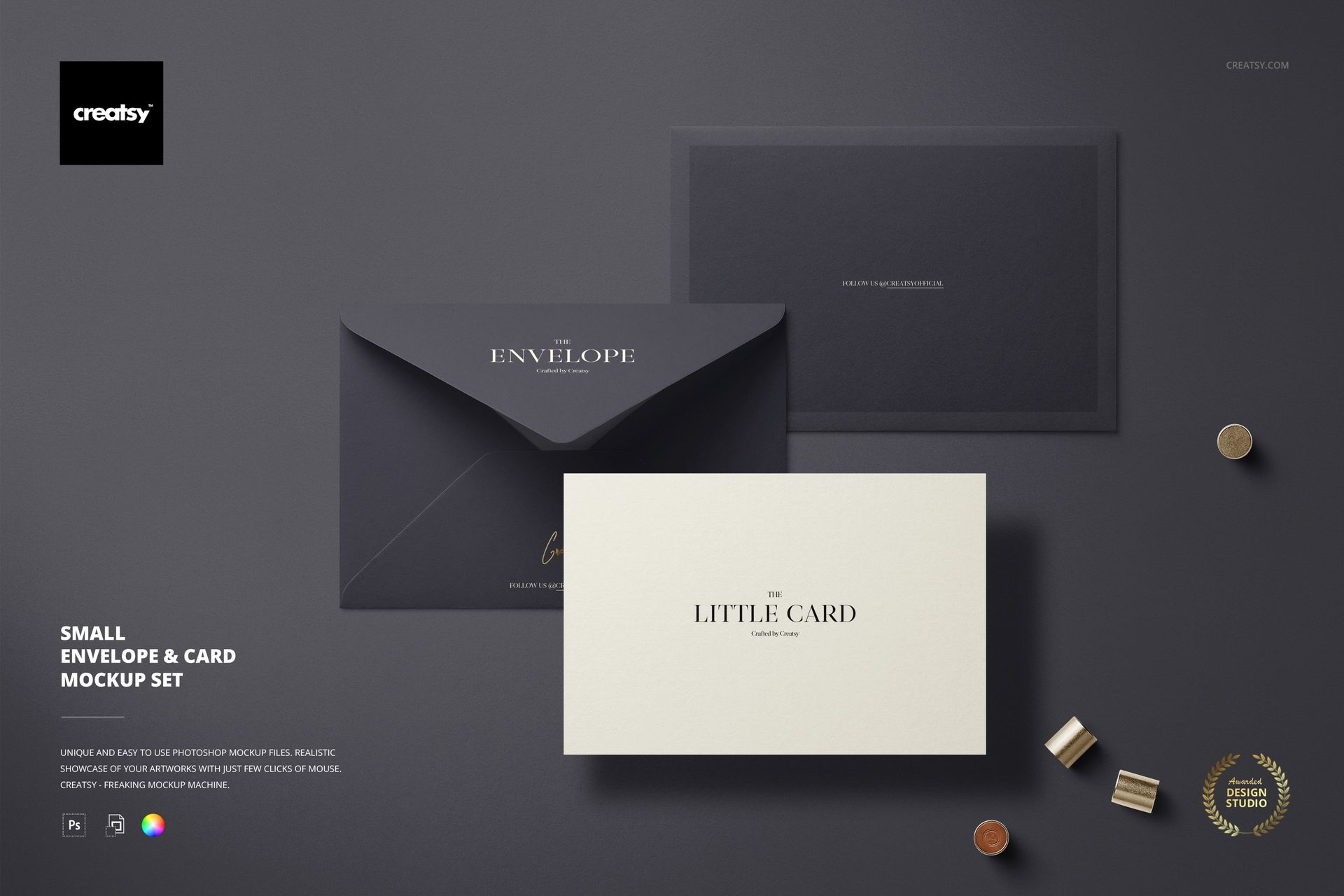
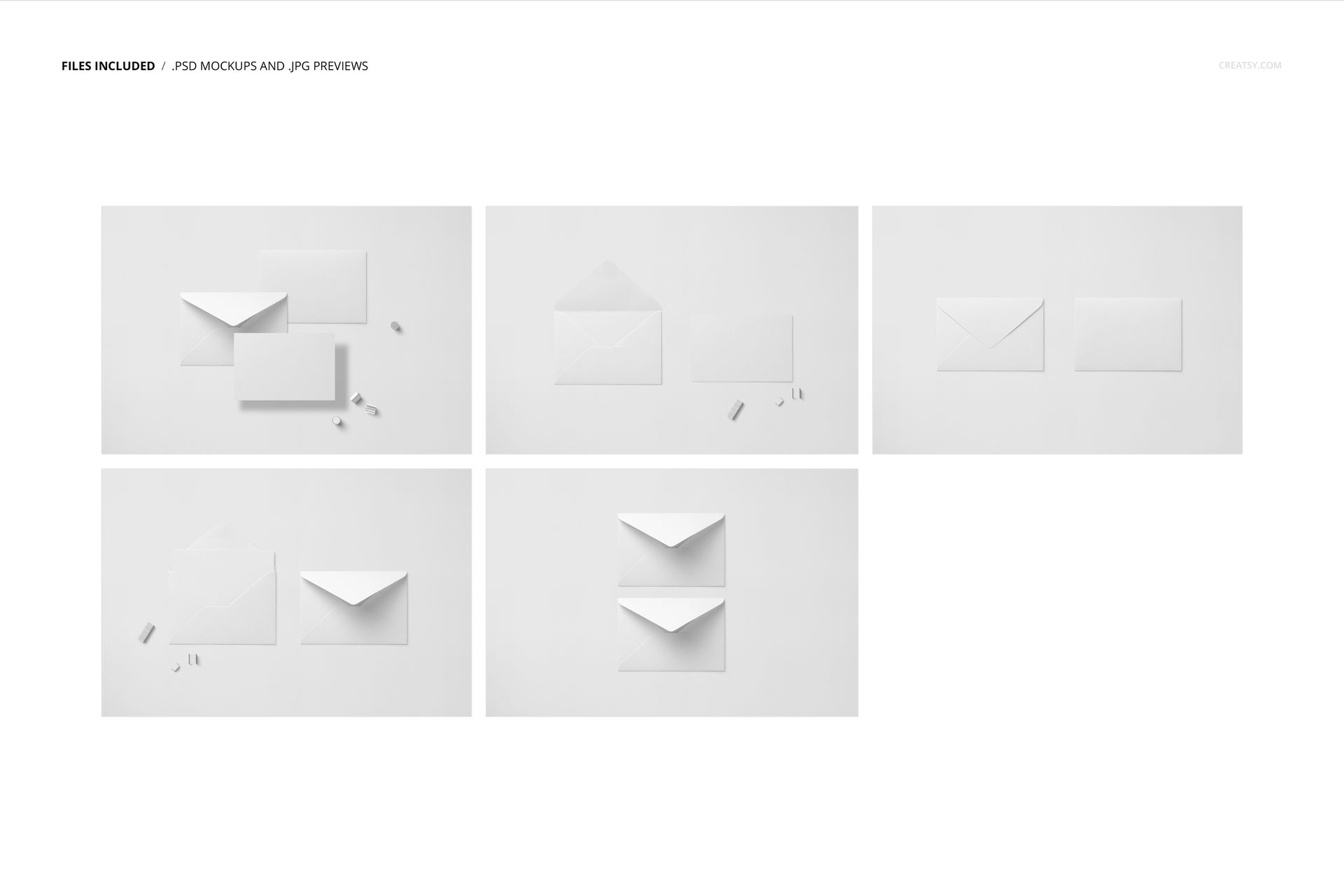
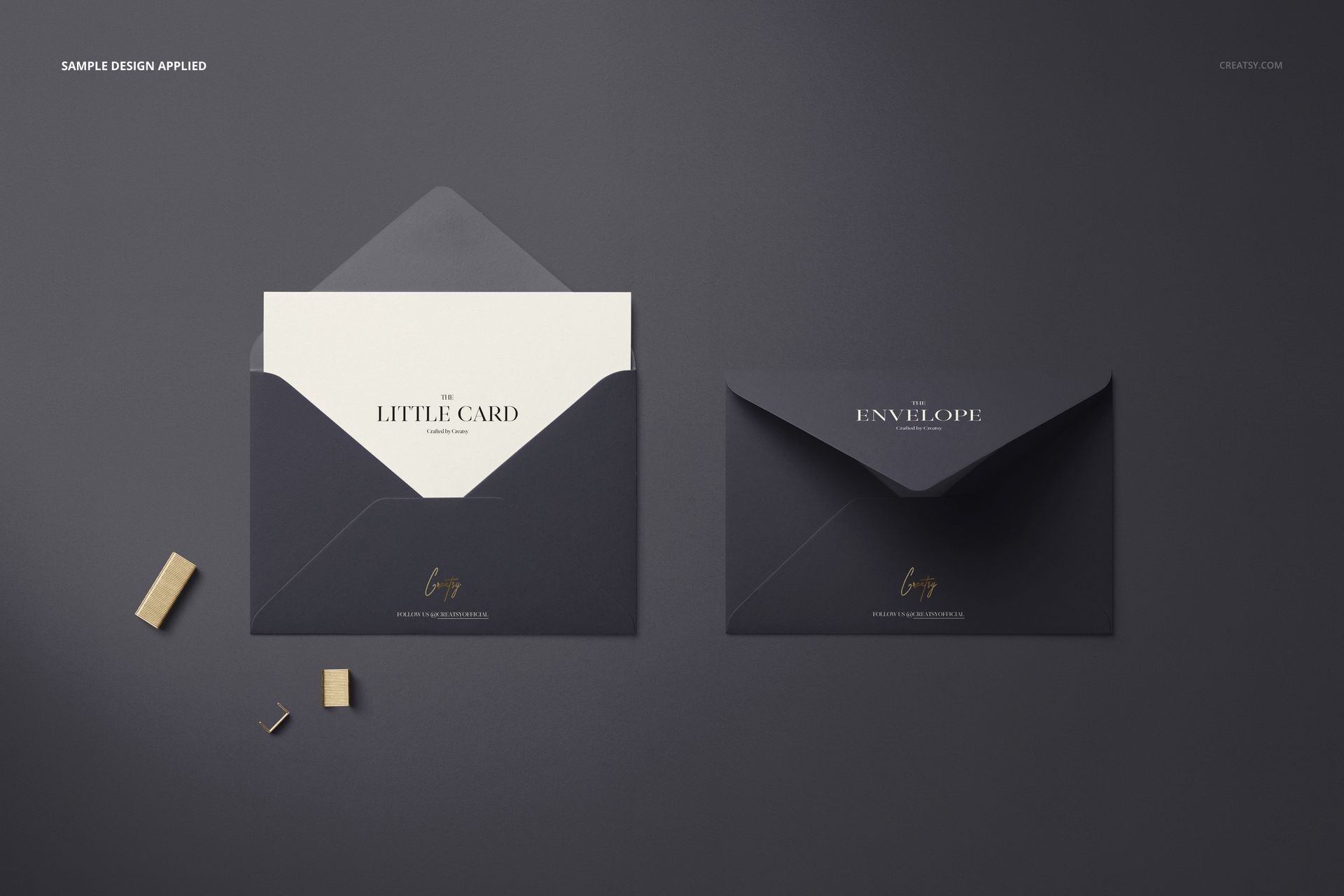
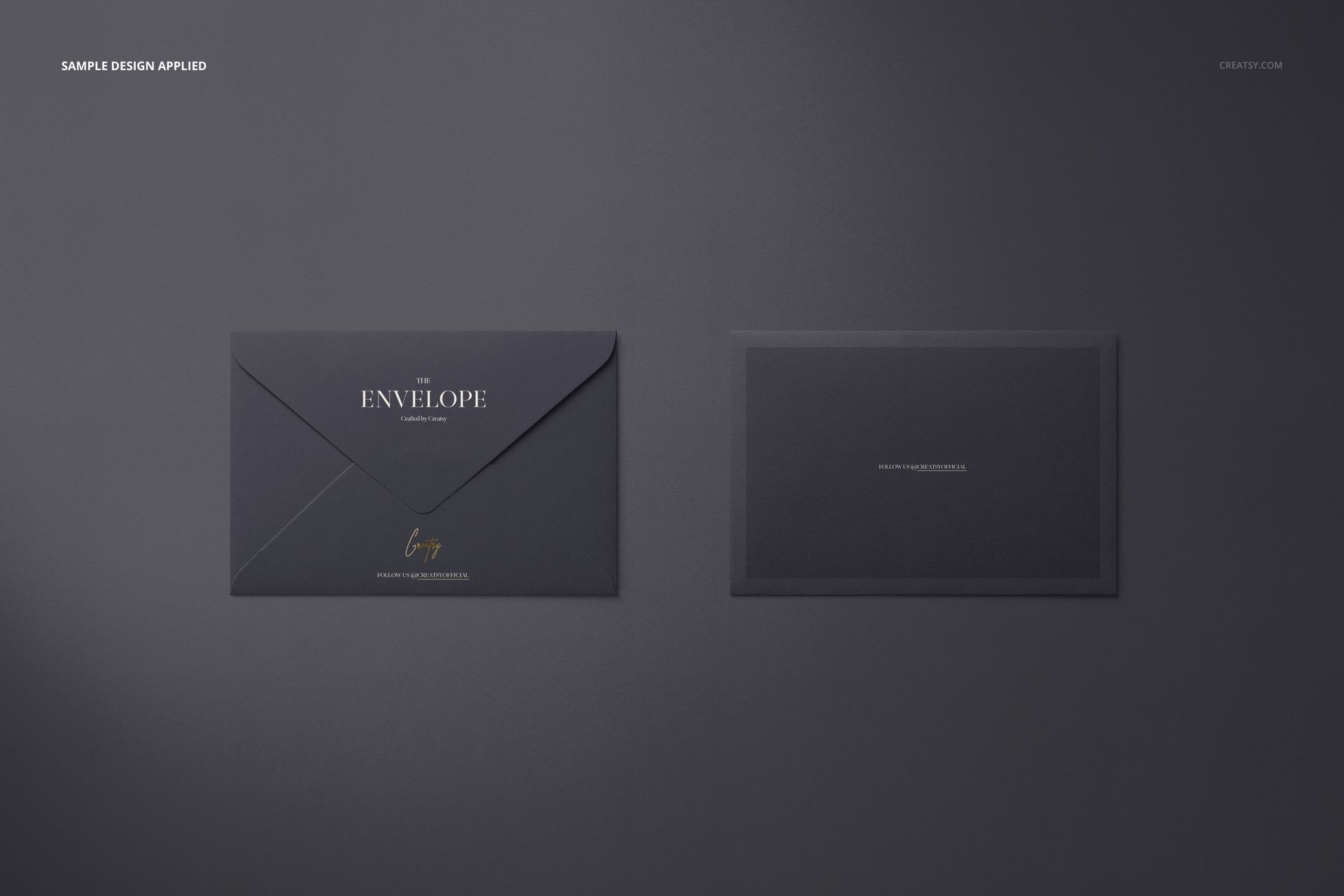
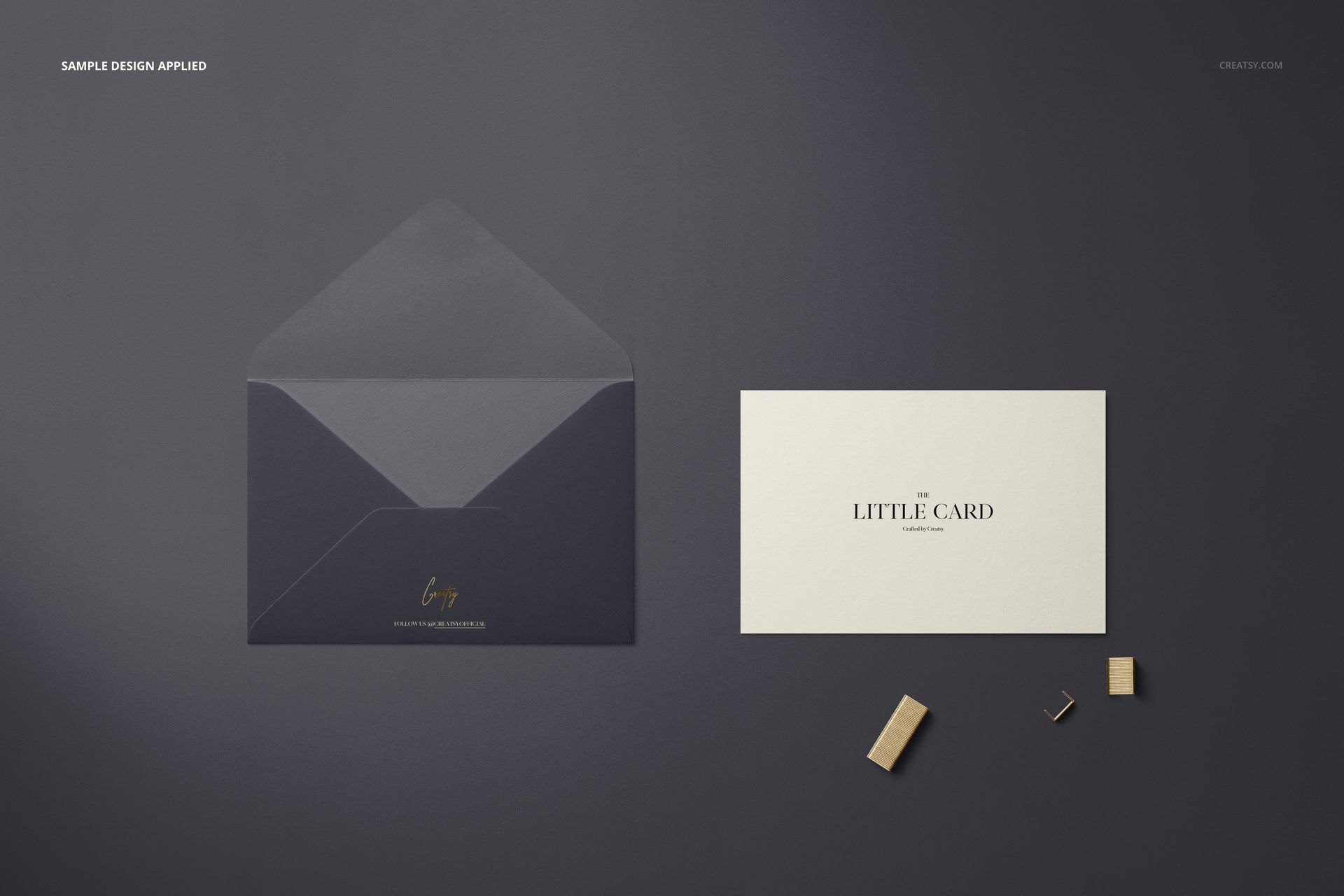
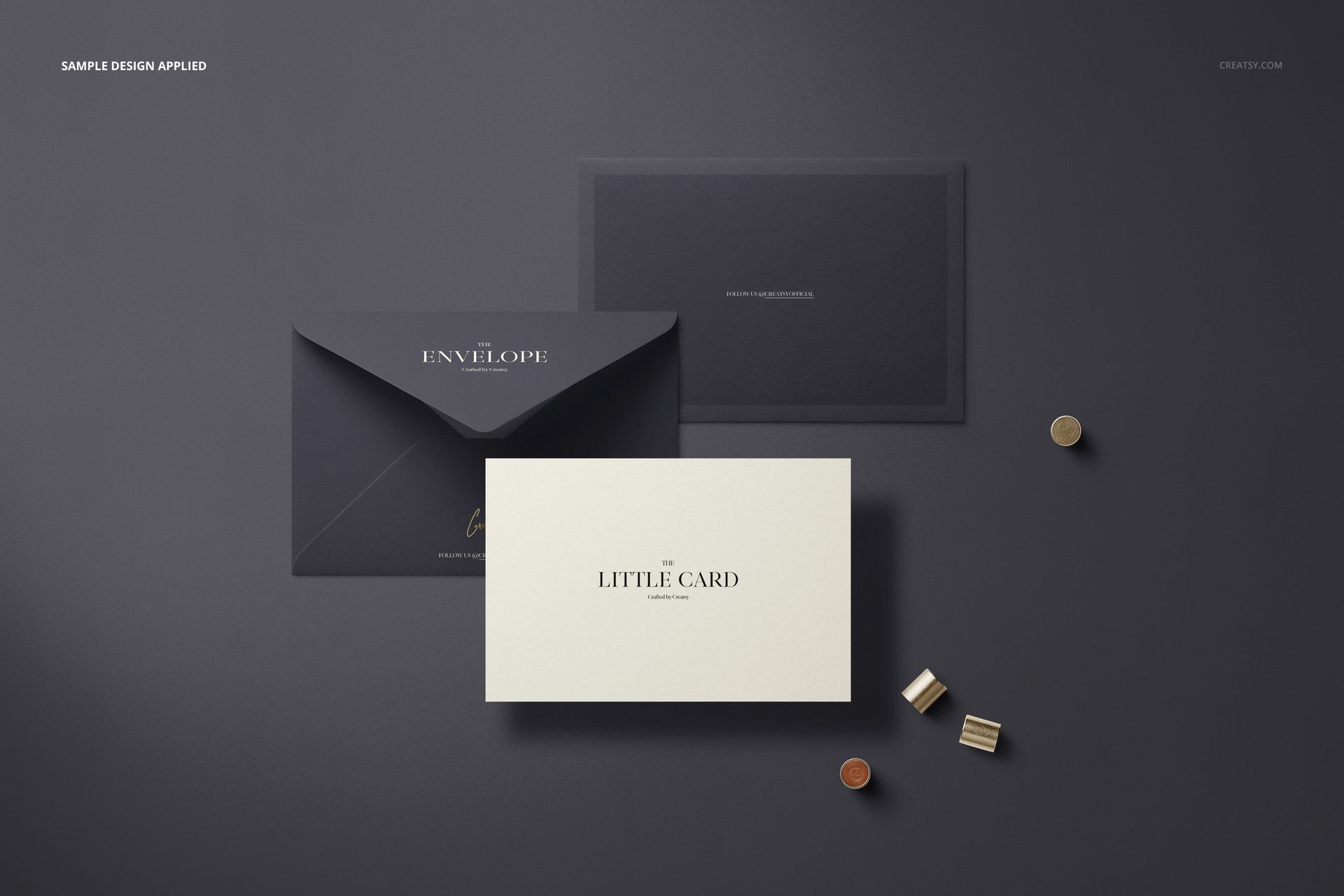
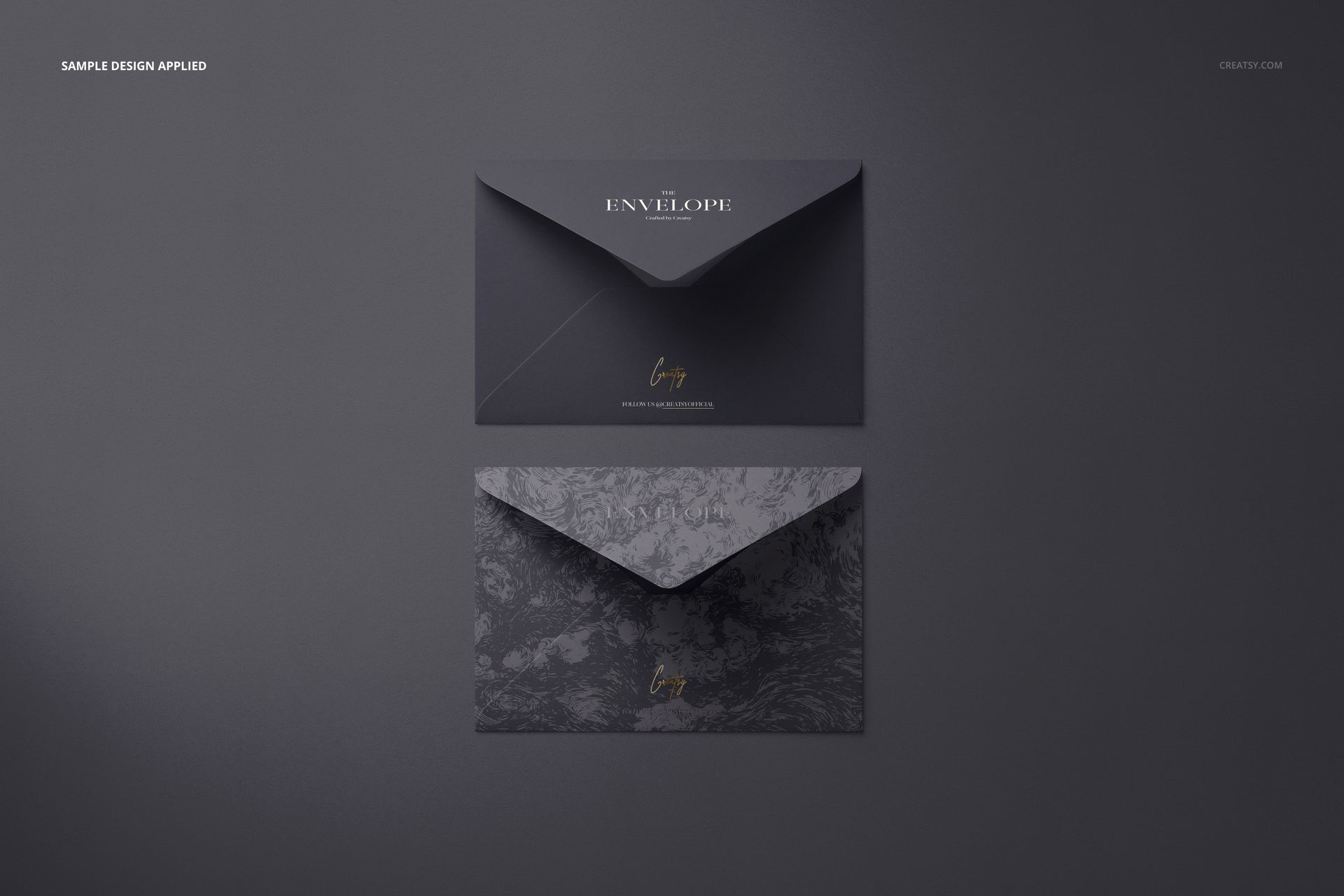
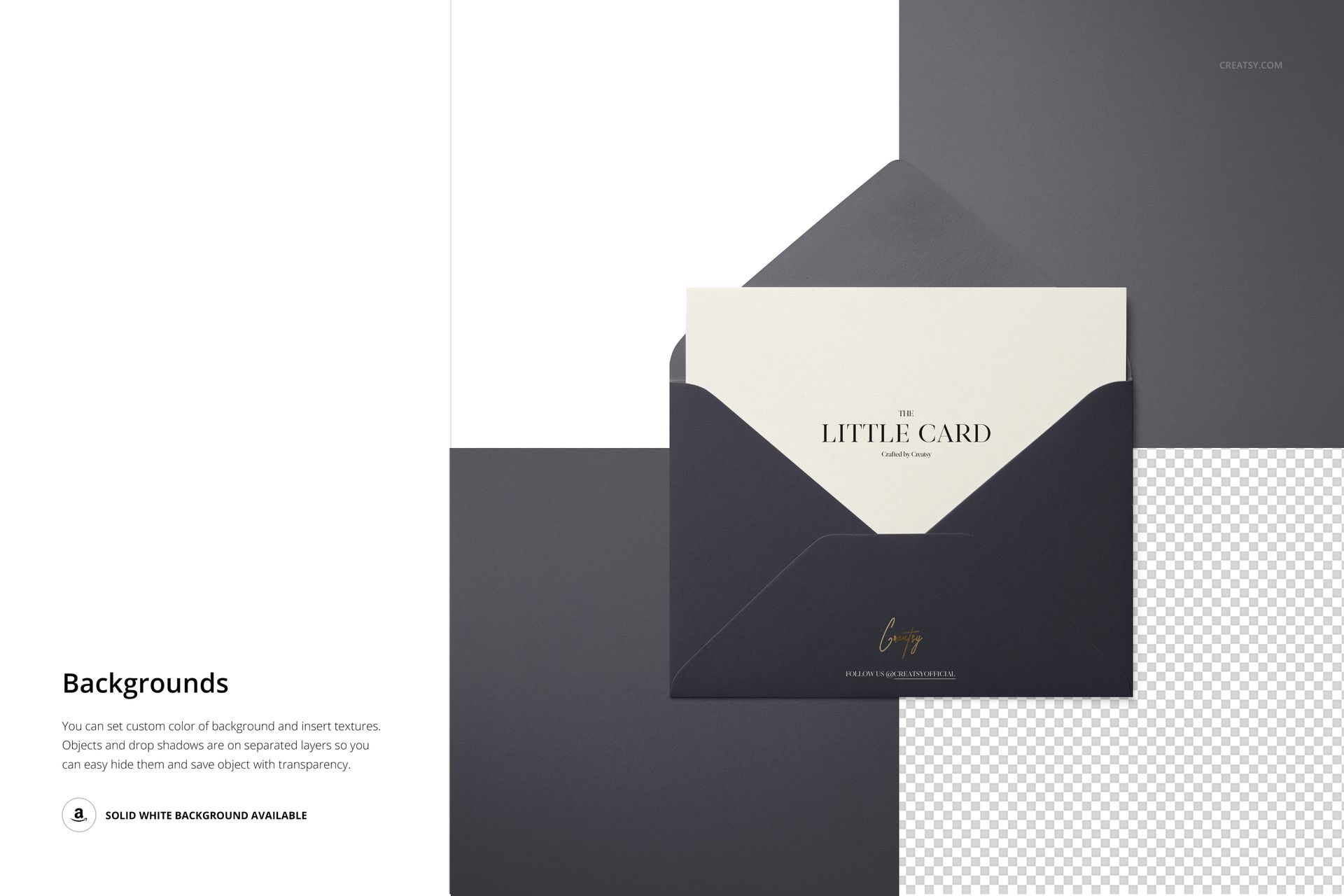
Present compact stationery branding across five layered PSD scenes featuring a small envelope and matching card. The top-view arrangements combine open and closed envelopes, solid and patterned options, and carefully selected props for a varied yet coordinated presentation.
What Is Included
5 layered PSD mockup files
Each PSD is 6000 × 4000 px at 300 DPI
Supporting JPG and PDF files, with exact counts not specified
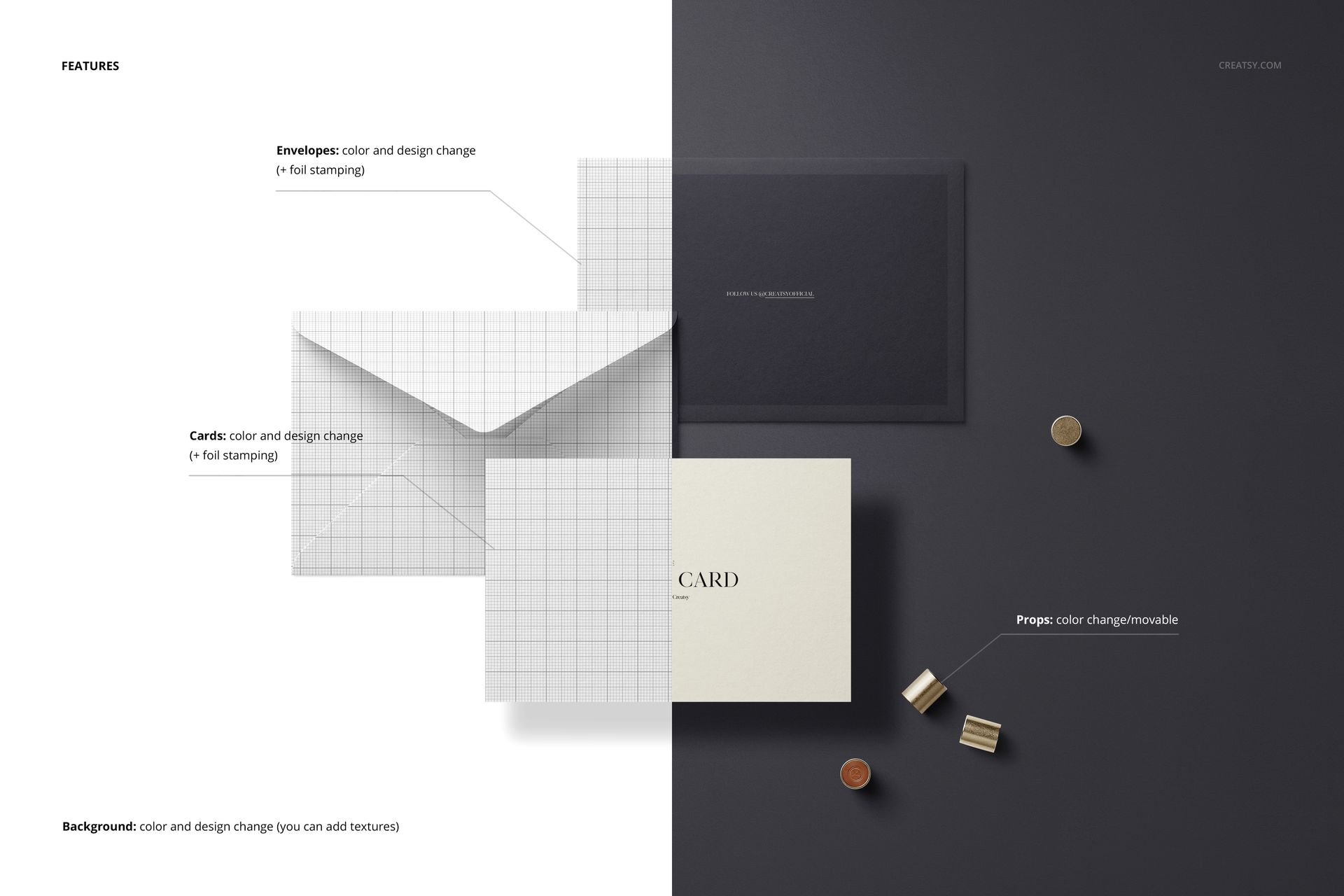
Smart Objects for confirmed color and design editing
Compatibility with Photopea, Adobe Photoshop, and Affinity Photo
This set is also included in the Envelopes & Cards Mockup Bundle.
Compact Format, Varied Presentation
Neutral, dark, split, and geometric backgrounds offer several visual directions for the same stationery format. Gold-toned props add contrast, while the compact envelope and card remain the main focus of each composition.
Easy Smart Object Editing
Place artwork and use the confirmed color and design controls through the prepared Smart Objects. Public compatibility information lists Photopea, Adobe Photoshop, and Affinity Photo, while the legacy product requirements specify Adobe Photoshop CC2015 or newer.
Perfect For
Compact stationery and correspondence branding
Small greeting cards and invitation concepts
Envelope artwork and coordinated paper goods
Product listings, client presentations, and portfolios
Solid, patterned, neutral, and dark design collections
Digital product notice: This set contains digital files only. No physical cards, envelopes, paper goods, or props will be shipped. Patterns and example artwork shown in the previews are not included.