Envelope and Ribbon Mockup
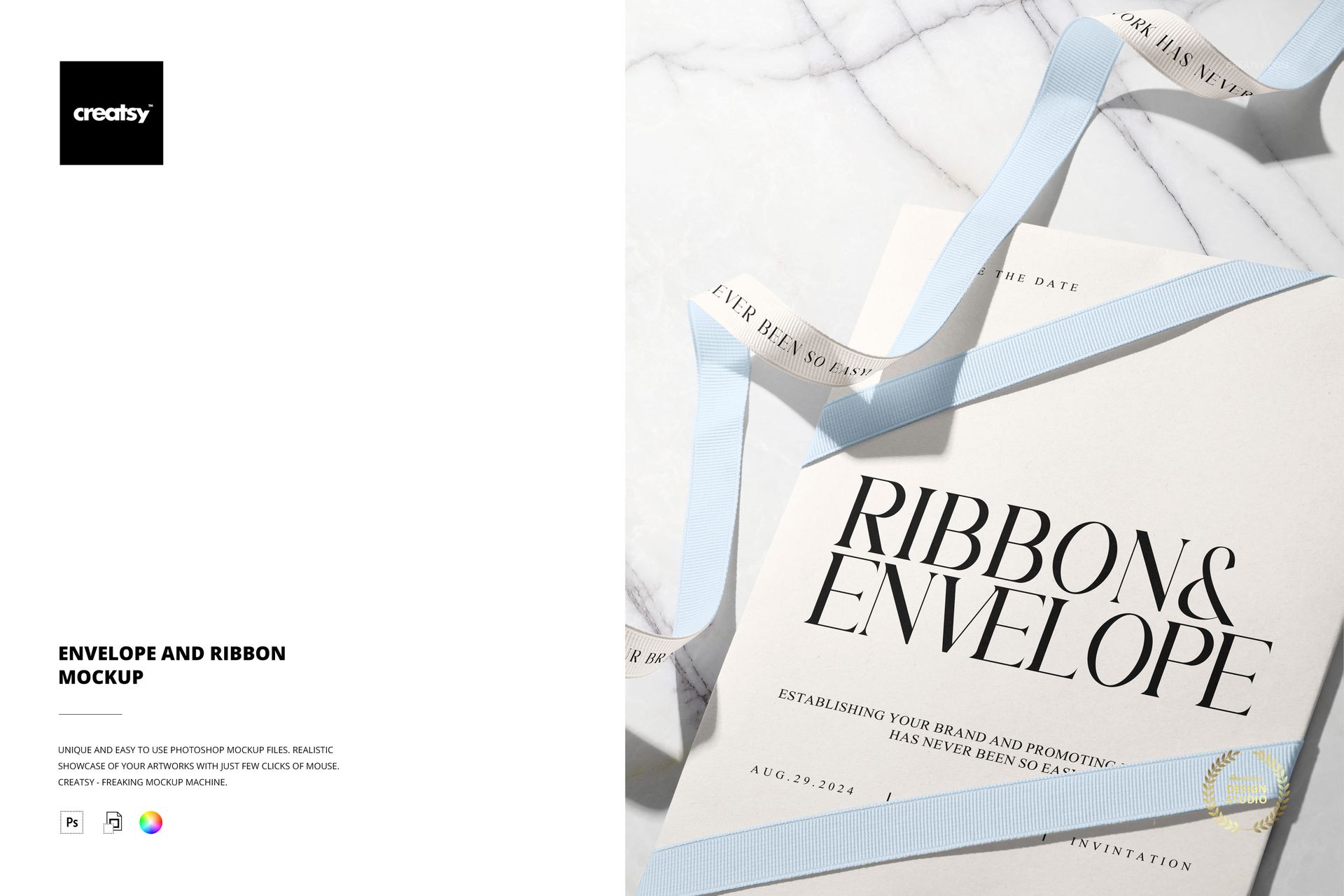
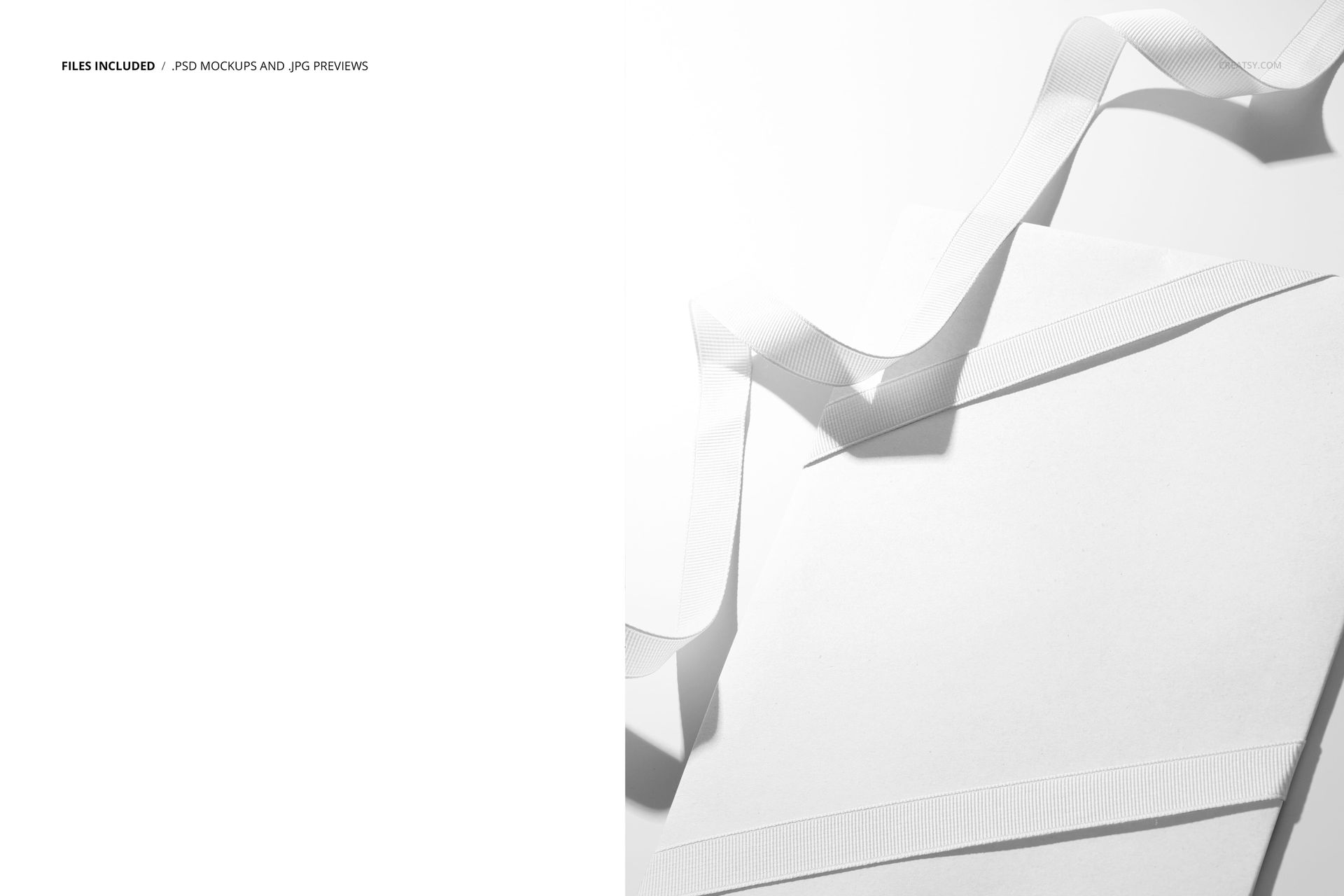
Present envelope designs, elegant stationery, and event branding in a refined portrait scene. The composition pairs light neutral paper pieces with layered pale blue and white grosgrain ribbons on a bright marble surface, creating a polished setting for sophisticated artwork and typography.
A Refined Stationery Presentation
The close, top-view composition draws attention to the relationship between the envelope, paper details, and overlapping ribbons. Its airy palette and natural stone background work especially well with minimalist, romantic, modern, and luxury design directions.
What Is Included
1 layered and well-organized PSD mockup file
1 high-resolution JPG preview file
2 digital files in total
4000 × 5000 px portrait format at 300 DPI
Smart Object workflow for placing artwork in the designated editable areas
Compatibility with Adobe Photoshop CC2020 or newer and Photopea
Easy Smart Object Workflow
Open the relevant Smart Object, place your artwork in the designated editable area, save the layer, and return to the main scene to view the updated presentation. The organized PSD can be edited in Adobe Photoshop CC2020 or newer and in Photopea.
You can also explore the Creatsy Online Mockup Editor for additional browser-based presentation options.
Perfect For
Envelope designs and stationery branding
Wedding invitations and save-the-date concepts
Event identity and announcement presentations
Elegant ribbon lettering and typographic artwork
Portfolio, online shop, and social media imagery
Minimalist and luxury paper goods collections
Digital product notice: This listing includes downloadable files only. No physical envelope, ribbon, paper item, or decorative surface will be shipped. The sample artwork shown in the preview is for presentation purposes and is not included.