Small Square Greeting Card Mockup Set
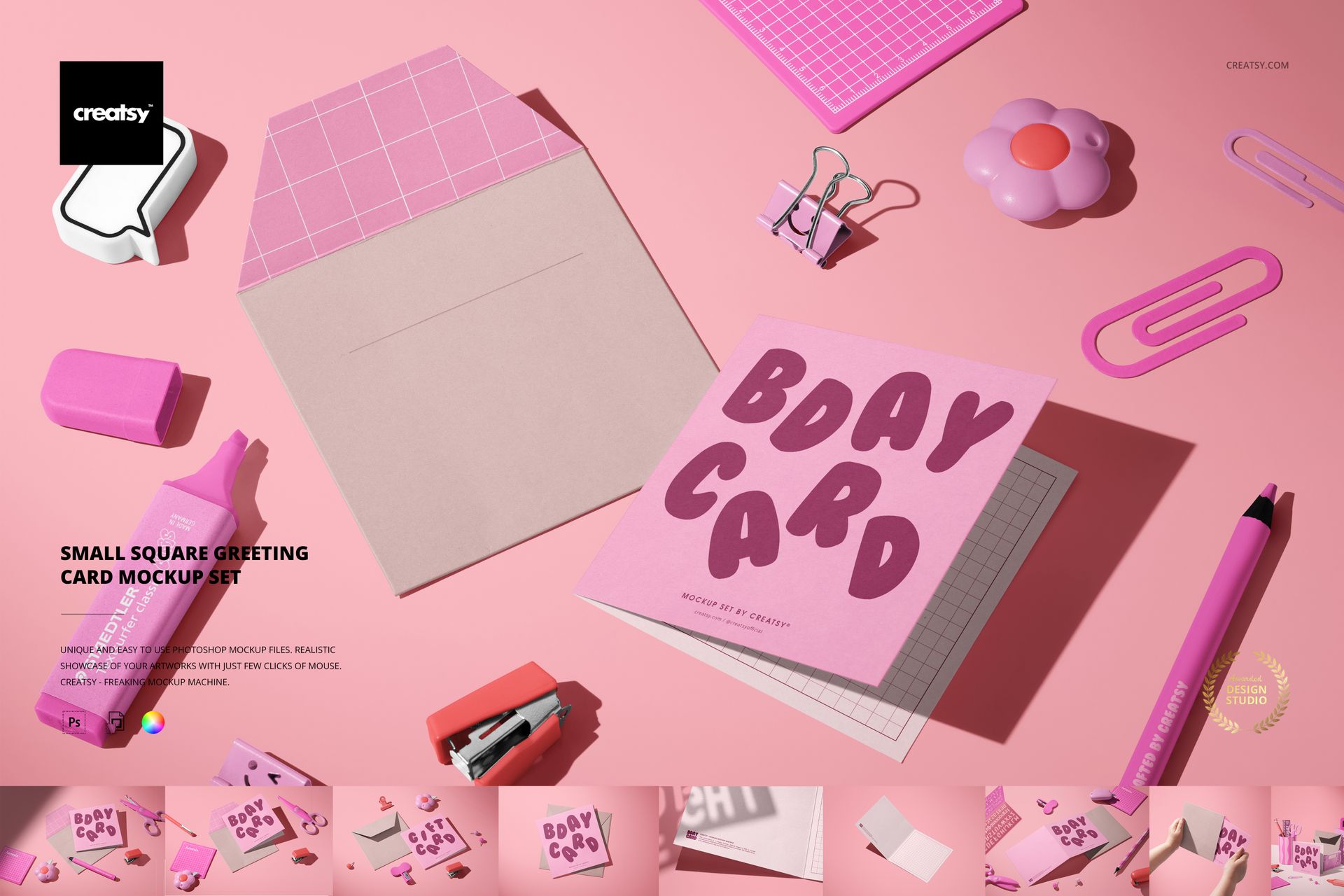
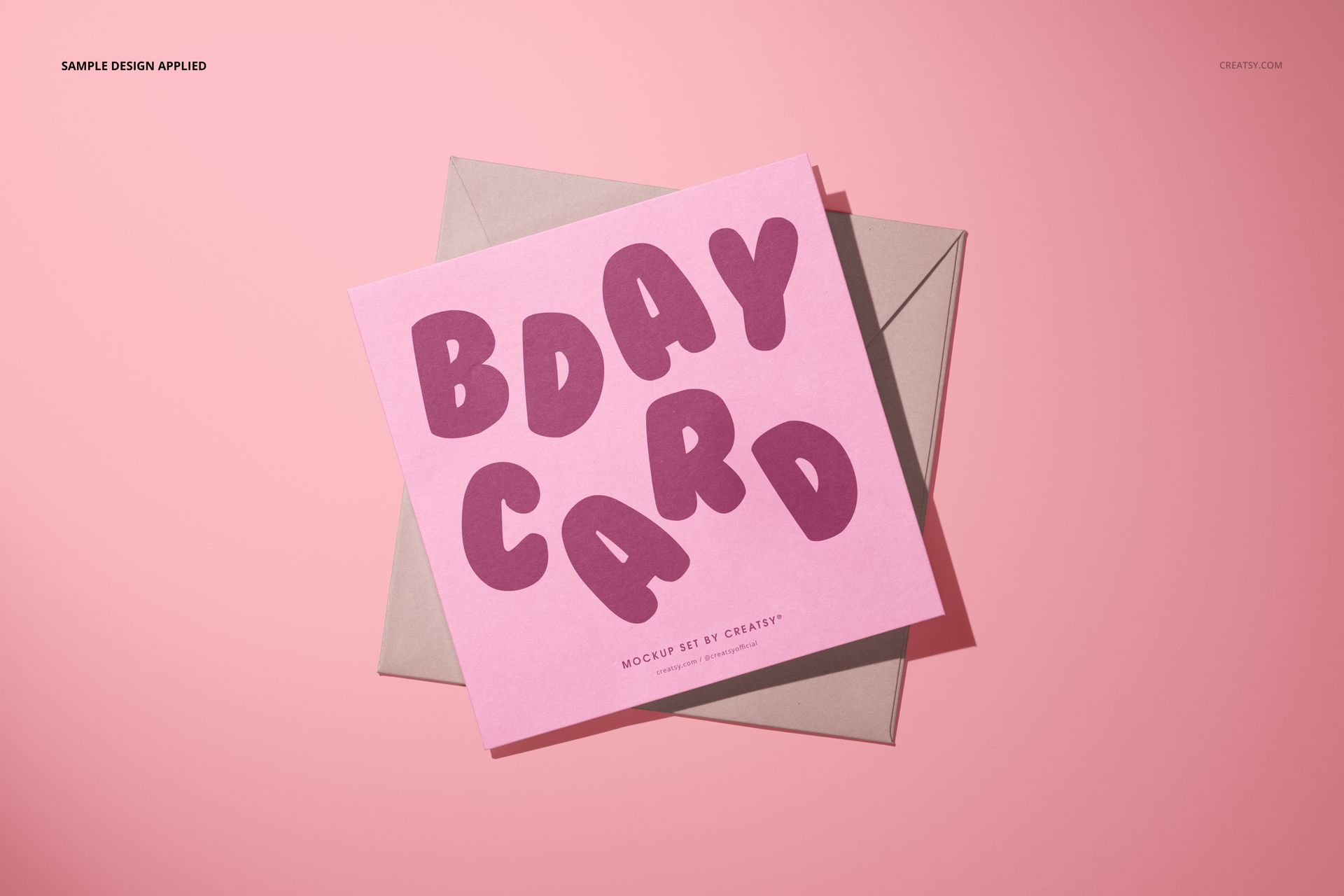
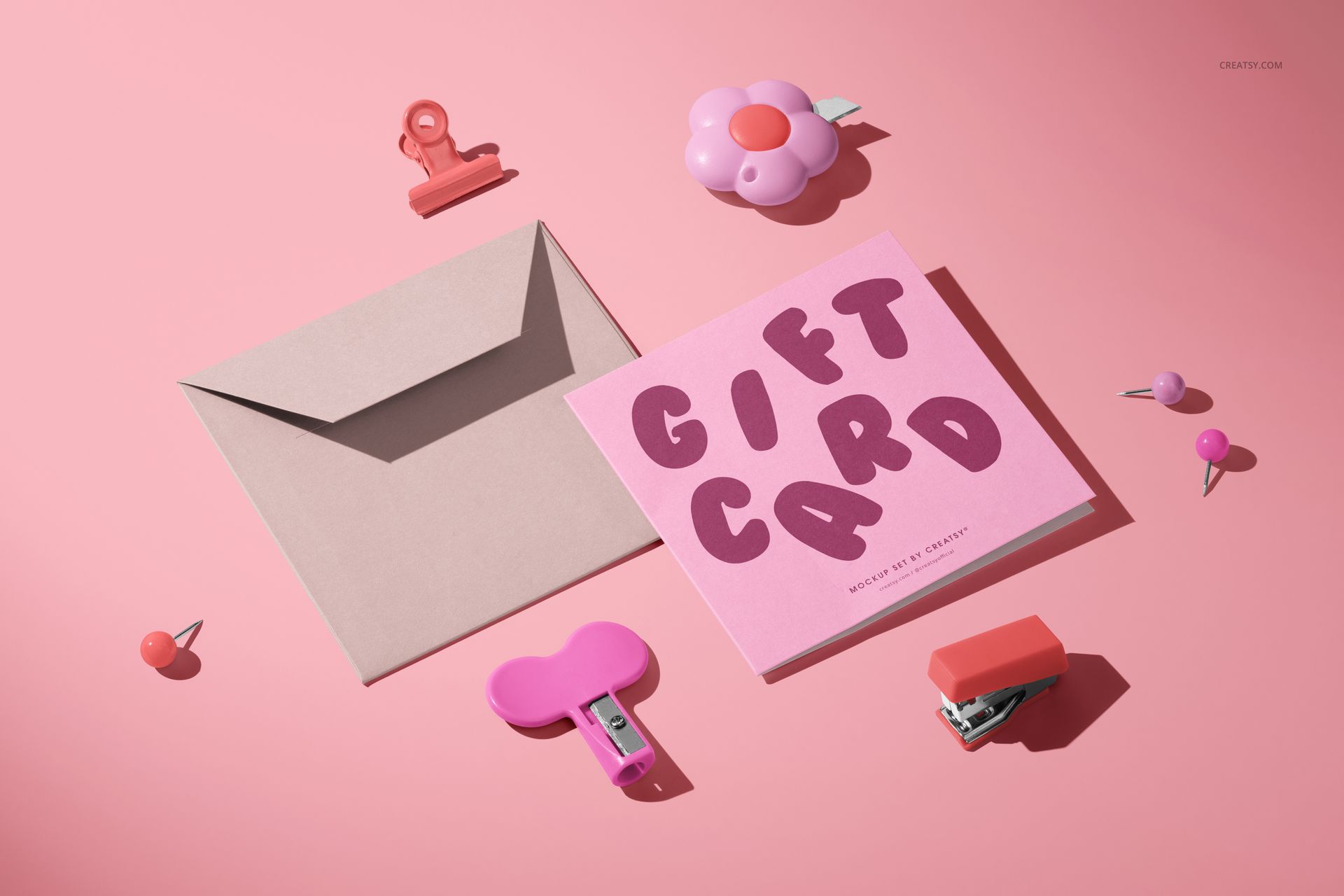
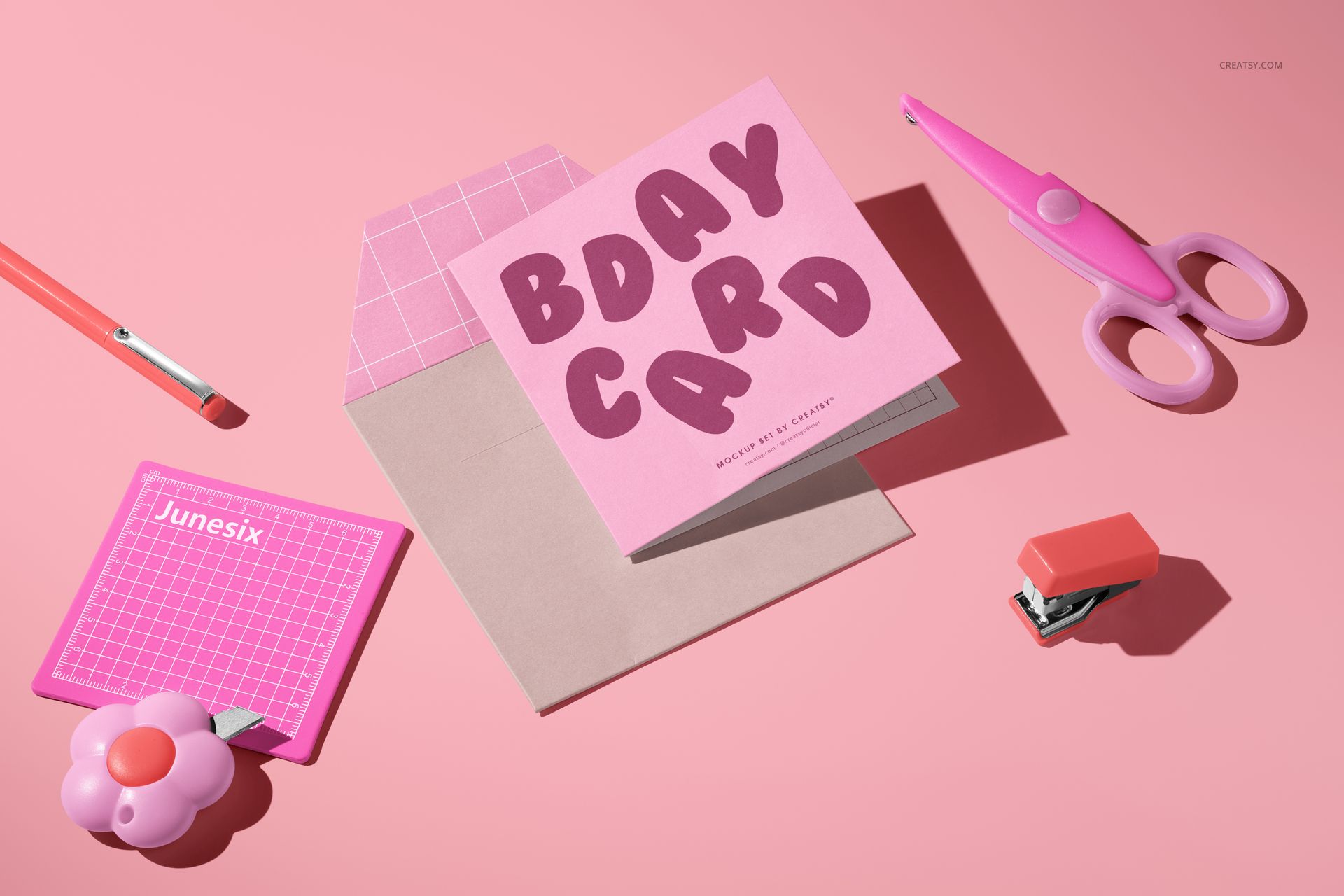
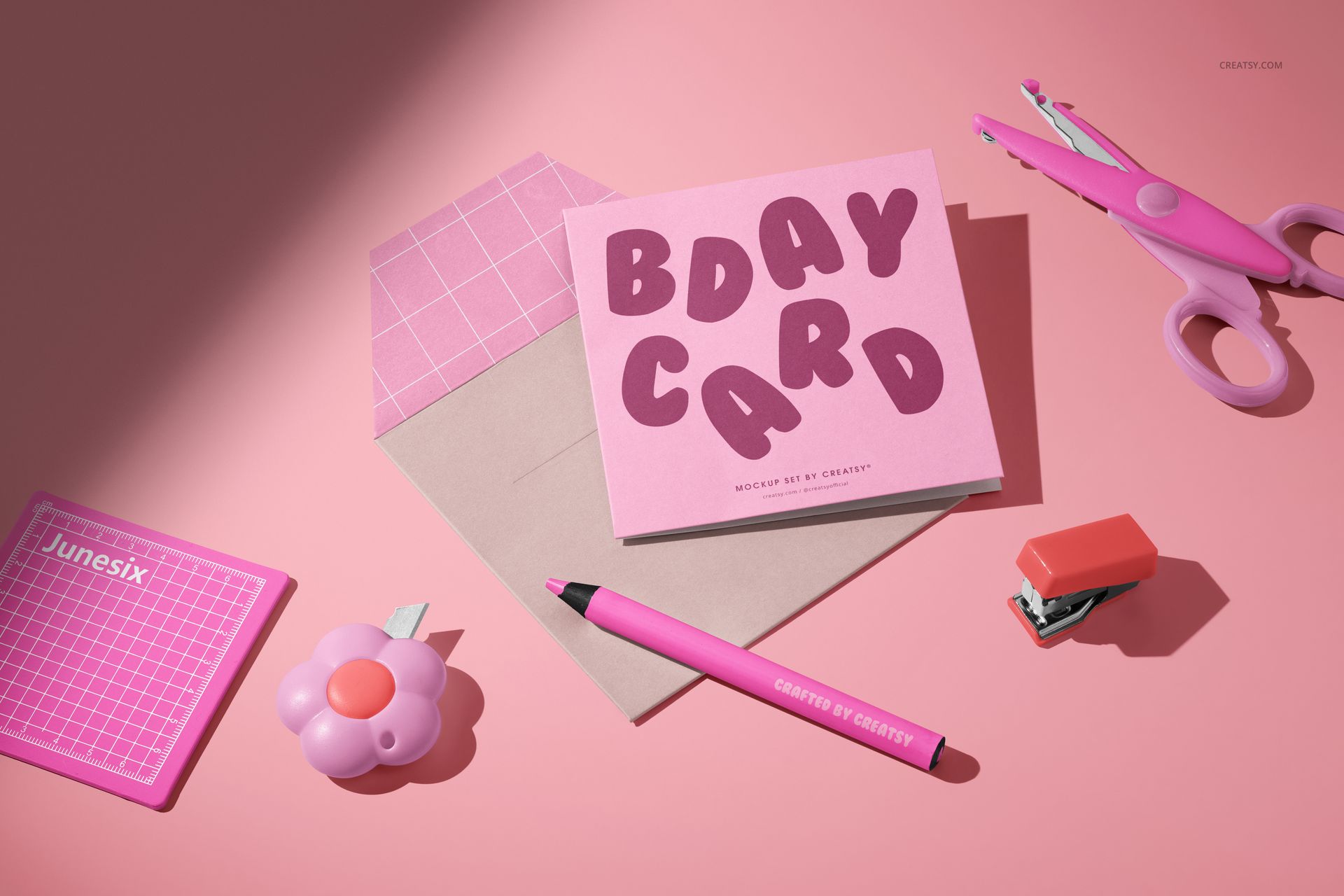
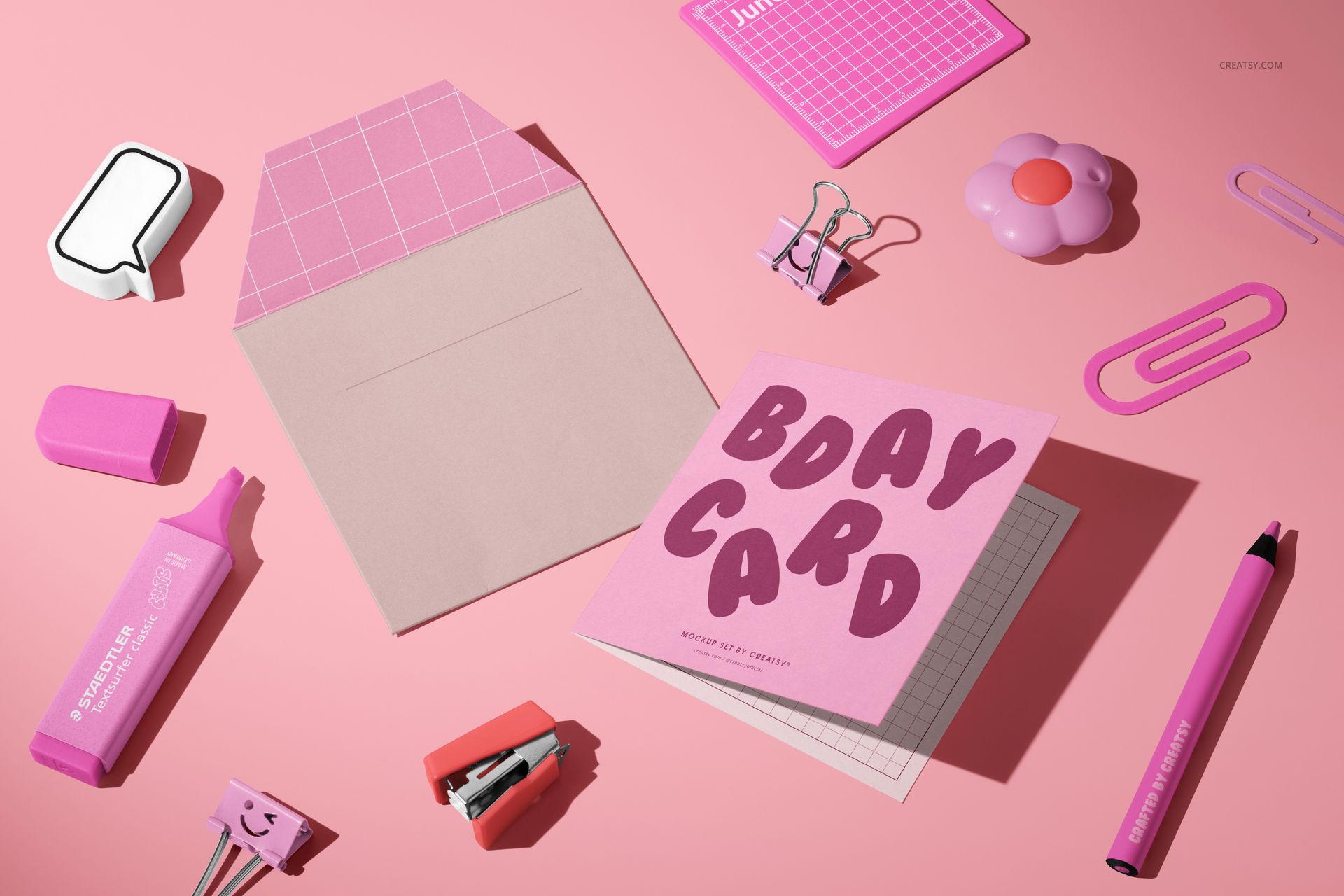
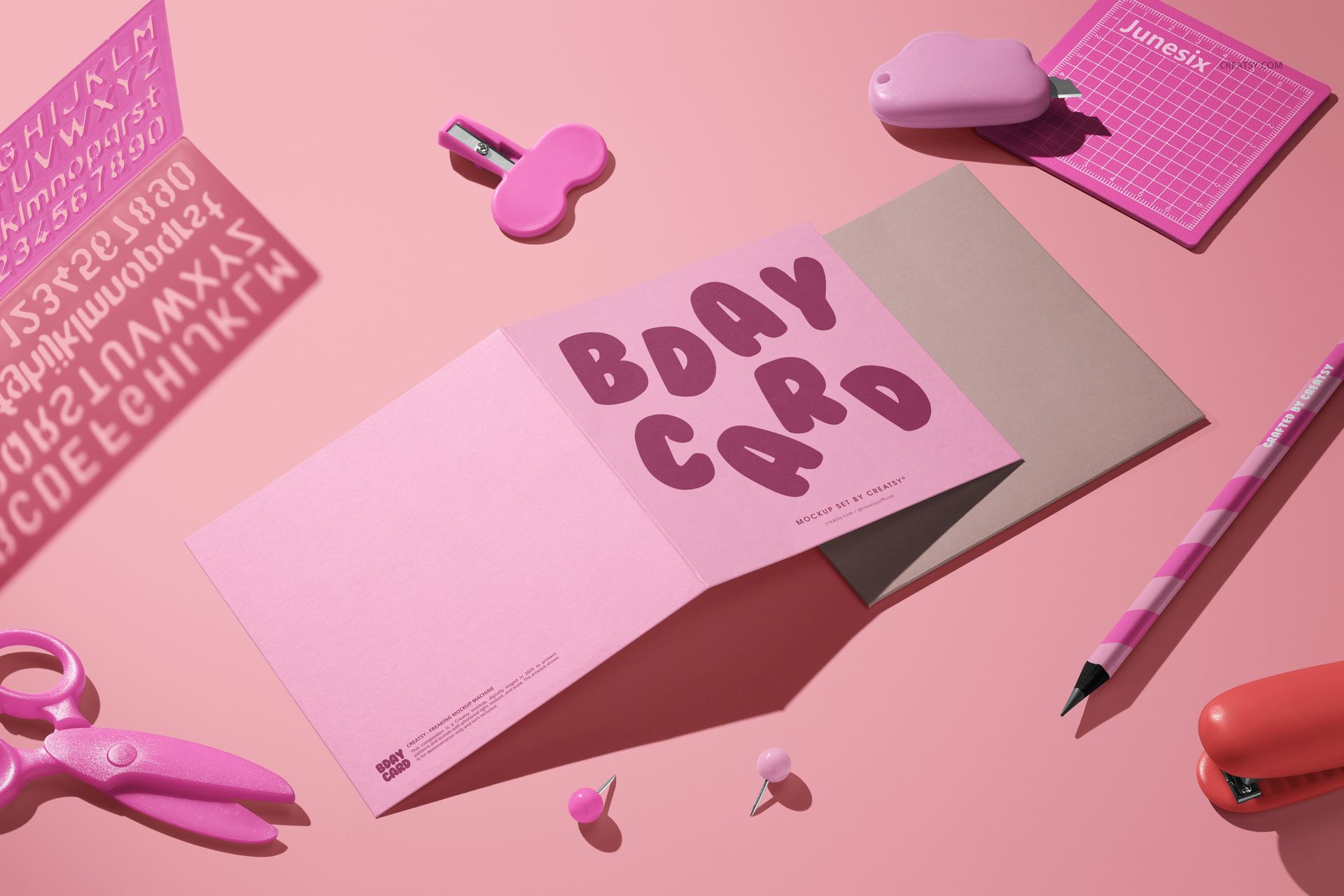
A card collection feels more complete when customers can see it in a real creative setting, not only as a flat cover. This ten-scene set places a small square folded card and envelope among playful pink desk accessories, then moves through open, closed, upright, close-up, and hands-on compositions.
Use the variety to build a full campaign around one design, introduce the front artwork, reveal an interior message, show how the card fits its envelope, and add detail images without arranging a physical photo shoot.
What Is Included
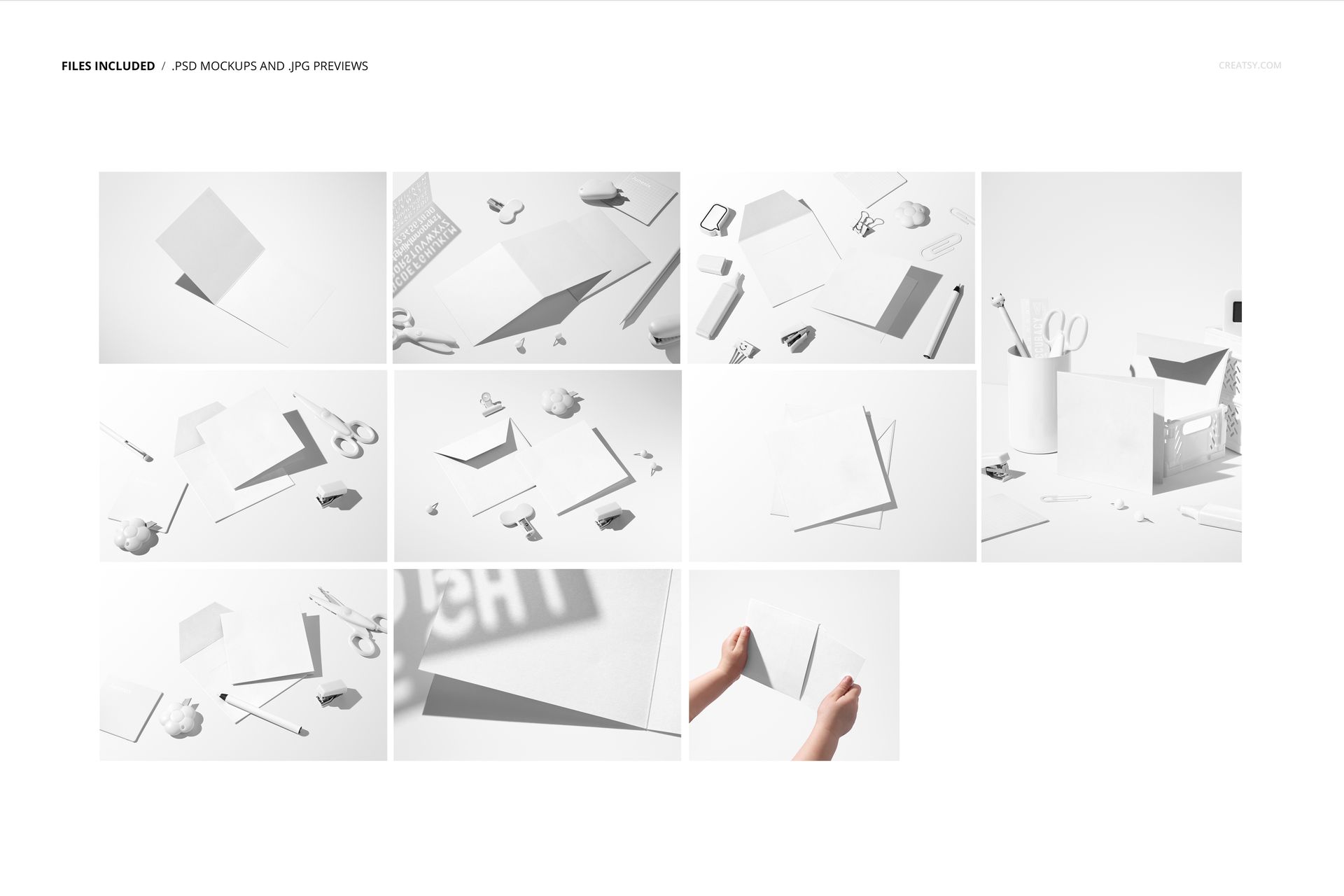
10 layered PSD mockup files for a small square folded card and envelope
10 JPG previews, 20 files in total
PSD dimensions listed in Product Details as 6000 × 4000 px at 300 DPI
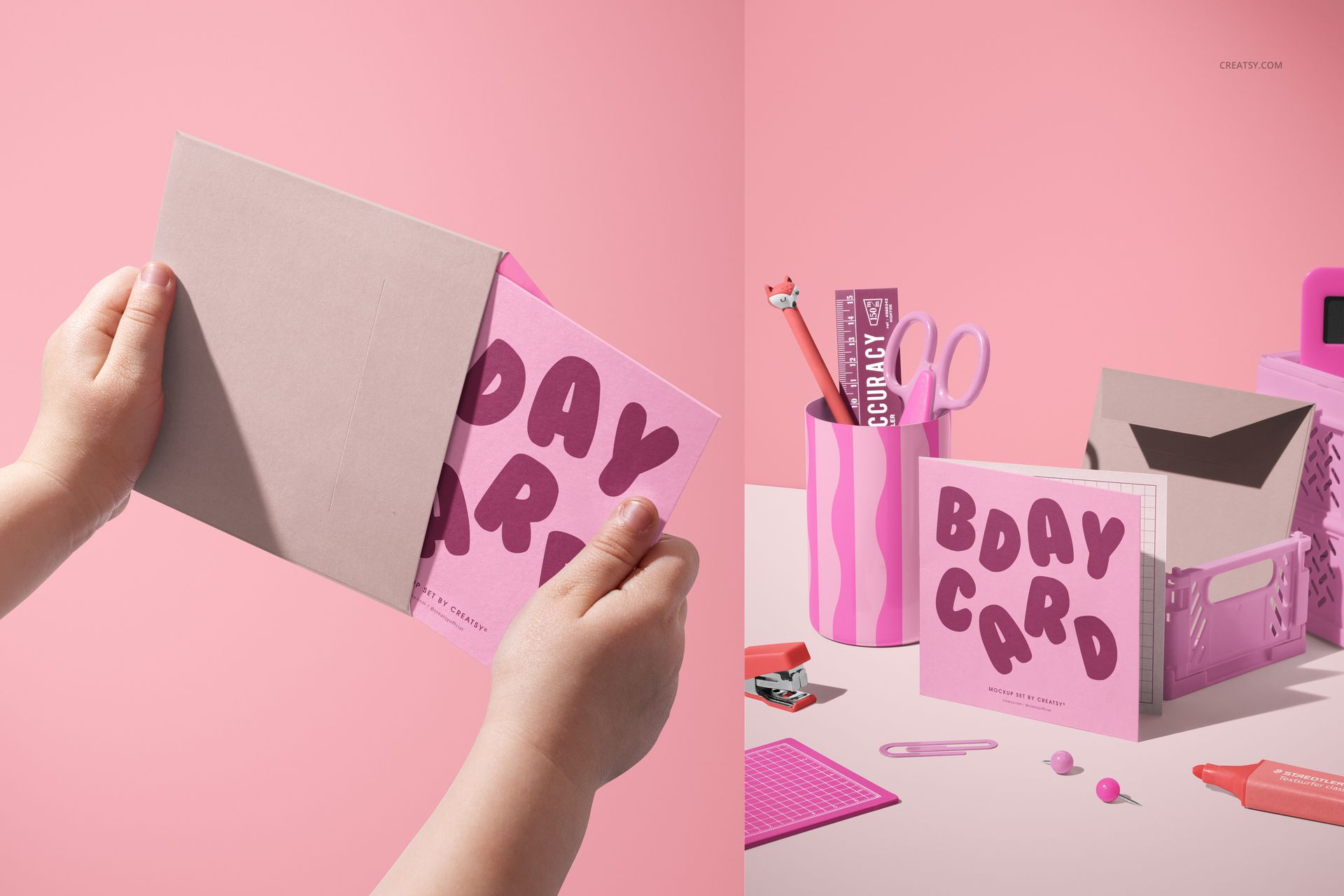
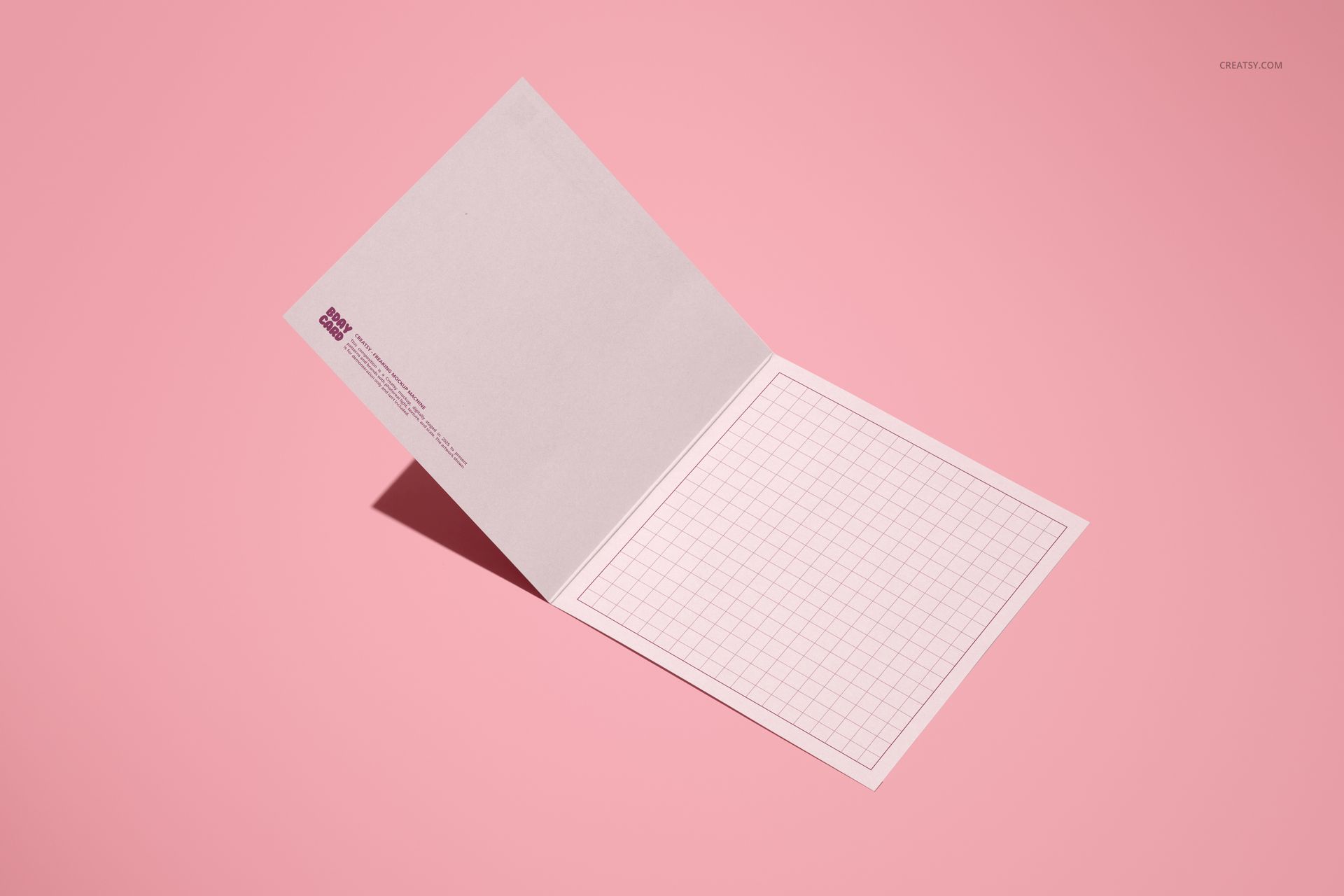
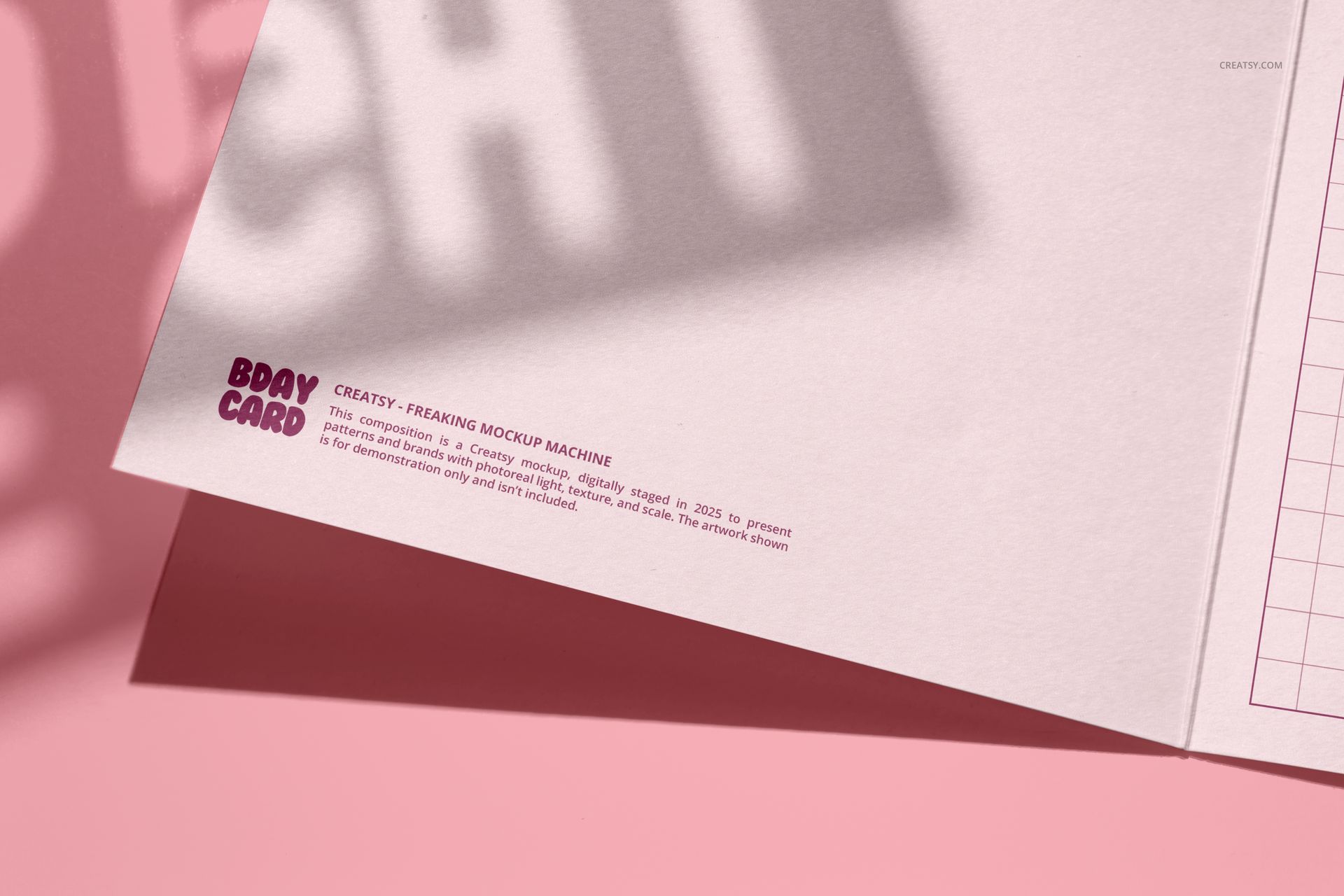
Flat lays, open-card views, an upright display, a hands-on envelope scene, and close-up details
Smart Object artwork placement and organized layers
From Flat Lays to Hands-On Views
Move from clean card-and-envelope pairings to styled desk scenes with scissors, pencils, clips, a cutting mat, a stapler, and other creative tools. A hand-held envelope view and upright desktop arrangement add a human and retail-style perspective, while the open-card scenes help explain the inside of the design.
Smart Object Workflow in Photoshop or Photopea
Open the chosen PSD in Adobe Photoshop CC2020 or newer, or edit it in Photopea. Place the artwork in the designated Smart Object, save the update, and use the rendered folds, paper texture, shadows, and lighting to judge the finished presentation.
Designed For
Birthday cards, invitations, announcements, and thank-you notes
Playful stationery collections and children's paper goods
Greeting card studios, illustrators, and small stationery brands
Client approvals, portfolio case studies, and campaign planning
Product galleries, wholesale previews, and social content
This is a digital mockup product. The sample artwork and physical stationery shown in the previews are for presentation only and are not included as separate assets.