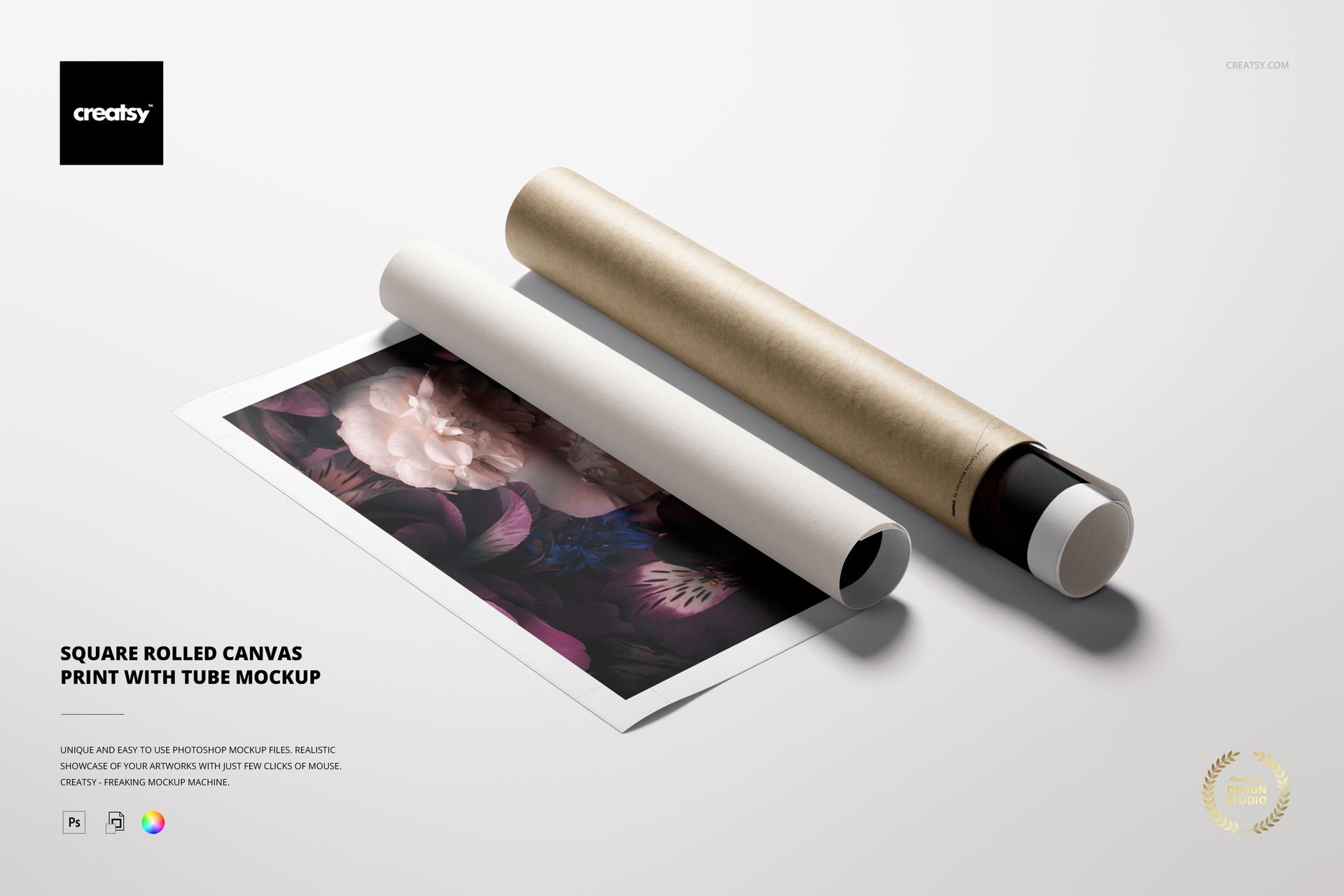
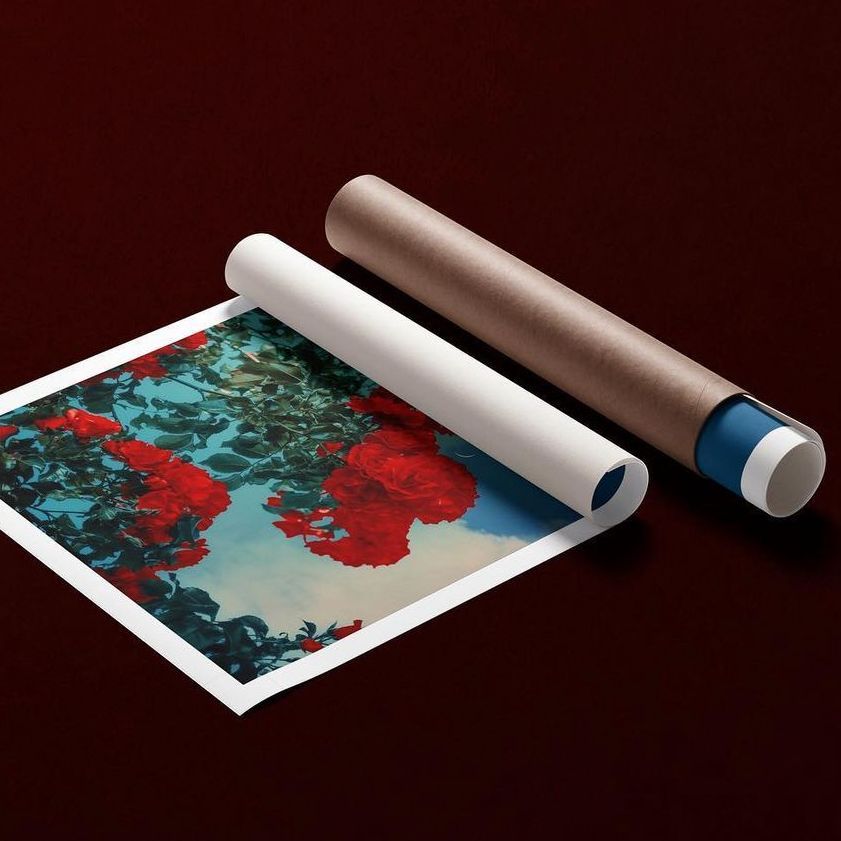
Square Rolled Canvas Print Mockup with Editable Tube
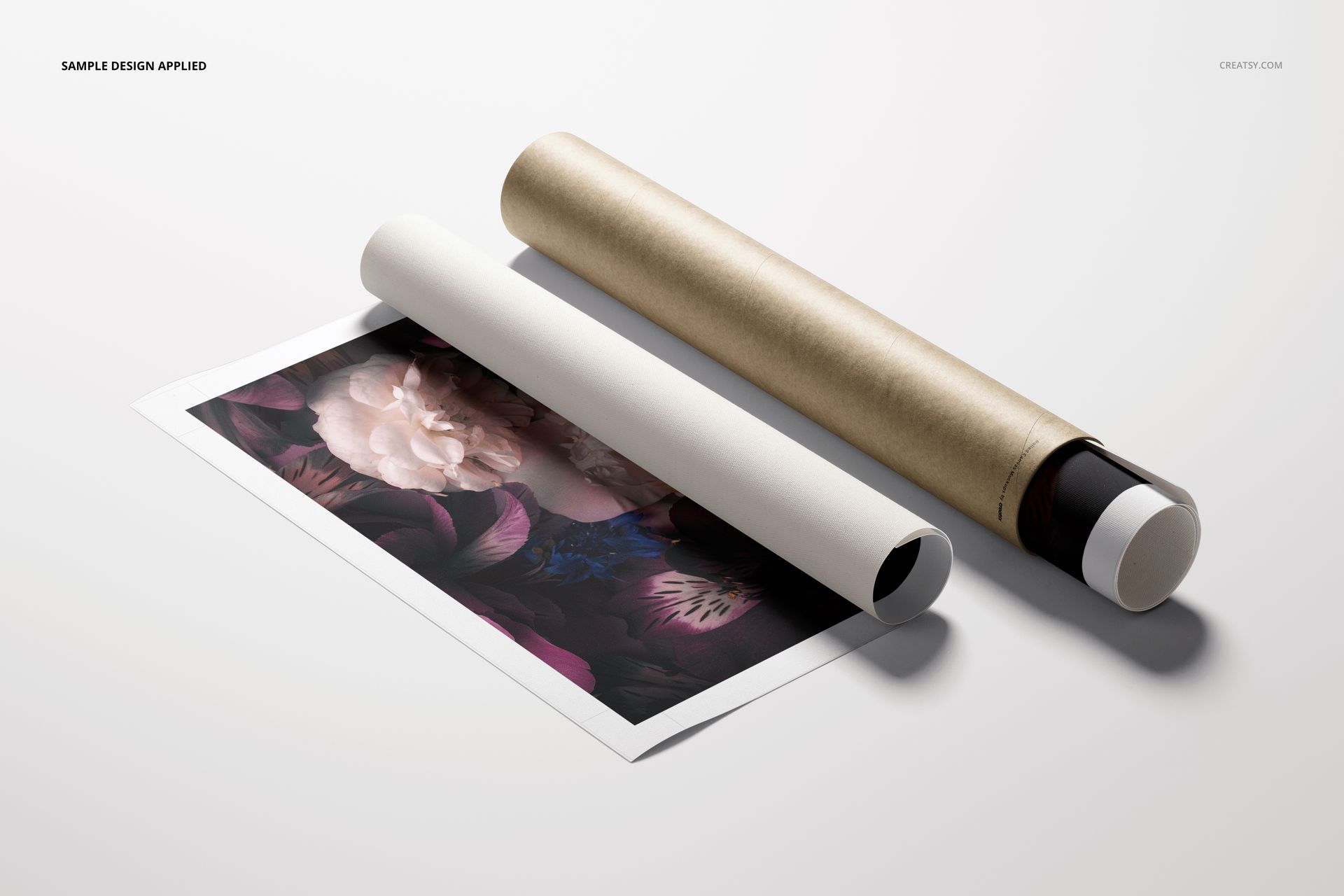
Present square artwork as a partially unrolled canvas print beside a cylindrical paper tube. This high-resolution scene helps artists, photographers, print studios and wall art stores show both the finished design and the packaging used for storage, shipping or delivery.
The realistic top-view composition works well for ecommerce product pages, print-on-demand collections, packaging concepts, portfolio projects and client presentations. It gives buyers useful context by showing how a canvas print can look before stretching or framing.
What Is Included
1 layered PSD mockup at 6000 x 4000 px and 300 DPI
1 JPG reference preview at 600 x 400 px
2 files in total inside one 70.07 MB ZIP archive
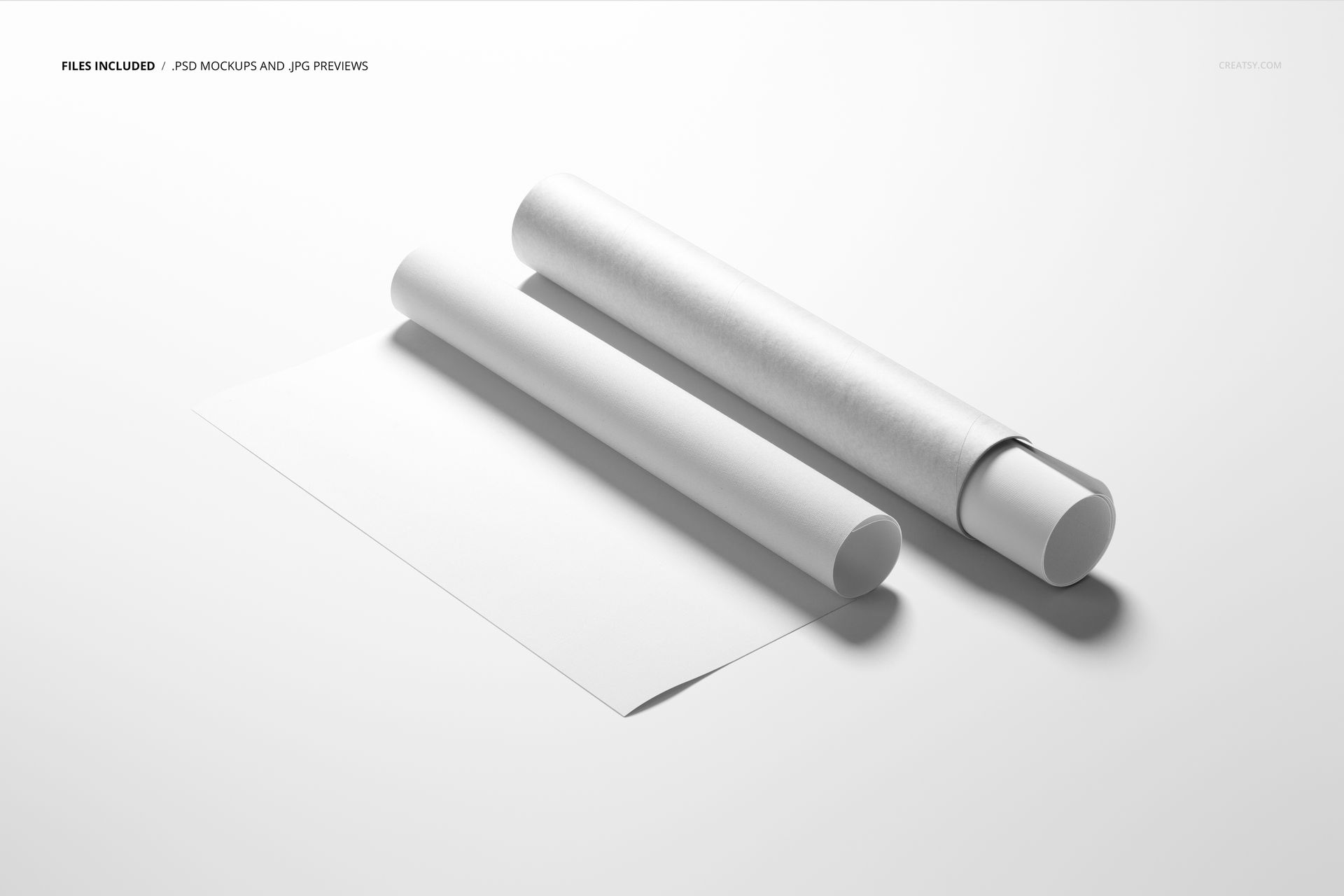
Organized layers for efficient artwork, tube and background editing
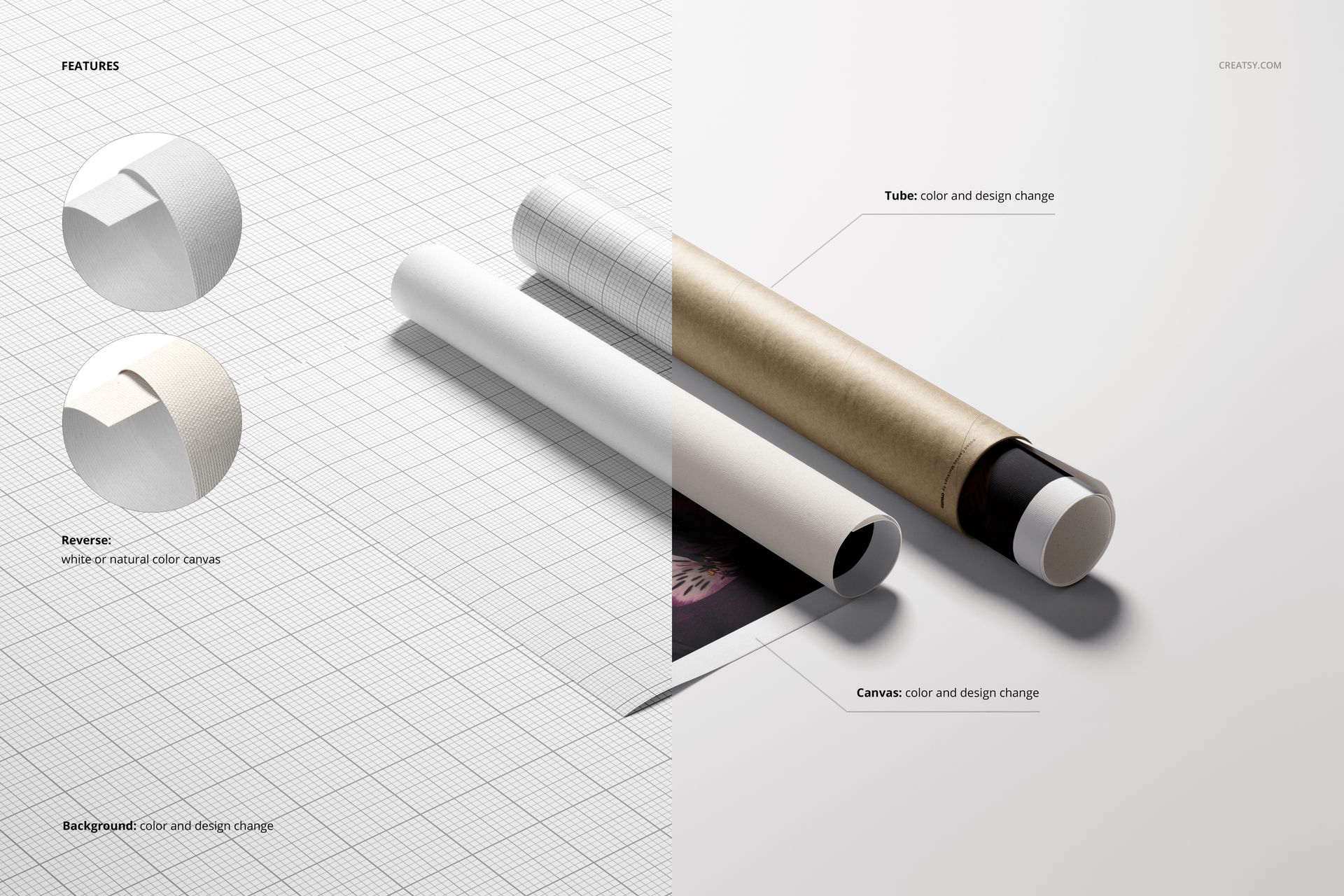
Customize the Canvas and Tube
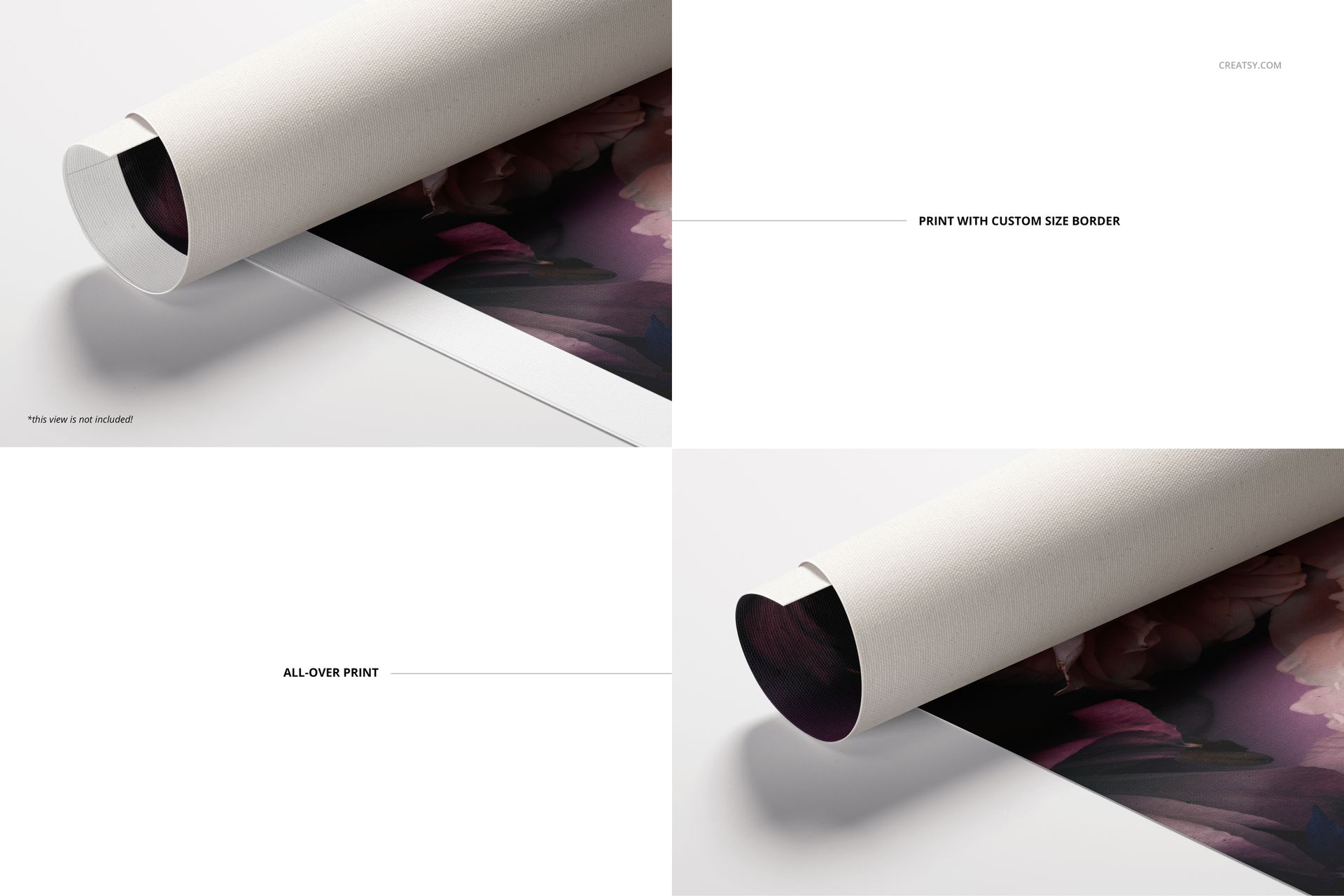
Add a square photograph, painting, illustration or pattern to the editable canvas surface. Choose an all-over print that continues into the rolled section or create a clean border with a custom width. The reverse of the canvas can be displayed in white or a natural material color.
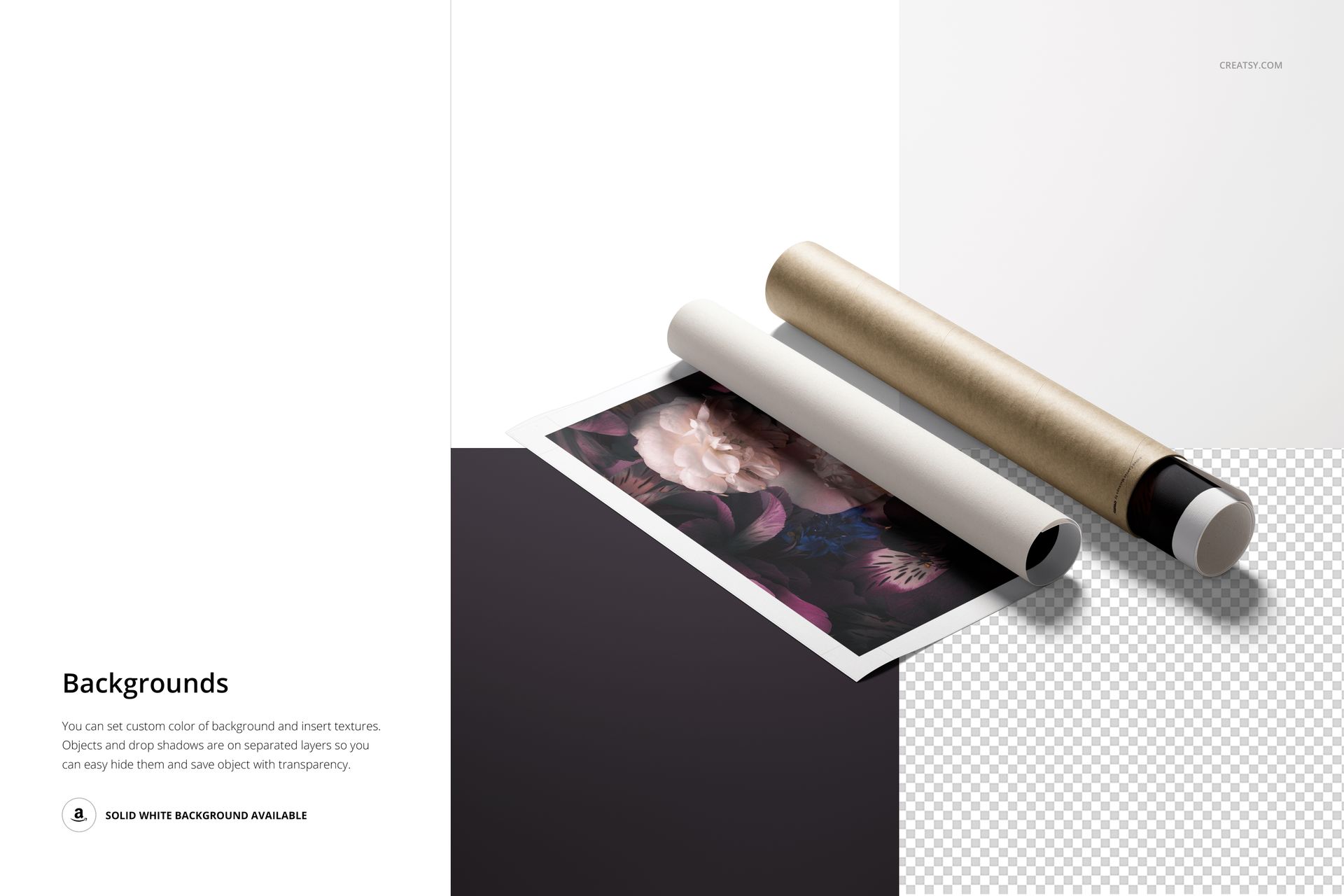
The tube color and design can be changed independently, allowing you to present plain packaging, branded art shipping tubes or coordinated product collections. Objects and drop shadows are separated on organized layers, so you can hide individual elements and prepare an isolated composition.
Flexible Background and Export Options
Set a custom background color, add a texture or use the supplied solid white background. Hide the background and shadow when you need a transparent export for banners, marketplace graphics, social media layouts or portfolio presentations.
Software Compatibility
The PSD works with Adobe Photoshop CC 2020 or newer and Photopea. The package contains no PSB files.
Artwork Credits
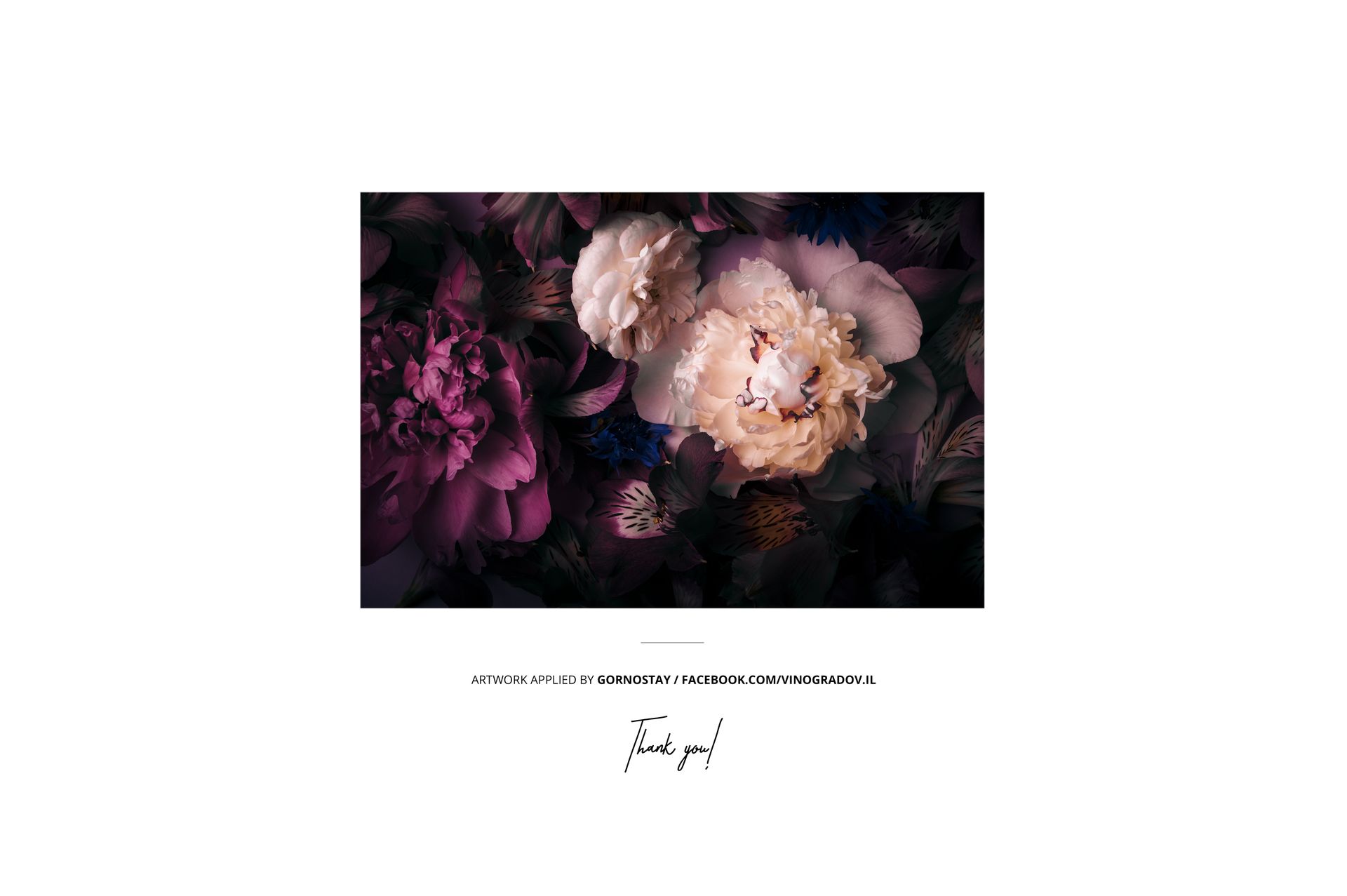
The floral artwork shown in the main previews is credited to Gornostay. It is a sample design and is not included in the ZIP archive.
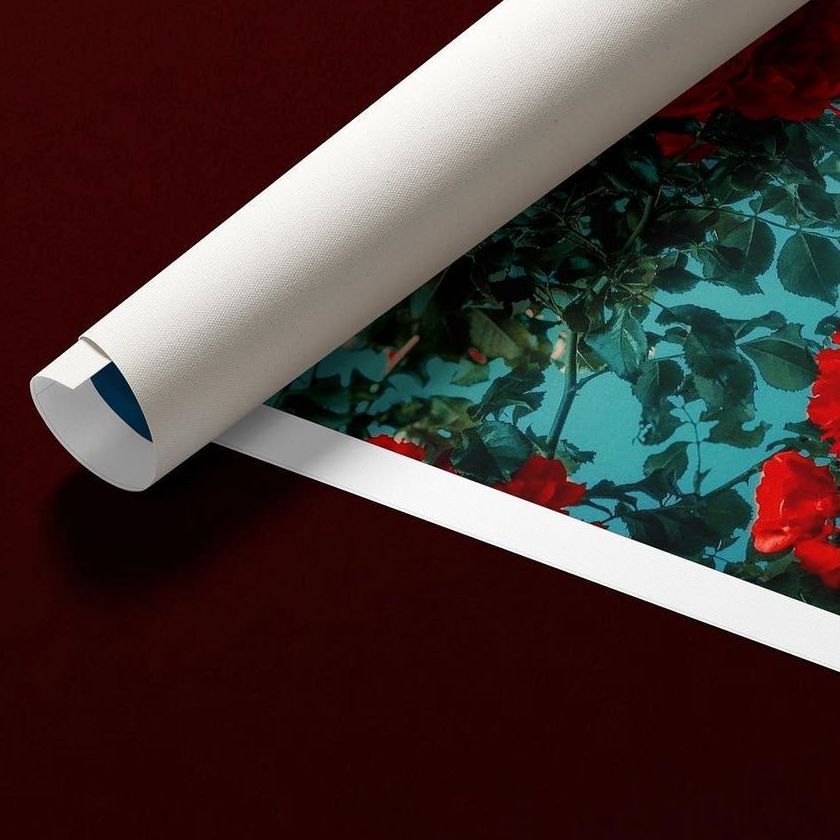
Featured Made with Creatsy project: Flower Pattern by Monograph&Co. This is a separate community example presented for inspiration and is not part of the mockup download.