Present Canvas Wall Art in Multiple Shapes and Settings
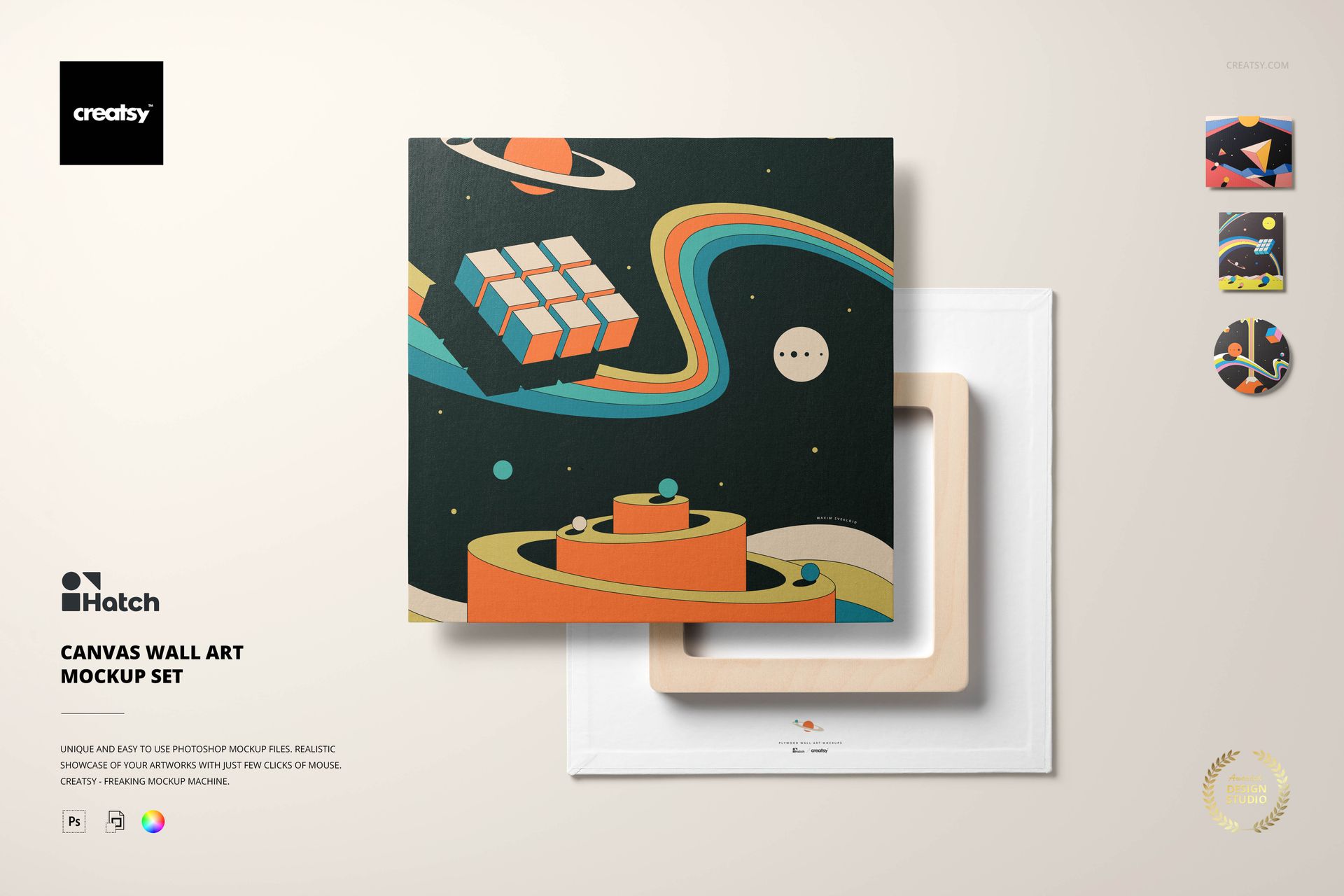
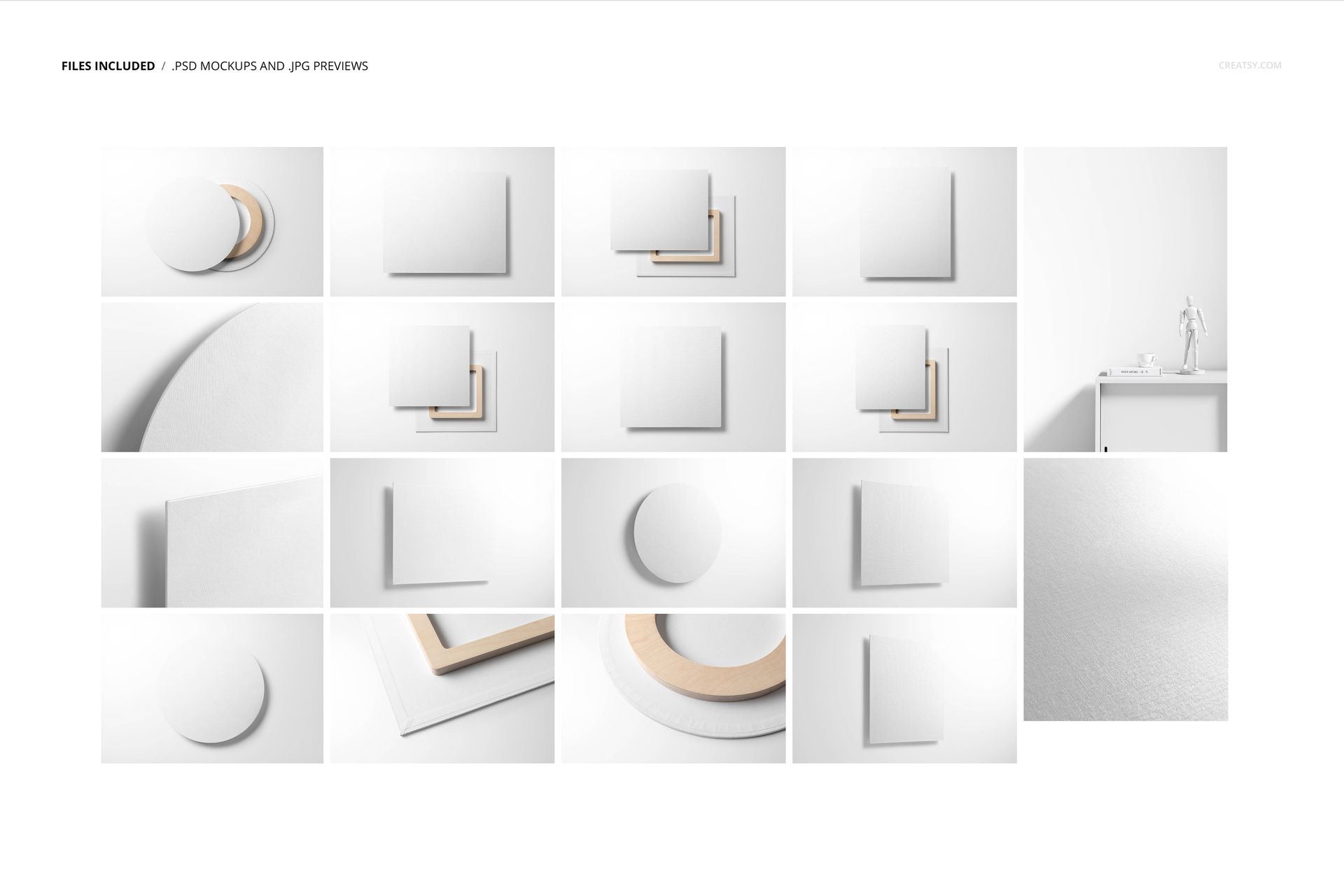
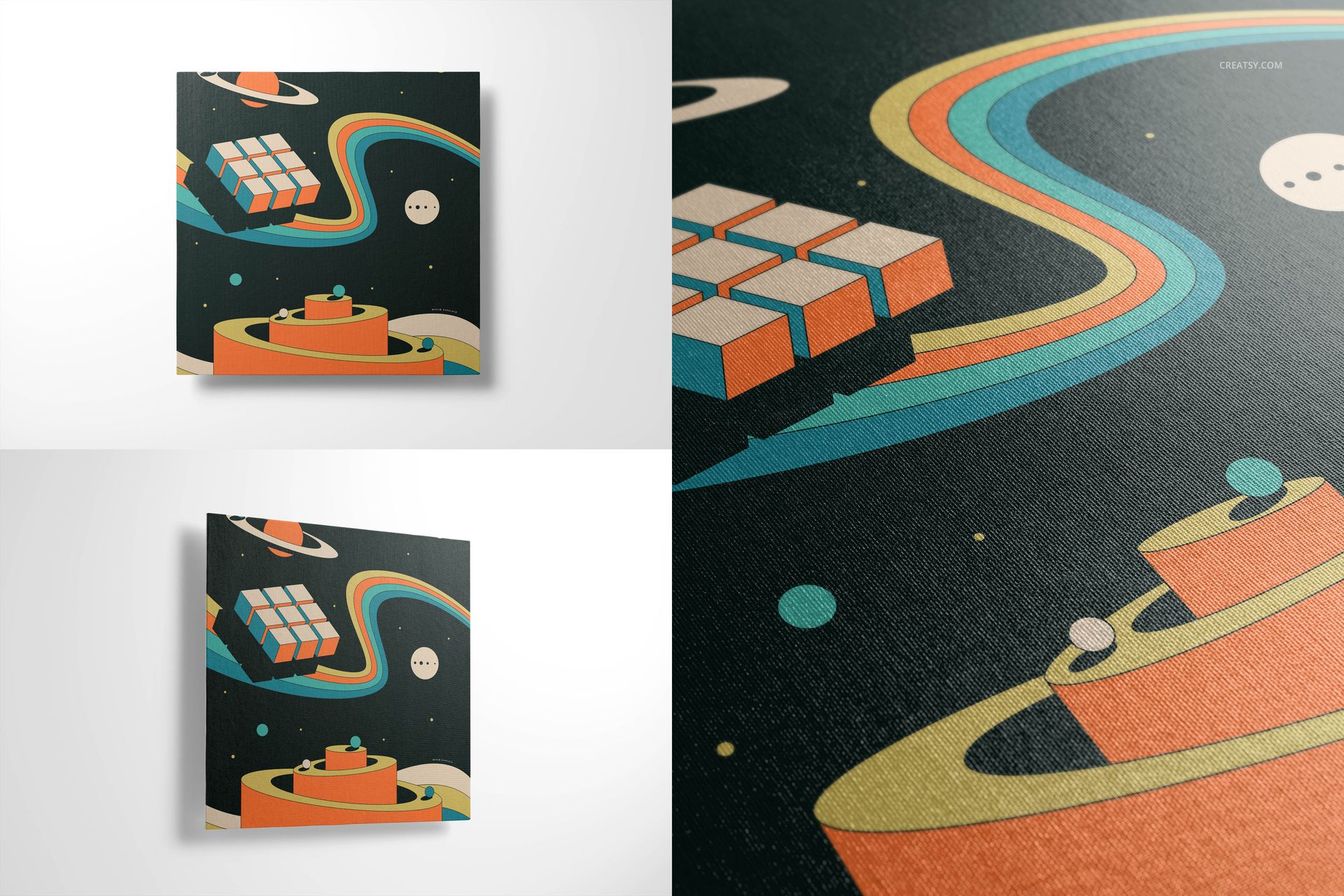
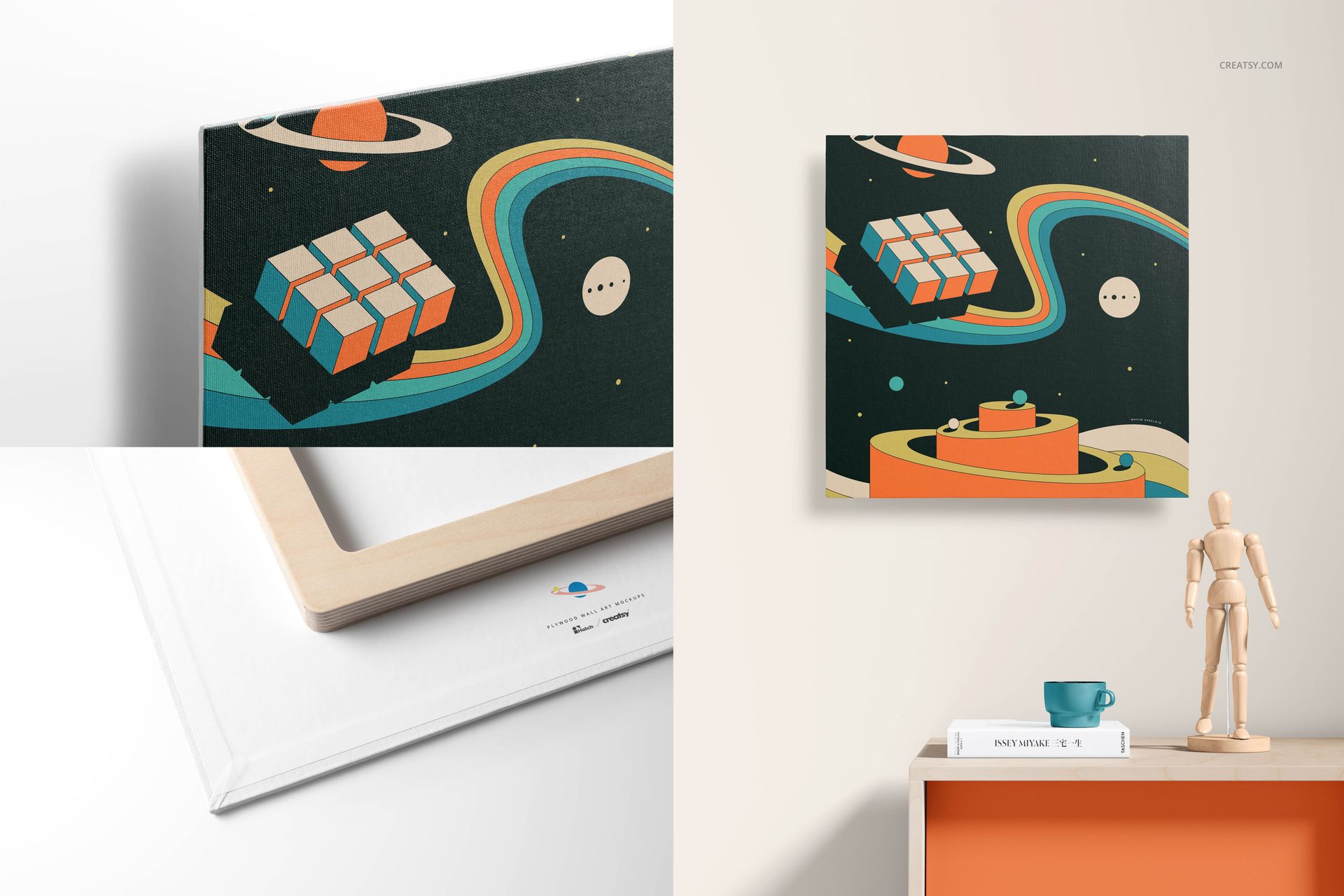
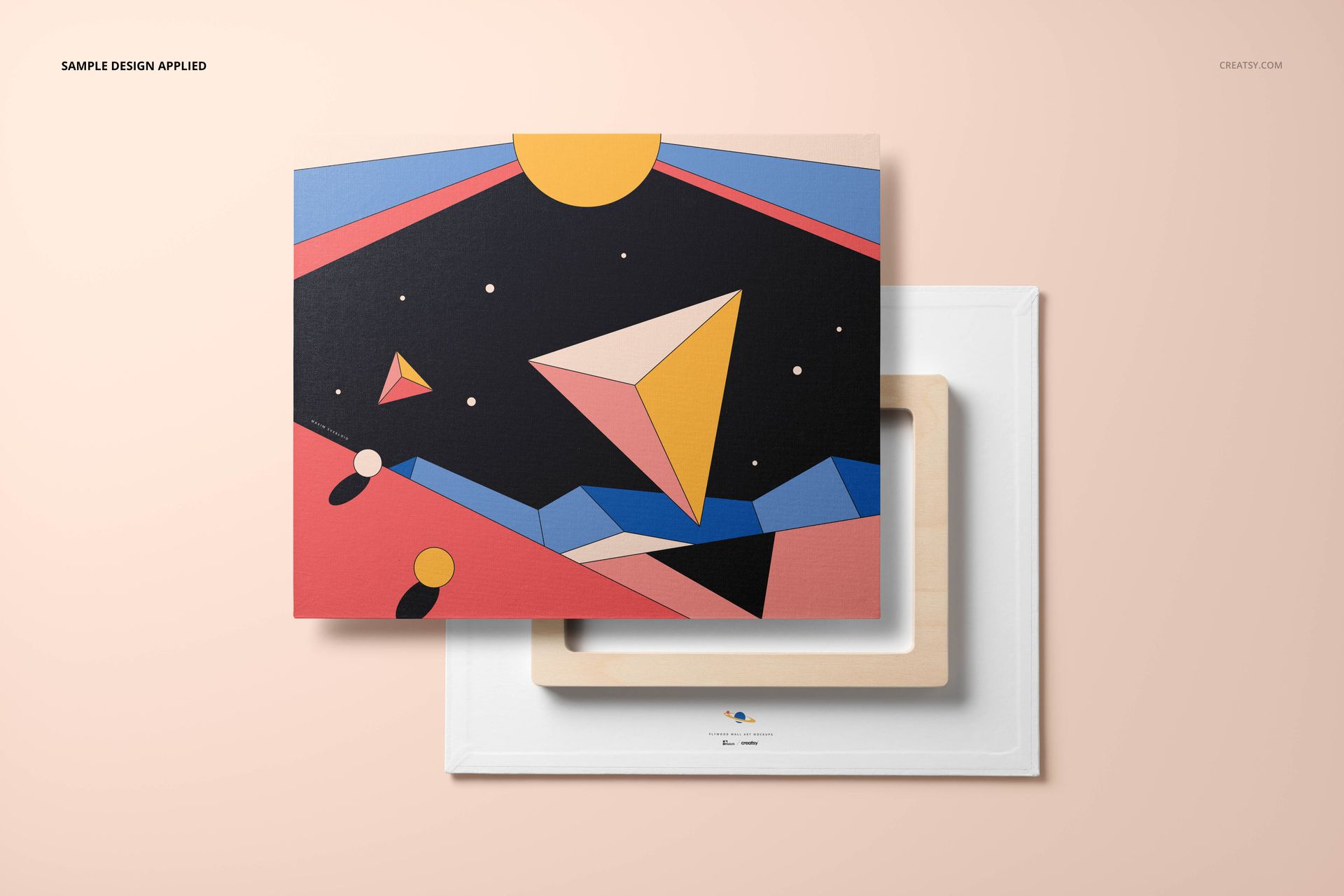
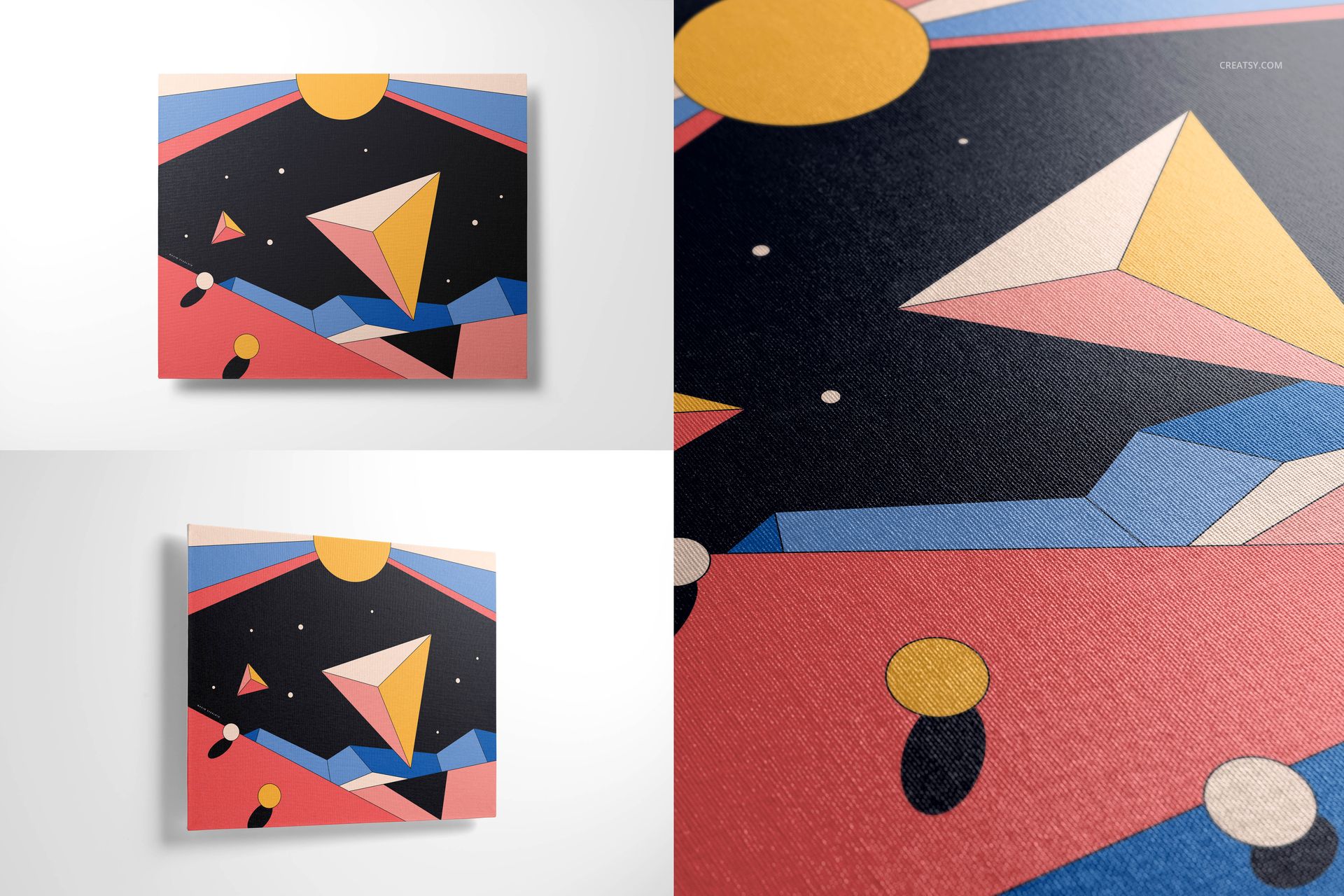
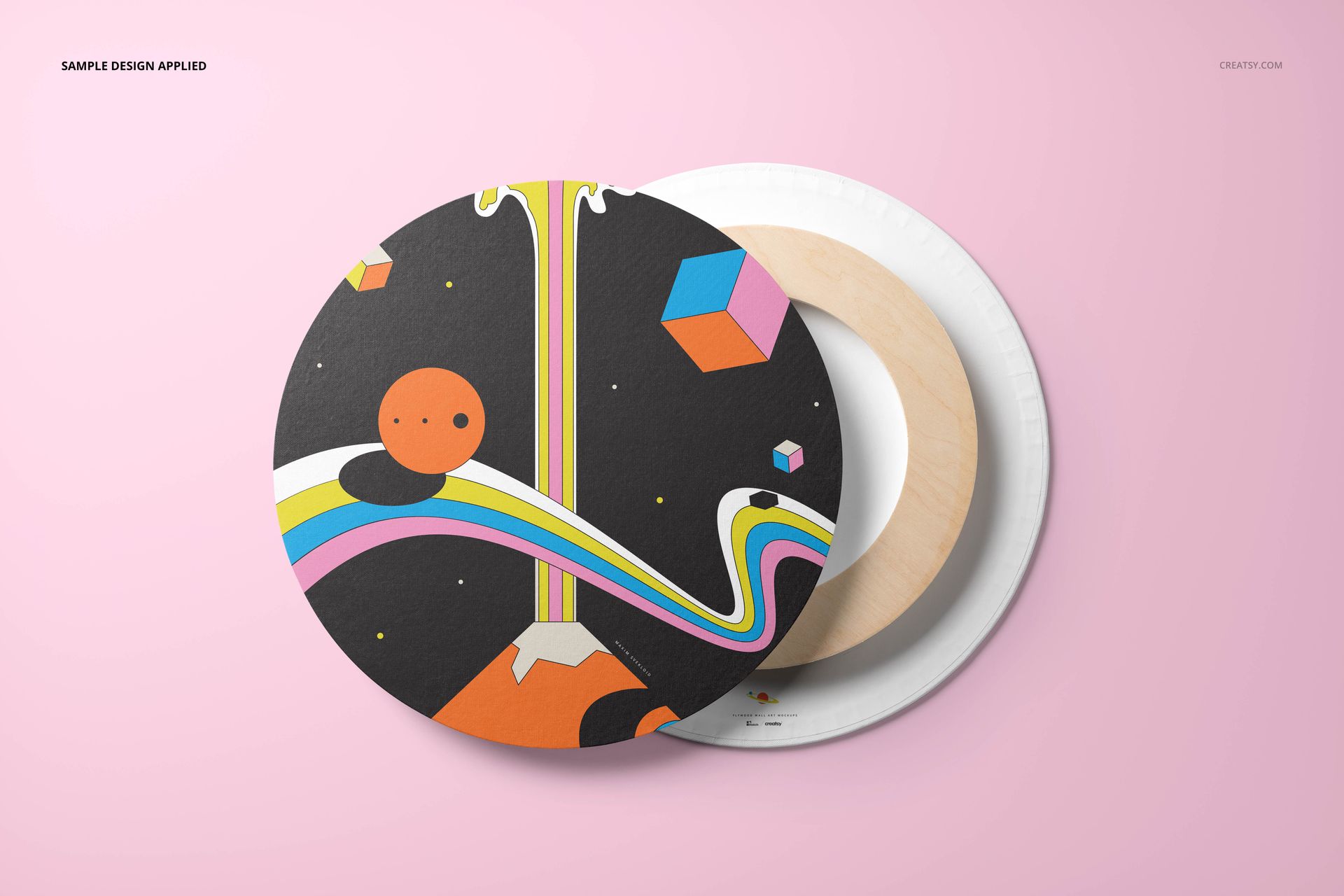
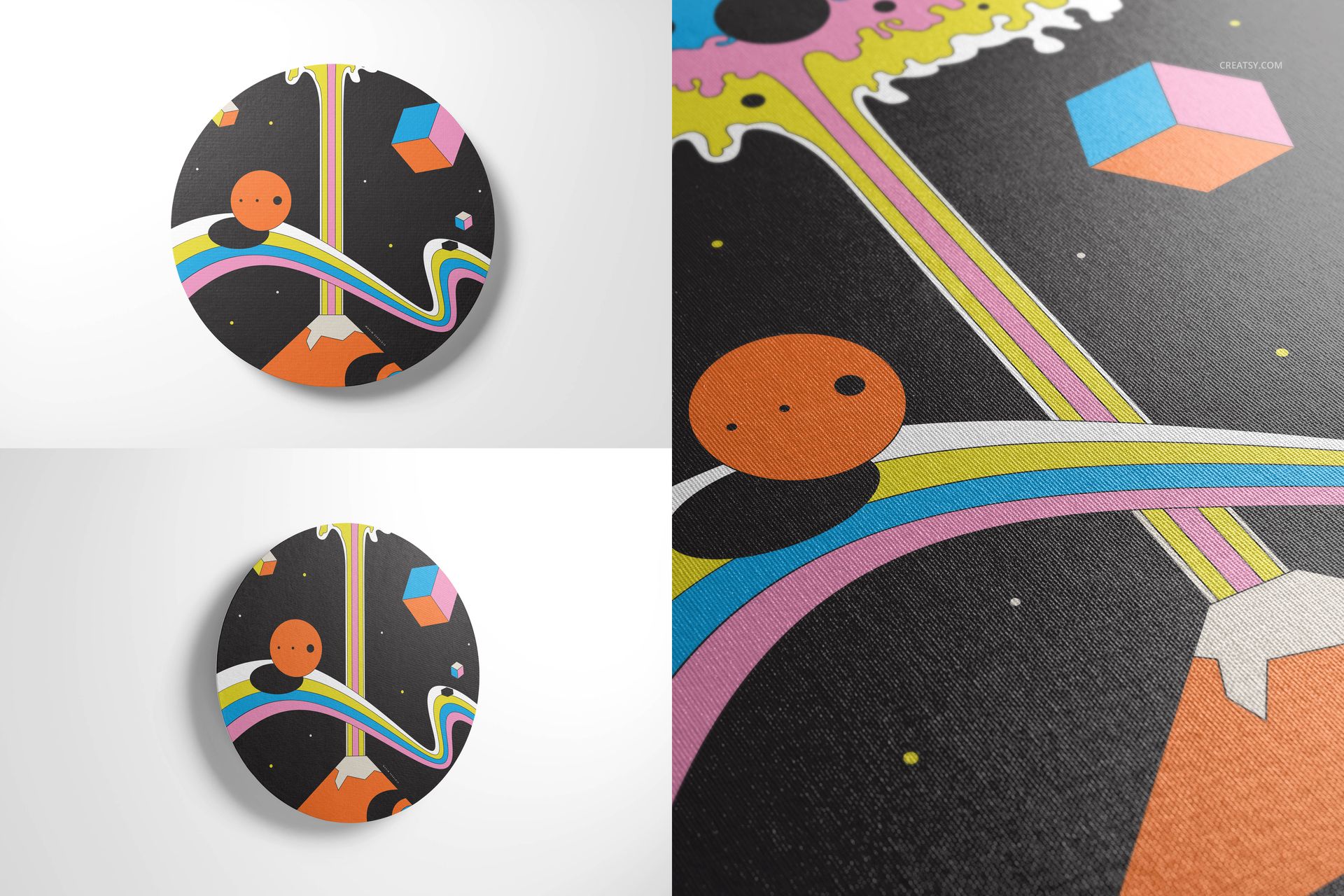
Canvas Wall Art Mockup Set gives artists, photographers, illustrators and print sellers 18 layered PSD scenes for presenting artwork on square, rectangular and round canvas prints. The collection combines clean studio compositions, realistic interior views, closeups, angled perspectives, back views and multi-canvas arrangements, helping customers understand both the design and the physical product.
Scenes Built for Complete Product Galleries
Square, rectangular and circular canvas presentations
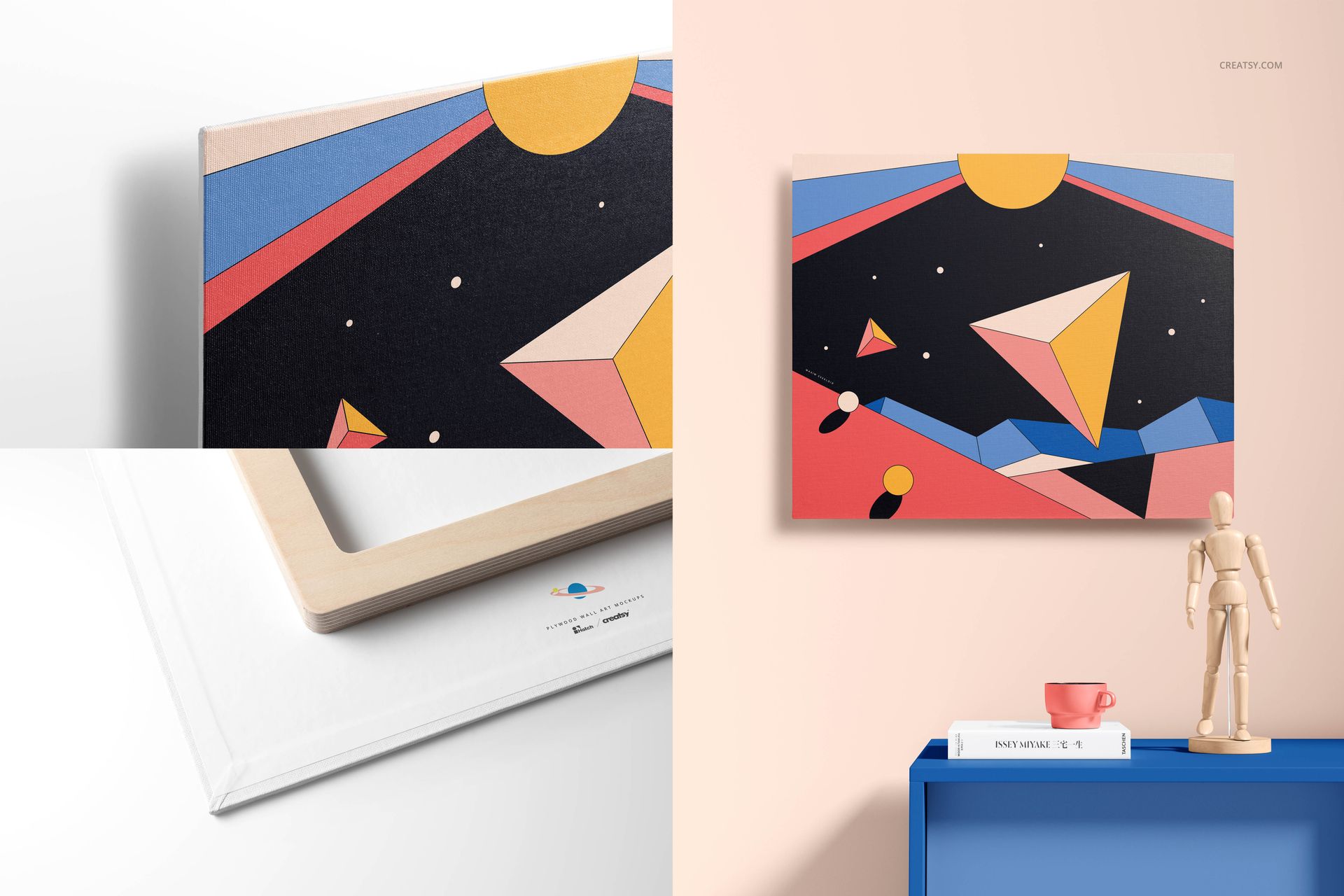
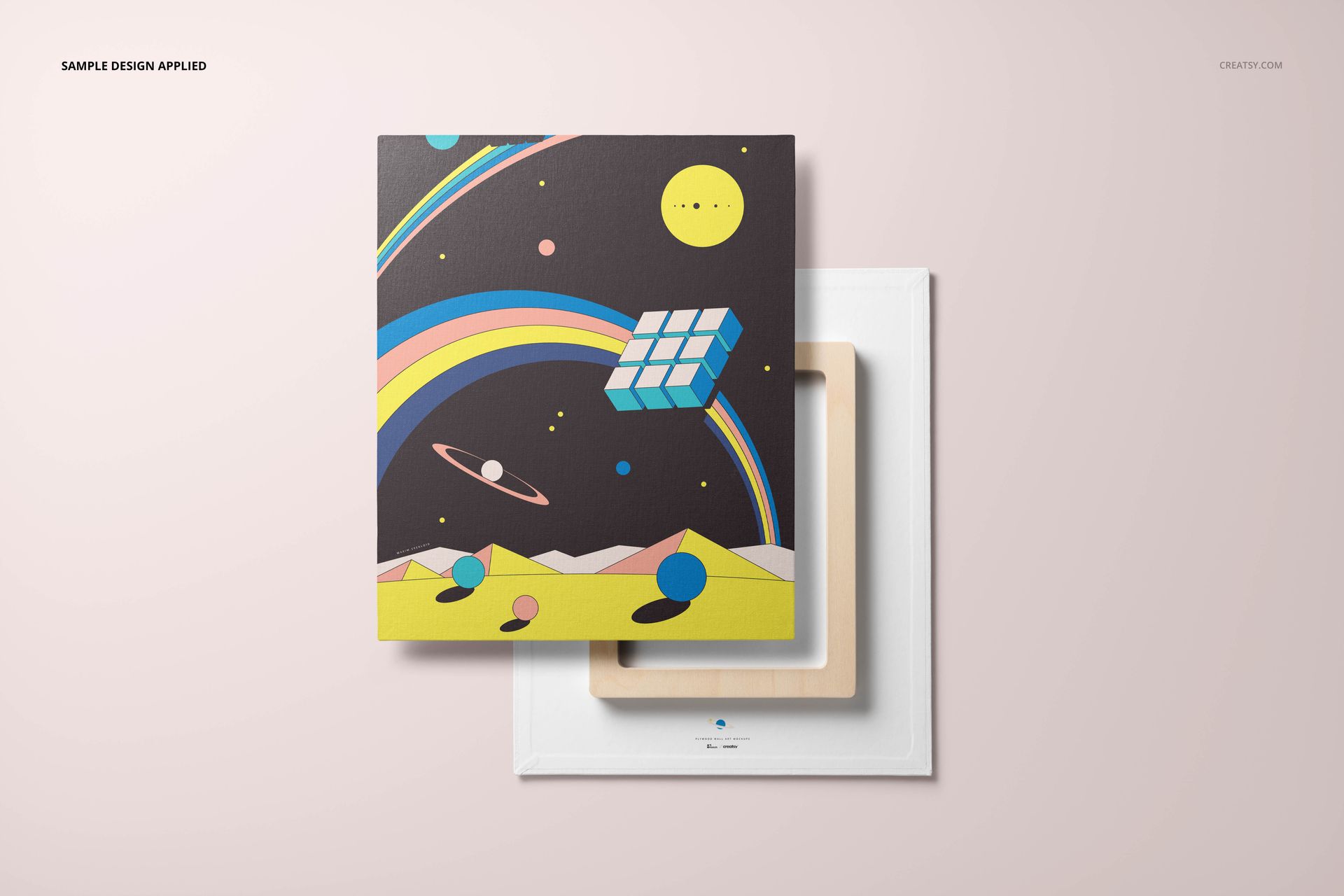
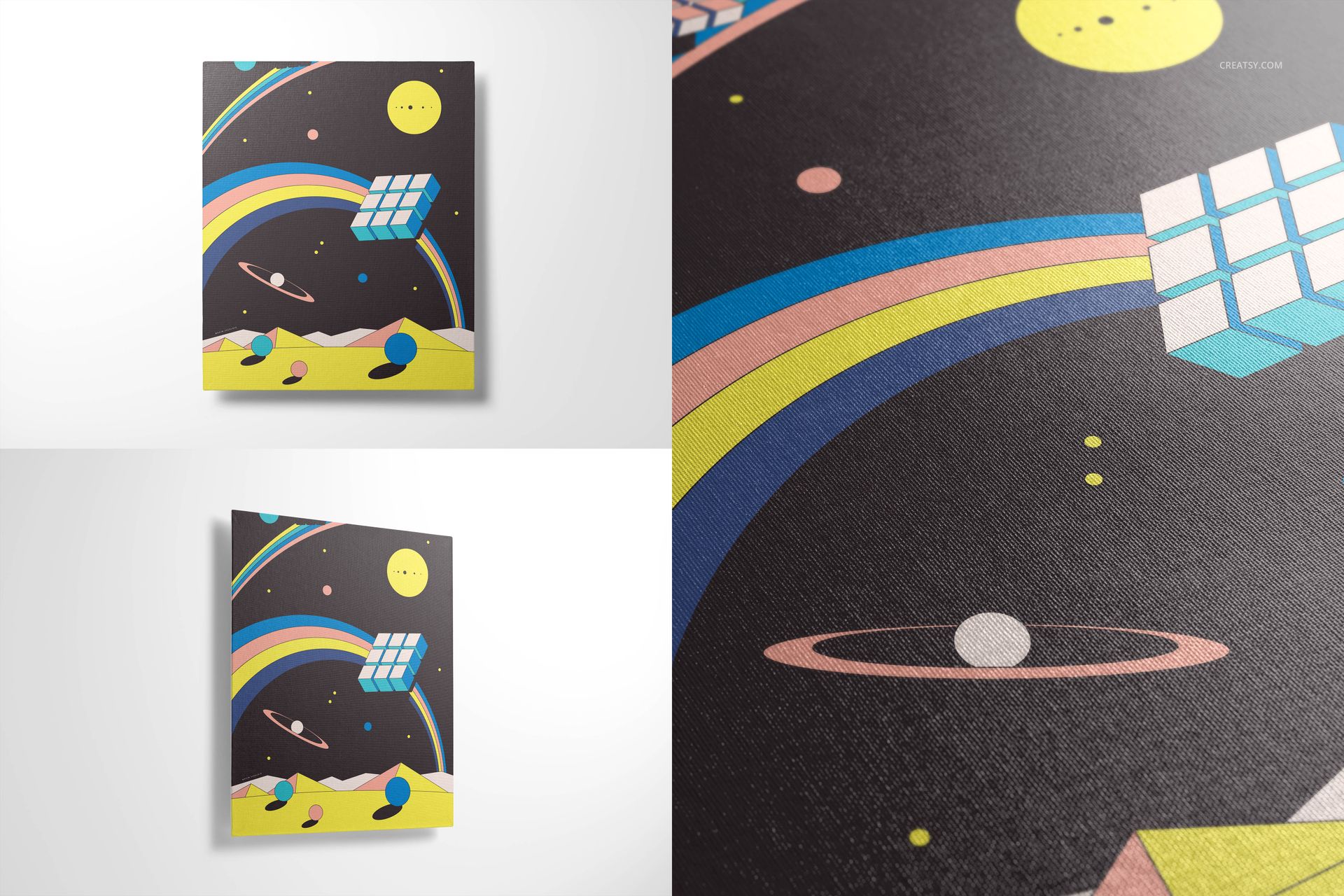
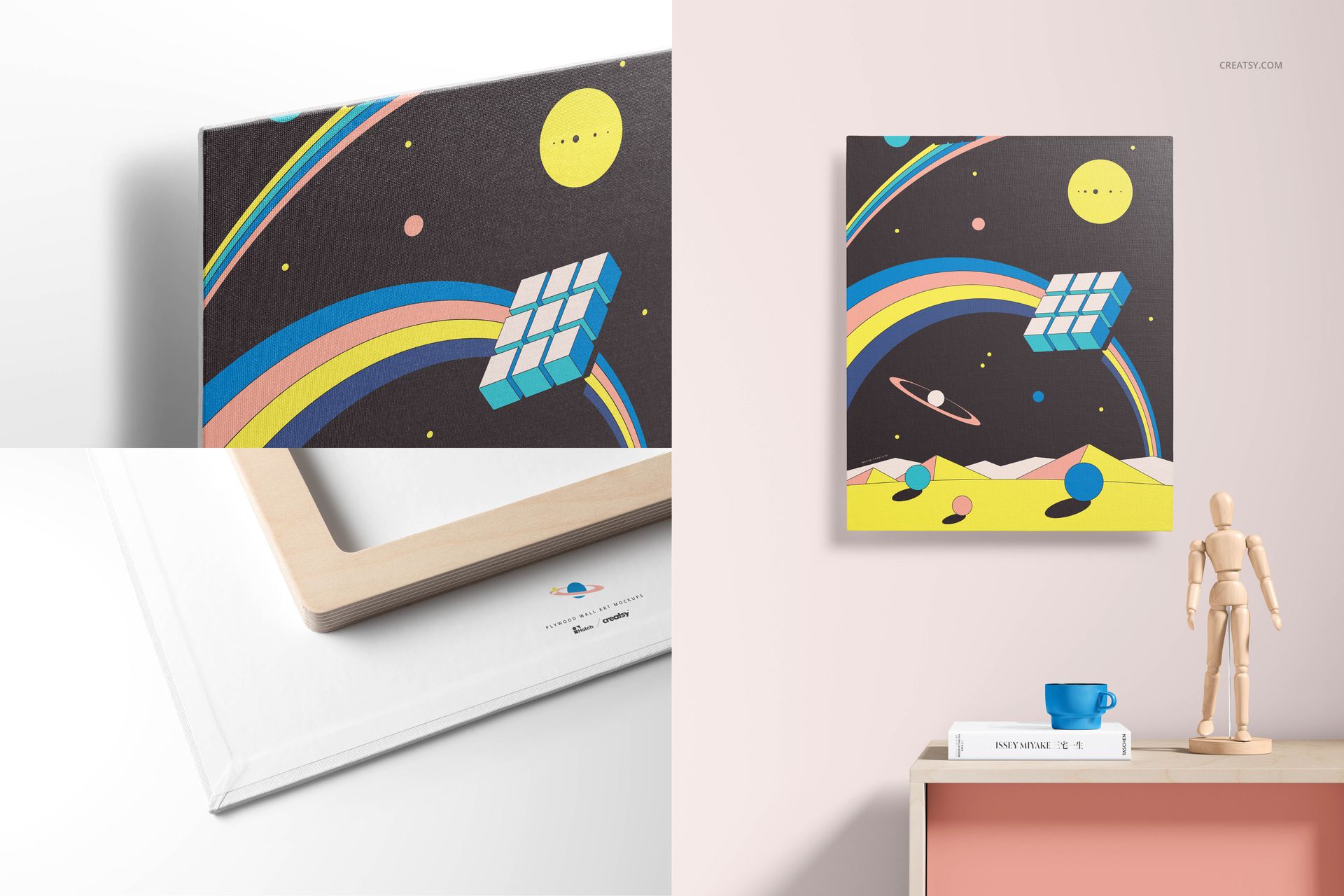
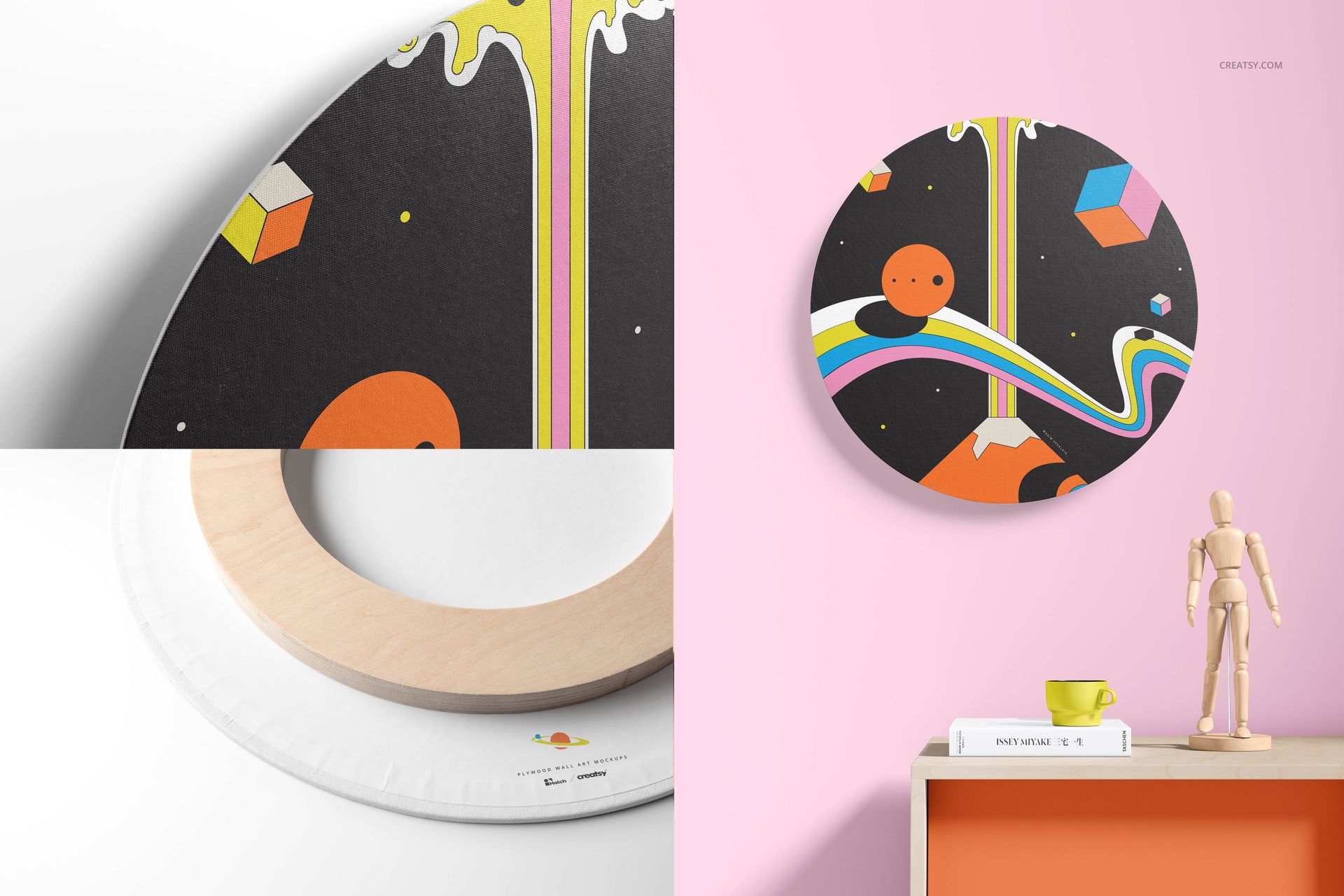
Front, angled, closeup and back views
Visible canvas depth and exposed wooden frame details
Single-artwork scenes and coordinated multi-canvas arrangements
Clean backgrounds and modern interior settings
A rectangular 380 x 460 mm format identified in the product specifications
Use a front view as the main product image, a closeup to communicate print detail, a back view to explain construction and an interior scene to show how the artwork may look in context.
What Is Included?
The public page displays a compressed package size of 5.78 GB for Windows and 6.21 GB for macOS.
Resolution and Image Quality
The public file preview lists JPG dimensions of 6000 x 4000 px, 3500 x 4500 px and 4000 x 6000 px. The product specifications state 300 DPI. These landscape and portrait formats support detailed ecommerce images, portfolio layouts, presentation slides and closeup marketing crops.
Editable Artwork and Scene Controls
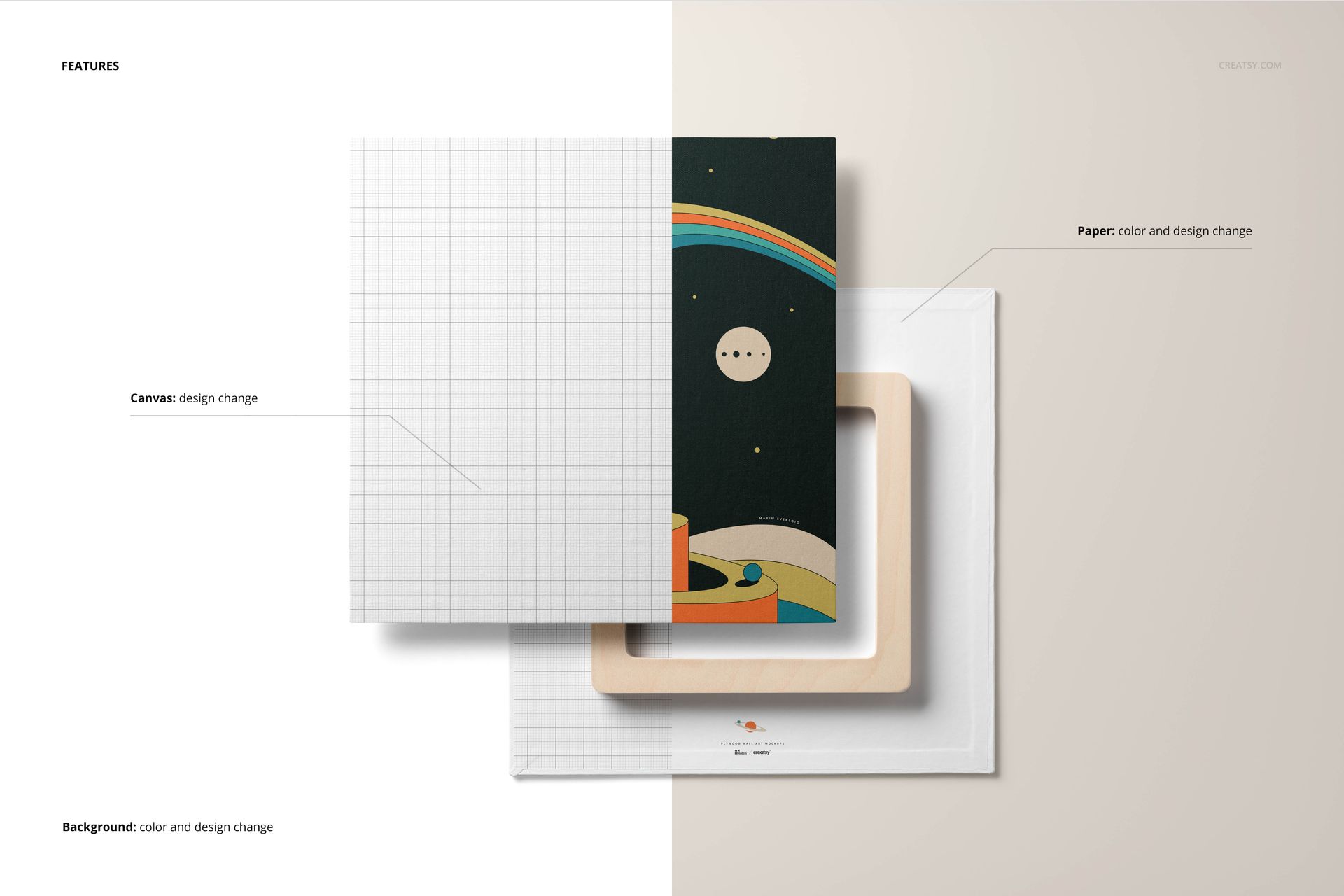
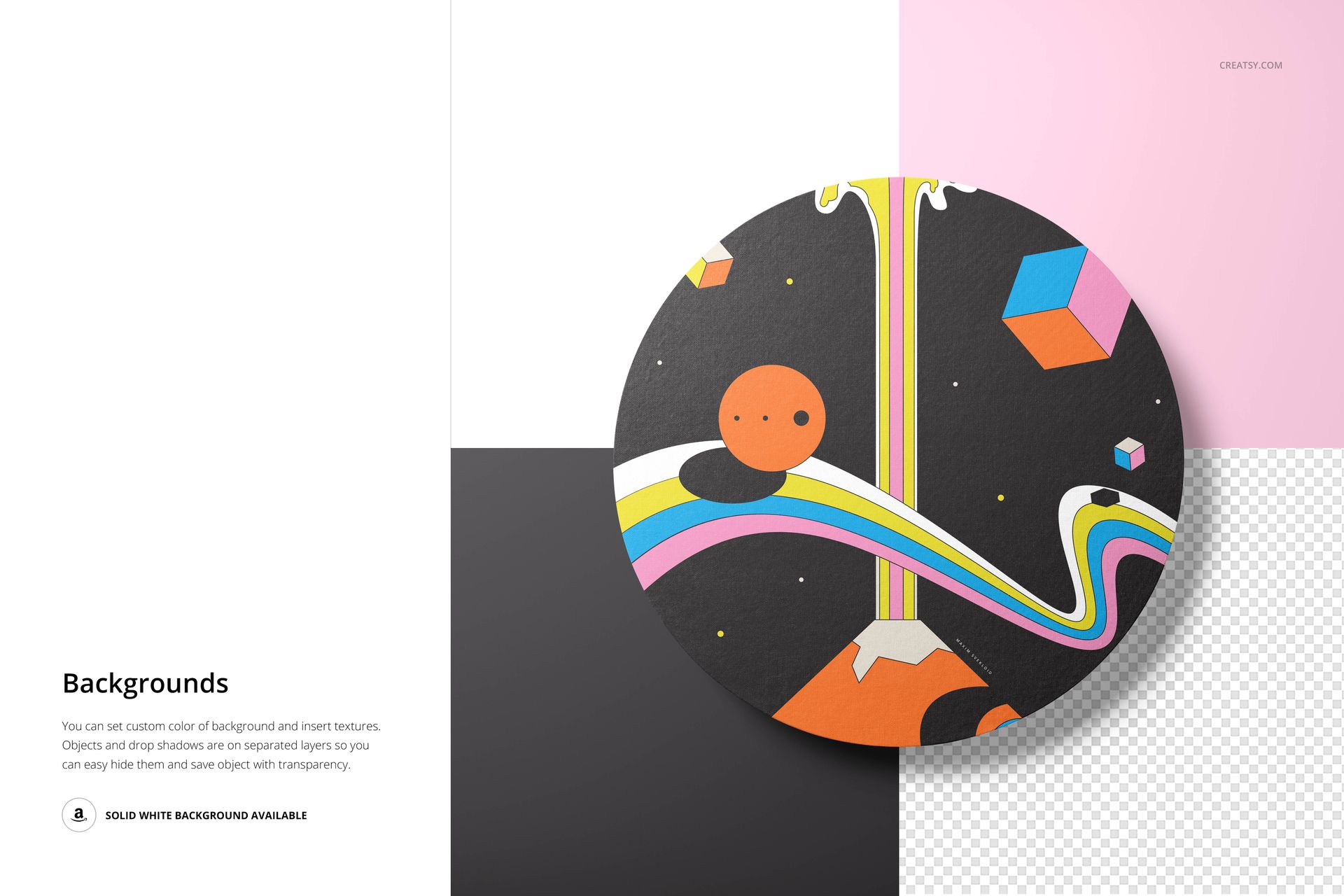
Replace the canvas artwork through Smart Objects and use the prepared color layers to adapt the presentation. Change the background color or texture, hide separately organized object or shadow layers and prepare a transparent-background export when needed. Most non-art props use a fixed composition and are not intended to be repositioned, so choose the scene that already contains the arrangement you need.
Software Compatibility
The product is listed as compatible with Adobe Photoshop CC 2015 or newer and Photopea. The organized PSD layers support artwork replacement and the available background controls.
Artwork Credit
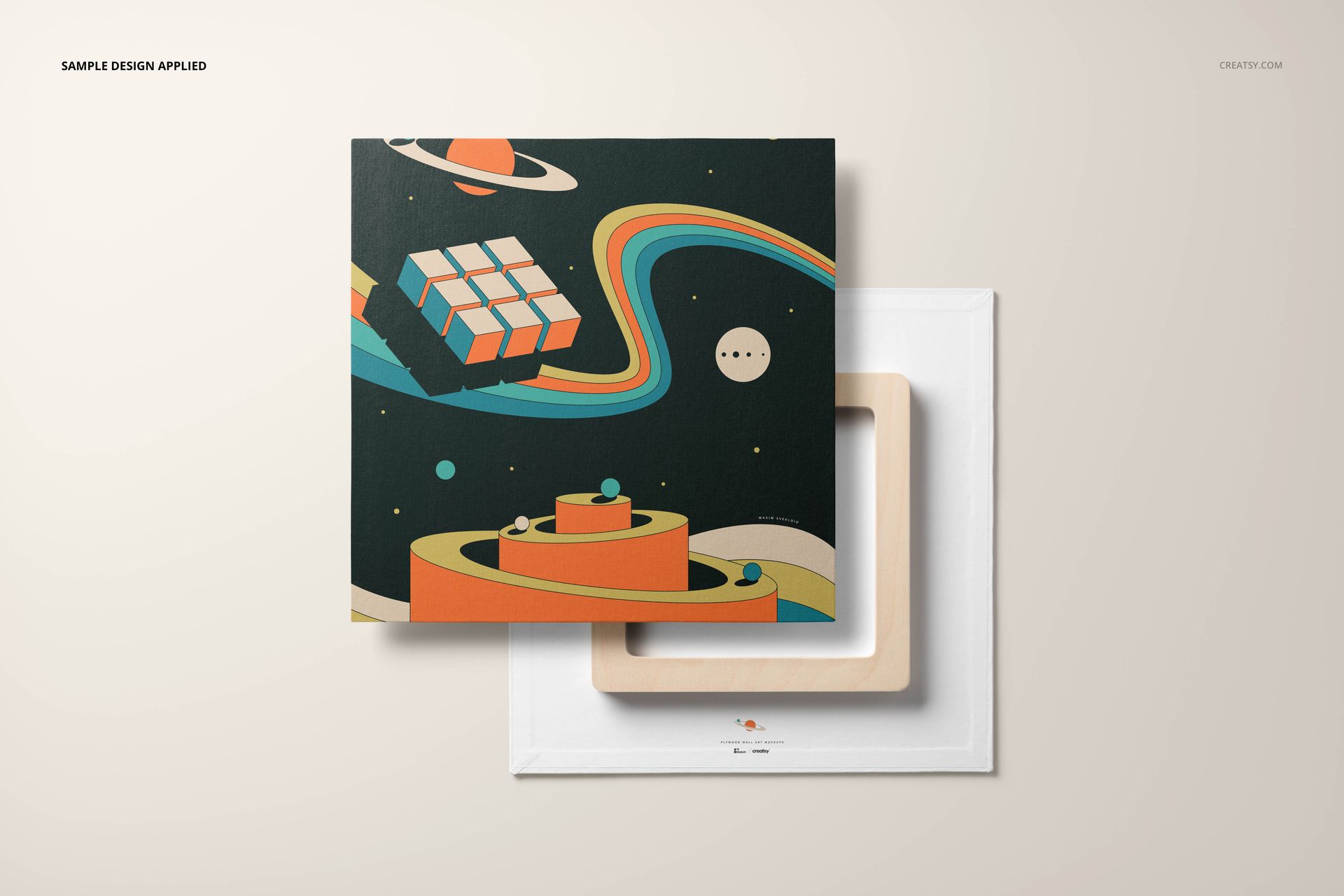
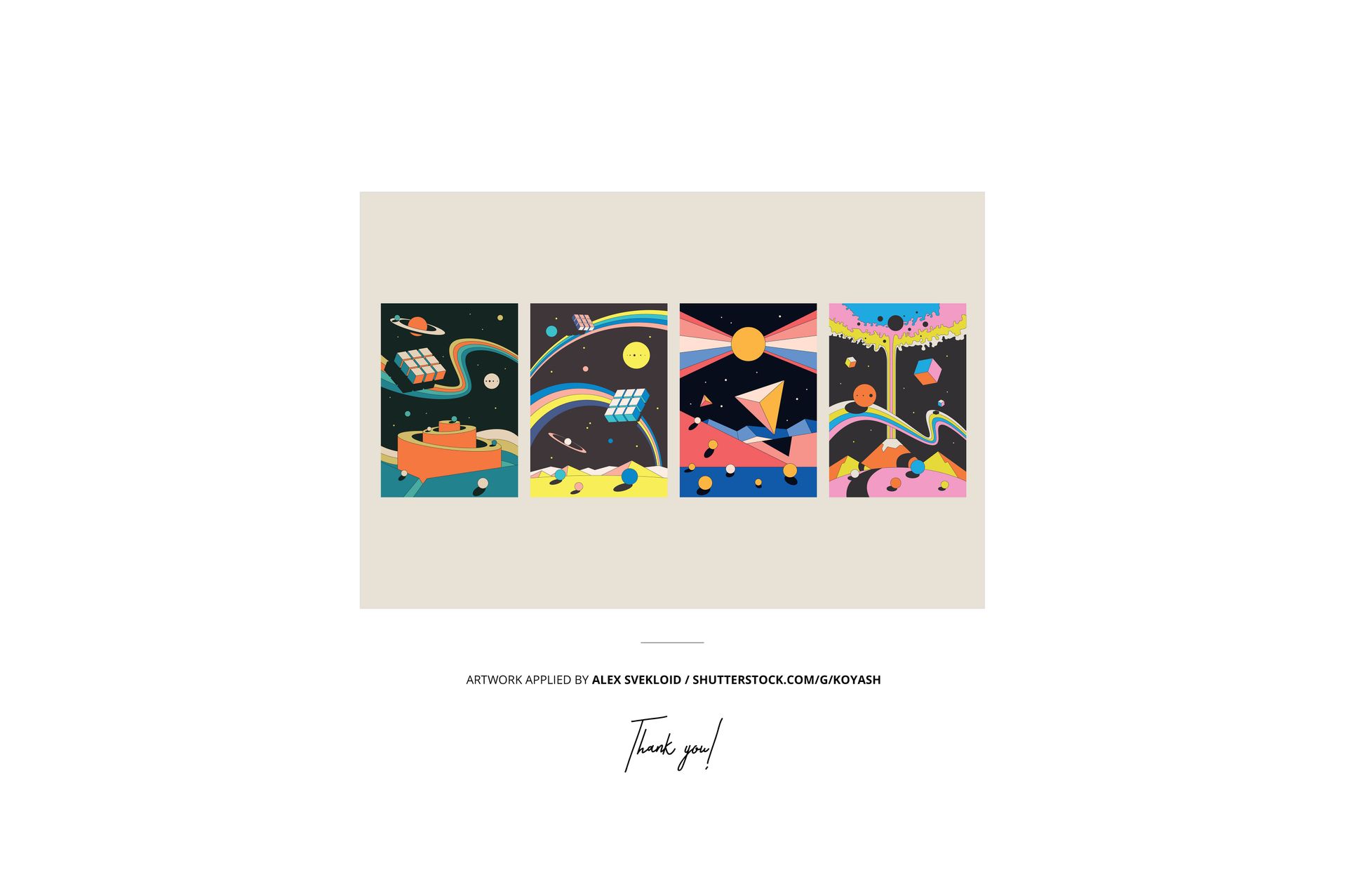
The sample artworks shown in the previews were applied by Alex Svekloid. They are demonstration content only and are not included with the mockup files.