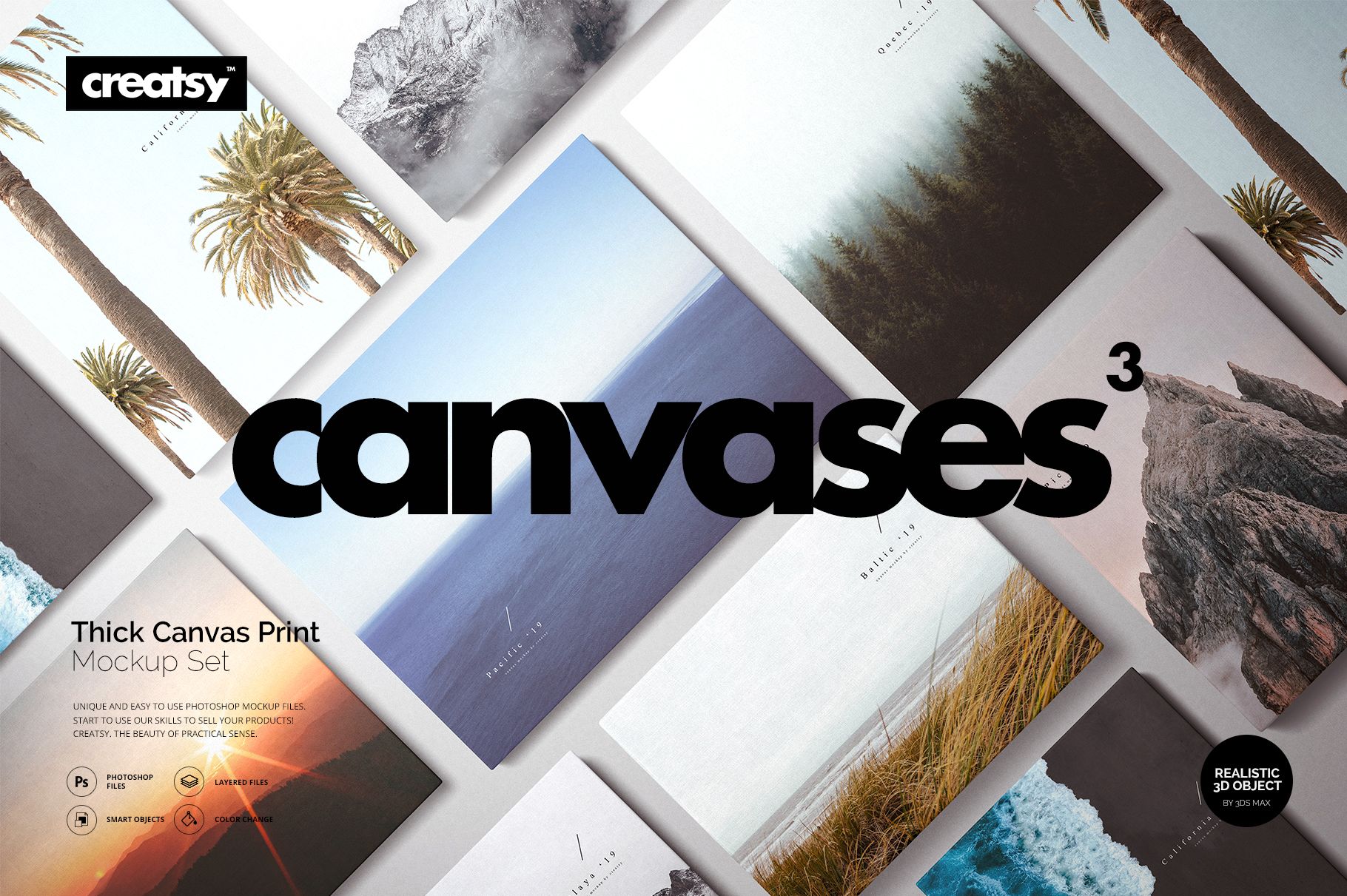
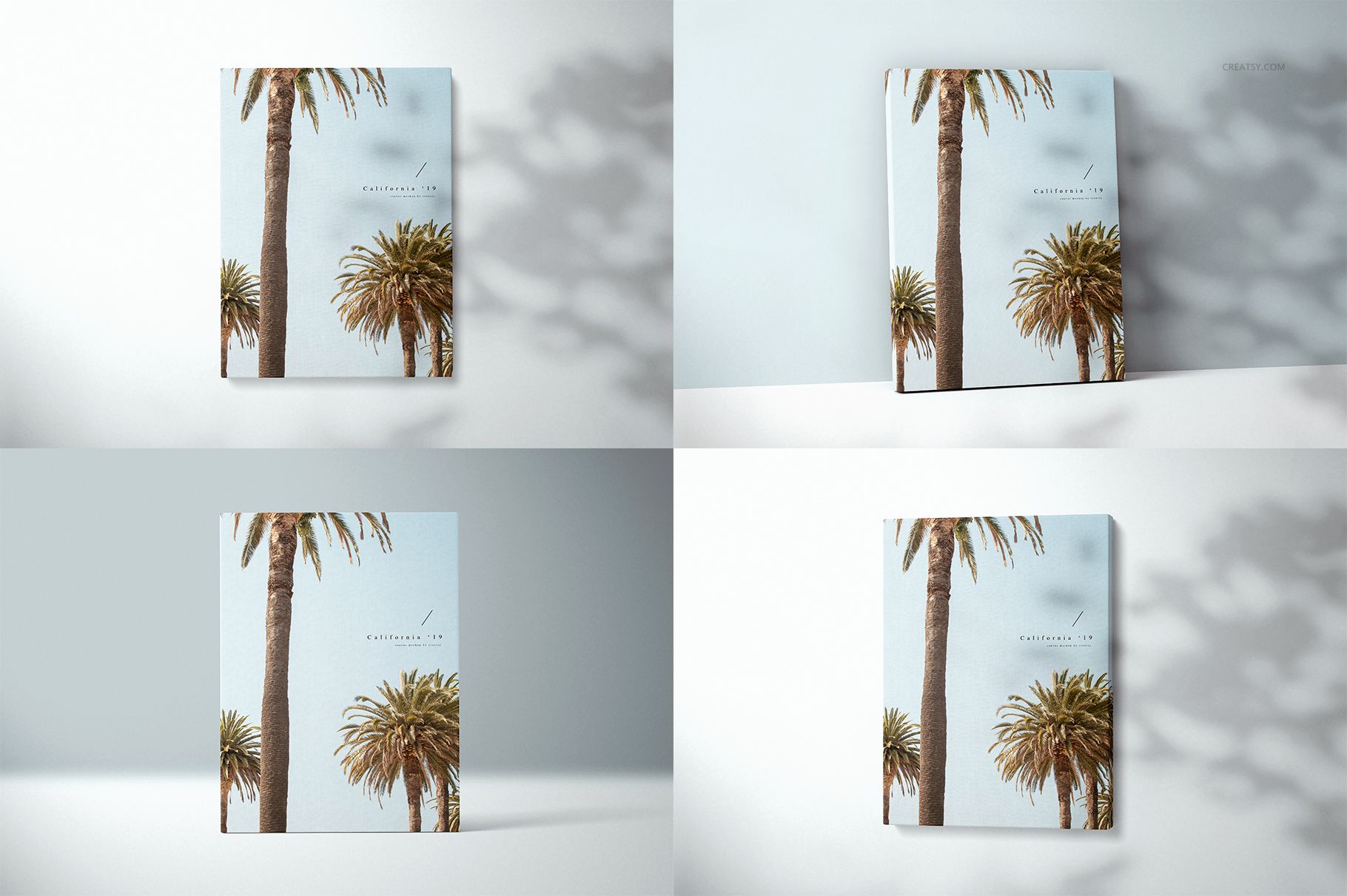
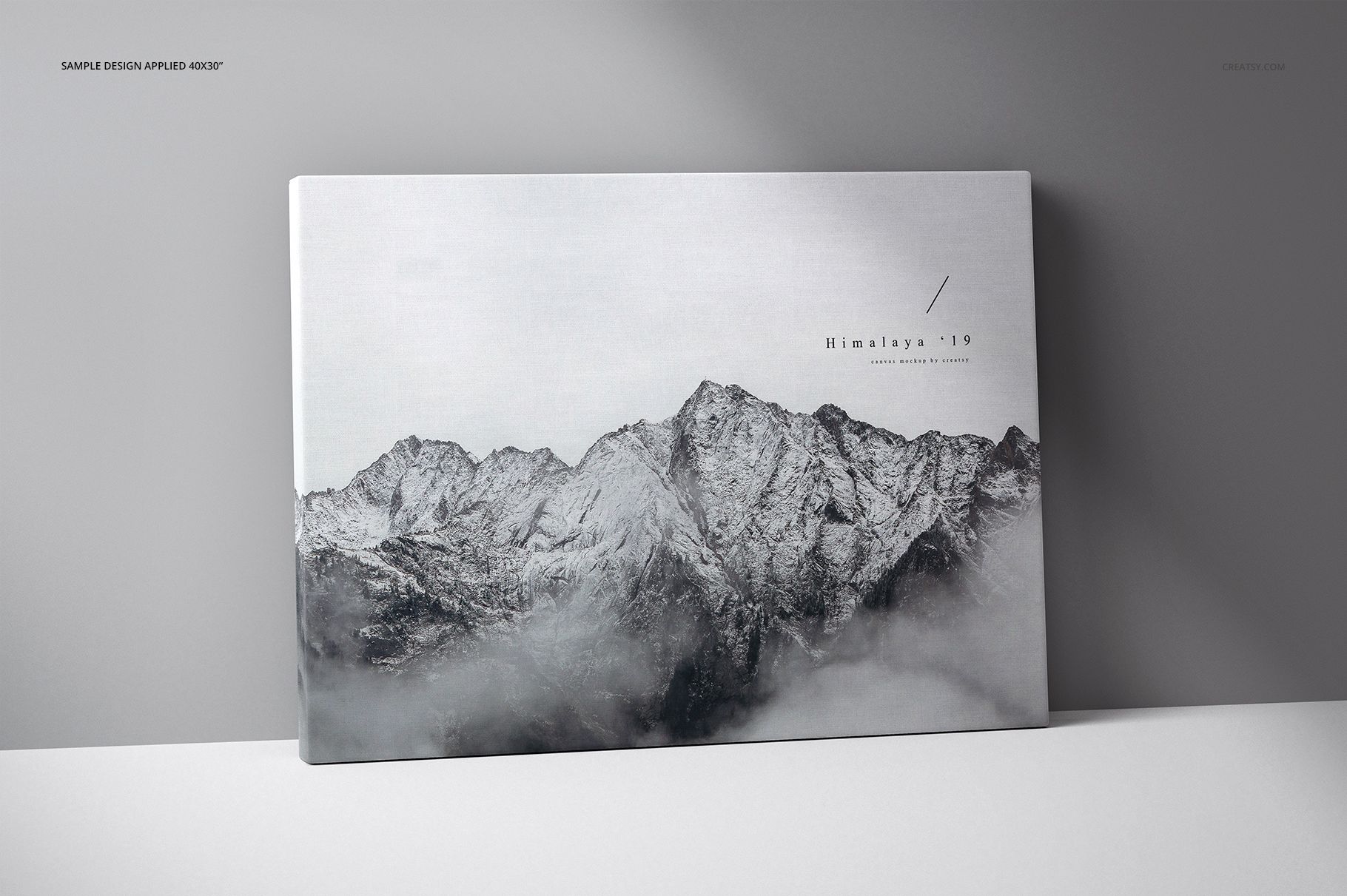
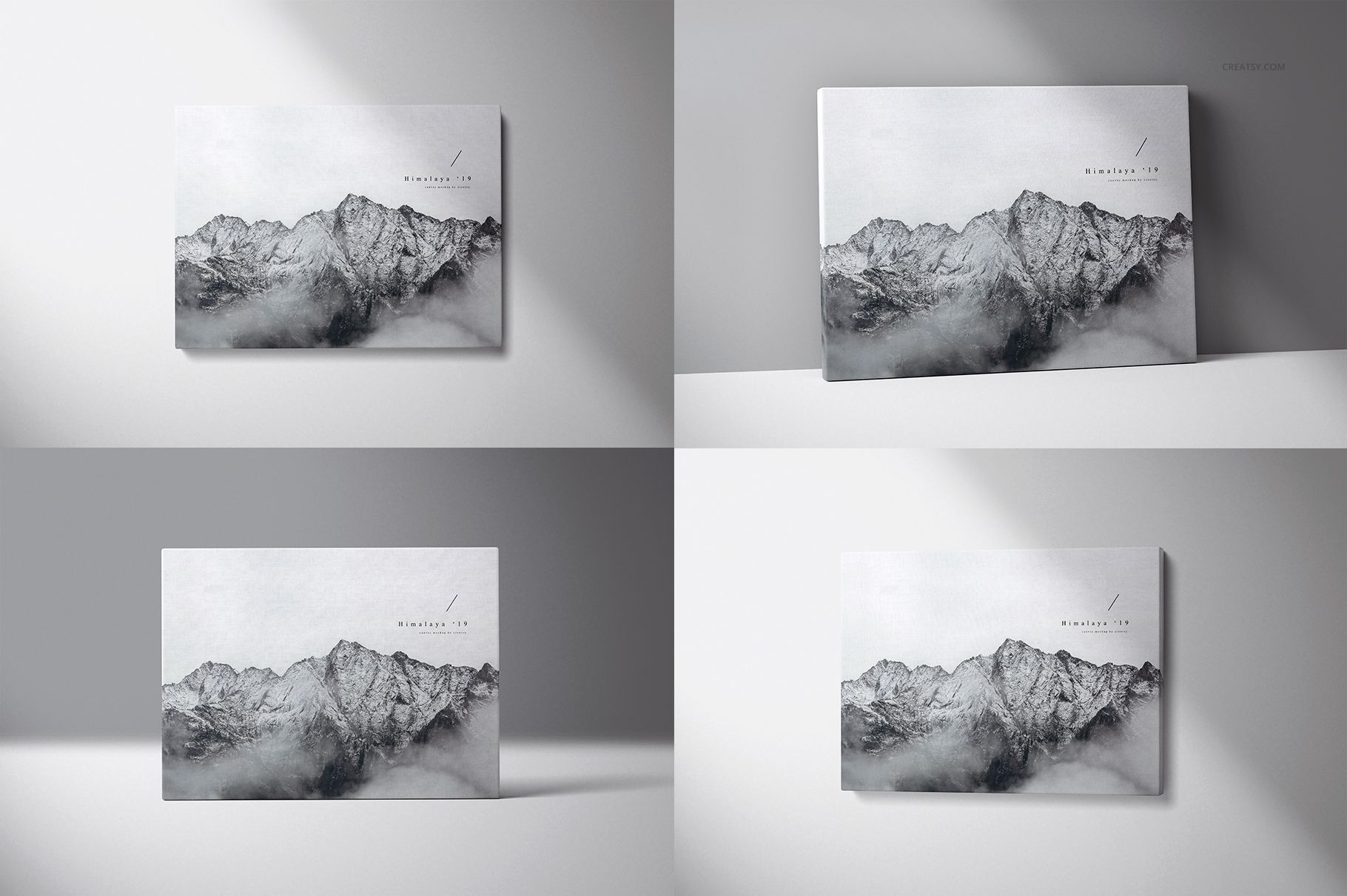
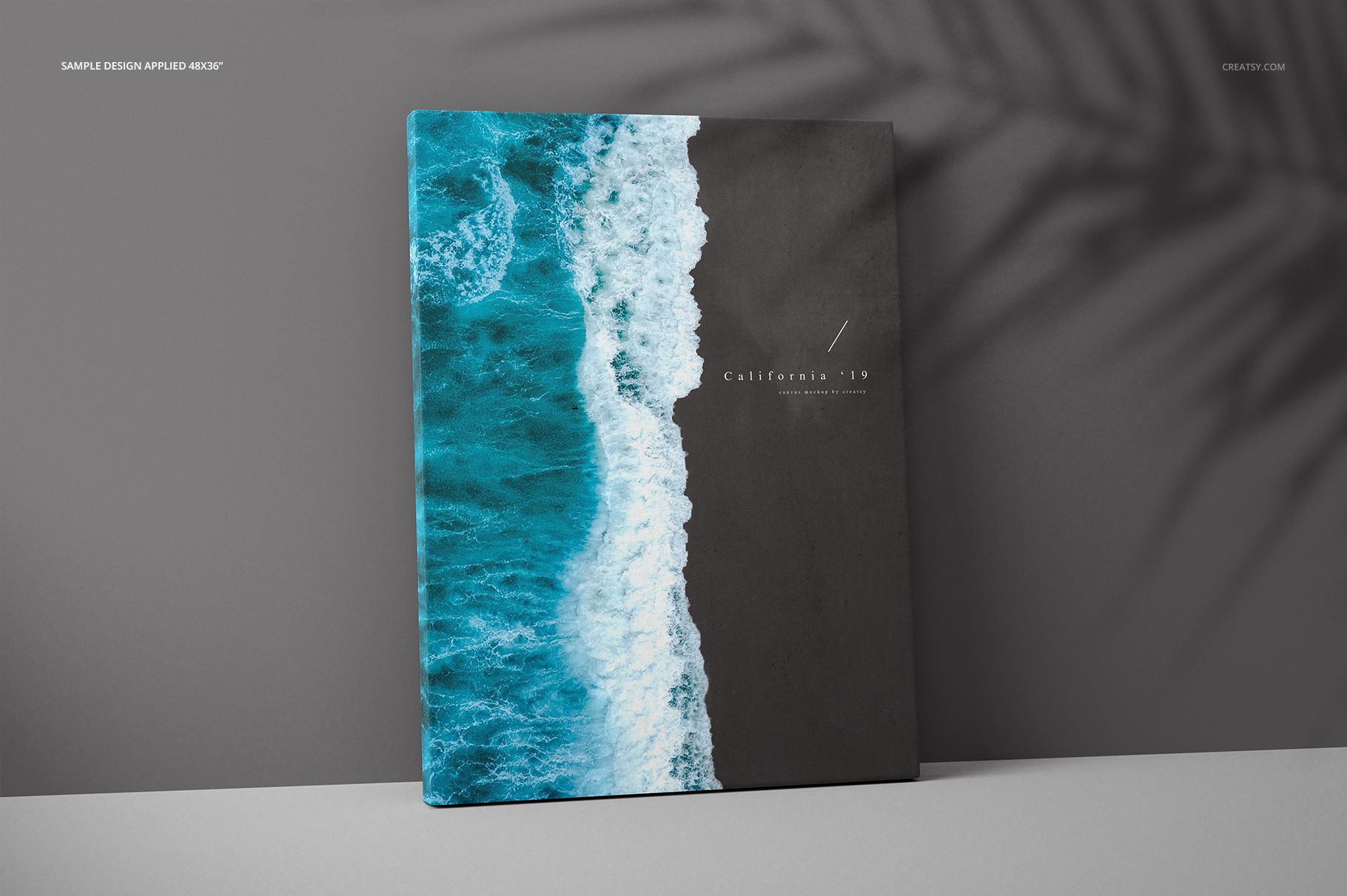
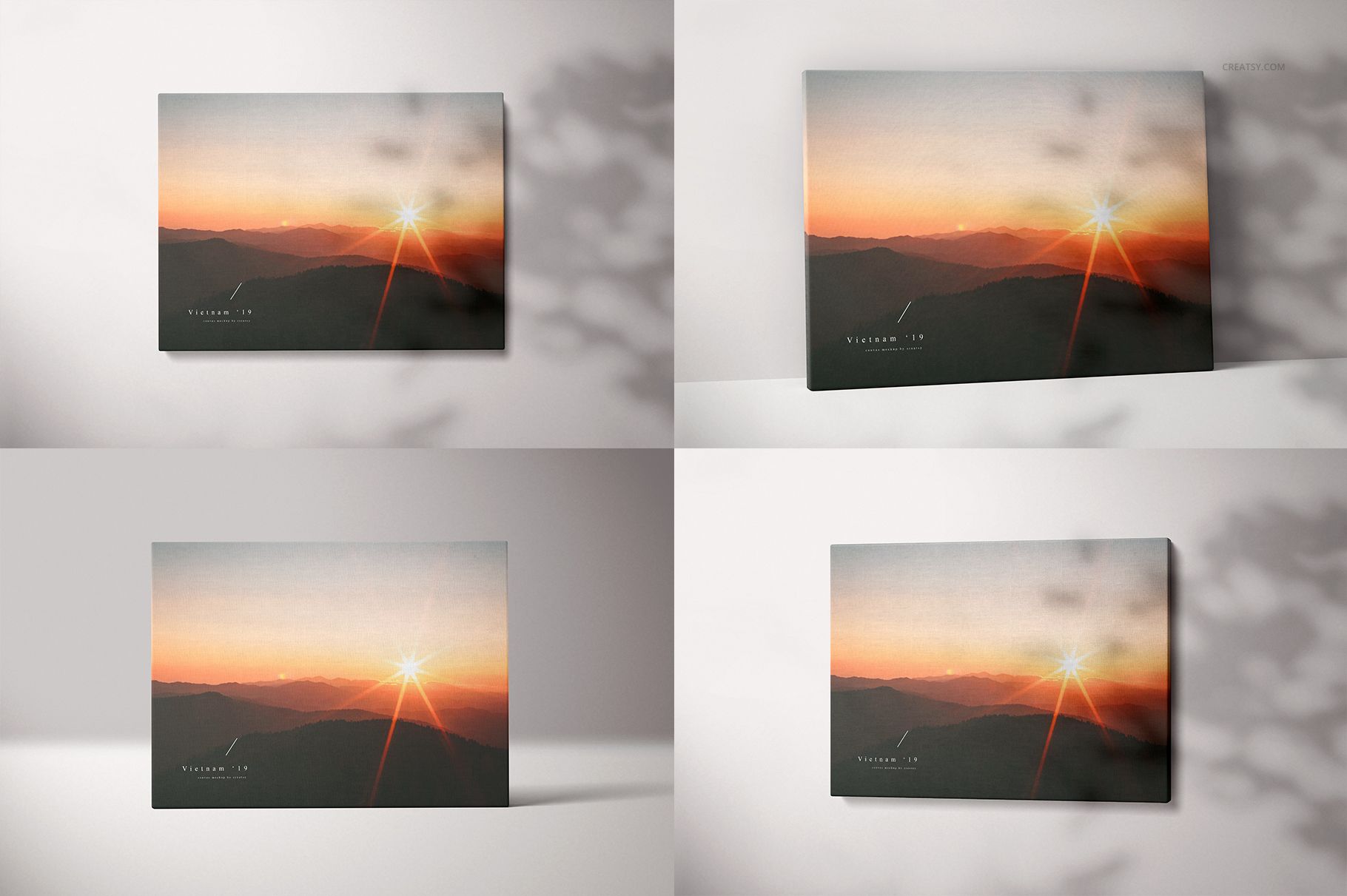
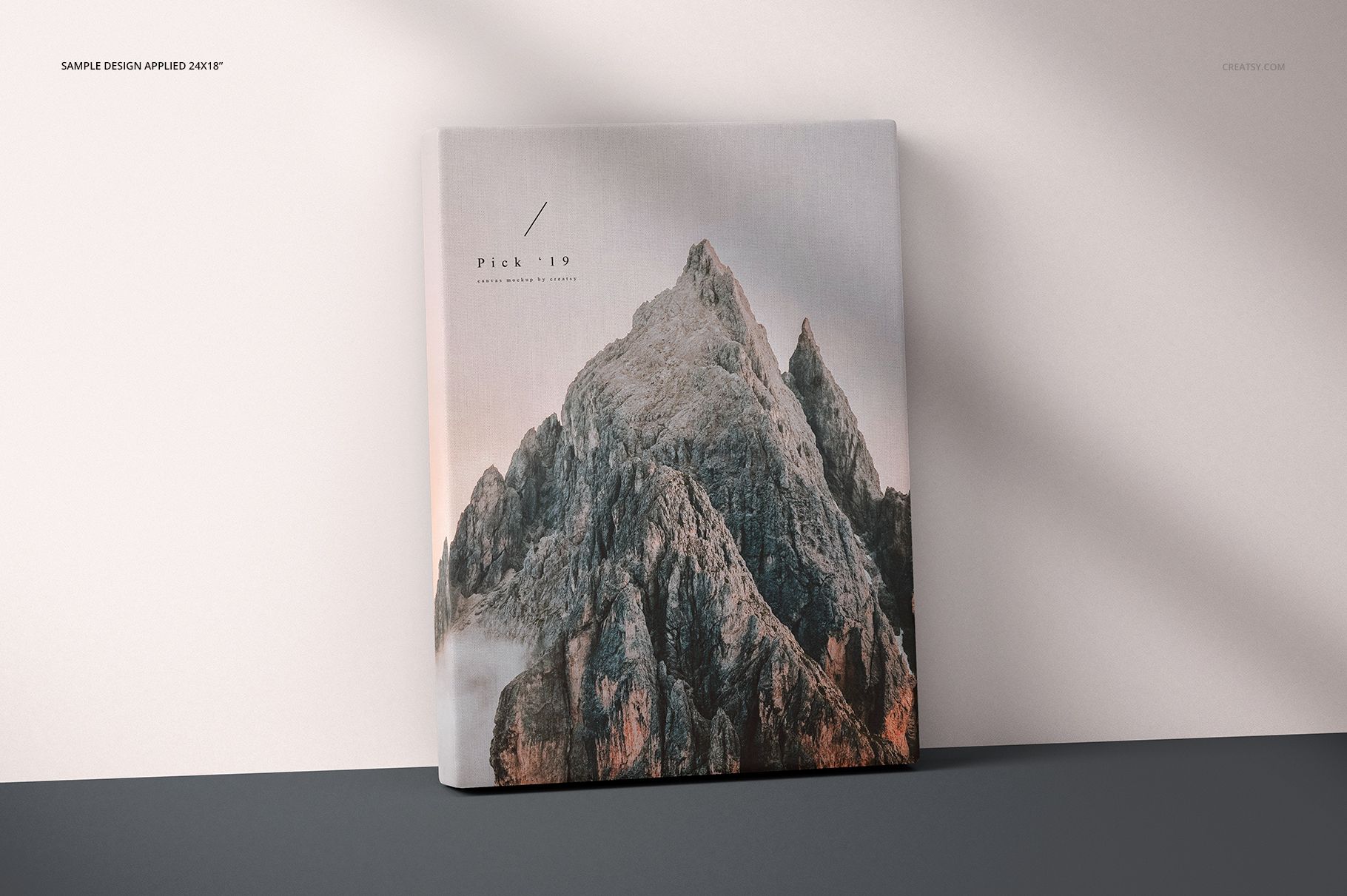
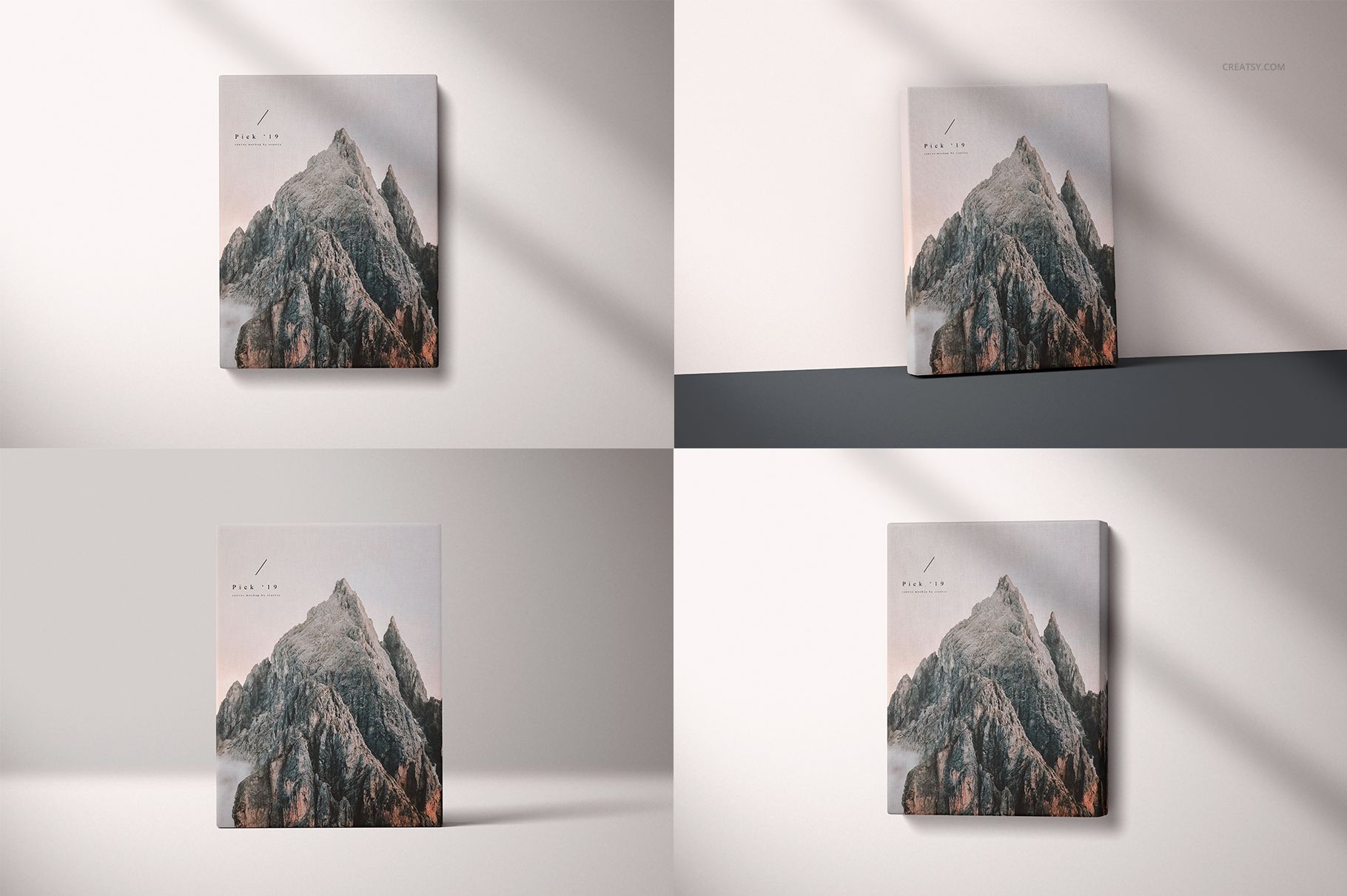
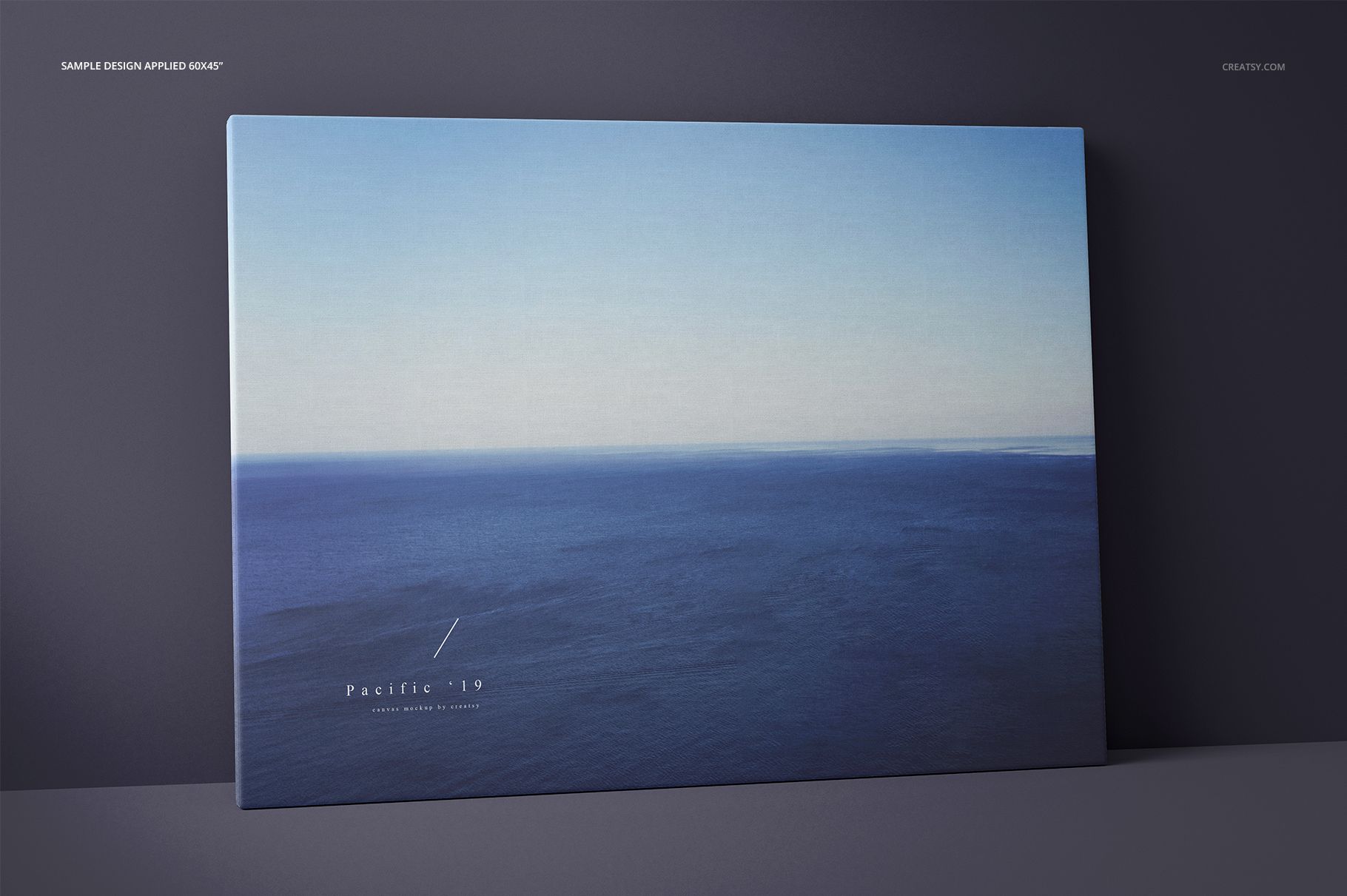
Thick Canvas Prints (many sizes) Mockup Set

ID: 1199726933 | Updated: Nov 14, 2022

Product Details

Thick Canvas Print Mockups for Accurate Size Comparisons

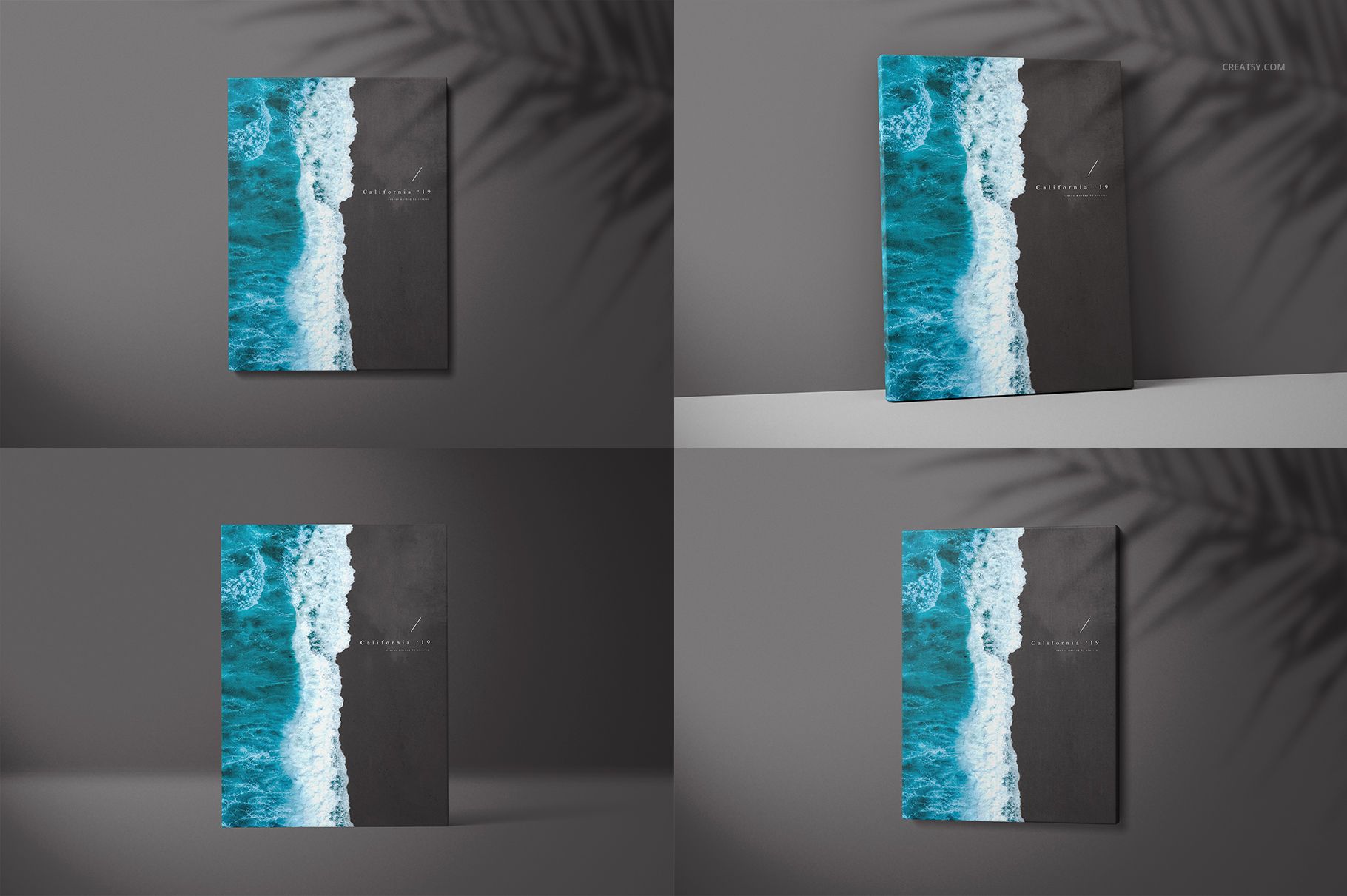
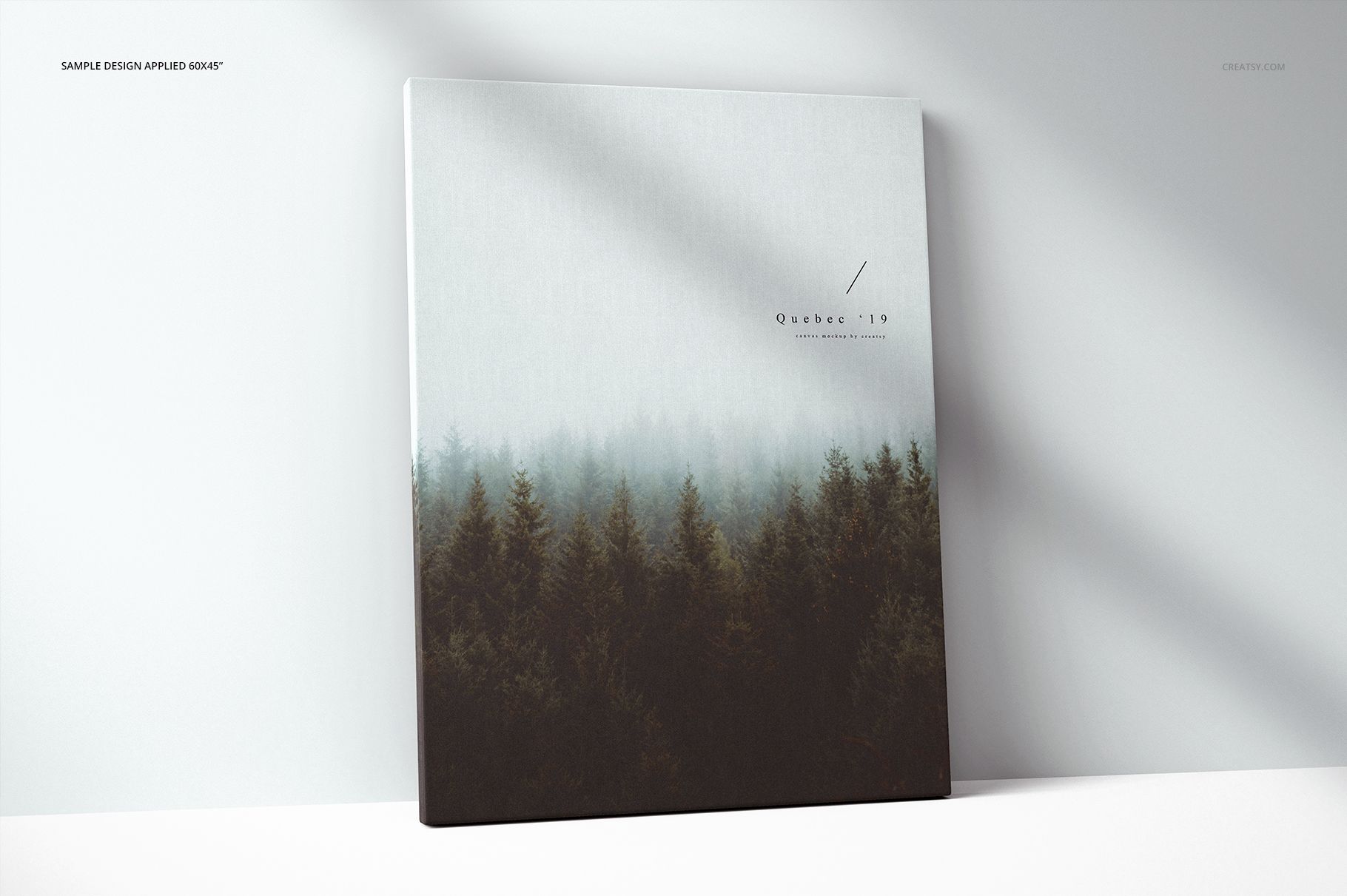
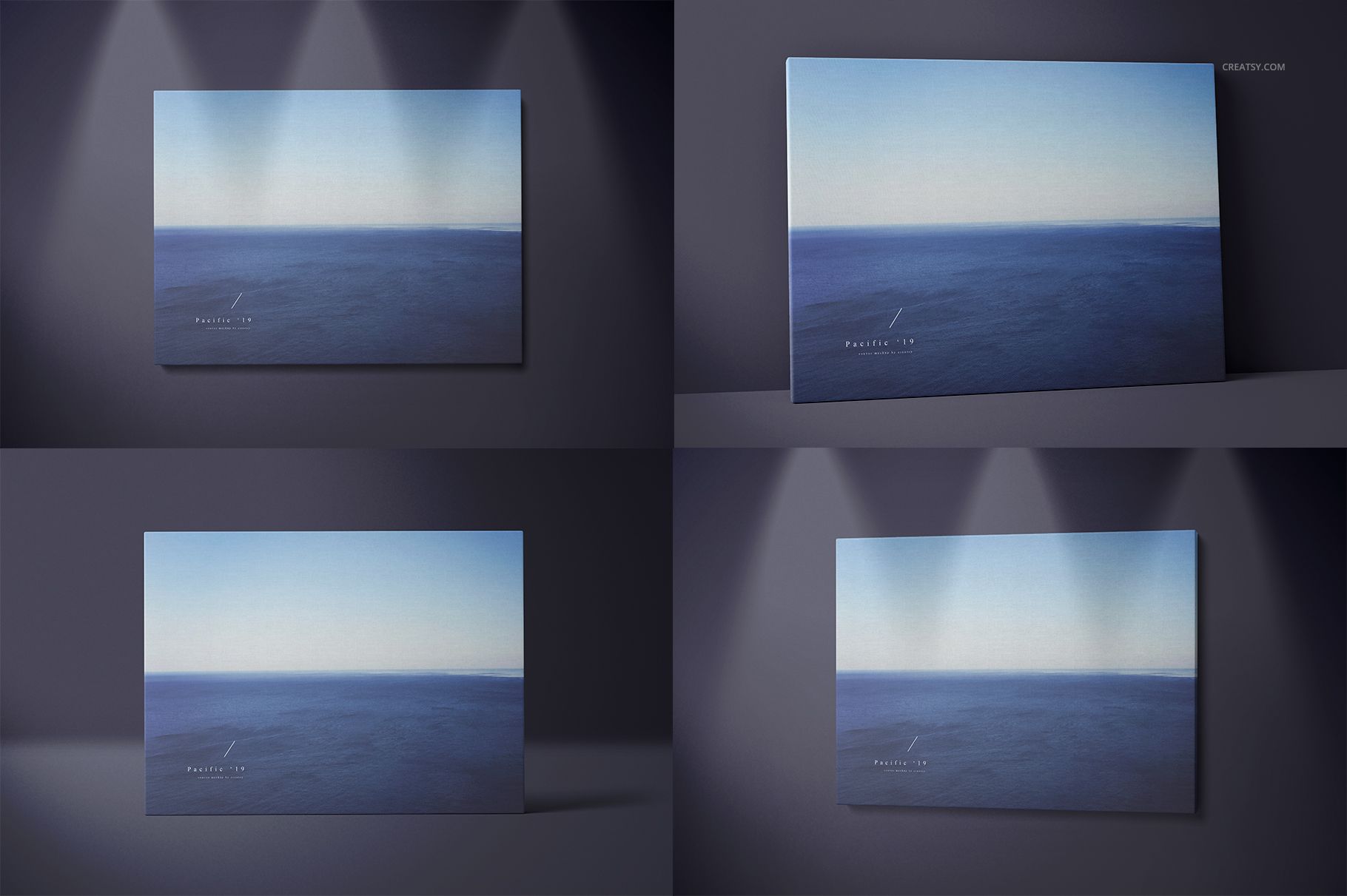
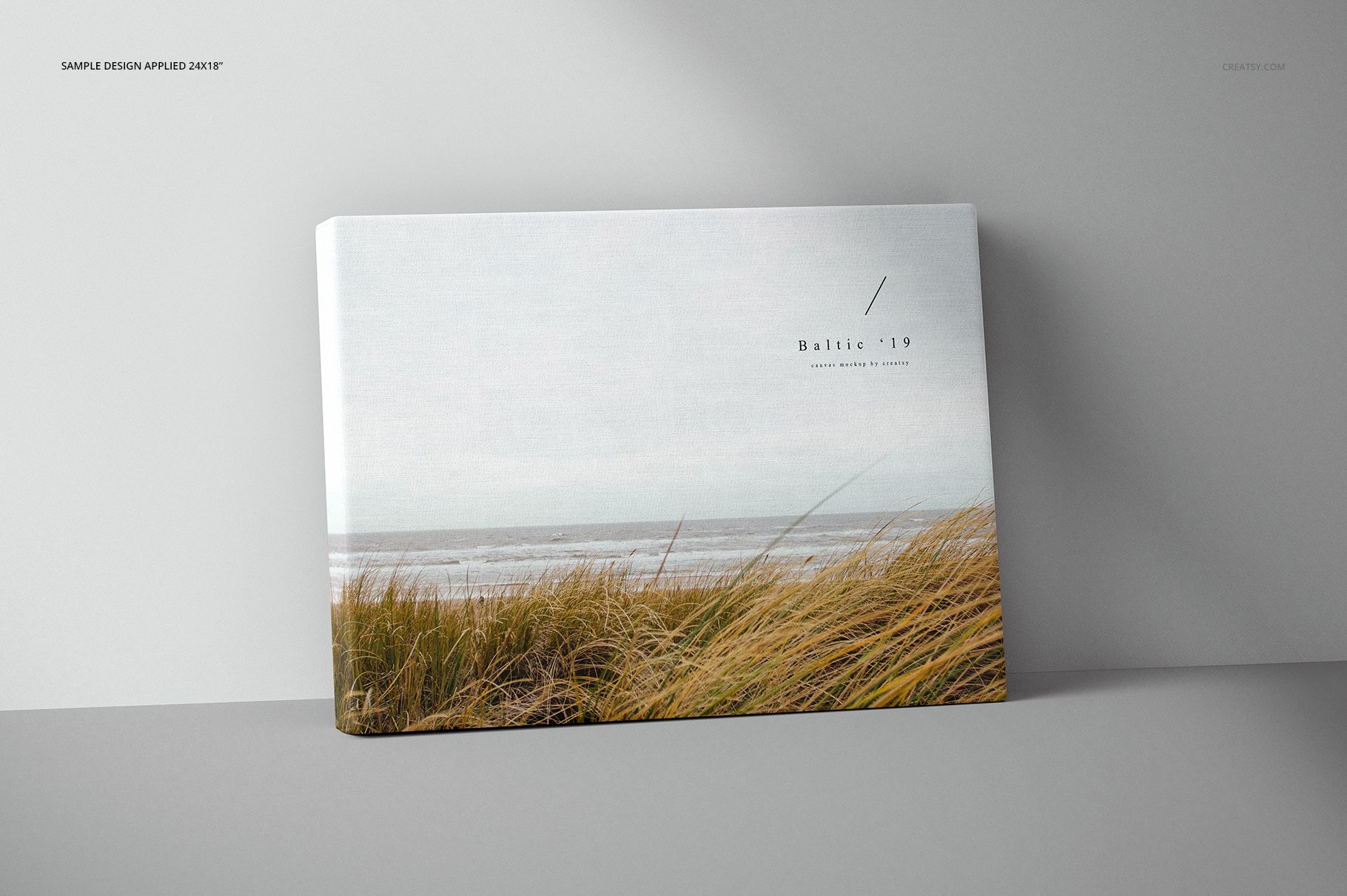
Present wall art, photography, illustrations and print collections on substantial 2-inch gallery wrap canvases. This professional Photoshop mockup set provides 32 main scenes across four canvas sizes, two orientations and four viewing styles, giving customers a clear sense of scale, depth, placement and presentation.

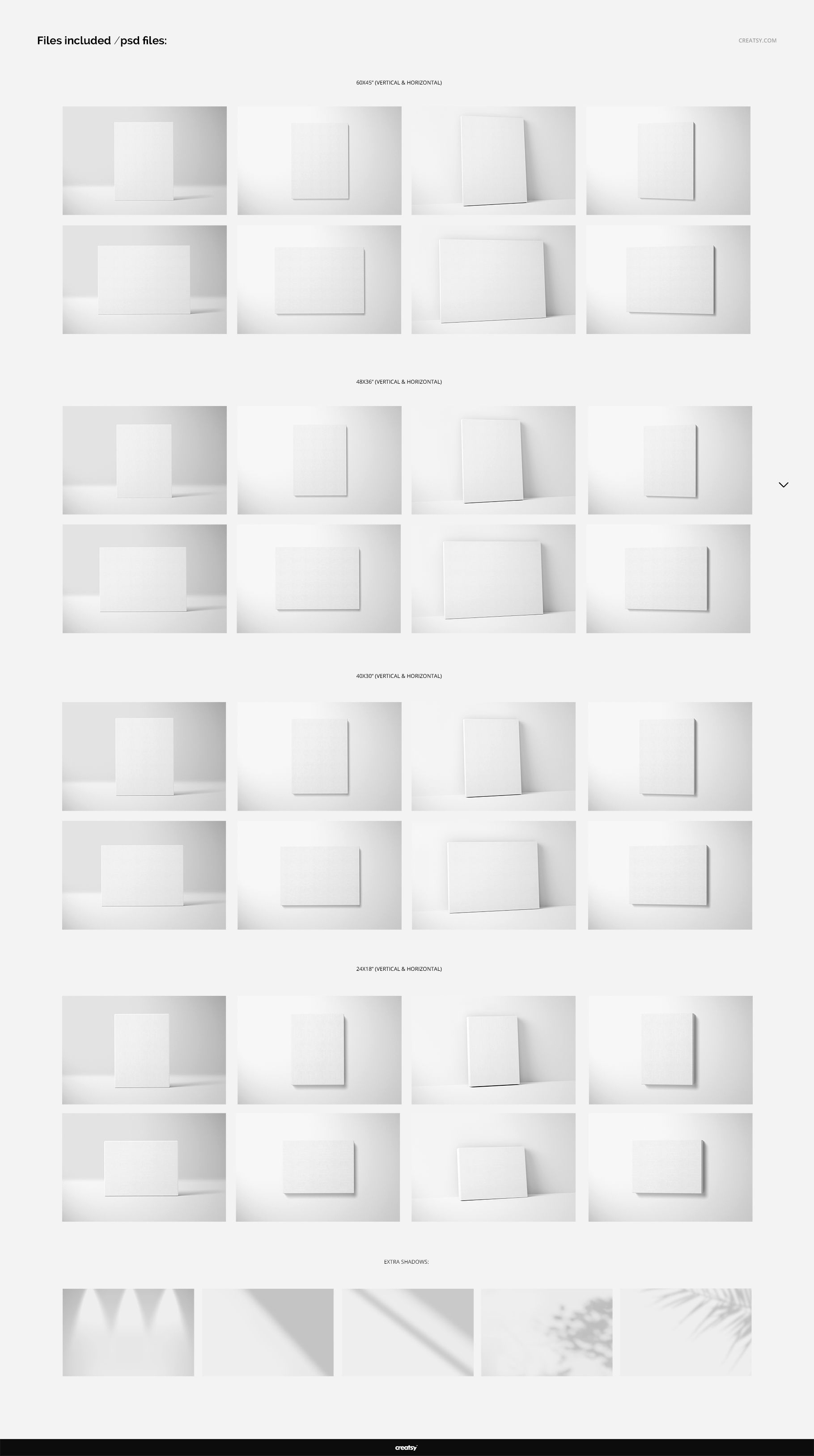
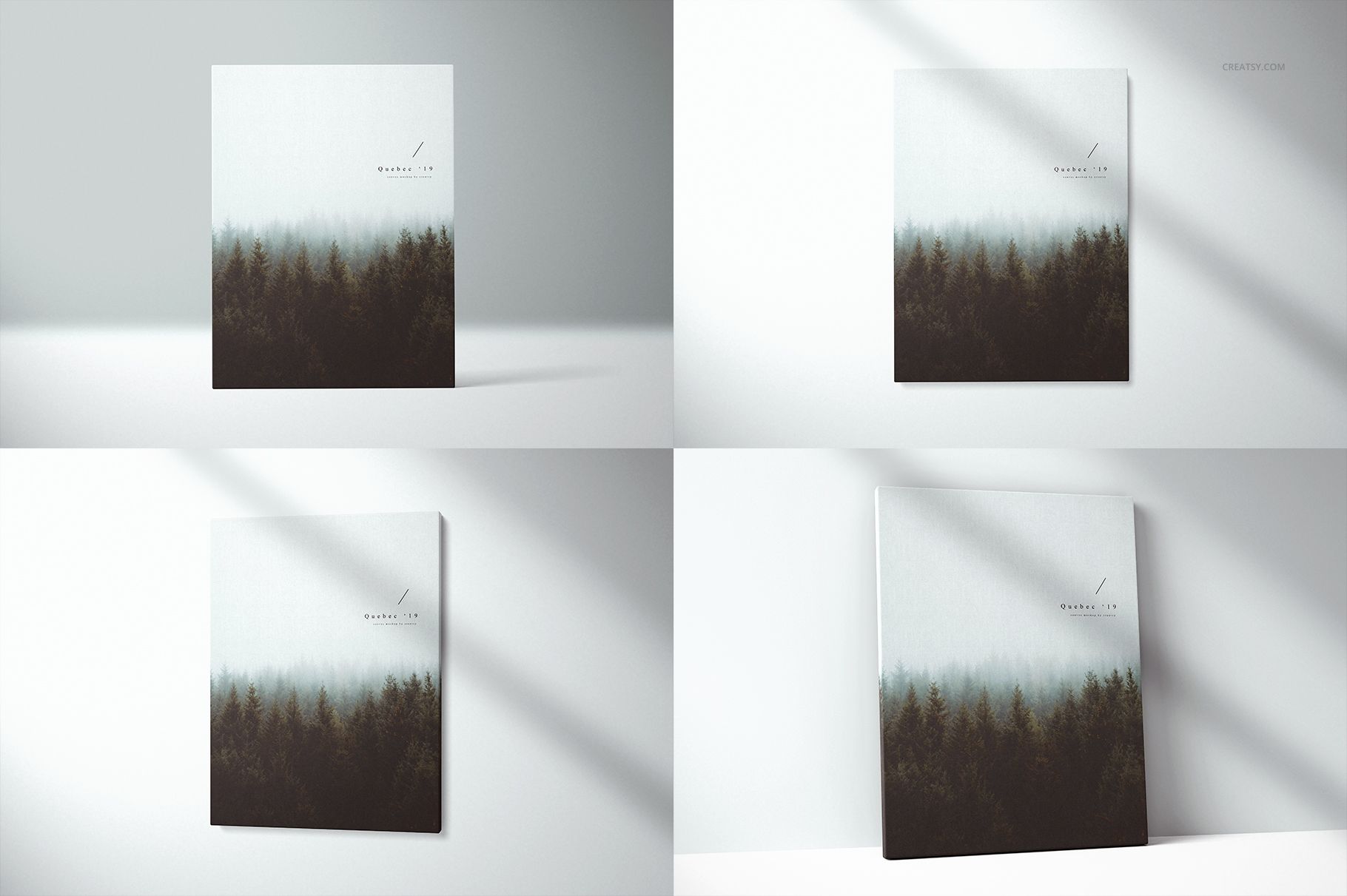
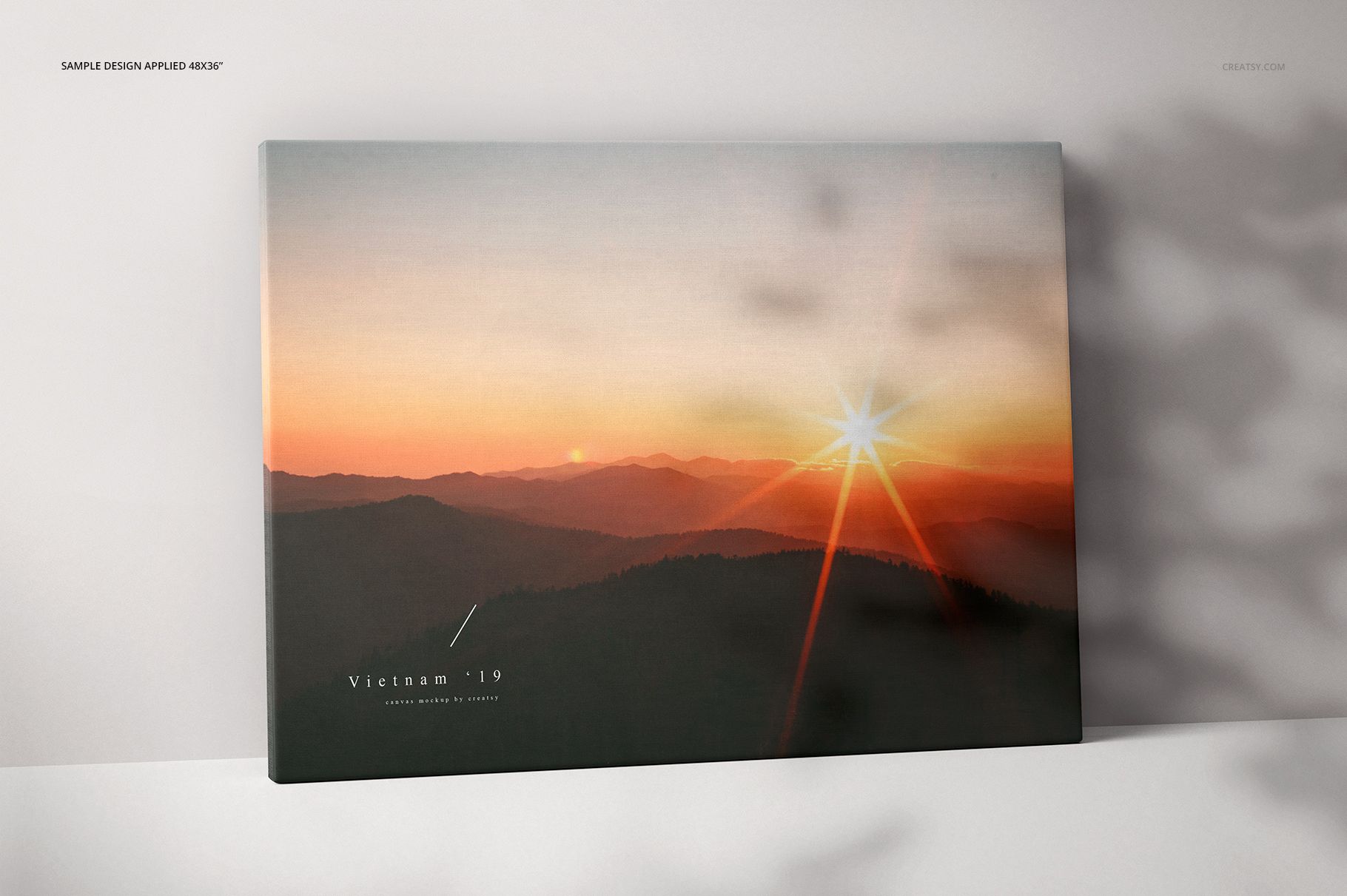
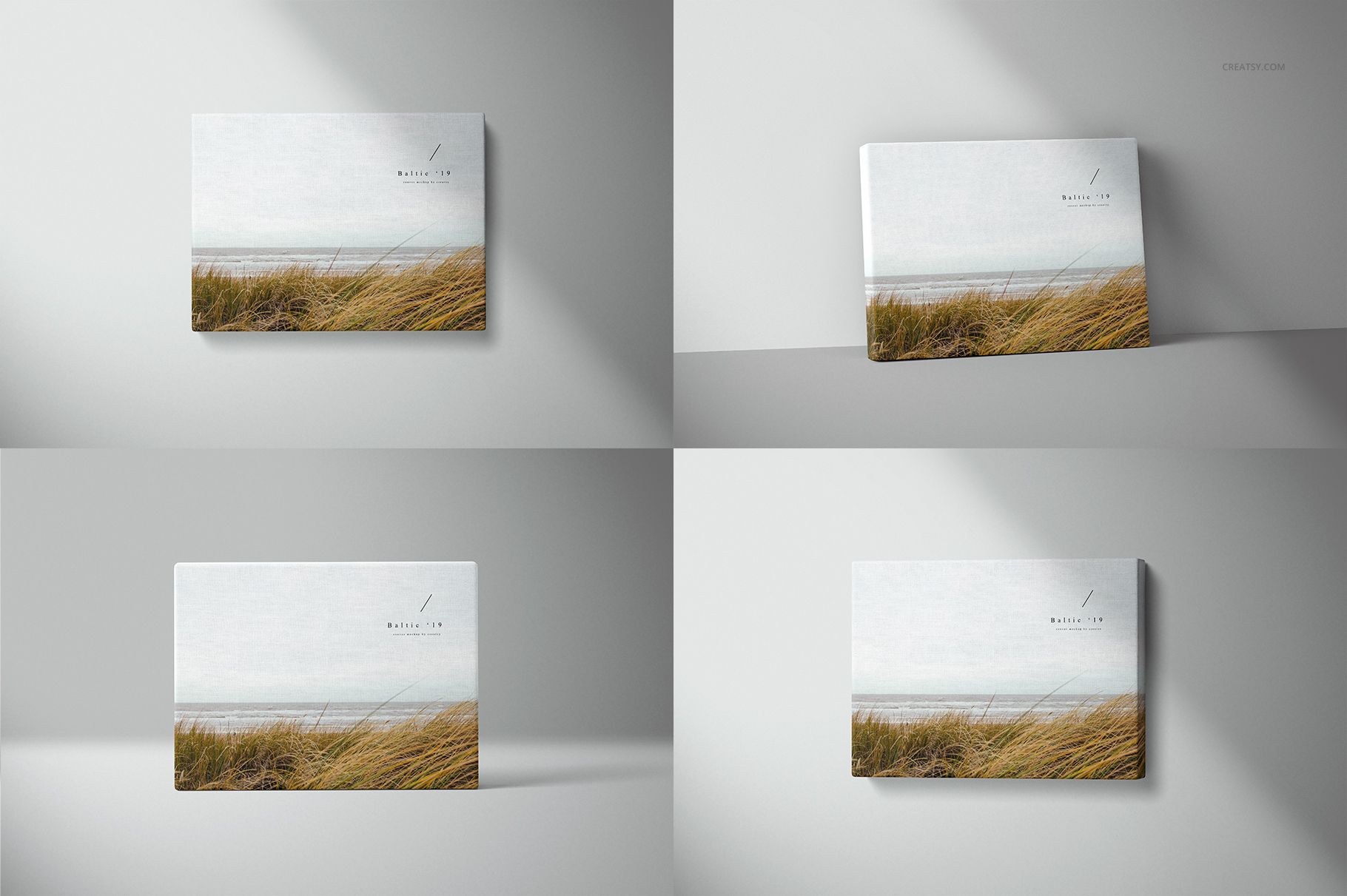
The scene matrix covers 24 x 18, 40 x 30, 48 x 36 and 60 x 45 inch canvases in horizontal and vertical layouts. Each size and orientation is supplied in Standing, Floor, Front and Angled views, making it easy to build consistent product listings, portfolio presentations, size guides and client previews.

What Is Included?

  • 67 listed file entries: 33 PSD files, 32 JPG previews and 2 PDF guide entries

  • 32 main PSD scenes: every combination of four sizes, two orientations and four view types

  • 1 lighting resource: Light shadows.psd, supporting five light-shadow styles

  • Four print sizes: 24 x 18, 40 x 30, 48 x 36 and 60 x 45 inches

  • Two orientations: horizontal and vertical

  • Four views: Standing, Floor, Front and Angled

  • JPG previews: 6000 x 4000 px

  • Software: Adobe Photoshop CC 2015 or newer

Editable Features

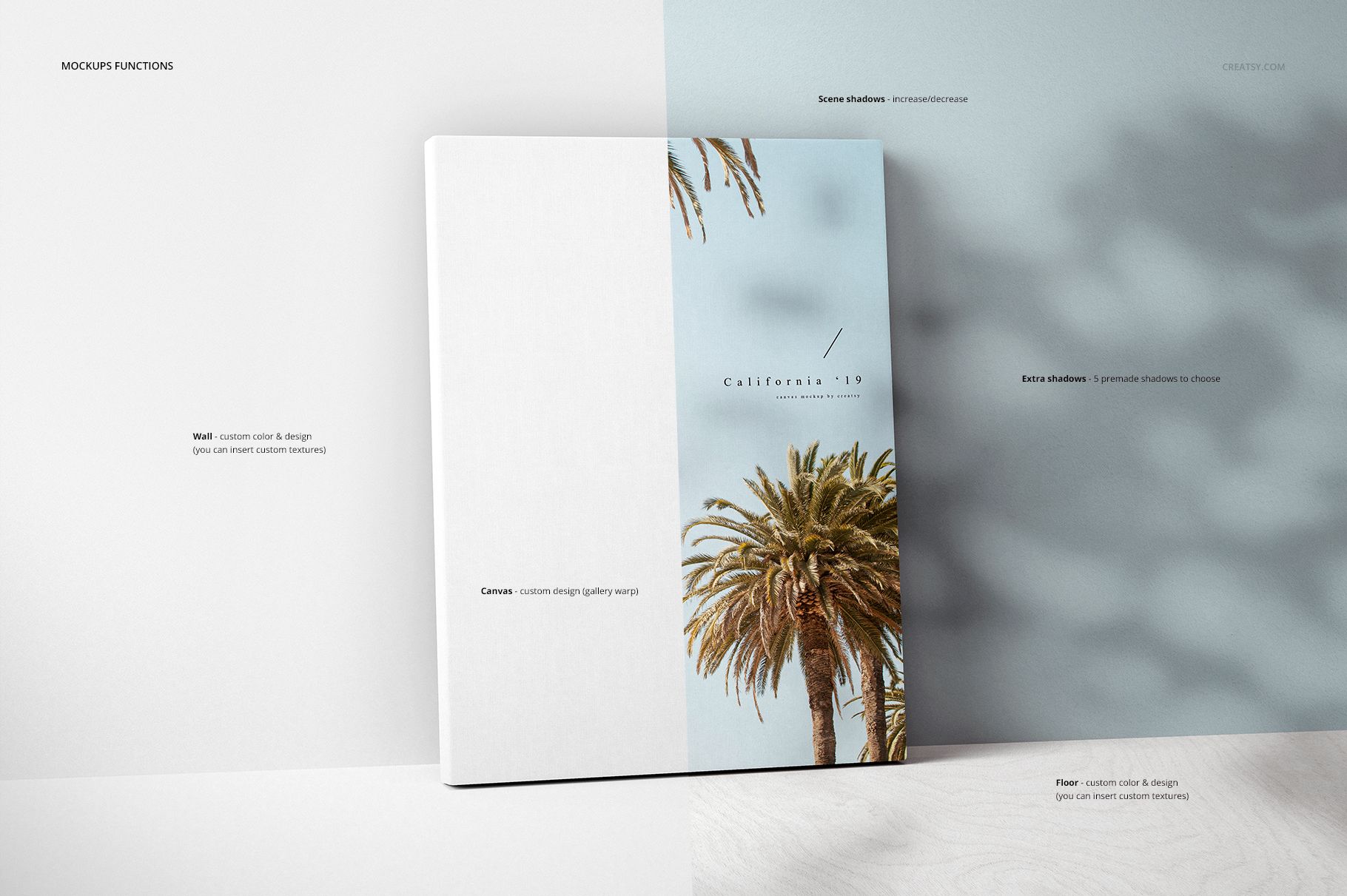
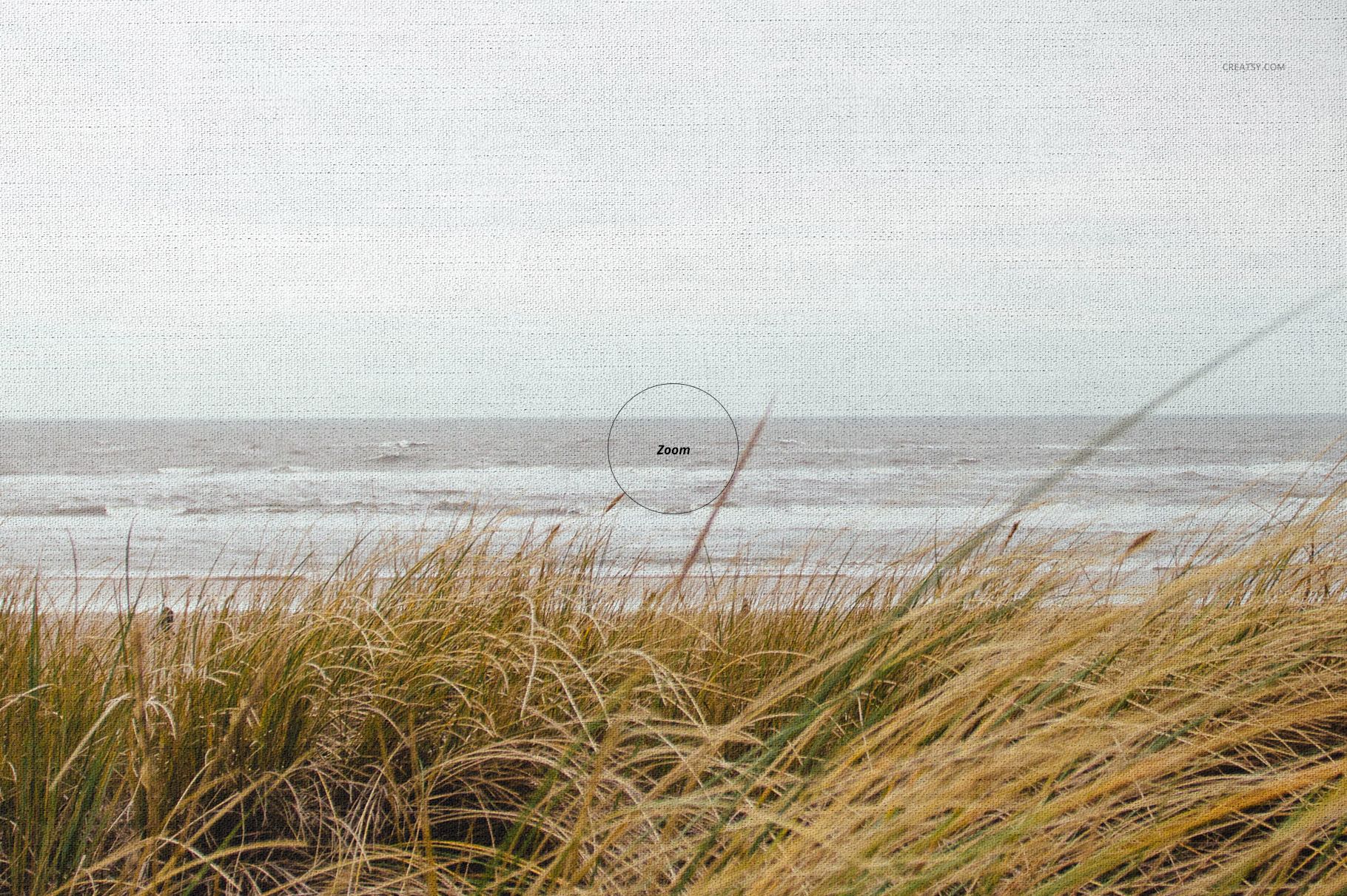
  • Replace the canvas artwork through Smart Objects

  • Customize the background with your own color or design

  • Choose from five light-shadow styles to shape the scene

  • Add and scale one plant element and two human figures for visual size reference

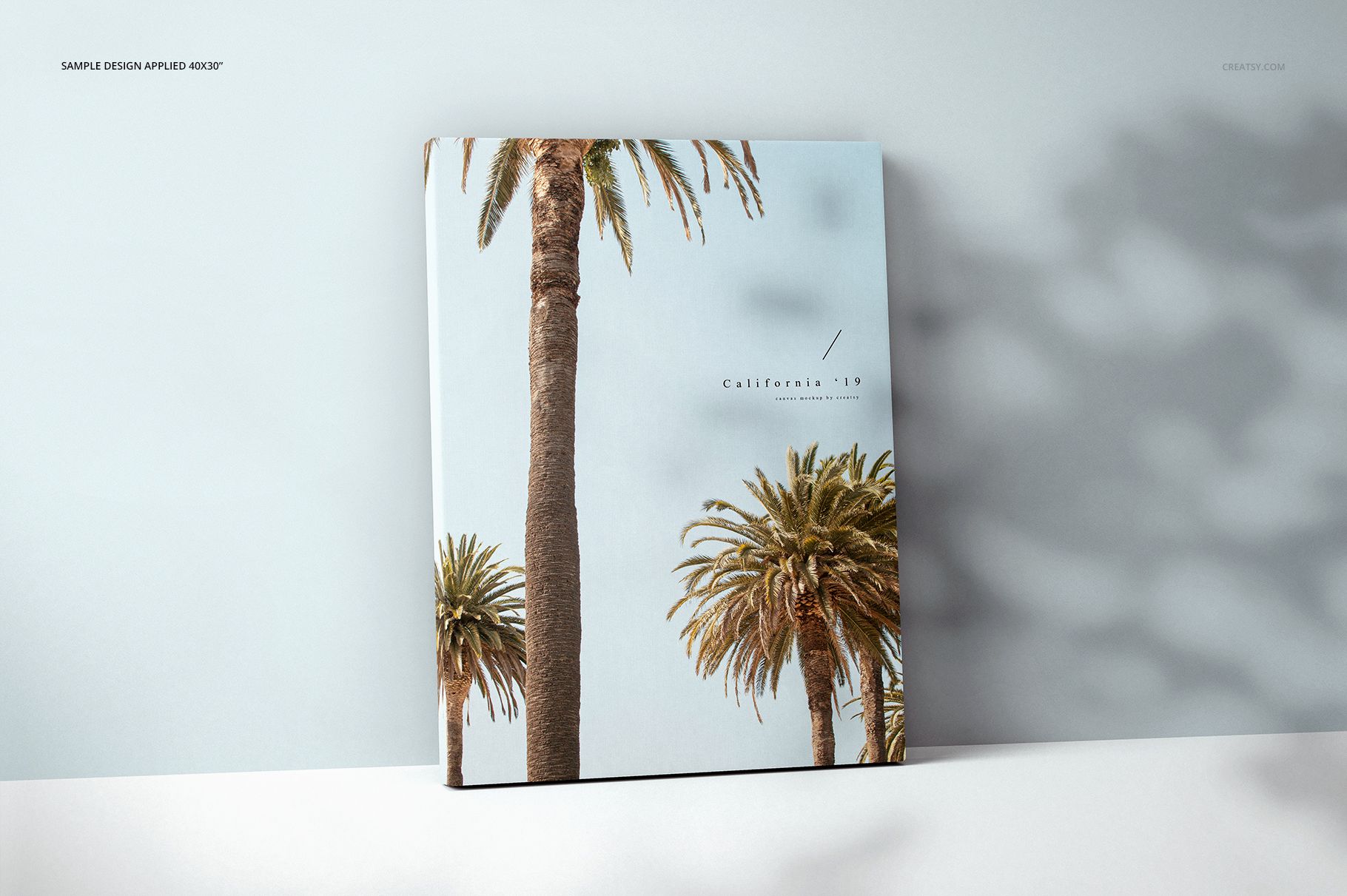
  • Present artwork with a realistic 2-inch gallery wrap edge

The preview artworks are shown only to demonstrate the mockups and are not included in the download. Add your own artwork, photography or designs to create finished visuals for online stores, portfolios, catalogs, advertising and client approval.


File details

Compatibility
PhotopeaAdobe Photoshop
Package size
17 GB17 GB|18.3 GB18.3 GB
Files type
.psd, .jpg, .pdf
TEST FOR FREE

67 files total: 33 PSD, 32 JPG, 2 PDF.

Reviews

Professional PSD mockups built in-house - editable, realistic, high-resolution, and supported by real people.

5 (1 rating)
Sort by:

obie avatar
obie
Oct 15, 2024

Excellent Product and customer service.

Malgorzata Hapon avatar
Malgorzata Hapon Author
Jun 8, 2026

Thank you so much for your feedback! We’re so happy to hear you were pleased with the product and customer service. We really appreciate it.


MEET THE SHOP

Creatsy logo

Creatsy

Poland
4.7 (679)

Bring your ideas to life.

We're a family-run studio in Katowice, Poland, making PSD mockups by hand since 2016. Everything in this shop starts in our own studio. We shoot the photography, build the 3D, and put together every Smart Object PSD ourselves - then we test it, organize the layers, and only ship it once it actually works...
GO TO SHOP

HOW IT WORKS

3 clicks. That's it.

No tutorial needed. If you can copy-paste, you can use this.

  1. 1OpenDouble-click the smart object inside the PSD - in Adobe Photoshop, or free in your browser with Photopea.
  2. 2PasteDrop in your pattern, print, or artwork. Any design, any style.
  3. 3SaveHit save and the mockup wraps it in for you - shadows, folds, and lighting included.

FROM IDEA TO IMAGE

Built for real workflows

Show the finished print on the wall Poster, canvas, or acrylic - drop your art in and the client sees the hung piece before it goes to print.

See it on the product, not a swatch Drop your file into the smart object and the scene's lighting and folds wrap around it, so you judge the real thing before you commit.

Smart Objects

Edit once and you're done. Your artwork drops into a smart object and the mockup updates itself - no masking, no warping by hand.

Perfectly Organized

Named layers and folders you can actually navigate. Find what you need, change what you want, and get out fast.

Print-Ready

High-resolution files built to hold up on screen and in print. Exact size and DPI are in this product's Details above.