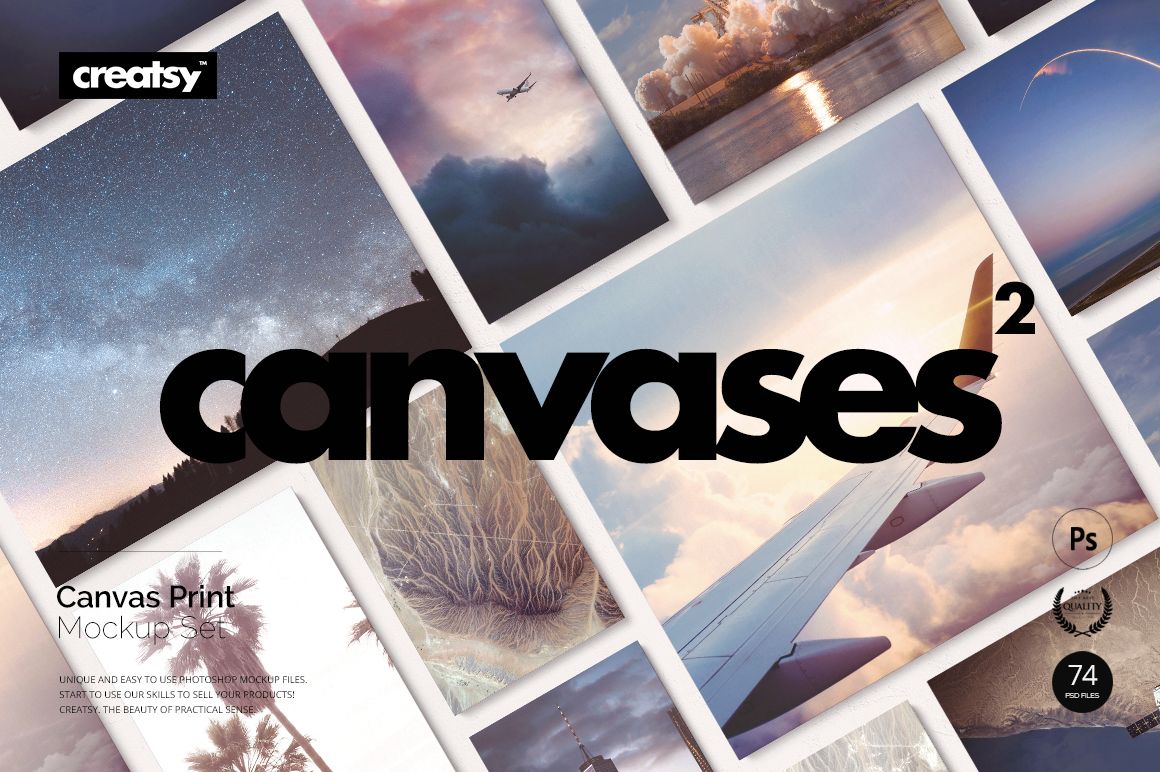
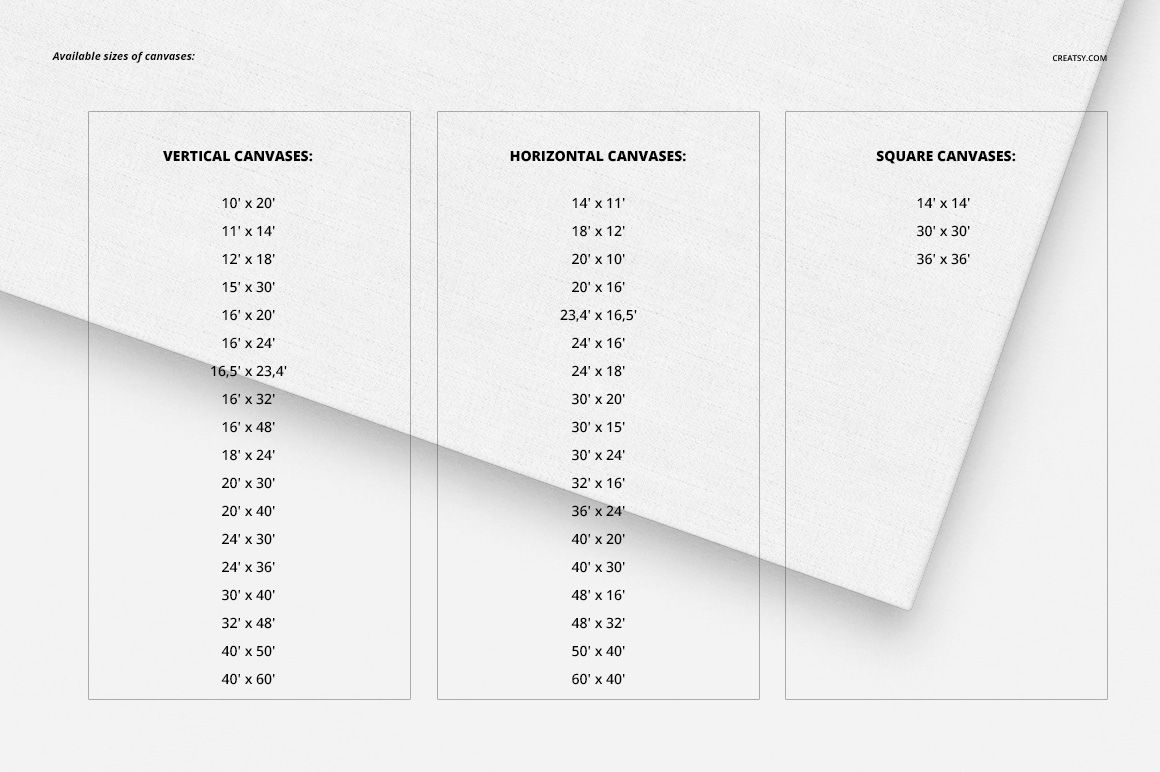
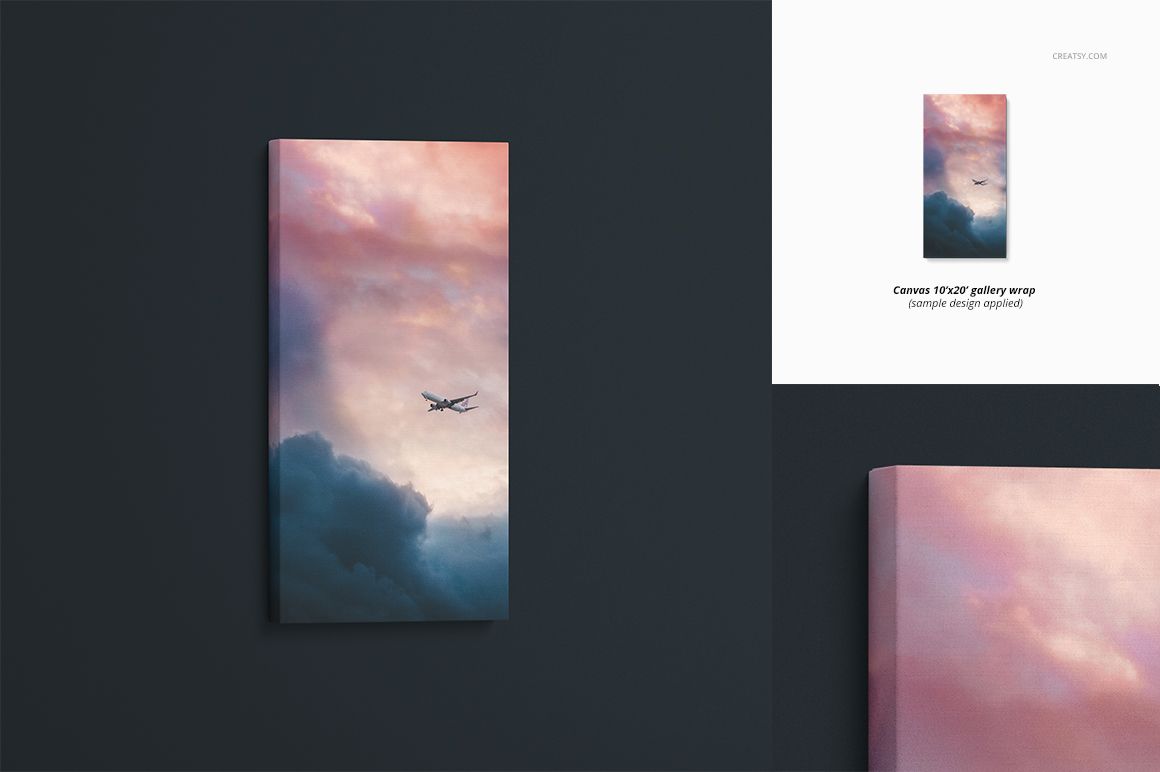
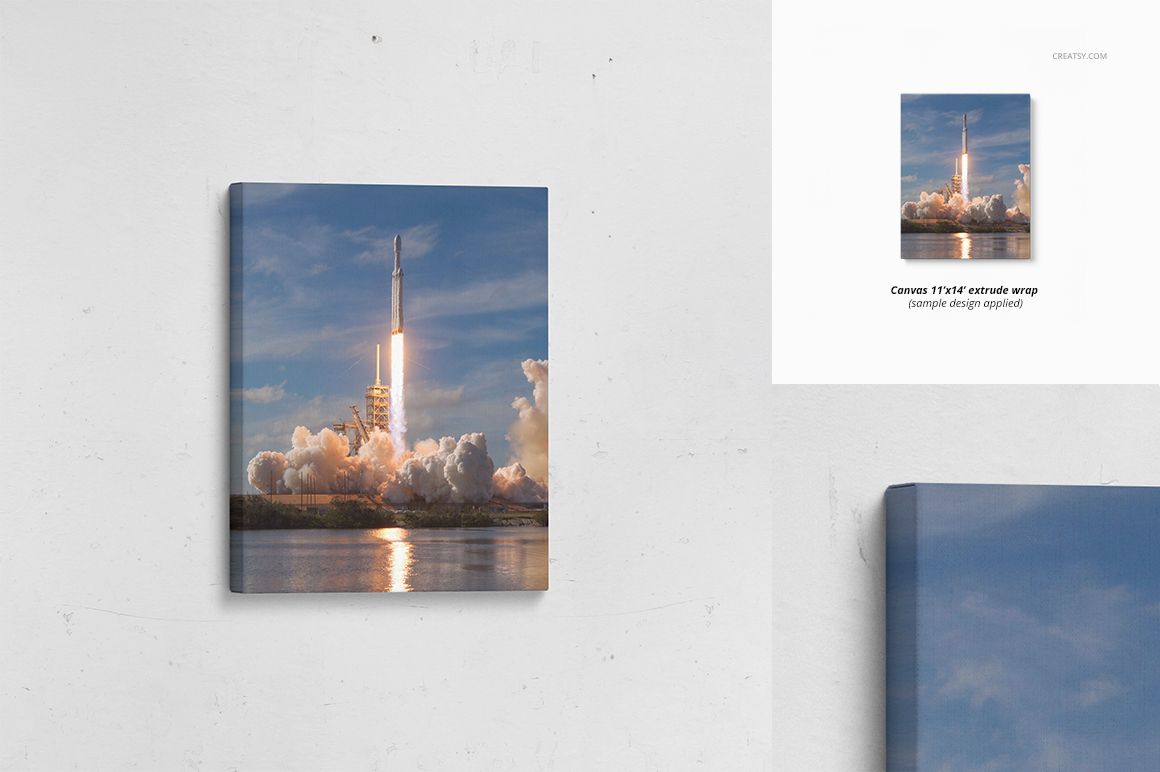
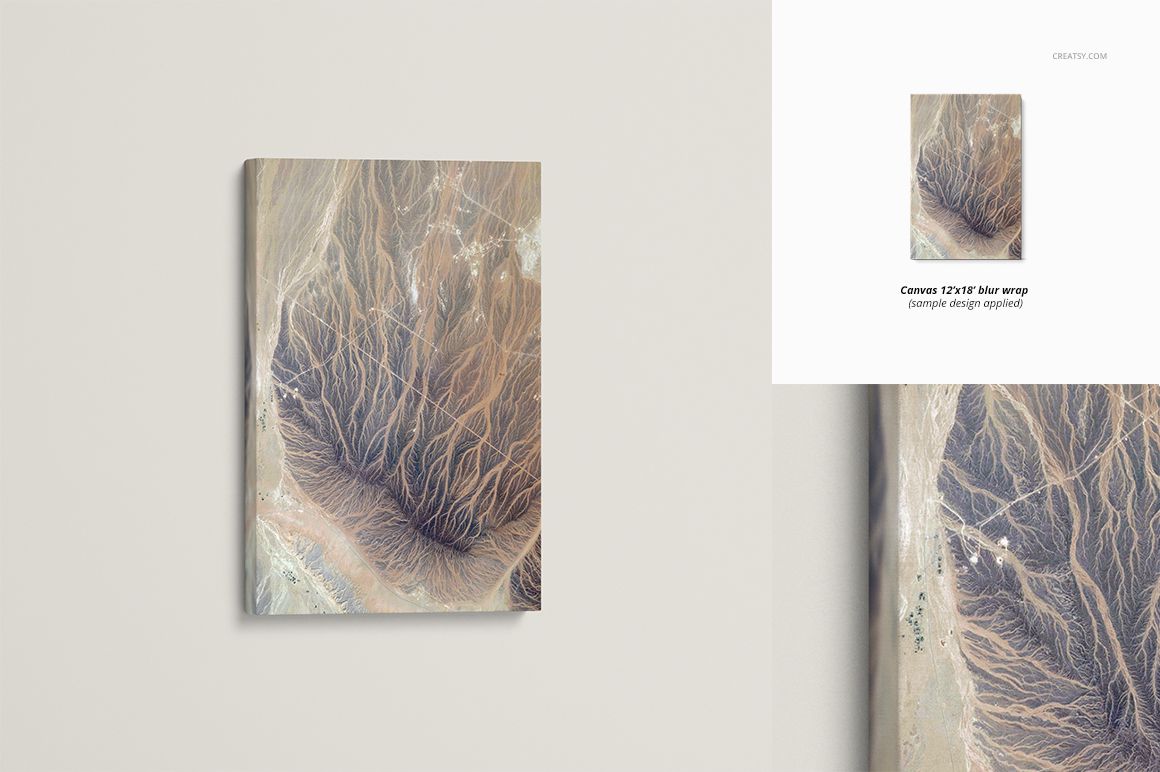
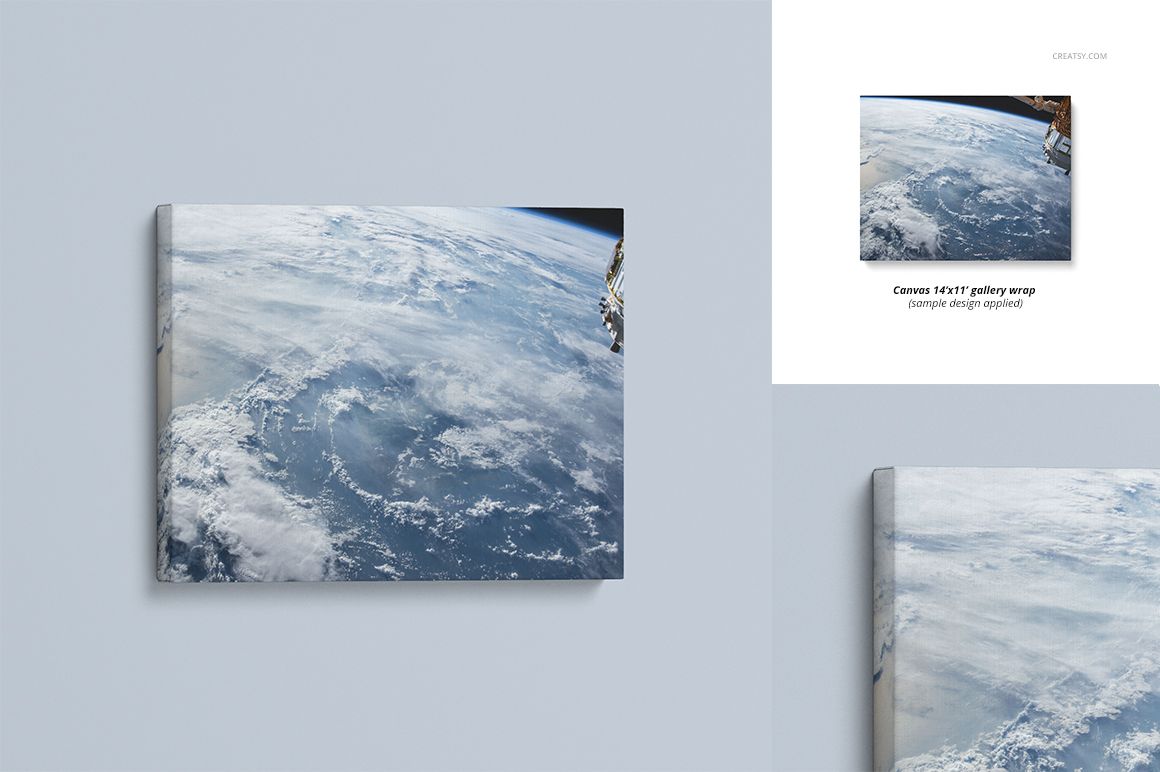
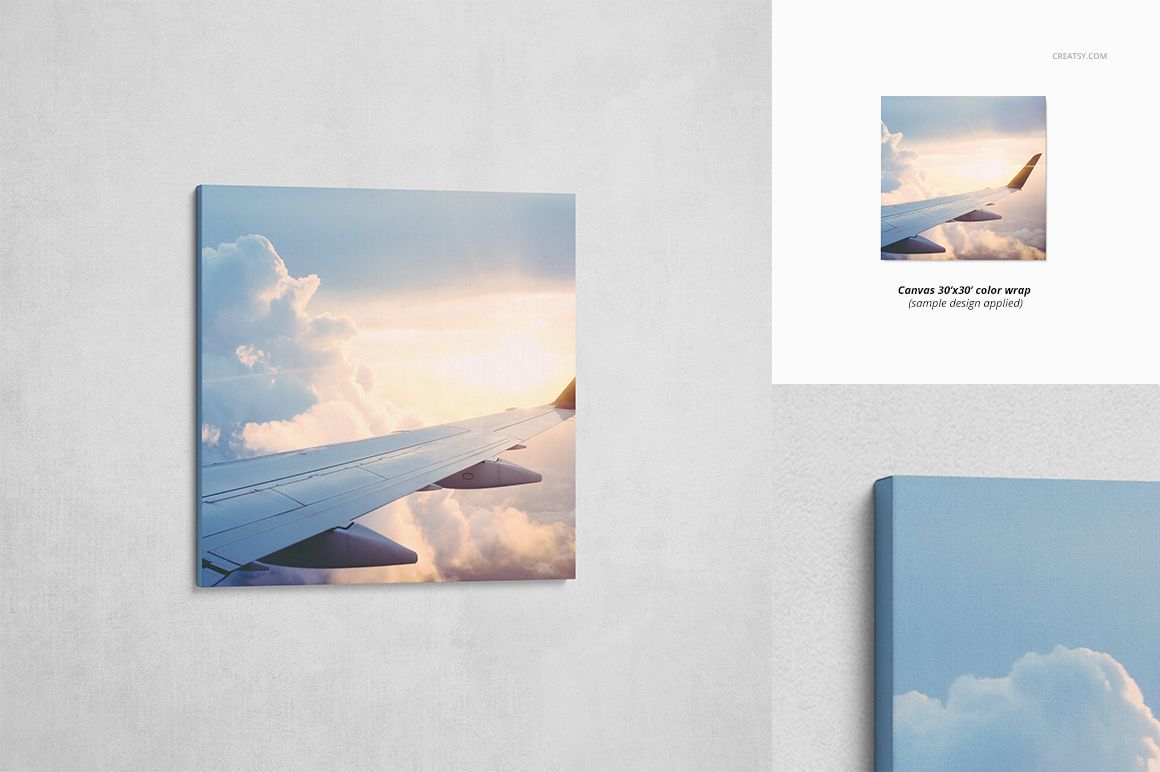
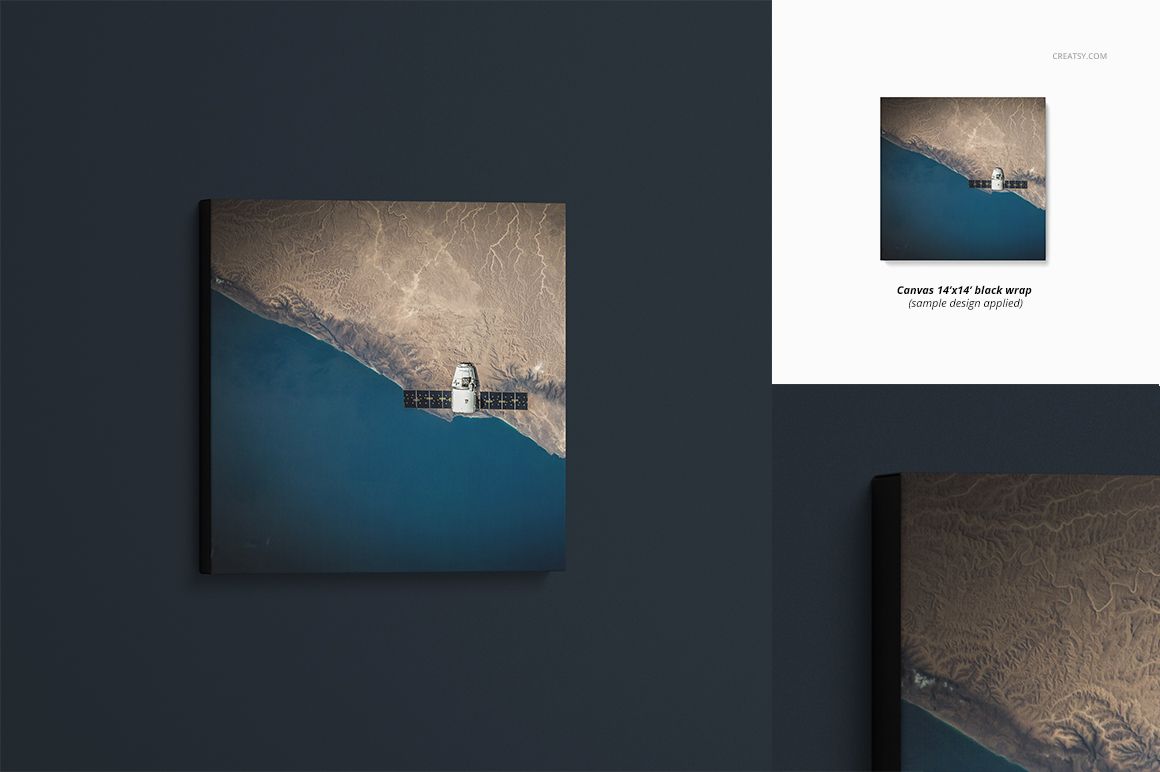
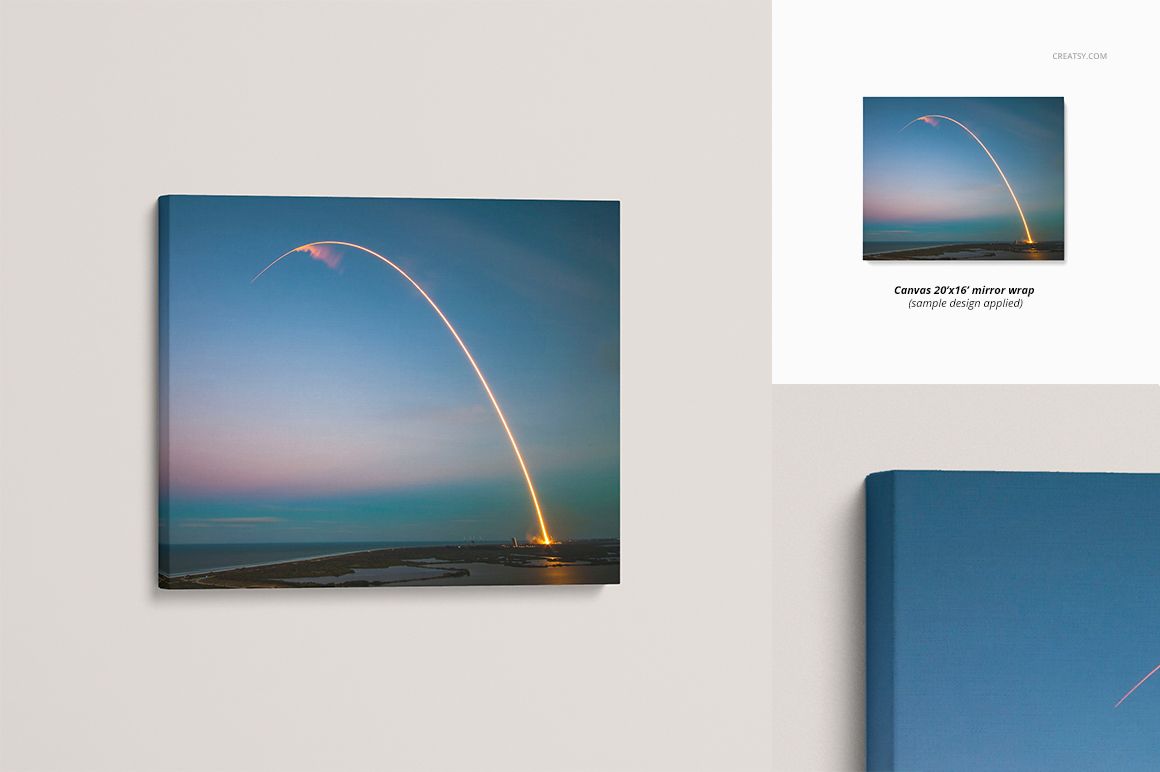
Canvas Print Mockup Set from Creatsy gives you 78 PSD files covering 39 canvas sizes in two different viewing angles. This comprehensive collection handles every standard canvas proportion from small squares to large panoramic formats, each rendered at 300 DPI with a realistic 1.5-inch canvas depth. Whether you run a print-on-demand shop, manage an art gallery, or design wall decor for interior projects, this set eliminates the need to source individual mockups for each canvas size and wrapping style. Seven wrapping types and multiple background textures ensure that every presentation feels complete and professionally styled.
Why This Mockup Set Works
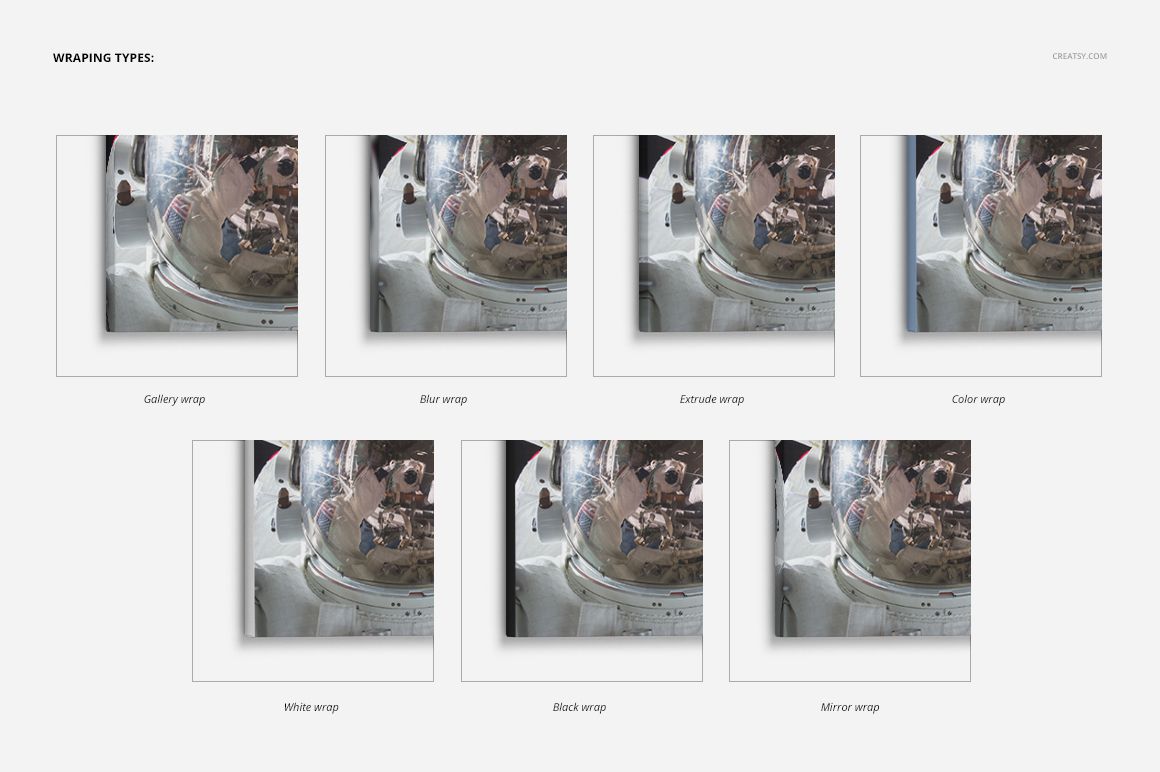
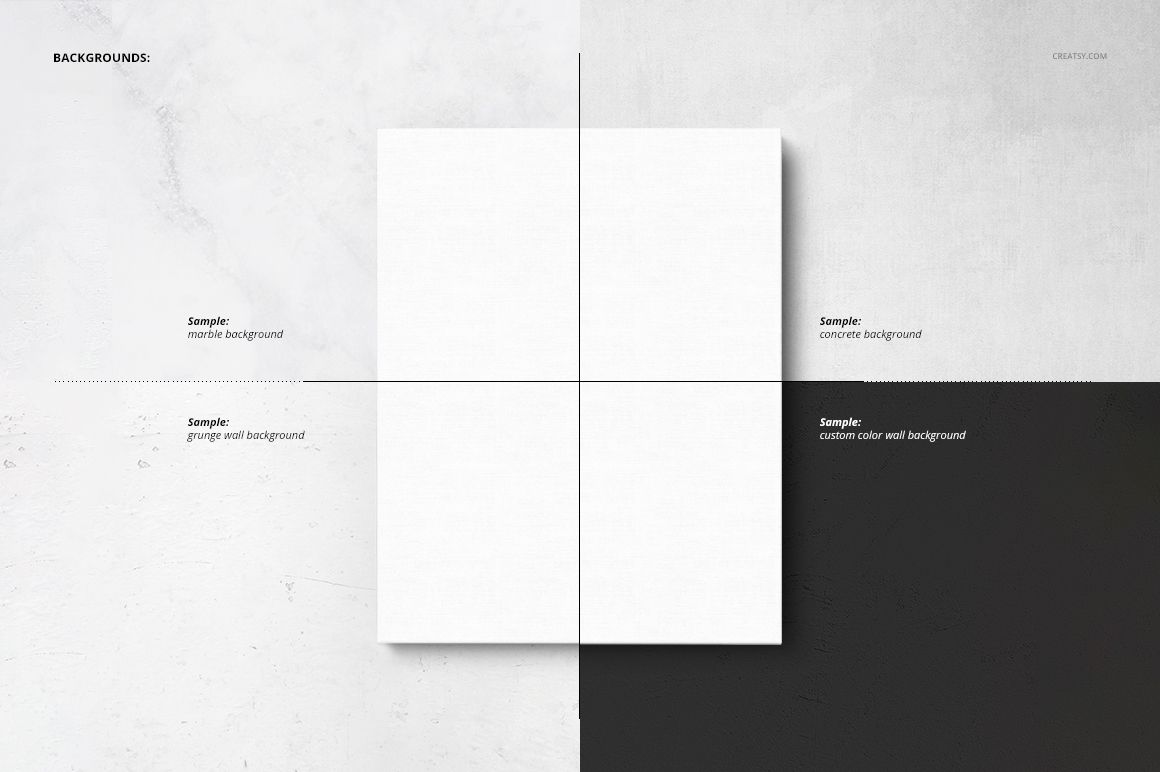
Most canvas mockup packs offer a handful of sizes and a single wrapping option. This set delivers 39 distinct canvas dimensions, each available from two separate angles, and includes seven wrapping types: gallery wrap, blur wrap, extrude, solid color, black, white, and mirror. That range means you can show clients exactly how their artwork will look on the finished product regardless of the canvas proportion or edge treatment they choose. Multiple background options including grunge wall, concrete, marble, and custom color let you match the presentation to any interior style or brand aesthetic. The realistic 1.5-inch canvas depth adds a sense of physical presence that flat mockups cannot achieve.
What Is Included
This download contains 78 PSD files organized across 9 downloadable archives. Canvas sizes range from 3000 x 3000 pixels up to 6500 x 6500 pixels at 300 DPI, covering everything from compact square formats to wide panoramic dimensions. Every file features a canvas print with a realistic 1.5-inch thick profile, accurate side wrapping, and natural shadow casting. Files are structured with well-organized layers following the same naming conventions used across all Creatsy mockups. Every file includes an Amazon-ready white background option built in, so you can export marketplace-compliant images without additional editing or background removal.
What You Can Customize
Smart object layers let you place your artwork, photography, or illustration onto the canvas surface with automatic perspective correction. You can switch between seven different wrapping types to show clients how the edge treatment affects their design. Background layers offer grunge wall, concrete, marble, and custom solid color options, giving you full control over the presentation environment. Adjust canvas color, surface texture, and shadow intensity to match your brand or client preferences across all 39 canvas sizes.
Who This Mockup Set Is For
This set serves print-on-demand entrepreneurs who need consistent mockups across their entire canvas size catalog, art galleries and online art shops presenting collections in a unified visual style, interior designers showing clients how prints will look in different room settings, and photographers building portfolio presentations for fine art prints. Artists selling on Etsy, Amazon, or Shopify will find the Amazon-ready white backgrounds and comprehensive size coverage particularly valuable for creating professional listing images across their full product range.
File Specifications
File count: 78 PSD files across 9 archives. Canvas sizes: 39 distinct dimensions. Angles: 2 per size. Dimensions range: 3000 x 3000 to 6500 x 6500 pixels. Resolution: 300 DPI. Canvas thickness: 1.5 inches. Wrapping types: gallery, blur, extrude, color, black, white, mirror. Backgrounds: grunge wall, concrete, marble, custom color. Amazon-ready white background included. Compatibility: Adobe Photoshop CC 2020 or newer only.














Clearly you can tell these guys are experienced and have put a lot of time into their craft. High quality products, very customisable, and super user friendly. I've bought a few products from here and I've no doubt I'll be back again at some point. Keep up the great work!
Thank you so much for your kind words! We’re thrilled to hear you’ve had such a good experience with our mockups. It means a lot to know you find them user friendly and high quality. We really appreciate your continued support and hope to see you again soon.