Present Rolled Canvas Art from Print Surface to Shipping Tube
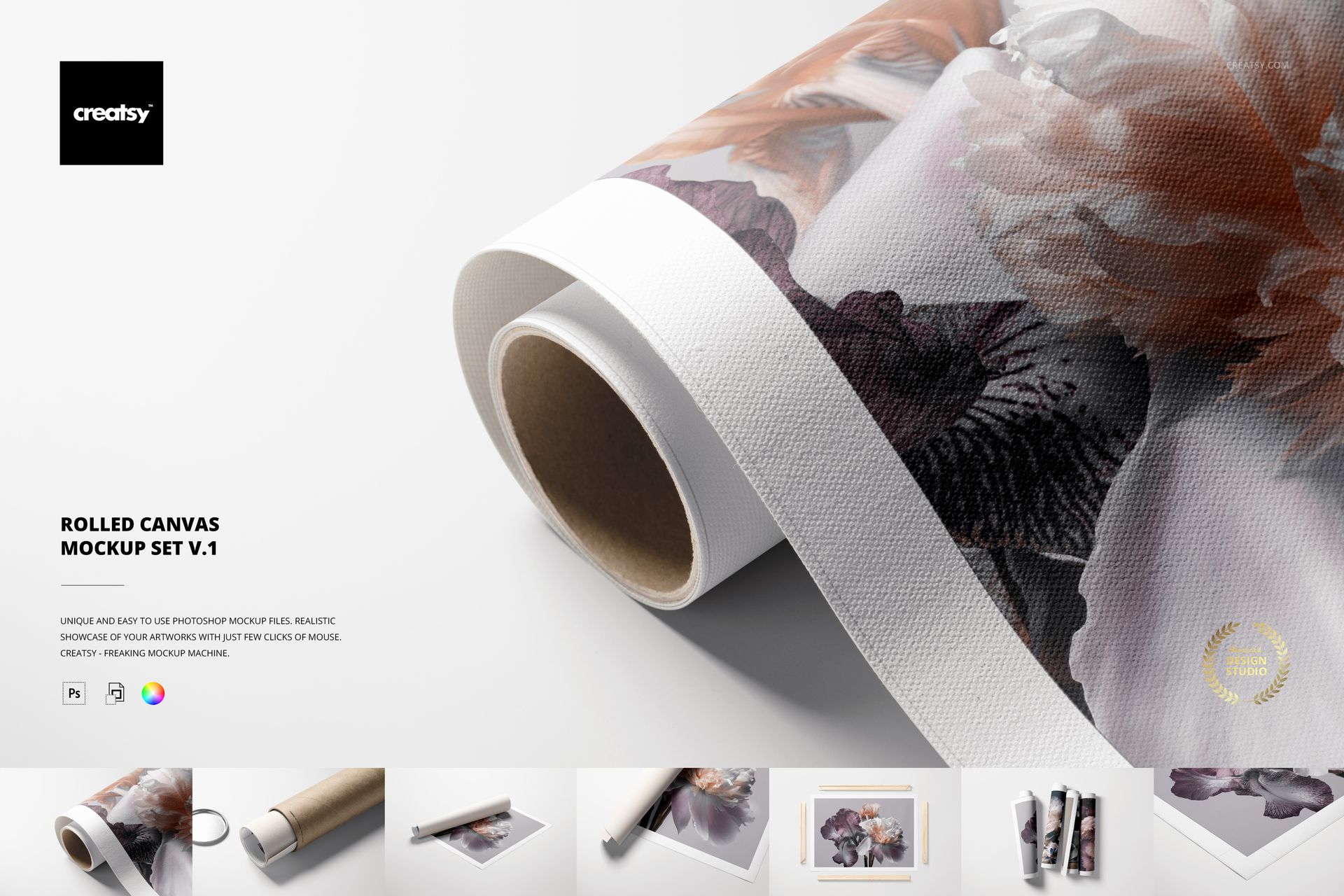
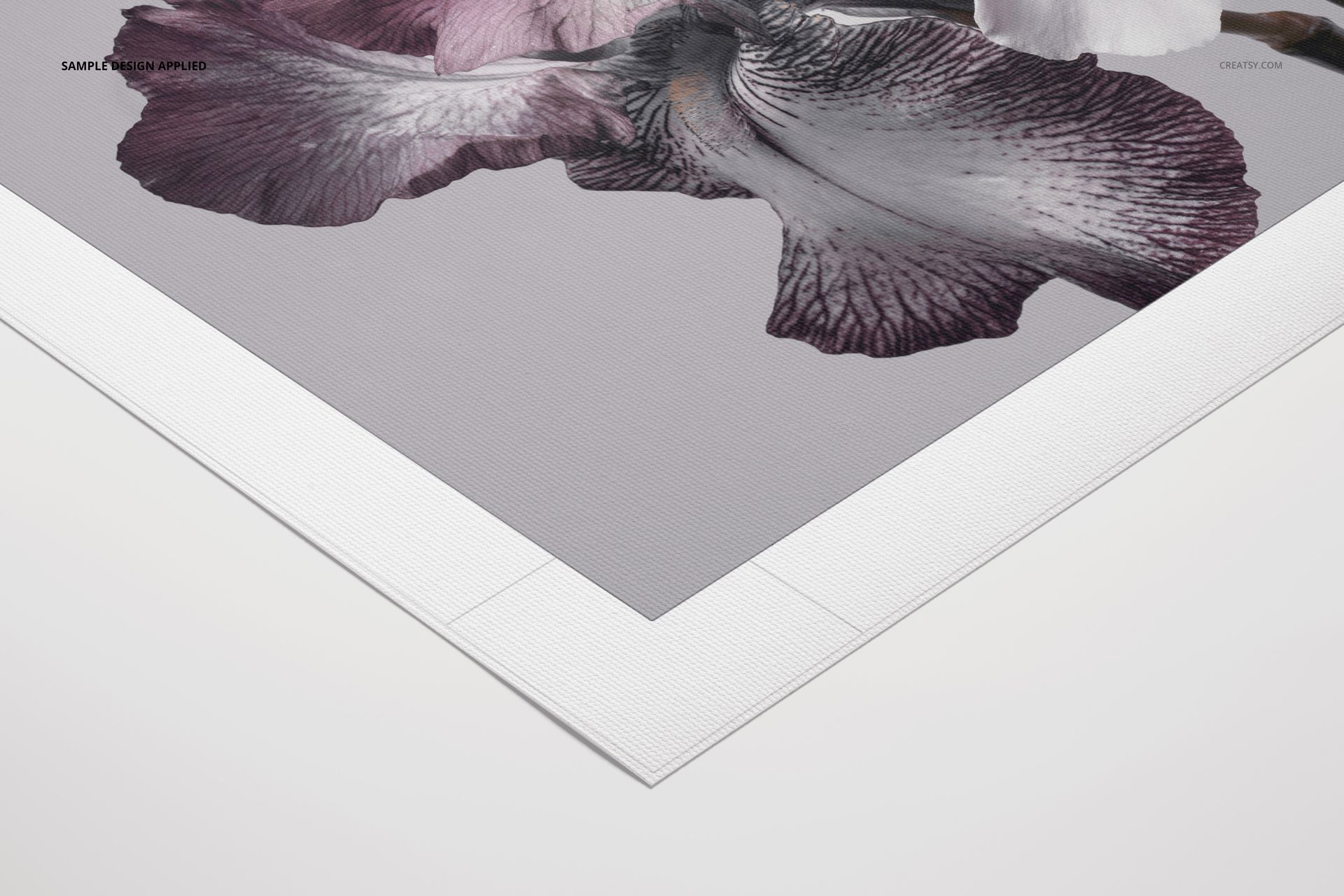
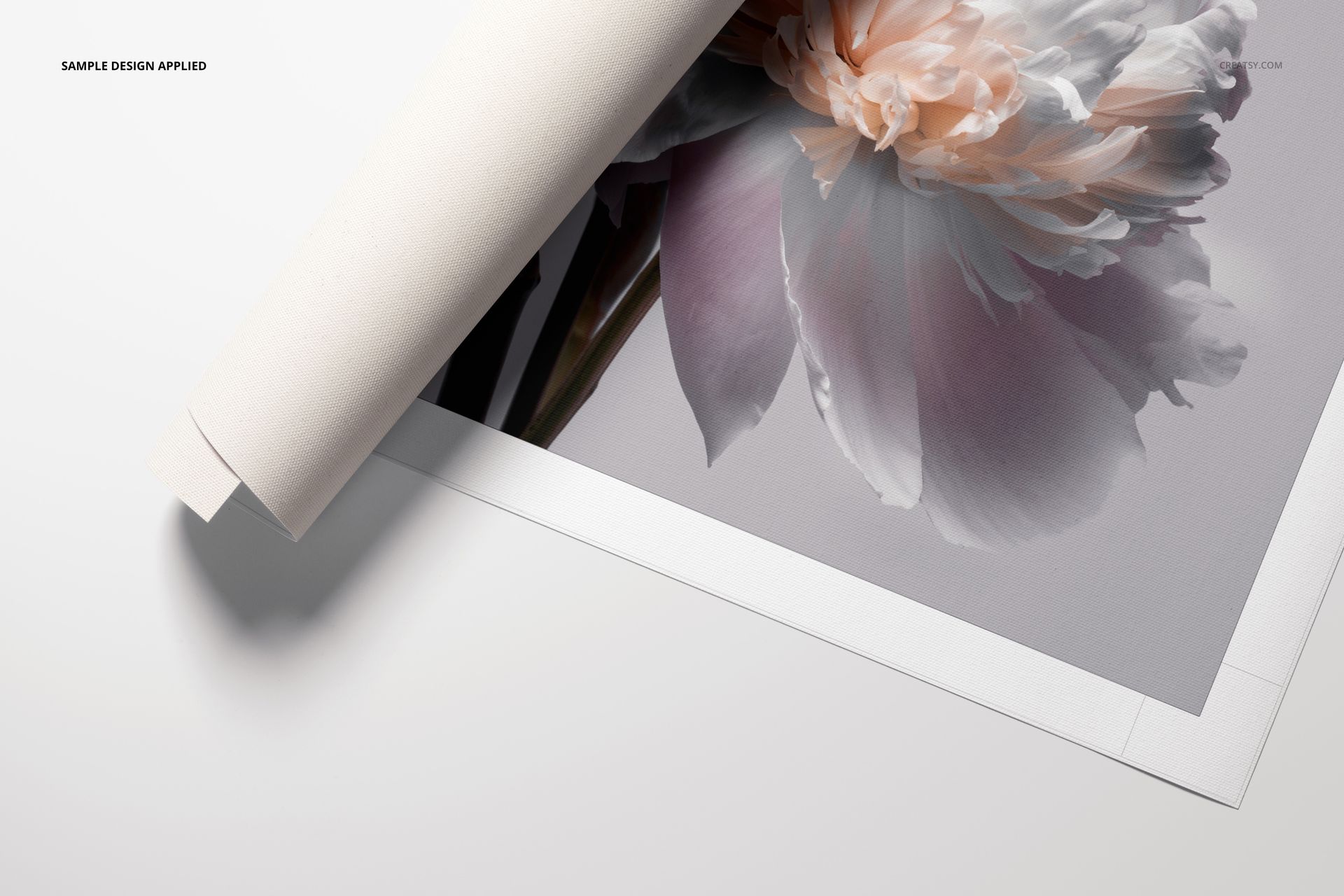
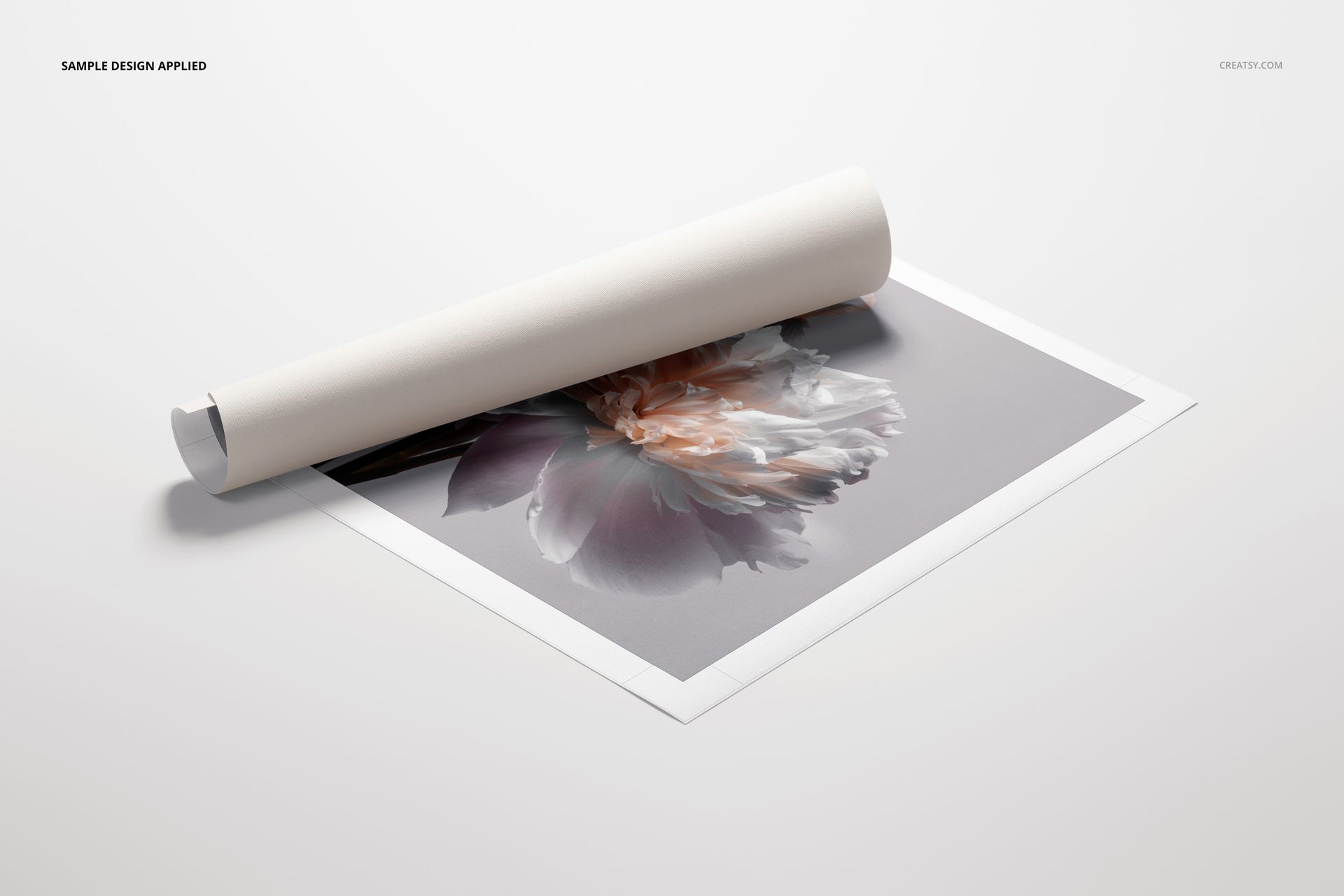
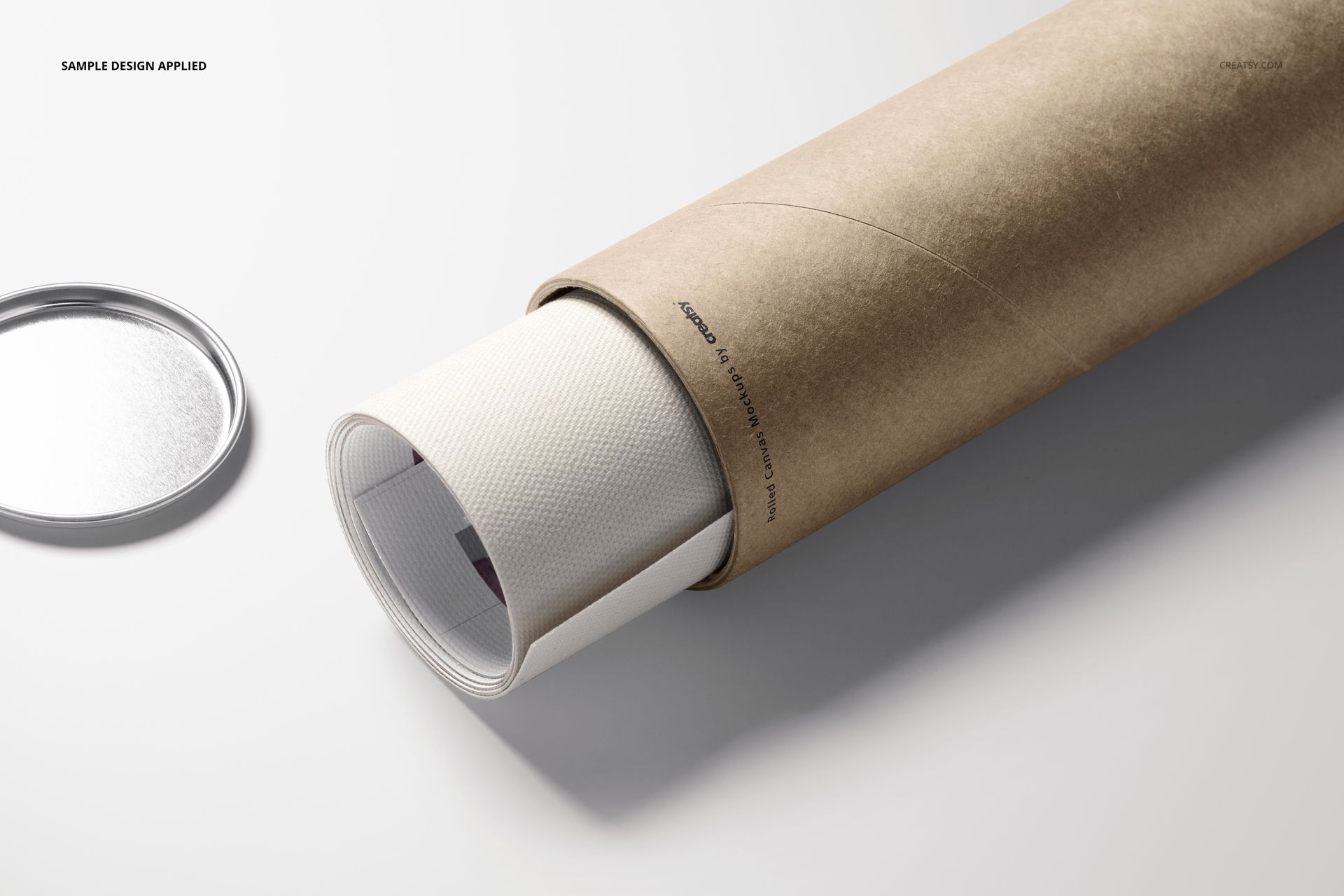
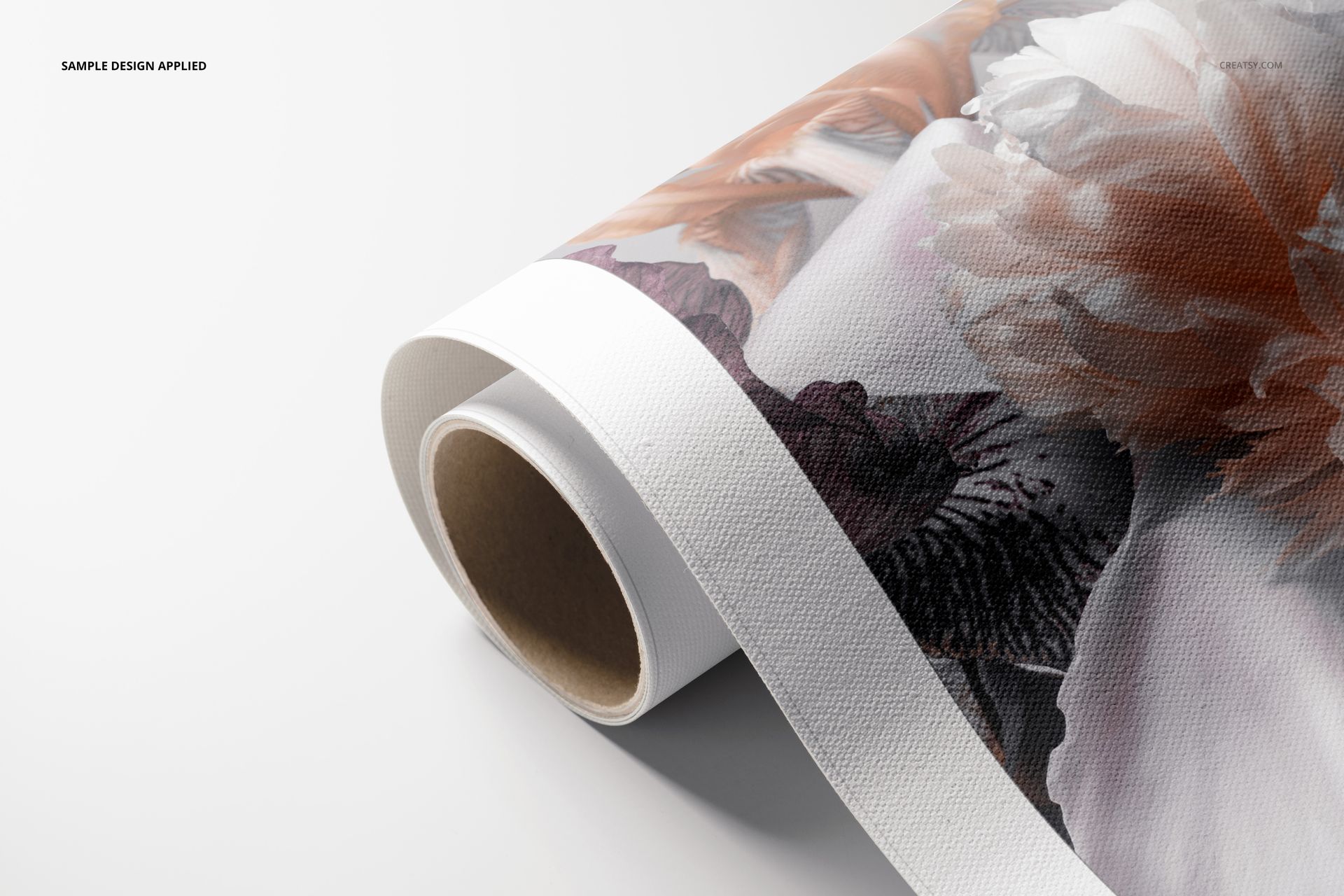
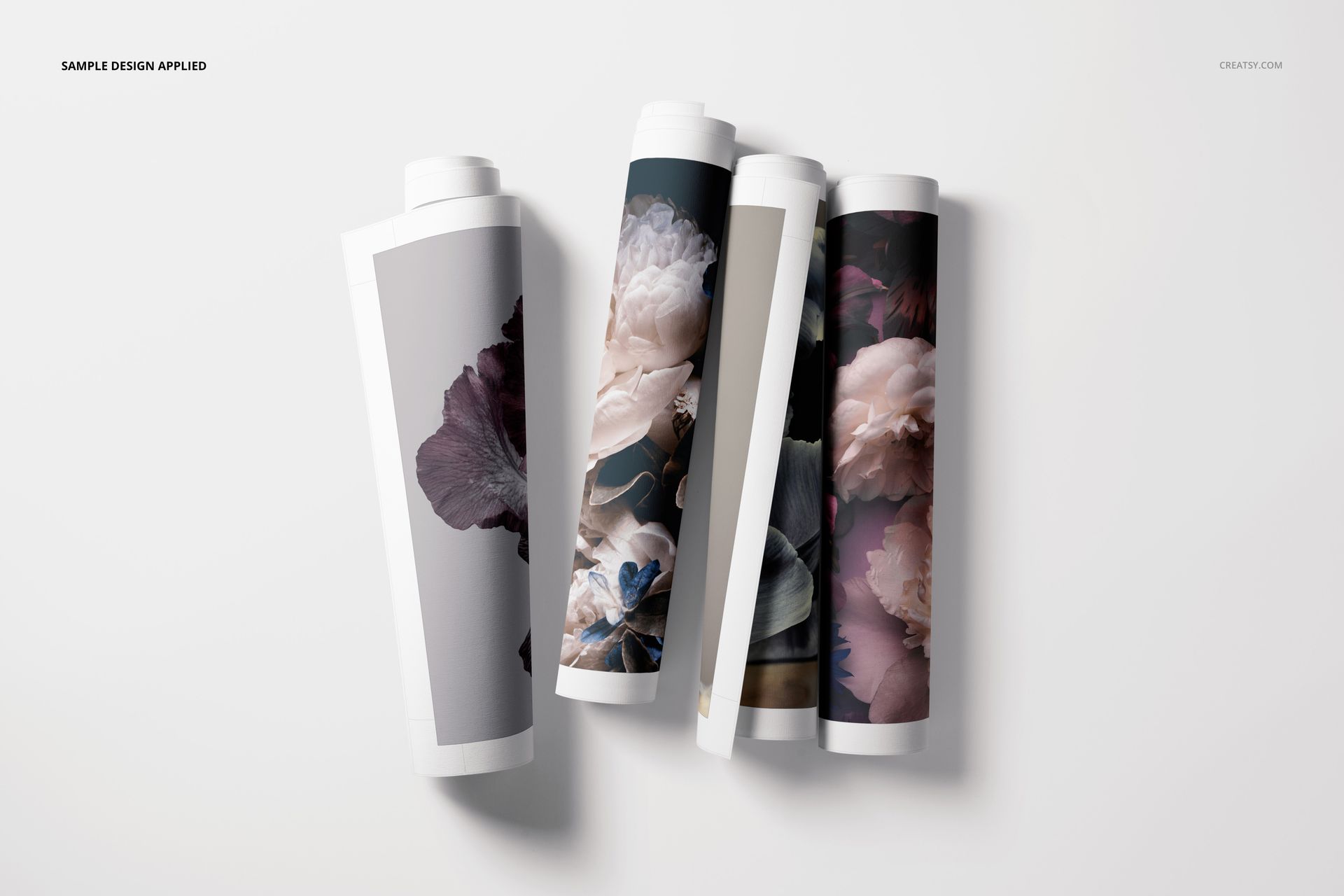
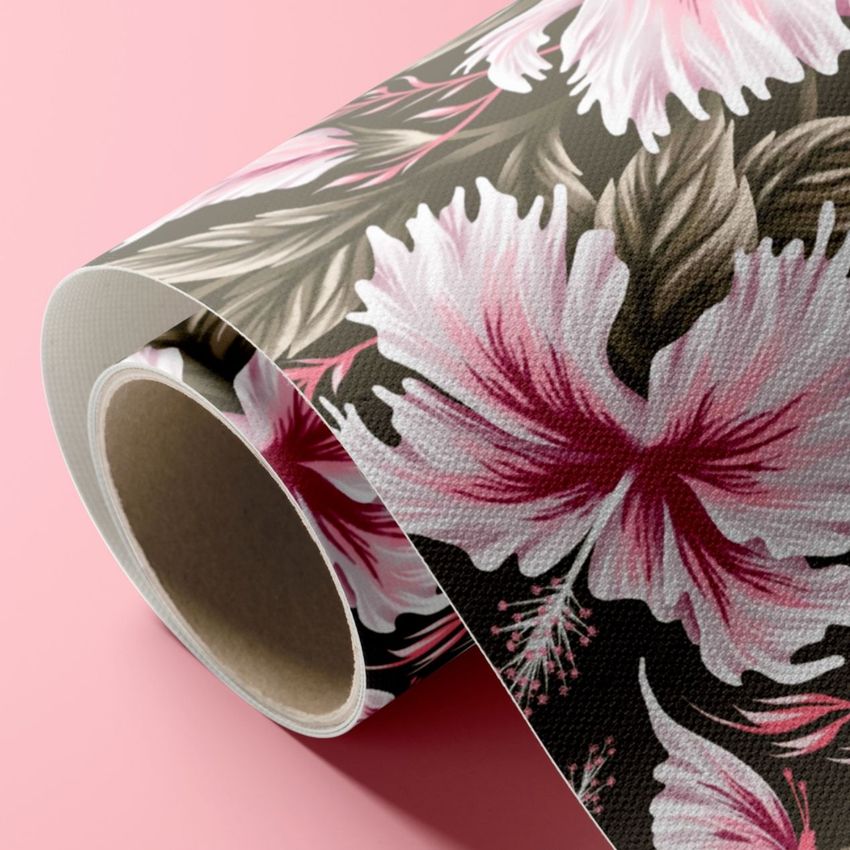
Rolled Canvas Print Mockup Set v.1 is a seven-scene PSD collection for artists, photographers, illustrators, surface pattern designers, print studios and online wall art sellers. It presents flexible canvas prints rolled, partially unrolled, grouped together, paired with kraft-colored tubes and shown in detailed closeups. The varied angles help customers understand the artwork, woven texture, printed edge, border treatment and packaging before they order.
Seven High-Resolution Canvas Mockup Scenes
Every layered PSD measures 6000 x 4000 px at 300 DPI. Smart Objects streamline artwork placement while prepared texture, highlights and shadows integrate a design naturally with the canvas surface. Use the set for ecommerce galleries, print-on-demand launches, portfolio case studies, social campaigns and client approvals.
What Is Included?
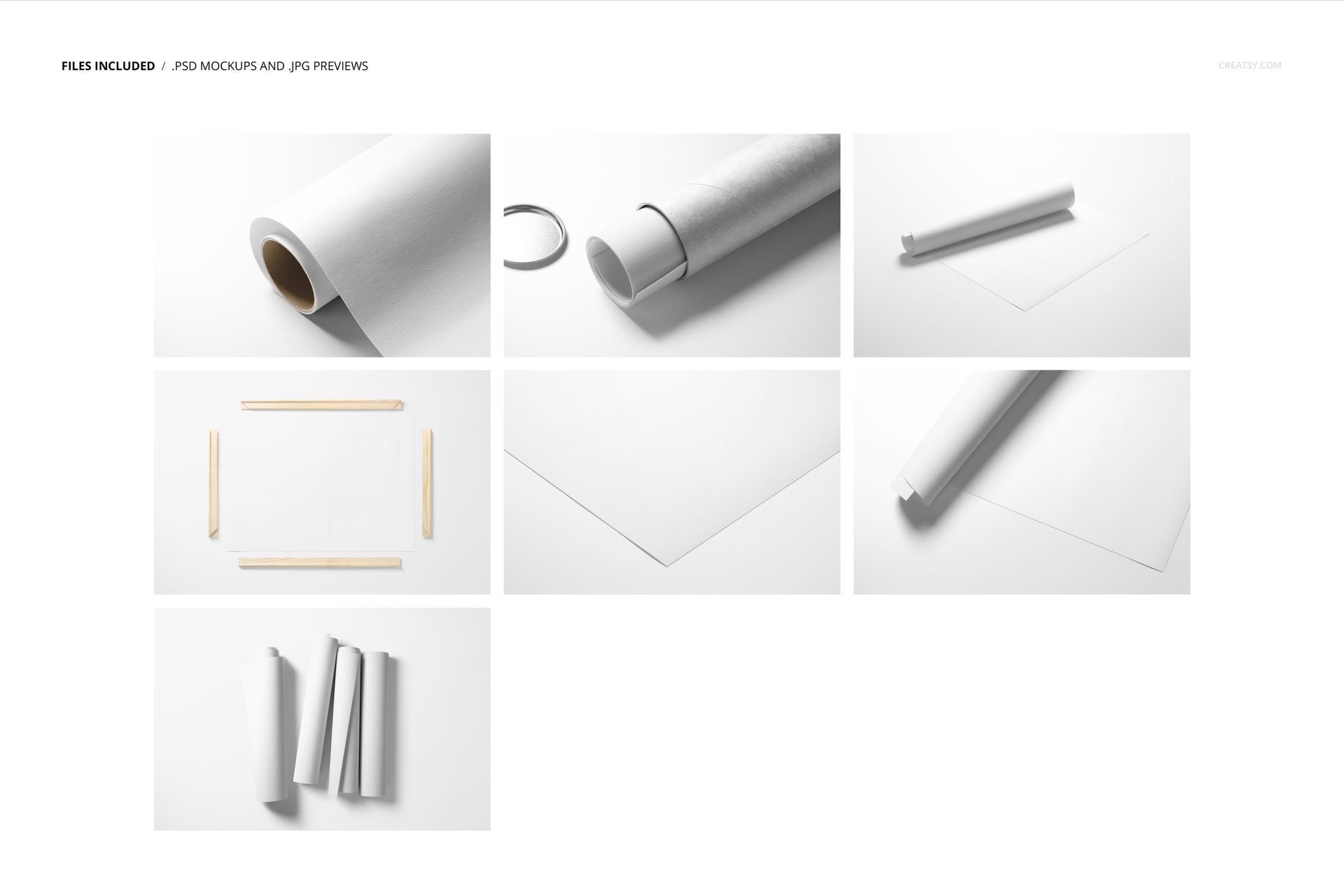
7 layered PSD mockup files
7 JPG preview files
1 PDF user manual
15 file entries in total
Rolled, partially unrolled, tube packaging, grouped-roll and closeup compositions
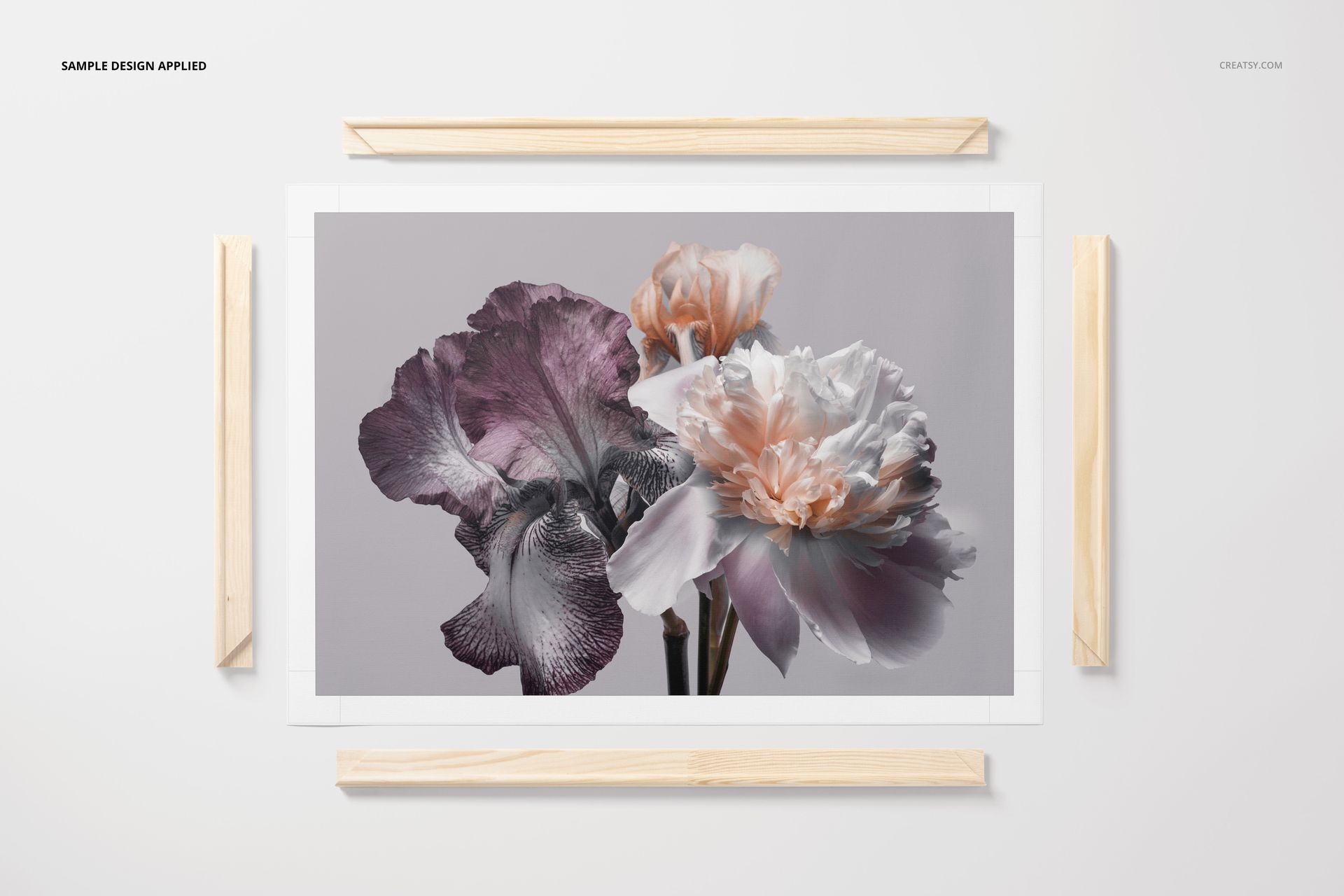
Selected scenes with wooden print display rails
The displayed compressed package size is 580 MB for Windows and 609 MB for macOS.
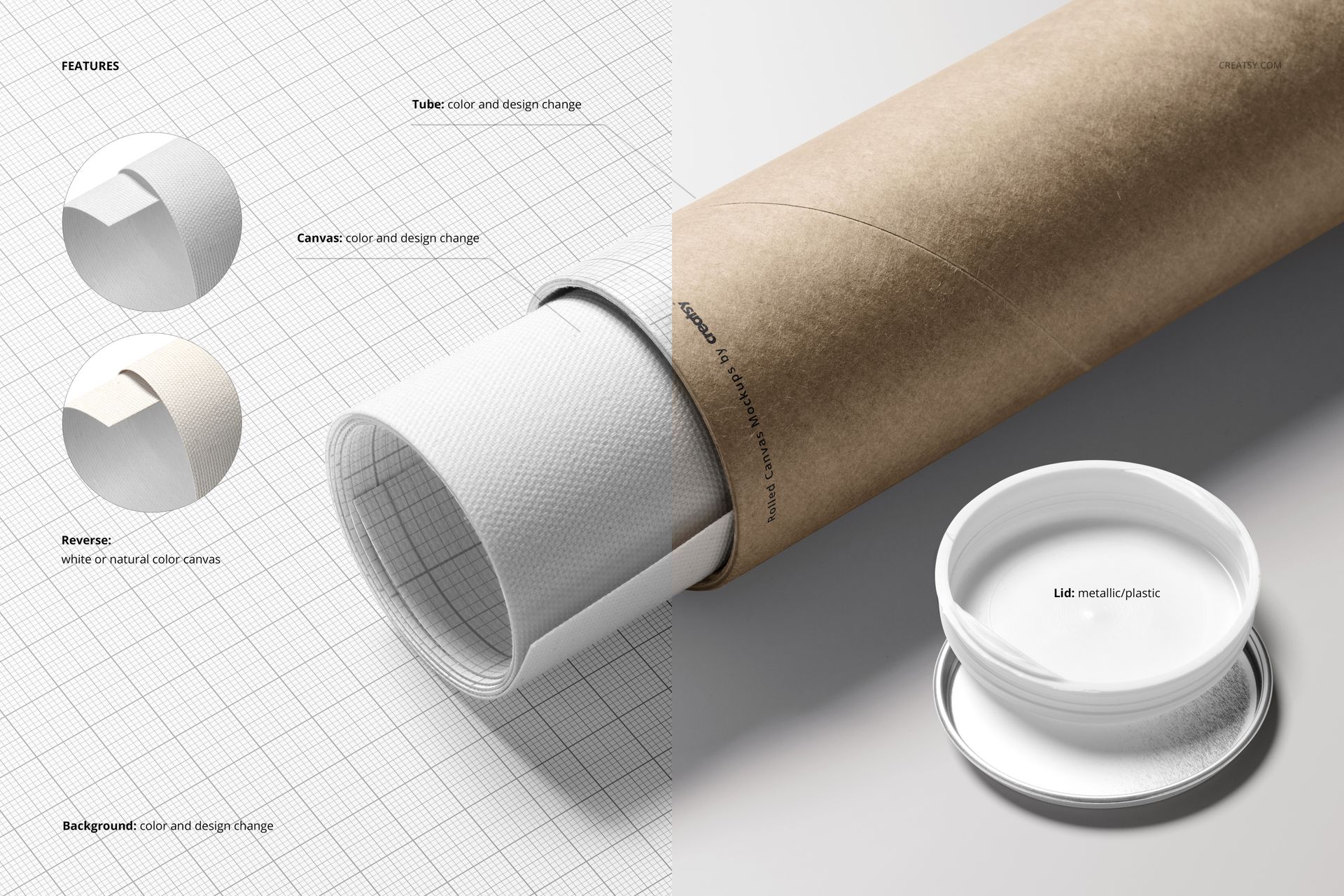
Editable Details Shown in the Previews
Canvas artwork through Smart Objects
Tube color and tube surface design
White or natural canvas reverse side
Metal or plastic tube lid appearance
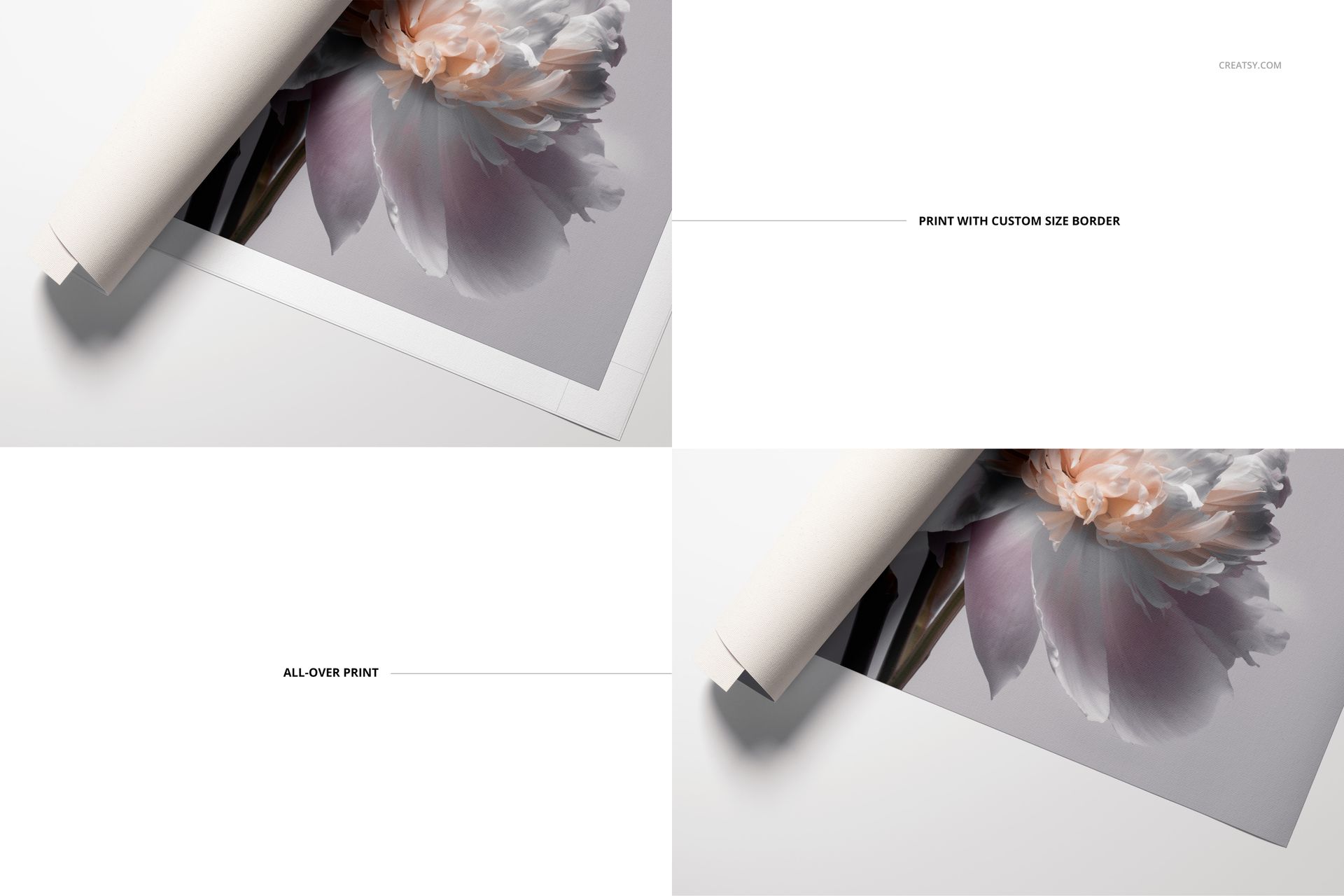
Custom-width white border or all-over print
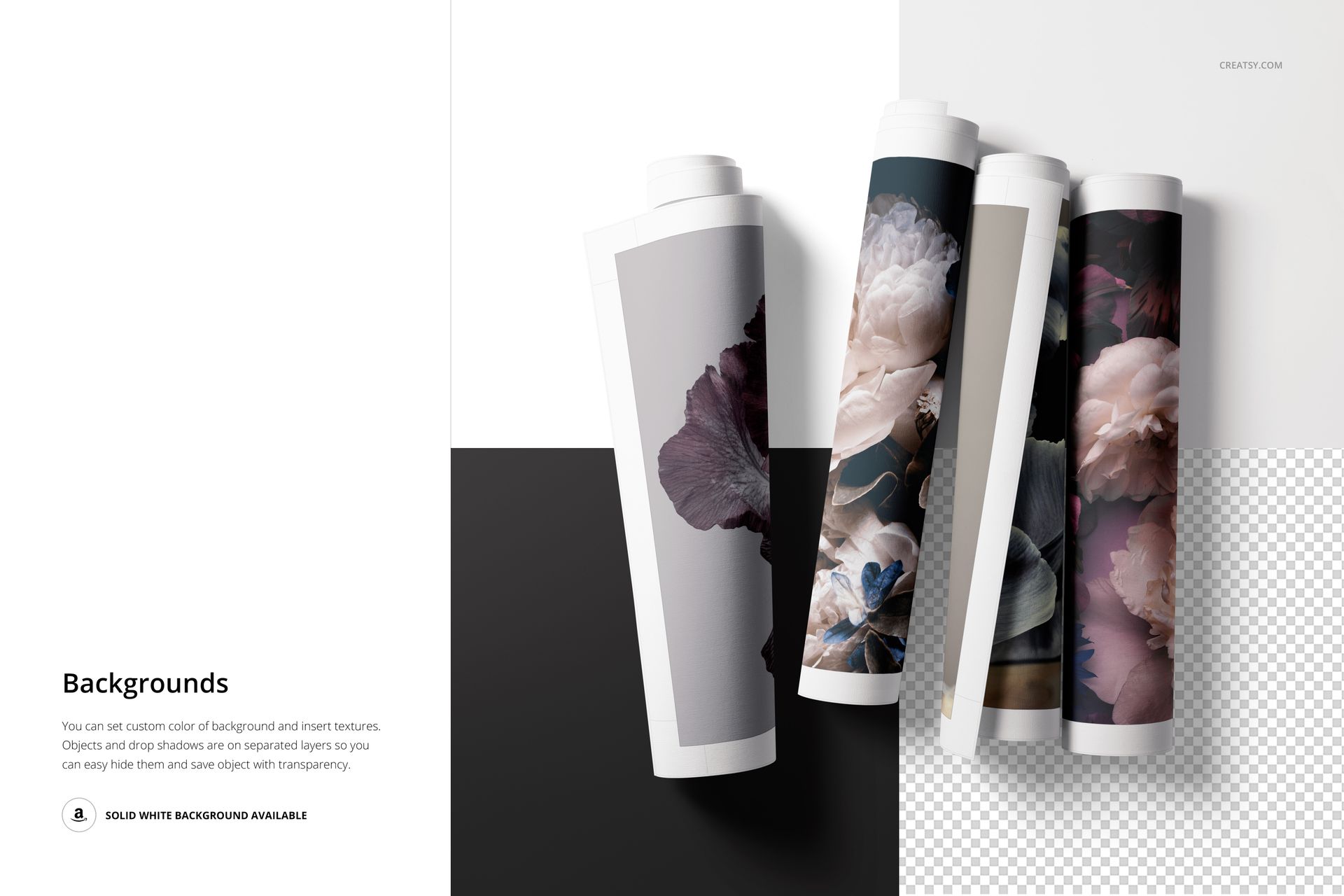
Background color and background design
Separately organized objects and shadows
Optional hidden shadows and transparent-background export
Apply one design to all seven perspectives for a consistent product gallery, or use different artworks to present a coordinated collection. A solid white background is also demonstrated for clean marketplace images.
Software and Workflow
The mockups are designed for Adobe Photoshop CC 2020 or newer. Open the designated Smart Object, place your illustration, photograph, poster or repeating pattern, save it and return to the main scene. The included PDF user manual supports the basic placement workflow.
Artwork and Community Credits
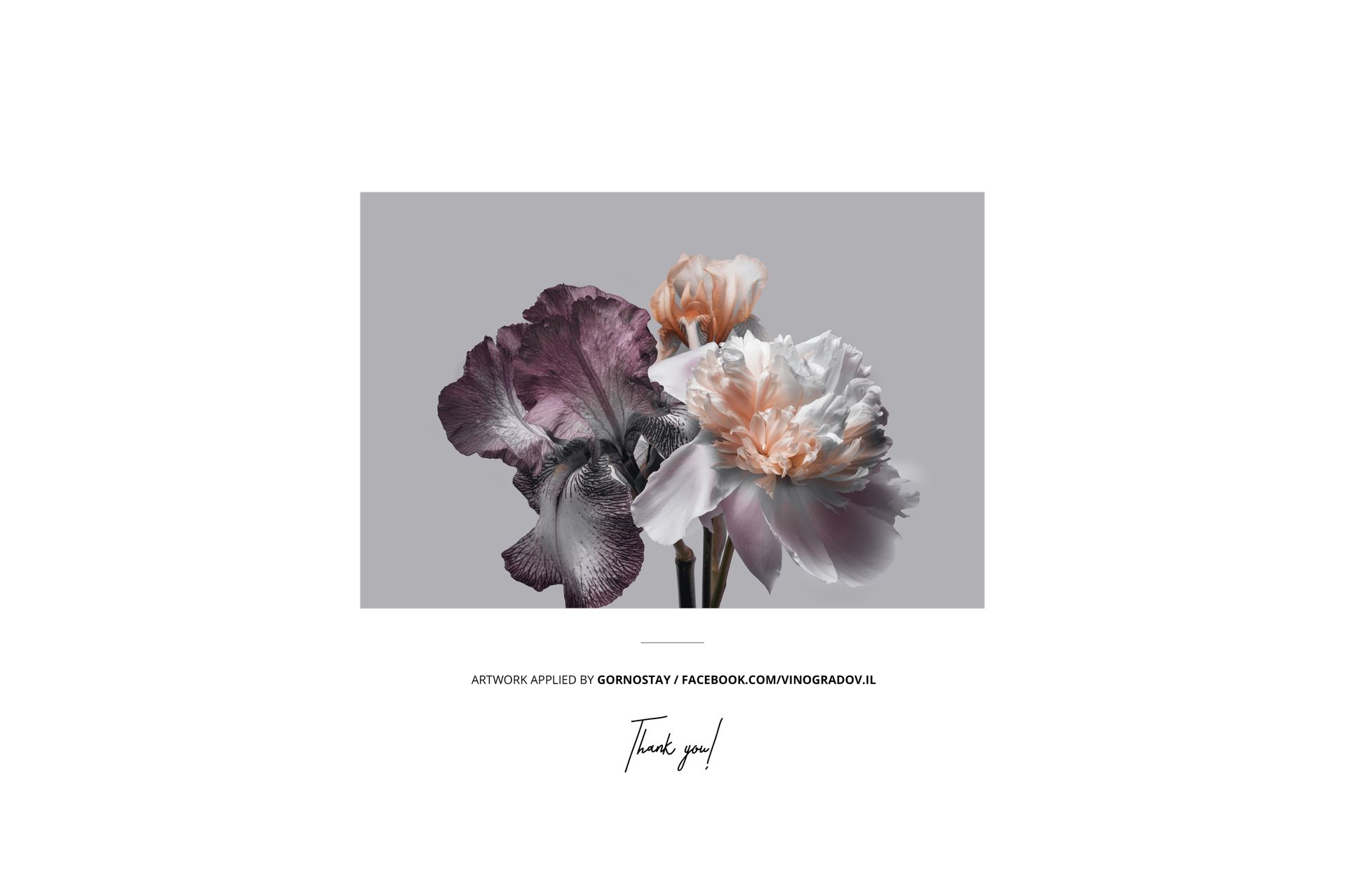
The floral artwork displayed in the product previews was applied by Gornostay. It is demonstration content only and is not included with the mockup.
A separate Made with Creatsy example titled Tropical Pattern is credited to Andrea Muller. Her artwork is also not included with the product files.
Explore the Complete Rolled Canvas Collection
This set is part of the Rolled Canvas Print Mockup Bundle, which combines three coordinated rolled canvas collections for a wider choice of angles and compositions.
















Excellent Product and customer service.
Thank you so much! We’re glad to hear you had a great experience with both the mockup and our support. We really appreciate your review.