Canvas Print Mockup Set with 14 Aspect Ratios
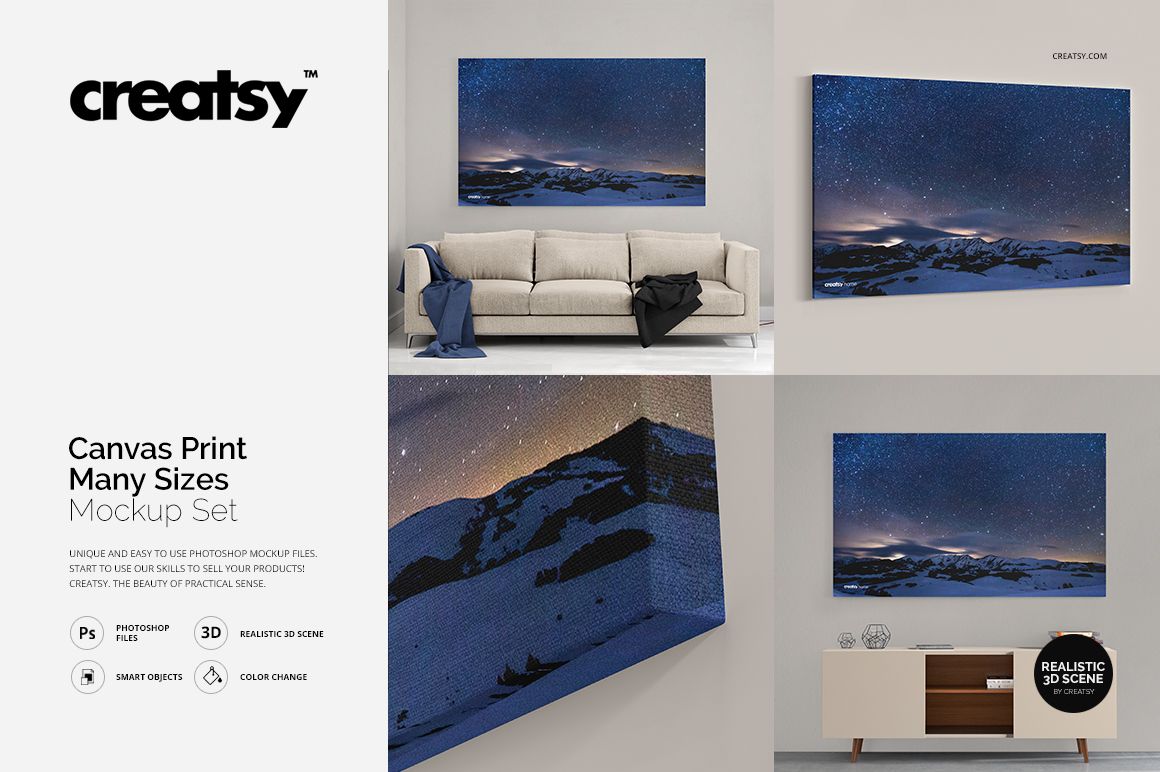
Present canvas artwork across square, panoramic, landscape and portrait formats with one coordinated Photoshop mockup collection. The set gives artists, photographers, print studios and online shops a consistent way to compare proportions, edge treatments and room presentations before creating product images or client previews.
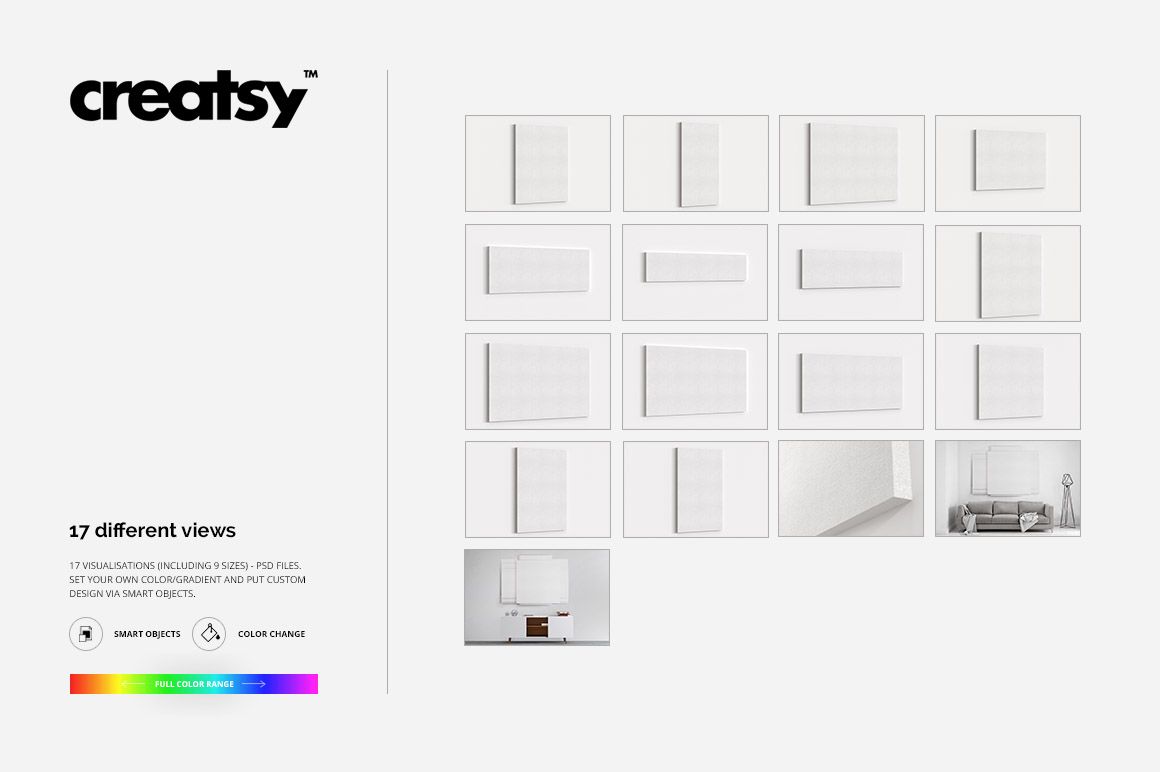
The download contains 98 files: 47 layered PSD mockups, 47 JPG previews and 4 TIF guides. The PSD collection is built from 14 canvas aspect ratios in three edge treatments, plus three dedicated closeup files and two editable room scenes.
Included Files
47 layered PSD files at 4500 × 3000 px and 300 DPI
47 JPG preview files
4 TIF guide files
98 files in total
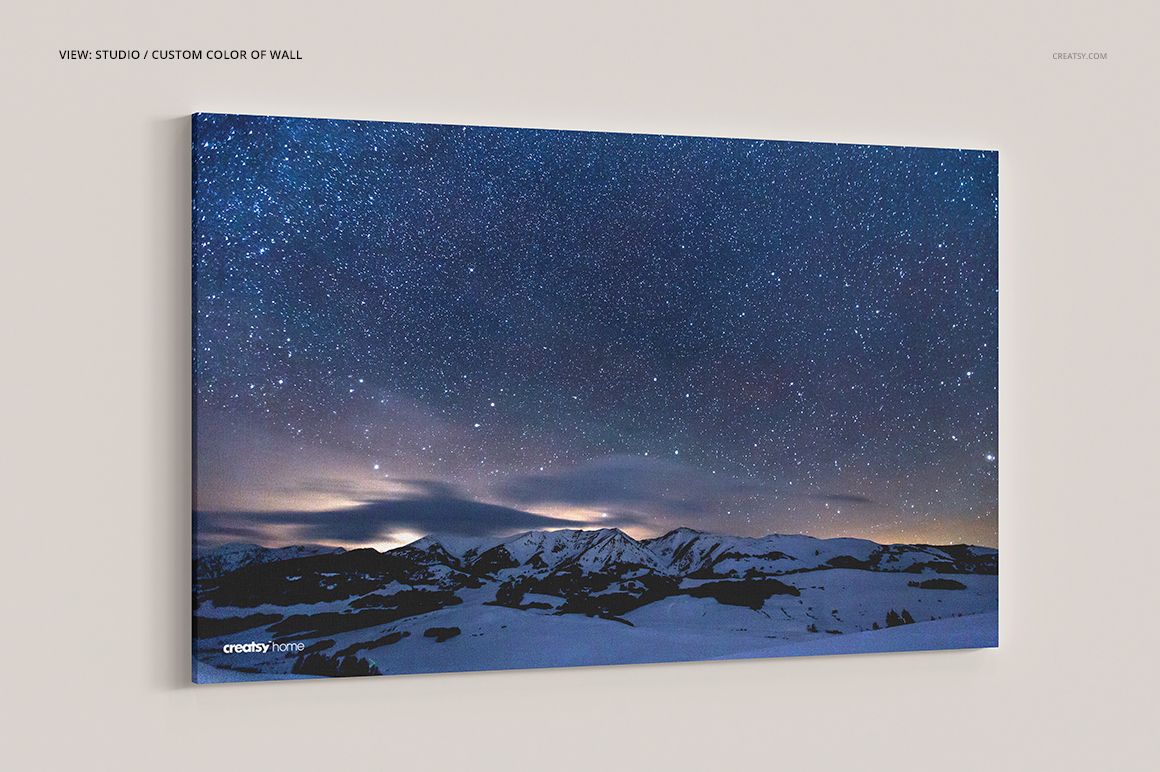
42 studio PSD files covering 14 ratios in 3 edge treatments
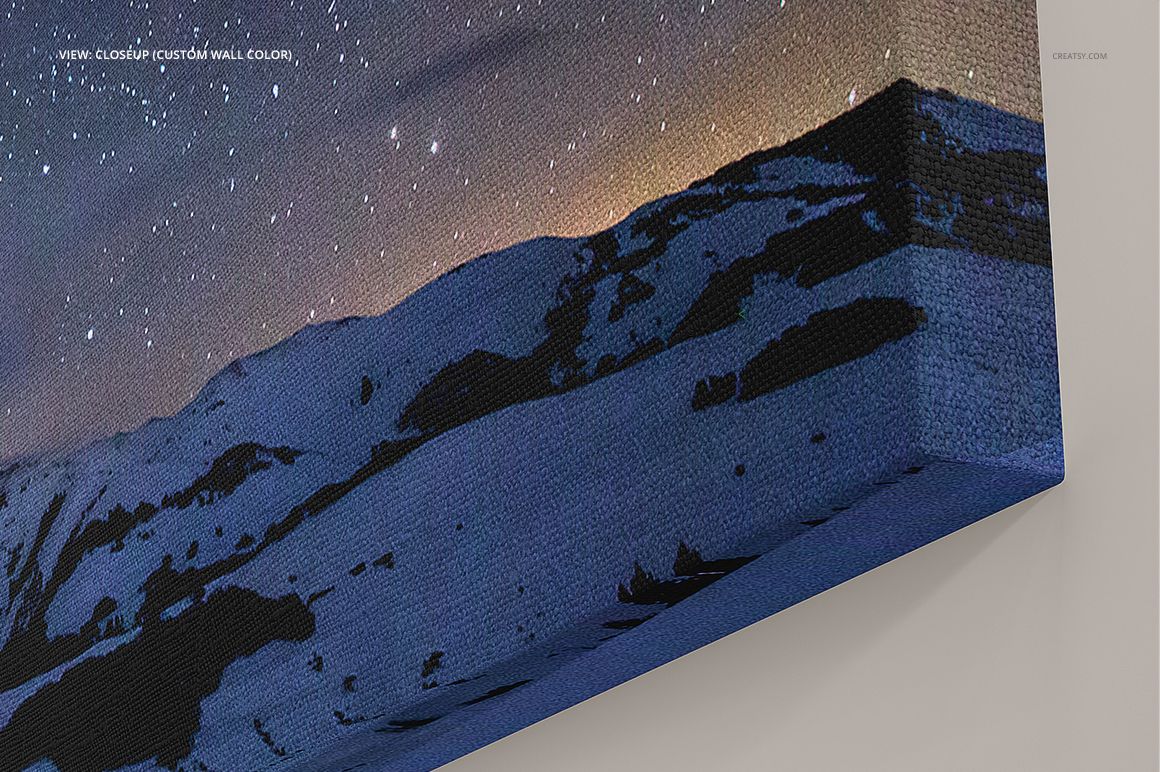
3 closeup PSD files, one for each edge treatment
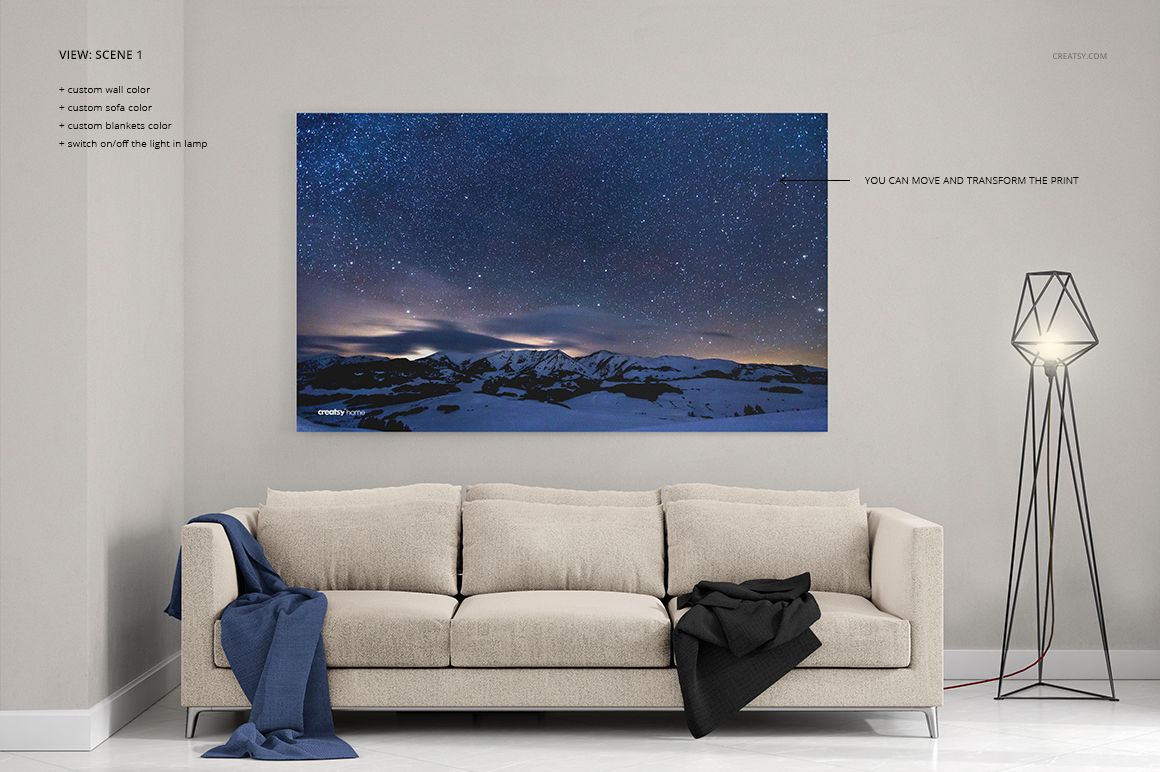
2 editable interior PSD scenes
Smart Object artwork replacement
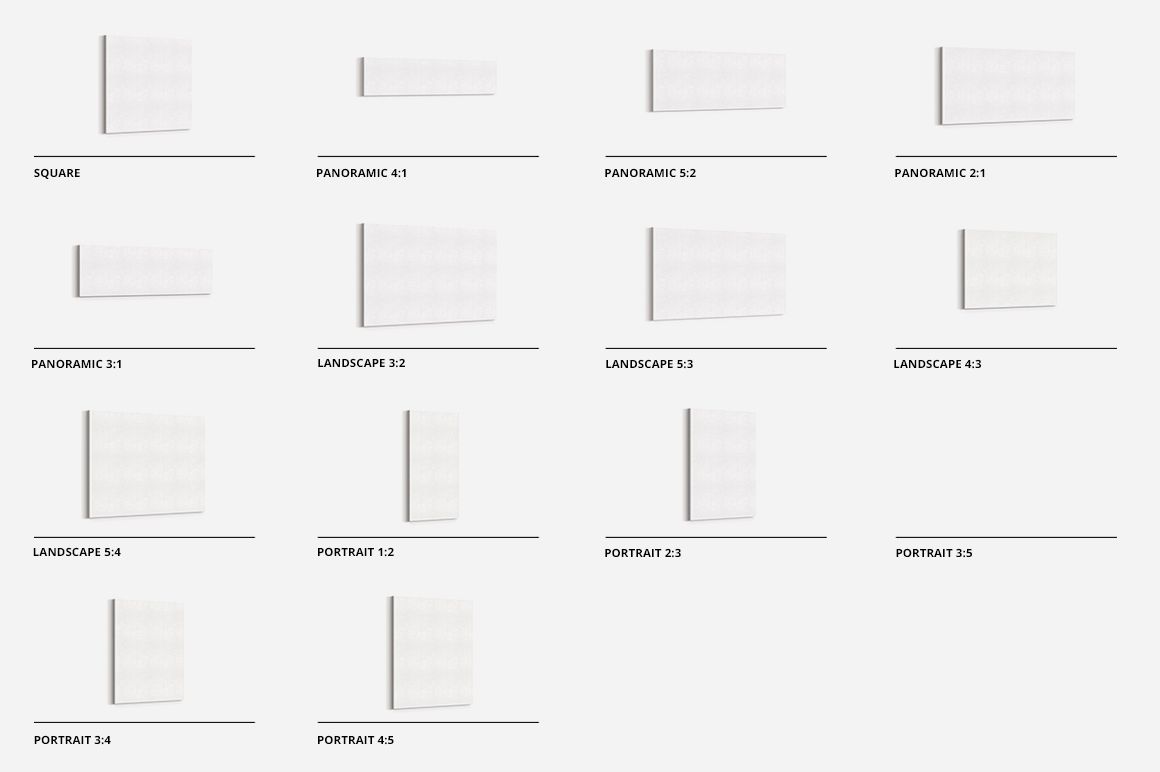
14 Canvas Aspect Ratios
Square: 1:1
Panoramic: 4:1, 5:2, 2:1 and 3:1
Landscape: 3:2, 5:3, 4:3 and 5:4
Portrait: 1:2, 2:3, 3:5, 3:4 and 4:5
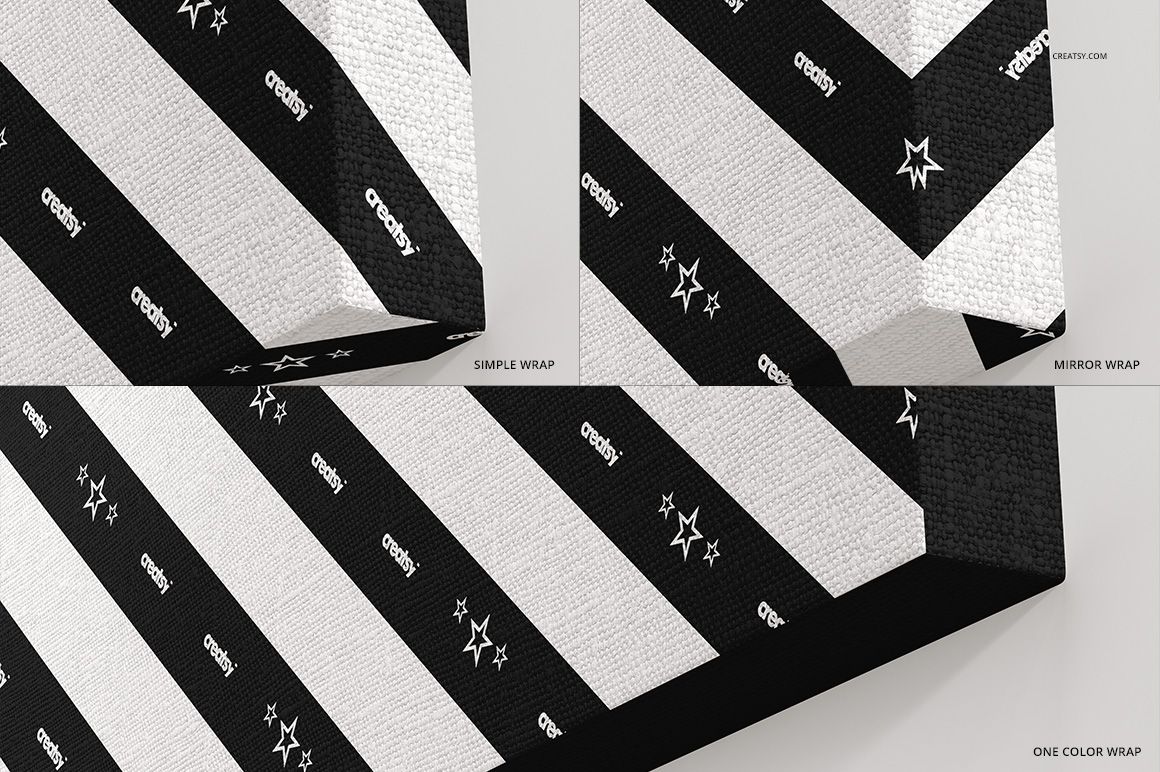
Three Edge Treatments
Simple Wrap for a standard artwork-wrapped edge
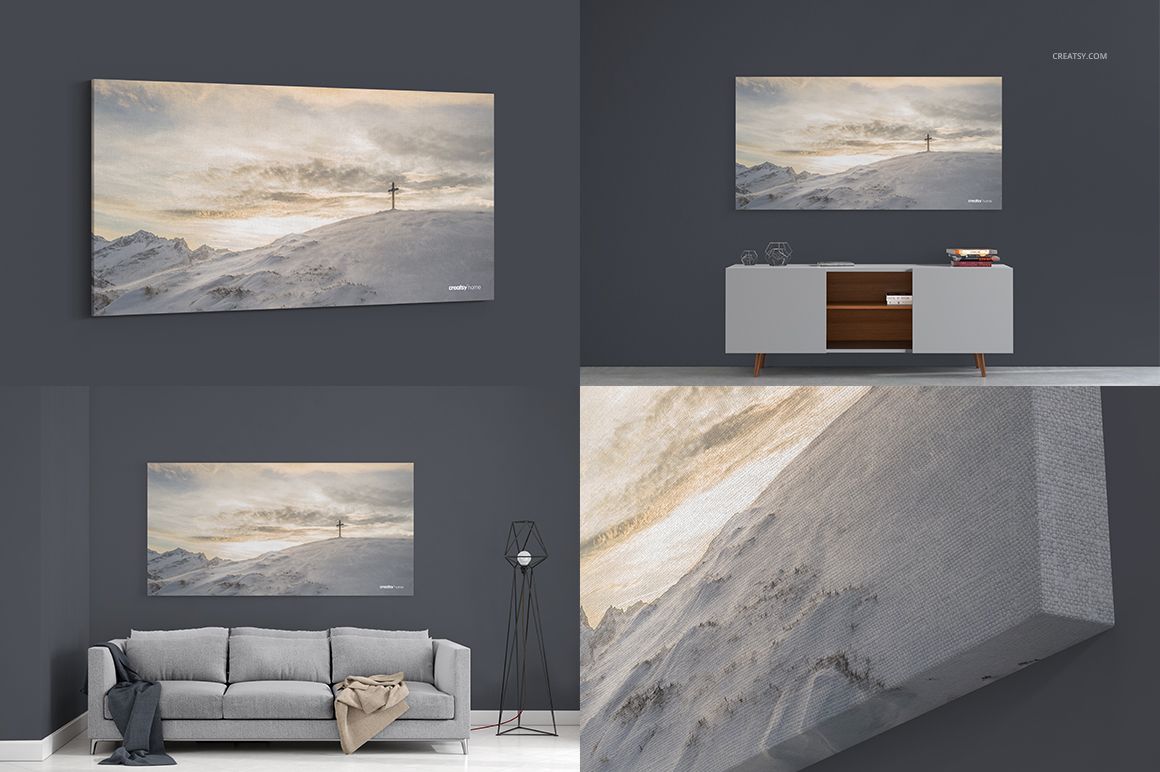
Mirror Wrap for reflected artwork along the canvas sides
One Color Wrap for a coordinated solid-color edge
Smart Object Workflow
Open the relevant Smart Object, place the artwork and save it to refresh the presentation. The canvas proportions, perspective, edge treatment and scene lighting remain aligned around the inserted design, making it easy to prepare several formats from one visual system.
Editable Studio and Interior Scenes
White backgrounds included in the studio and closeup files
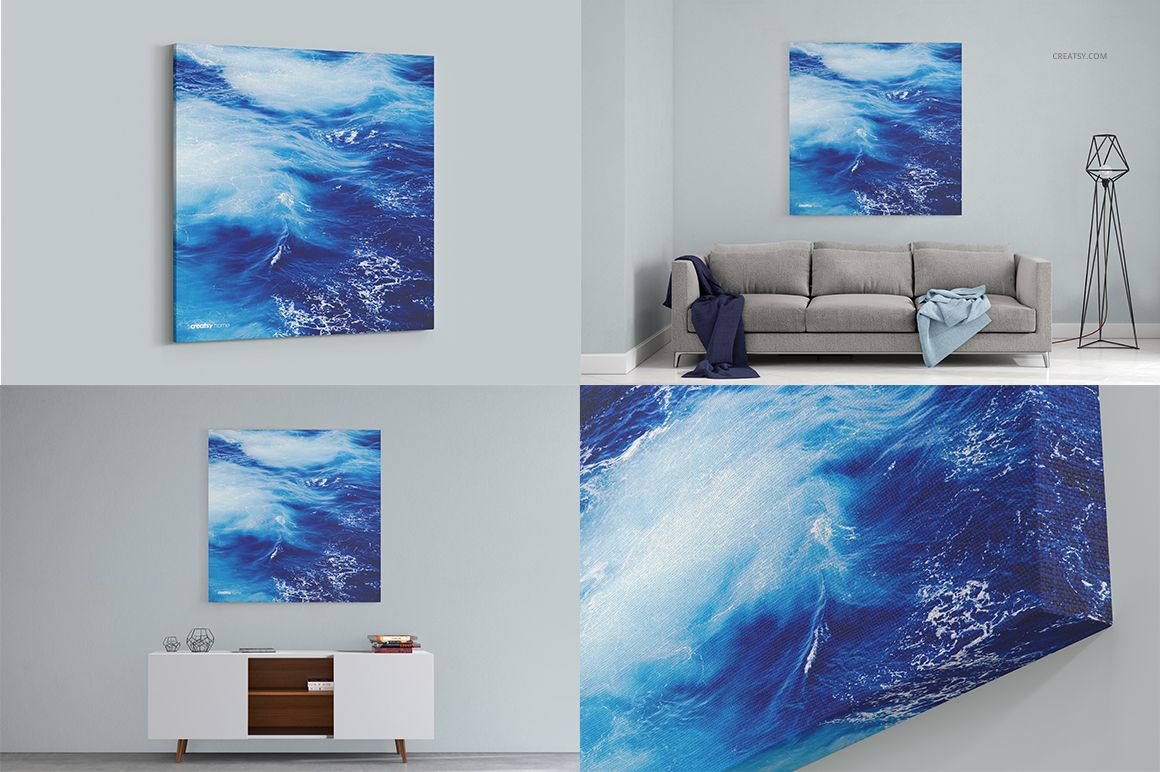
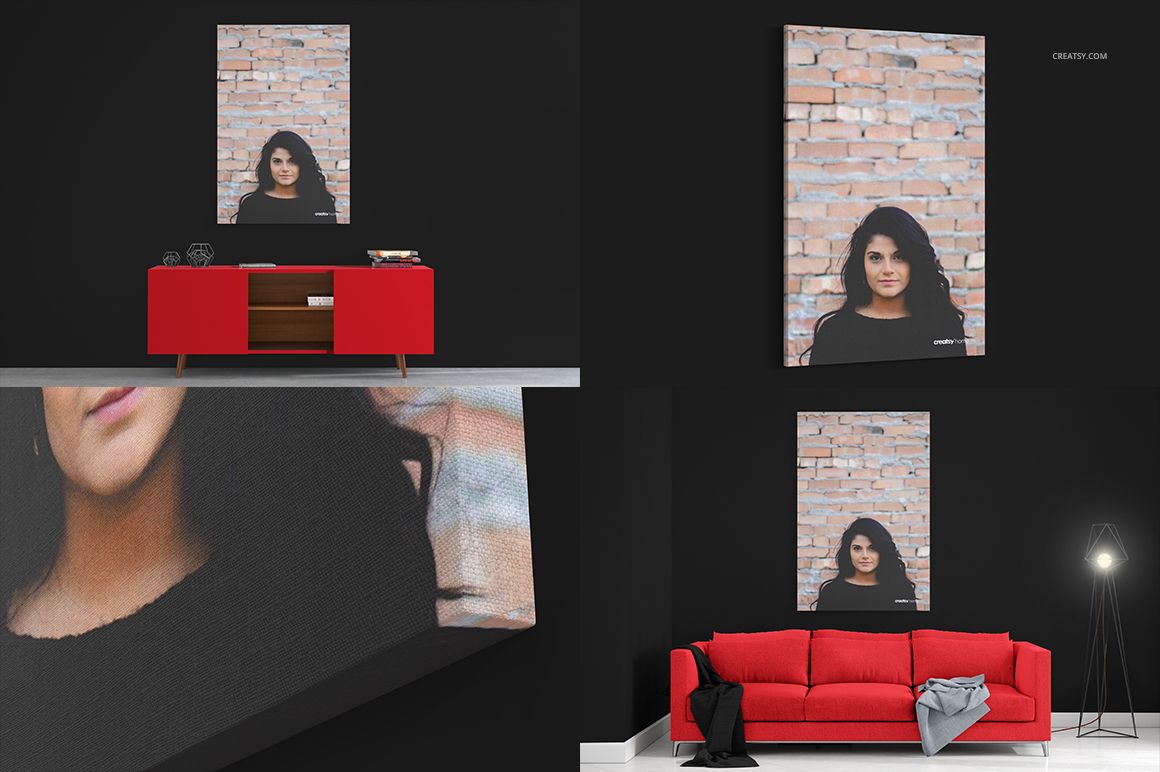
Scene 1 controls for the sofa, blankets and wall colors
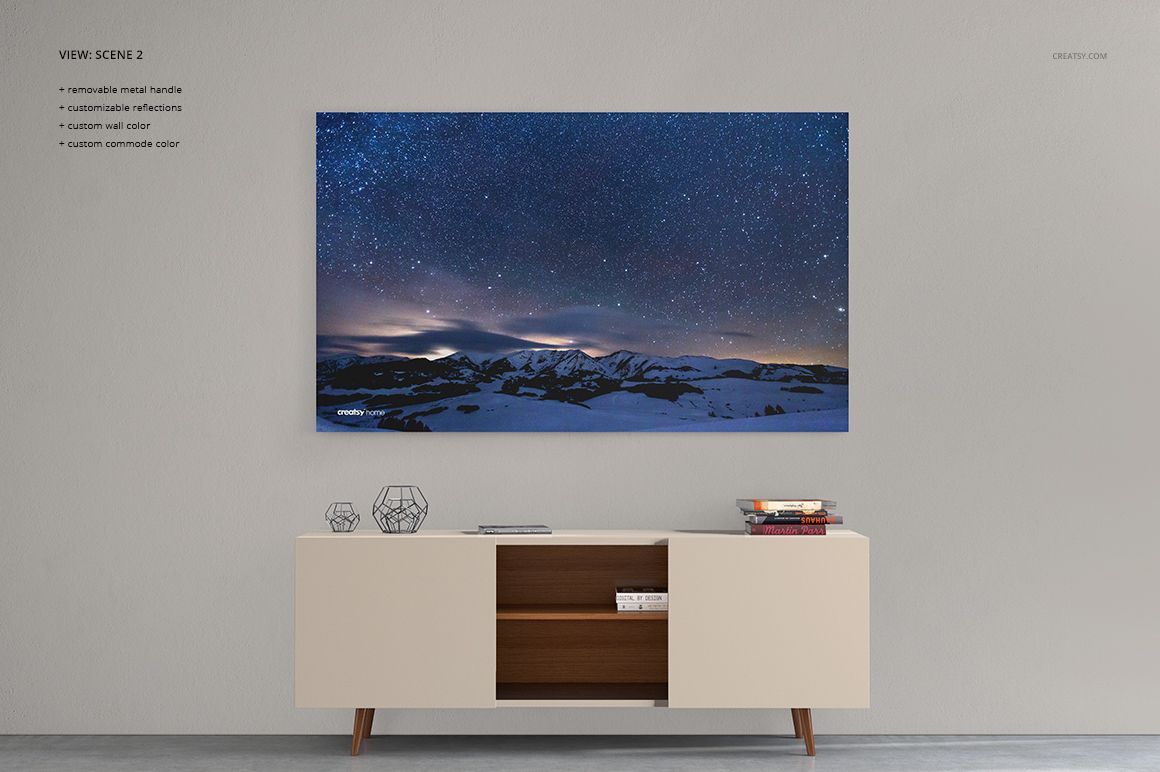
Scene 2 controls for the cabinet and wall colors
Switchable lamp lighting
Editable colors and gradients where available
Organized layers for efficient artwork presentation
Ideal Uses
Canvas wall art product listings
Panoramic photography presentations
Square, landscape and portrait art previews
Print shop catalogs and ratio comparisons
Artist portfolios and client proposals
Ecommerce galleries and promotional content
This is a digital mockup set, not a physical canvas print. The sample artwork visible in the preview images is shown for demonstration and is not included in the download.














5 Stars, Excellent product
Thank you so much, Dawid! We’re really happy to hear you like the product. We truly appreciate your support and hope you enjoy using the mockup.