
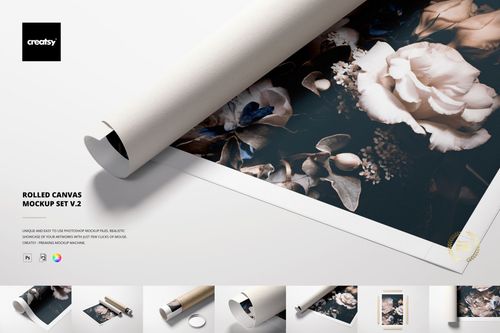
Rolled Canvas Print Mockup Bundle
Creatsy in Mockups / Canvas Prints
Product Details
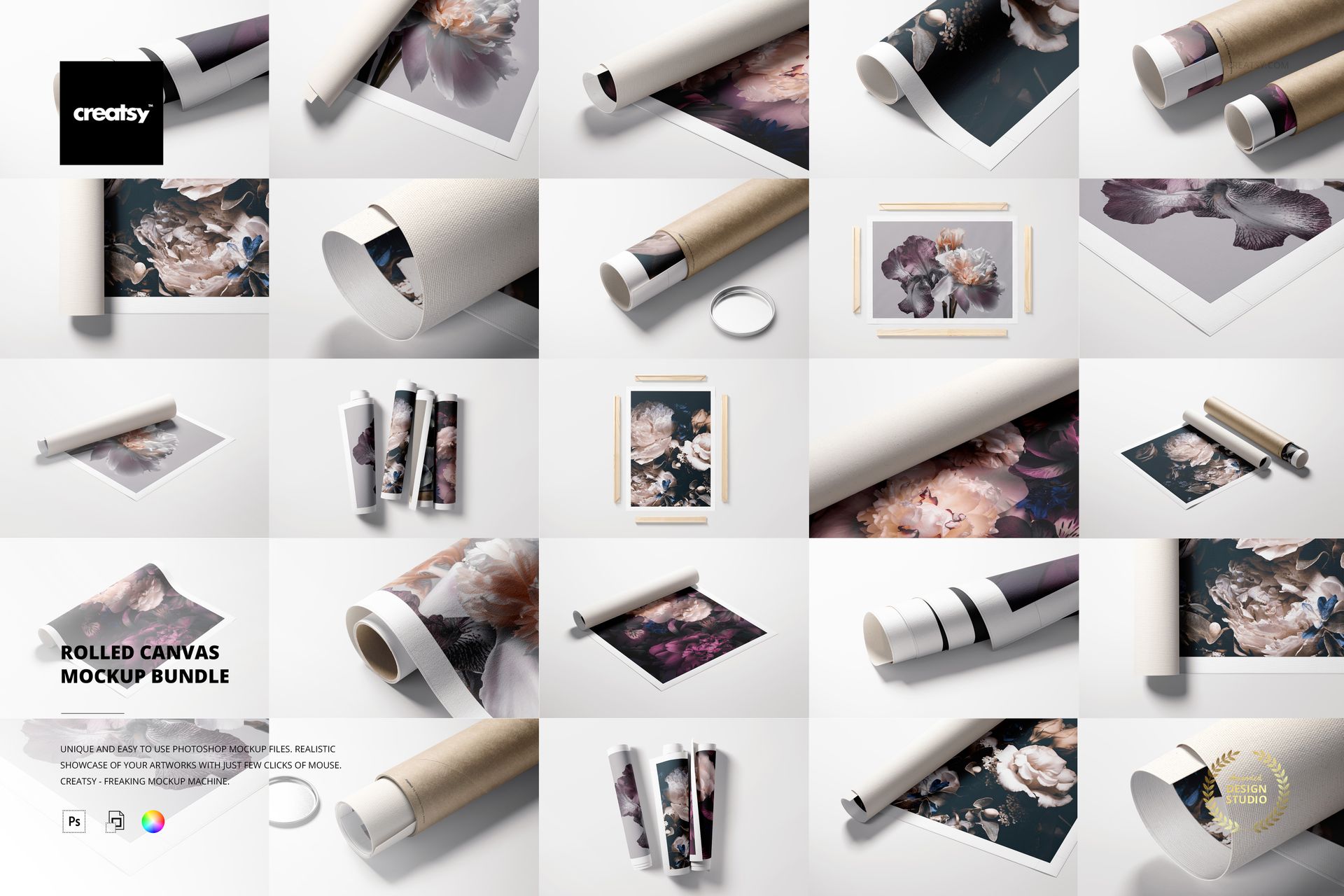
Rolled Canvas Print Mockup Bundle with 21 PSD Scenes
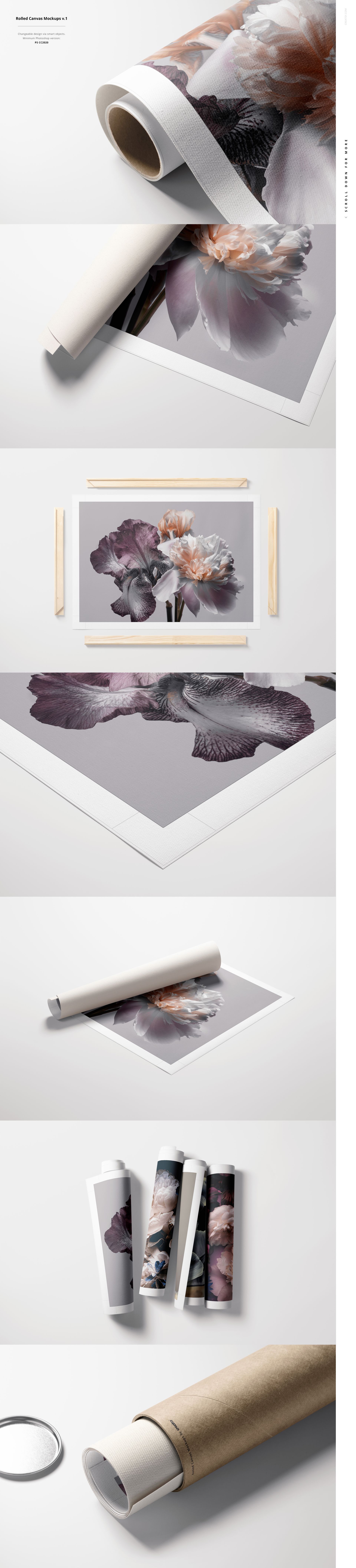
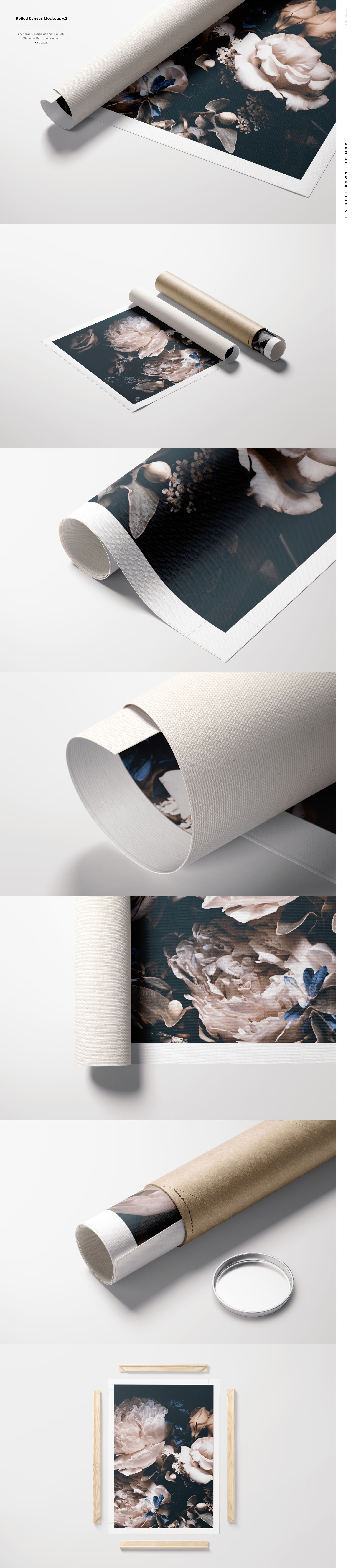
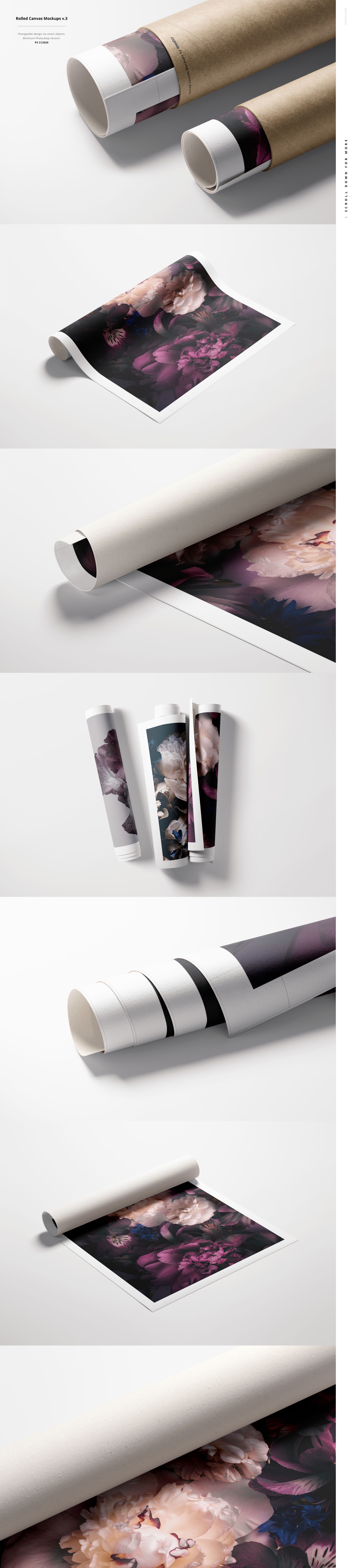
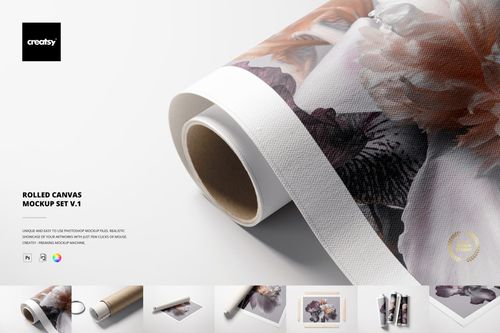
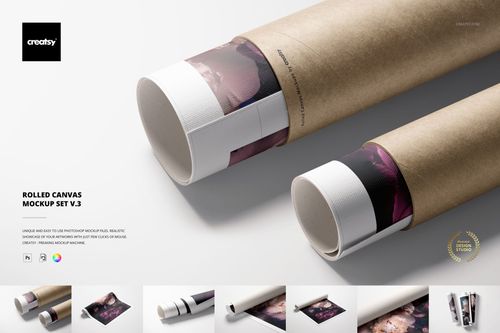
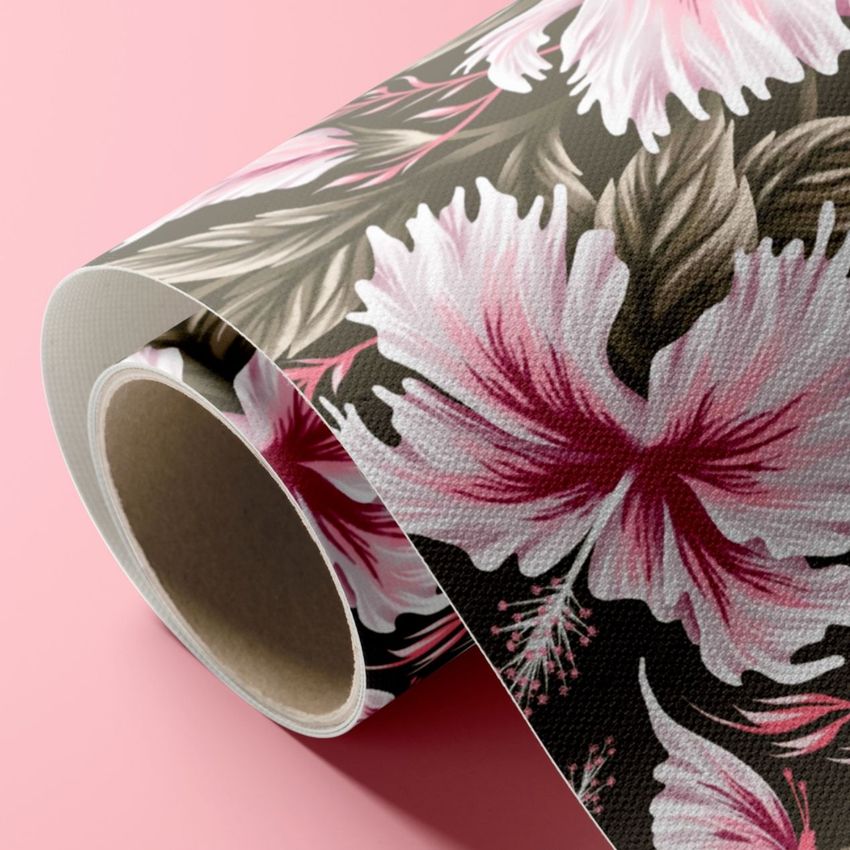
Present wall art, photography, illustrations and surface designs as realistic rolled canvas products. This bundle combines three coordinated Creatsy collections with 21 high-resolution PSD scenes, giving artists, print studios and print-on-demand sellers a consistent way to show loose, partially rolled and fully rolled canvas alongside customizable tubes, lids and wooden display rails.
Close-up textures, realistic highlights and soft shadows help customers understand the material, print finish and packaging before they order. Use the scenes for ecommerce listings, portfolio case studies, client approvals, licensing presentations and social media campaigns.
Bundle Contents
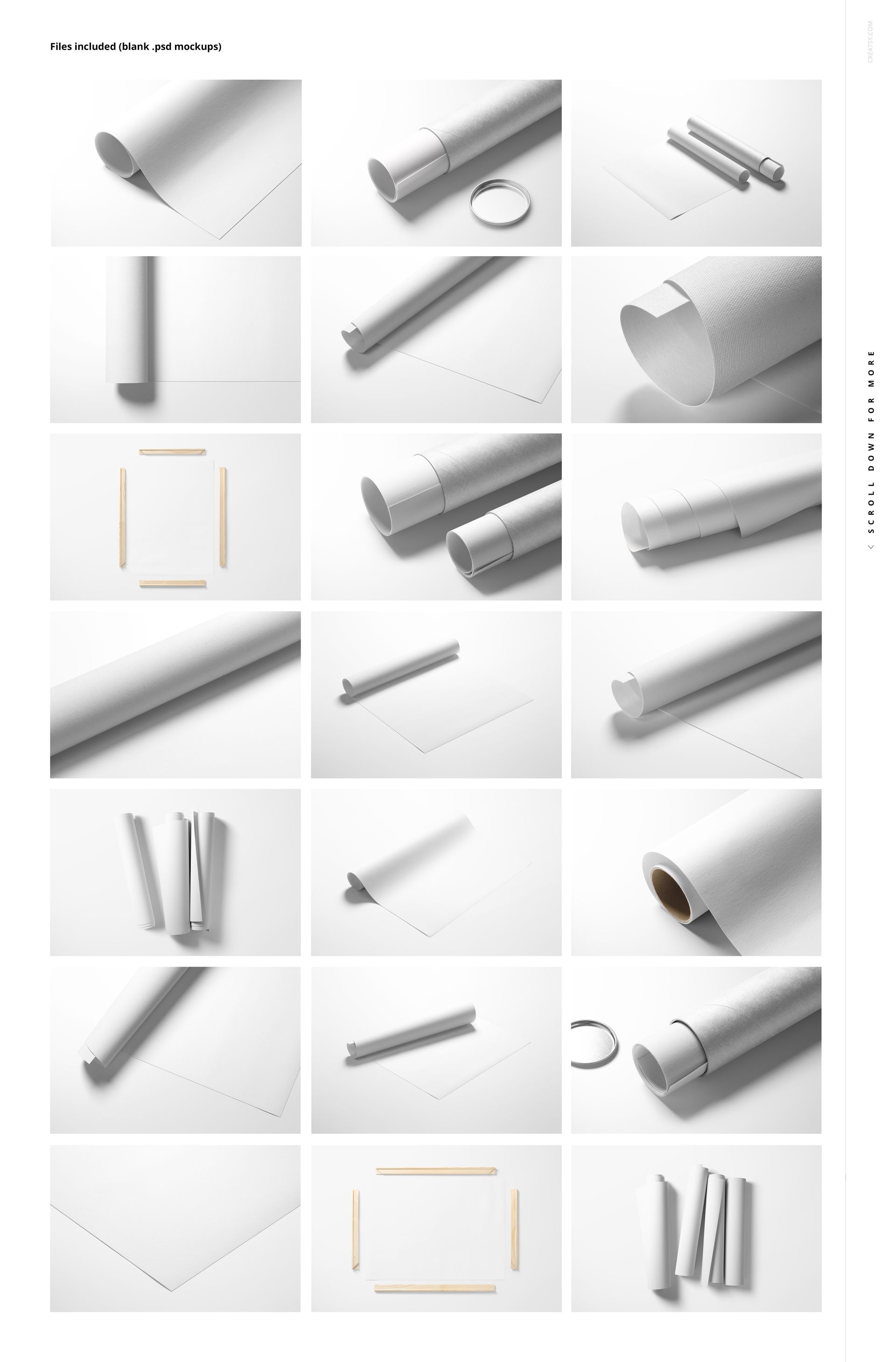
3 complete mockup sets: Rolled Canvas Print Mockup Set v.1, v.2 and v.3
21 layered PSD scenes: 7 PSD files in each set
21 JPG reference previews: 7 previews in each set at 256 x 171 px
3 PDF user manuals: one instruction file for each set
45 file entries in total across the three included products
6000 x 4000 px at 300 DPI for every editable PSD scene
1.87 GB / 2.01 GB combined package size shown on the public listing
Editable Canvas, Packaging and Background Details
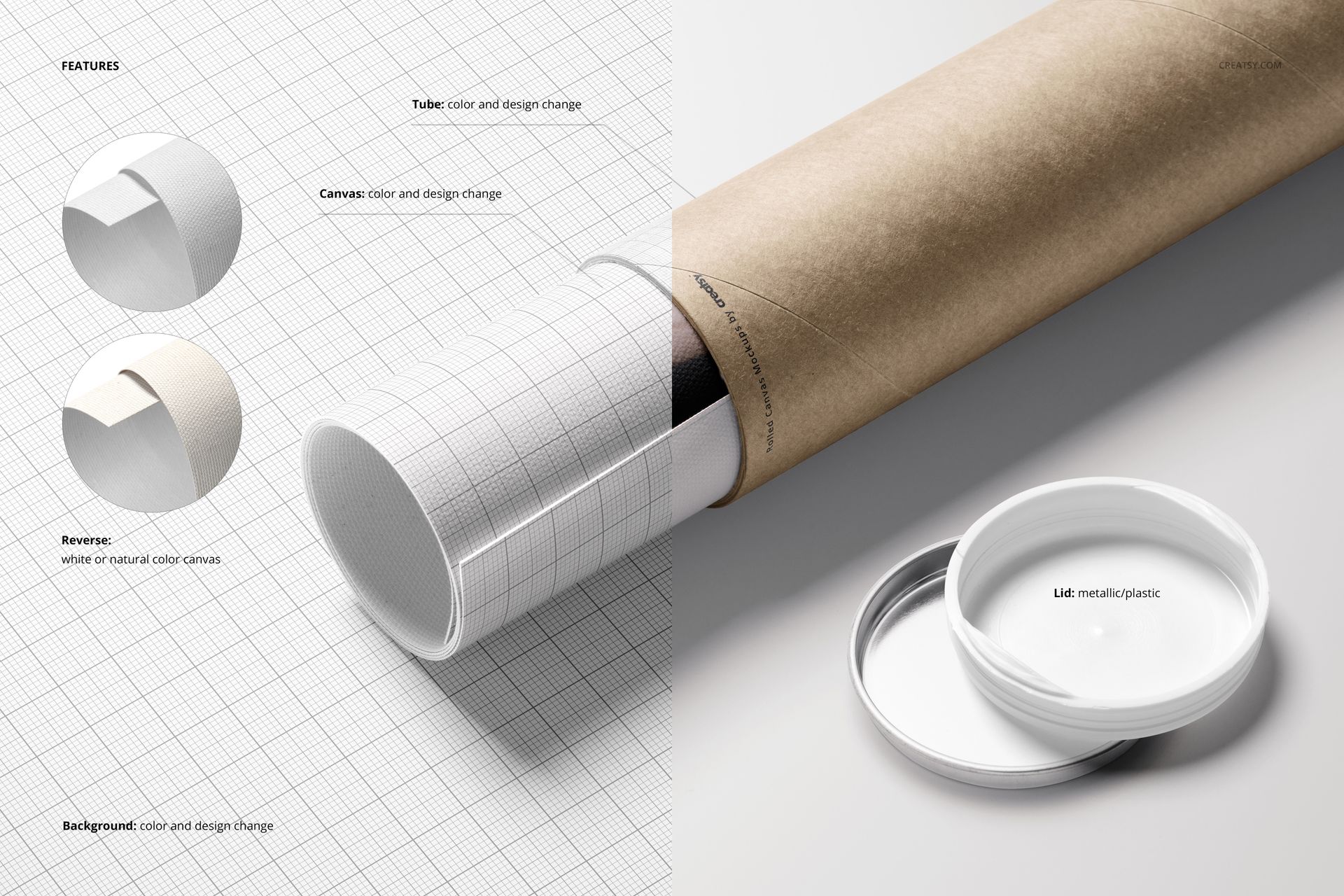
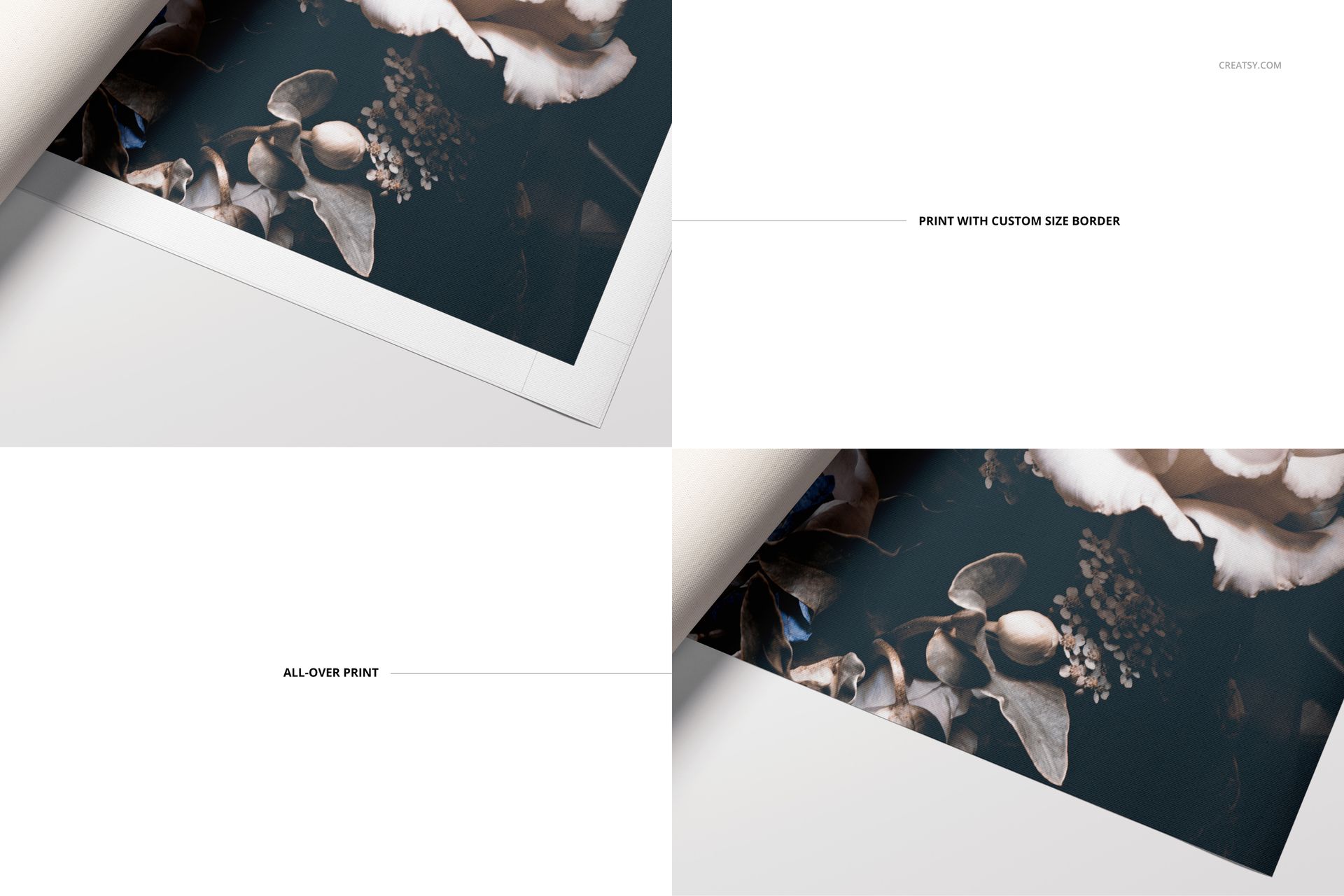
Replace artwork through the Smart Object workflow, then customize the canvas color, tube color and tube design. Select a white or natural canvas reverse, choose a metallic or plastic lid and coordinate the background with your store or campaign. The gallery demonstrates custom-width white borders and edge-to-edge artwork, helping you explain alternative print finishes with consistent visuals.
Background colors and designs are editable, and drop shadows can be removed when a cleaner composition is required. The 21 scenes include flat lays, close-ups, packaging views, rolled arrangements and partially unrolled artwork presentations.
Software Compatibility
The PSD files are designed for Adobe Photoshop CC 2020 or newer and are also listed as compatible with Photopea. The bundle contains no PSB files. Some individual PSD files exceed 1 GB in the public file preview, so allow sufficient memory and loading time when working with the largest scenes.
Artwork and Community Credits
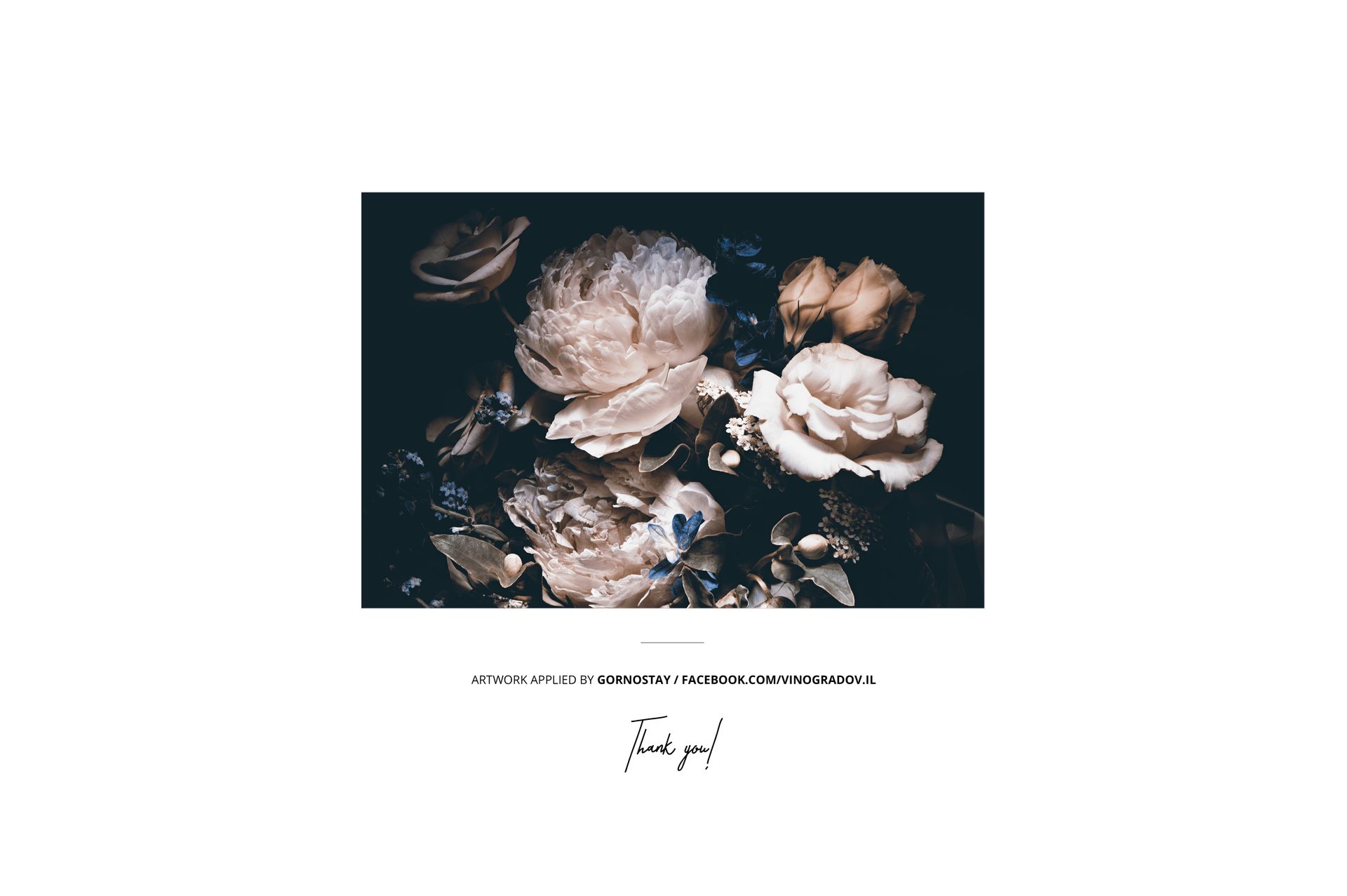
The sample floral artwork shown in the main previews was applied by Gornostay. The artwork and patterns are demonstration content and are not included in the download.
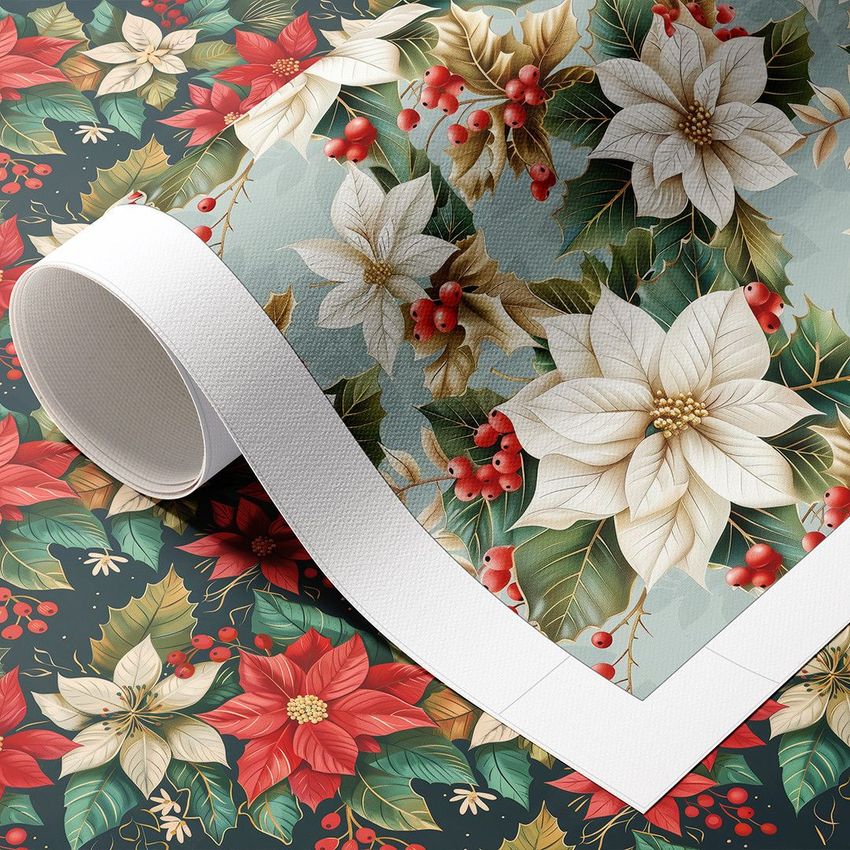
Separate Made with Creatsy examples include Poinsettia Patterns II by Ninterints Studio and Tropical Pattern by Andrea Muller. These community designs are presented for inspiration and are not part of the bundle.
File details
- Compatibility


- Products in bundle
- 3
- Package size
- 1.87 GB
 |2.01 GB
- Files type
- .psd, .jpg, .pdf
- Files size
- 6000x4000
INCLUDED/3
Made with Creatsy
Real designs. Real customers. See how creatives use Creatsy mockups to turn their artwork, branding, and product ideas into polished visuals.
MEET THE SHOP

Creatsy
Poland
Bring your ideas to life.
We're a family-run studio in Katowice, Poland, making PSD mockups by hand since 2016. Everything in this shop starts in our own studio. We shoot the photography, build the 3D, and put together every Smart Object PSD ourselves - then we test it, organize the layers, and only ship it once it actually works...
 15$2550$30.00
 15$1870$22.00
 15$1615$19.00
 15$2040$24.00

HOW IT WORKS
3 clicks. That's it.
No tutorial needed. If you can copy-paste, you can use this.
- 1OpenDouble-click the smart object inside the PSD - in Adobe Photoshop, or free in your browser with Photopea.
- 2PasteDrop in your pattern, print, or artwork. Any design, any style.
- 3SaveHit save and the mockup wraps it in for you - shadows, folds, and lighting included.
FROM IDEA TO IMAGE
Built for real workflows
Show the finished print on the wall Poster, canvas, or acrylic - drop your art in and the client sees the hung piece before it goes to print.
See it on the product, not a swatch Drop your file into the smart object and the scene's lighting and folds wrap around it, so you judge the real thing before you commit.
Smart Objects
Edit once and you're done. Your artwork drops into a smart object and the mockup updates itself - no masking, no warping by hand.
Perfectly Organized
Named layers and folders you can actually navigate. Find what you need, change what you want, and get out fast.
Print-Ready
High-resolution files built to hold up on screen and in print. Exact size and DPI are in this product's Details above.


