Rolled Canvas Print Mockup Set with 7 High-Resolution PSD Scenes
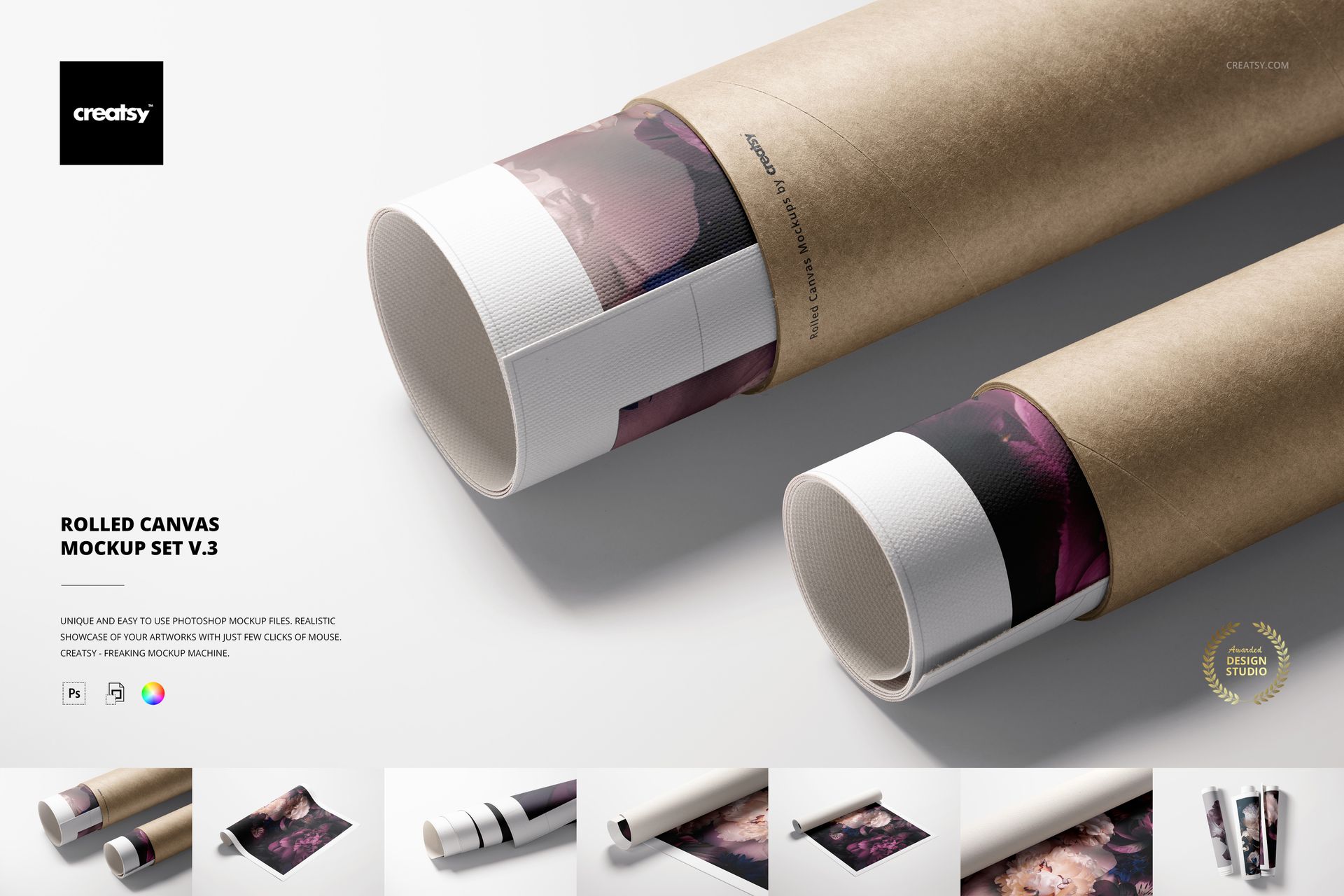
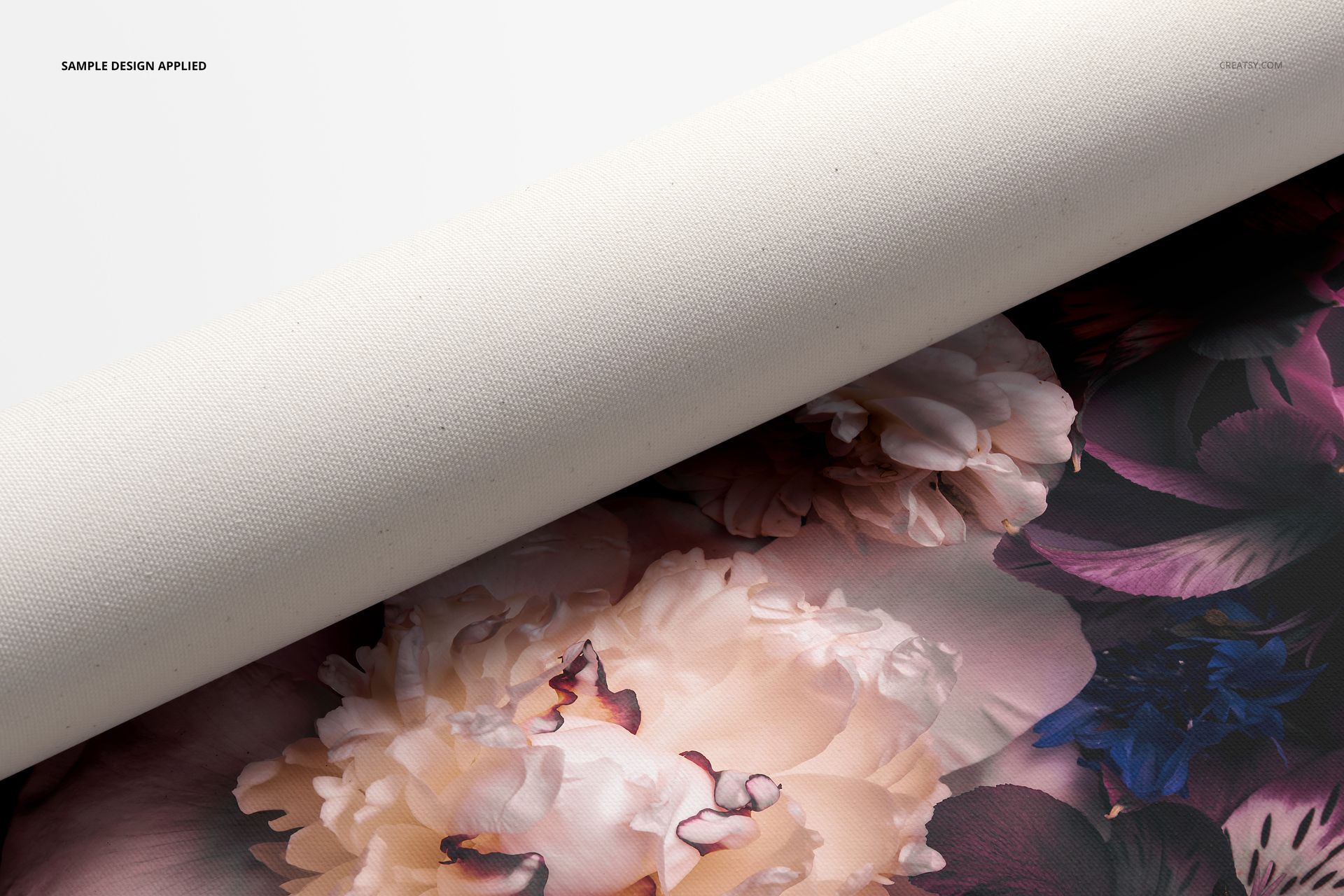
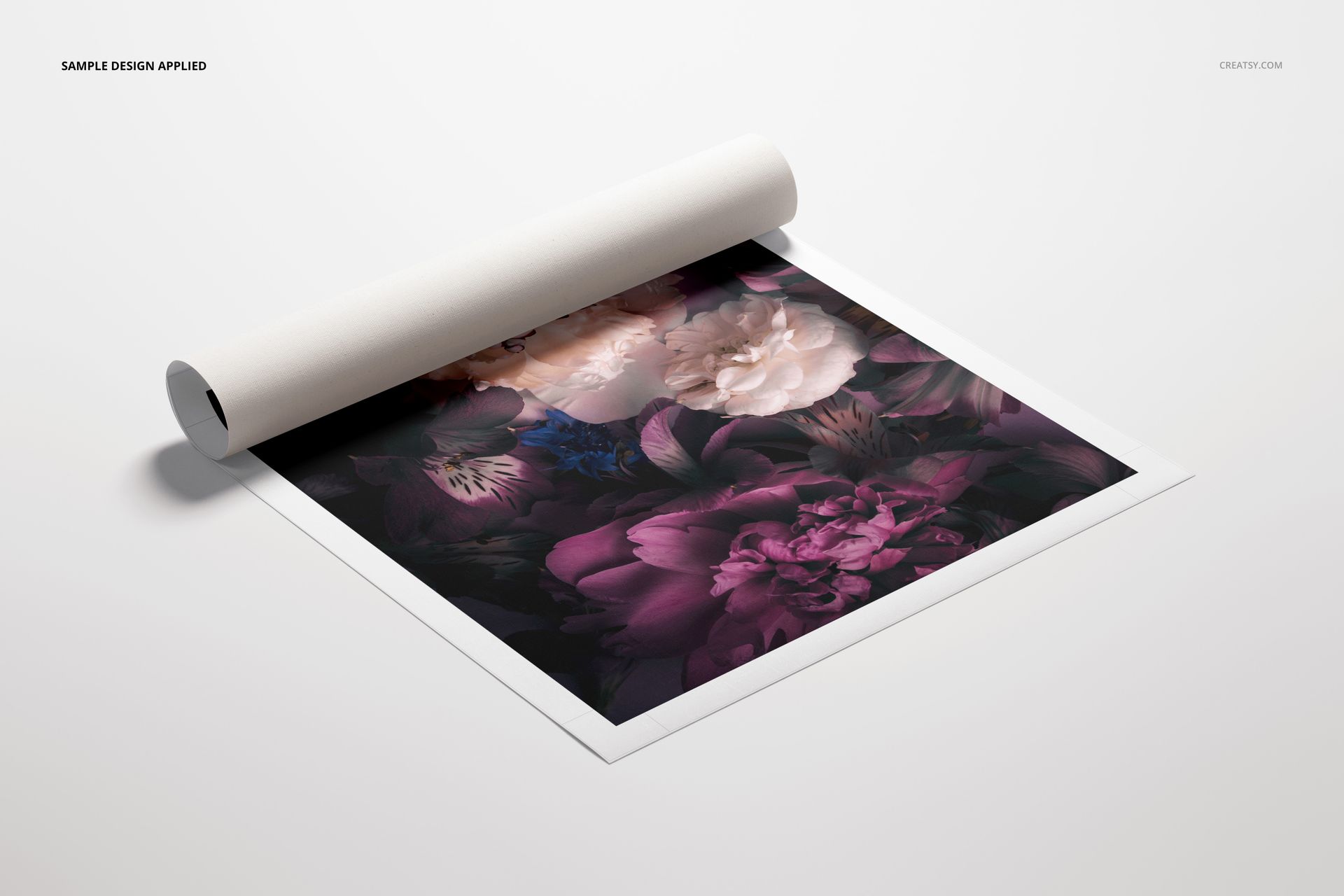
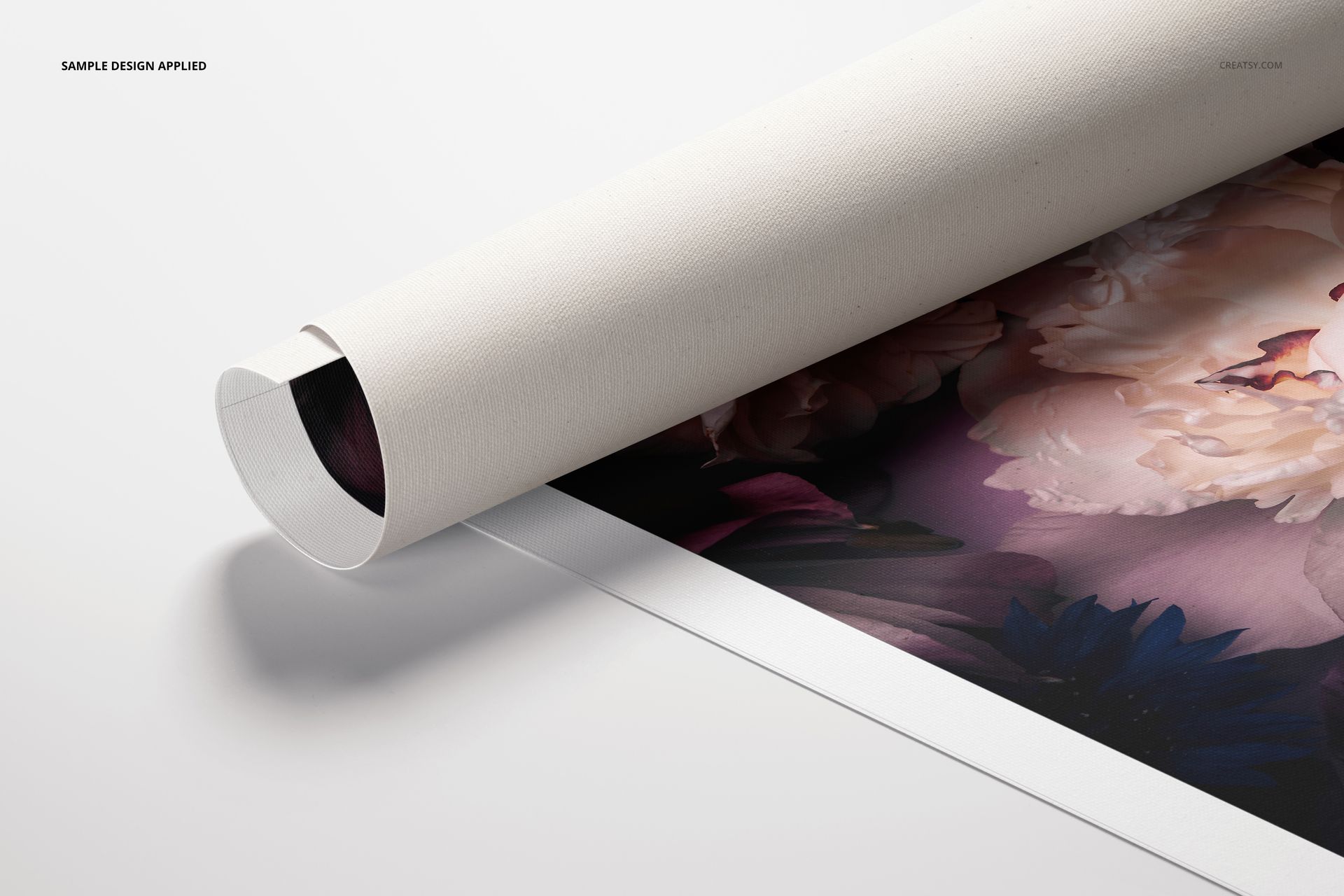
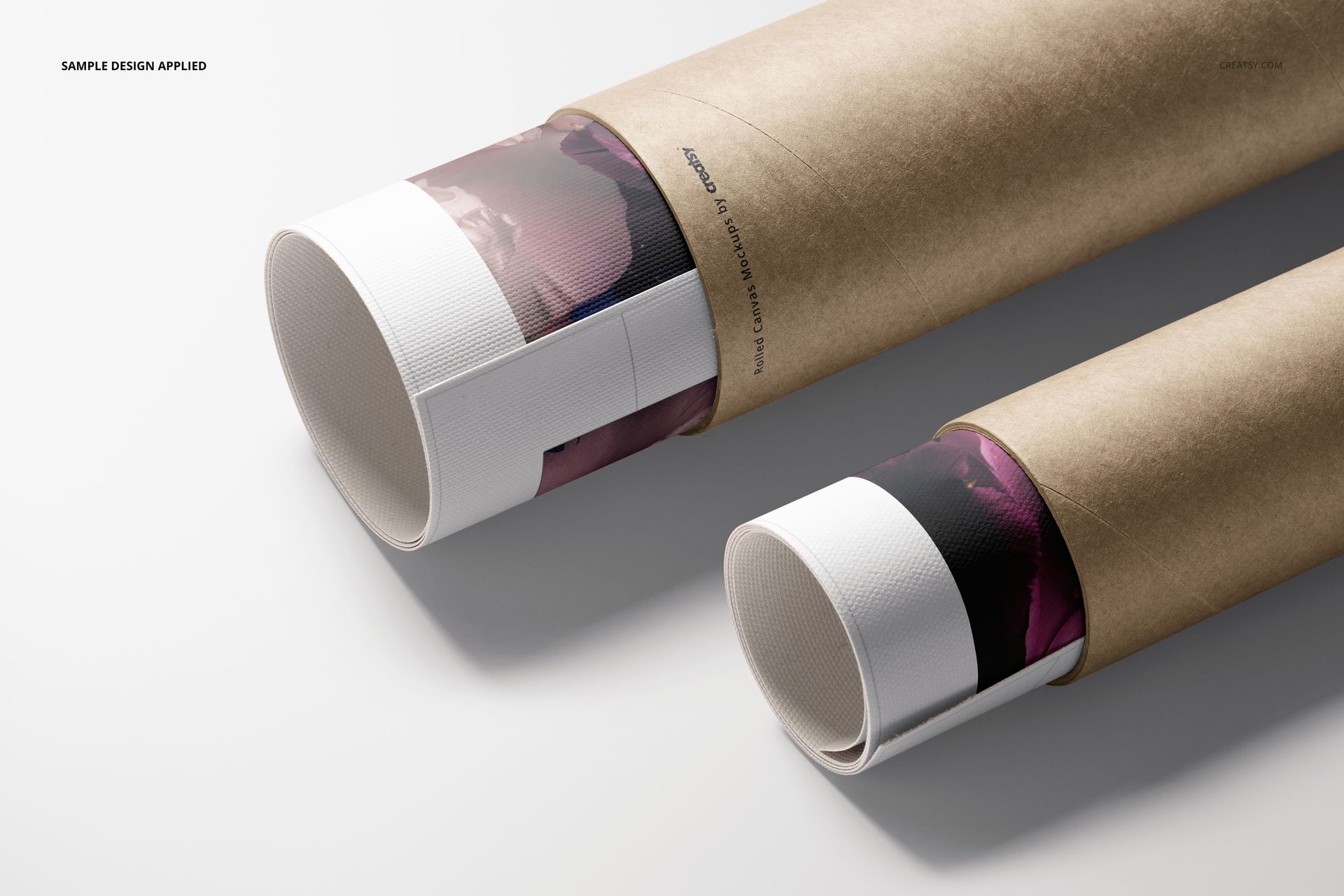
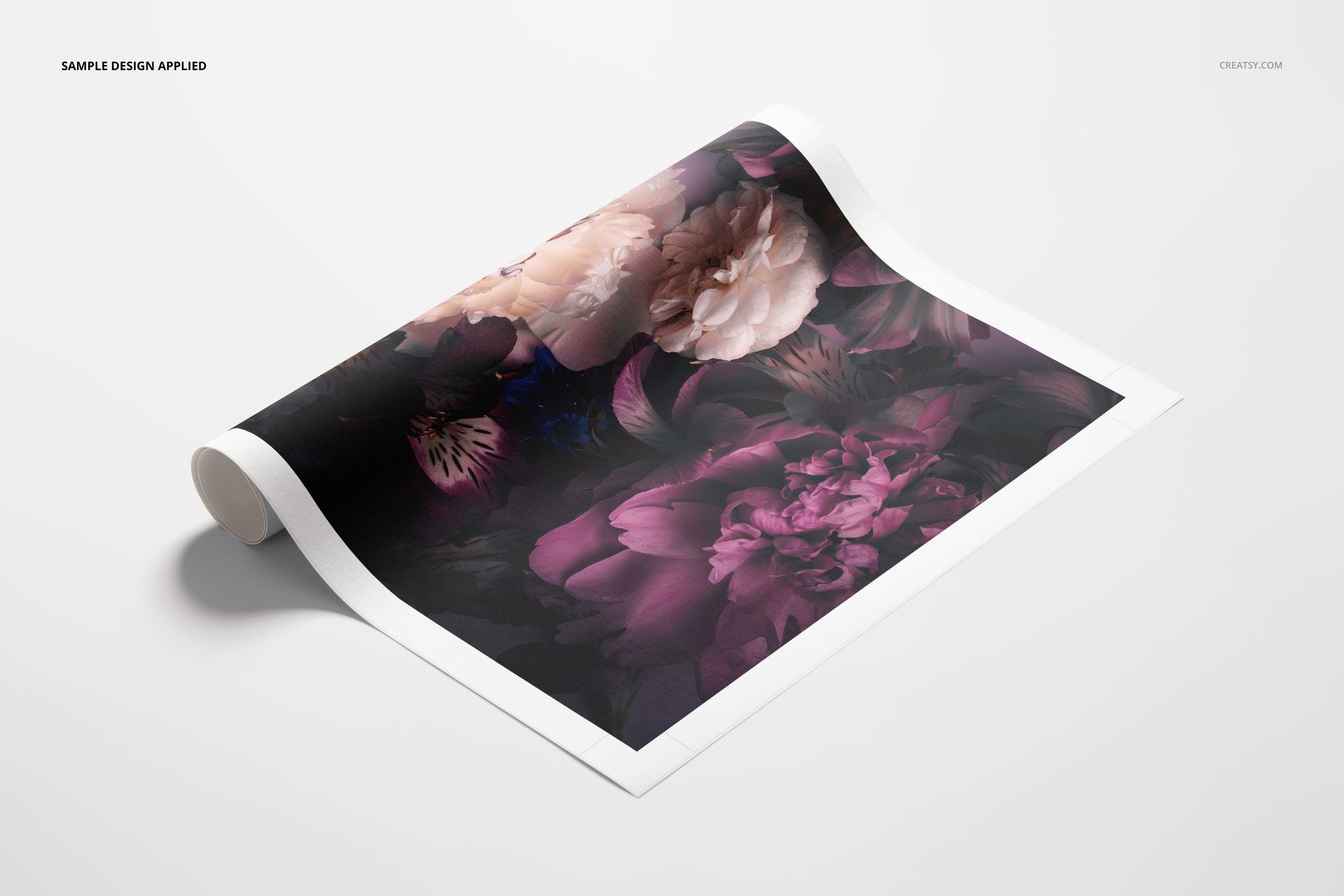
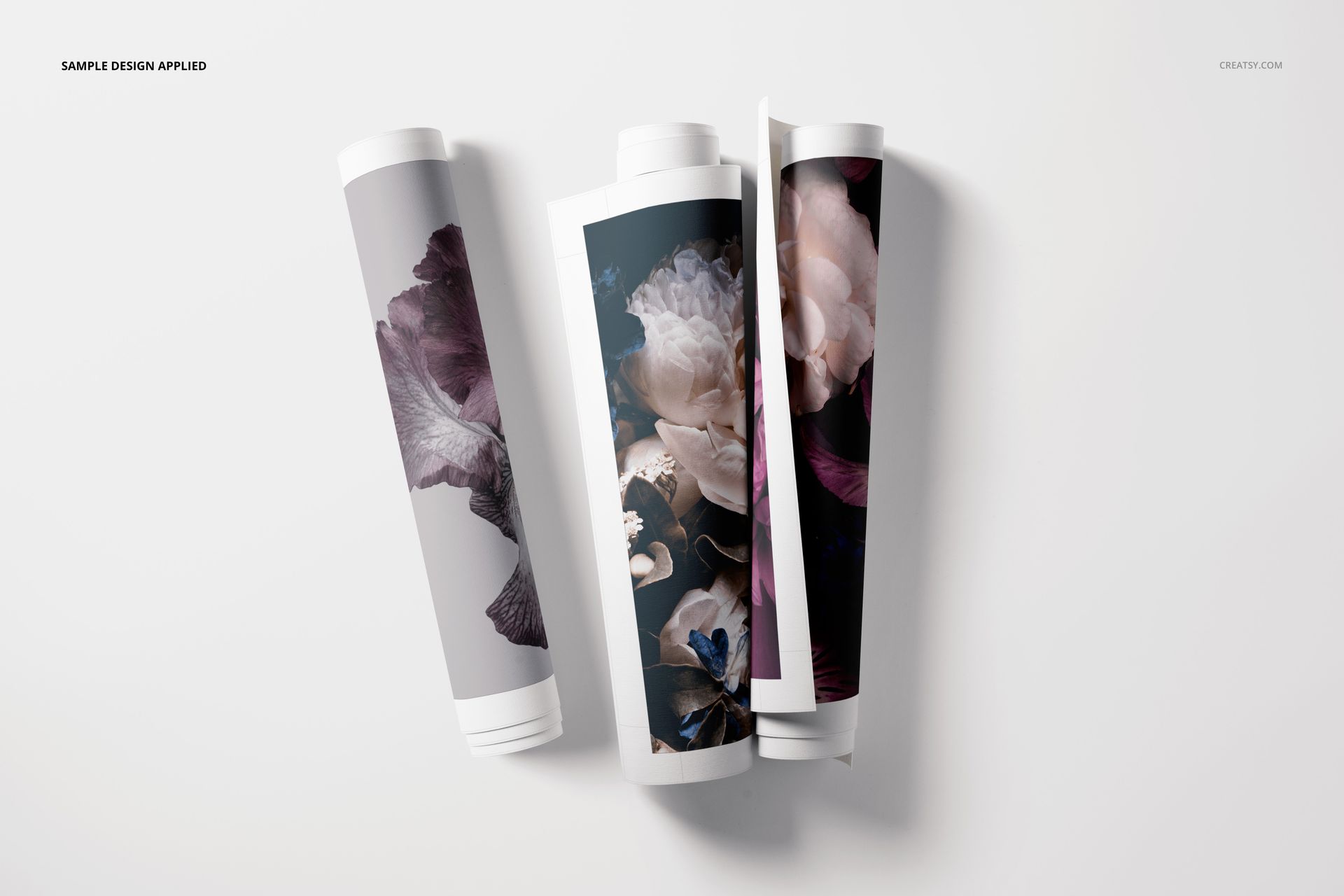
Turn flat artwork into a convincing rolled canvas presentation. Rolled Canvas Print Mockup Set v.3 gives artists, photographers, surface designers, print studios and online sellers seven polished views of flexible canvas prints. Show artwork partly unrolled, tucked into a kraft paper tube, grouped with multiple rolls or photographed close enough for buyers to see the woven texture and printed edge.
The varied perspectives help an ecommerce gallery explain both the artwork and its packaging. Use the set for wall art listings, print-on-demand launches, licensing presentations, client approvals, portfolio projects and social media campaigns without arranging a physical photo shoot.
What Is Included
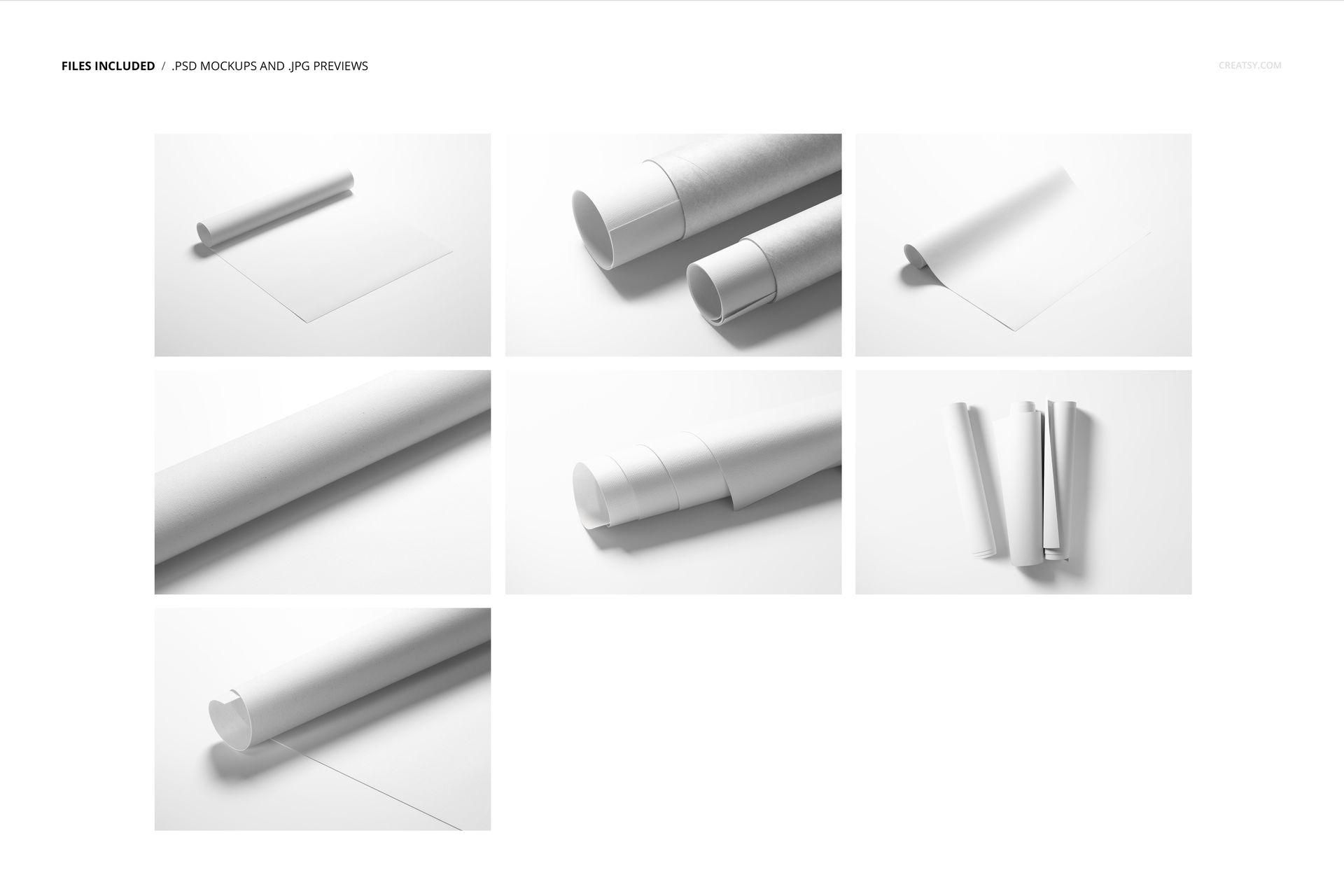
7 layered PSD mockup scenes at 6000 x 4000 px and 300 DPI
7 JPG reference previews at 256 x 171 px
1 PDF user manual supplied as a separate 1.16 MB download
15 file entries in total: 7 PSD, 7 JPG and 1 PDF
699.95 MB main ZIP archive
701 MB / 735 MB public package display
Seven Views for a Complete Product Story
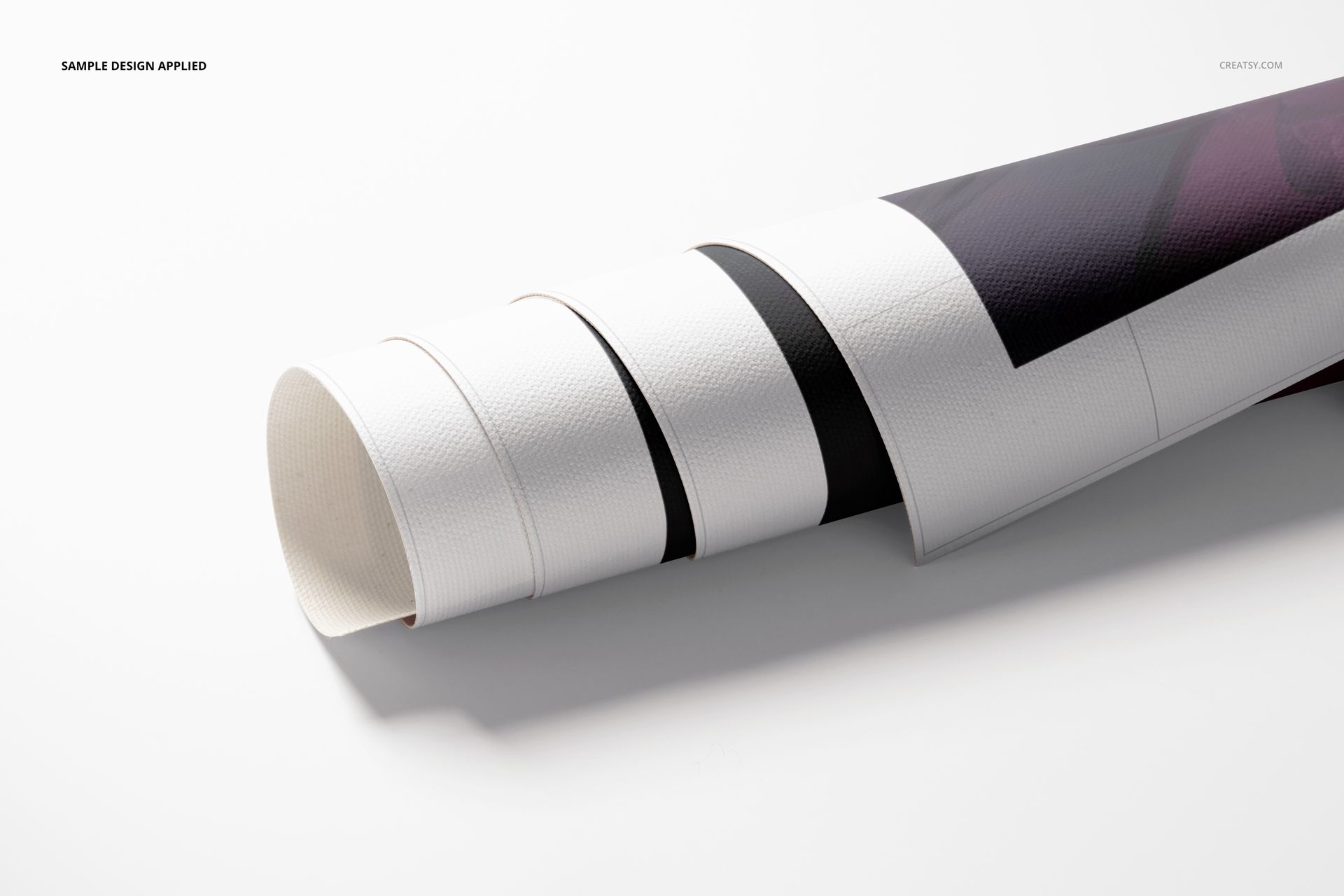
The collection includes rolled and partially unrolled canvas scenes, grouped rolls, kraft tube compositions and close-up views of the print surface. Smart Objects make artwork replacement efficient while preserving the canvas texture, highlights and natural shadows.
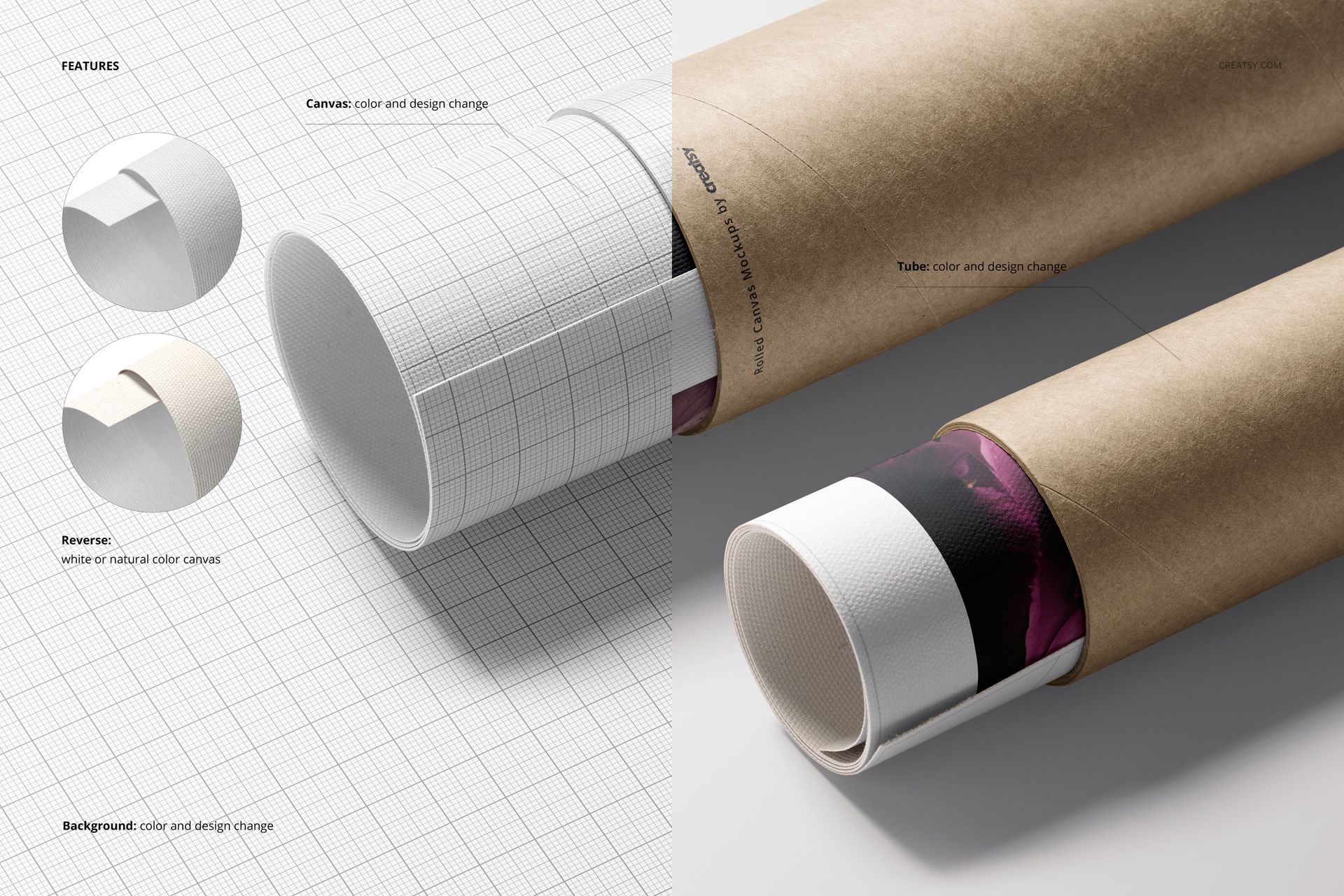
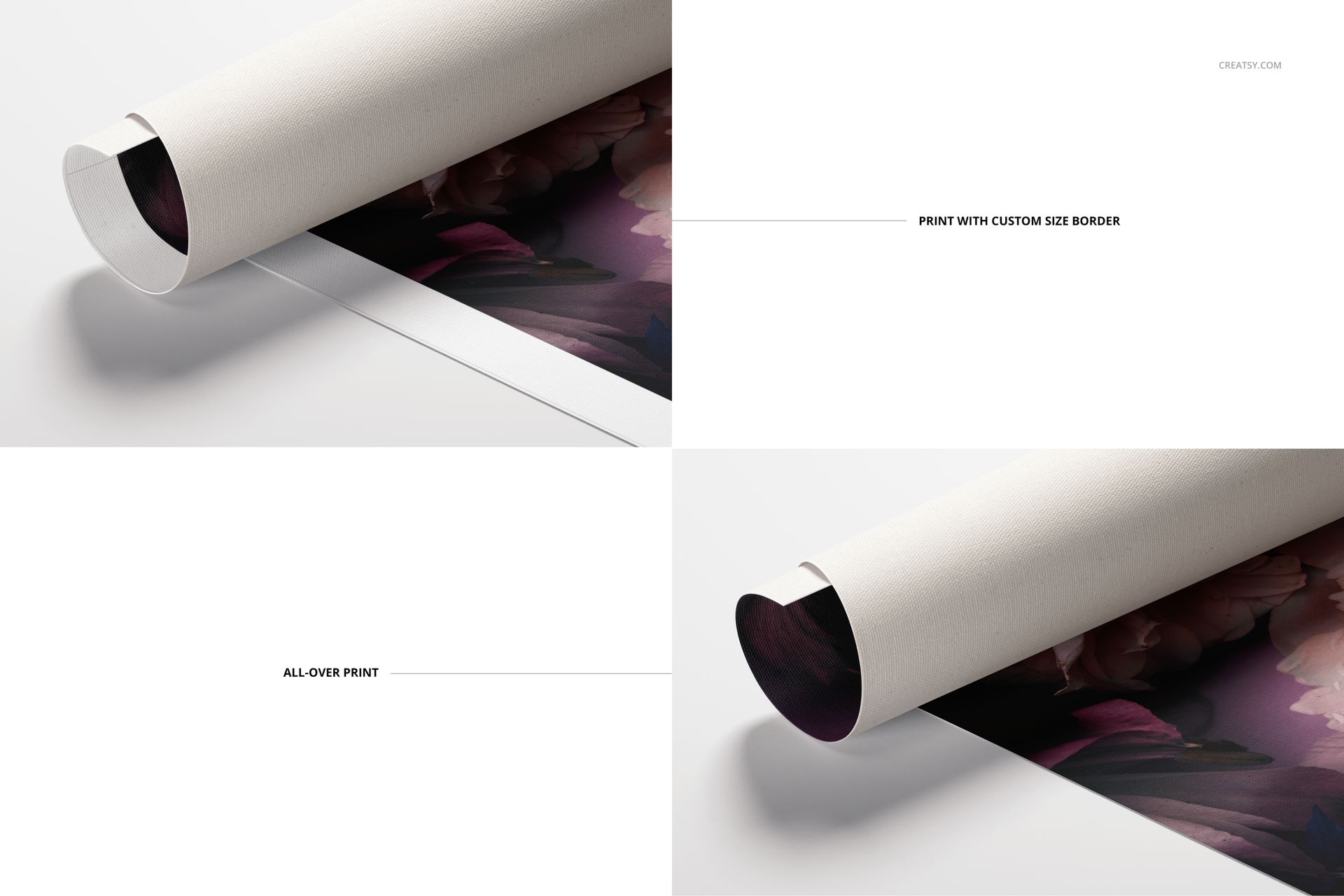
Present an edge-to-edge print or create a clean border with a custom width. Change the canvas color and design, select a white or natural reverse and customize the tube color and design. These options help one set support different wall art collections, packaging concepts and store identities.
Flexible Background and Export Options
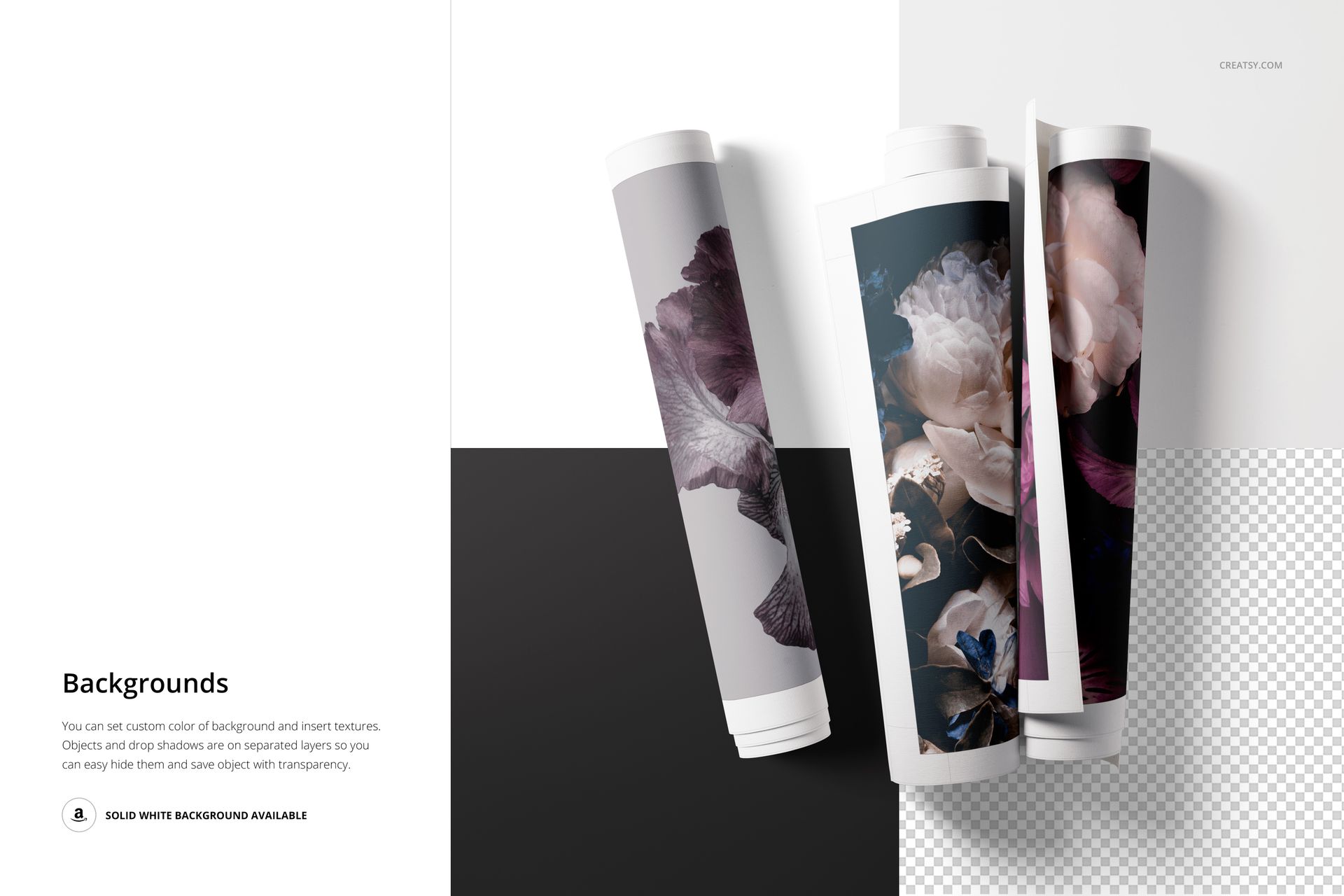
Set a custom background color, add a texture or use the available solid white background. Objects and drop shadows are placed on separate layers, so they can be hidden for a simpler composition or a transparent-background export.
Software Compatibility
The PSD files are designed for Adobe Photoshop CC or later. The current product instructions also identify Photopea as an editing option, and the package contains no PSB files. Some scenes exceed 1 GB in the public file preview, so allow sufficient memory and loading time when opening the largest PSDs.
Sample Artwork Credit
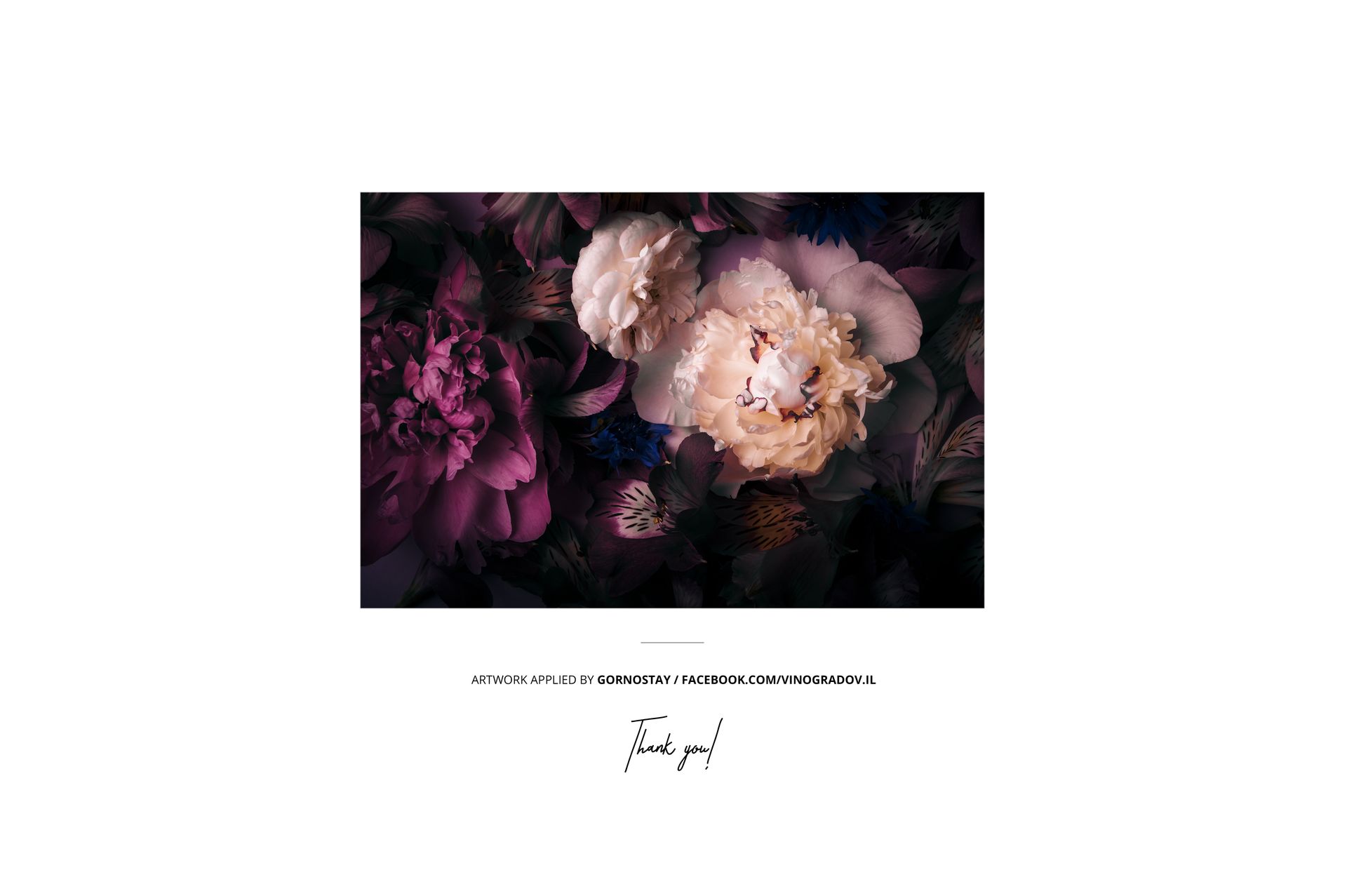
The floral artwork shown in the previews was applied by Gornostay. It is presentation content only and is not included with the mockup files.
Need More Rolled Canvas Variations?
This set is also available in the Rolled Canvas Print Mockup Bundle, which combines v.1, v.2 and v.3 into a collection of 21 PSD scenes.













Excellent Product and customer service.
Thank you so much for your kind review! We’re very happy to hear you enjoyed both the product and our customer service. We truly appreciate your support.