Cotton Satin Canvas Close-Up Mockups for Wall Art Presentation
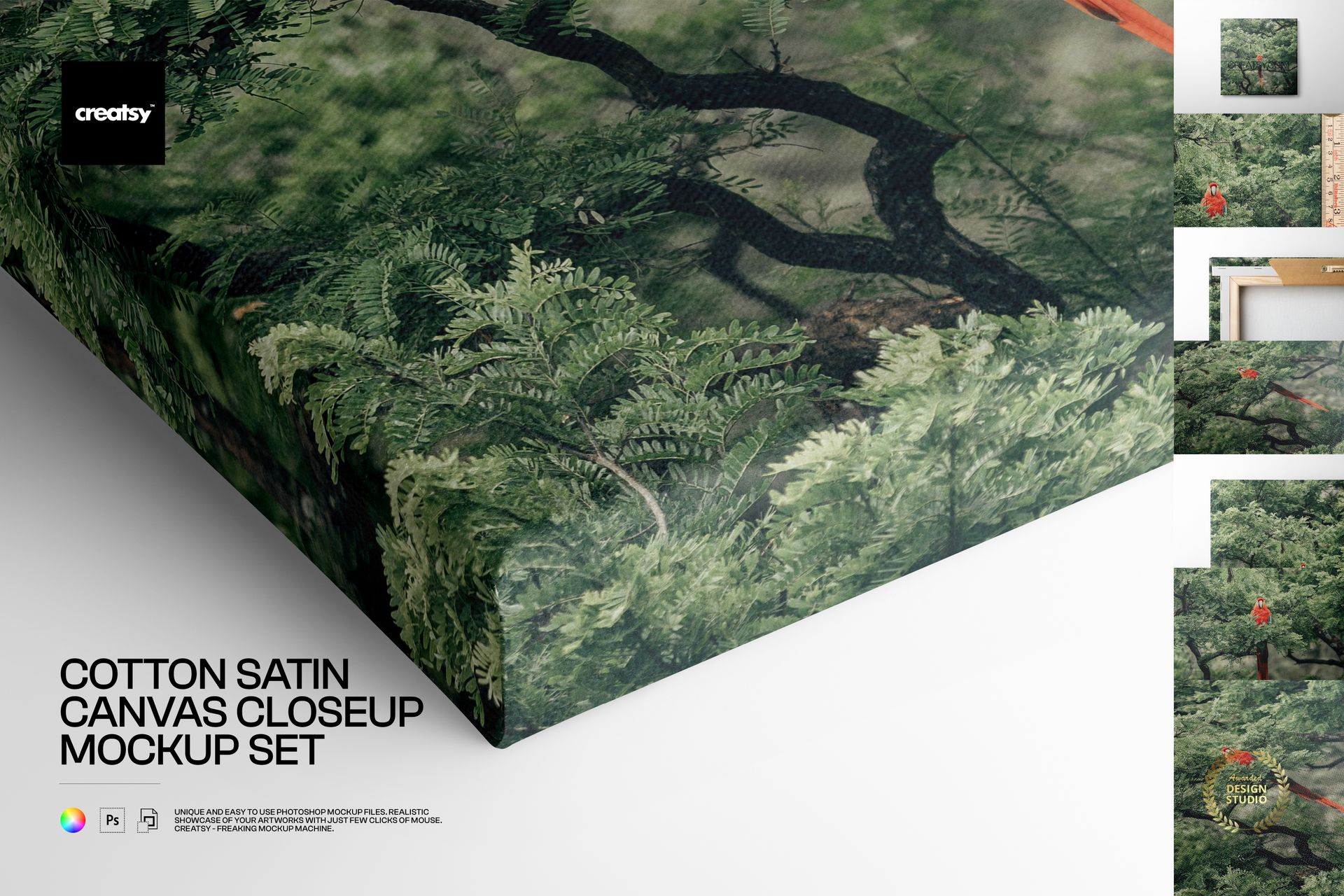
Present paintings, photography, illustrations and printable wall art on realistic cotton satin canvas. This mockup set combines complete product views with detailed close-ups, helping customers understand the woven surface, wrapped edges, depth and construction of a finished canvas print before they purchase.
What Is Included
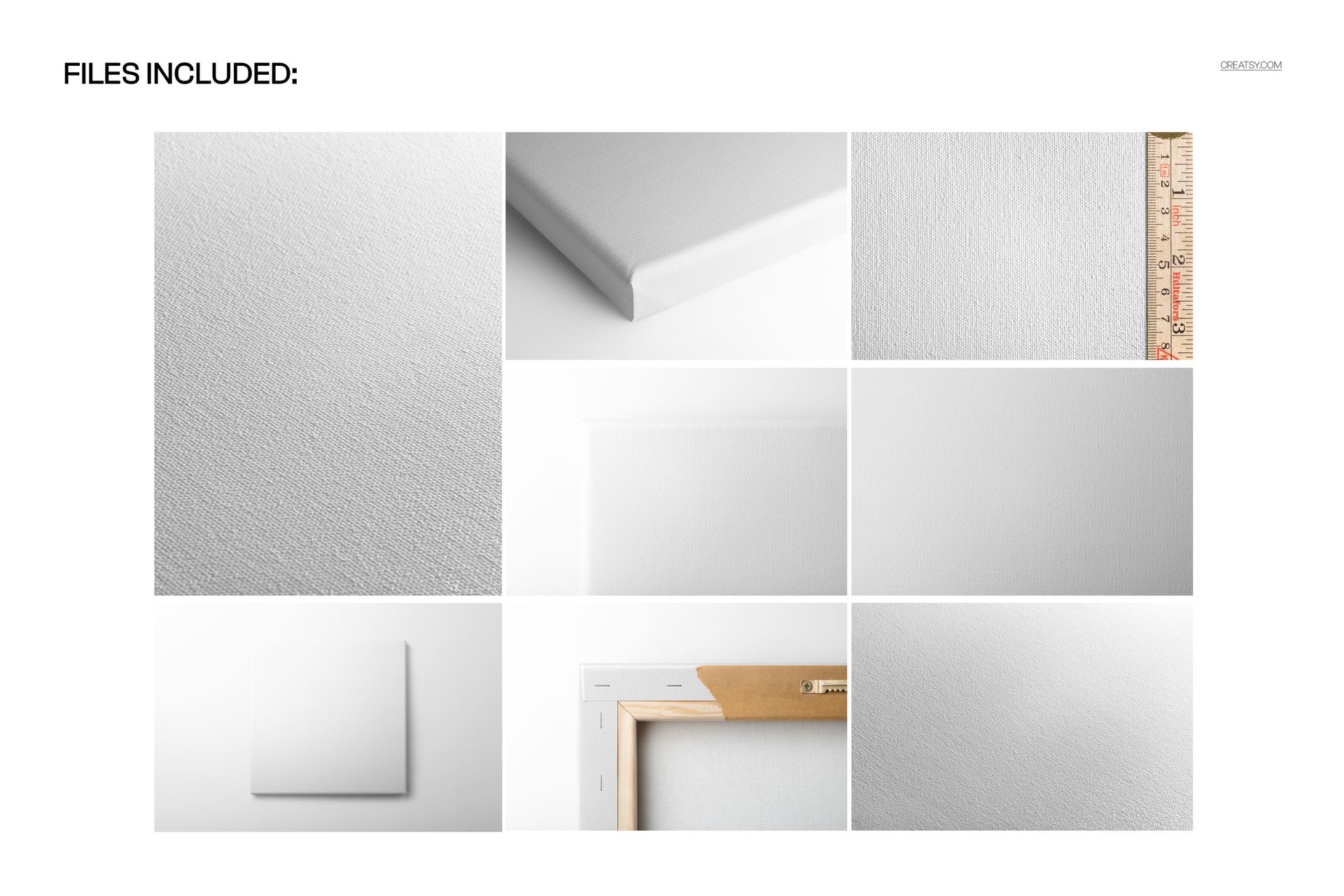
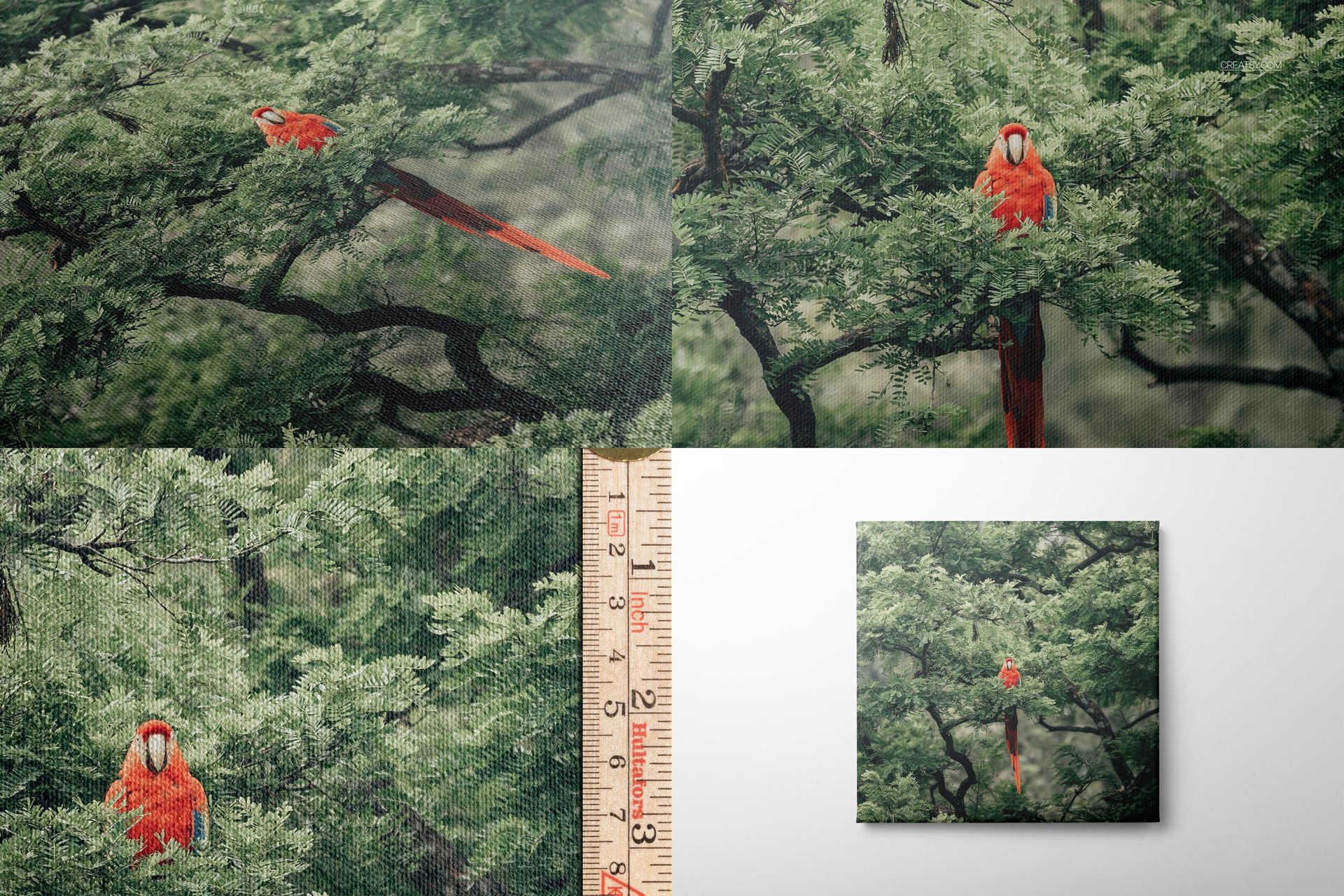
8 layered PSD mockups with scenes numbered 1 through 7 and an additional 30 x 30 cm square canvas setup
8 JPG preview files for quick scene identification
16 files in total inside one downloadable archive
High-resolution previews: seven images at 6000 x 4000 px and one portrait image at 4500 x 6000 px
300 DPI resolution for detailed ecommerce, portfolio and promotional exports
Package size: approximately 2.5 GB
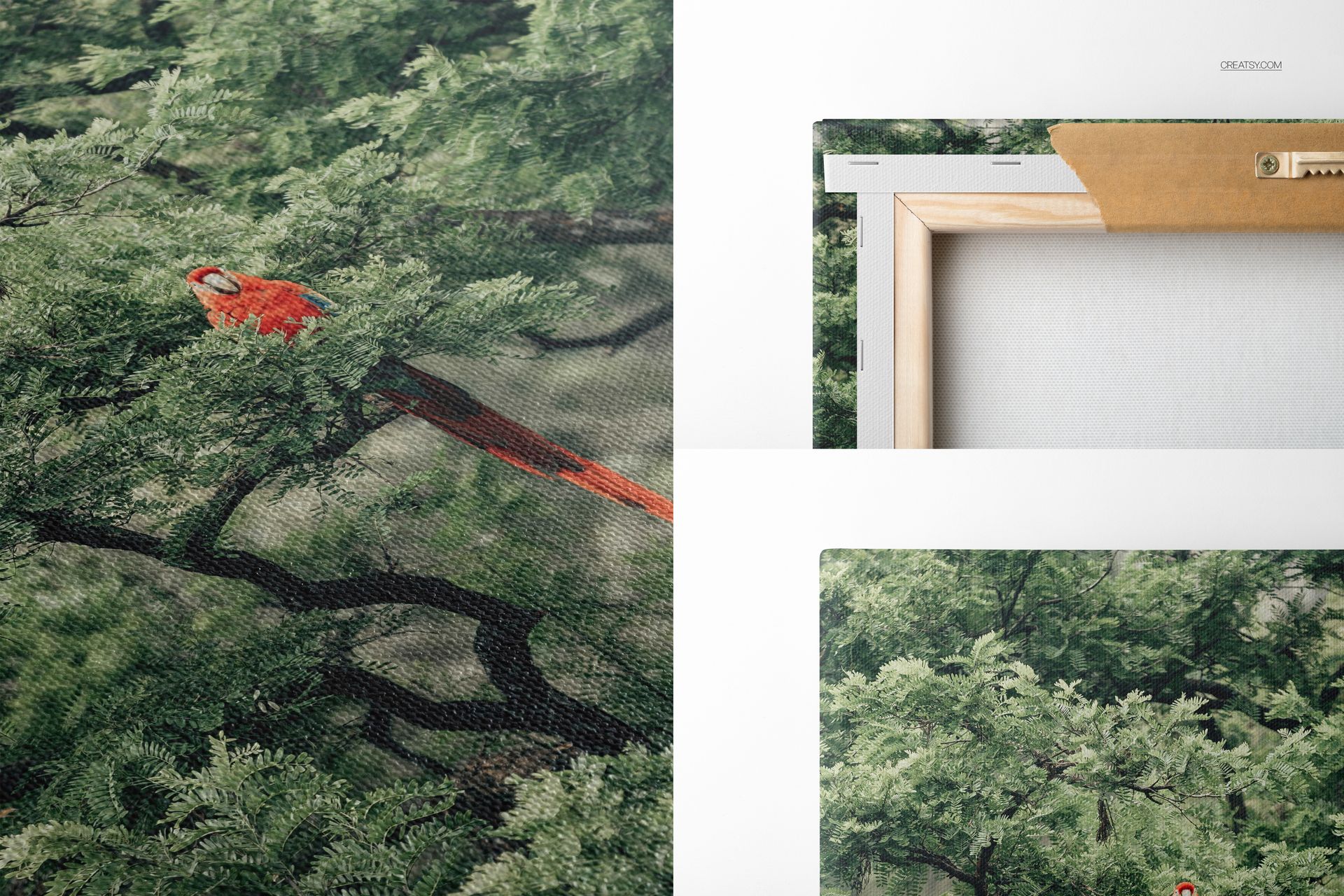
Show the Satin Texture and Gallery Wrap
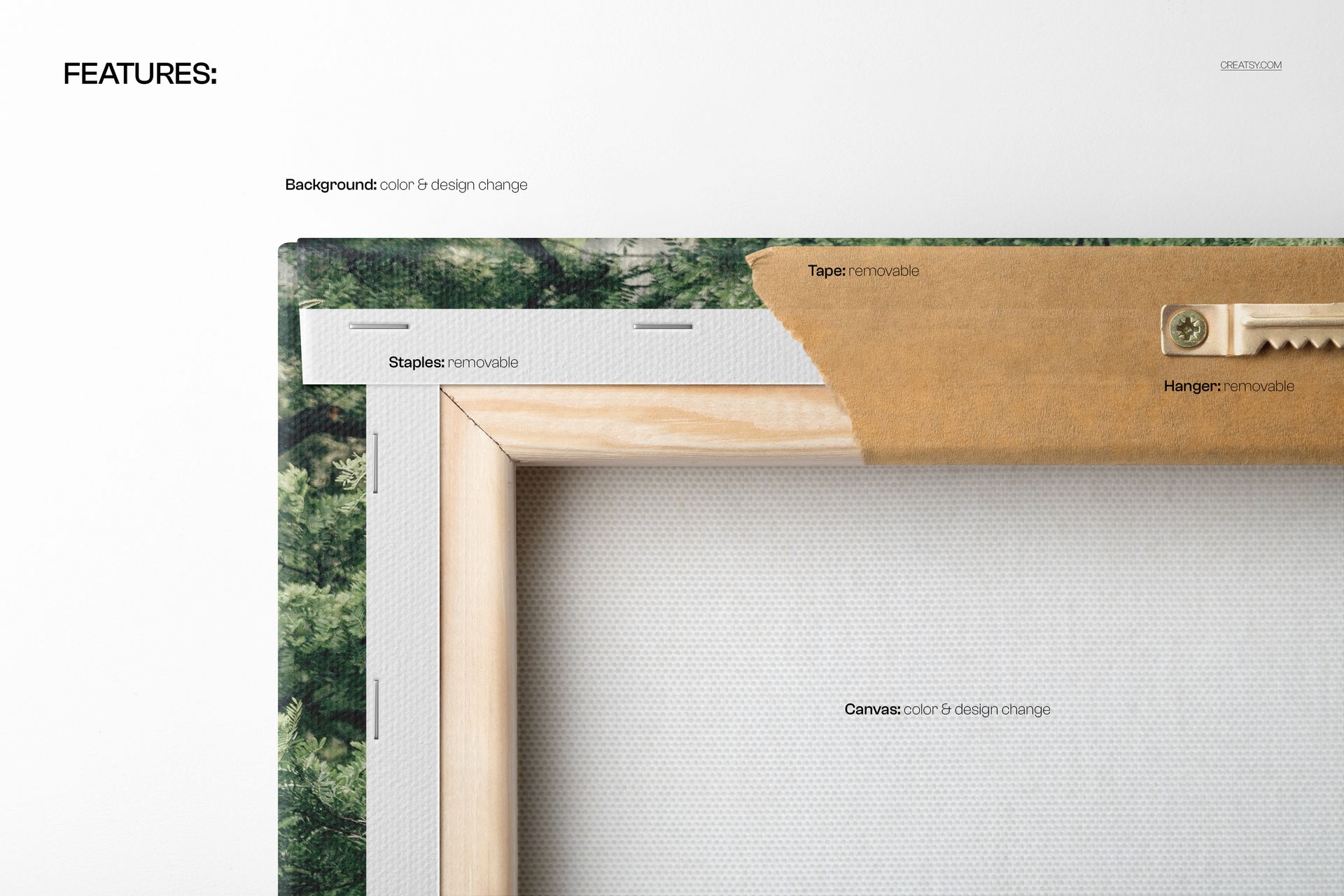
Use full and angled scenes to introduce the artwork, then move closer to show the cotton weave, satin surface, wrapped corners and printed edges. The canvas depth is listed as approximately 2 cm, or 0.75 in. Rear views reveal the wooden stretcher, staples and hanging hardware, while the ruler detail provides a useful visual reference for scale.
These complementary views help build informative product galleries for artist shops, print-on-demand catalogs, client approvals, portfolio case studies and wall art campaigns.
Edit the Artwork, Background and Shadow
Place artwork on the editable print surface with Smart Objects while preserving the natural perspective of each scene. Organized layers make it easier to change the background color or design, remove the drop shadow and create both clean catalog images and more expressive promotional compositions.
Software Compatibility
The layered PSD files work with Adobe Photoshop CC 2020 or newer and Photopea. The package contains PSD and JPG files, with no PSB files.
Important Sample Design Information
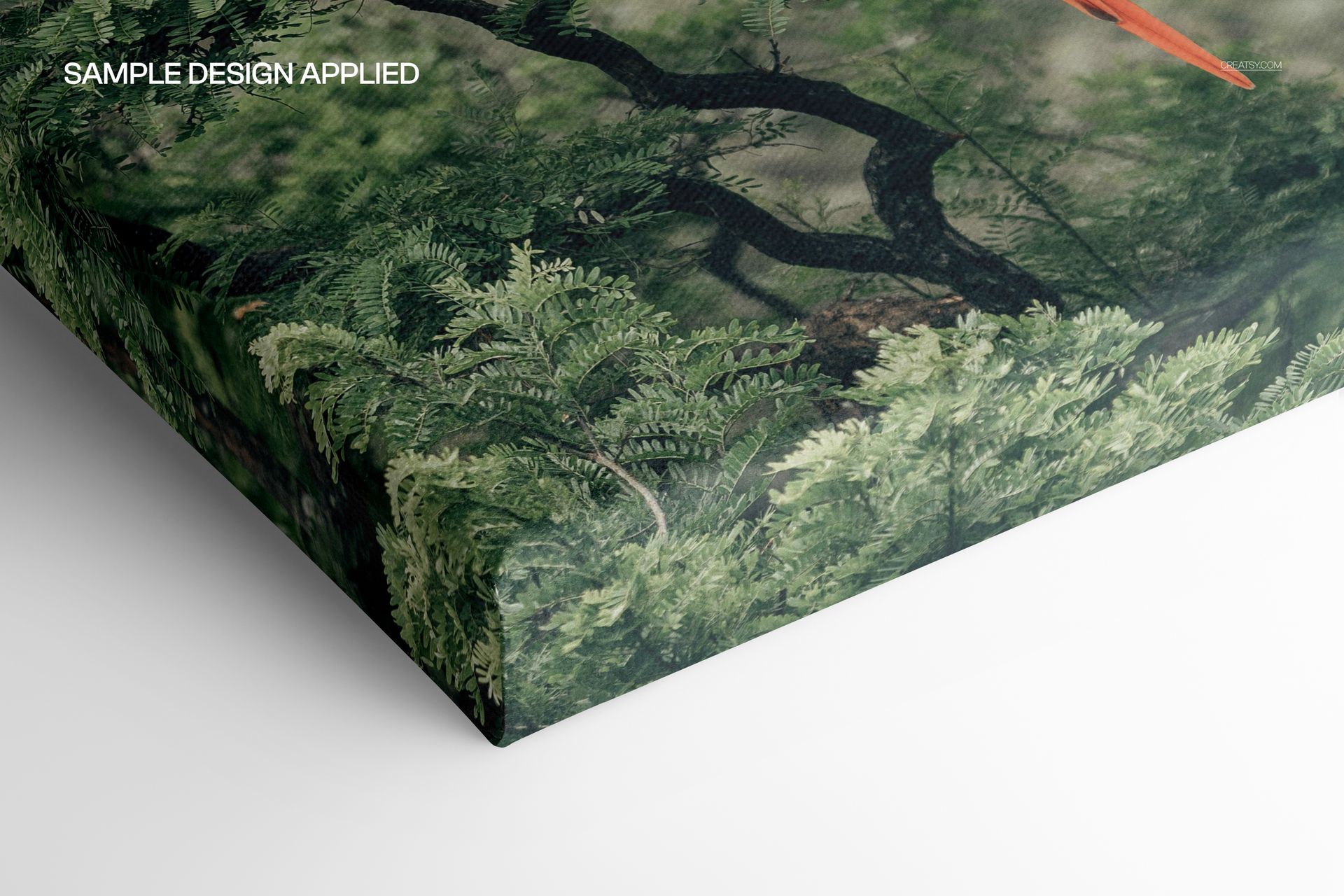
The parrot and botanical artwork visible in the preview images is a sample design used to demonstrate the cotton satin surface. No separate artwork file is listed in the download, so the sample design is not included as an editable asset.