Canvas Floater Frame Mockups Across 20 Product Sizes
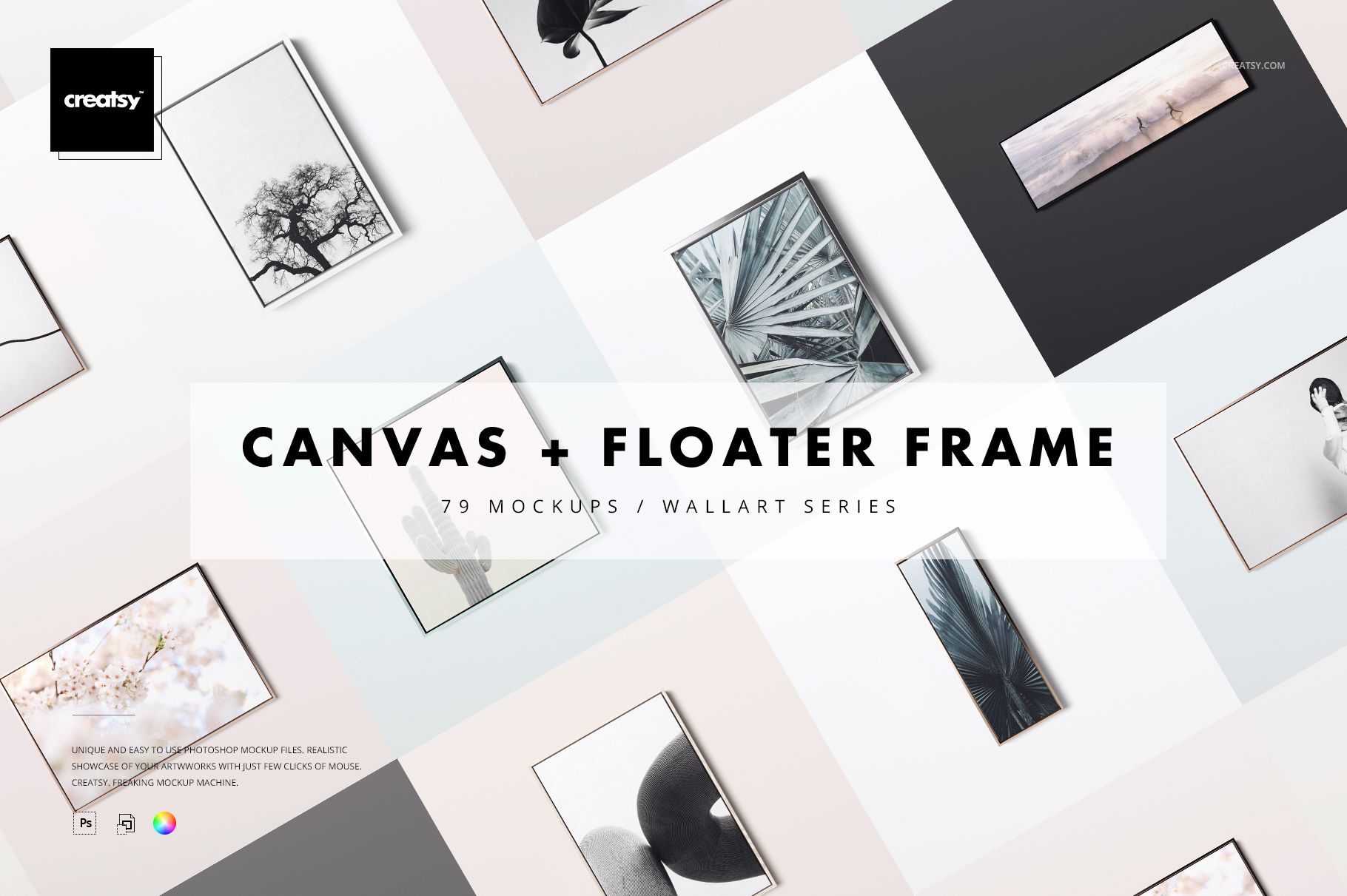
Canvas in Floater Frame Mockup Set is an extensive wall art presentation toolkit containing 79 layered PSD files. It covers 20 listed canvas size groupings with front and angled perspectives, horizontal and vertical orientations, four frame finishes and three detailed closeups. Use the coordinated scenes to build consistent ecommerce galleries, print catalogs, portfolio presentations and client approvals without photographing every size and frame combination.
What Is Included?
76 front and angled canvas frame scenes
3 dedicated closeup PSD files
79 PSD files in total
10 JPG guide files at 3000 x 2121 px
89 file entries organized across 10 ZIP archives
No PDF or PSB files listed
The public product page displays a compressed package size of 30.5 GB for Windows and 32.8 GB for macOS.
A Broad Canvas Size Matrix
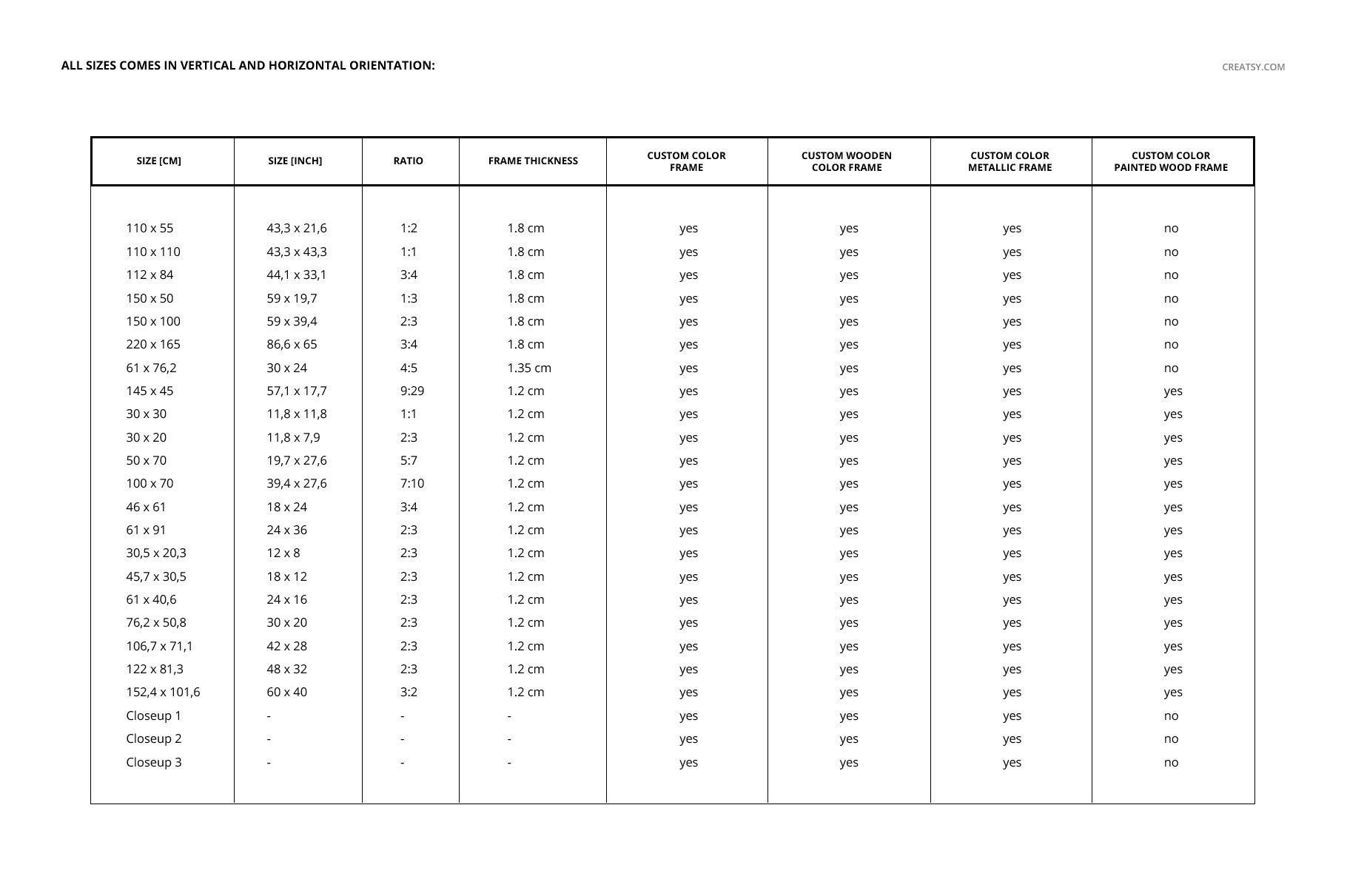
The product chart spans compact, square, portrait, landscape, panoramic and large-format canvases, with listed dimensions ranging from approximately 30 x 20 cm to 220 x 165 cm. Metric and imperial equivalents help identify a scene that closely matches the product being presented.
Depending on the selected size, the floater frame depth is 1.2 cm, 1.35 cm or 1.8 cm. The varied proportions make it easier to match the mockup to real framed canvas products.
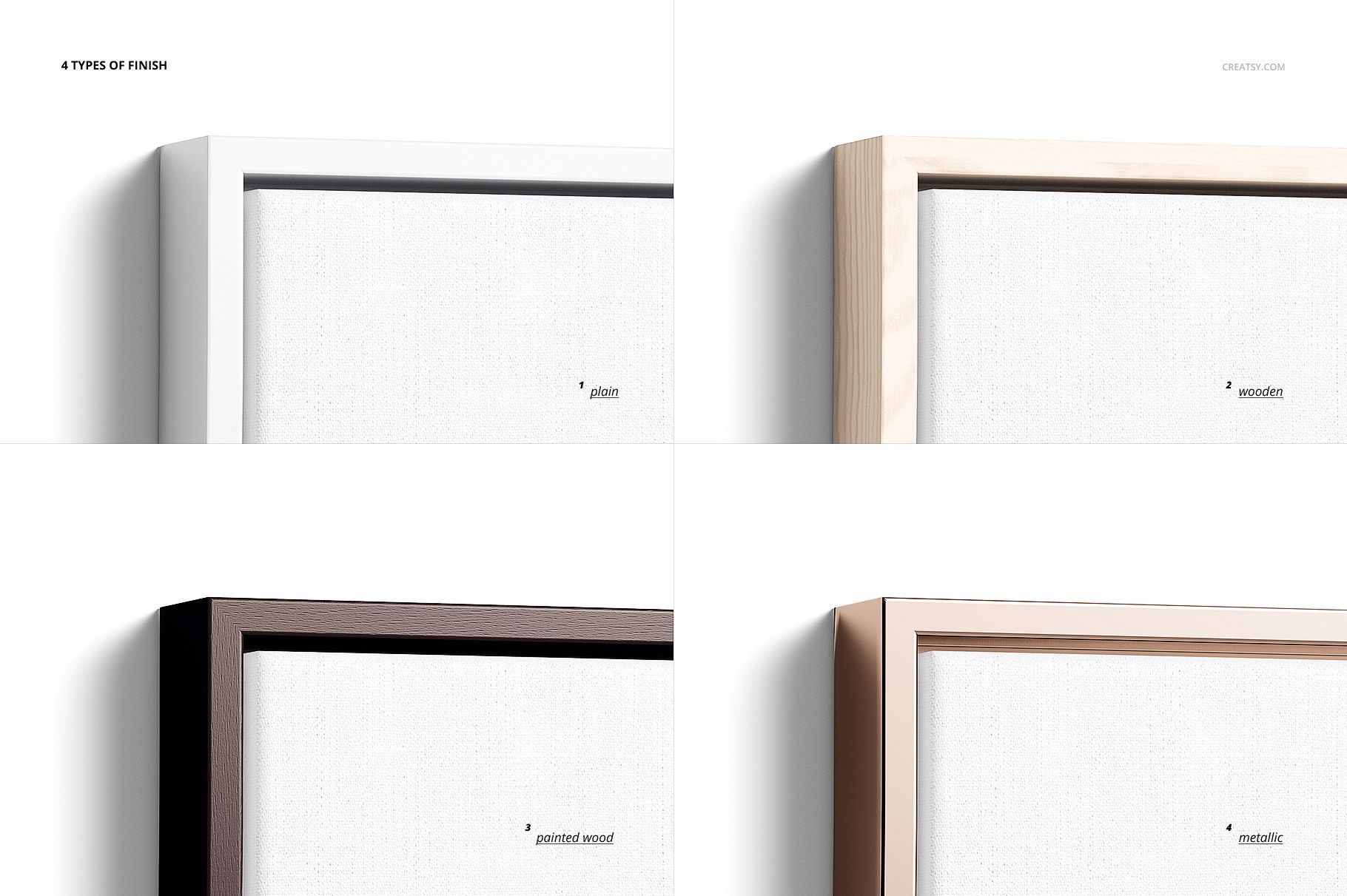
Four Customizable Frame Styles
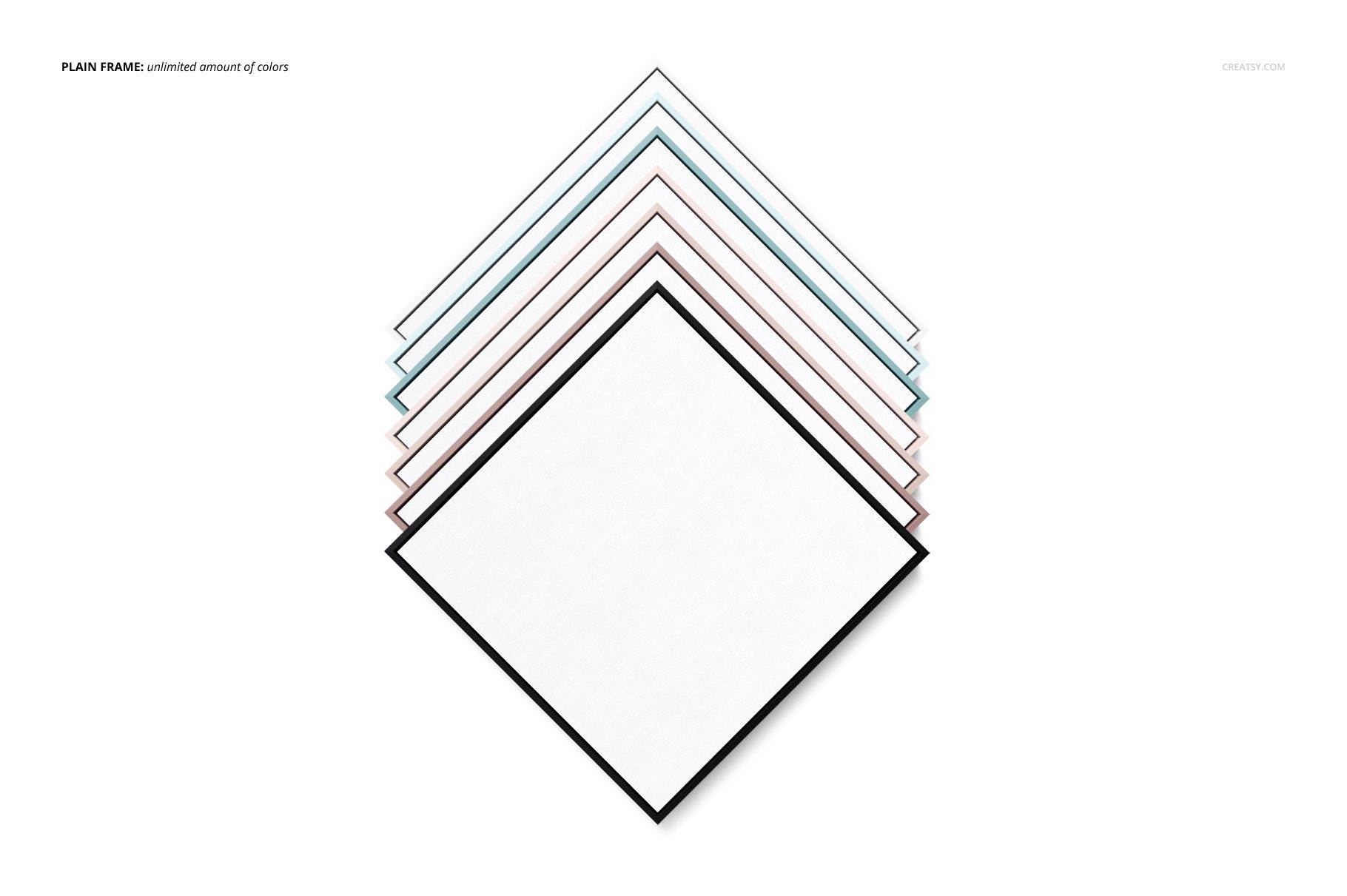
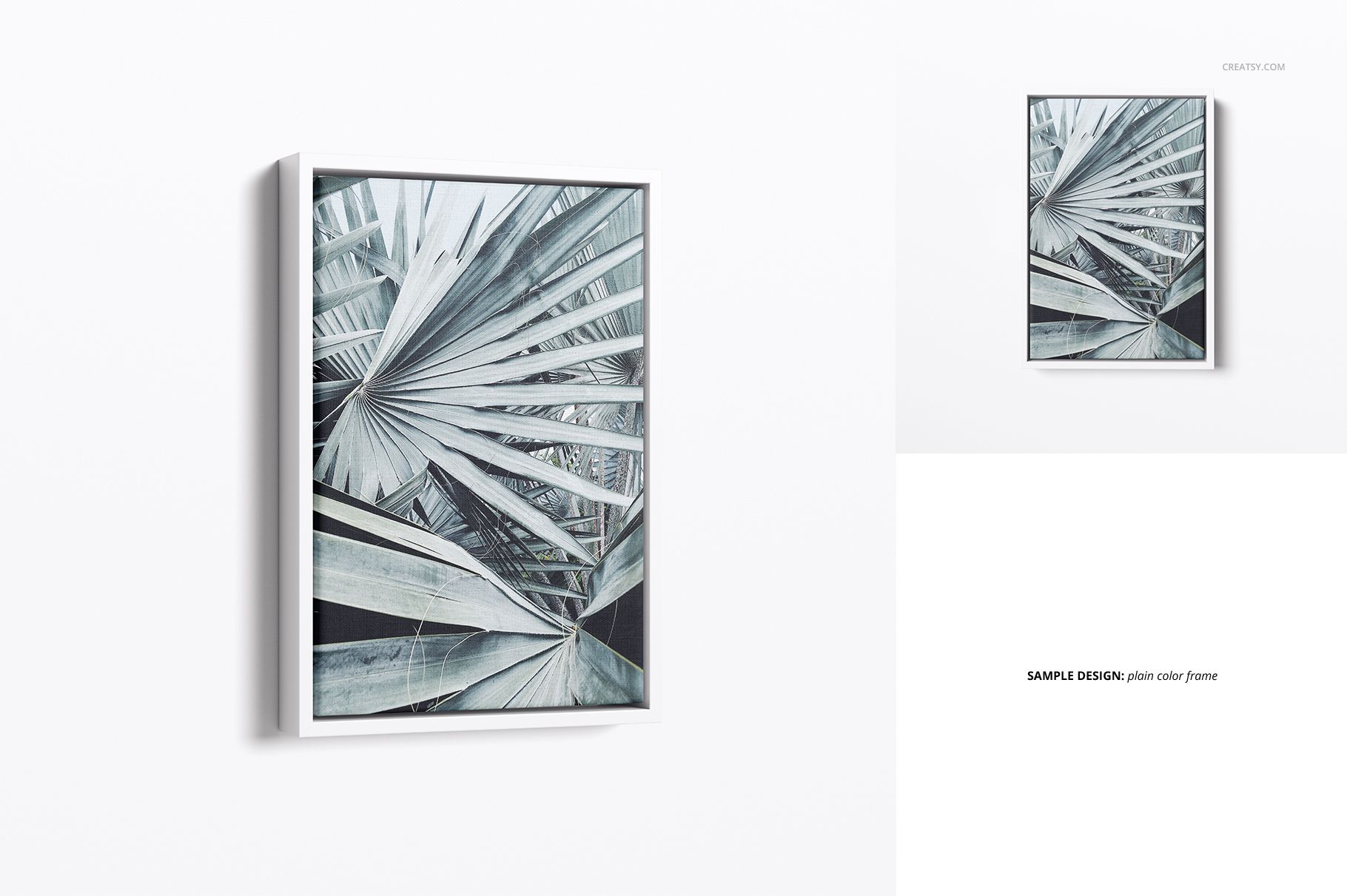
Plain frame with an editable solid color
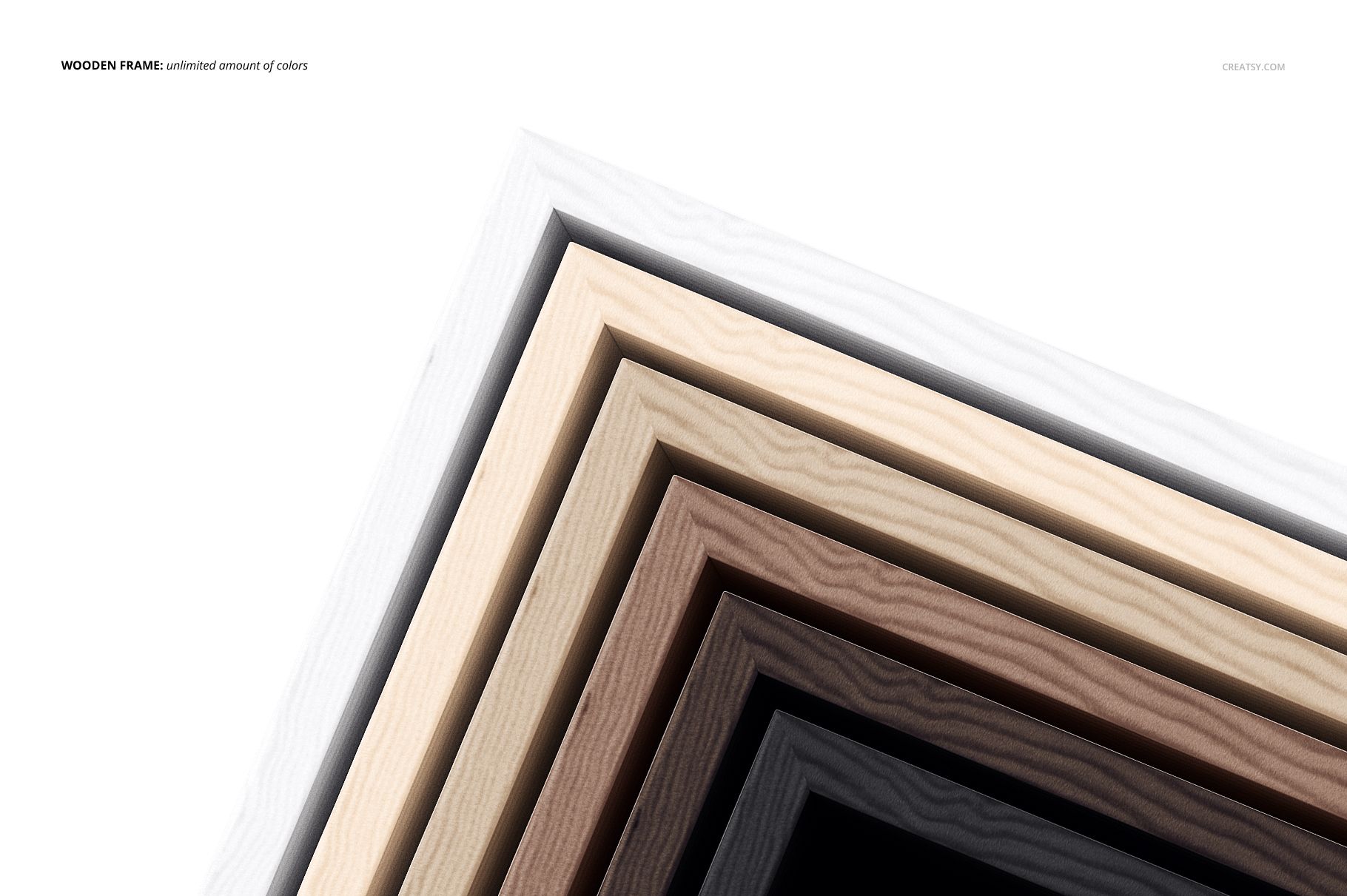
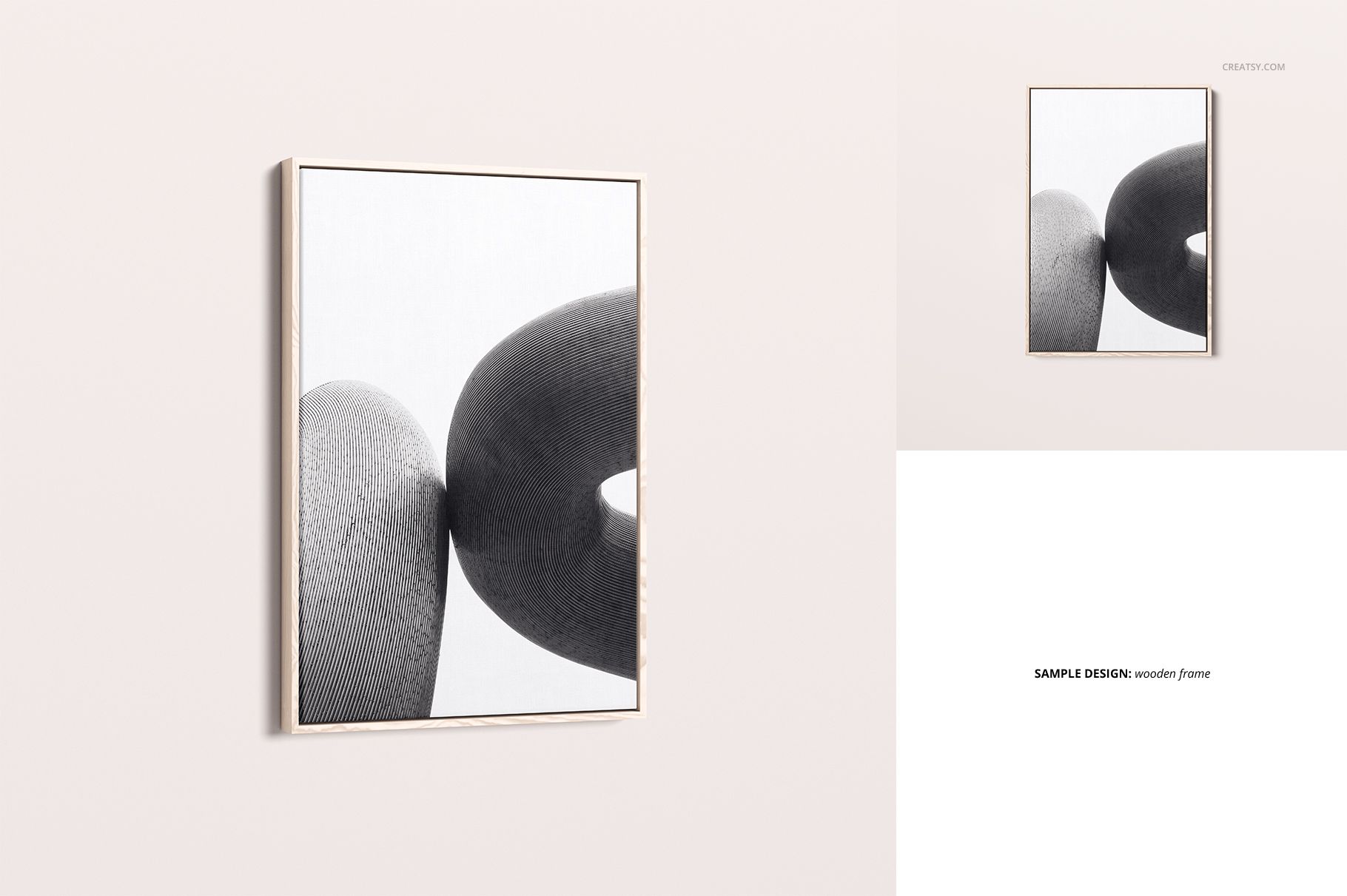
Wooden frame with customizable color
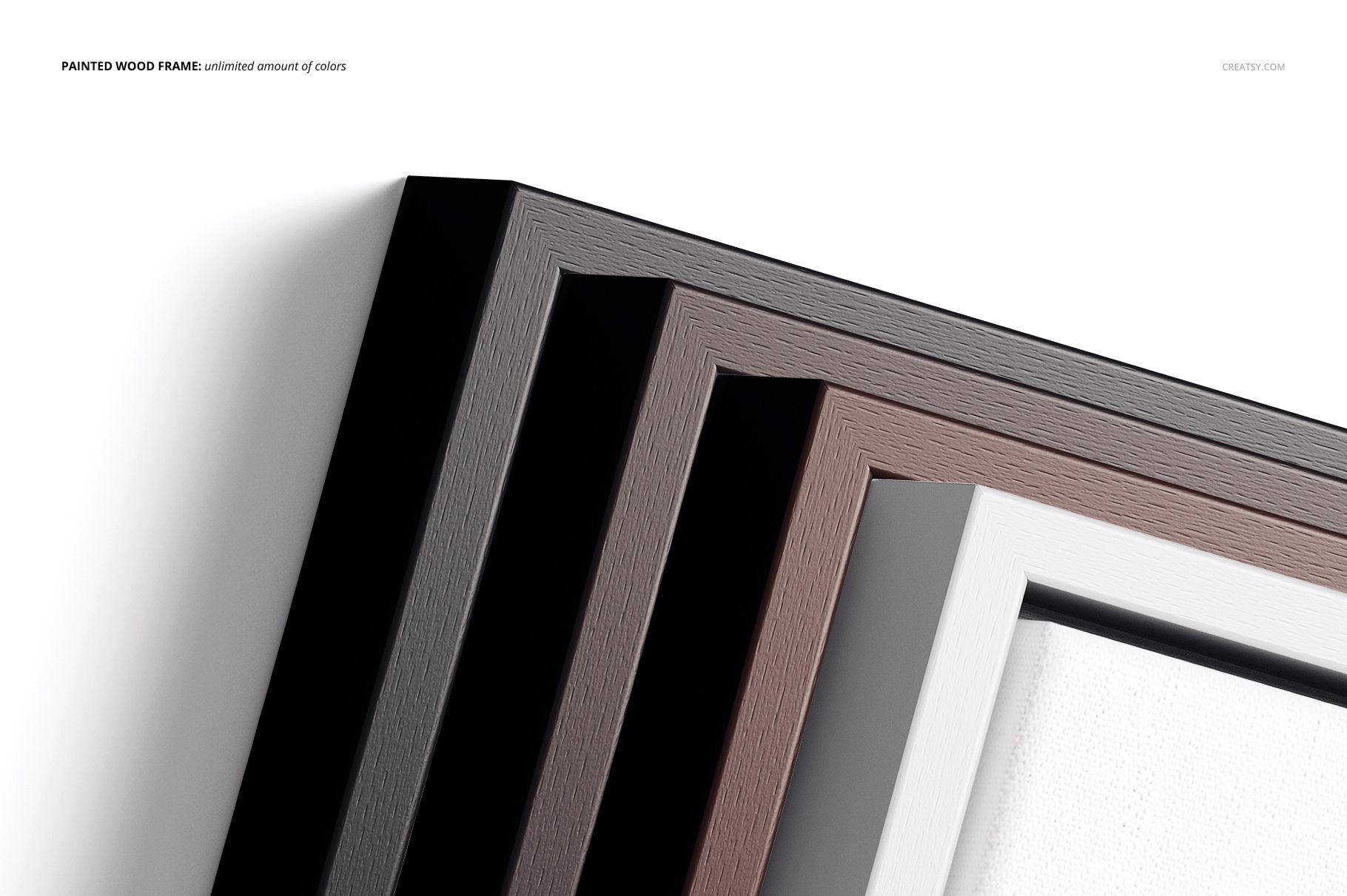
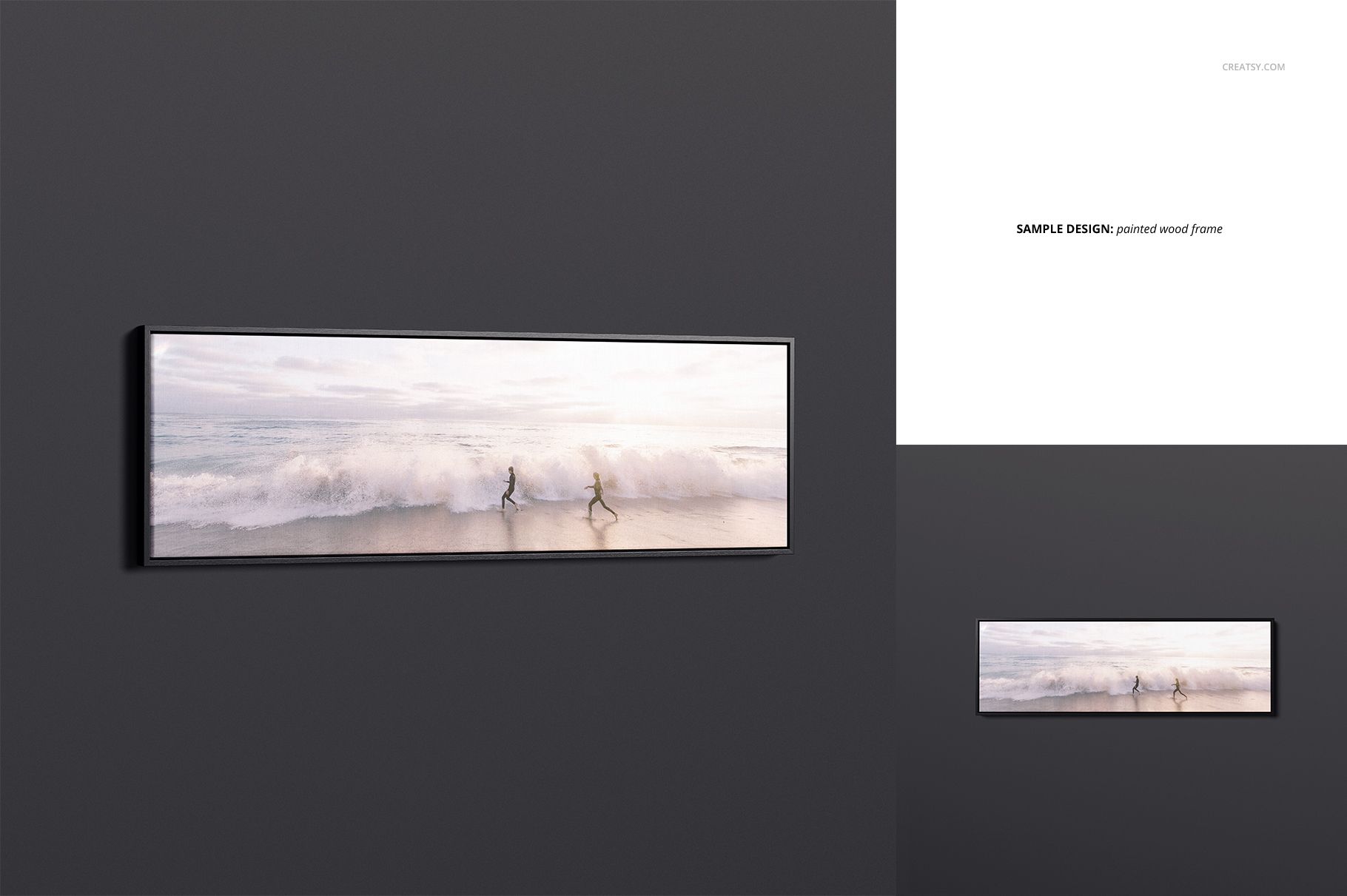
Painted wood frame with customizable color
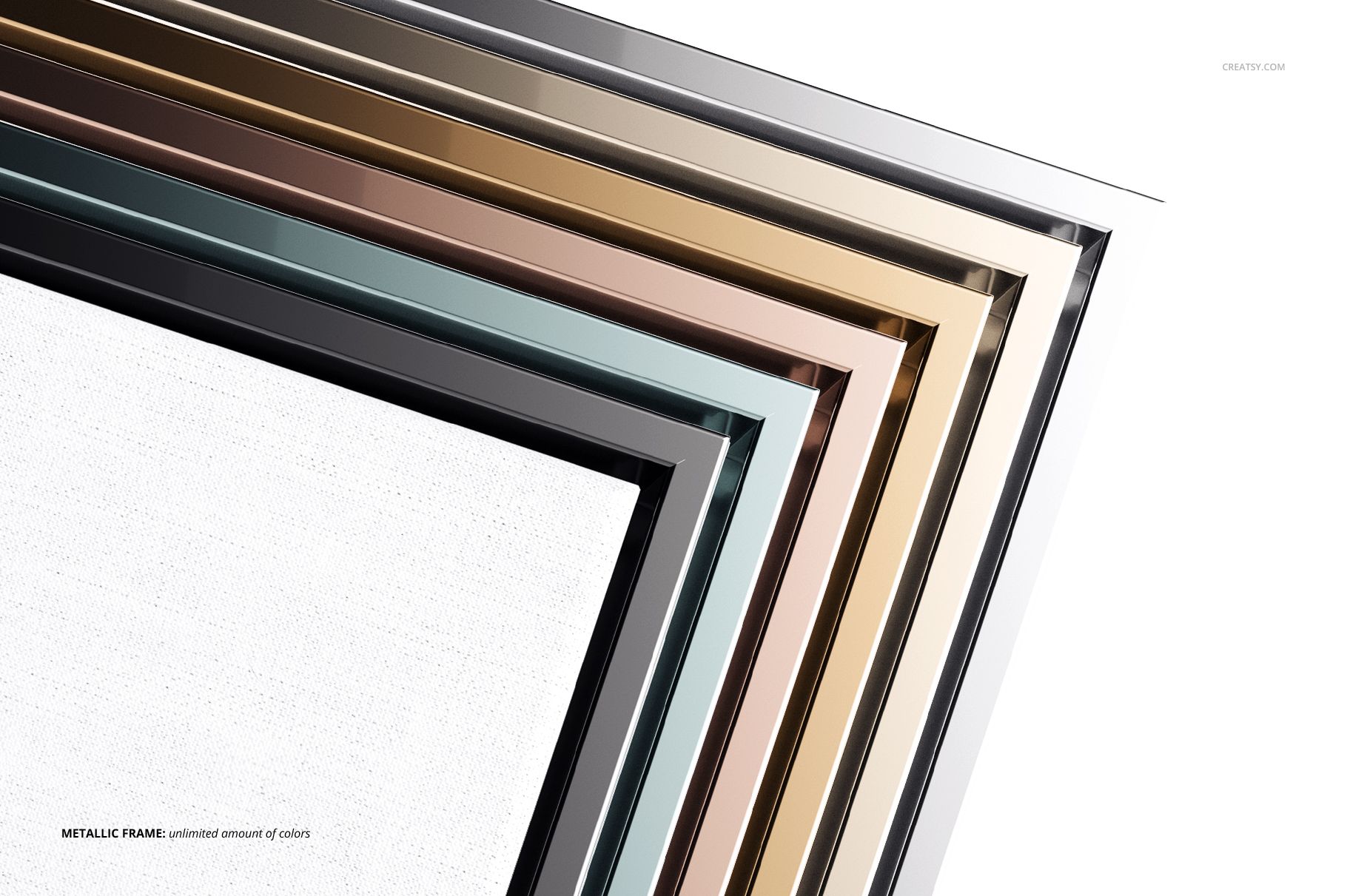
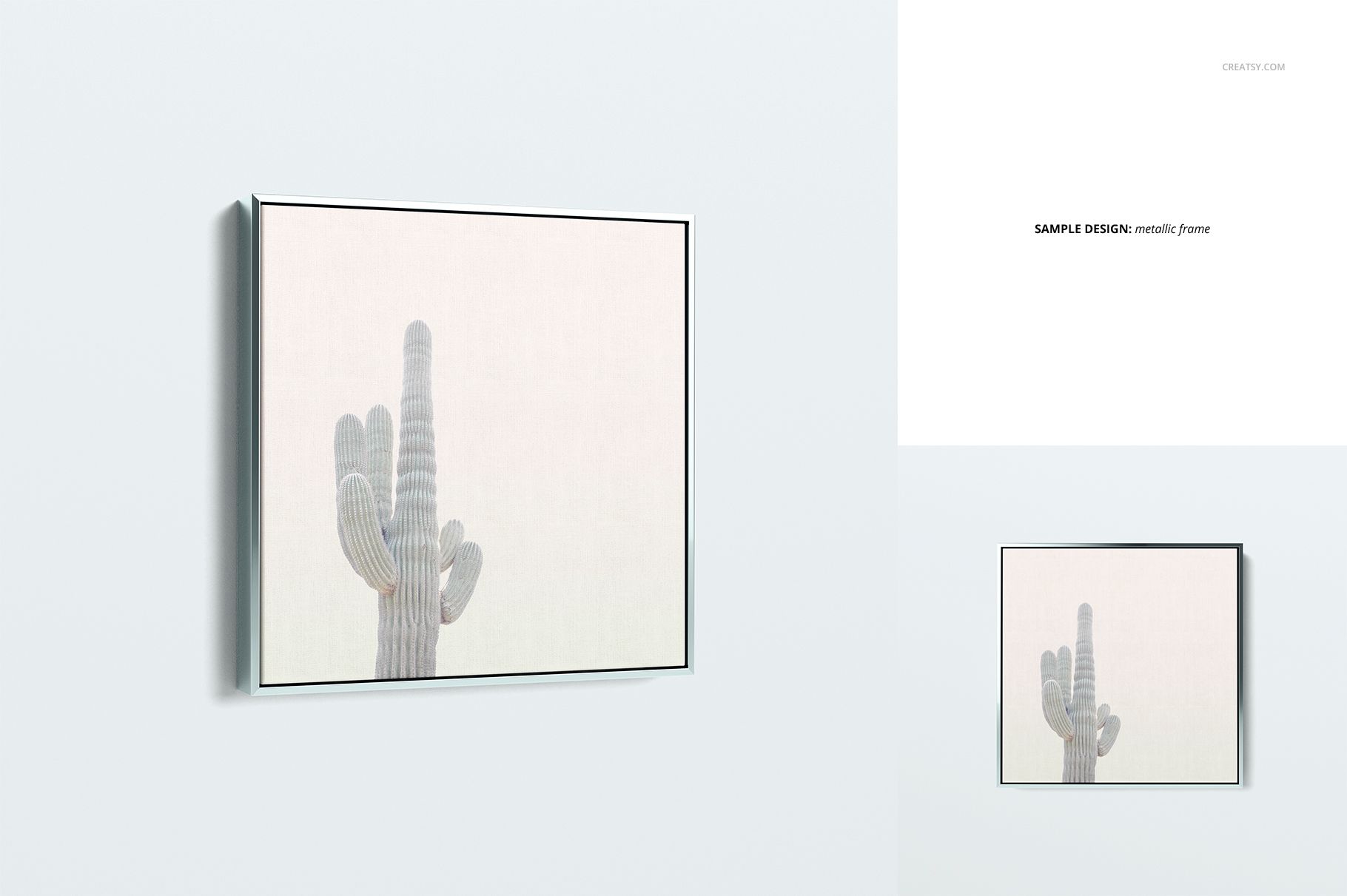
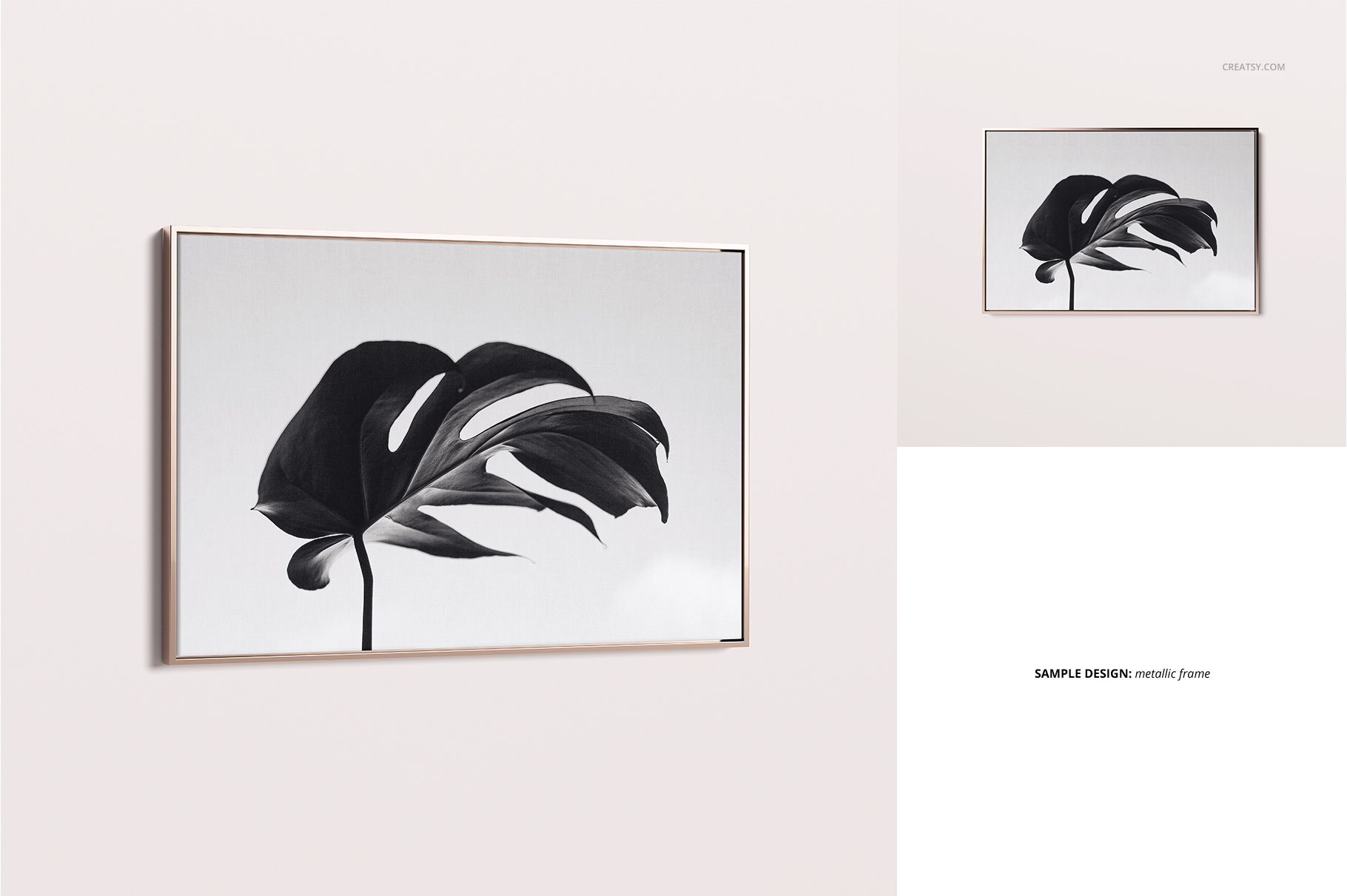
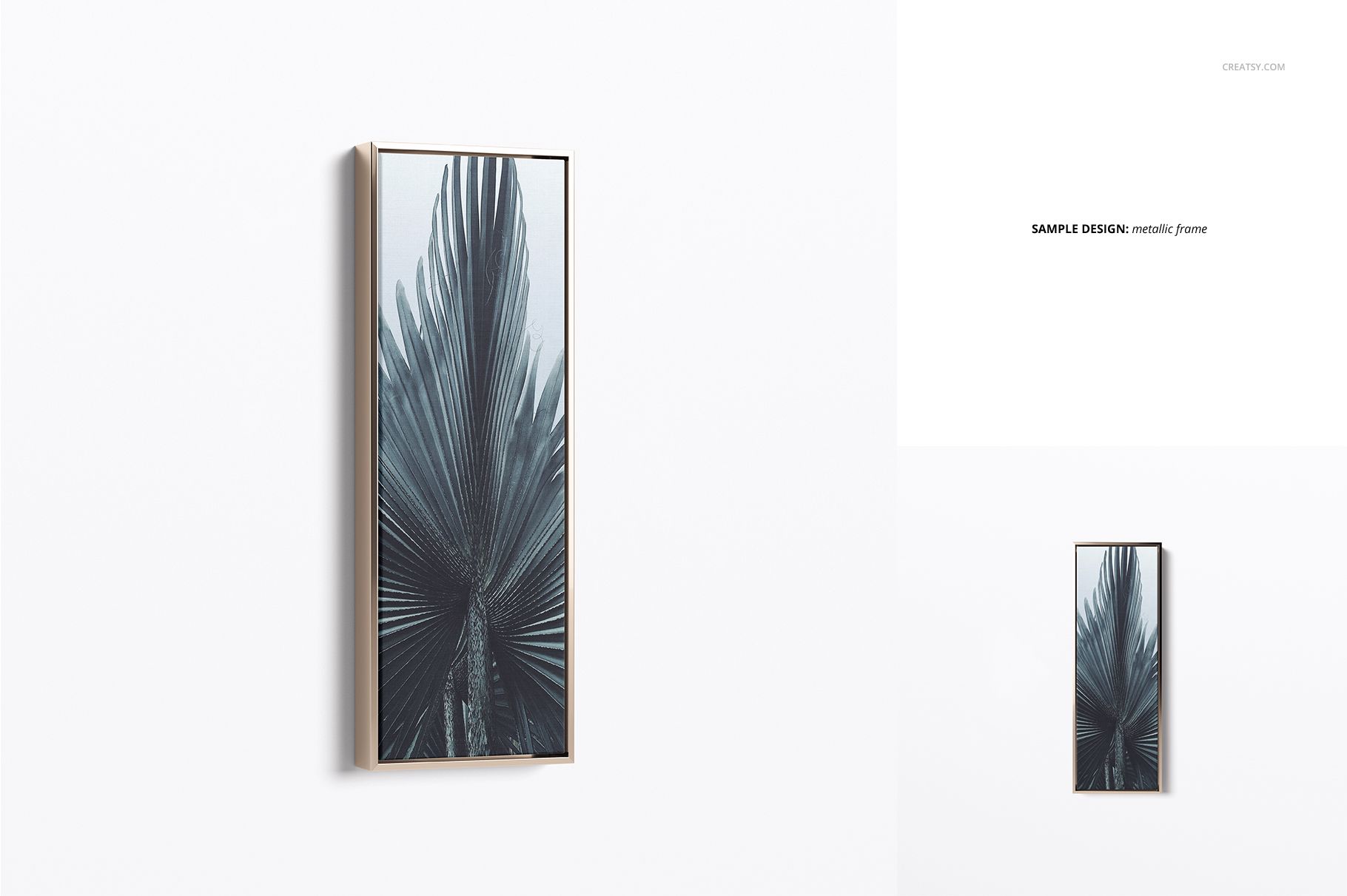
Metallic frame with customizable color
Front views keep the artwork clear and direct, while angled views communicate the shadow gap, canvas depth and frame construction. The three closeups add useful product detail.
Editable Backgrounds for Store-Ready Images
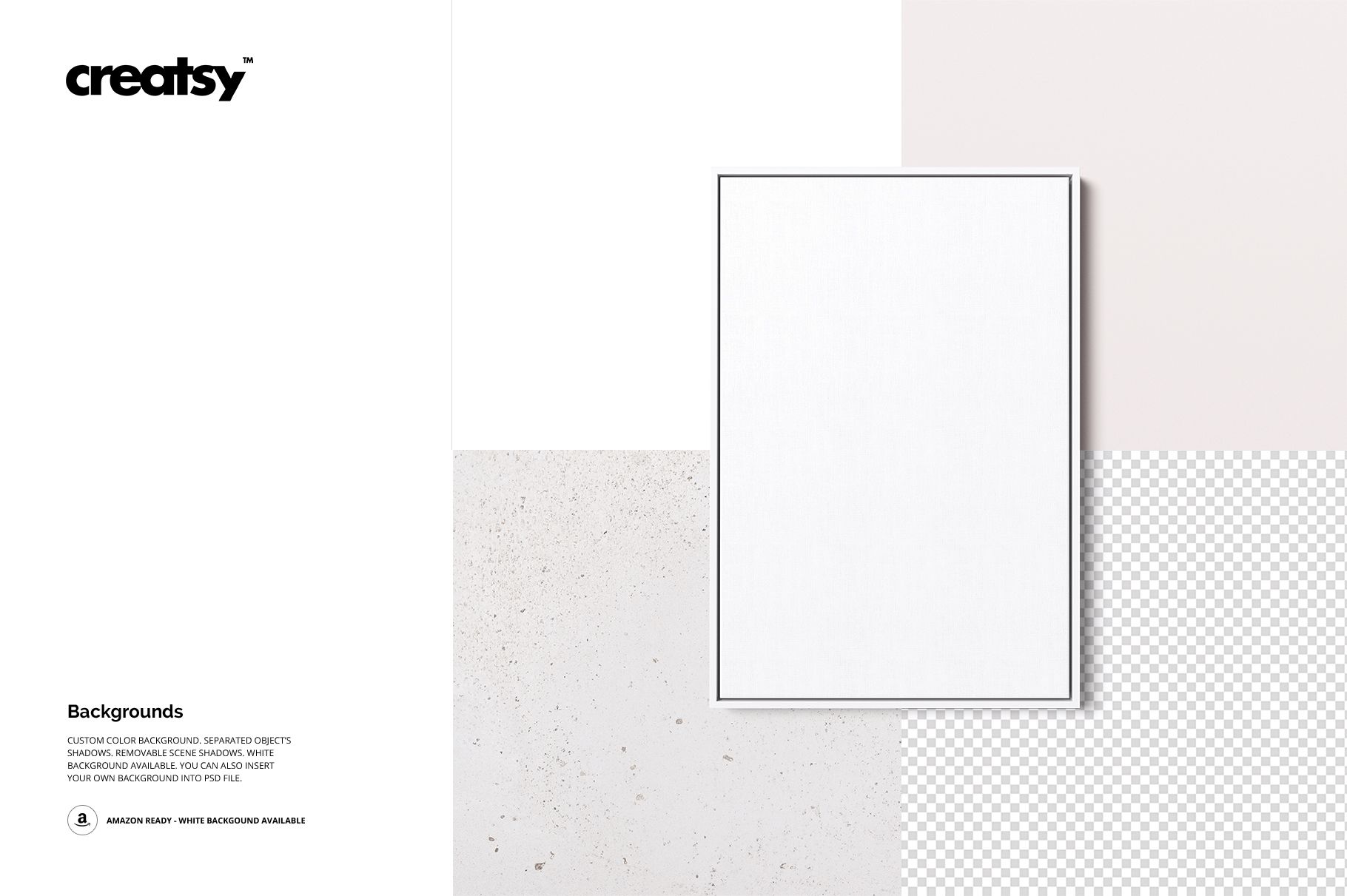
Change the background color or insert a custom texture to coordinate each image with your brand. A clean white background is included for marketplaces and product catalogs that require a simple presentation.
Resolution and Compatibility
The PSD scenes are specified at 4000 x 4000 px and 300 DPI with organized layers. The product is listed as compatible with Adobe Photoshop CS5 or newer and Photopea. Place the artwork, adjust the frame and background options and export a polished presentation.














Wonderful experience, had issues downloading, everything was fixed quickly and easily. The mockups are high quality and look great.
Thank you so much for your kind review! We’re very happy we could help and resolve the download issue quickly. It means a lot to hear that you’re enjoying the mockups and that the quality met your expectations. Thank you again for your support.