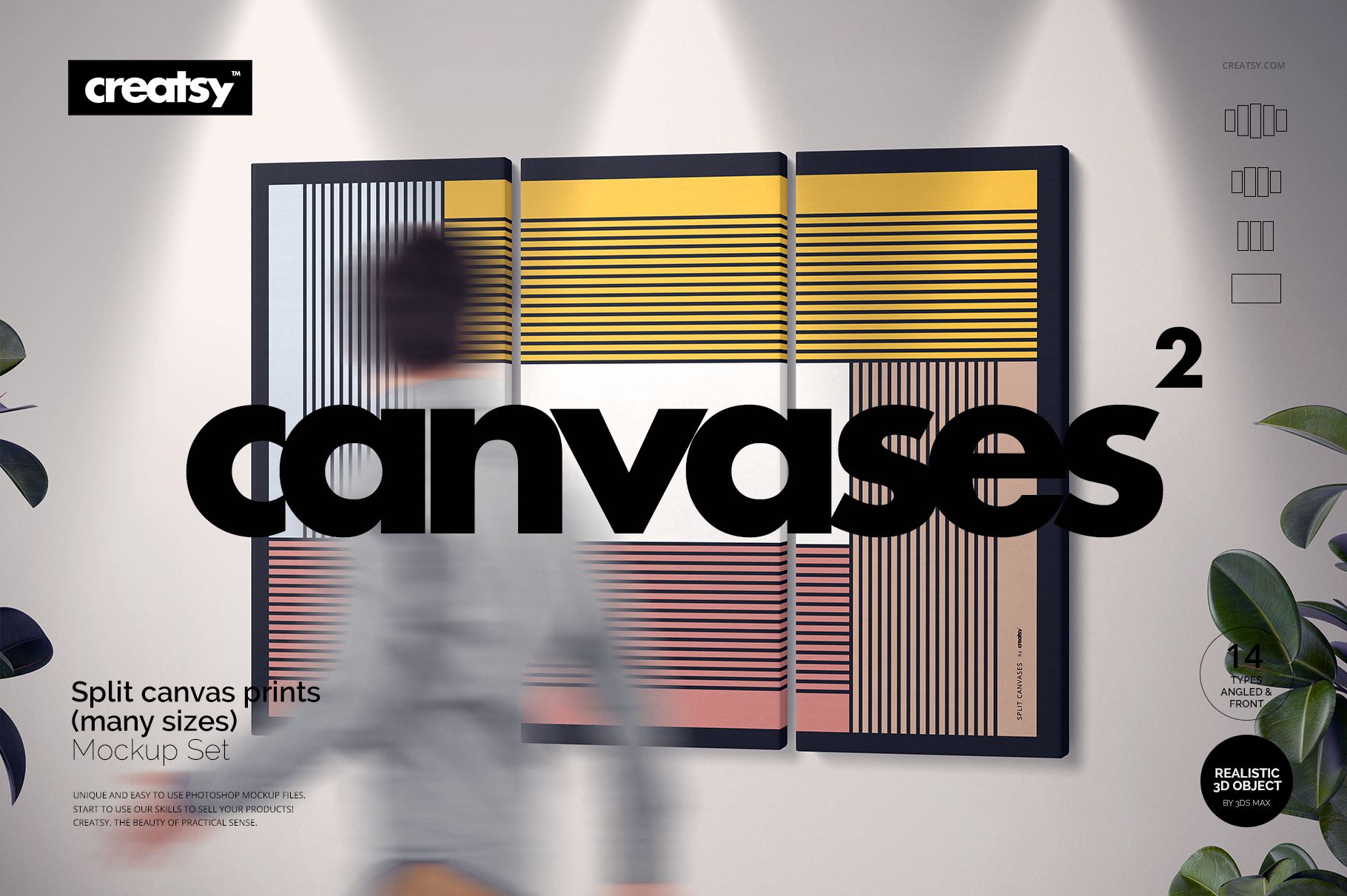
Create Professional Split Canvas Wall Art Presentations
Split Canvas Prints Mockup Set gives artists, photographers, print studios and online sellers 28 detailed PSD scenes for presenting single and multi-panel canvas artwork. Choose 3, 4 or 5 panel compositions in multiple sizes, then display each arrangement from a clean front view or a dimensional angled perspective.
Every working scene measures 6000 x 4000 px and features a realistic 1.5-inch mirror wrap. Replace the sample artwork through Smart Objects, move individual canvas panels, adjust scene elements and create polished wall art visuals for product listings, portfolios, advertising, client approvals or print-on-demand collections.
What Is Included?
28 layered PSD working scenes at 6000 x 4000 px
28 matching JPG scene previews at 6000 x 4000 px
4 Guide JPG files at 3000 x 2121 px, with one guide supplied in each archive part
60 files in total across four downloadable archive parts
Complete package size of approximately 11.5 GB for Windows and 12.3 GB for macOS
Available Layouts
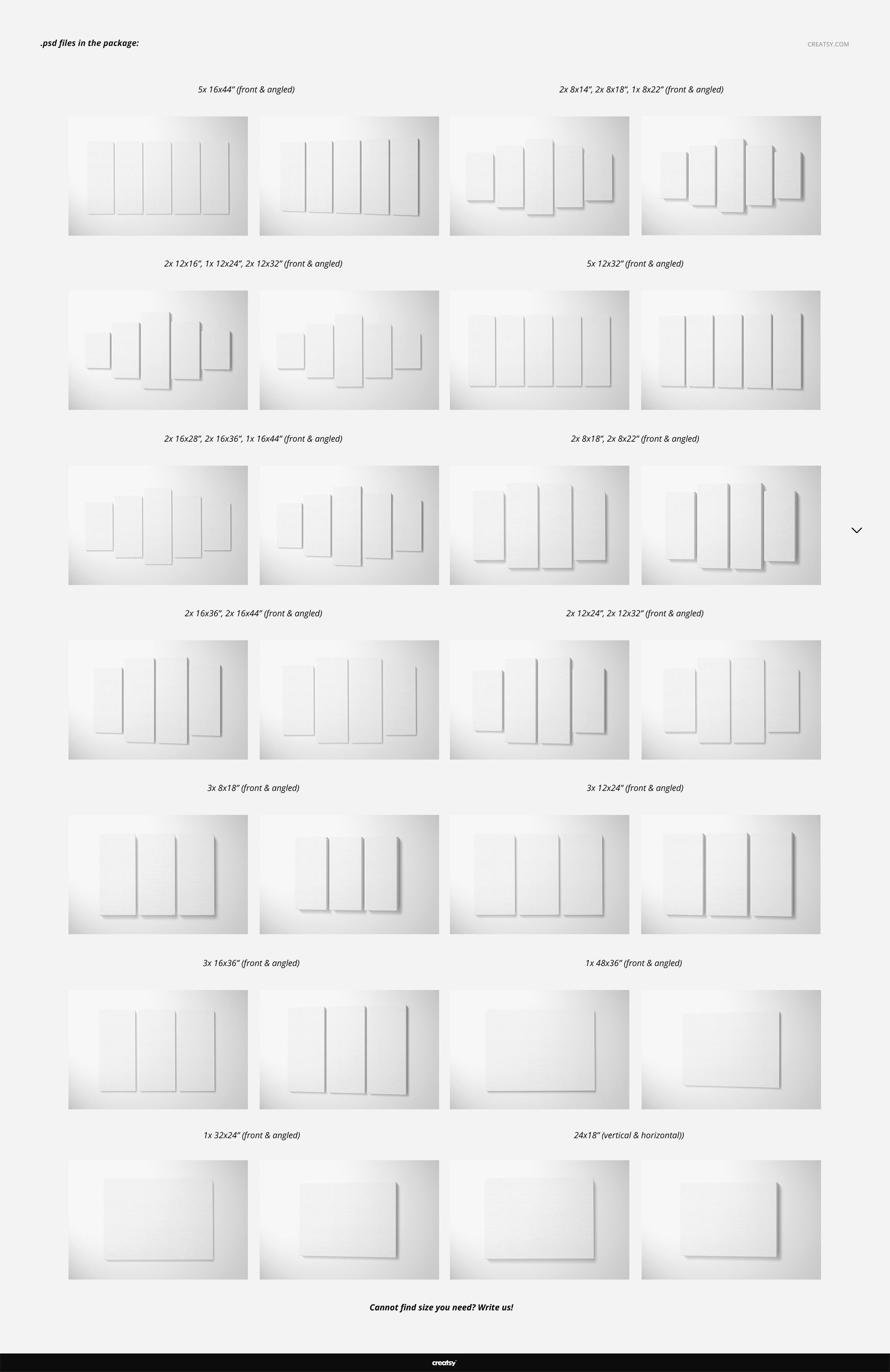
3-piece canvas sets in Medium, Large and Extra Large sizes
4-piece canvas sets in Medium, Large and Extra Large sizes
5-piece canvas sets in Medium, Large, Extra Large, Large Mega and XL Mega sizes
Single canvas scenes in 24 x 18, 32 x 24 and 48 x 36 formats
Front and angled versions of every working layout
Editable Scene Features
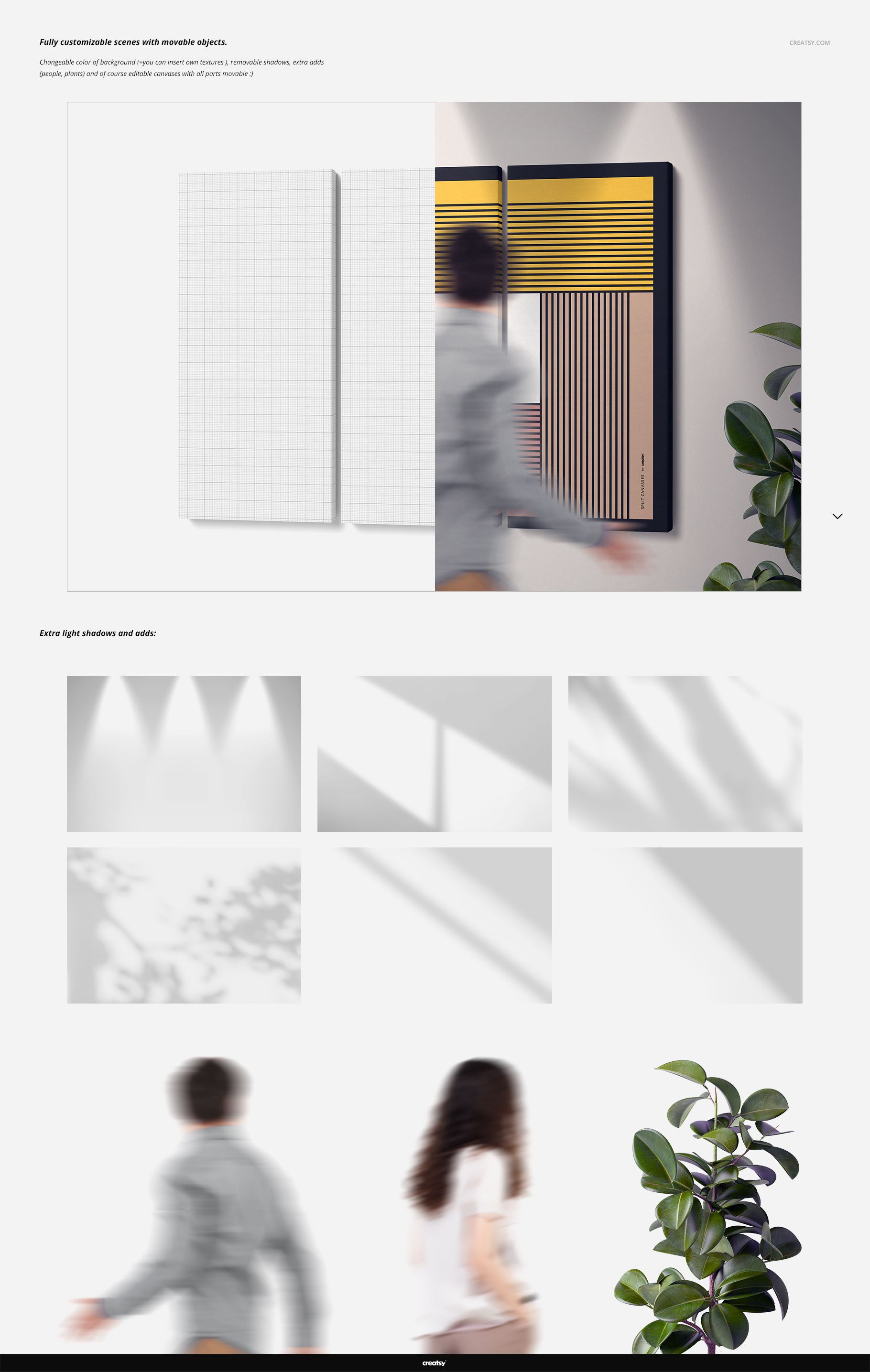
Smart Object artwork placement for fast design changes
Movable canvas panels and scene objects
Realistic 1.5-inch canvas thickness with mirror wrap
Customizable background color
Six selectable light-shadow styles
One movable plant and two scalable human figures for visual context
Organized layers for efficient scene building and export
Built for Wall Art Sales and Portfolios
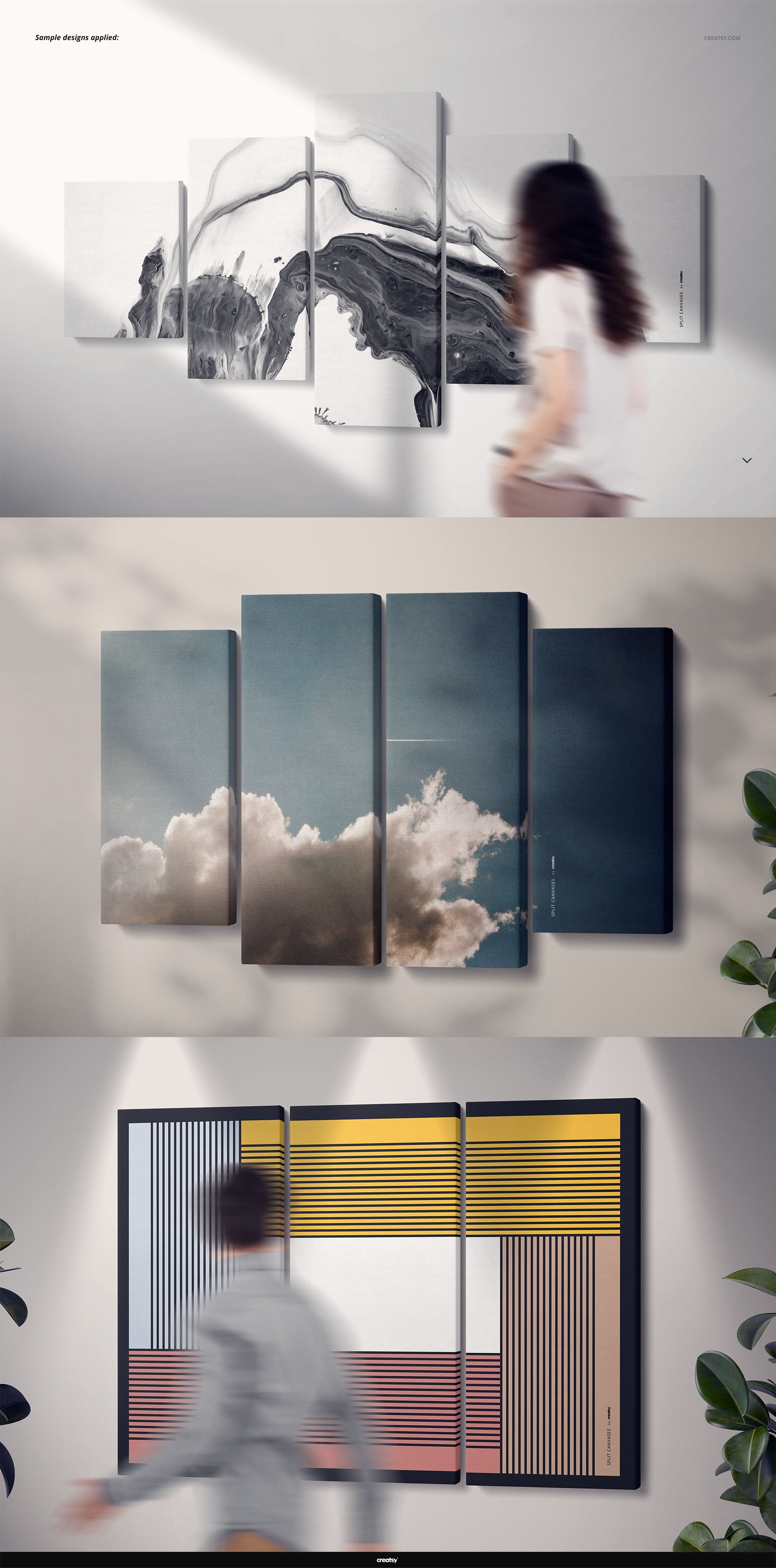
Use the different panel counts and scale references to help customers compare split canvas proportions before ordering. The front views work well for clean catalogs and marketplace thumbnails, while the angled scenes add depth for advertising, presentations and lifestyle-focused product pages.
Software Compatibility
The layered PSD files are compatible with Adobe Photoshop CC 2015 or later and Photopea. Open a scene, replace the artwork through the Smart Object layers, arrange the panels and supporting objects, select a shadow style and export your finished presentation.
Important Information
The sample designs displayed in the product screenshots are used for demonstration only and are not included with the downloadable mockup files.