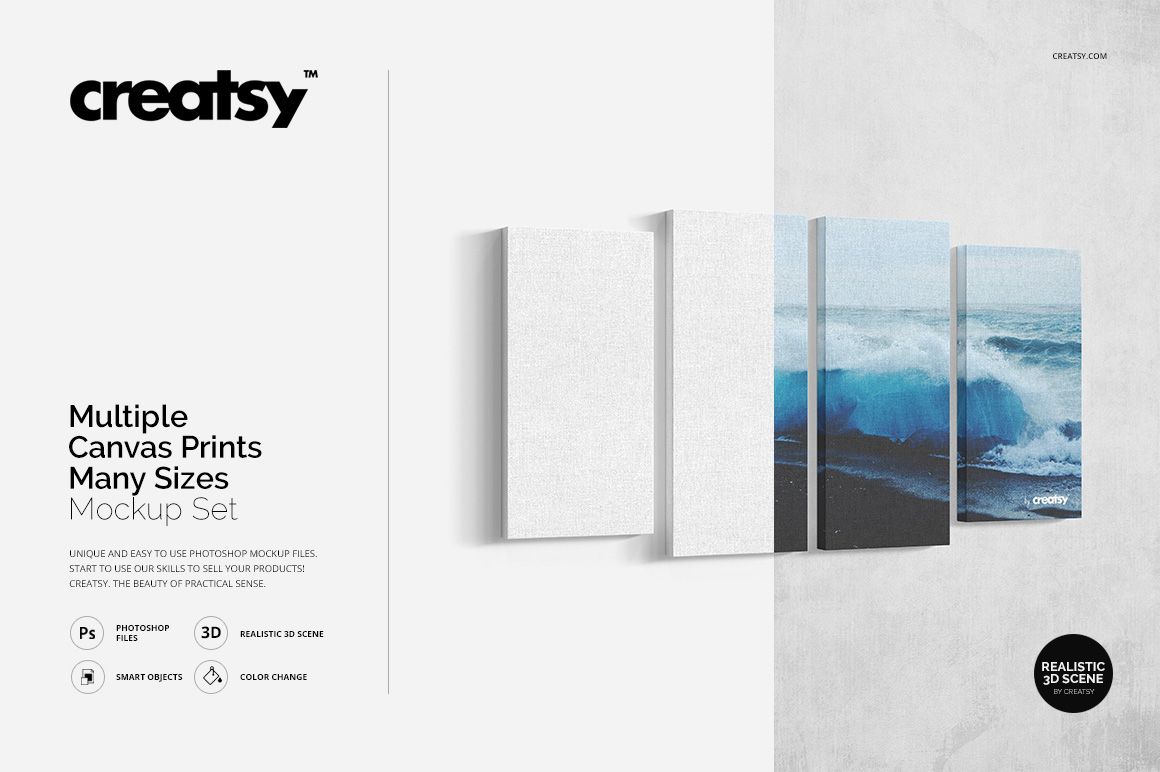
Multiple Canvas Print Many Sizes Mockup Set

Product Details
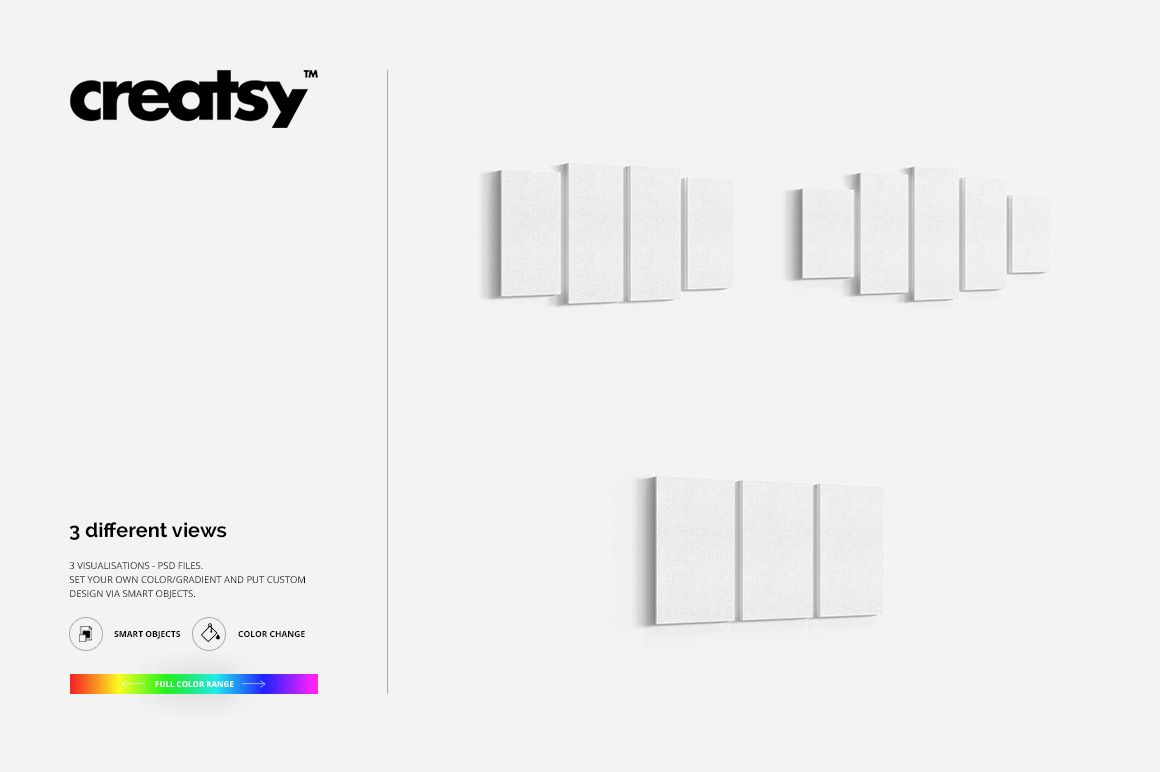
Multiple Canvas Print Mockups for Six Confirmed Formats
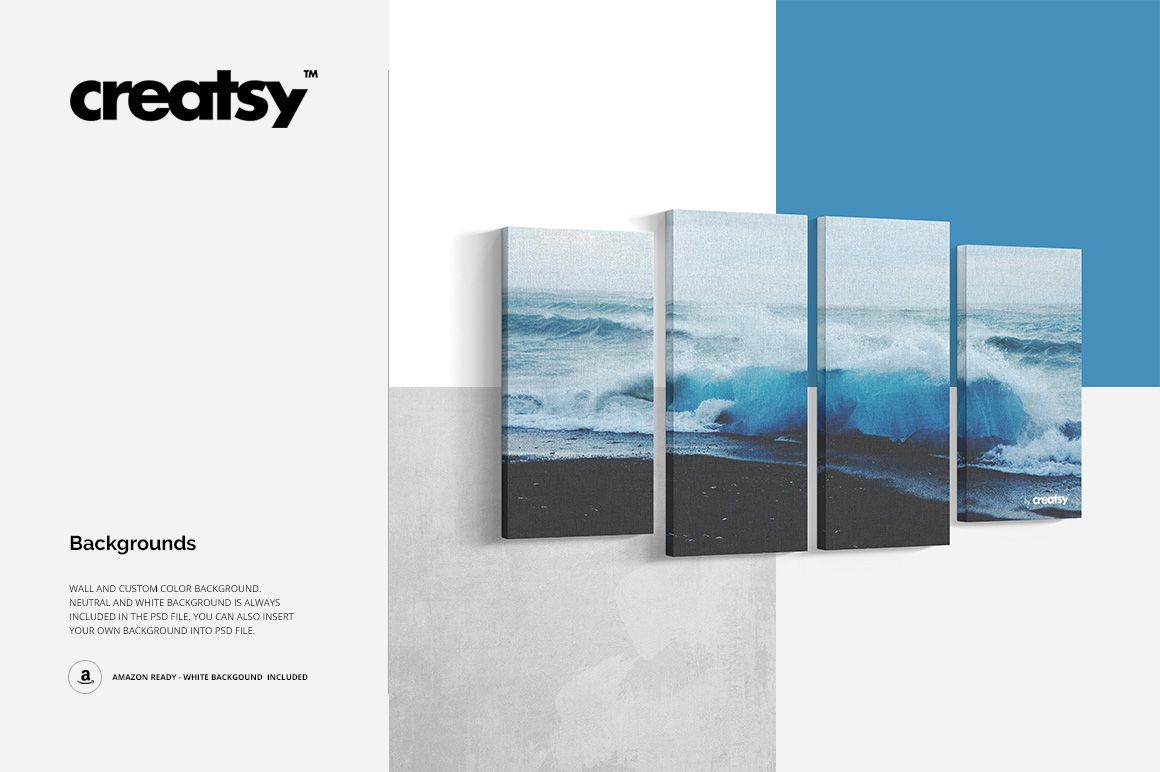
Create coordinated wall art presentations with grouped canvas prints in clean studio and interior-style scenes. This mockup set is designed for comparing layouts, presenting collections, building marketplace images and showing customers how multiple artworks can work together on a wall.
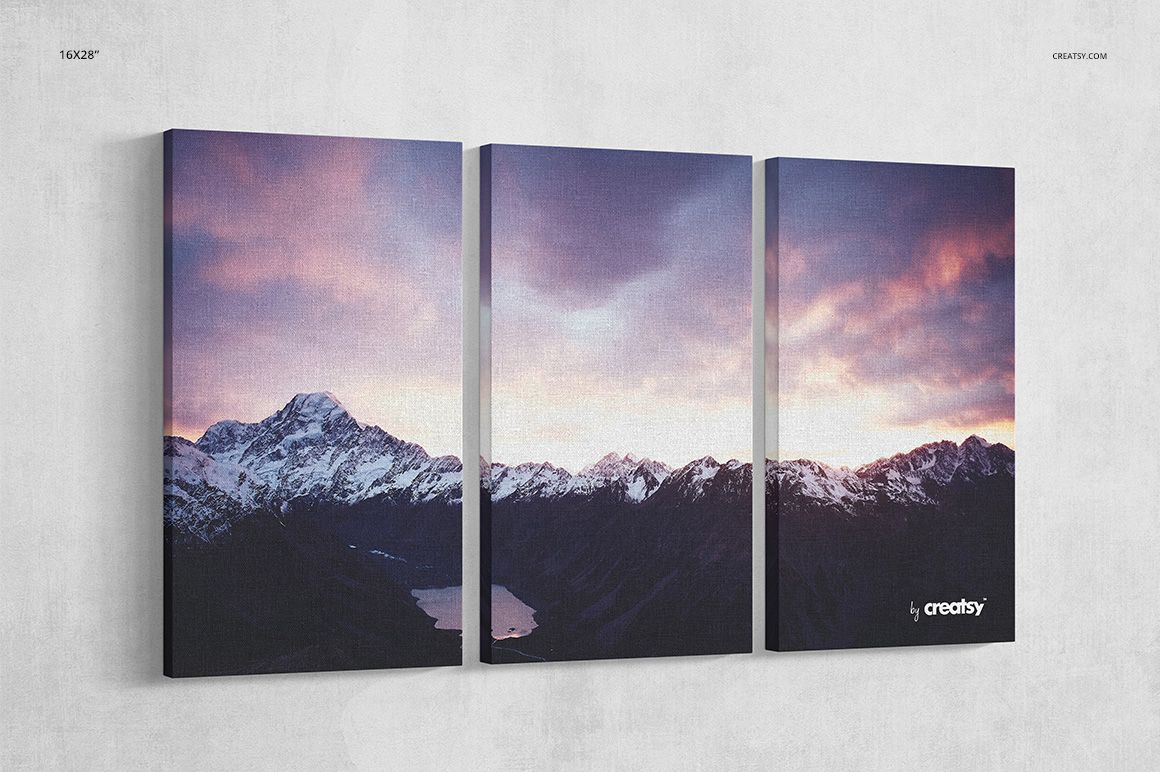
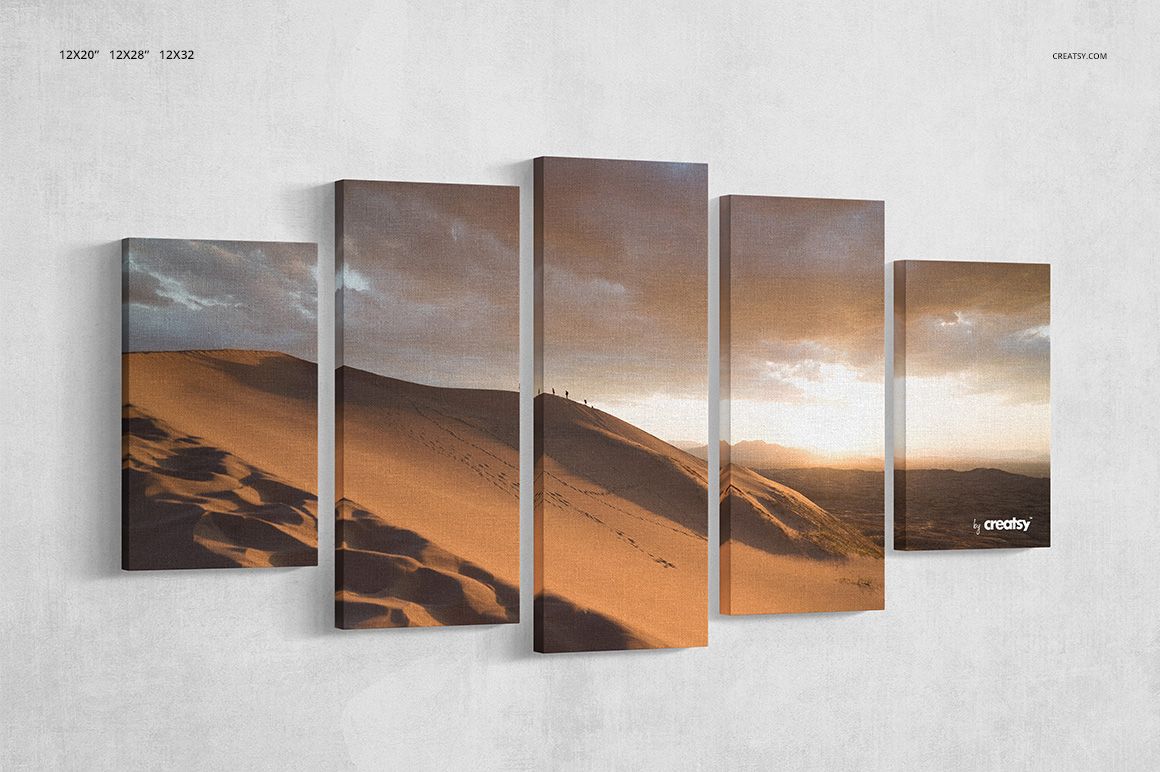
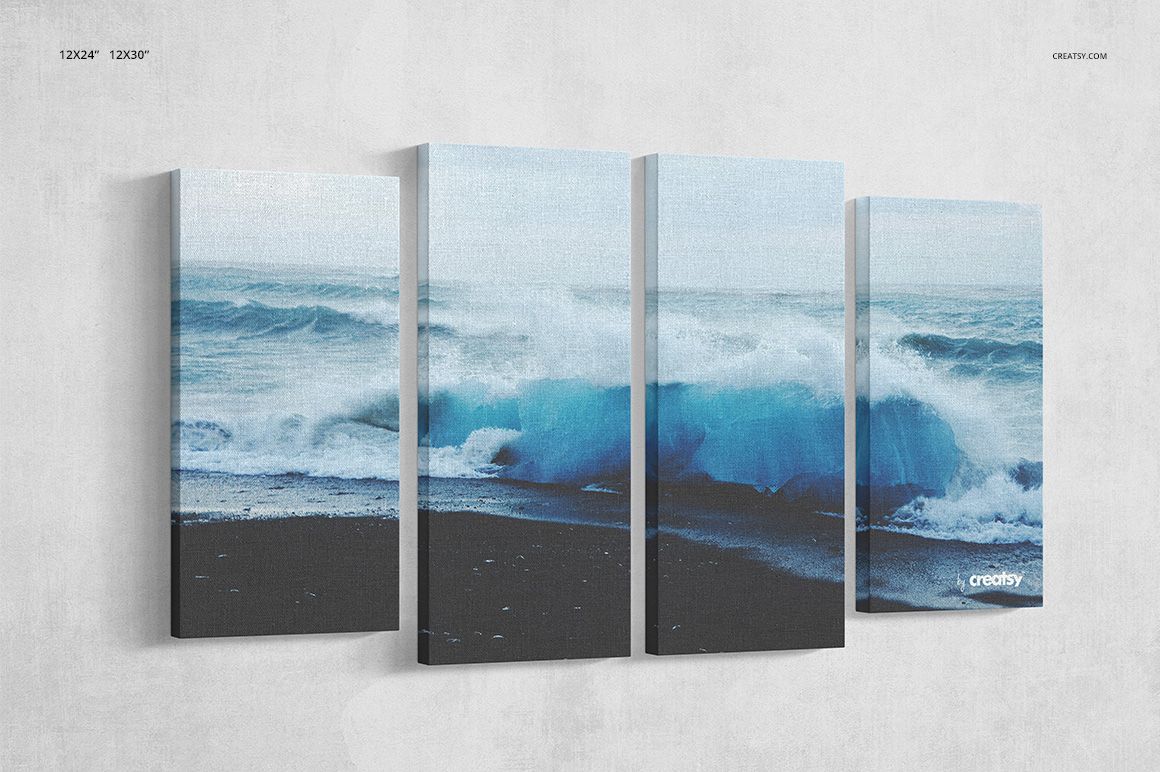
The download contains exactly 7 files: 3 layered PSD scene files, 3 matching JPG previews and 1 TIF guide. The six confirmed size labels are 12x20, 12x24, 12x28, 12x30, 12x32 and 16x28.
What Is Included?
3 PSD files: grouped scenes covering the six confirmed canvas dimensions
3 JPG previews: each supplied at 4500 x 4500 px
1 TIF guide: Guide.tif at 1000 x 1414 px
7 files total: 3 PSD, 3 JPG and 1 TIF
Editable Features
Replace canvas artwork through Smart Objects
Choose a grunge wall, neutral backdrop, solid white background or custom background color
Work with clearly organized layers for faster scene adjustments
Create clean comparison images for several canvas formats within one coordinated presentation
The layered PSD files are compatible with Adobe Photoshop and Photopea. The sample designs shown in the preview images are presentation examples only and are not included in the download.
File details
- Compatibility
- Package size
- 405 MB
|425 MB
- Files type
- .psd, .jpg
- Files size
- 4500x4500


MEET THE SHOP

HOW IT WORKS
3 clicks. That's it.
No tutorial needed. If you can copy-paste, you can use this.
- 1OpenDouble-click the smart object inside the PSD - in Adobe Photoshop, or free in your browser with Photopea.
- 2PasteDrop in your pattern, print, or artwork. Any design, any style.
- 3SaveHit save and the mockup wraps it in for you - shadows, folds, and lighting included.
FROM IDEA TO IMAGE
Built for real workflows
Show the finished print on the wall Poster, canvas, or acrylic - drop your art in and the client sees the hung piece before it goes to print.
See it on the product, not a swatch Drop your file into the smart object and the scene's lighting and folds wrap around it, so you judge the real thing before you commit.
Smart Objects
Edit once and you're done. Your artwork drops into a smart object and the mockup updates itself - no masking, no warping by hand.
Perfectly Organized
Named layers and folders you can actually navigate. Find what you need, change what you want, and get out fast.
Print-Ready
High-resolution files built to hold up on screen and in print. Exact size and DPI are in this product's Details above.