Canvas Print Generator Mockup Set
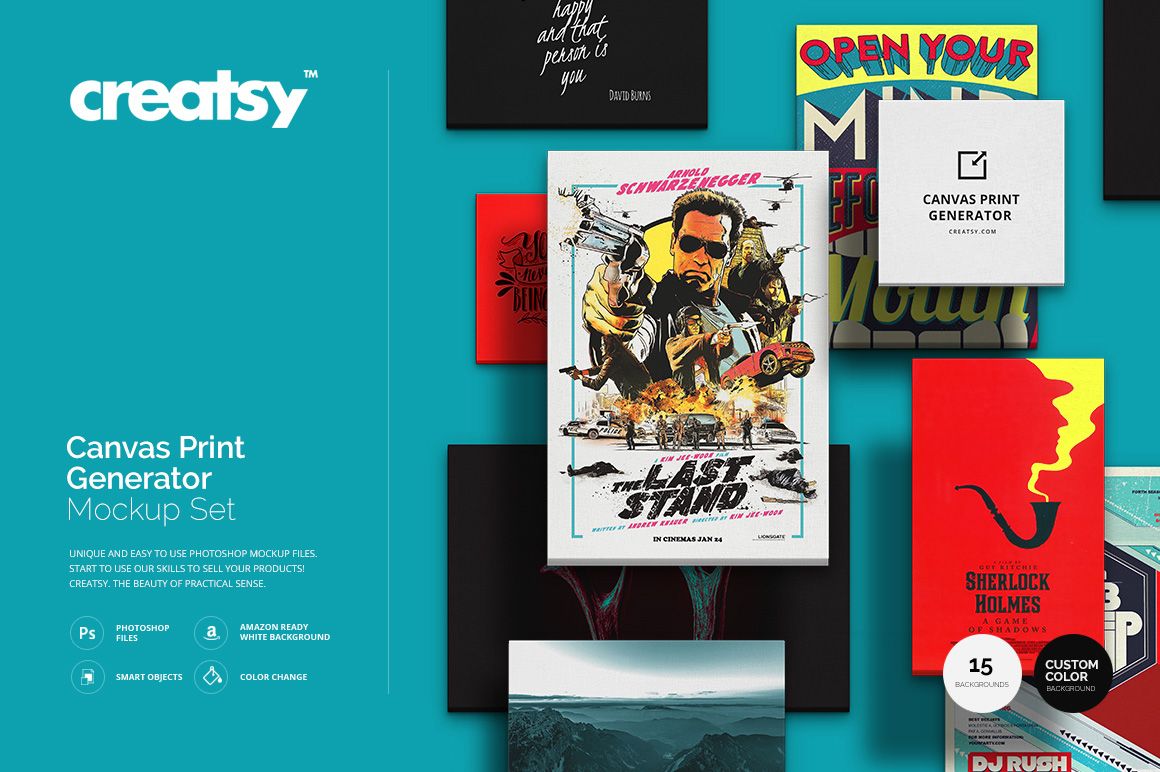
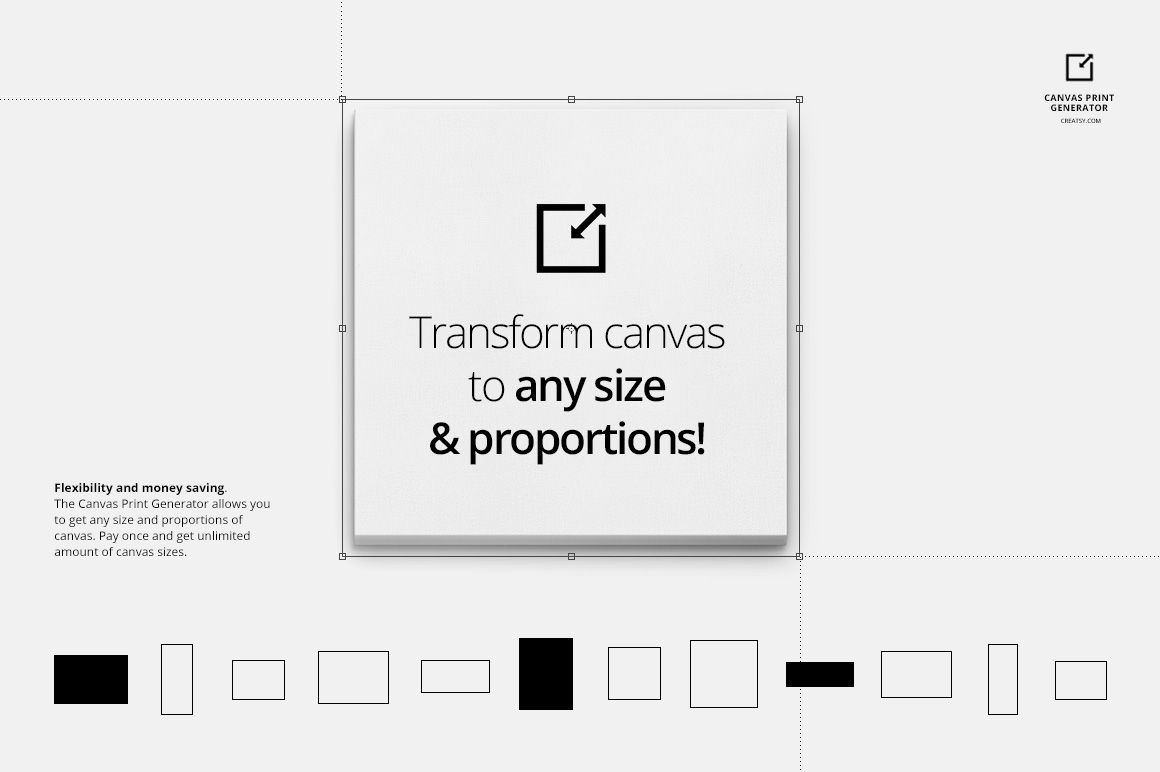
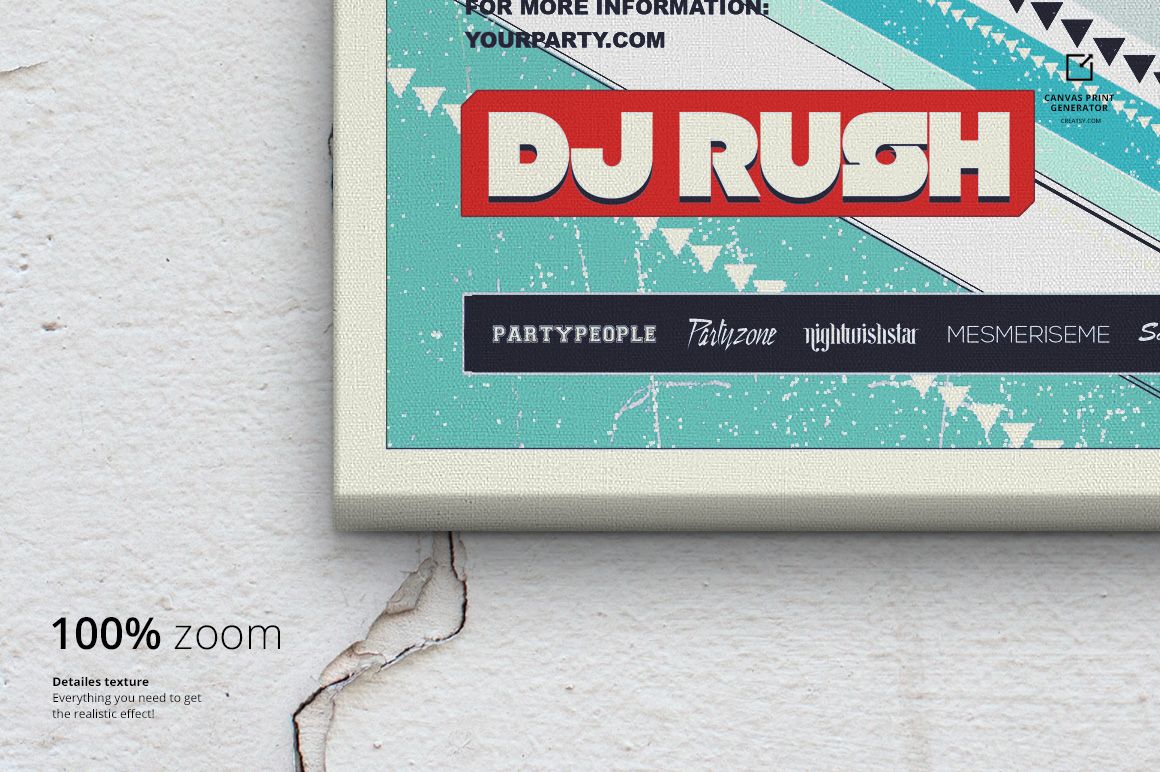
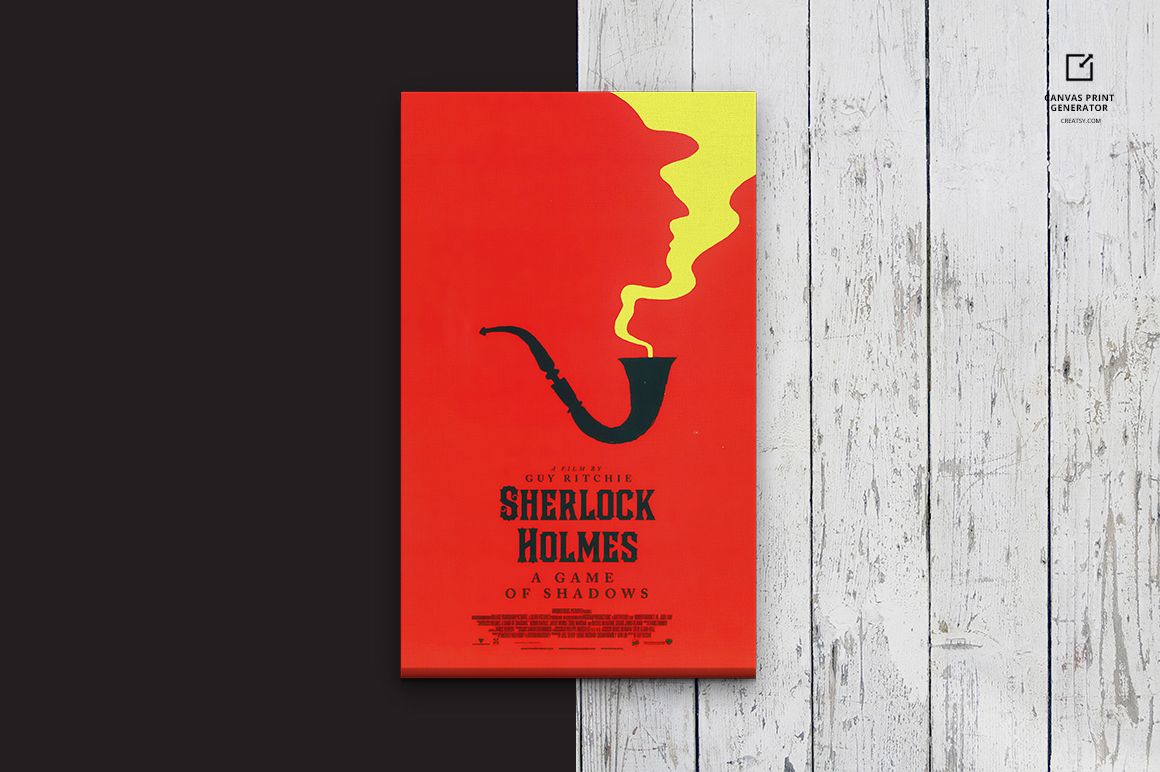
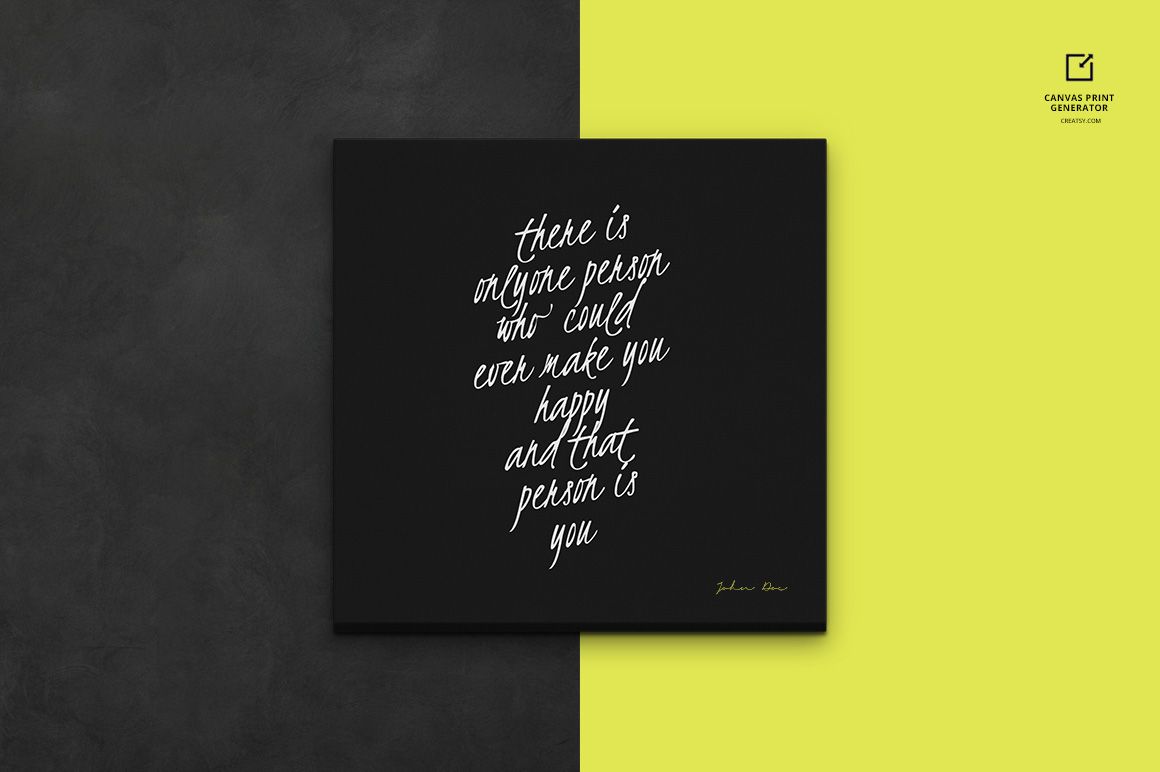
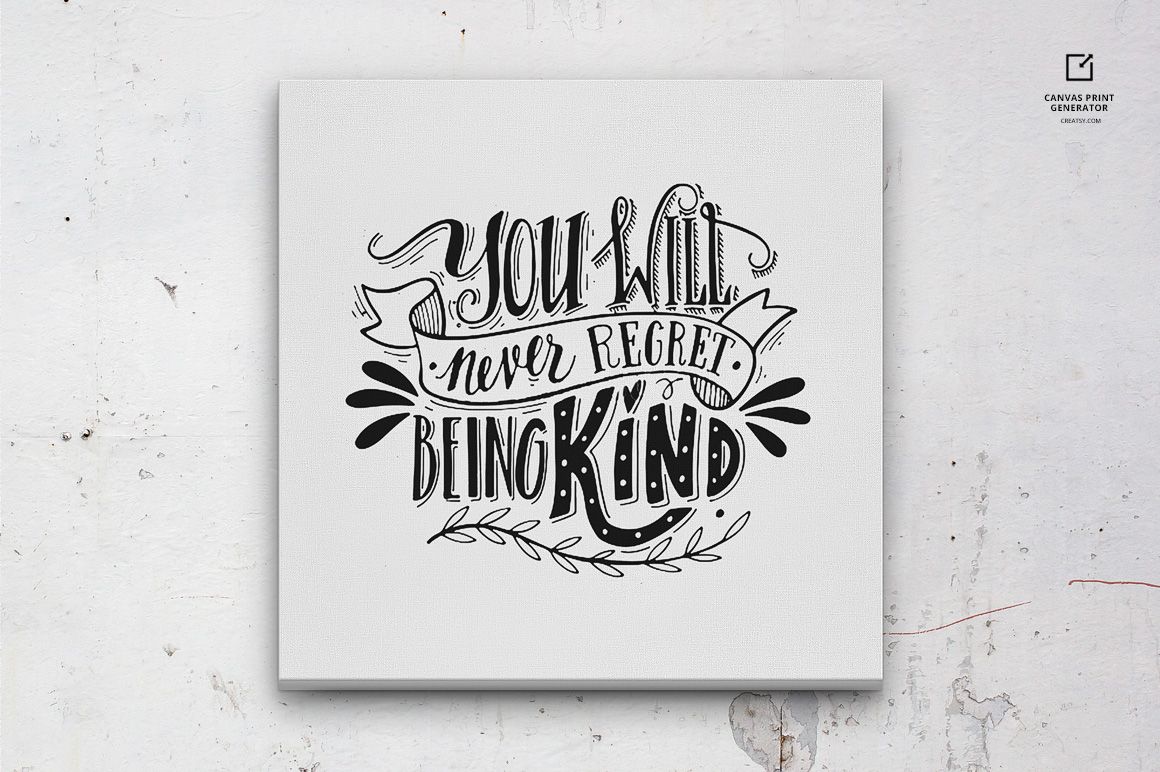
Create flexible canvas print presentations with two organized Photoshop PSD files built for focused artwork previews and coordinated multiview layouts. Resize the canvas and adjust its proportions within the prepared composition, then replace the sample design through Smart Objects.
The 3000 x 3000 px workspace at 300 DPI provides a detailed square canvas for ecommerce product images, artist portfolios, print shop presentations, client approvals, advertising graphics, and wall art collection previews.
Included Files
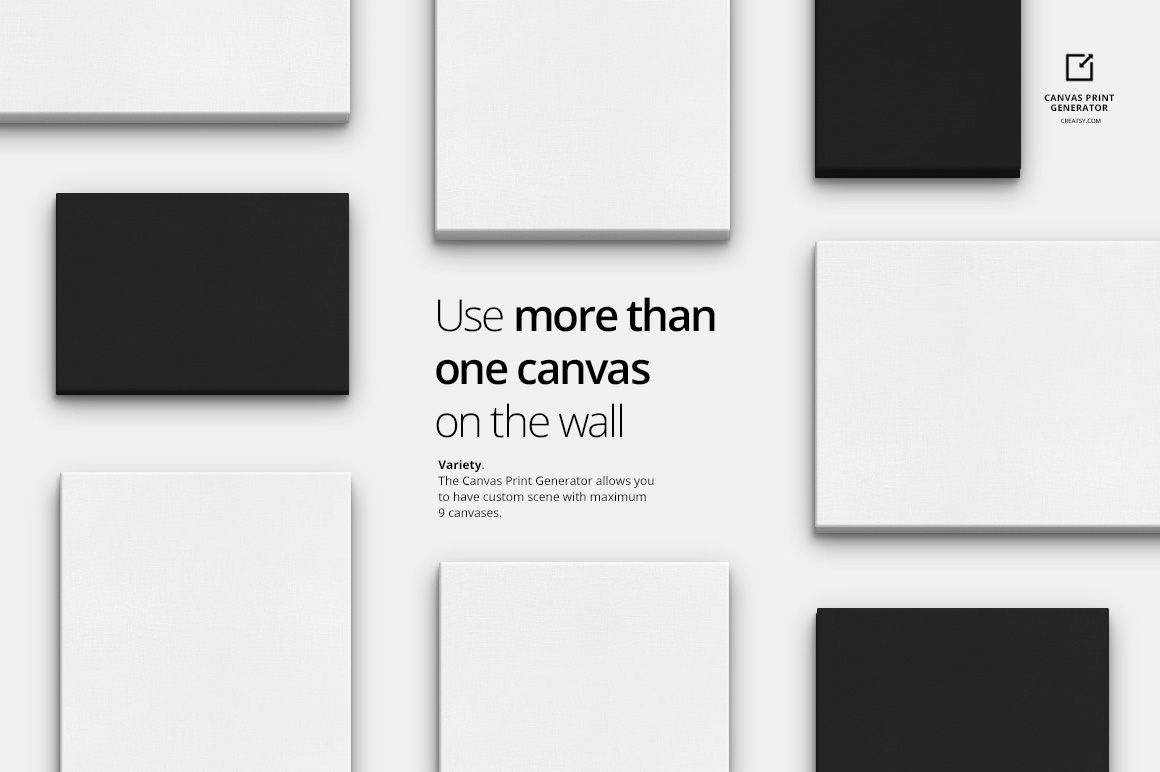
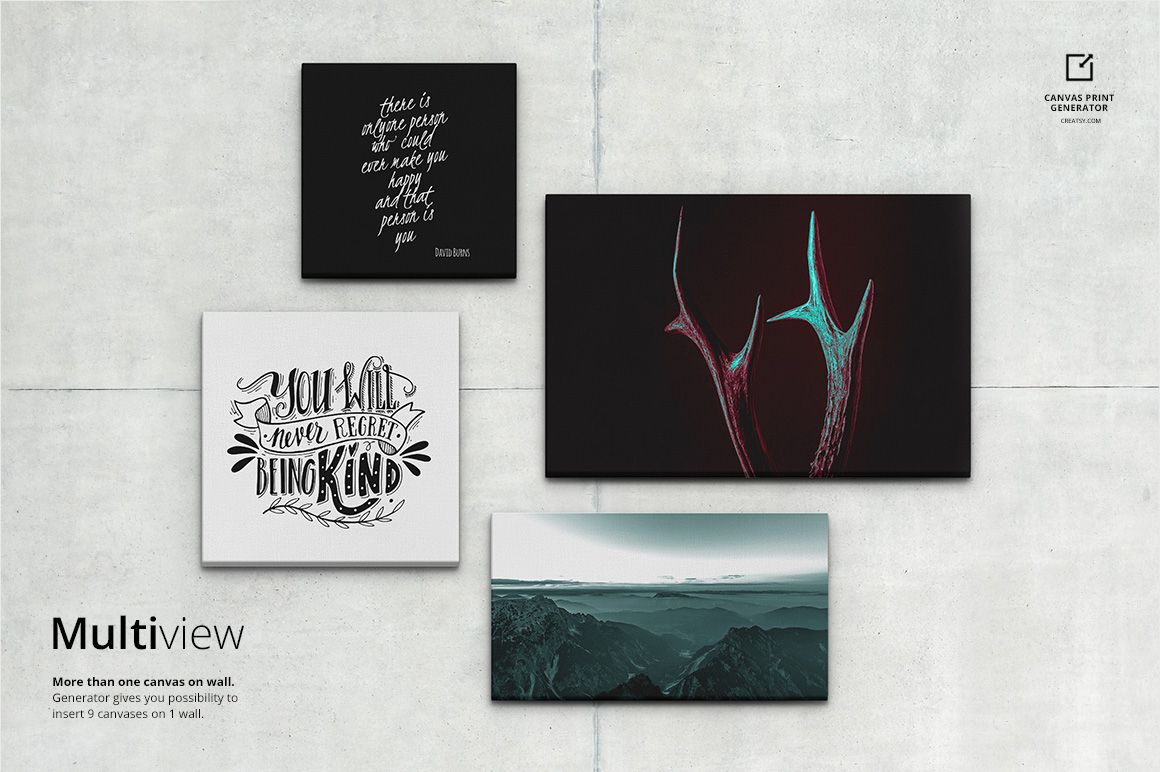
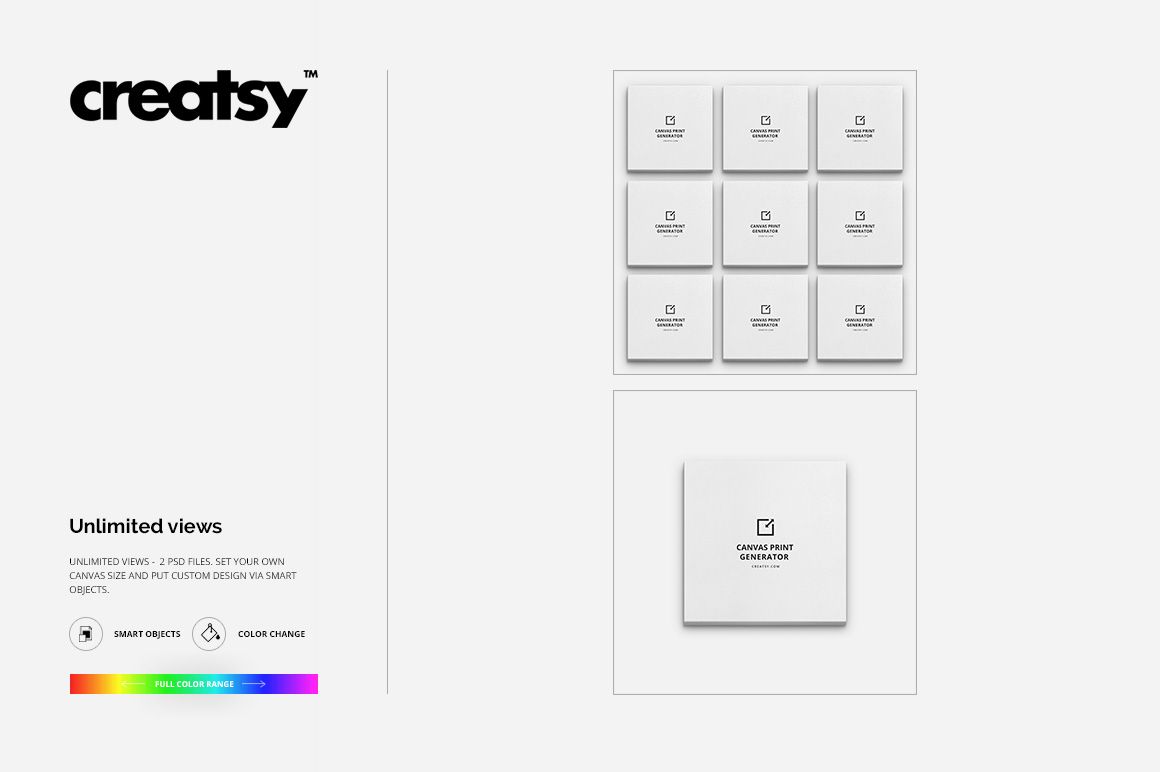
2 layered PSD files: one front-view canvas generator and one multiple-view canvas generator
2 full-resolution JPG reference images
2 TIF guides for the front and multiple-view compositions
6 files in total
3000 x 3000 px working resolution at 300 DPI
Adobe Photoshop CC 2015 or newer
Flexible Canvas Layouts
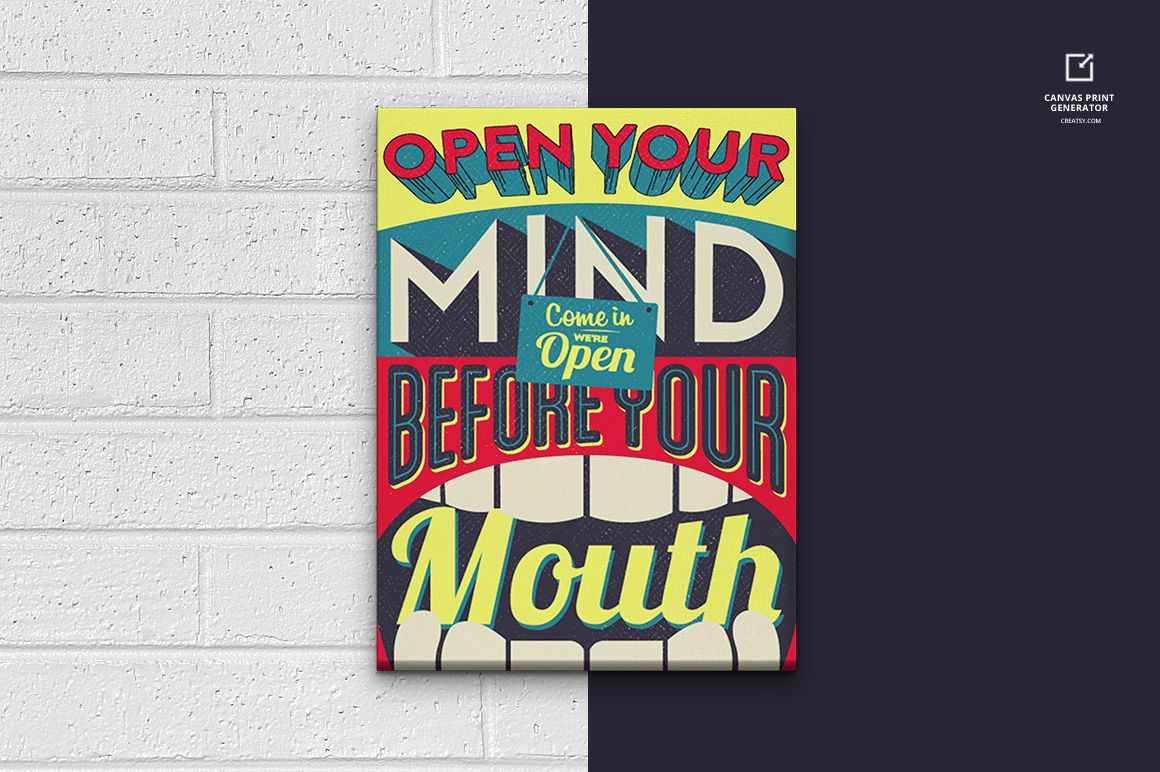
Use the front-view PSD when one artwork needs clear focus. Choose the multiple-view PSD to compare a coordinated group of canvas designs in a consistent presentation. The generator lets you resize the canvas and adjust its proportions within the layout, supporting square, portrait, and landscape artwork without rebuilding the scene from scratch.
Background Options
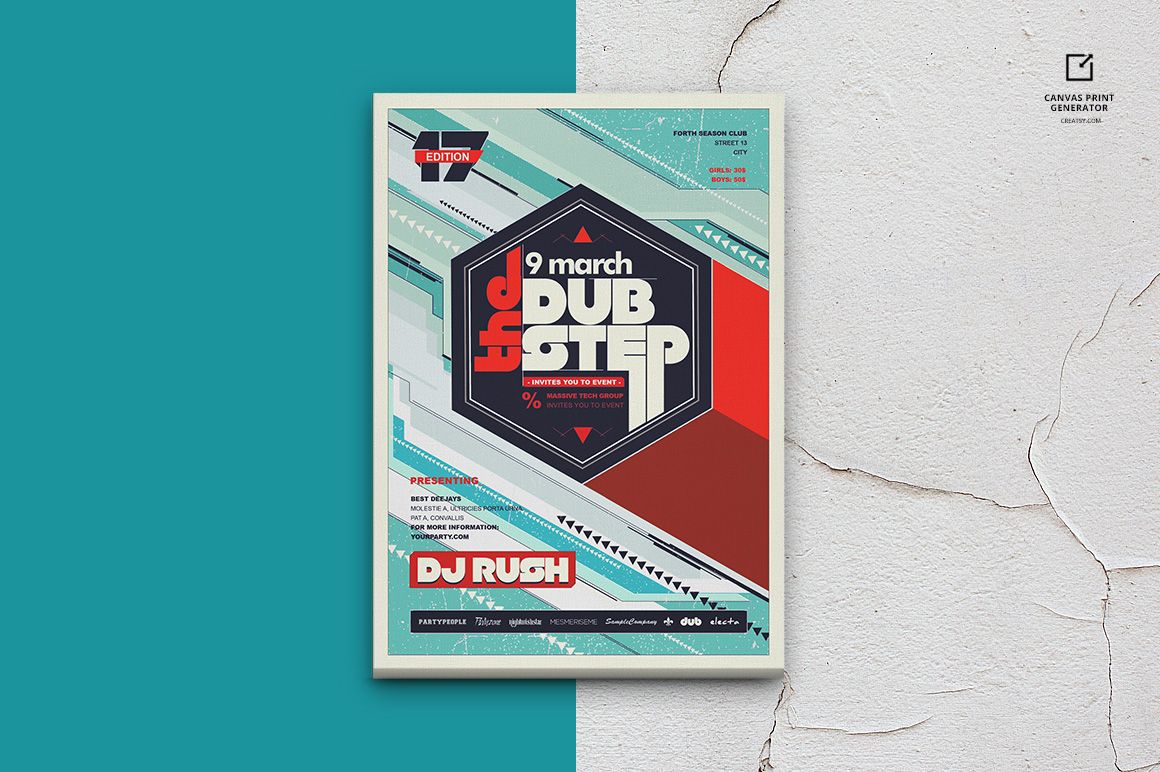
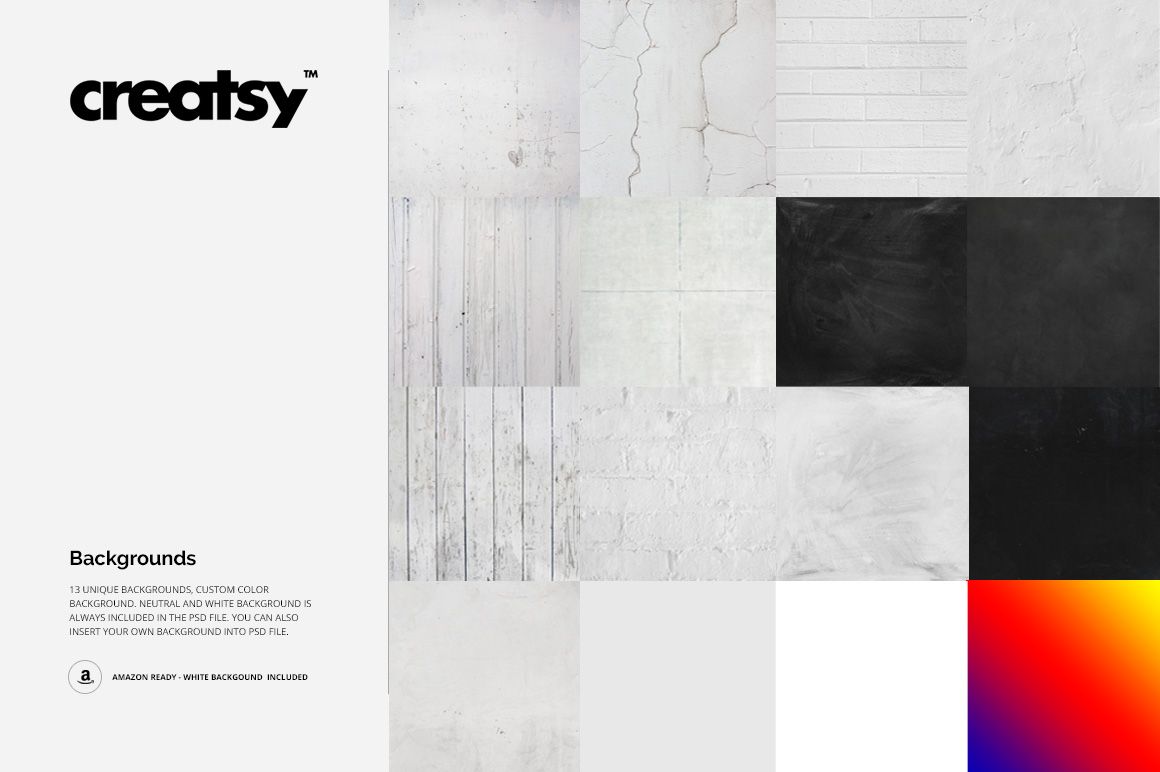
13 natural background textures for contextual wall art presentations
Neutral and white backgrounds for clean product gallery images
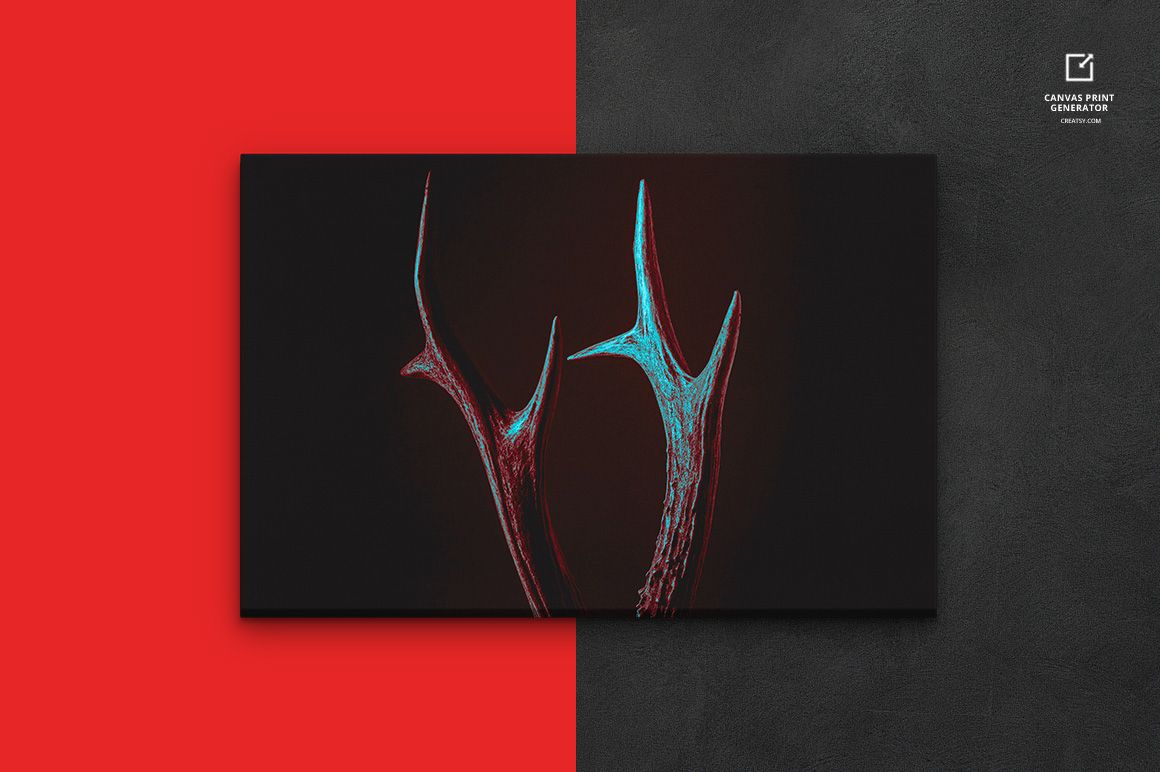
Custom background color control for brand palettes and campaign themes
Smart Object Workflow
Open the appropriate Smart Object, place the artwork, and save it to update the canvas presentation. The organized layer structure keeps the artwork, canvas settings, and background controls easy to locate while you test crops, color combinations, and alternative proportions.
Ideal Uses
Canvas print product pages and ecommerce galleries
Photography, illustration, typography, and digital art previews
Artist portfolios and client presentation decks
Print shop offers and wall art collection concepts
Print-on-demand listing images and promotional graphics
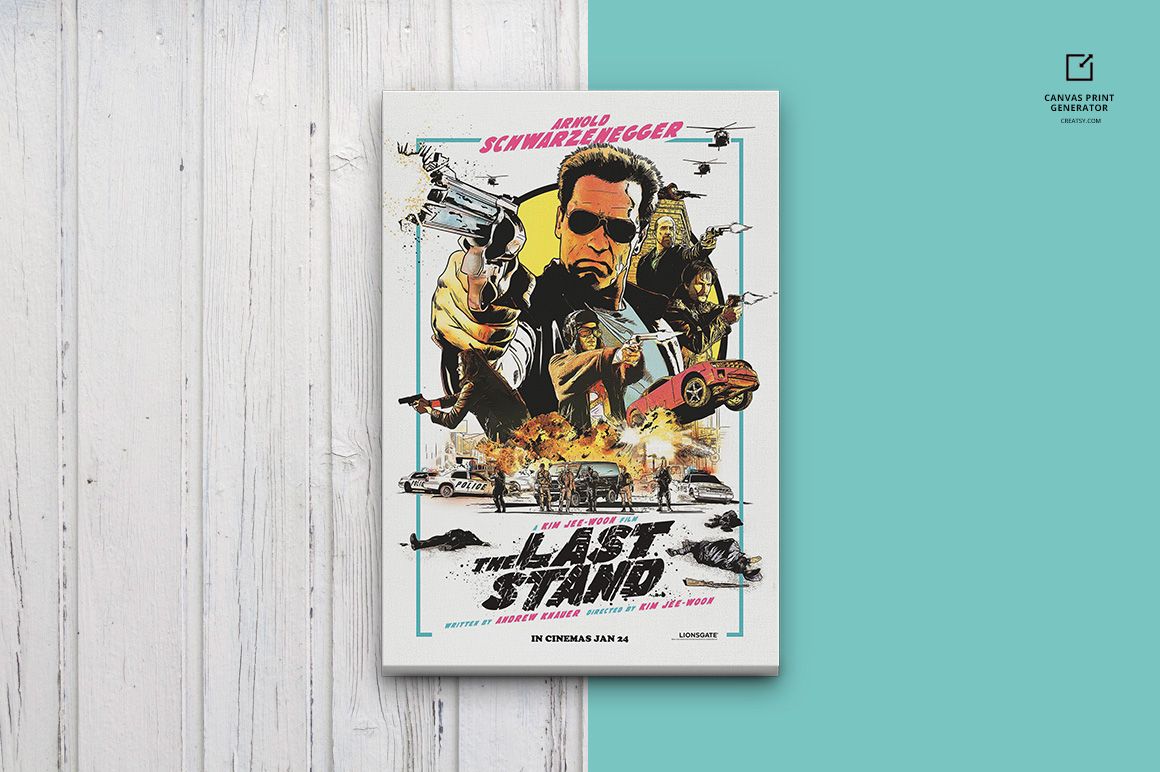
This is a digital mockup set, not a physical canvas print or printing service. The sample artwork shown in the preview images is for demonstration only and is not included as editable artwork.