Present Rolled Canvas Prints with Realistic Detail
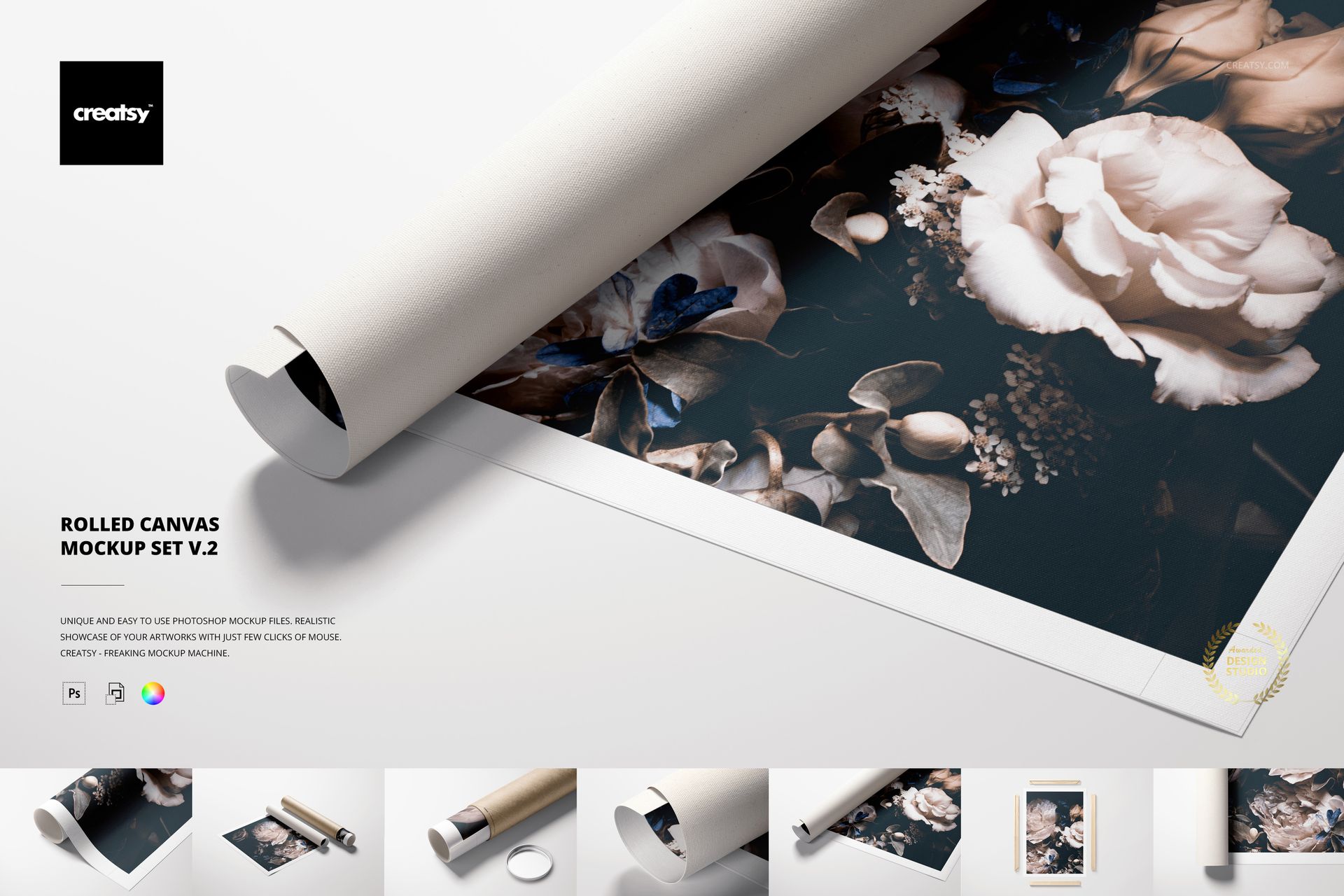
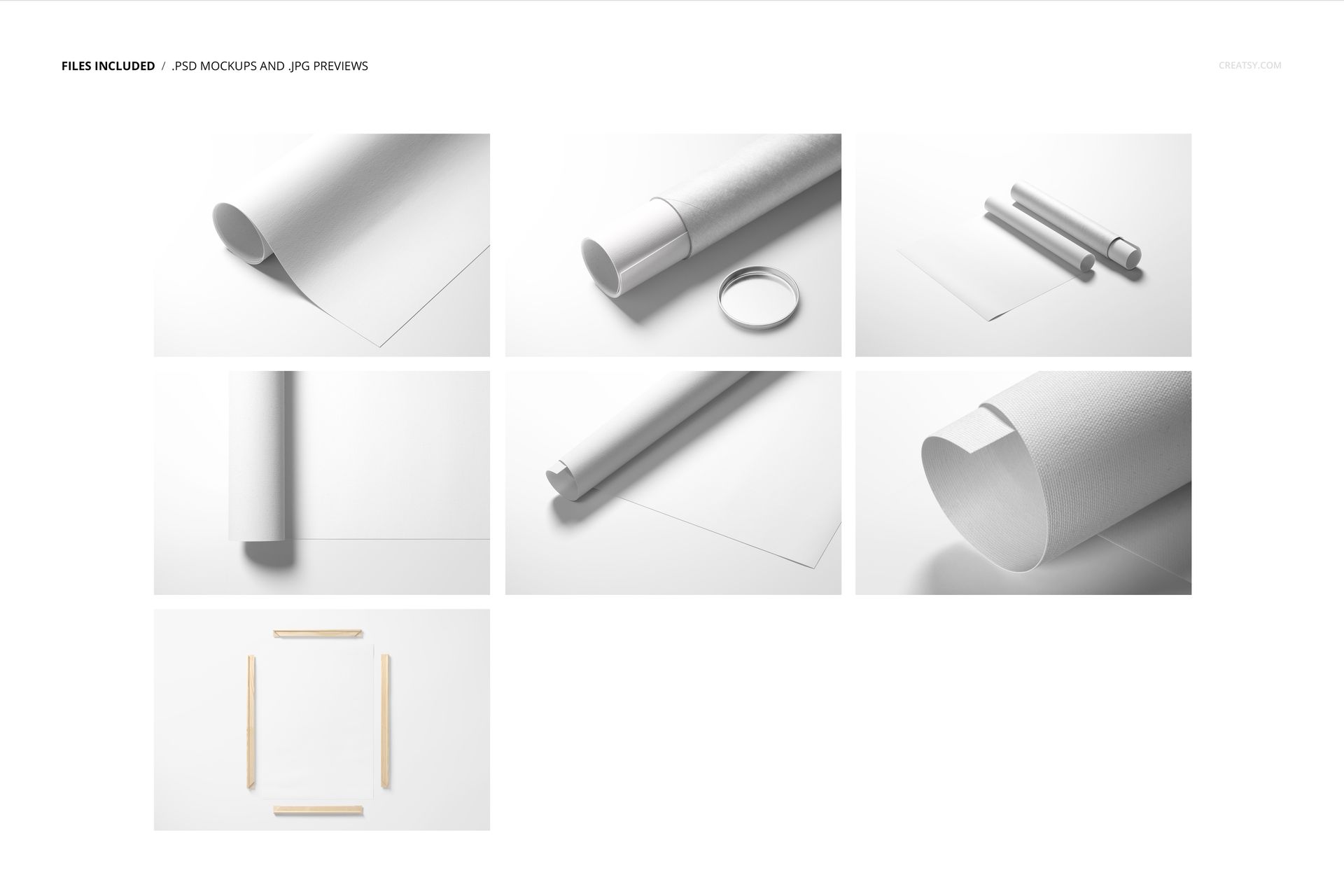
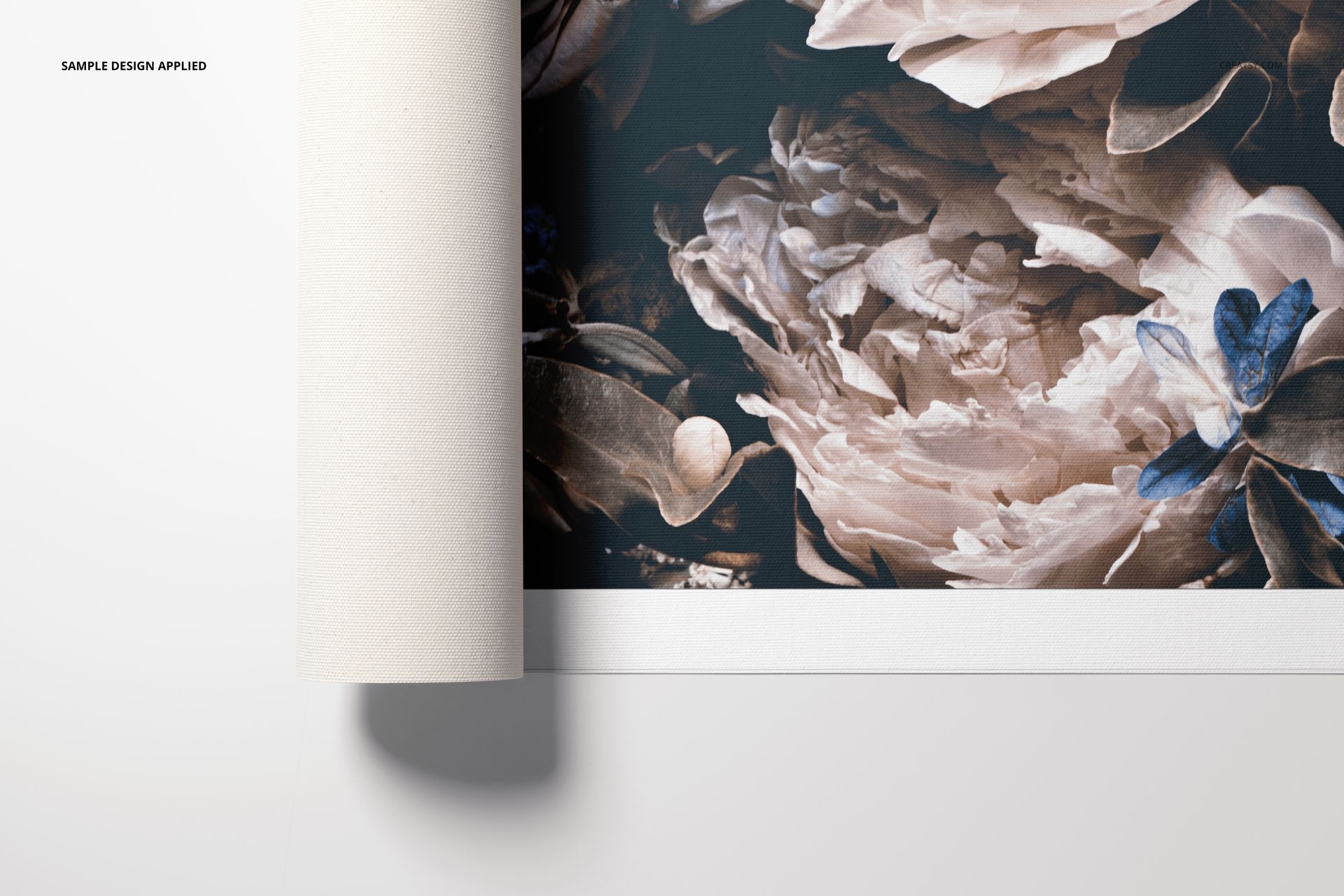
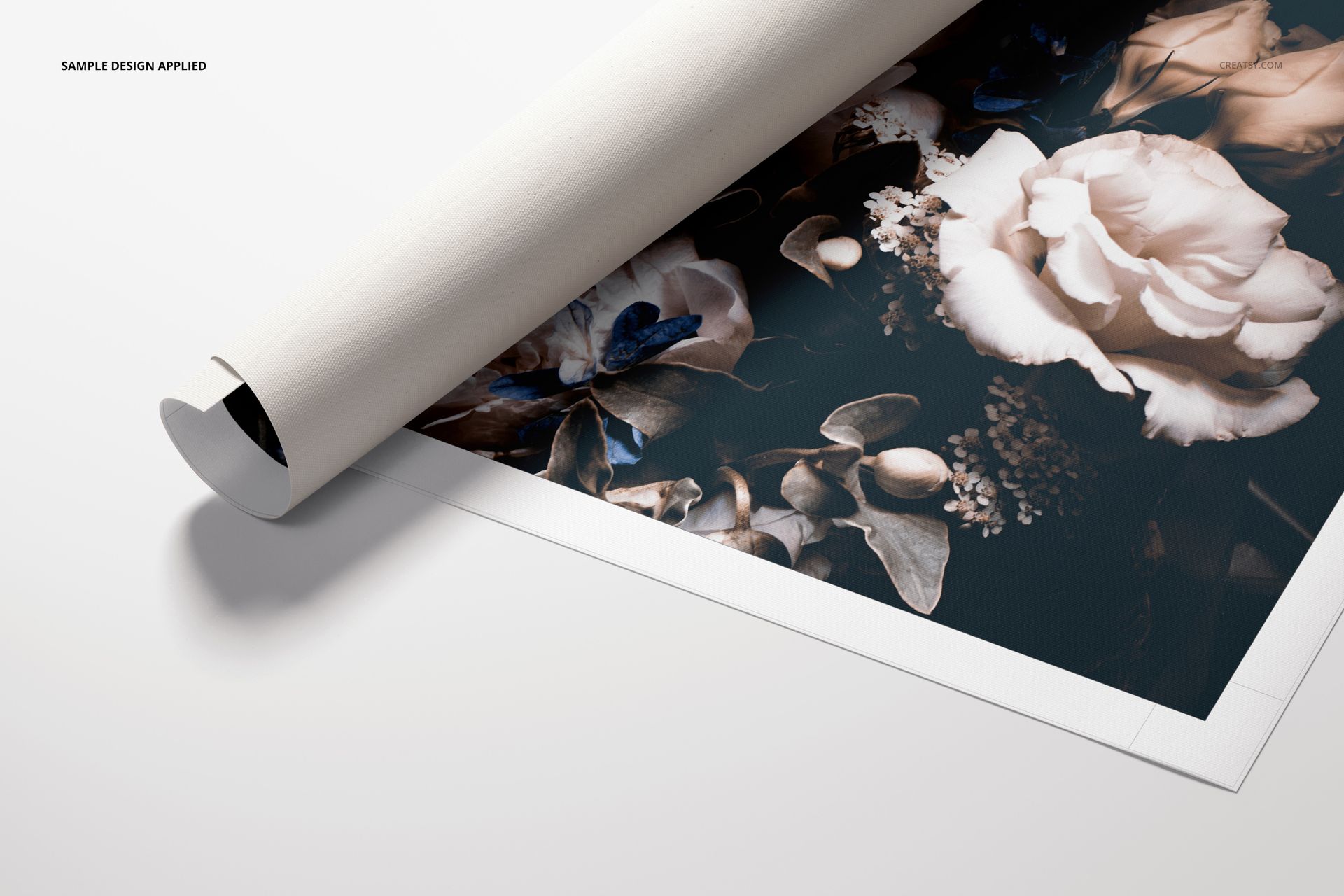
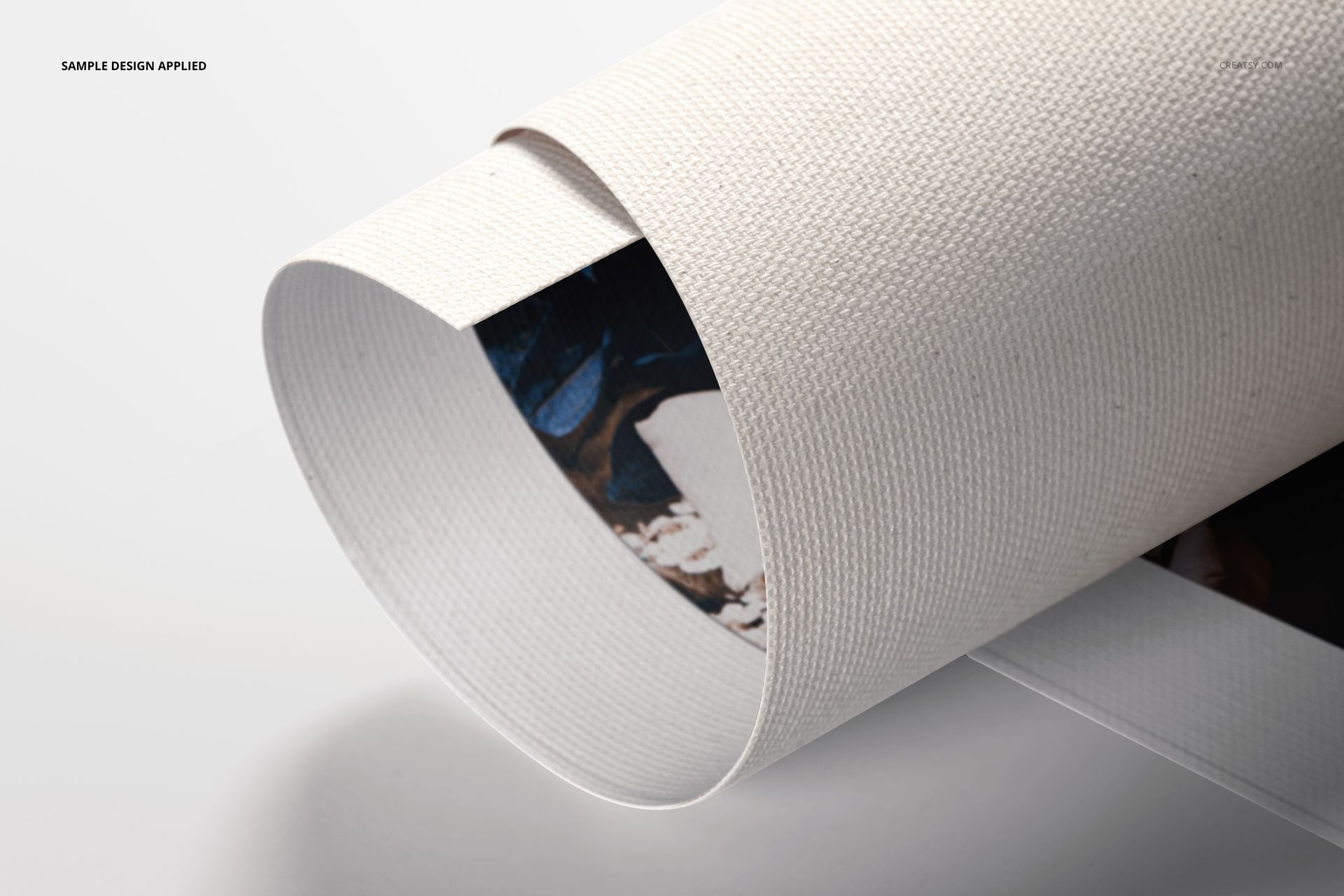
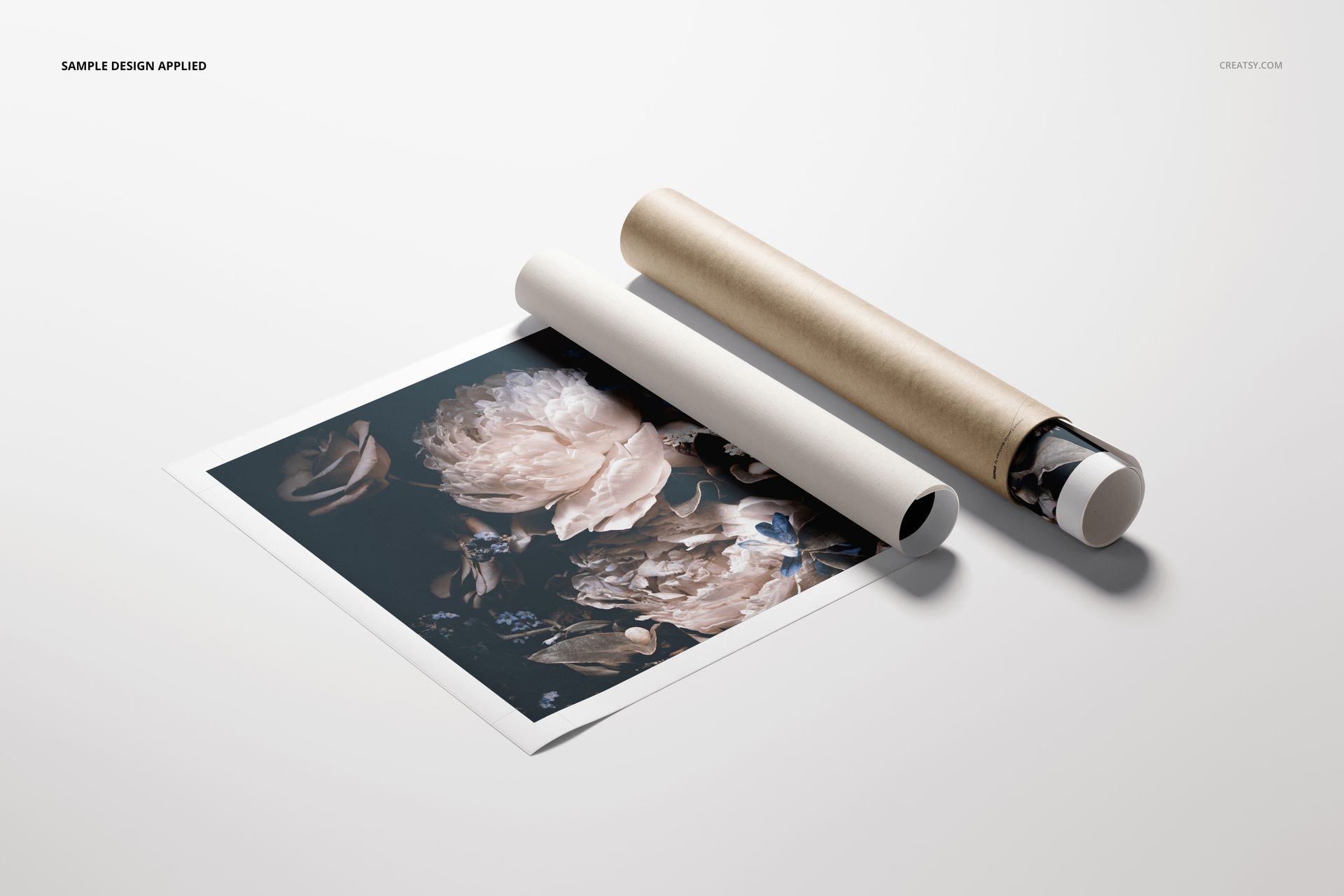
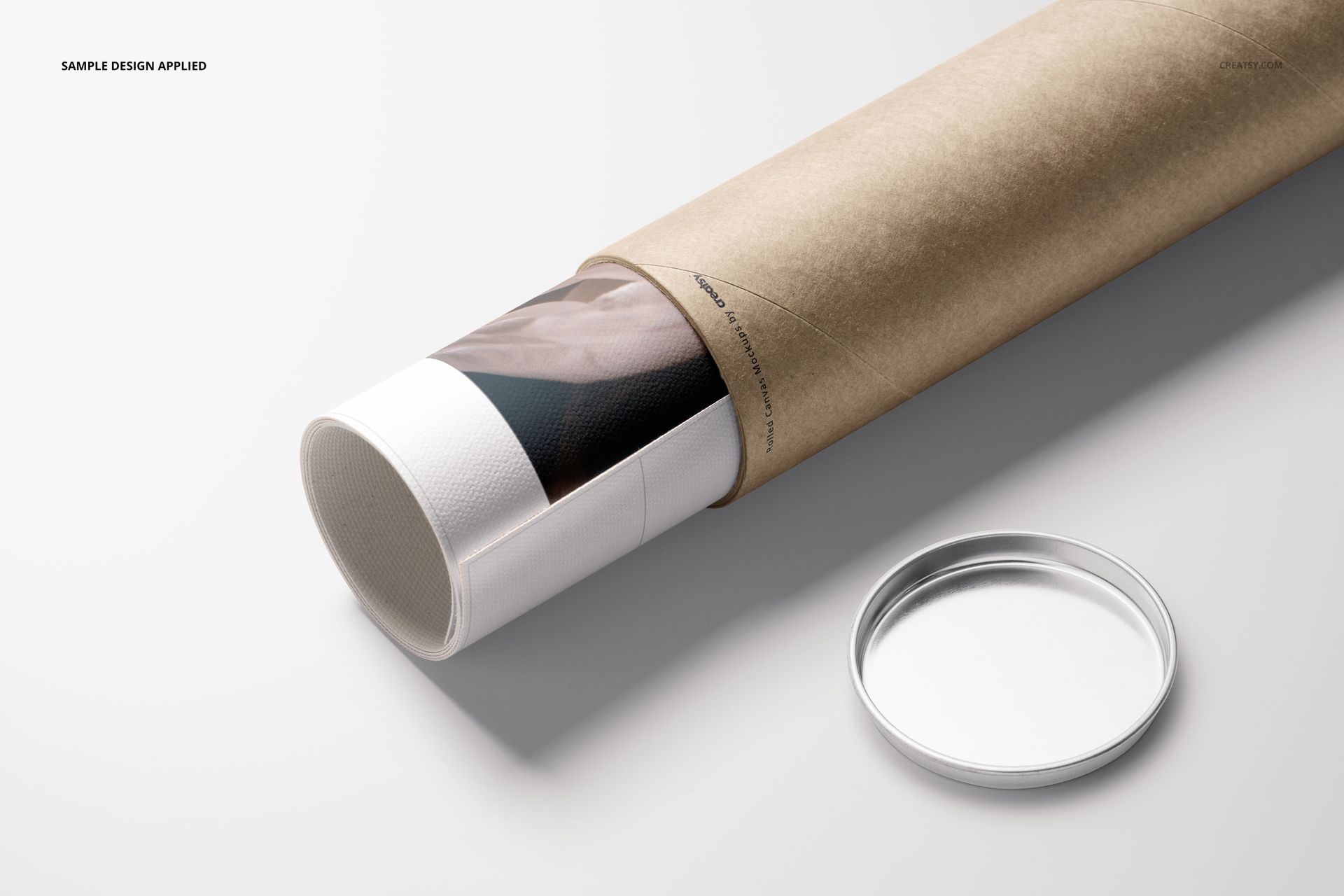
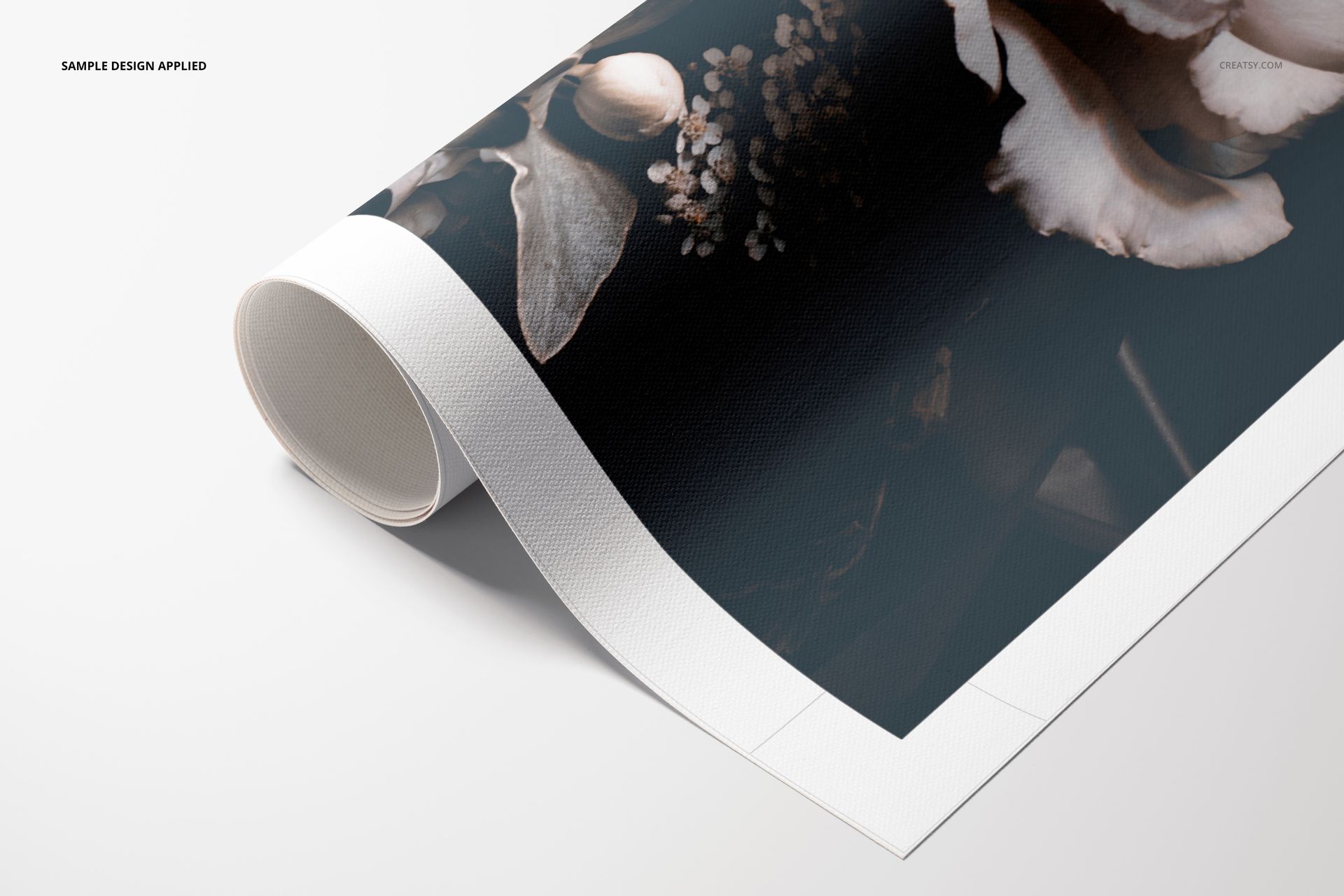
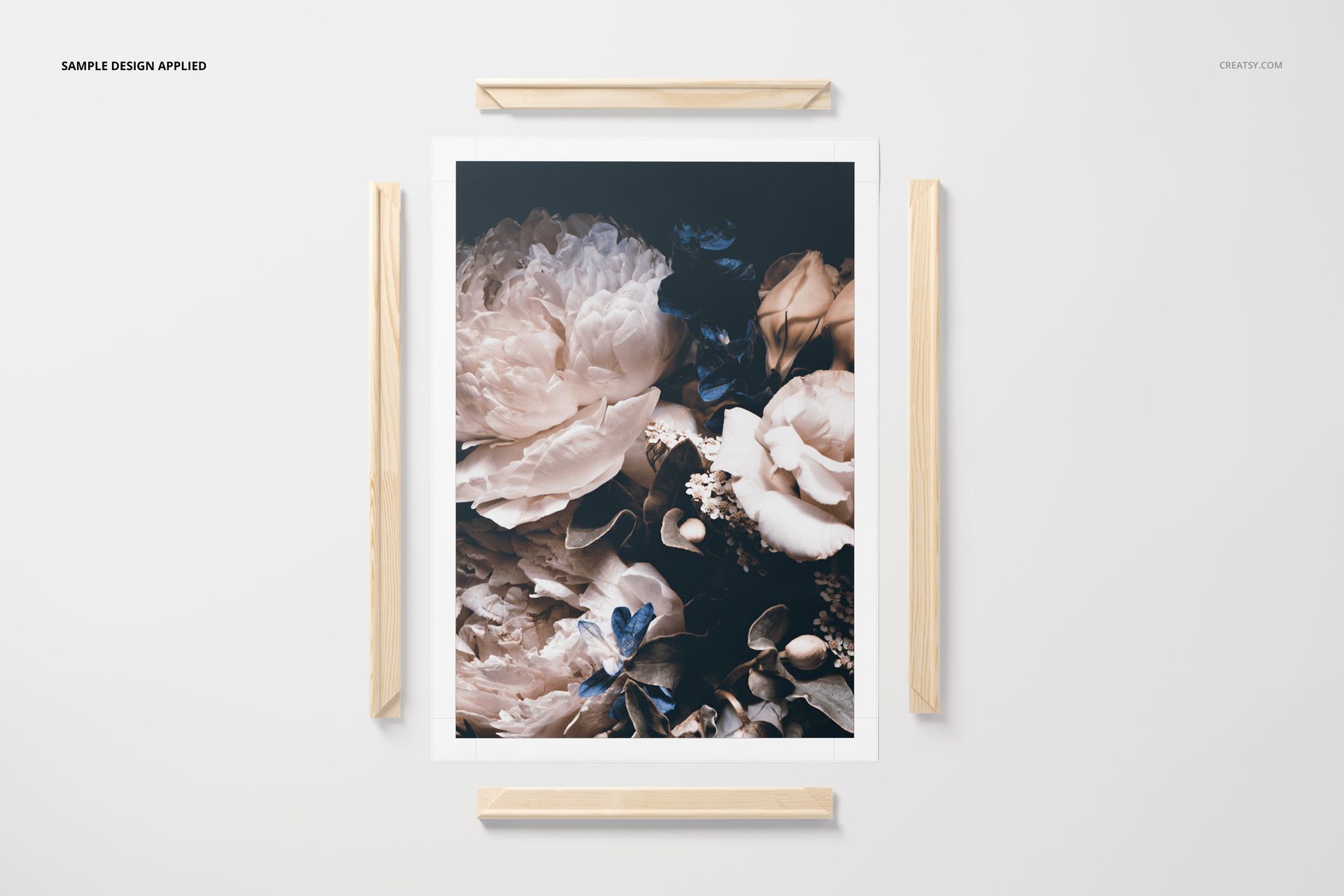
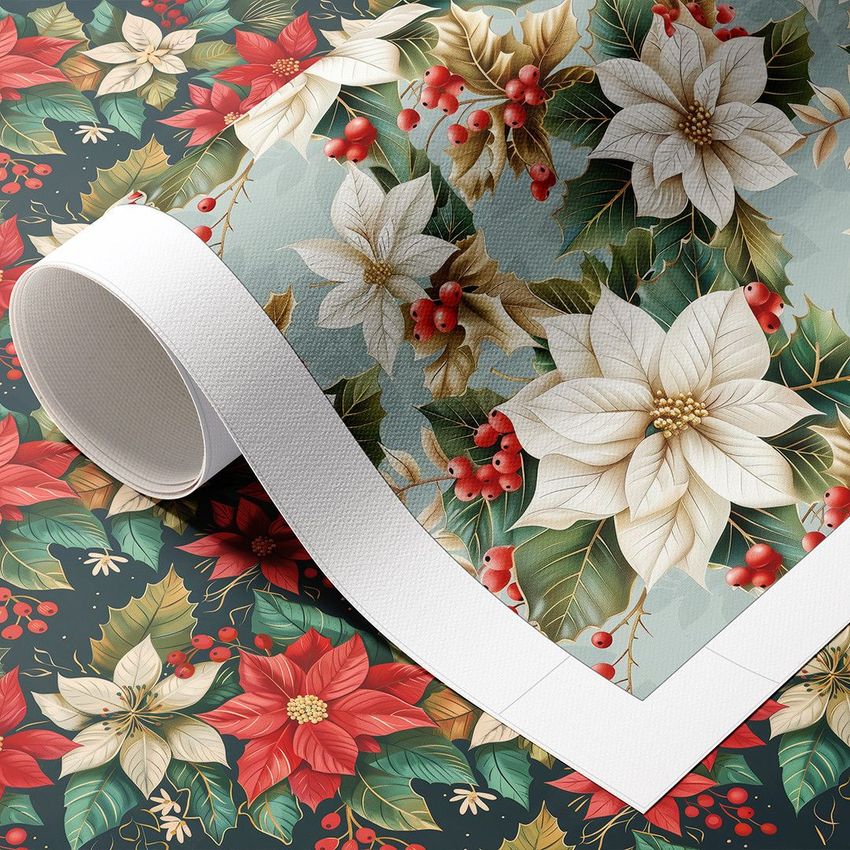
Rolled Canvas Print Mockup Set v.2 gives artists, photographers, surface designers and print sellers seven polished ways to present artwork on textured canvas. The scenes show rolled and partially unrolled prints with packaging tubes, closeup material detail and both white-border and edge-to-edge layouts. Use them to build product listings, portfolio images, client approvals, social campaigns or print-on-demand previews without arranging a photo shoot.
Place your design in the editable print area, adjust the tube and scene, then preserve the realistic texture, highlights and shadows already built into the layered PSD files. Each working document measures 6000 x 4000 px at 300 DPI, providing high-resolution output for detailed crops and large promotional graphics.
What Is Included?
7 layered PSD mockup scenes at 6000 x 4000 px and 300 DPI
7 JPG reference previews at 256 x 171 px
1 PDF user manual with setup guidance
15 file entries in total
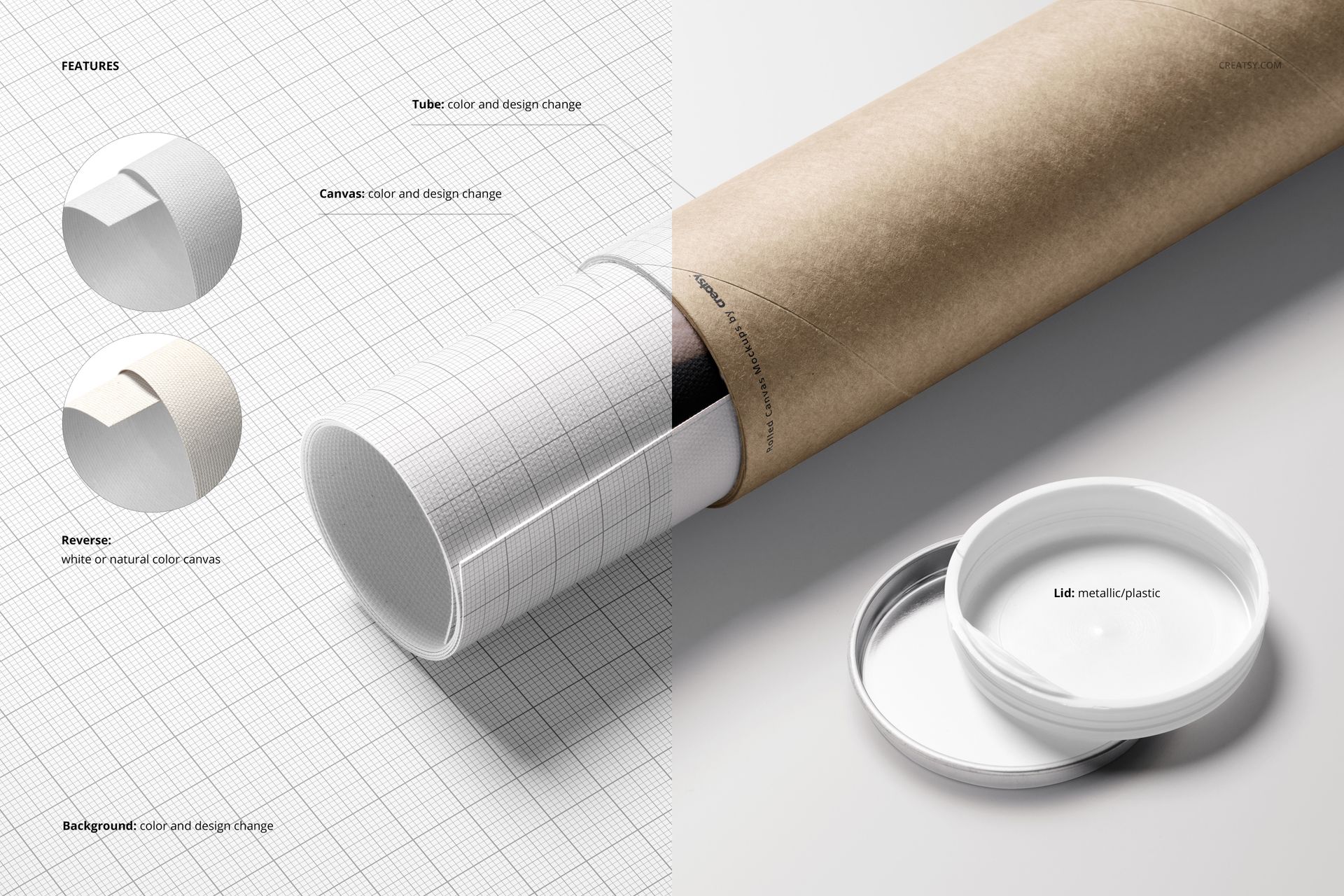
Editable Features
Smart Object artwork placement for a fast, repeatable workflow
Editable canvas print surface and tube color or design
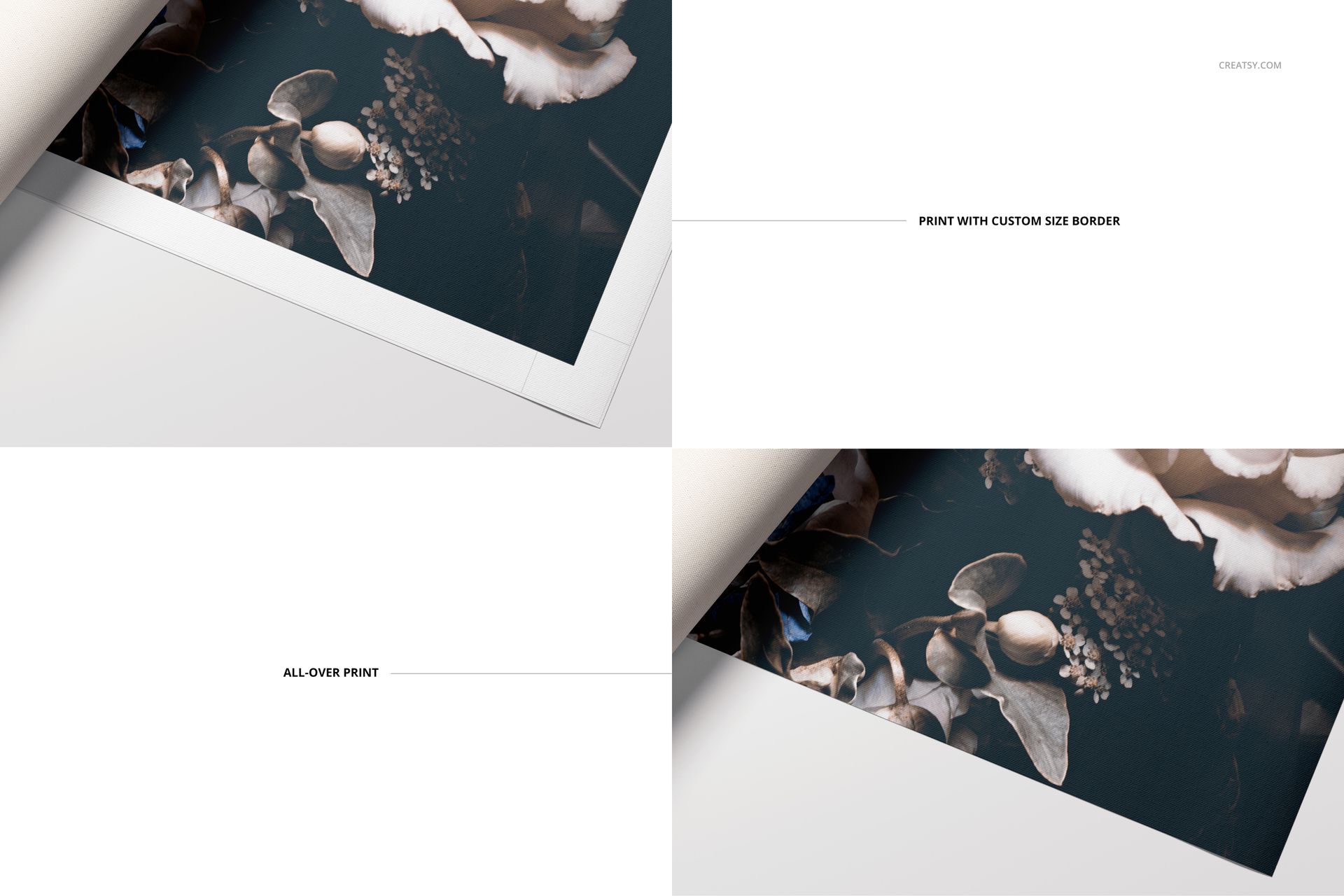
Edge-to-edge artwork or a clean white-border presentation
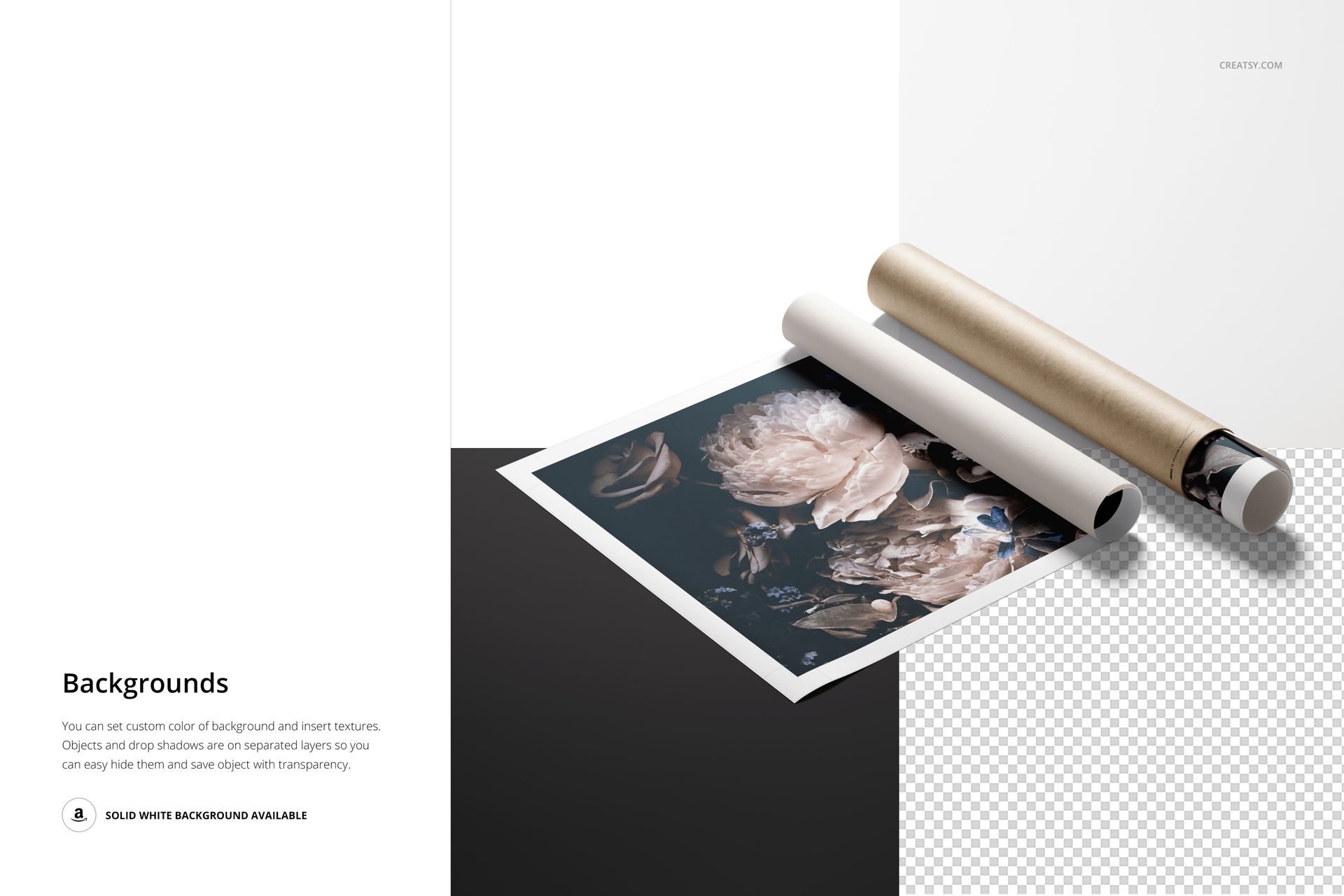
Custom background color or texture, plus a solid white background option
Objects and drop shadows arranged on separate layers
Elements that can be hidden for a cleaner composition
Transparent-background export for flexible layout design
Designed for Professional Presentation
The varied top views, angled compositions, tube scenes and closeup crops help customers understand the canvas texture, printed edge, scale and packaging. This makes the set useful for wall art shops, art licensing decks, online marketplaces, print studios and creative portfolios.
Software
Open and edit the layered PSD files in Adobe Photoshop CC 2020 or later. Replace the sample design through the Smart Object layers, customize the scene and export a polished image for your chosen platform.
Artwork Credits
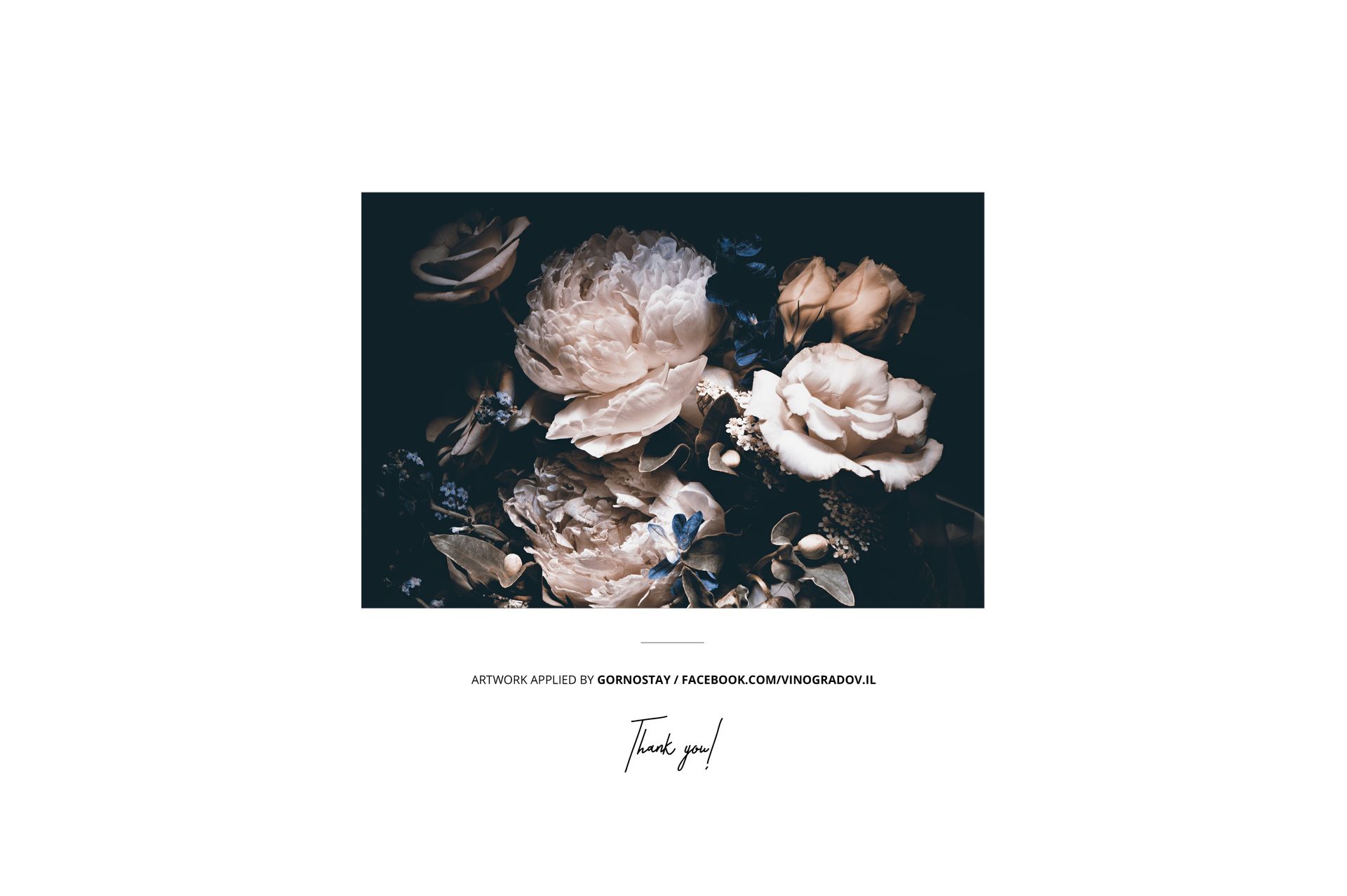
The floral artwork shown in the product previews was applied by Gornostay. The sample artwork is shown for demonstration only and is not included.
See another presentation in Poinsettia Patterns II by Ninterints Studio, featured in Made with Creatsy. This project artwork is also not included.
Need additional rolled canvas angles and layouts? Explore the complete Rolled Canvas Print Mockup Bundle, which combines all three related sets.














Excellent Product and customer service.
Thank you so much for your feedback!