Rolled Canvas Print and Paper Tube Mockup
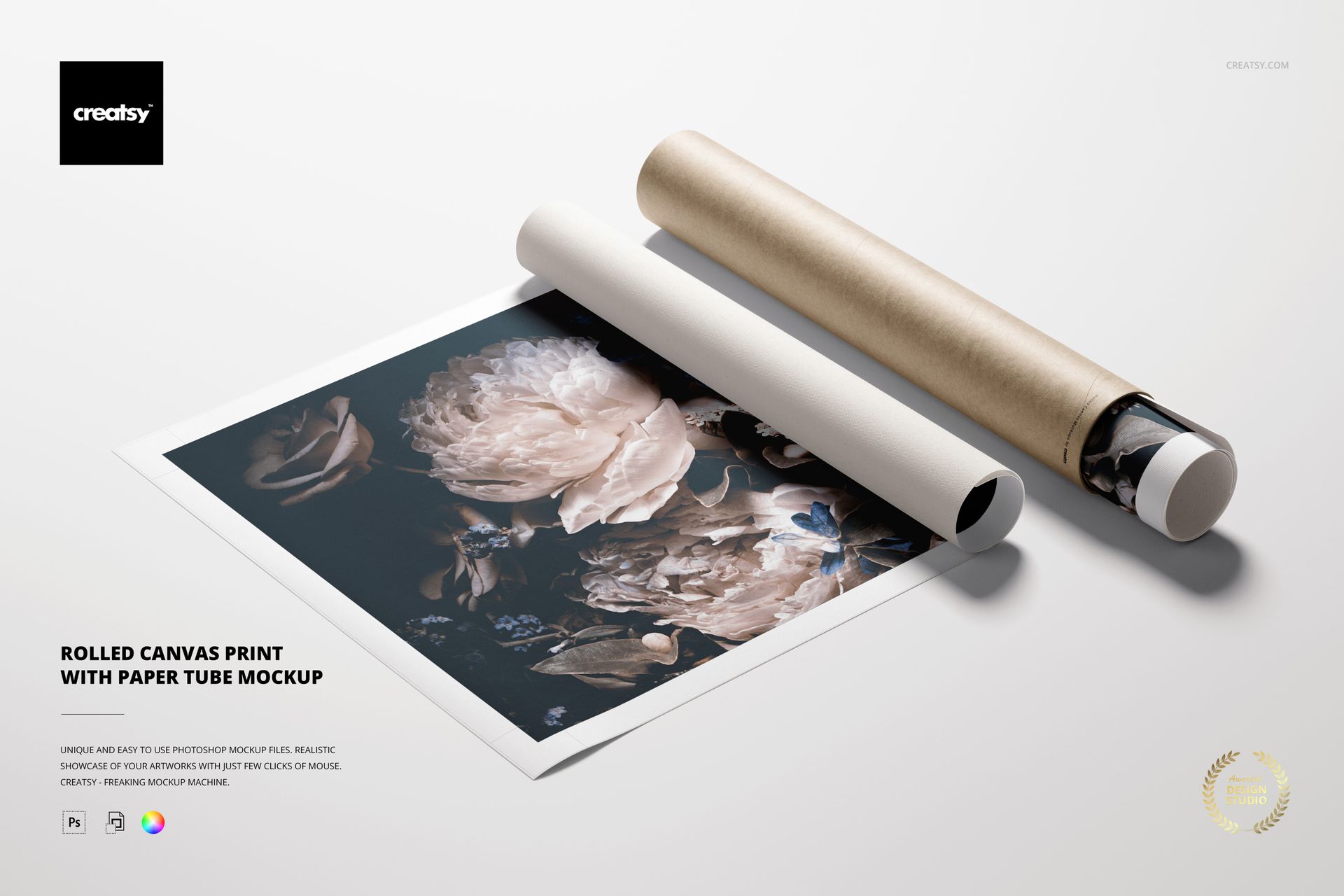
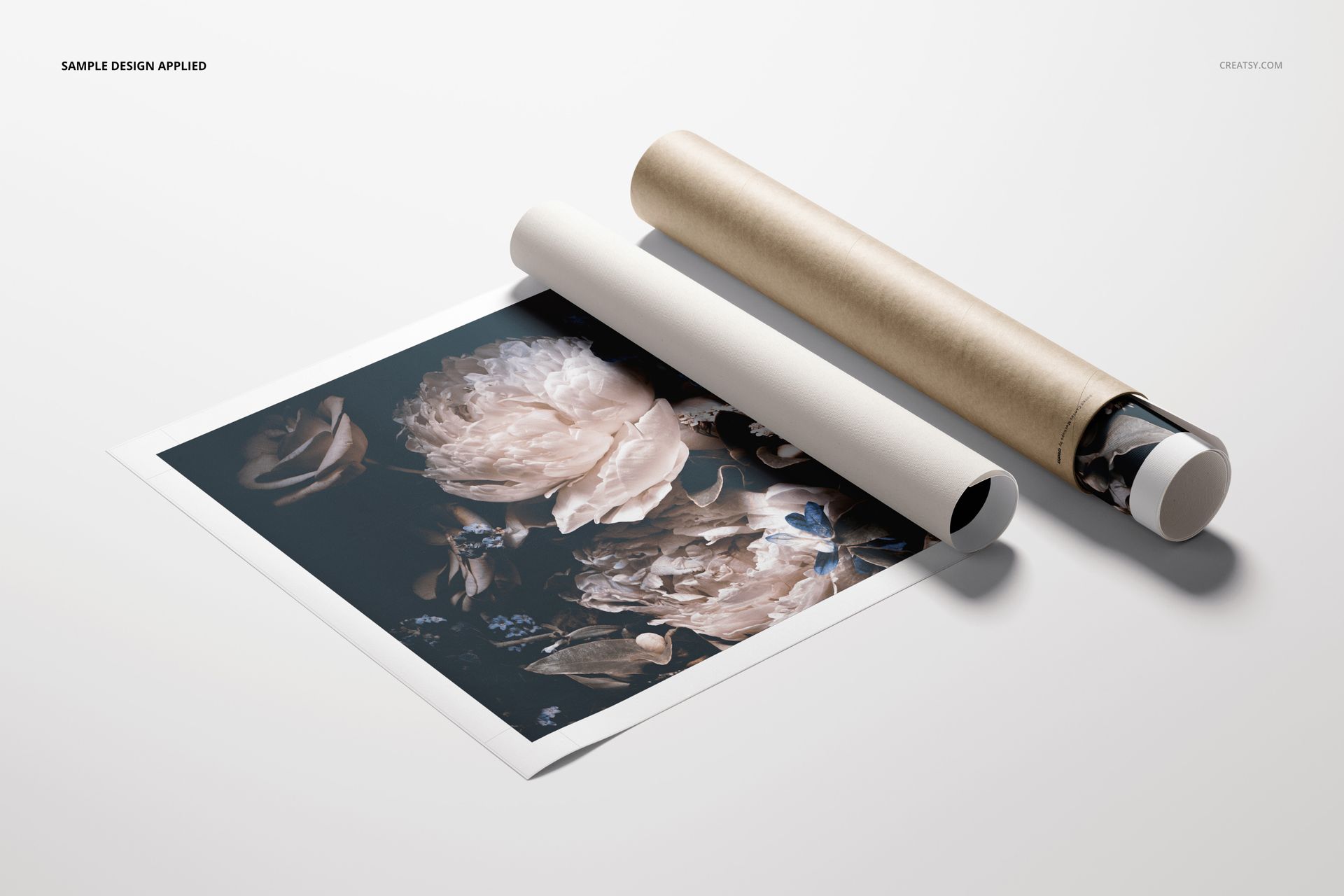
Present fine art, photography, illustrations and print collections as a realistic rolled canvas shipment. This high-resolution PSD scene shows a partially unrolled rectangular canvas beside an open paper tube, creating a clear visual story for ecommerce listings, packaging concepts, portfolio projects and client approvals.
The top-view composition connects artwork presentation with protective packaging. Use it to show how a canvas print may look before framing, during fulfillment or as part of an unboxing experience.
What Is Included
1 layered PSD mockup at 6000 x 4000 px and 300 DPI
1 JPG reference preview
A PDF user manual supplied in the package and as a separate 2.01 MB download
330.47 MB ZIP archive with organized editable content
The file preview lists four entries because the manual is available inside the package and as a separate quick download.
Editable Canvas and Tube Details
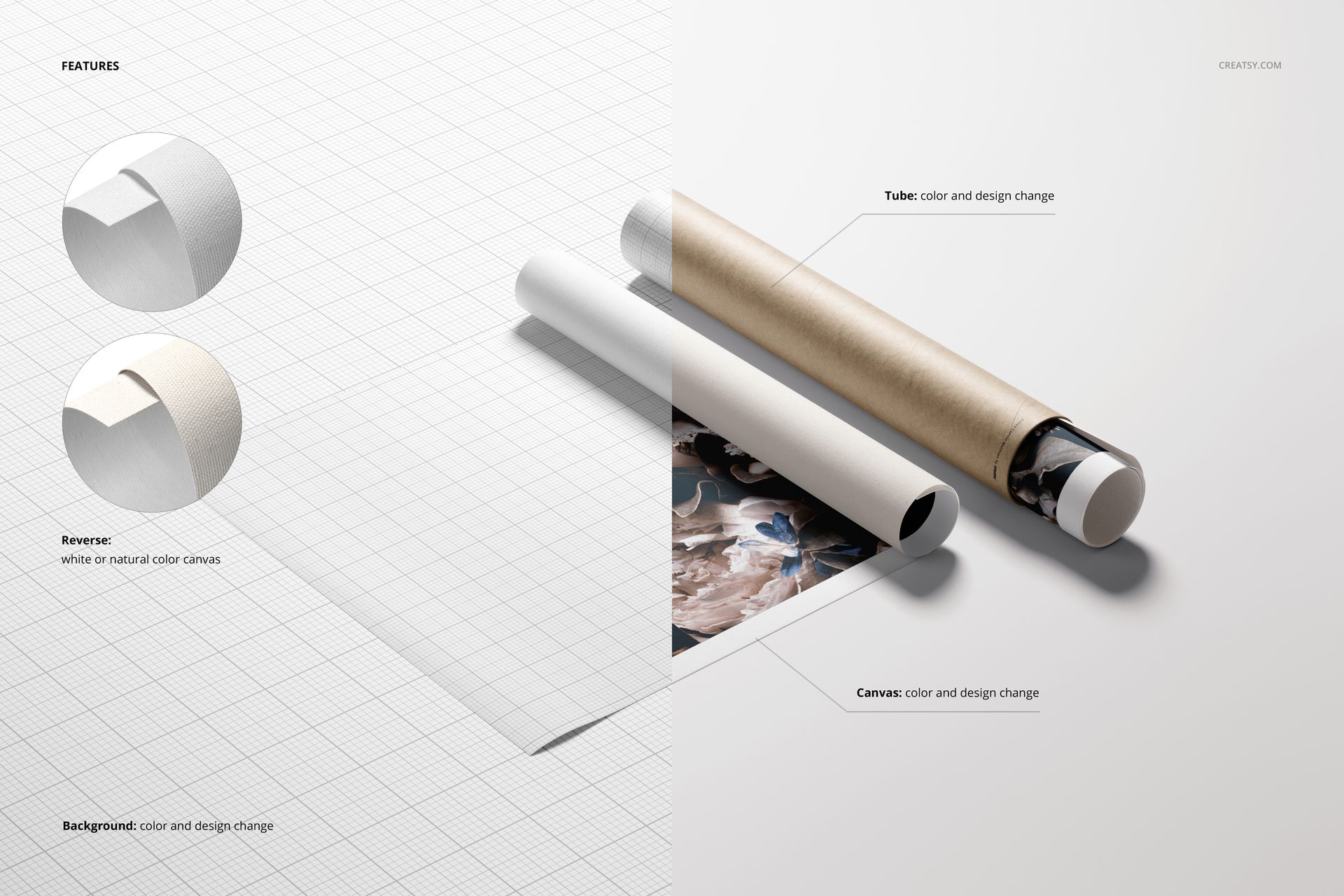
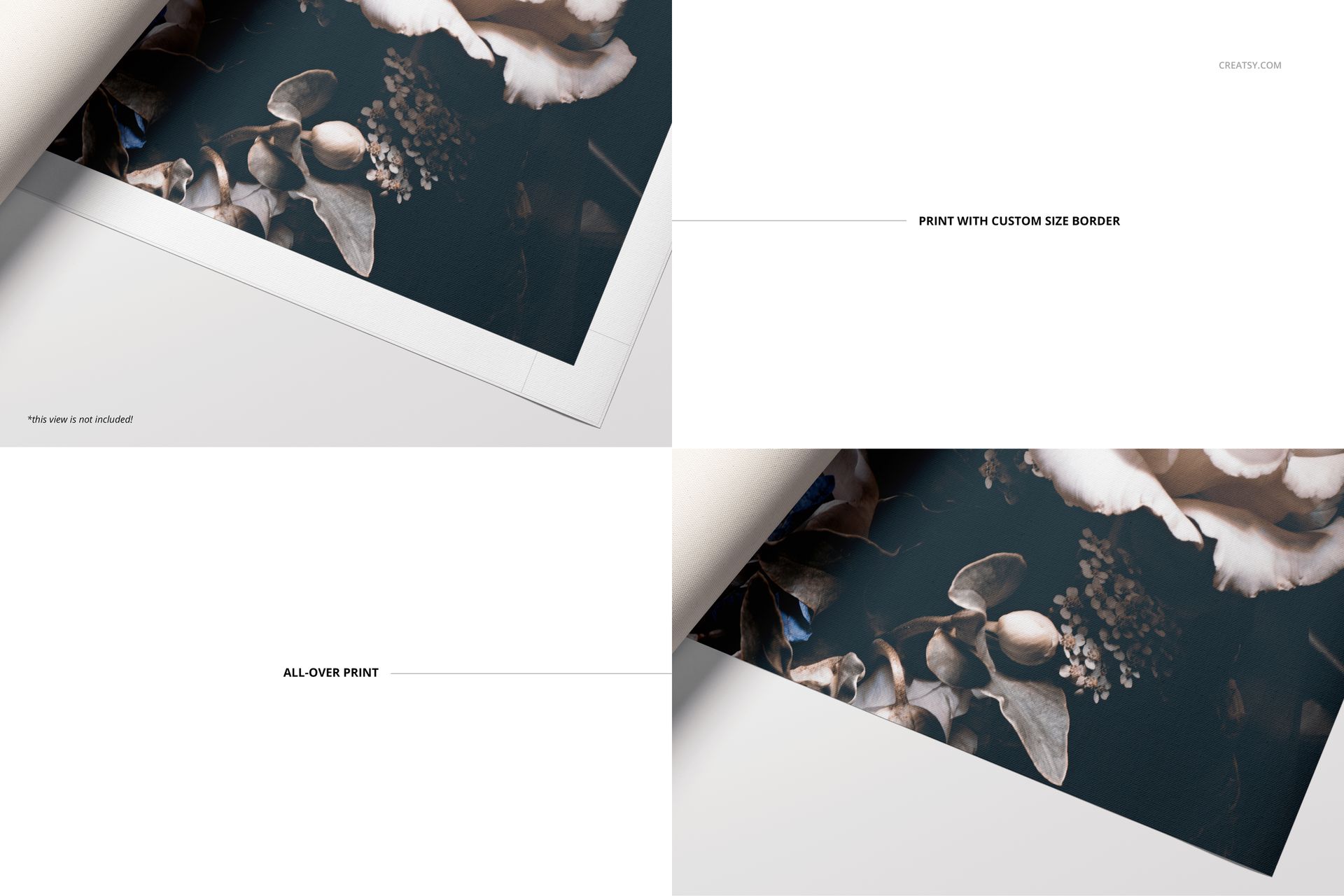
Add artwork through the Smart Object workflow, then customize the paper tube with a new color or design. The canvas surface is editable, and its reverse can be presented in white or a natural canvas tone. The gallery demonstrates a custom-width border and an all-over print treatment, helping you compare two common ways to finish the visible artwork area.
Flexible Background Options
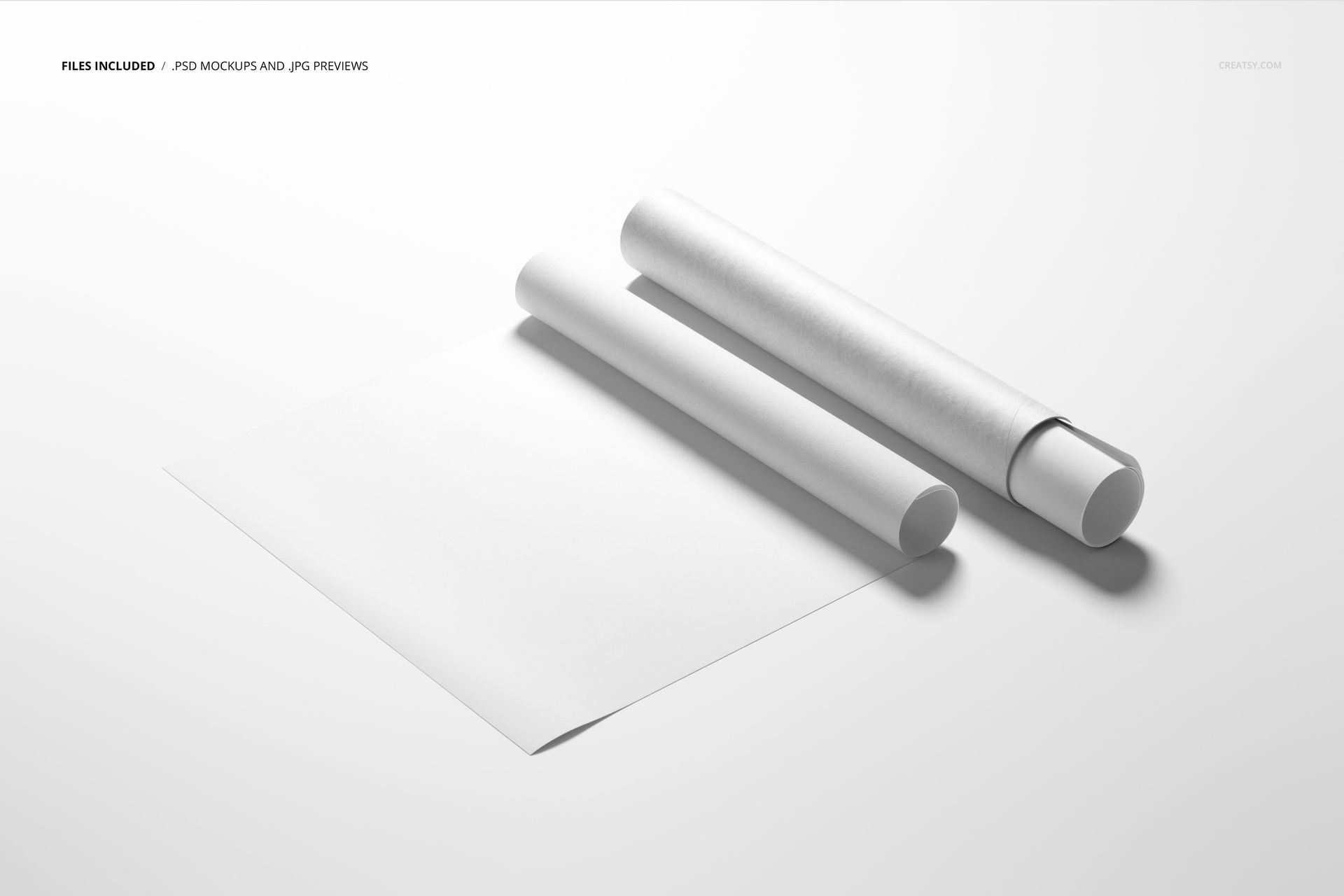
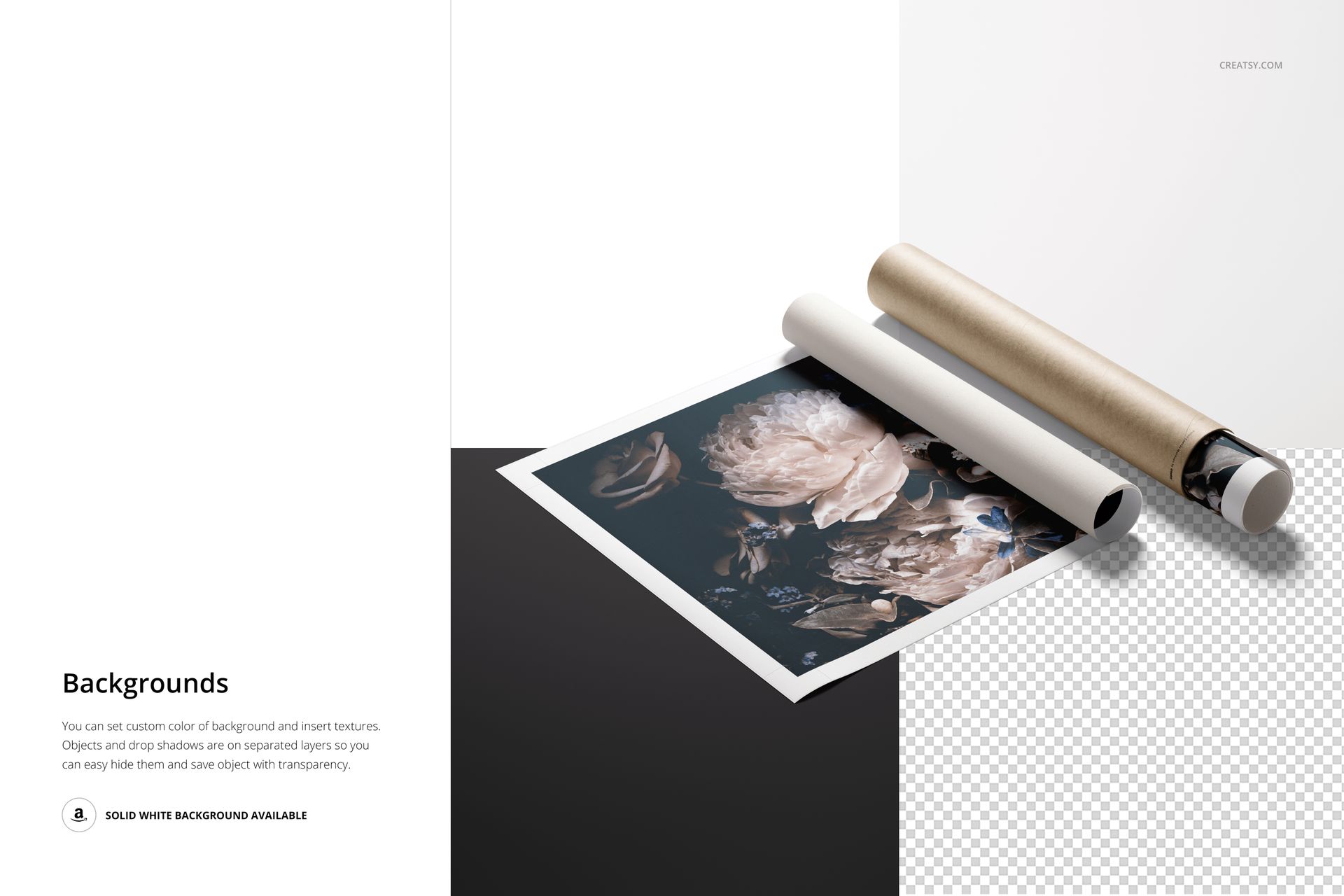
Change the background color, insert a texture or use the supplied solid white background for a clean product listing. Objects and drop shadows are organized on separate layers, so they can be hidden when you need an isolated composition or transparent-background export. The drop shadow is removable.
Software Compatibility
The public listing identifies the PSD as compatible with Adobe Photoshop and Photopea. Adobe Photoshop CC 2020 or newer is the stated minimum Photoshop version. The package contains no PSB files.
Please note: The floral artwork shown in the previews is a sample design by Gornostay and is not included with the mockup.