

Canvas Print Close-up Mockup Bundle
Creatsy in Mockups / Canvas Prints
Product Details
Canvas Print Close-Up Mockup Bundle
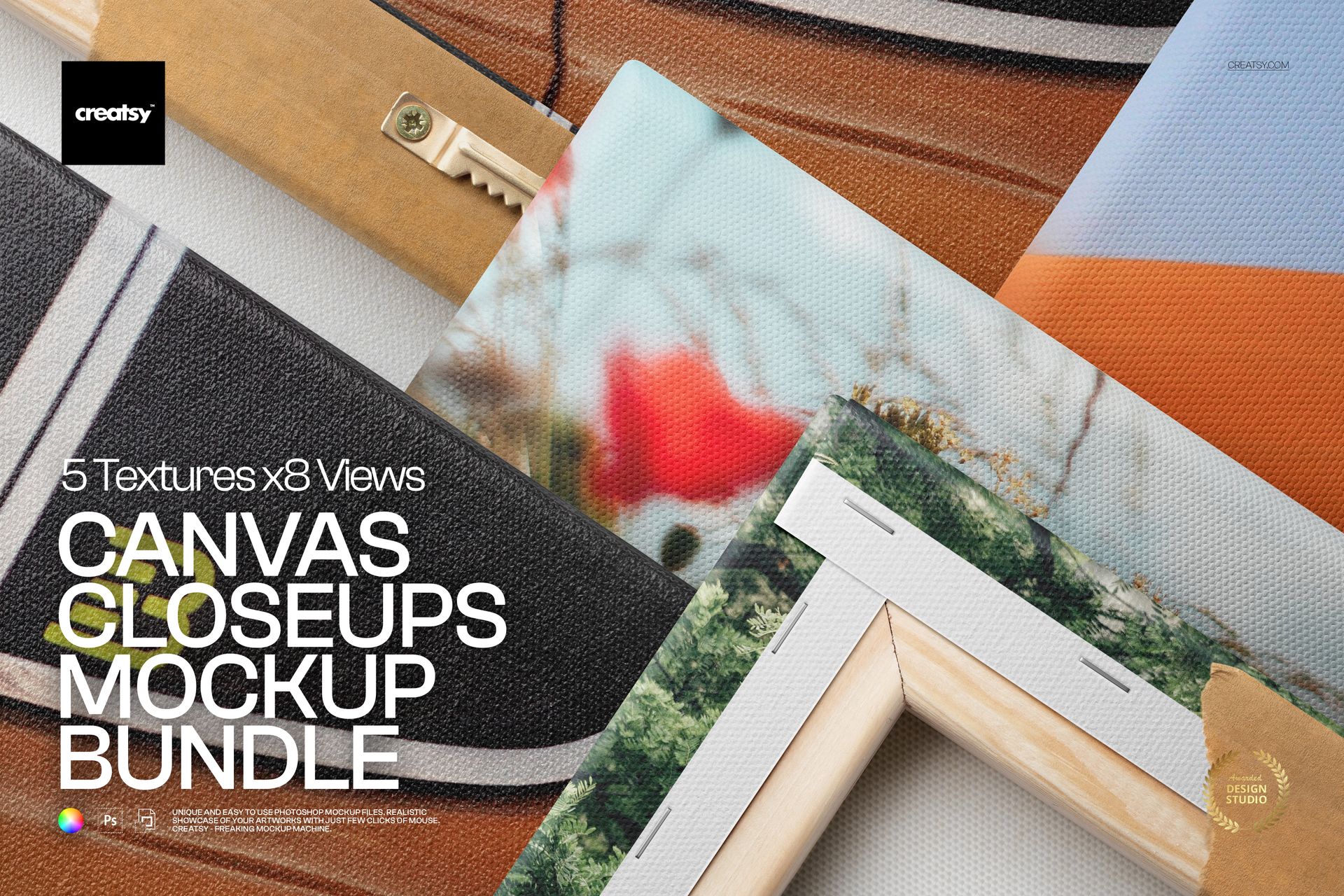
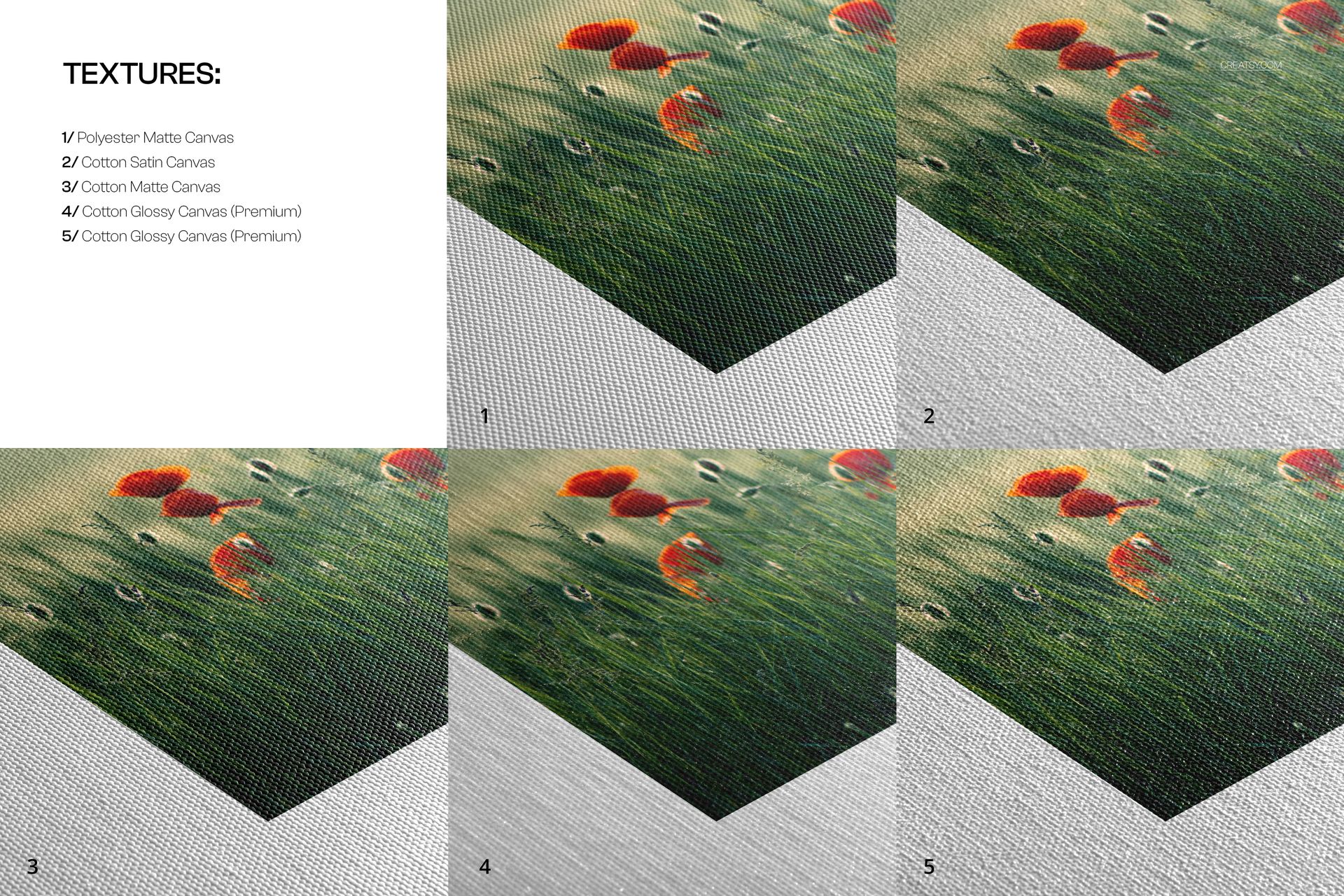
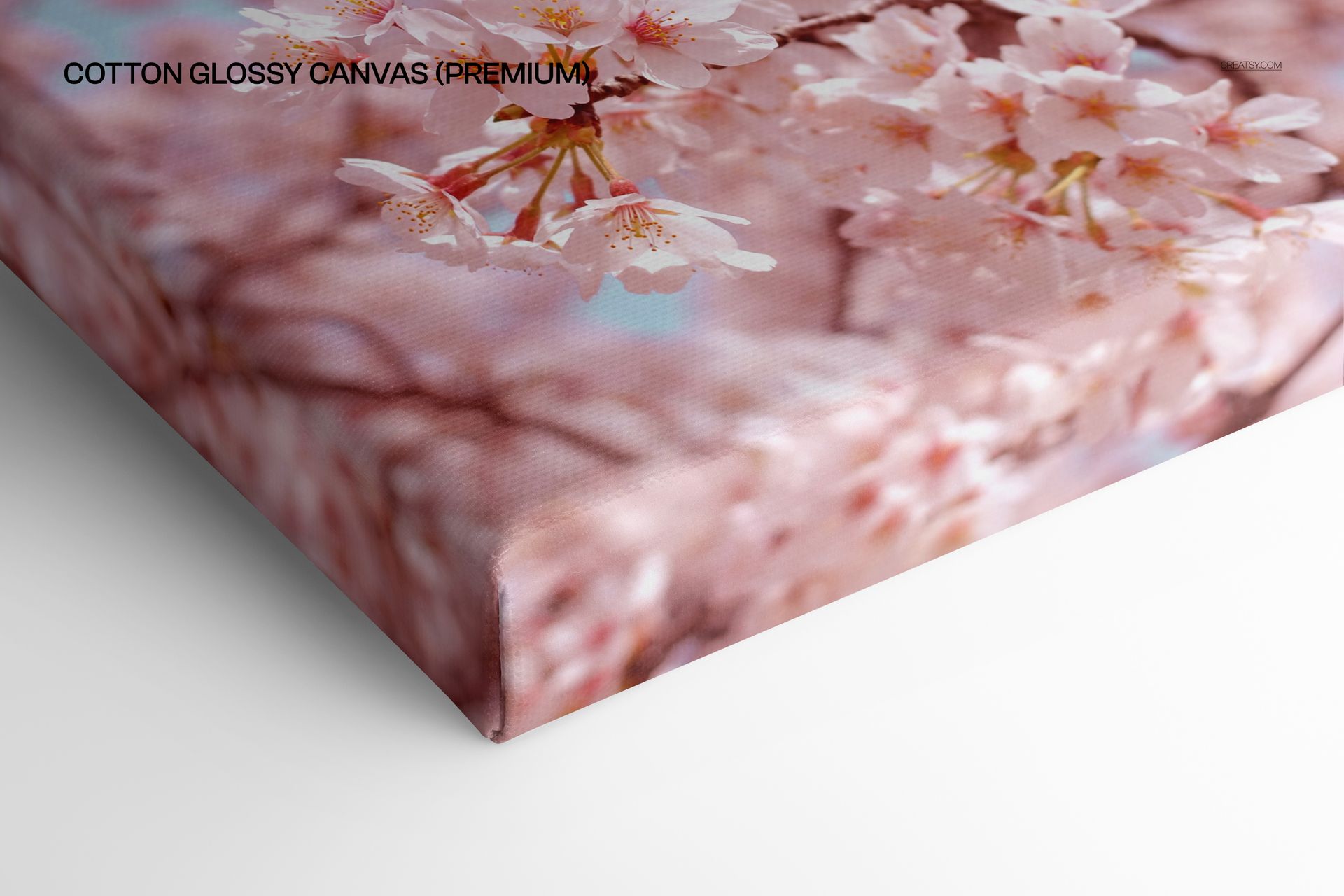
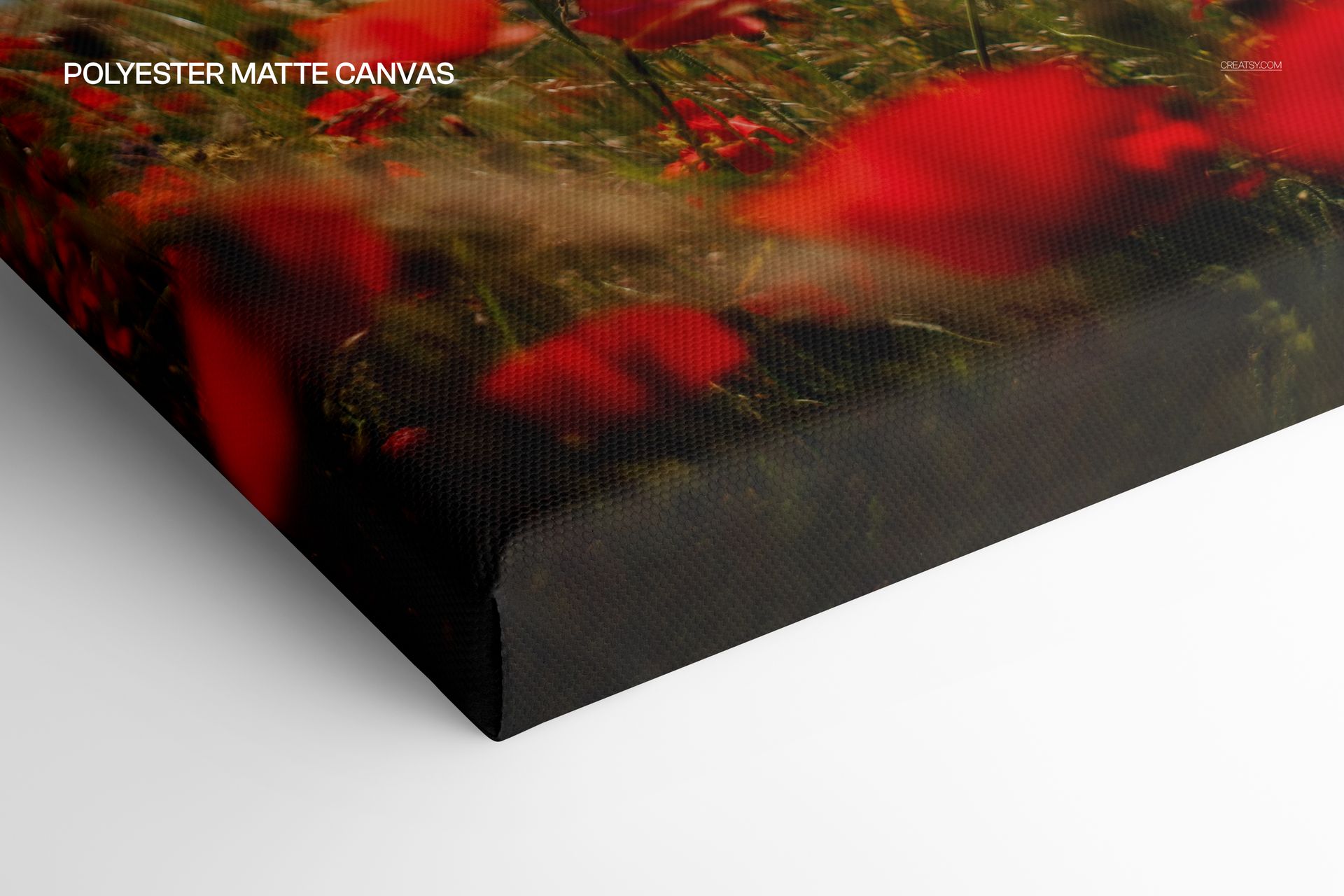
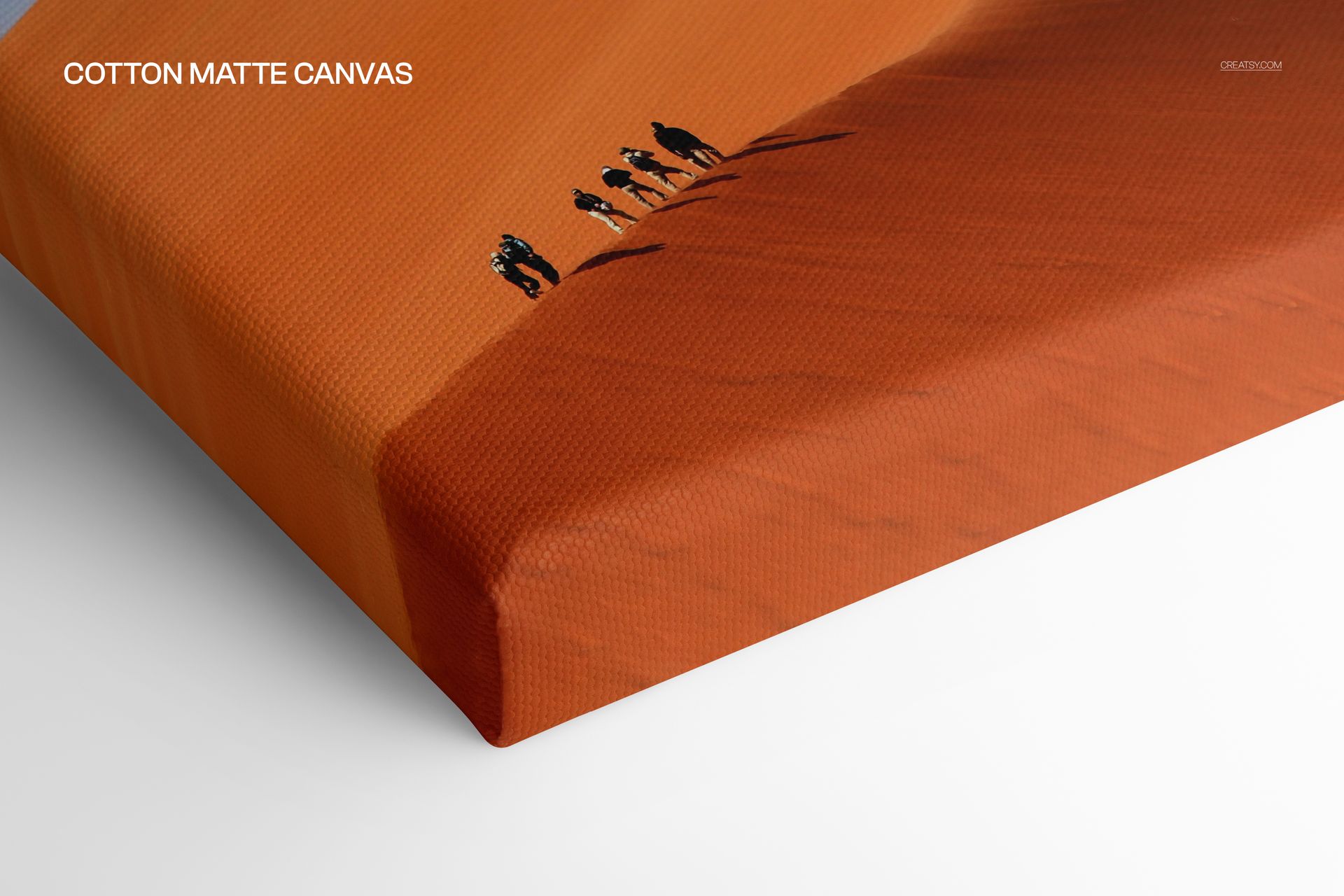
Show how artwork looks across five canvas materials with one coordinated collection of detailed close-up mockups. This bundle combines cotton glossy, cotton satin, cotton matte, cotton premium glossy and polyester matte canvas scenes, helping customers compare surface character, wrapped edges and construction details before choosing a print finish.
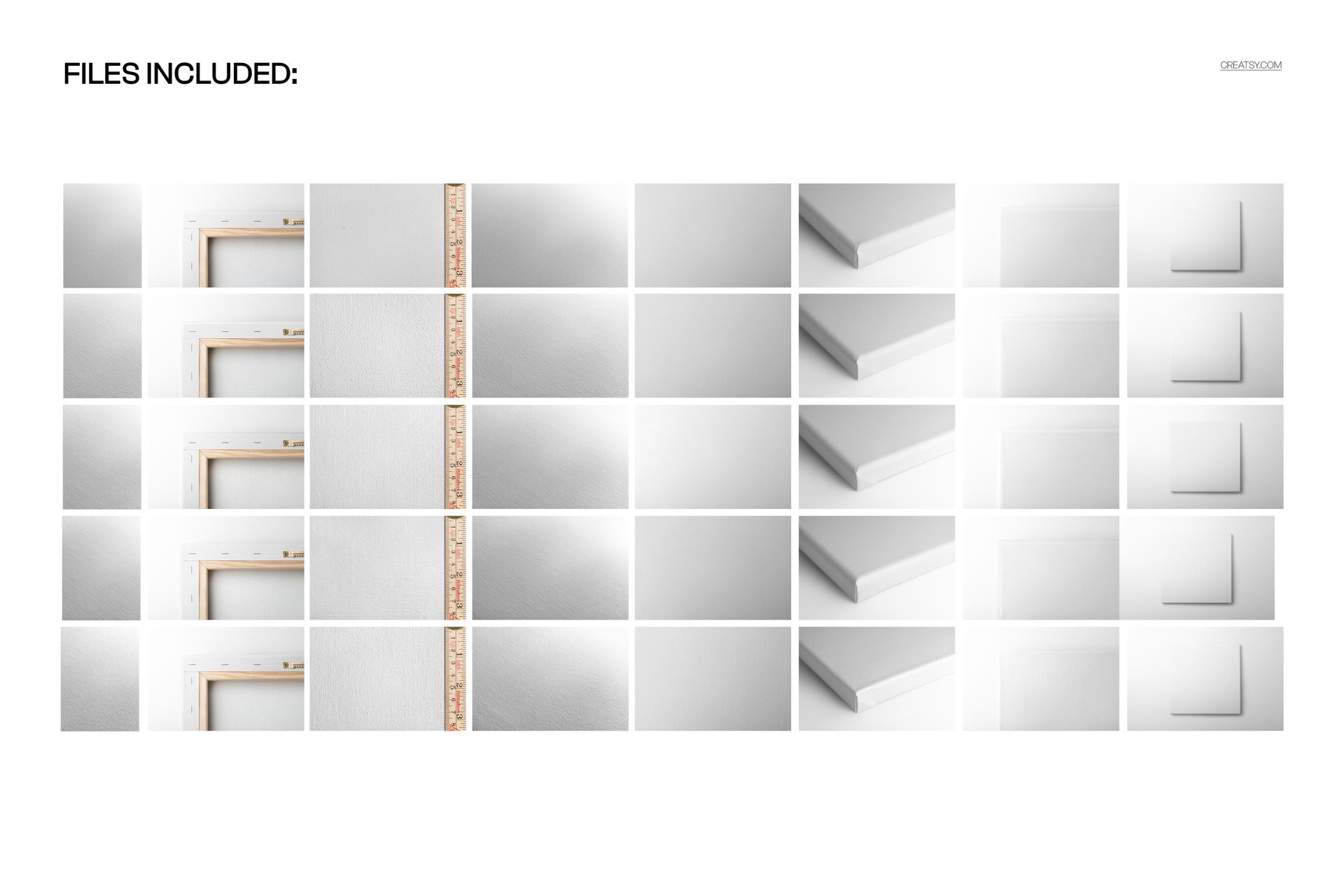
The download contains 40 layered PSD mockups and 40 matching JPG previews. Every included set provides eight editable PSD scenes and eight JPG files, giving you 80 files in total for ecommerce galleries, product launches, portfolio case studies and client presentations.
Five Canvas Mockup Sets Included
Detailed Canvas Views
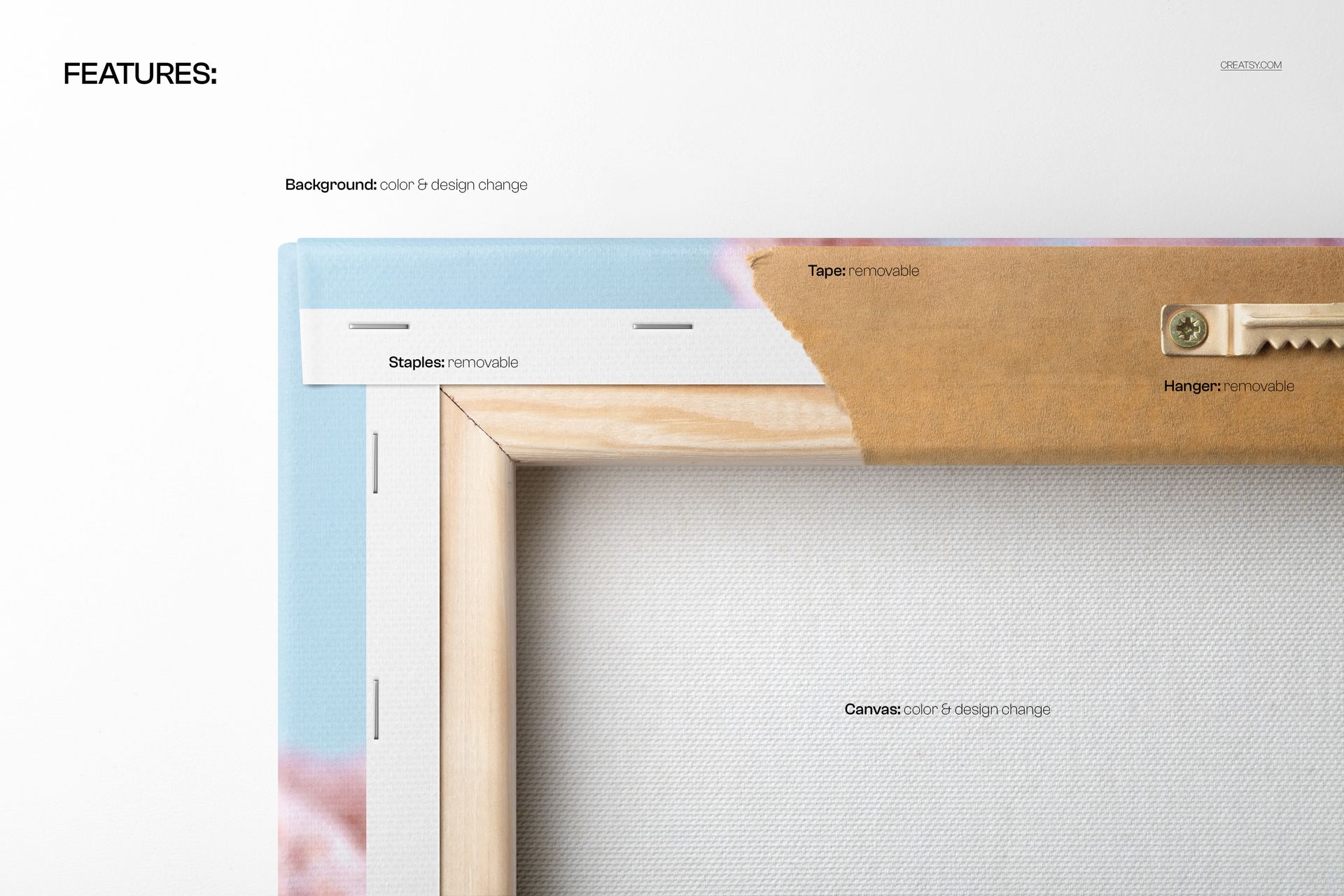
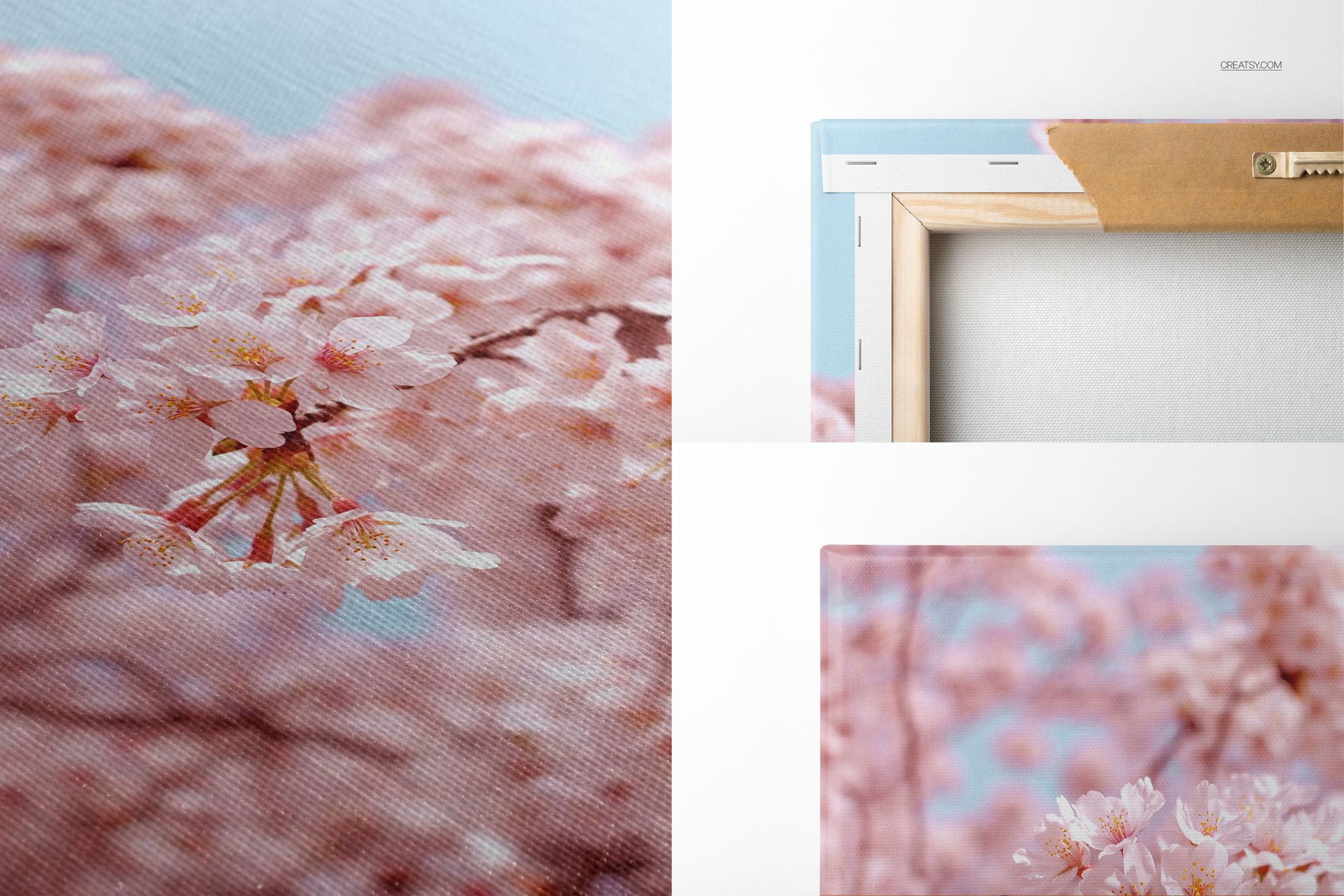
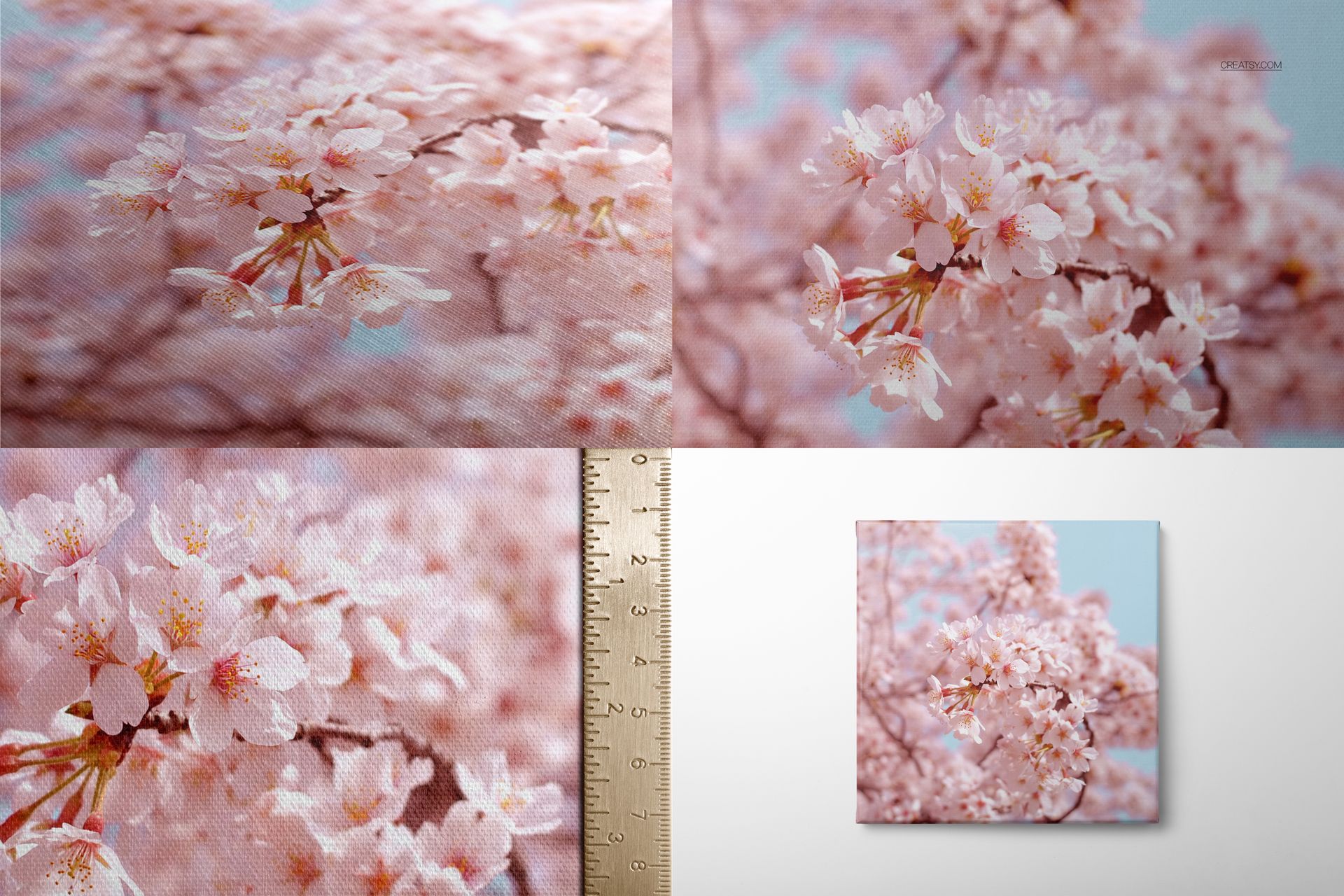
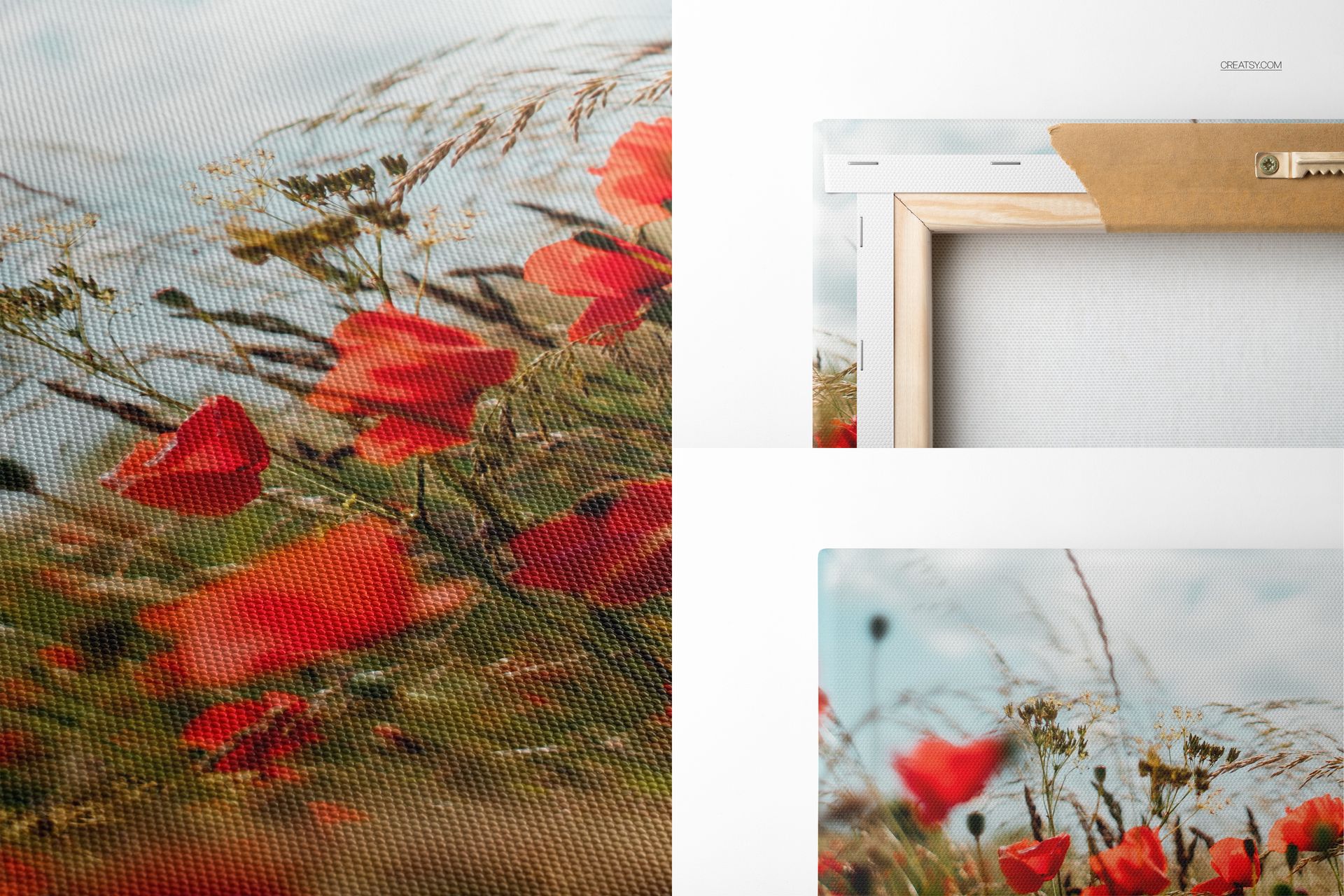
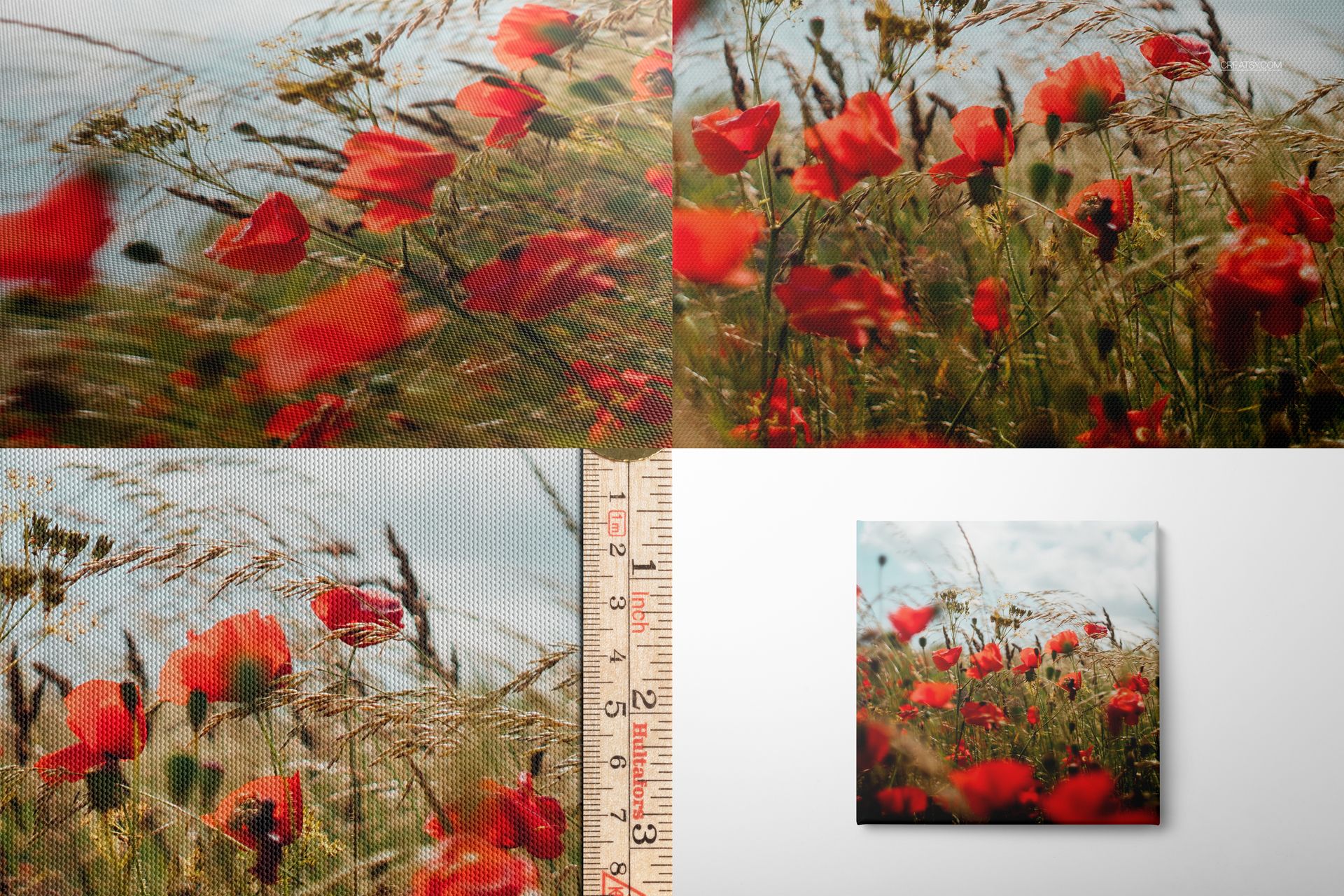
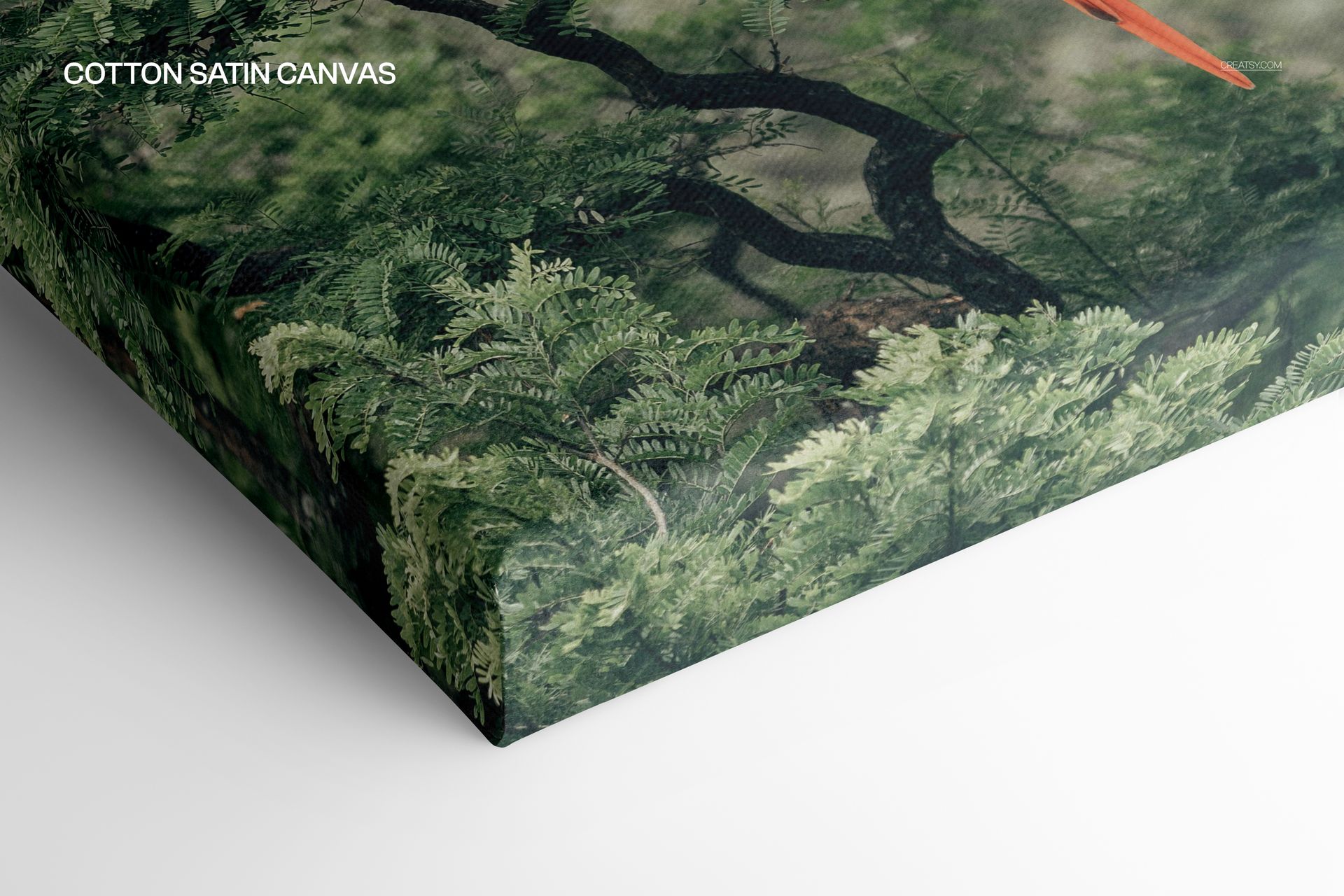
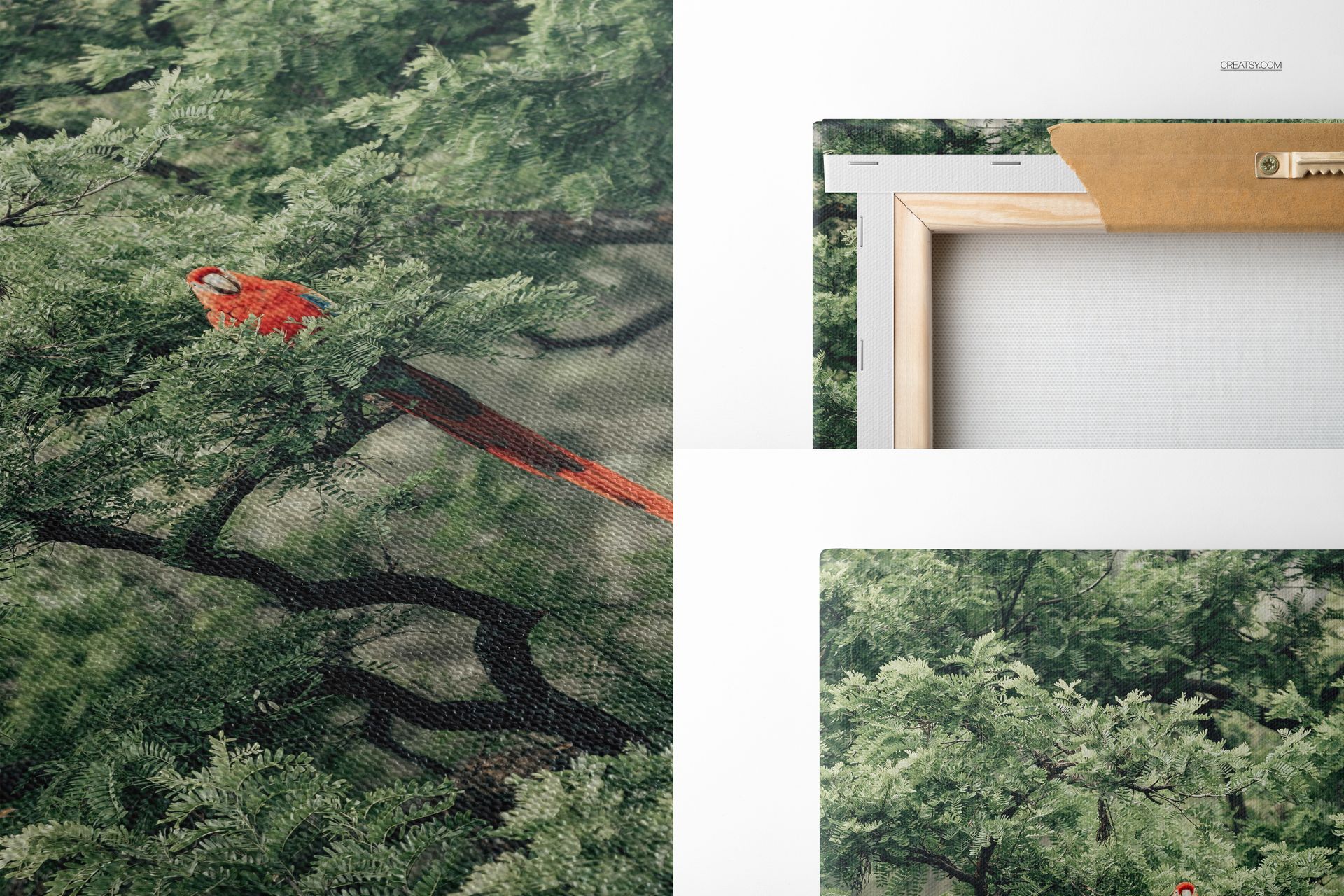
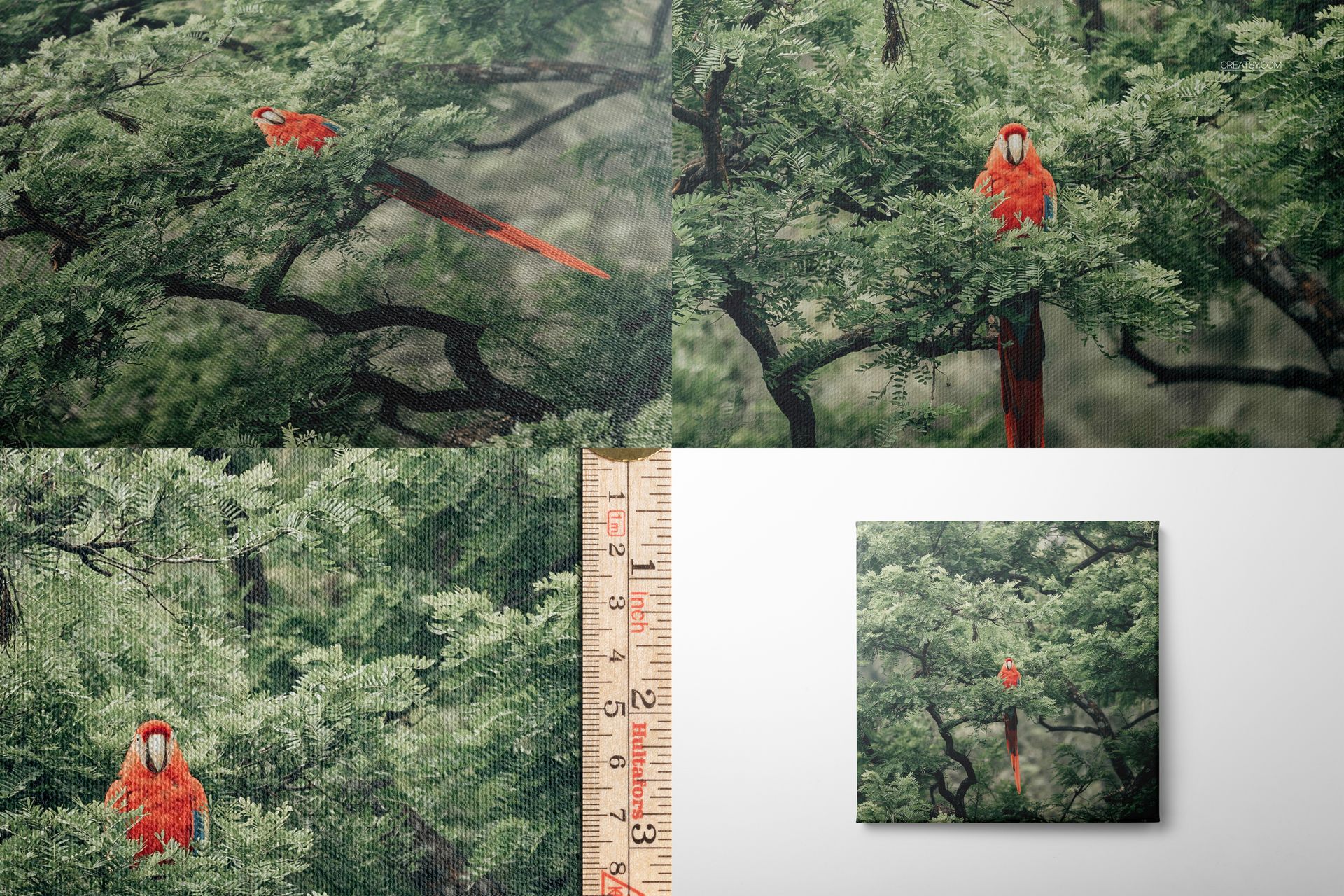
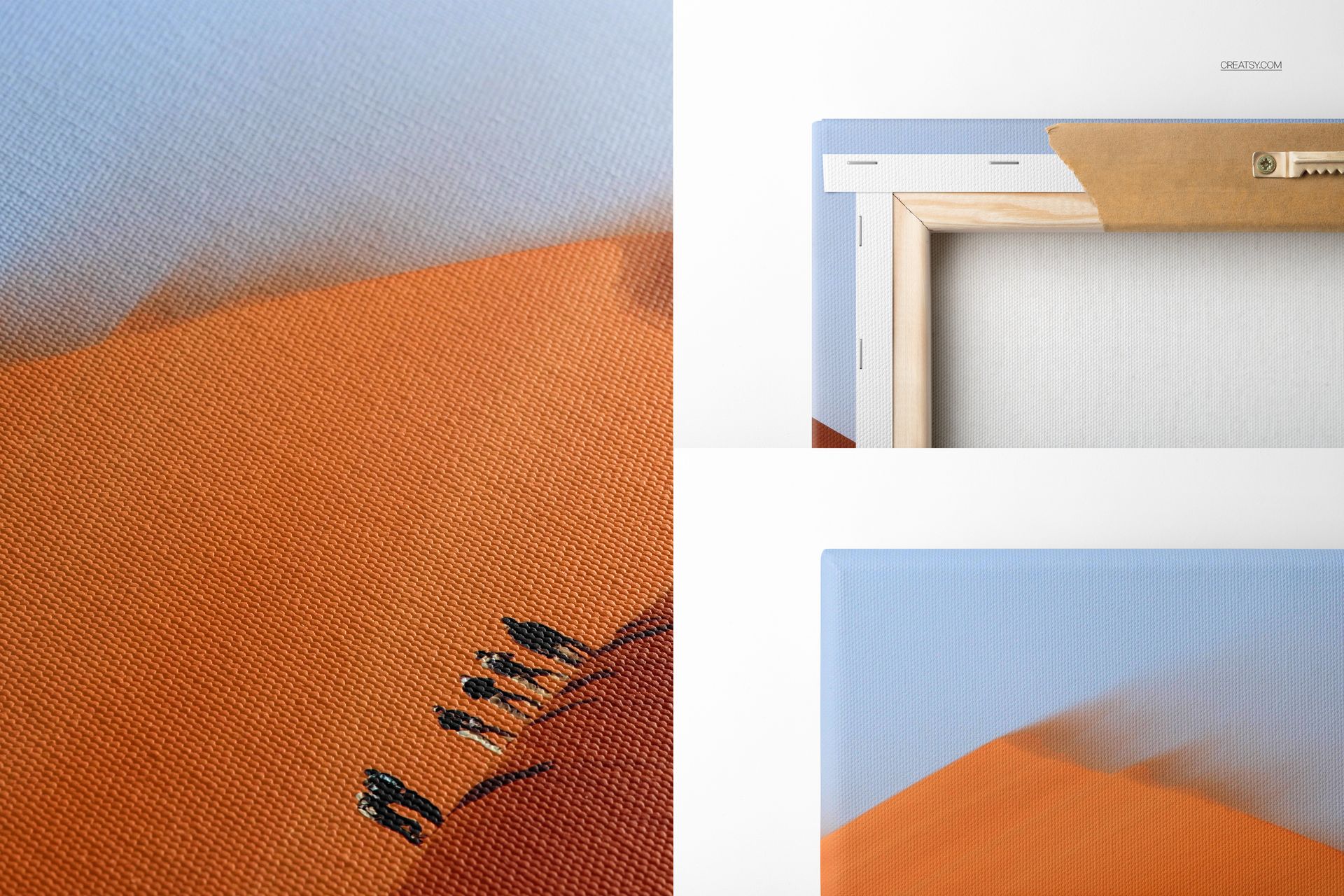
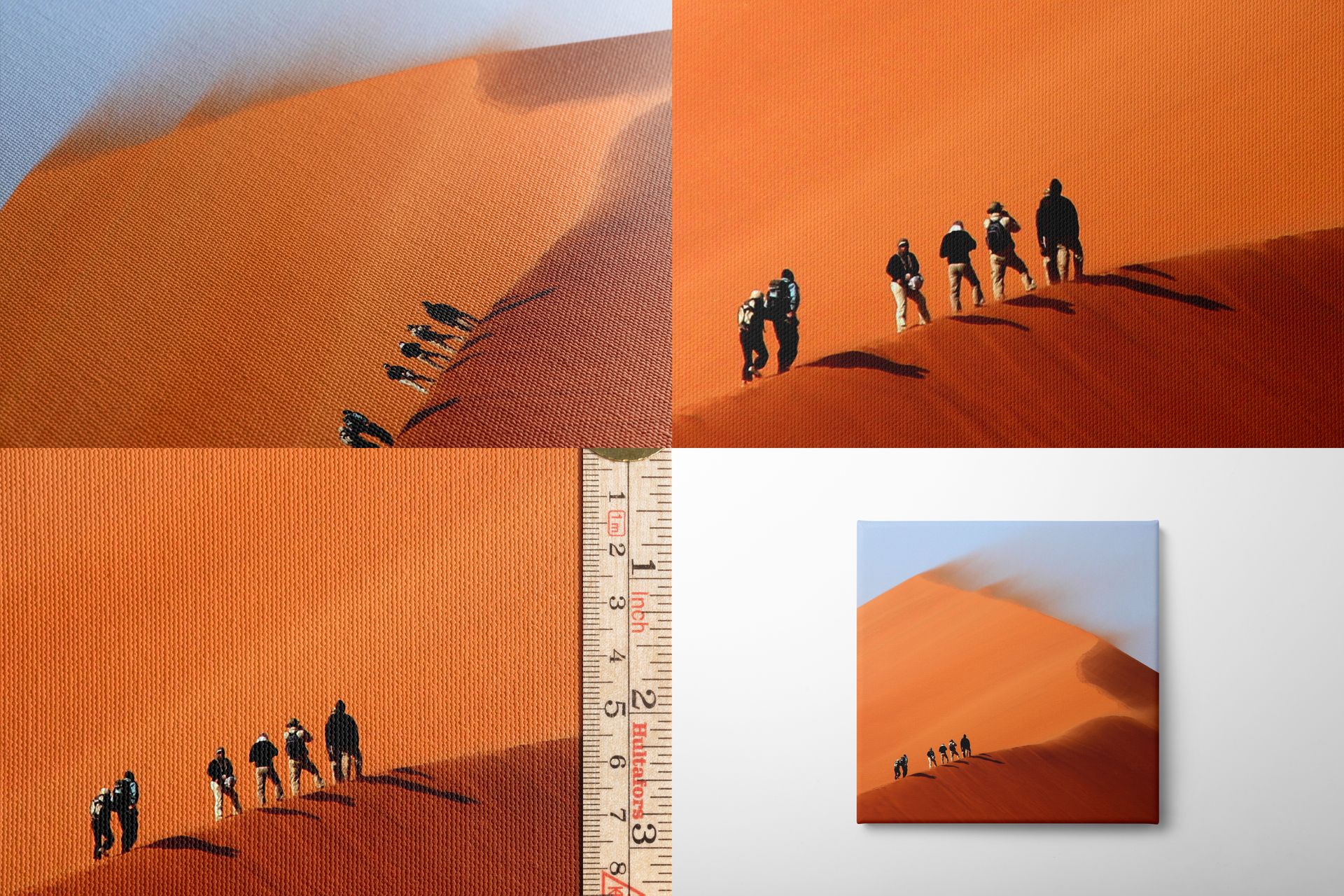
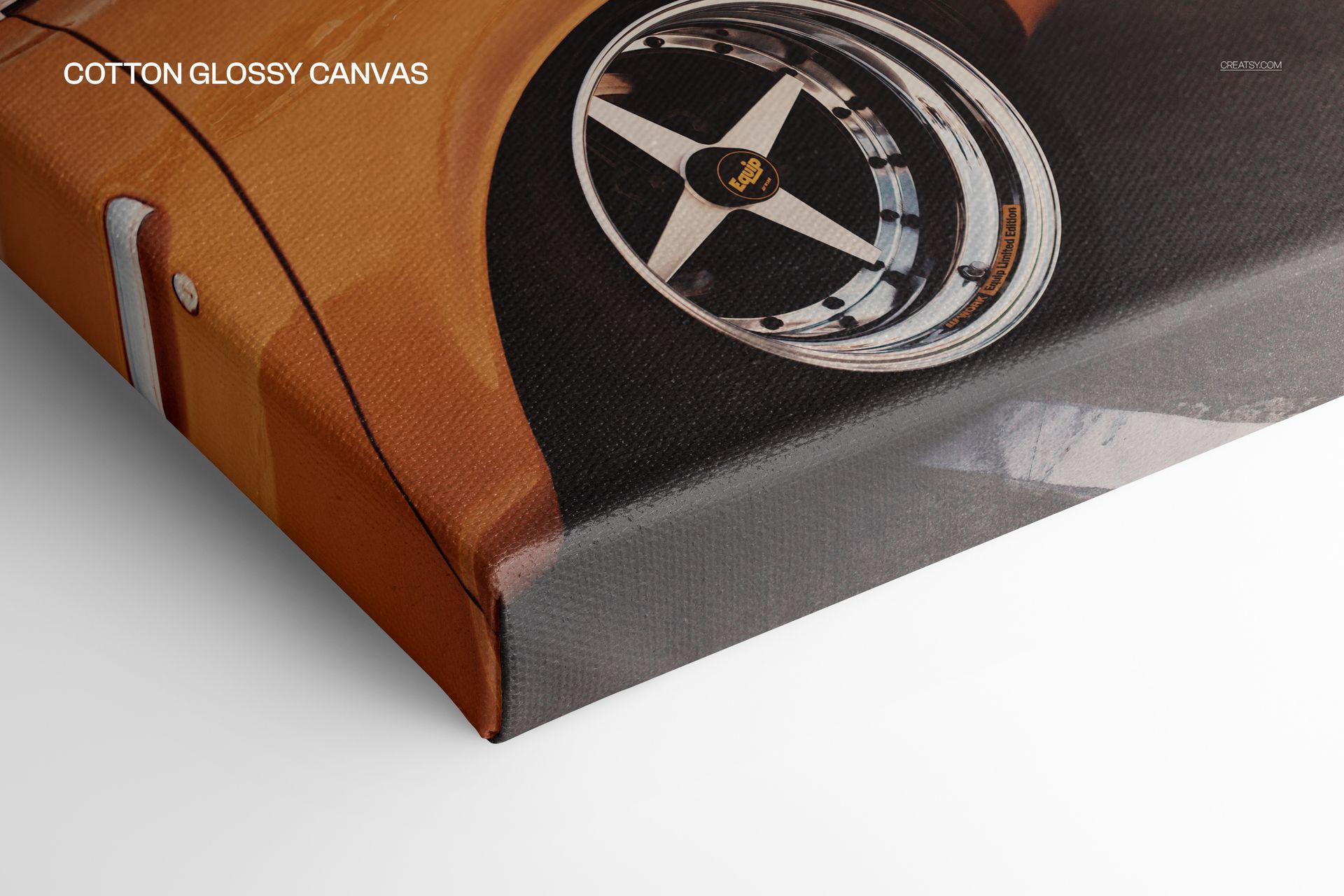
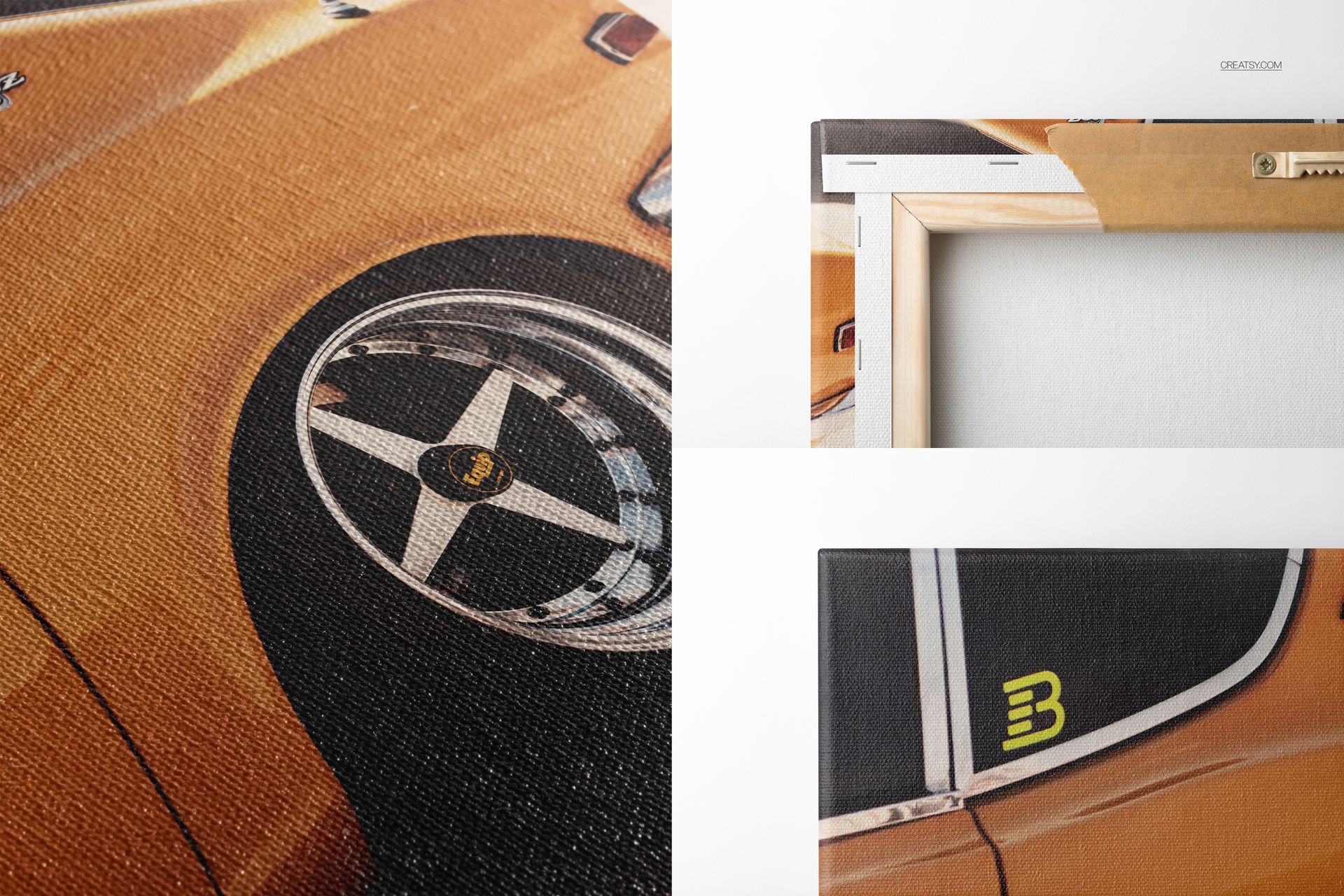
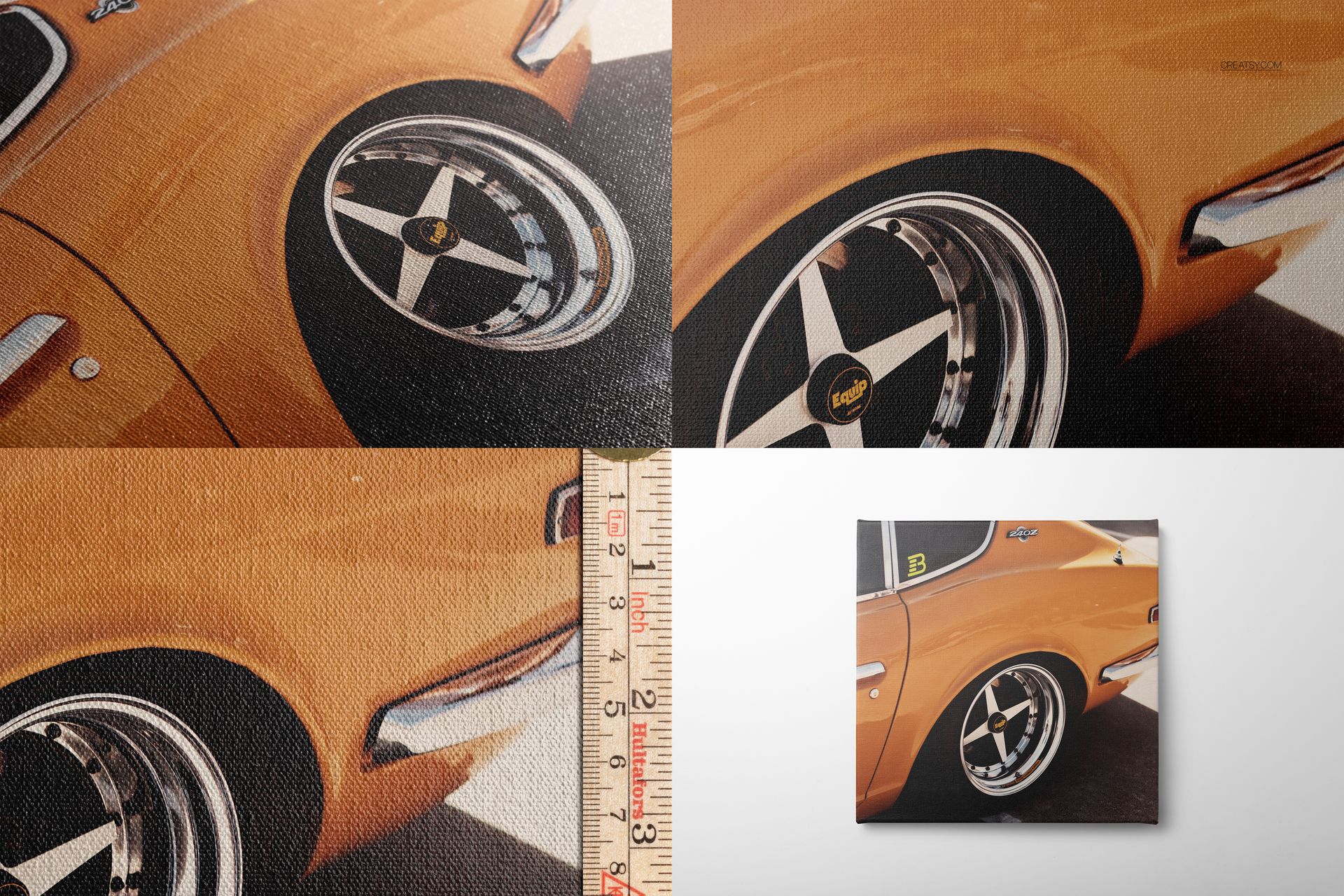
The scenes reveal more than the front print surface. Use close views of the weave, corners and approximately 2 cm or 0.75 in gallery-wrapped edges to explain how a design continues around the canvas. Additional construction views show the wooden stretcher, staples, removable hanger and scale or ruler details. These perspectives help communicate texture, depth and finishing features that are difficult to explain with a flat artwork preview.
File Specifications
40 layered PSD files with Smart Objects
40 JPG previews for quick scene identification
80 files in total across five coordinated sets
300 DPI resolution
Mostly 6000 x 4000 px landscape scenes, with portrait previews at 4500 x 6000 px
13.9 GB packed and approximately 14.9 GB unpacked
PSD and JPG formats only
Flexible Editing for Product Presentations
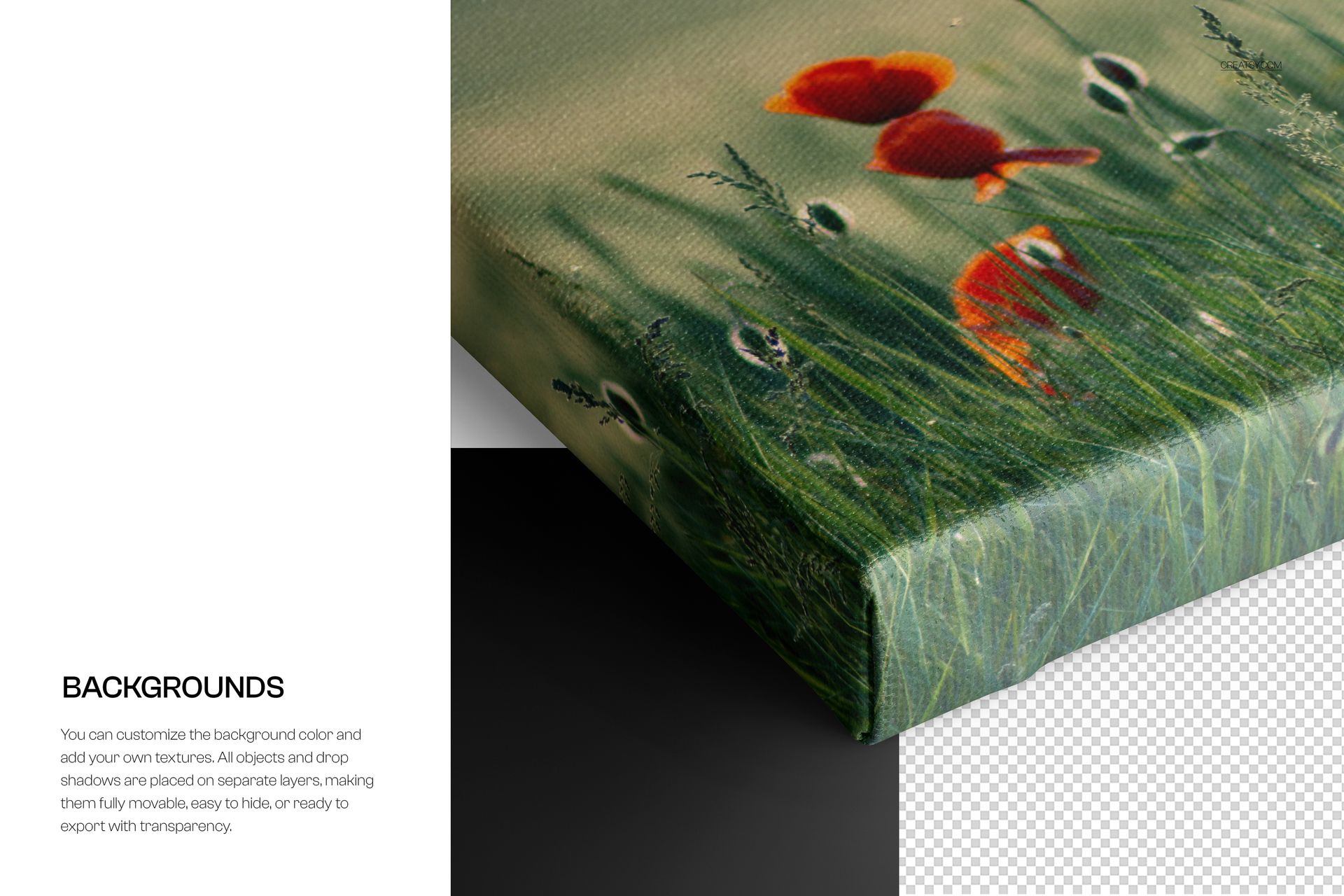
Place artwork on the canvas through Smart Objects, then adjust the print surface and presentation to suit the project. Change the background color or add your own texture or design. Objects and drop shadows are organized on separate layers, so they can be moved, hidden or prepared for an export with transparency. Use the supplied angles together to build a consistent gallery that moves from the complete artwork to material texture, wrapped corners and rear construction.
Software Compatibility
The layered PSD files are compatible with Adobe Photoshop CC 2020 or newer and Photopea. The bundle contains no PSB files.
Please note: The artwork, pictures and patterns shown in the preview images are sample assets used to demonstrate the mockups and are not included in the download. Sample pictures are credited to Yana Gorbunova.
File details
- Compatibility


- Products in bundle
- 5
- Package size
- 13.9 GB
 |14.9 GB
- Files type
- .psd, .jpg
- Files size
- 6000x4000
INCLUDED/5


Made with Creatsy
Real designs. Real customers. See how creatives use Creatsy mockups to turn their artwork, branding, and product ideas into polished visuals.

MEET THE SHOP

Creatsy
Poland
Bring your ideas to life.
We're a family-run studio in Katowice, Poland, making PSD mockups by hand since 2016. Everything in this shop starts in our own studio. We shoot the photography, build the 3D, and put together every Smart Object PSD ourselves - then we test it, organize the layers, and only ship it once it actually works...
 15$2550$30.00
 15$1870$22.00
 15$1615$19.00
 15$2040$24.00

HOW IT WORKS
3 clicks. That's it.
No tutorial needed. If you can copy-paste, you can use this.
- 1OpenDouble-click the smart object inside the PSD - in Adobe Photoshop, or free in your browser with Photopea.
- 2PasteDrop in your pattern, print, or artwork. Any design, any style.
- 3SaveHit save and the mockup wraps it in for you - shadows, folds, and lighting included.
FROM IDEA TO IMAGE
Built for real workflows
Show the finished print on the wall Poster, canvas, or acrylic - drop your art in and the client sees the hung piece before it goes to print.
See it on the product, not a swatch Drop your file into the smart object and the scene's lighting and folds wrap around it, so you judge the real thing before you commit.
Smart Objects
Edit once and you're done. Your artwork drops into a smart object and the mockup updates itself - no masking, no warping by hand.
Perfectly Organized
Named layers and folders you can actually navigate. Find what you need, change what you want, and get out fast.
Print-Ready
High-resolution files built to hold up on screen and in print. Exact size and DPI are in this product's Details above.


