Cotton Glossy Canvas Close-Up Mockups for Detailed Wall Art Presentation
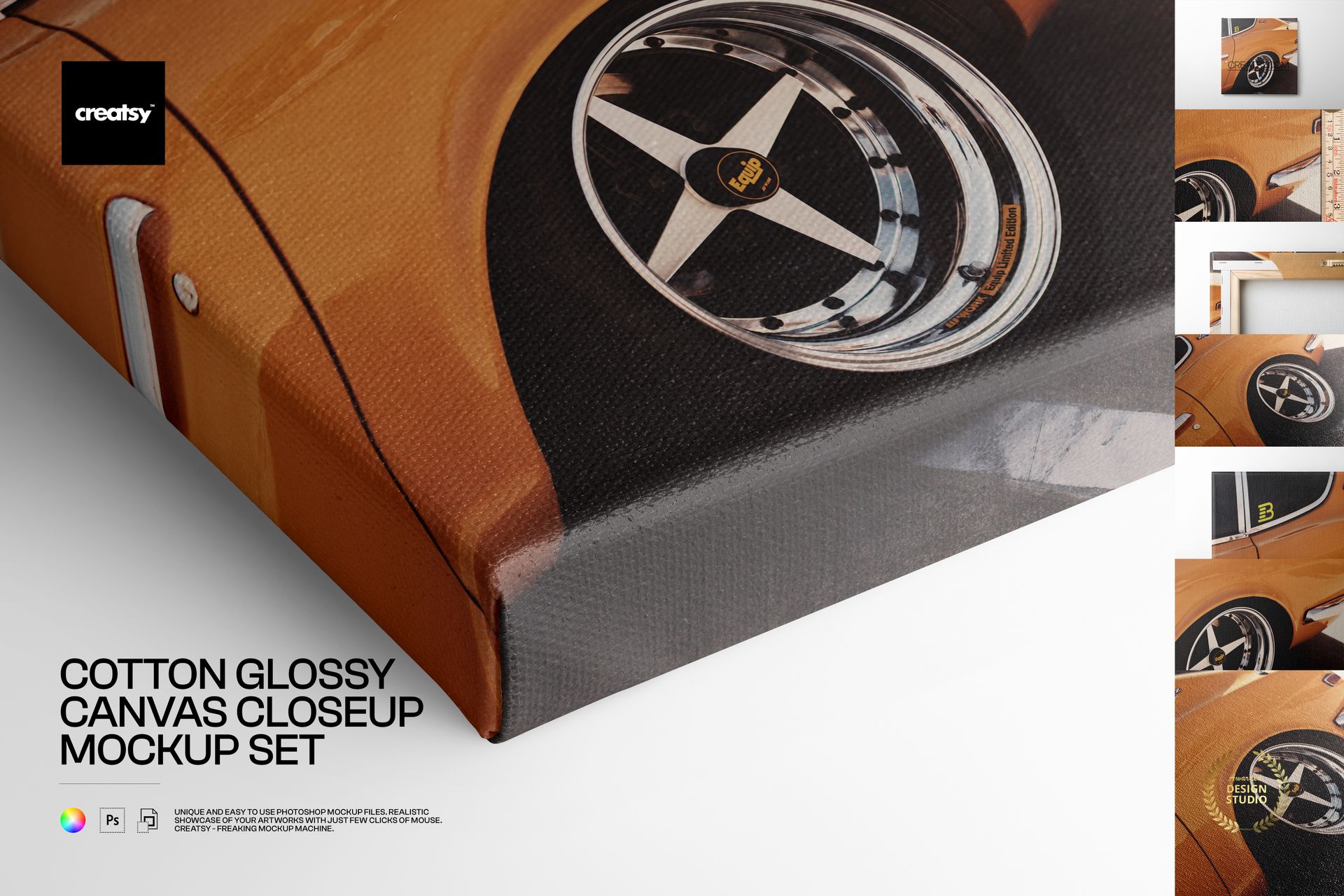
Showcase fine art, photography, illustration and graphic design with the visible weave and polished character of cotton glossy canvas. This set includes eight layered PSD scenes created for ecommerce galleries, portfolio projects, client approvals and print-on-demand previews where both the artwork and material details matter.
What Is Included
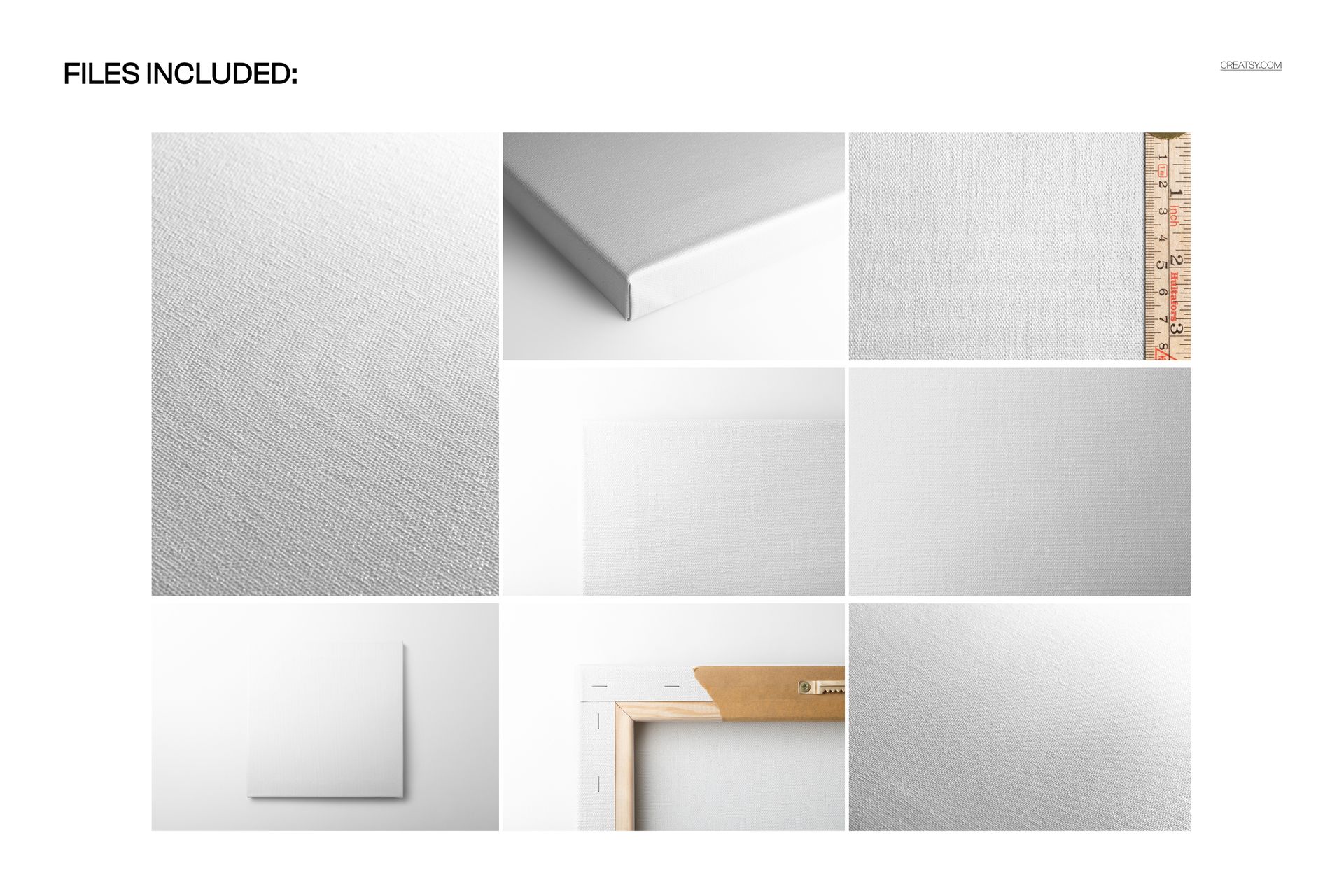
8 layered PSD mockups with seven numbered scenes and a dedicated 30 x 30 cm square canvas setup
8 JPG preview files for quick scene reference
16 files in total inside an approximately 3.16 GB archive
High-resolution previews: seven images at 6000 x 4000 px and one portrait image at 4500 x 6000 px
300 DPI resolution for detailed digital and promotional presentations
Views That Explain the Finished Product
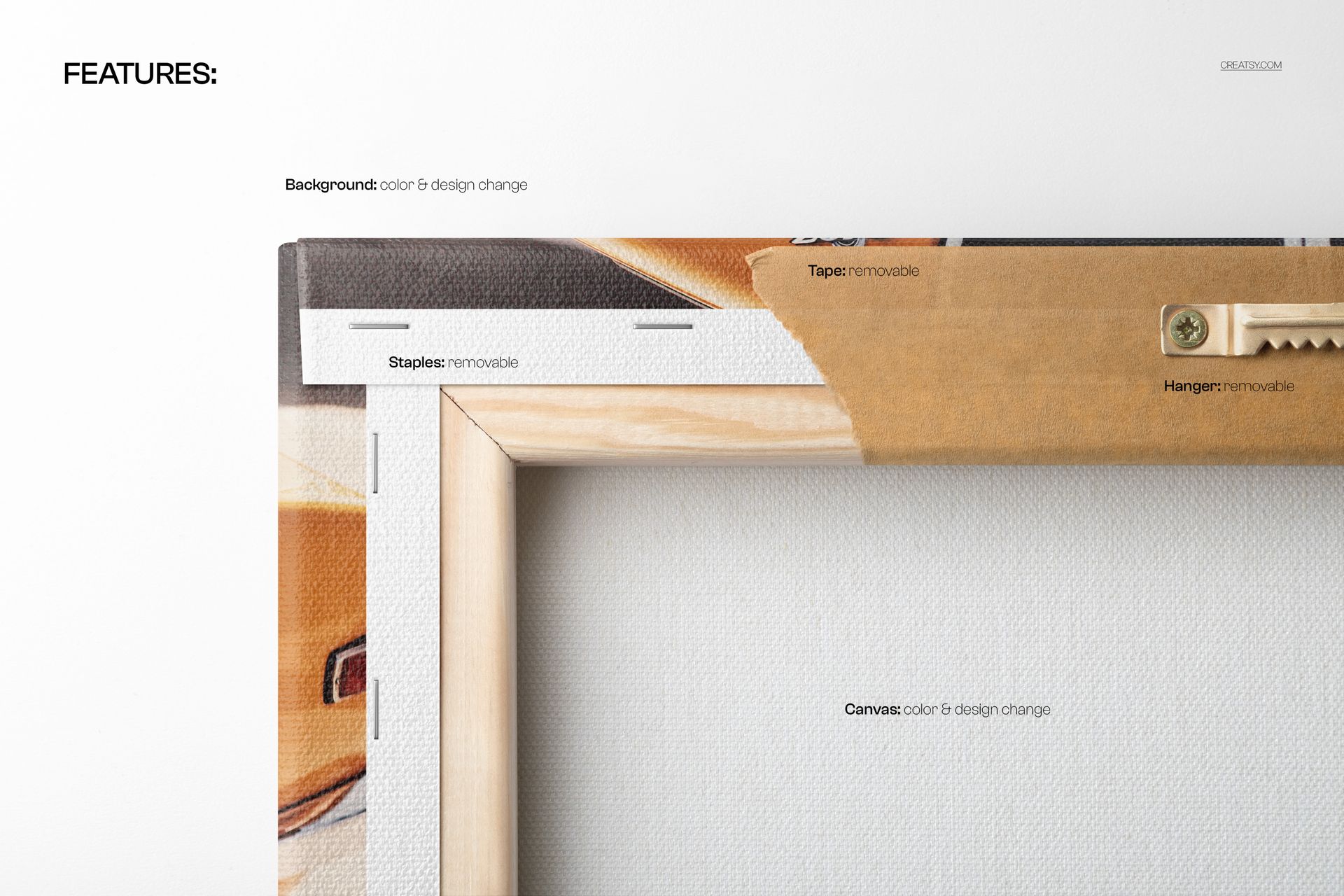
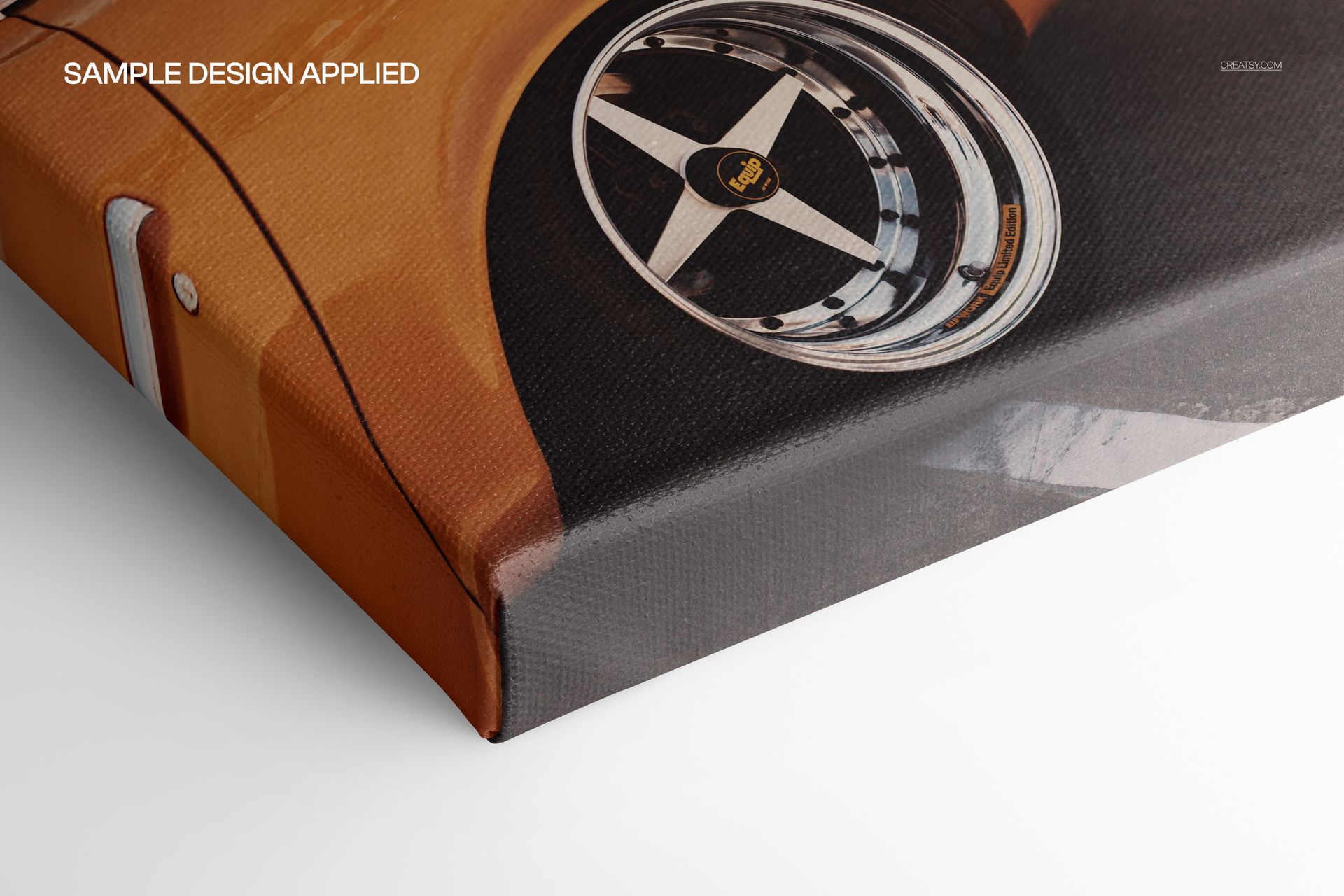
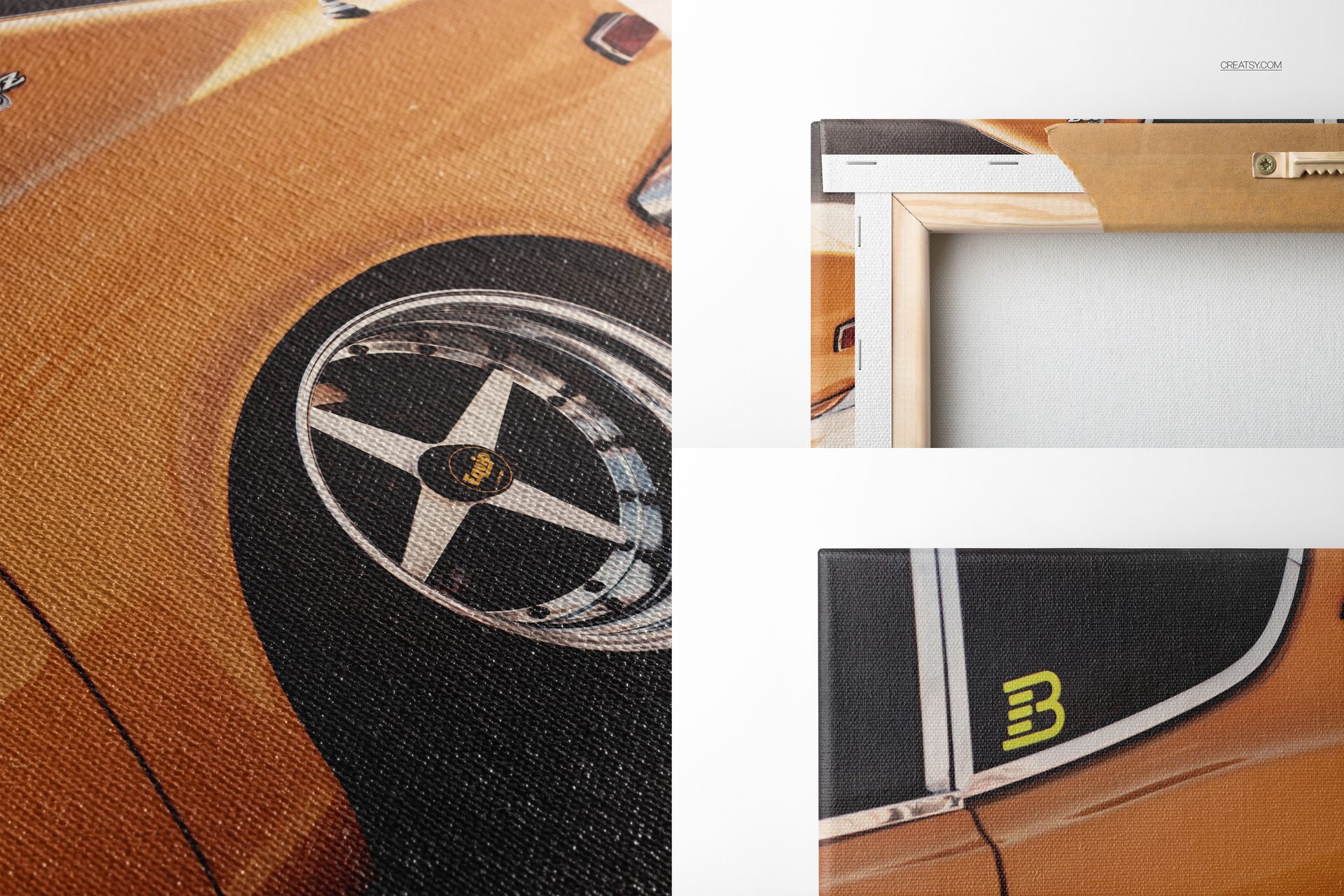
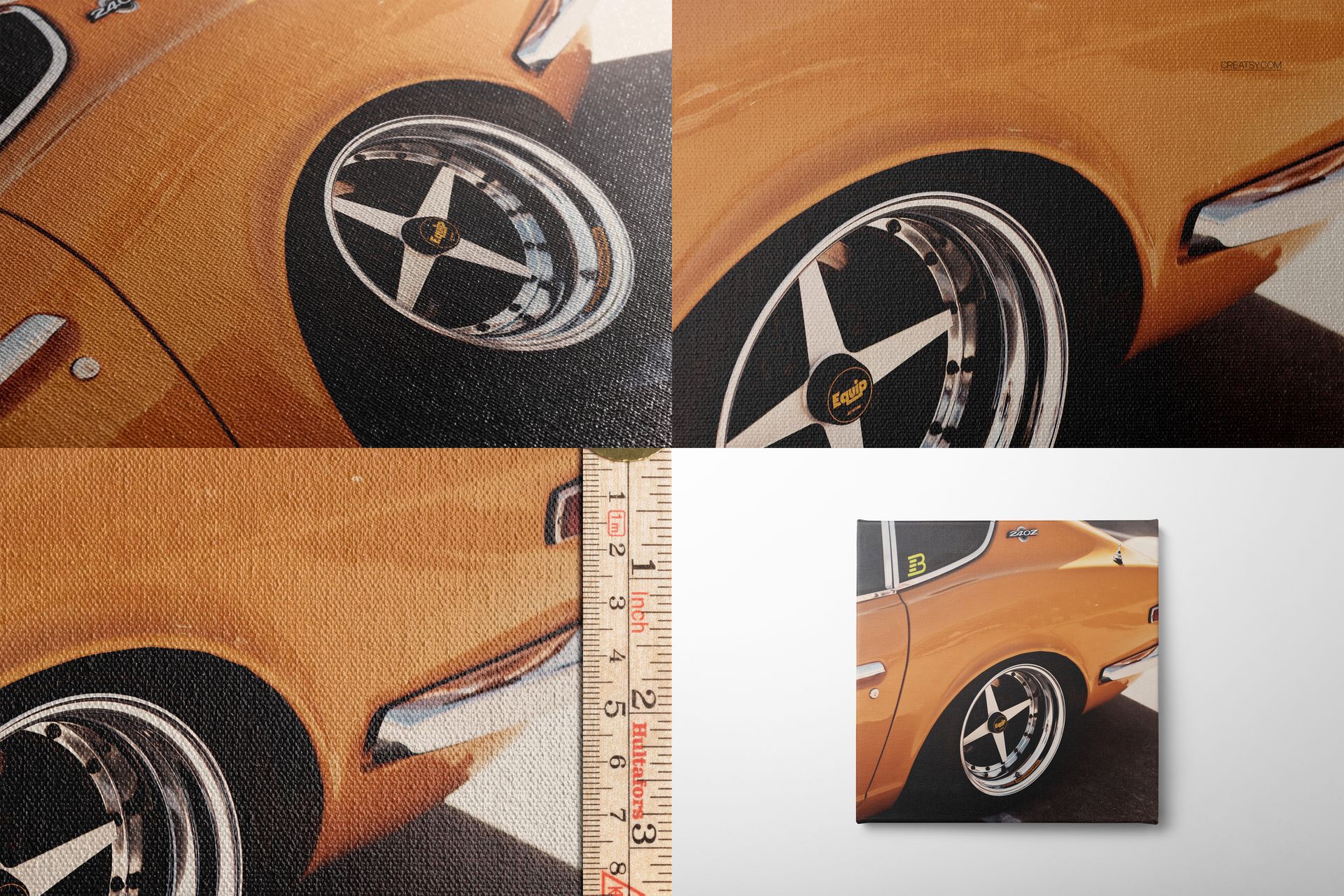
The scenes move from complete front and angled views to glossy weave close-ups, wrapped sides, corners and rear construction. The canvas depth is listed as approximately 2 cm, or 0.75 in. A rear view shows the wooden stretcher, staples and hanger, while the ruler scene adds practical scale context.
This variety helps a product gallery communicate surface, print detail, edge treatment and construction without relying on a single hero image or generic material claim.
Editable PSD Features
Smart Object workflow for placing artwork
Editable canvas print surface
Changeable background color and design
Removable drop shadow
Organized layers for a controlled editing workflow
Software Compatibility
The layered PSD files work with Adobe Photoshop CC 2020 or newer and Photopea. The package contains PSD and JPG files, with no PSB files.
Sample Design Credit
The Datsun 240Z vintage poster artwork shown in the previews is a sample design by Gaviani Design Studio. It is used to demonstrate the cotton glossy canvas mockups and is not included in the download.