Canvas Print Generator Mockup Set for Interior Artwork Presentations
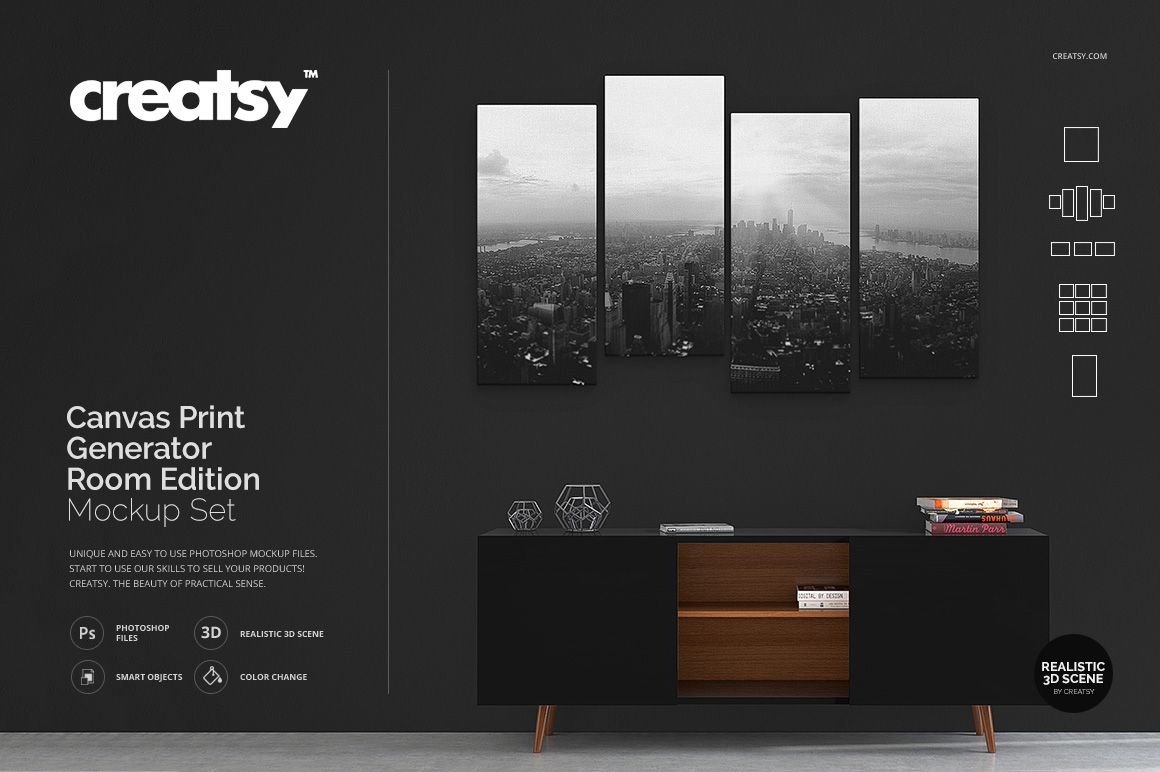
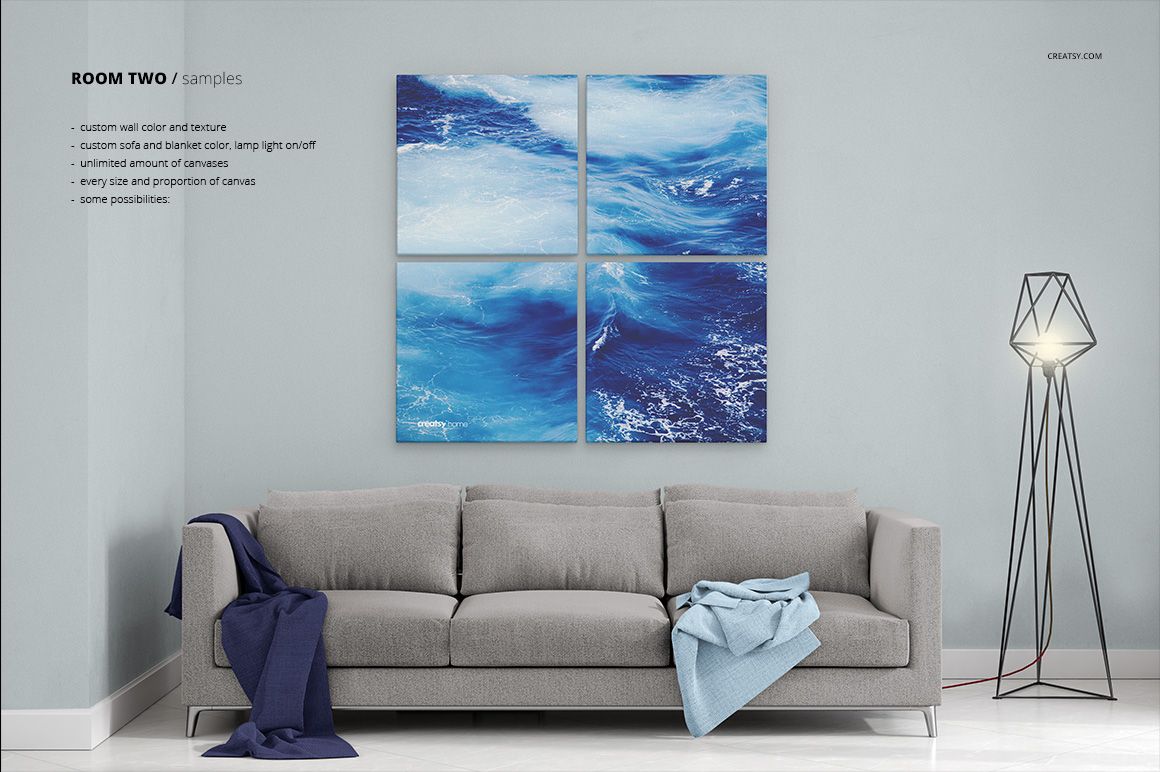
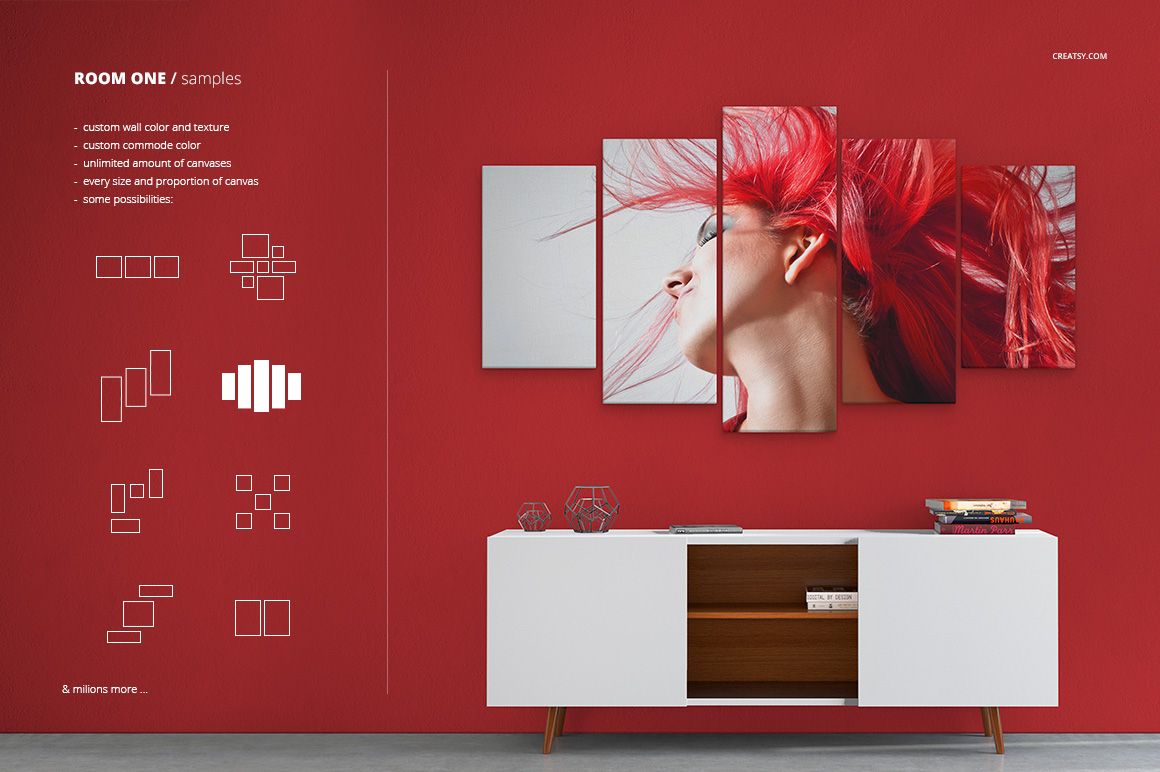
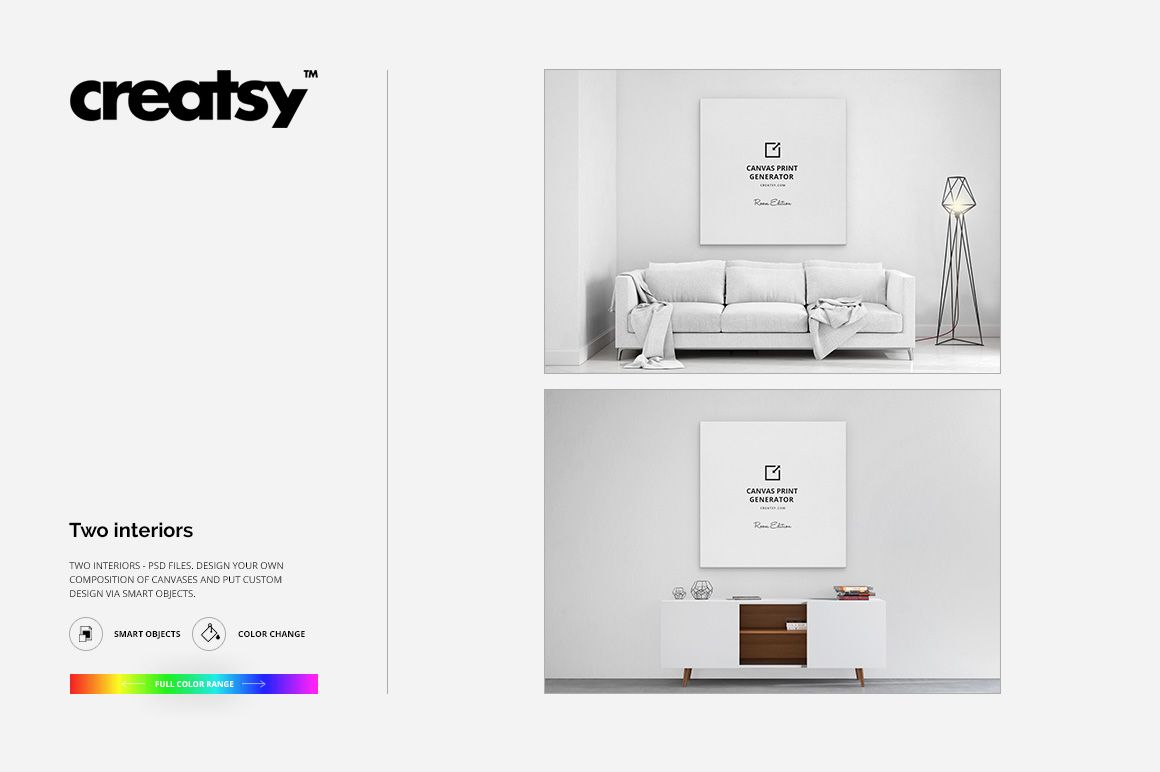
Turn digital artwork into realistic canvas print visuals across two contemporary room interiors and multiple display formats. This Canvas Print Generator Mockup Set gives artists, photographers, designers, and print sellers three layered scenes for portfolios, product listings, client presentations, and marketing campaigns.
Included content: 6 files in total, including 3 layered PSD files and 3 full-resolution JPG images. The editable files are named Scene 1, Scene 1 Without Blankets, and Scene 2. Each scene is 4500 x 3000 px at 300 DPI.
Artwork and Interior Controls
Fast artwork placement: Add paintings, photography, illustrations, or graphic designs through editable Smart Objects.
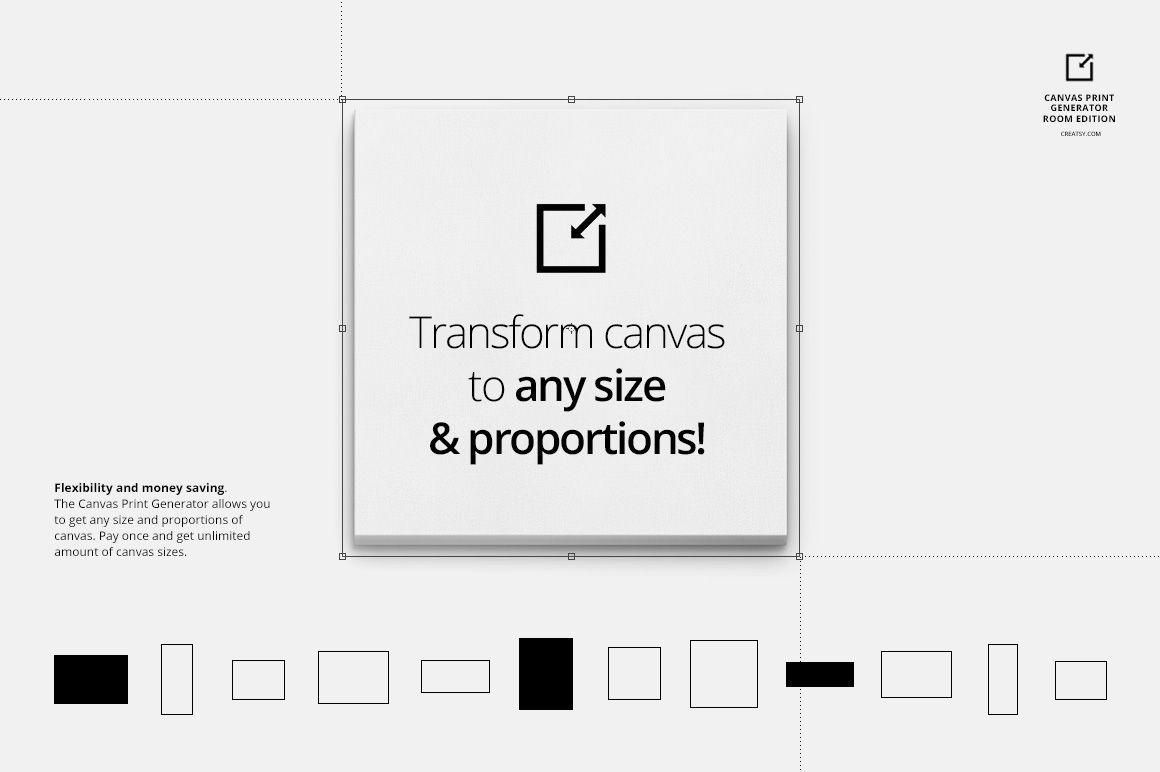
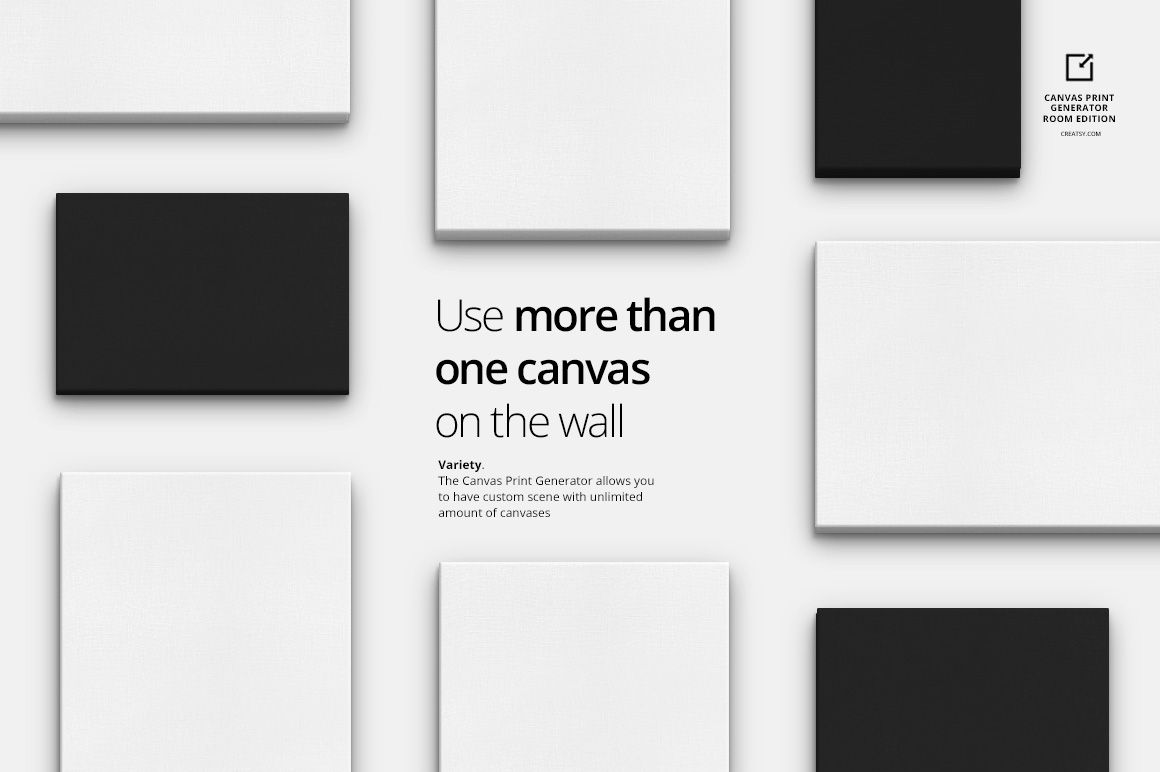
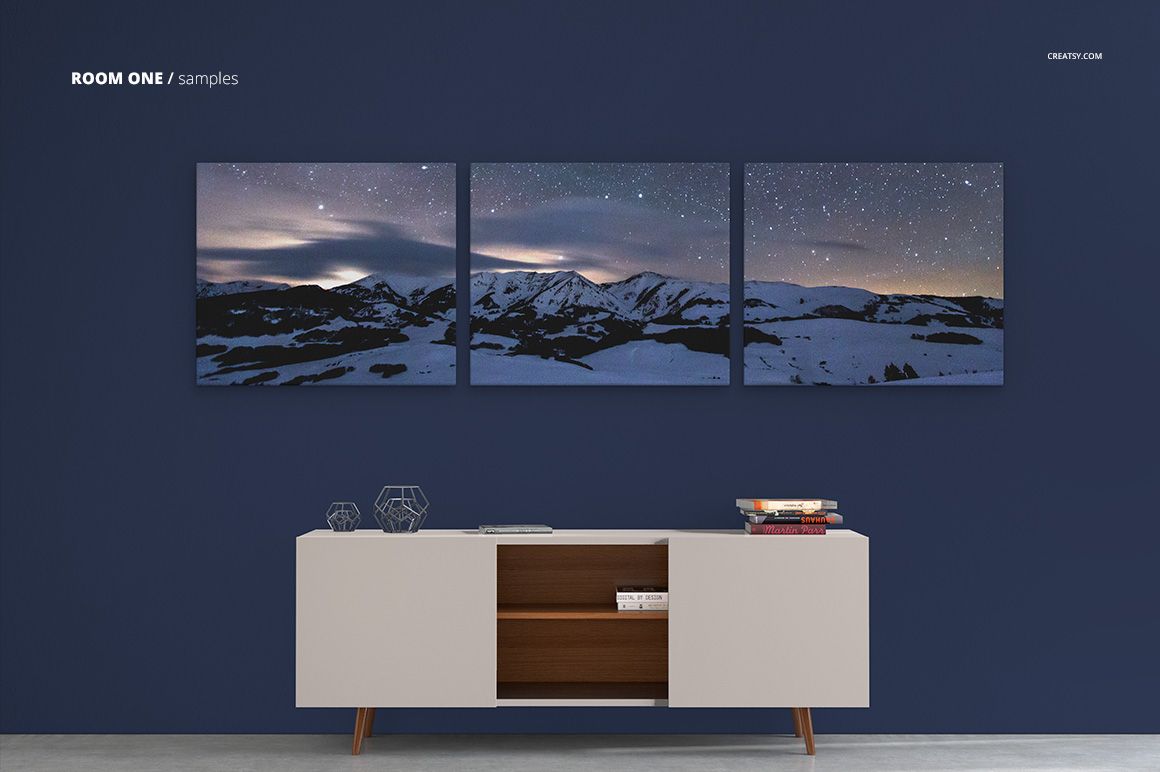
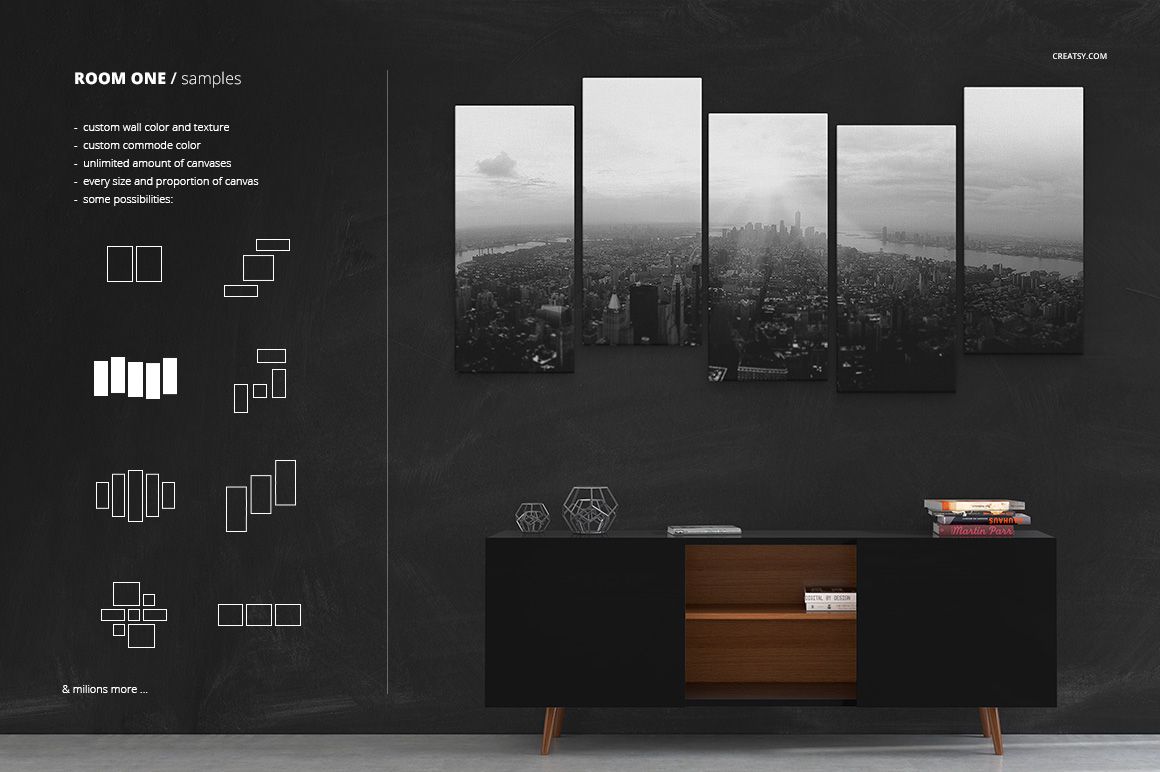
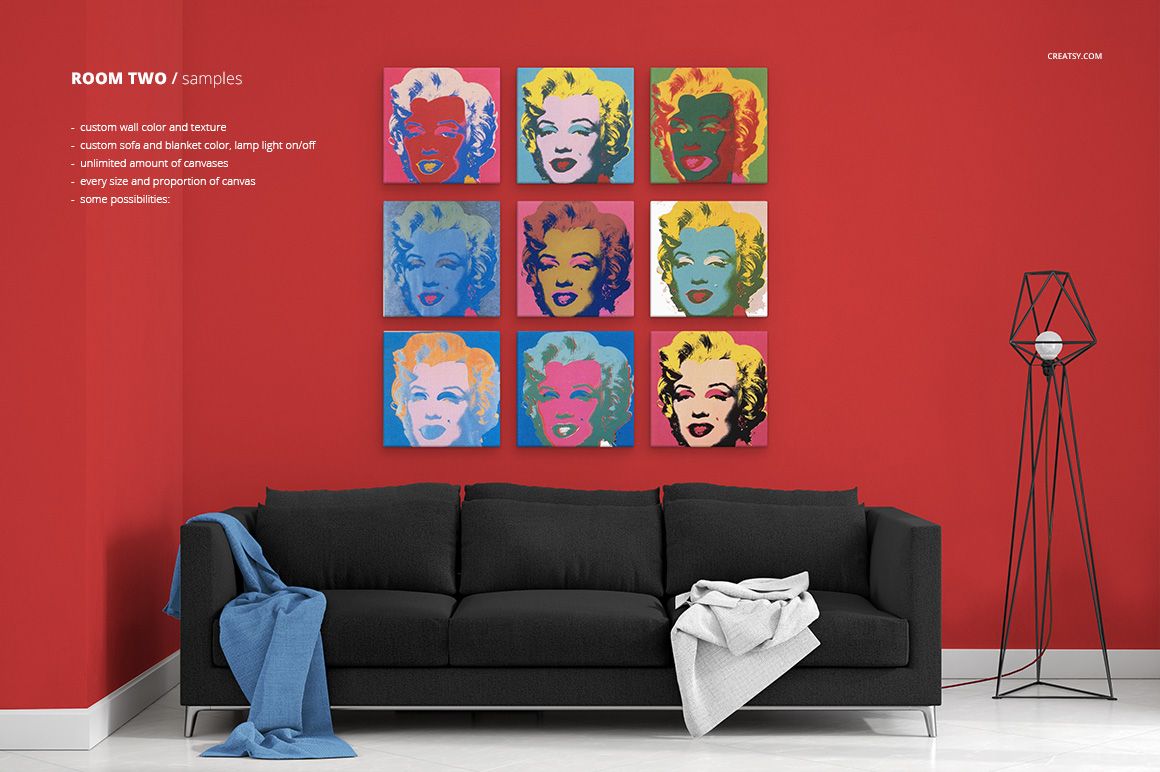
Flexible canvas displays: Present artwork in several canvas sizes and layouts, from individual prints to coordinated wall arrangements.
Scene 1 customization: Edit the sofa, blankets, and wall to create a setting that complements the displayed artwork.
Cleaner Scene 1 option: Use the dedicated version without blankets when a simpler furniture presentation is preferred.
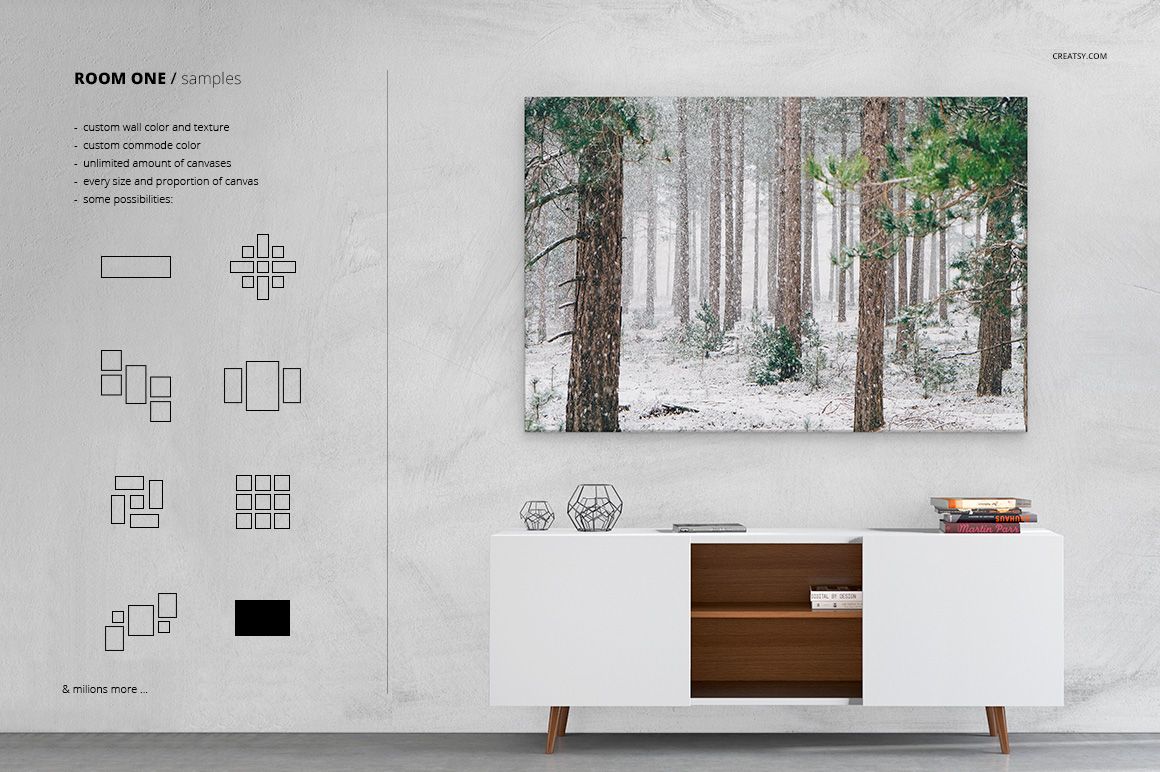
Scene 2 customization: Adjust the commode cabinet and walls to build an alternative interior style.
Lighting control: Switch the lamp light on or off in the applicable scene to compare brighter and more subdued room moods.
Additional presentations: Create clean white-background views and detailed close-up images for product galleries.
Compatible Editing Software
Edit the layered files in Adobe Photoshop CC 2015 or newer, or use Photopea in a web browser. Smart Objects help preserve artwork proportions, while the organized scene controls simplify color, decor, and lighting adjustments.
This download contains digital presentation files only. Physical canvas prints and the sample artwork shown in the preview images are not included. The mockups are intended for visualization and marketing, not as canvas manufacturing or print production templates.