Soda Can Collection Studio Mockup
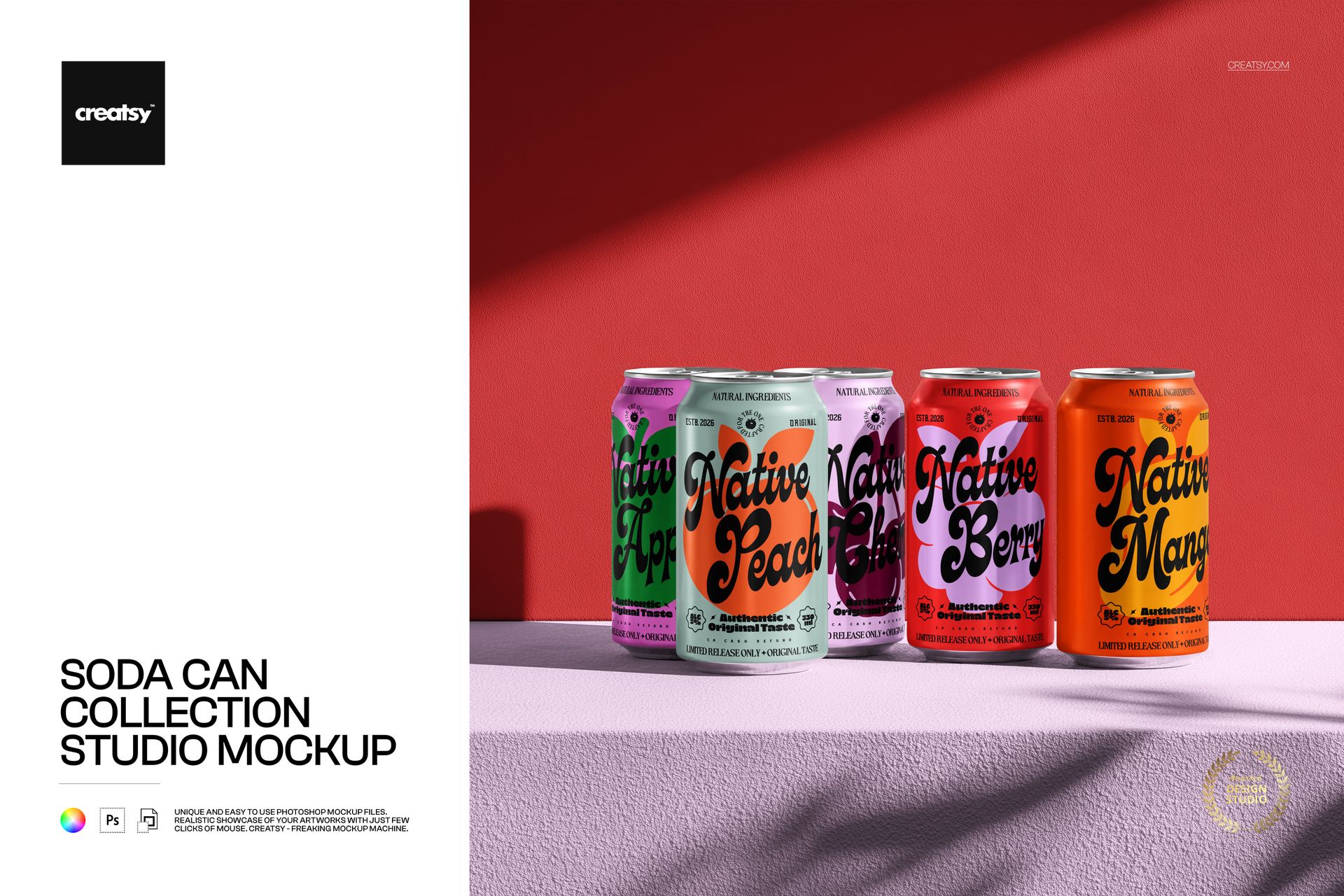
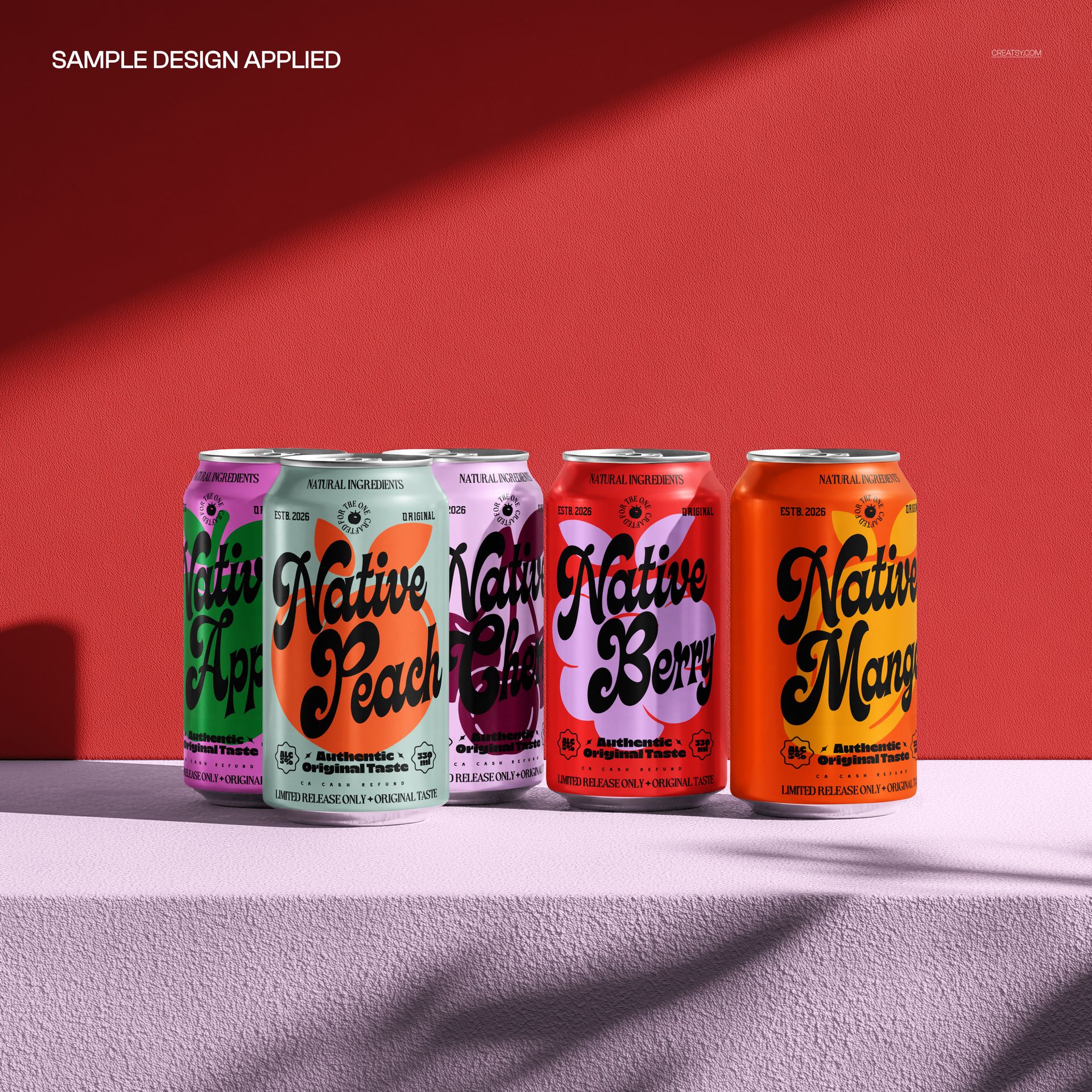
Bring a five-can lineup into a square studio scene with textured surfaces and strong directional light. Staggered cans on a raised display create depth, while the colored wall and diagonal shadows give the collection a distinctive campaign backdrop.
Use the scene to compare a beverage family as a whole: how the logo repeats, how flavor colors separate and which label takes the lead. Unlike the floating water scenes, this arrangement presents the cans standing together in a structured display.
What Is Included
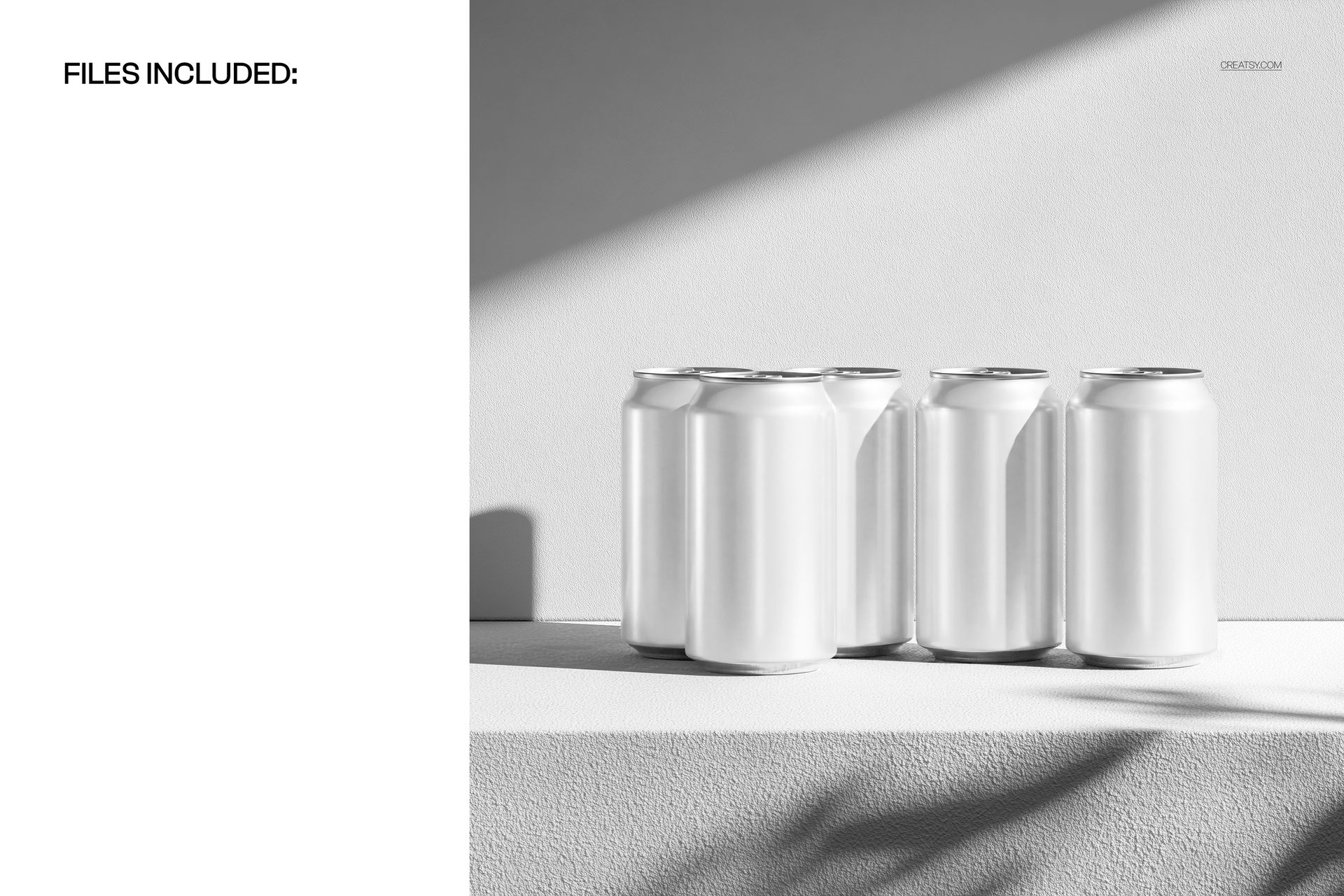
1 layered PSD mockup with five cans in one scene, 4096 × 4096 px at 300 DPI.
1 JPG preview, 2 files in total.
Well-organized layers for Adobe Photoshop CC2020 or newer and Photopea.
Coordinate the Cans and Background Color
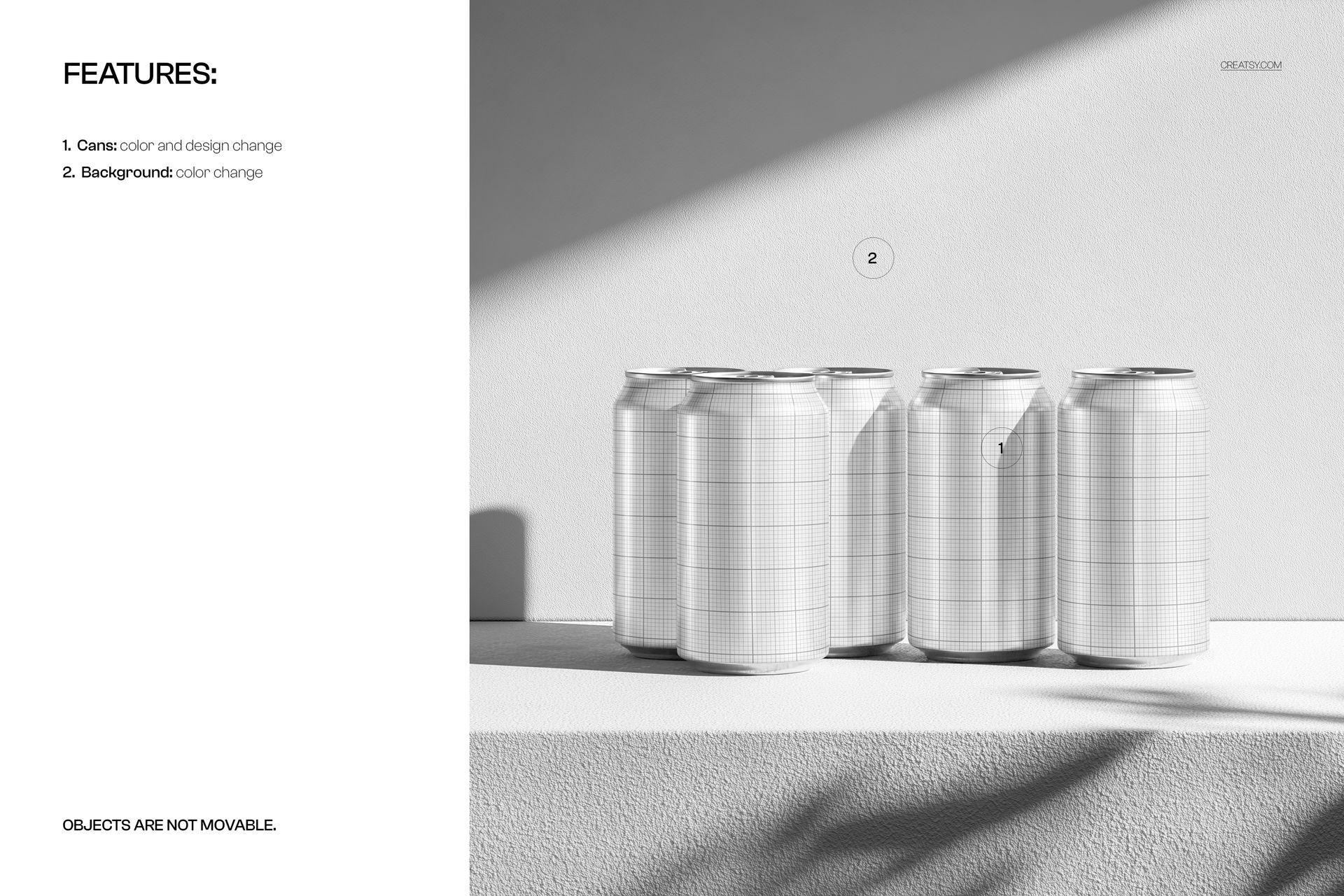
Change the can colors and artwork, then adjust the background color to support the range. The existing light, texture and staggered composition provide a consistent setting. Objects are not movable.
Easy Smart Object Editing
Place your artwork in the designated Smart Objects and save them to update the scene. Review the collection together, paying attention to labels that are partly obscured by the cans in front.
Perfect For
Soda collections and sparkling beverage range launches.
Client decks comparing several packaging variants.
Square campaign visuals and beverage branding portfolios.
Digital download only. Physical cans and the sample artwork used in the previews are not included.