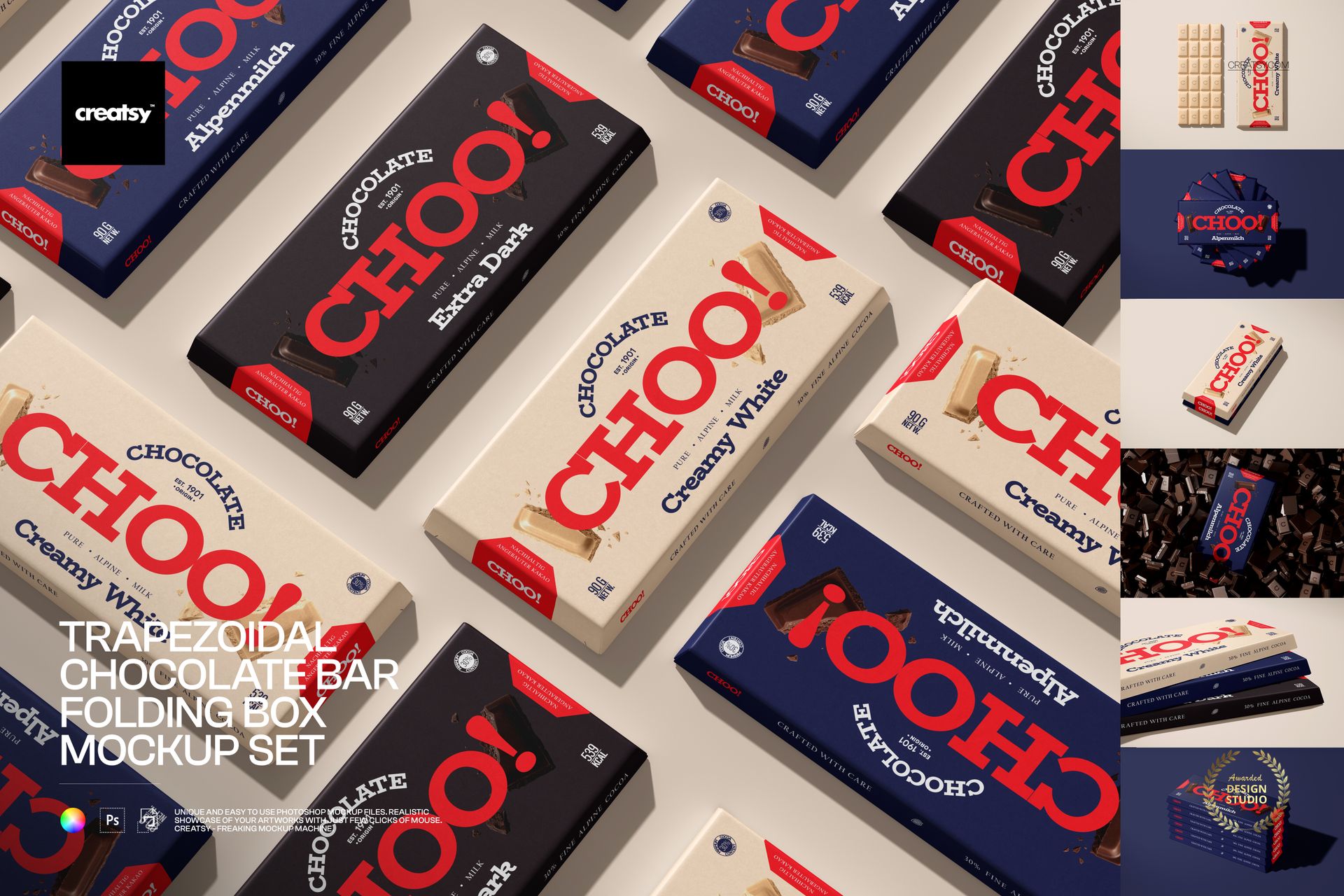
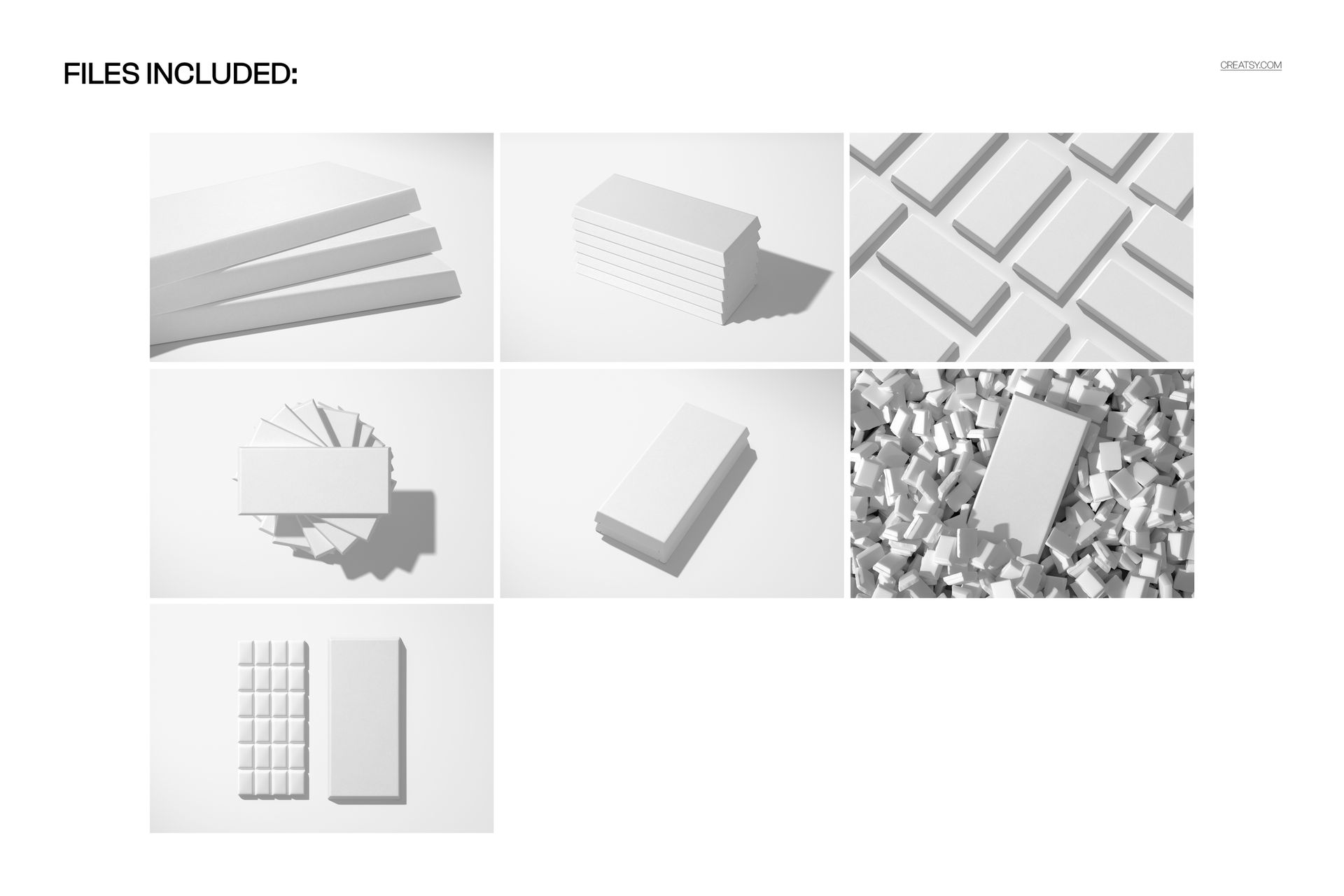
Rectangular boxes are the default in chocolate packaging. They stack neatly, print simply, and disappear into the shelf grid. The trapezoidal folding box is the opposite decision. It angles outward, catches light differently, and forces every neighboring product to look conventional by comparison. That structural distinction is exactly why this mockup set exists: seven PSD files that let you test whether your design takes advantage of the shape or gets lost in it.
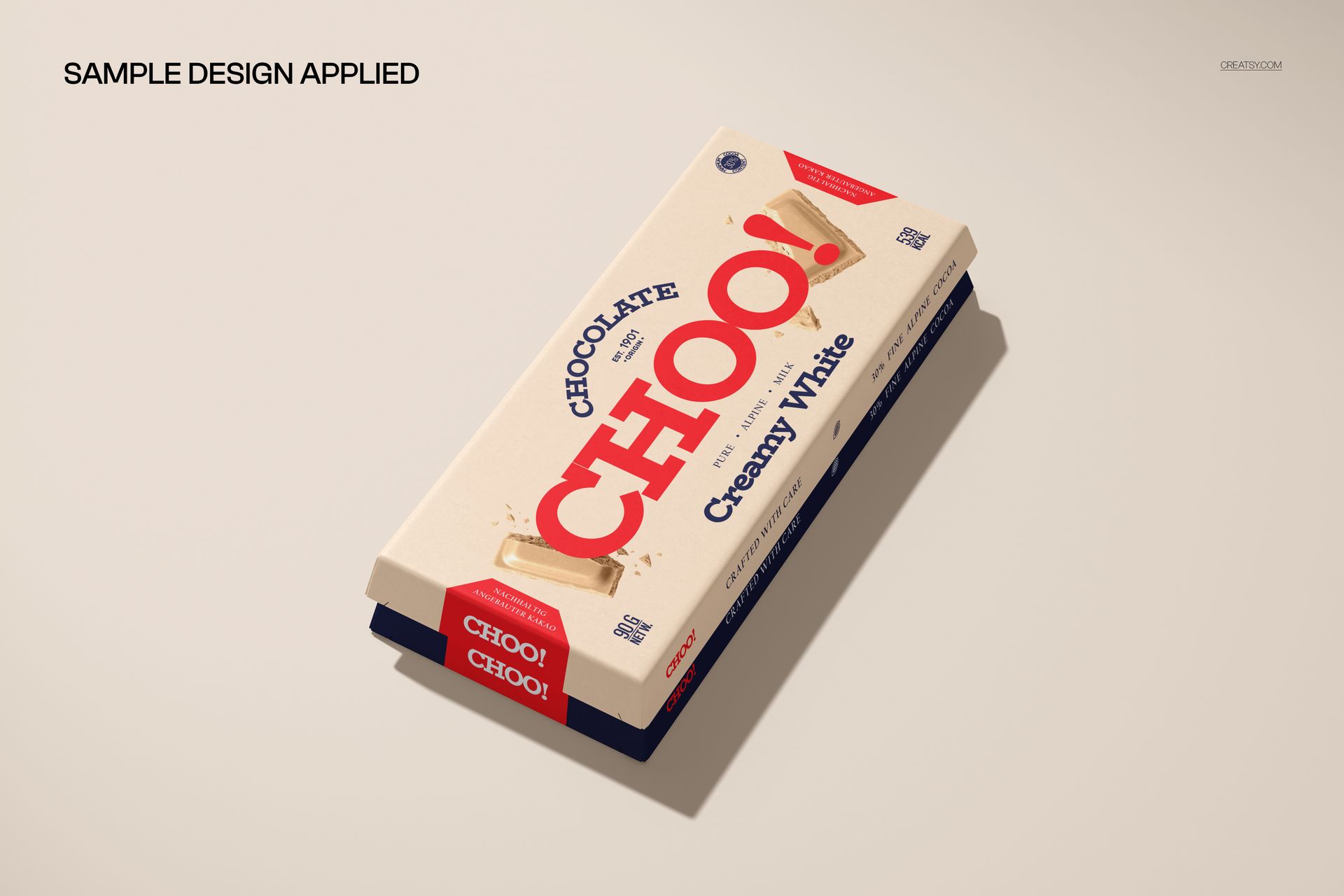
The trapezoidal form changes the rules for surface design. Panel widths are not uniform. Typography that aligns perfectly on a rectangle needs rethinking when the top edge is narrower than the bottom. Logo placement on an angled surface reads differently than on a flat one. Stripe patterns converge toward the top. Gradients shift in visual weight as the panel widens. This set gives you enough angles and compositions to catch all of those effects before you approve a design for production.
Seven Views, Seven Answers
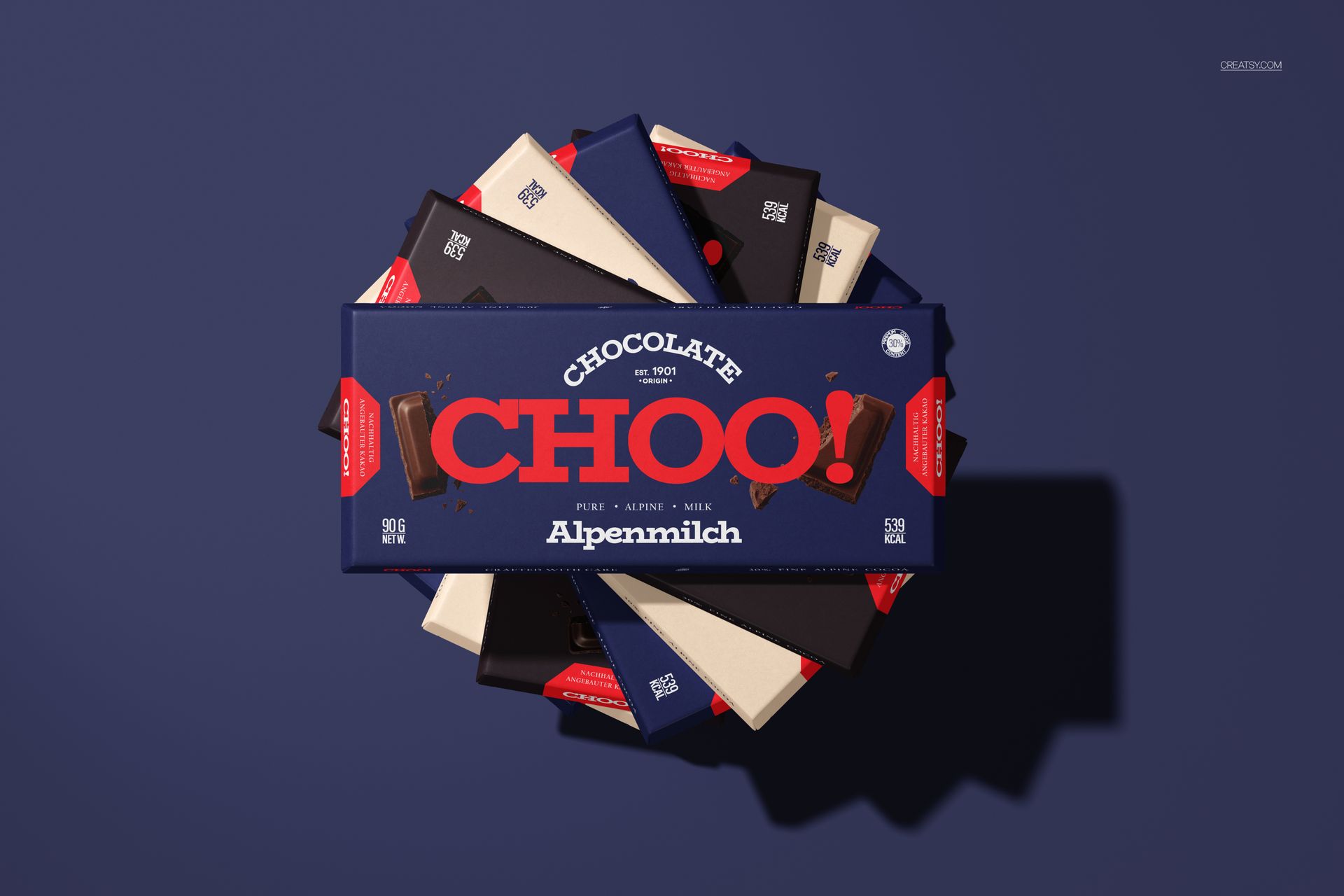
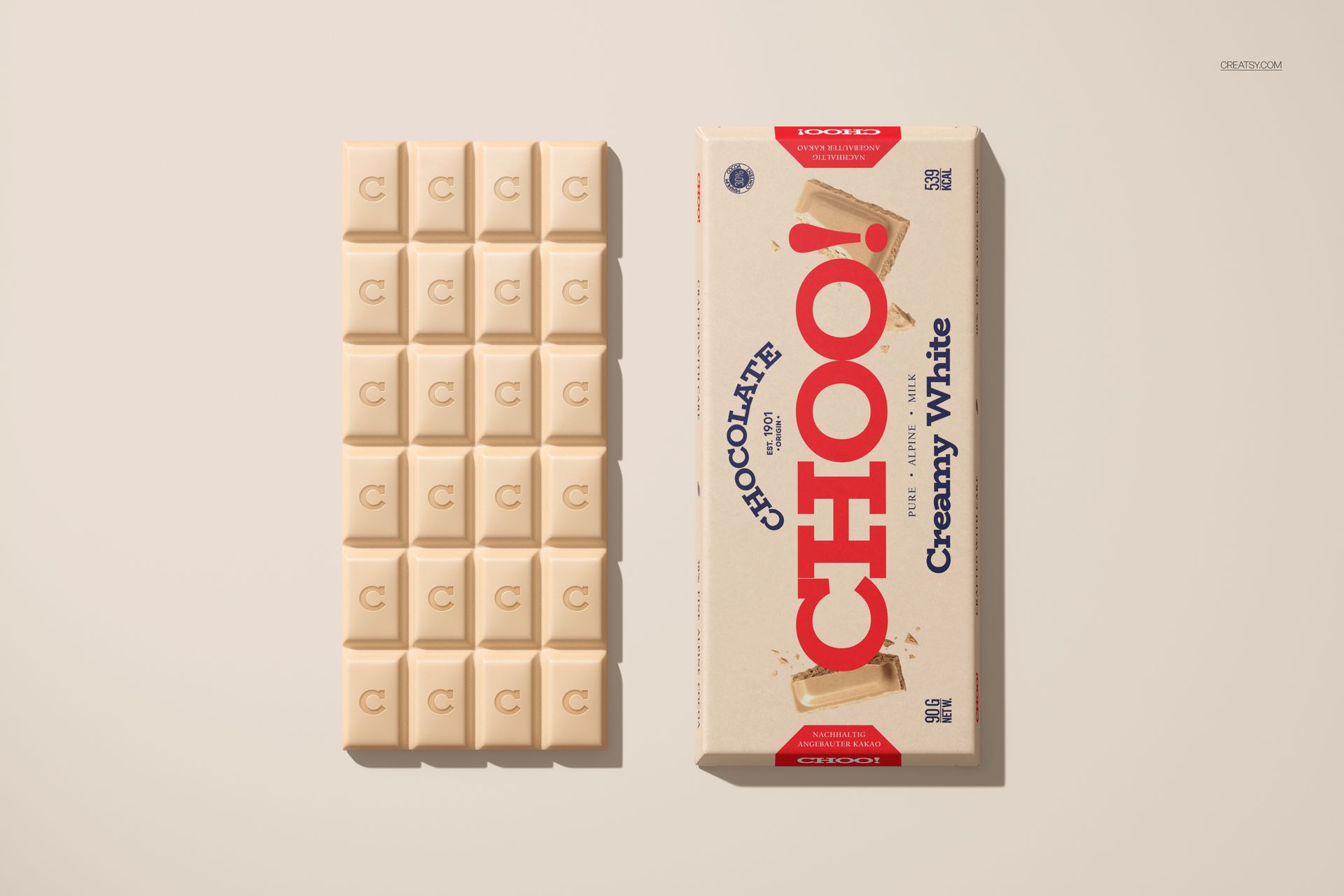
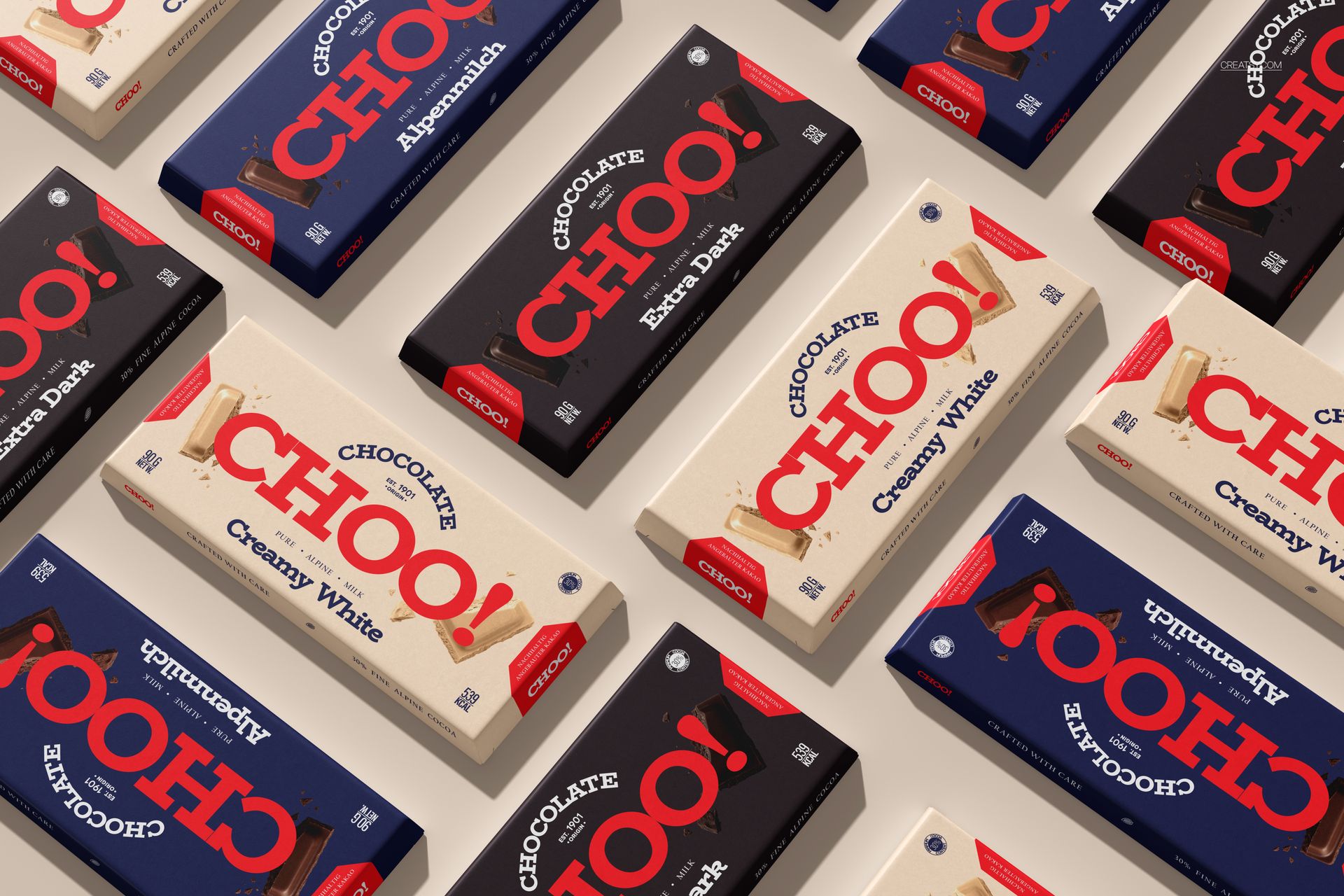
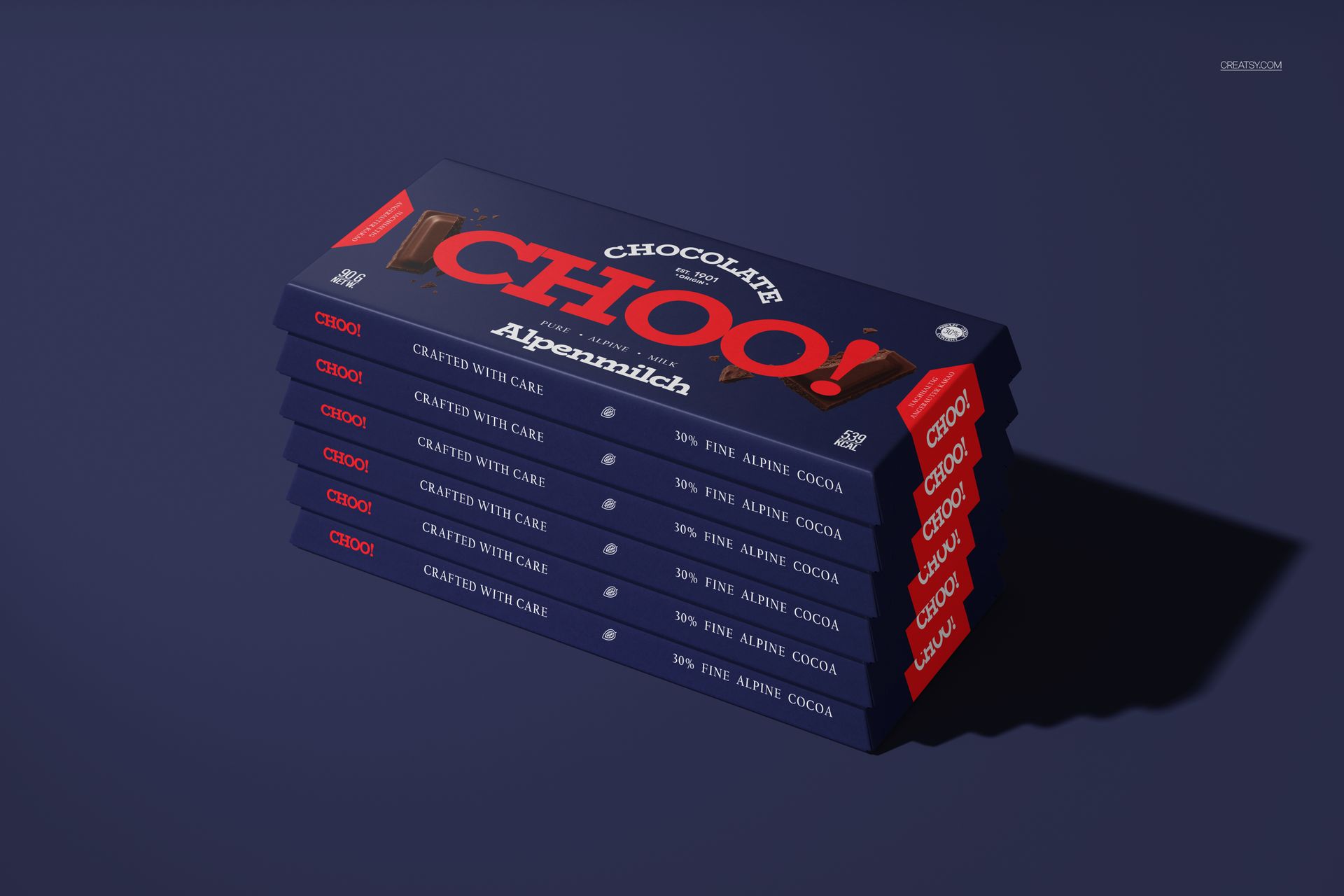
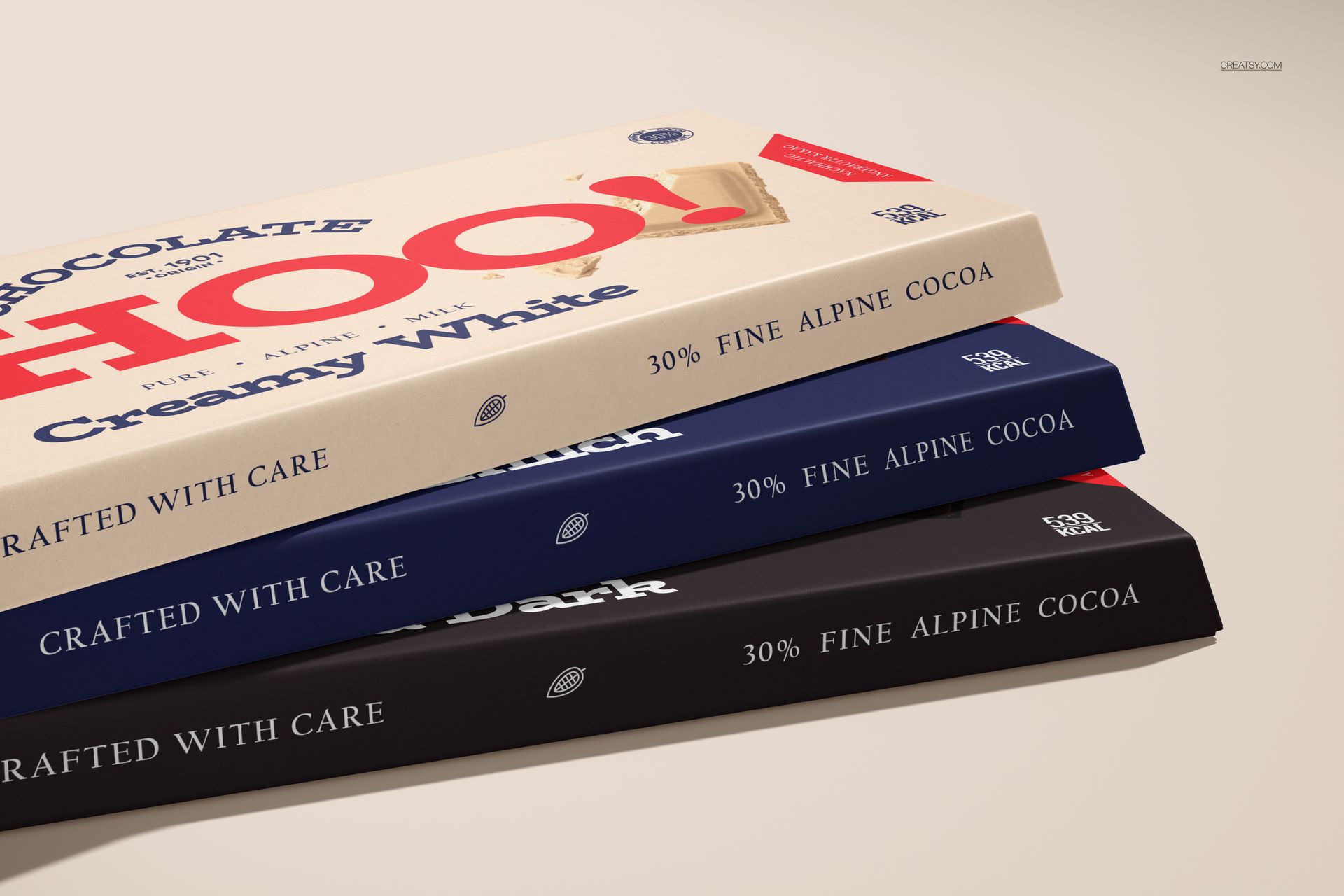
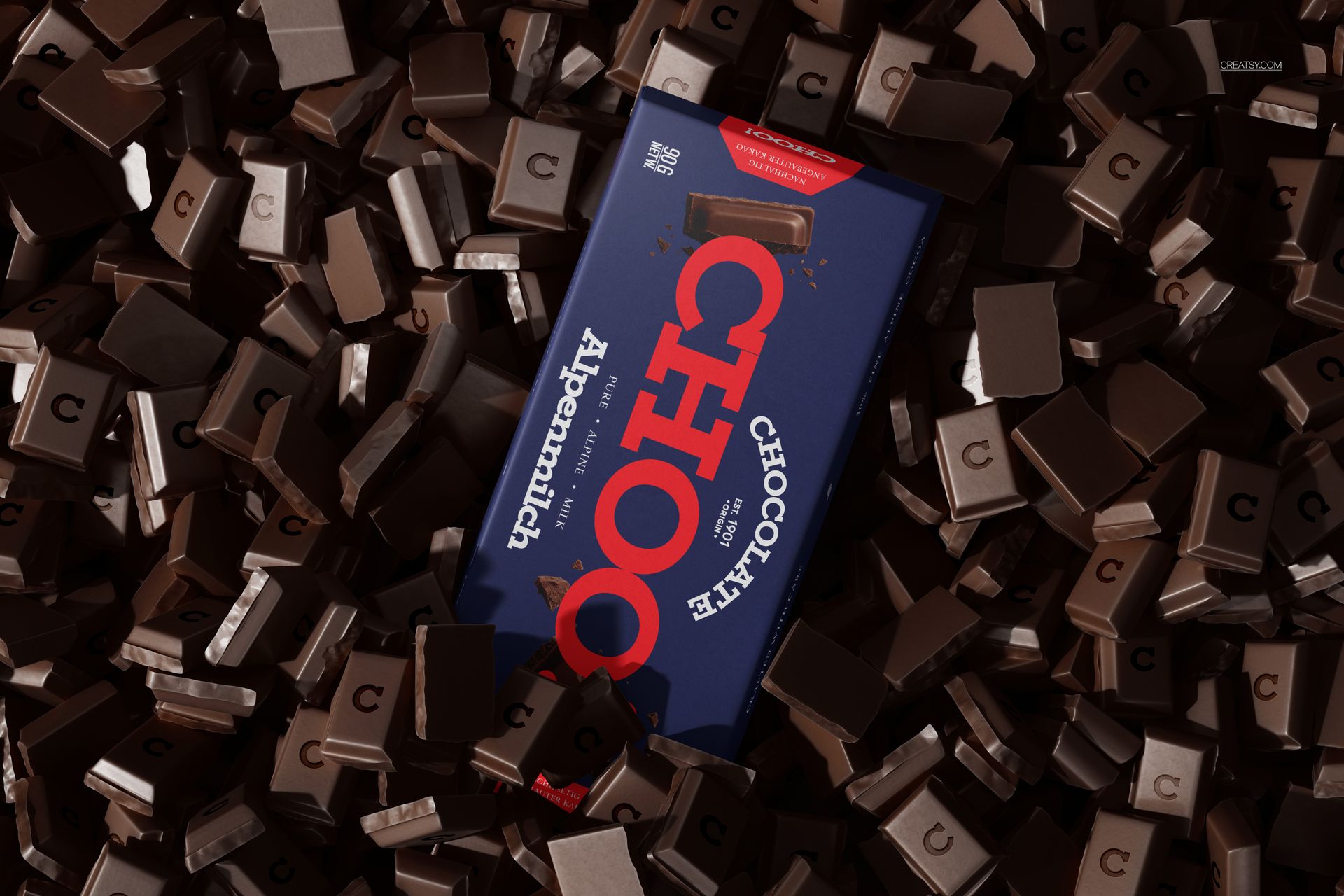
The set covers the full range of presentation needs. Individual box views show front and back panels clearly for artwork evaluation. Angled perspective shots demonstrate how the trapezoidal shape creates dimension and shadow play on shelf displays. Stacked compositions let you test whether your design maintains visual coherence when multiple units sit together. Opened box views with the chocolate bar visible connect the packaging to the product inside, adding context that closed-box shots alone cannot provide. Each PSD file addresses a different question a client or buyer will ask during a packaging review.
Smart Object Layers
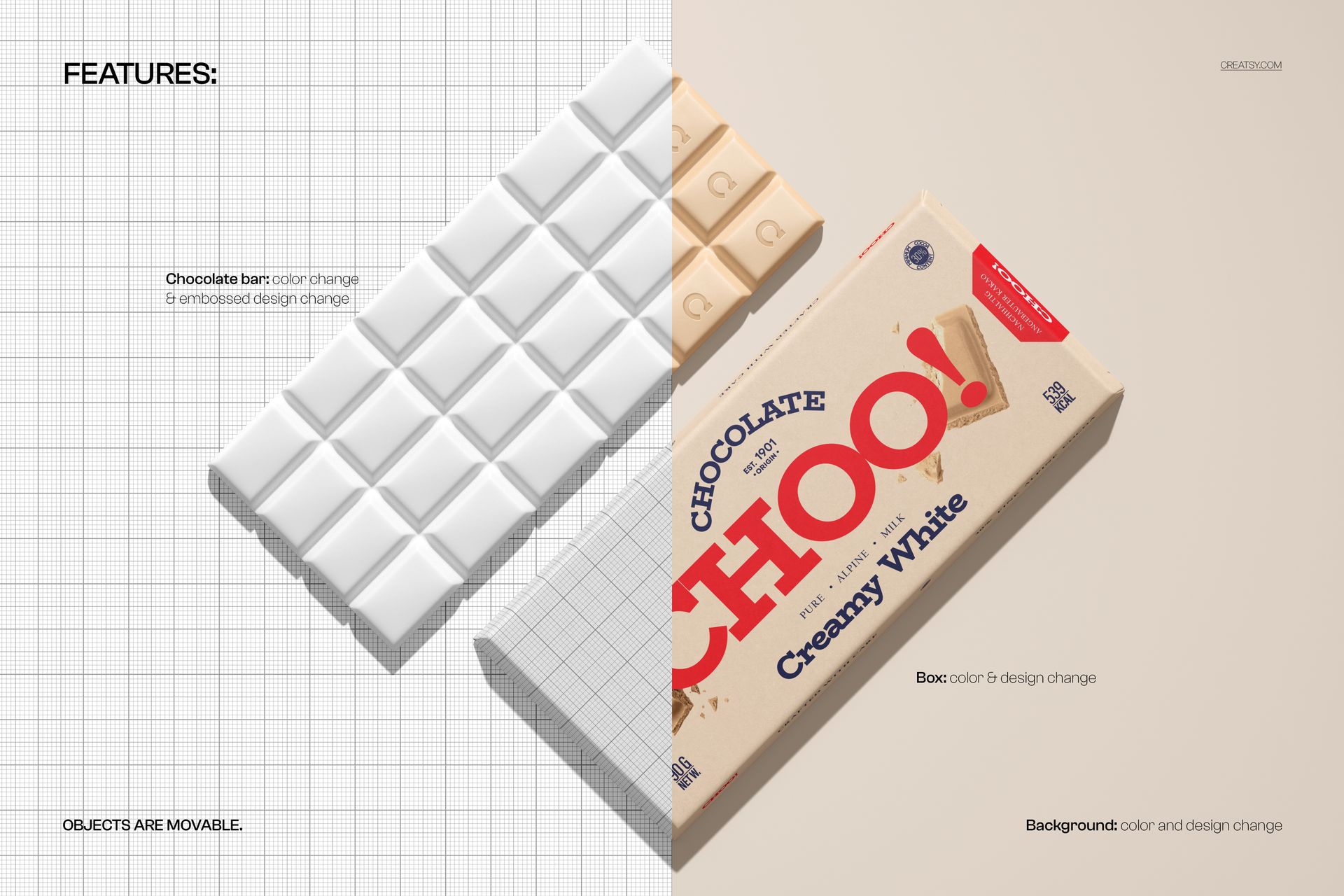
All seven files use organized smart object layers for every printable surface of the box. Open a smart object, place your artwork, save, and the mockup wraps your design around the trapezoidal panels with proper perspective distortion, fold crease rendering, and shadow response. The layer structure is clean and labeled, making it straightforward to navigate even in files this detailed. Compatible with Adobe Photoshop CC 2020 and newer. All files also open and edit in Photopea (photopea.com), the free browser-based editor.
Technical Specifications
Seven PSD files at 6000 x 4000 pixels, 300 DPI each. At that resolution, each file prints cleanly at approximately 20 x 13 inches and exports for web and social media at any standard dimension without quality loss. Total download size approximately 2.25 GB due to the number of high-resolution layered files. Well-organized layers throughout.
Where Trapezoidal Packaging Wins
Premium and artisan chocolate brands that differentiate through packaging structure rather than just graphics. Confectionery startups pitching to retailers who want shelf-standout products. Packaging design agencies presenting structural concepts alongside surface design to demonstrate the full packaging strategy. Gift chocolate lines where the box shape itself needs to feel special before the customer sees the artwork. Private label chocolate producers who need to show retail partners how the product will appear on shelf.
The trapezoidal shape also photographs well for e-commerce. Standard rectangular boxes tend to flatten in product photography, losing their three-dimensional presence. The angular geometry of this box maintains depth and visual interest in two-dimensional images, which makes product listings and social media posts more engaging without extra styling effort.