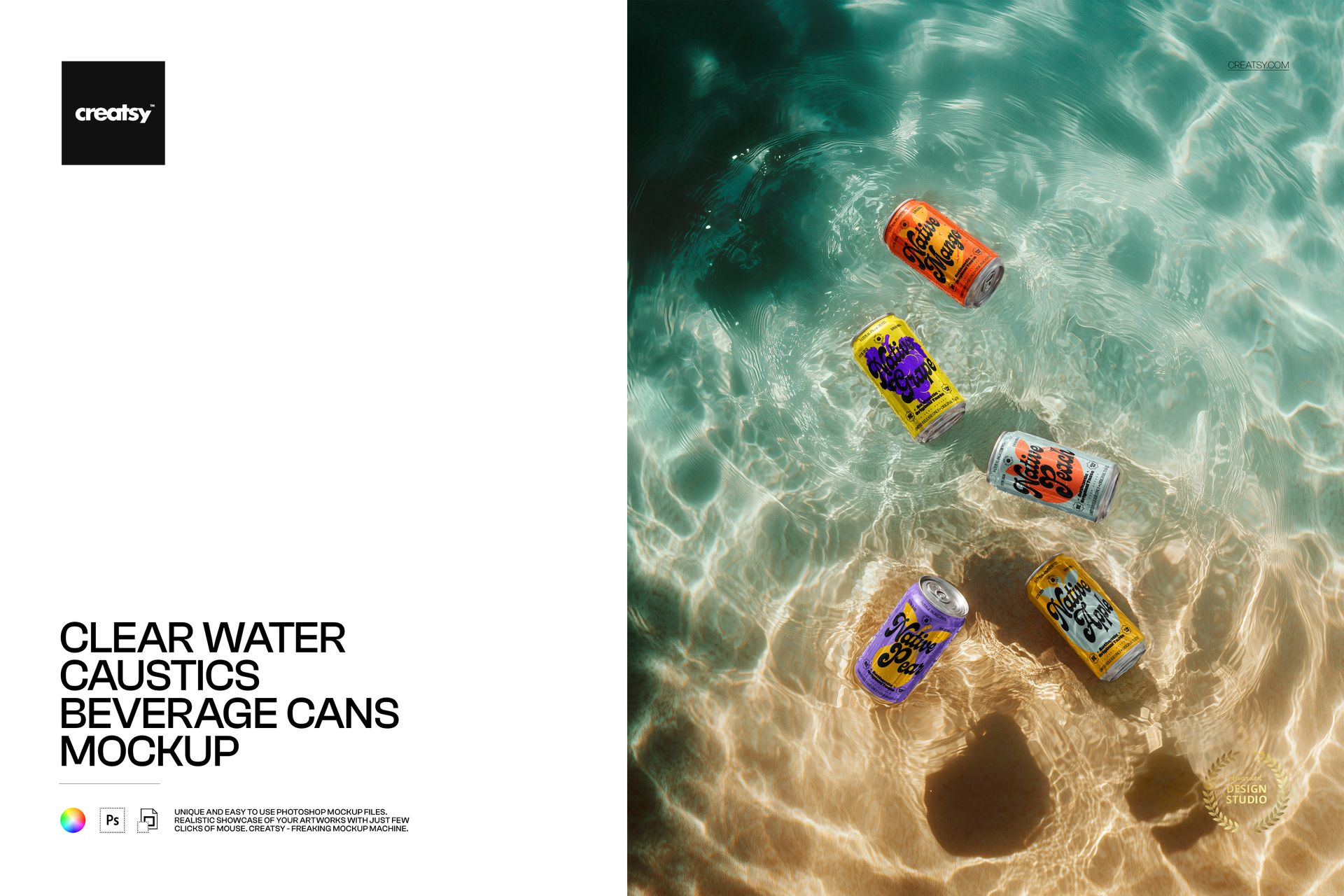
Beverage can mockup with cans in clear, sunlit water
This is a beverage can mockup that drops a set of cans into clear, shallow water, shot from above with sunlight rippling across the sandy bottom. Add your label to the cans through smart objects, recolor them, and you have a fresh, summery product shot that sells cold drinks on sight, with no pool, no photographer, and no printed cans. It works for soda, beer, seltzer, energy drinks, sparkling water, and iced tea alike.
The scene
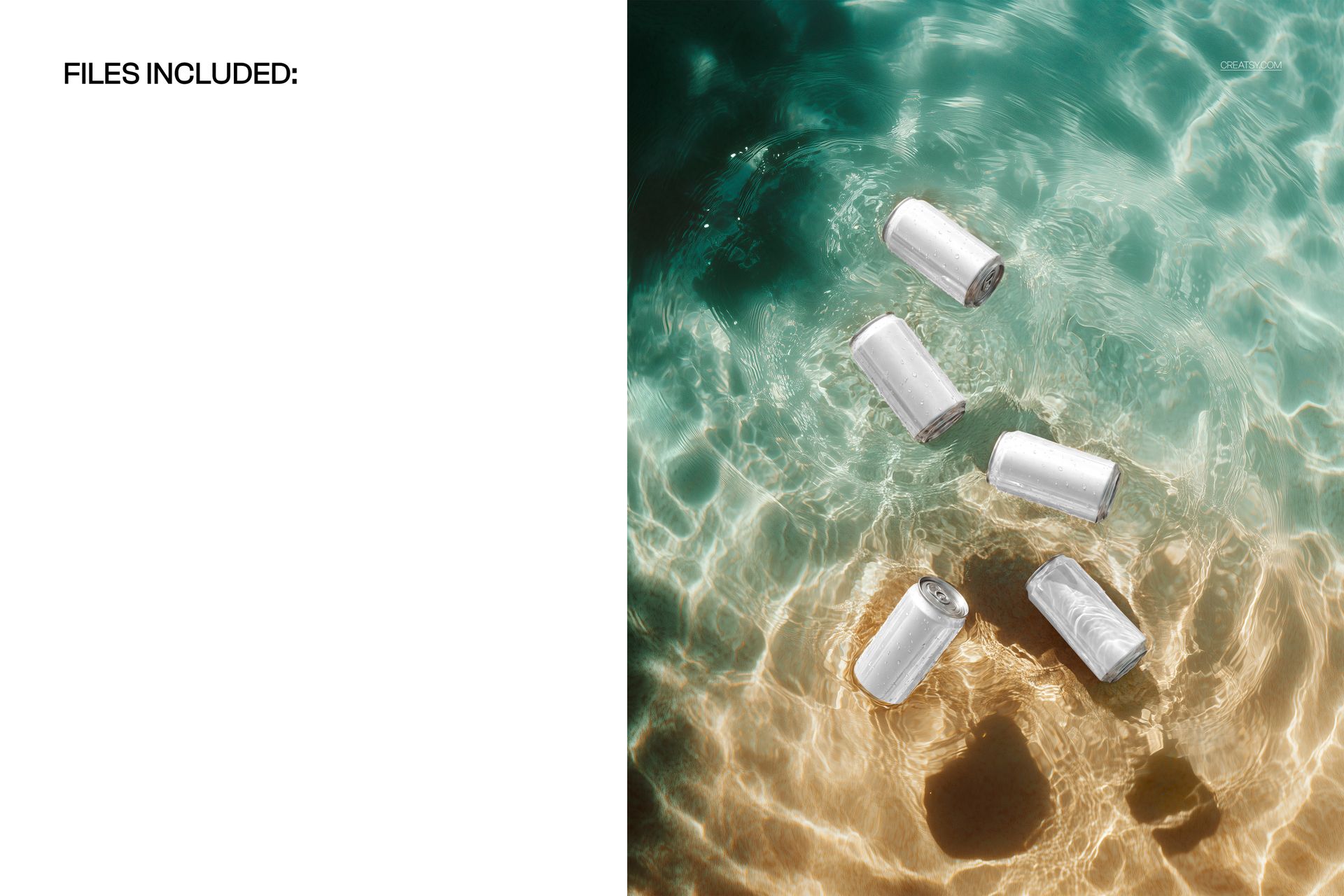
Five cans rest in bright, moving water, with caustic light patterns dancing over the sand and soft ripples around each can. The top-down angle and the turquoise-to-gold water read as pool day, beach cooler, and holiday refreshment all at once. Because the water and the layout stay fixed, every design you load sits in the same sunlit scene, so a whole range of flavors looks like one summer campaign.
What you can edit
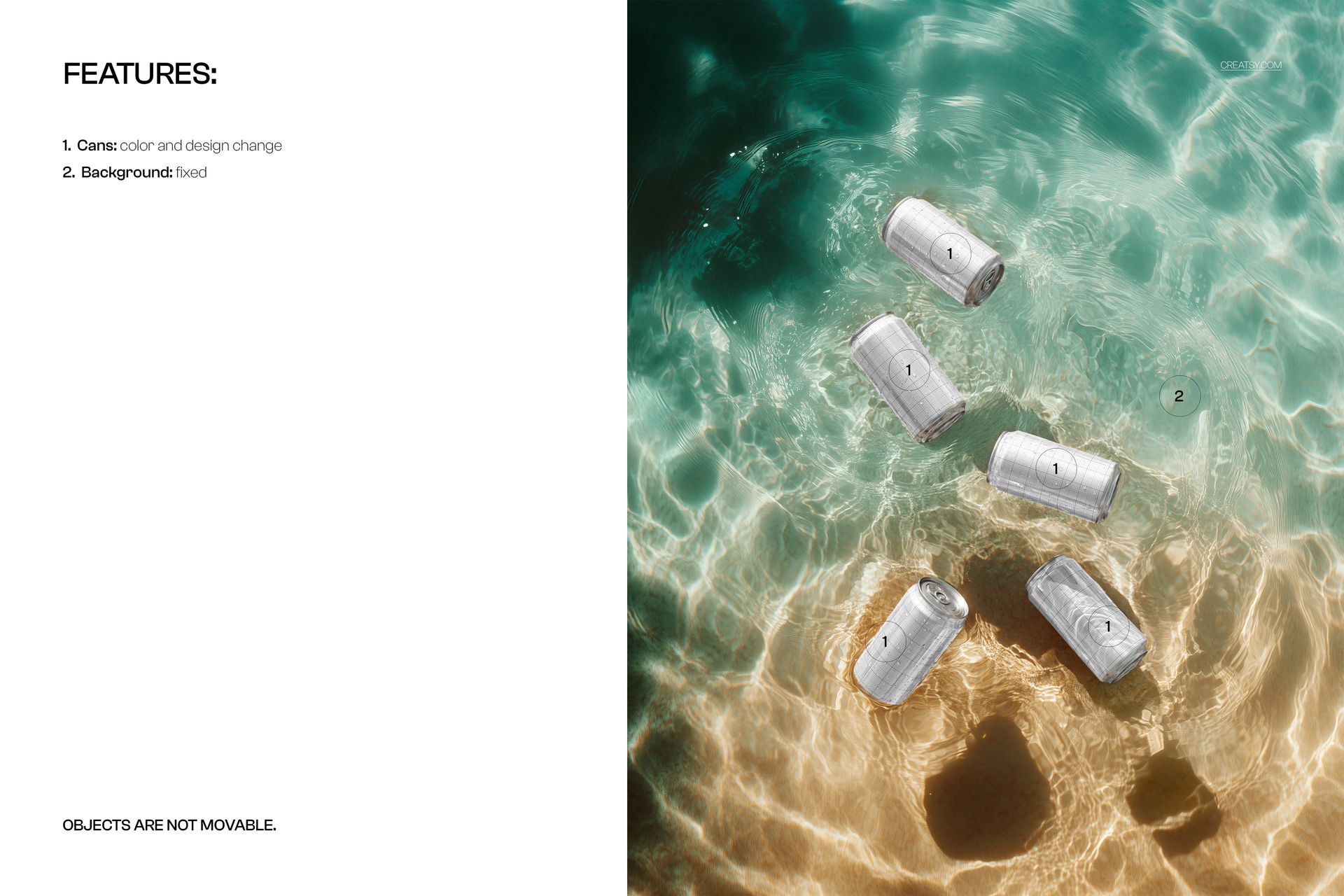
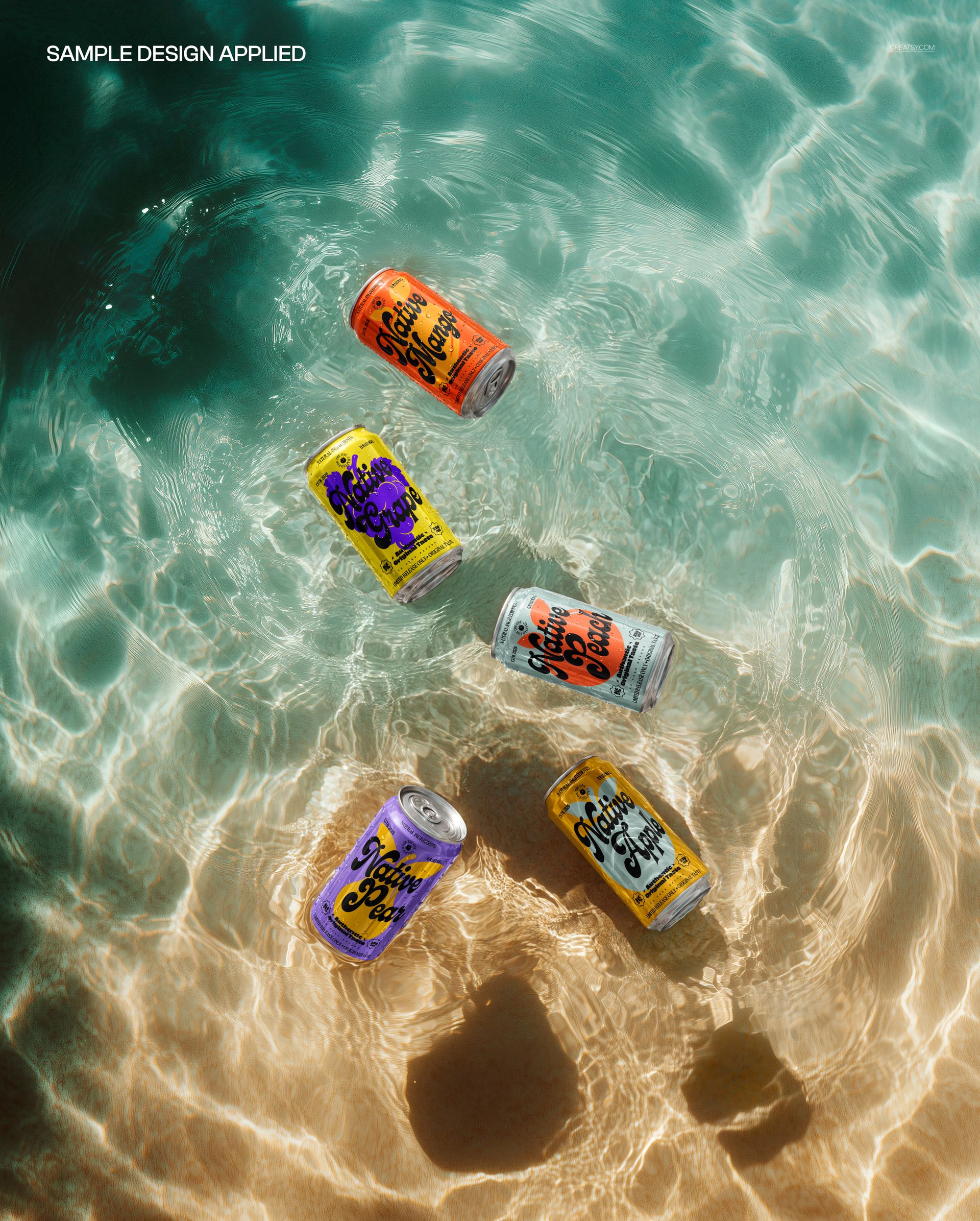
You edit the cans. Each one changes color and takes your design through a smart object, so you can run one label across all five or give each can a different flavor. Your artwork sits on the metal with the water, ripples, and highlights layered over it, so it looks genuinely half-submerged rather than pasted on. The water background is fixed and the objects do not move, so this is one dialed-in summer angle rather than a scene you rebuild.
Show a whole flavor lineup
The five cans are the point. Instead of a single can on white, you can present a full range in one frame: a flavor per can, a color per can, or a launch set that all belongs together. For a drinks brand that is the fast way to show a summer collection, a variety pack, or a seasonal drop without staging five separate shots.
Why the water sells the drink
Cold and wet is exactly what a summer beverage wants to signal, and water does it instantly. Cans in clear, sunlit water read as chilled, fresh, and thirst-quenching before a shopper reads a word, the same cue beach and pool ads have always used. This mockup builds that cue in, so your label lands on an image that already feels like a hot day and a cold can.
How it works
Open the PSD in Photoshop or in Photopea, the free browser editor. Double-click a can smart object, drop in your artwork, and save, and it wraps onto the can with the water and light already on top. Recolor each can to match your brand, export a JPG or PNG, and the shot is ready for an Etsy listing, a store page, a social post, or a summer ad.
One scene, a matching range
Because the water, the light, and the angle never change, a set of shots made from this file all belong to the same world. Swap the labels and colors for each product or each season, export, and your shop or deck shows a tidy, on-brand summer story rather than five unrelated photos. That consistency reads as professional in a busy feed, and it costs nothing once the file is set up.
Specifications
1 layered PSD file
4800 x 3800 px, 300 dpi
Five editable cans (color and design) through smart objects
Fixed water background, objects are not movable
Well organized, clearly named layers
Works in Adobe Photoshop CC2020 or newer and in Photopea
Package size about 95 MB
Who it is for
It fits soda, beer, and seltzer brands, energy drink and sparkling water makers, matcha and iced-tea labels, and any drinks startup planning a summer or variety launch. Designers and agencies can use it to present a flavor range to a client without a shoot. If you want a fresh, high-summer can set in a few minutes, this delivers it and keeps working for every new flavor.