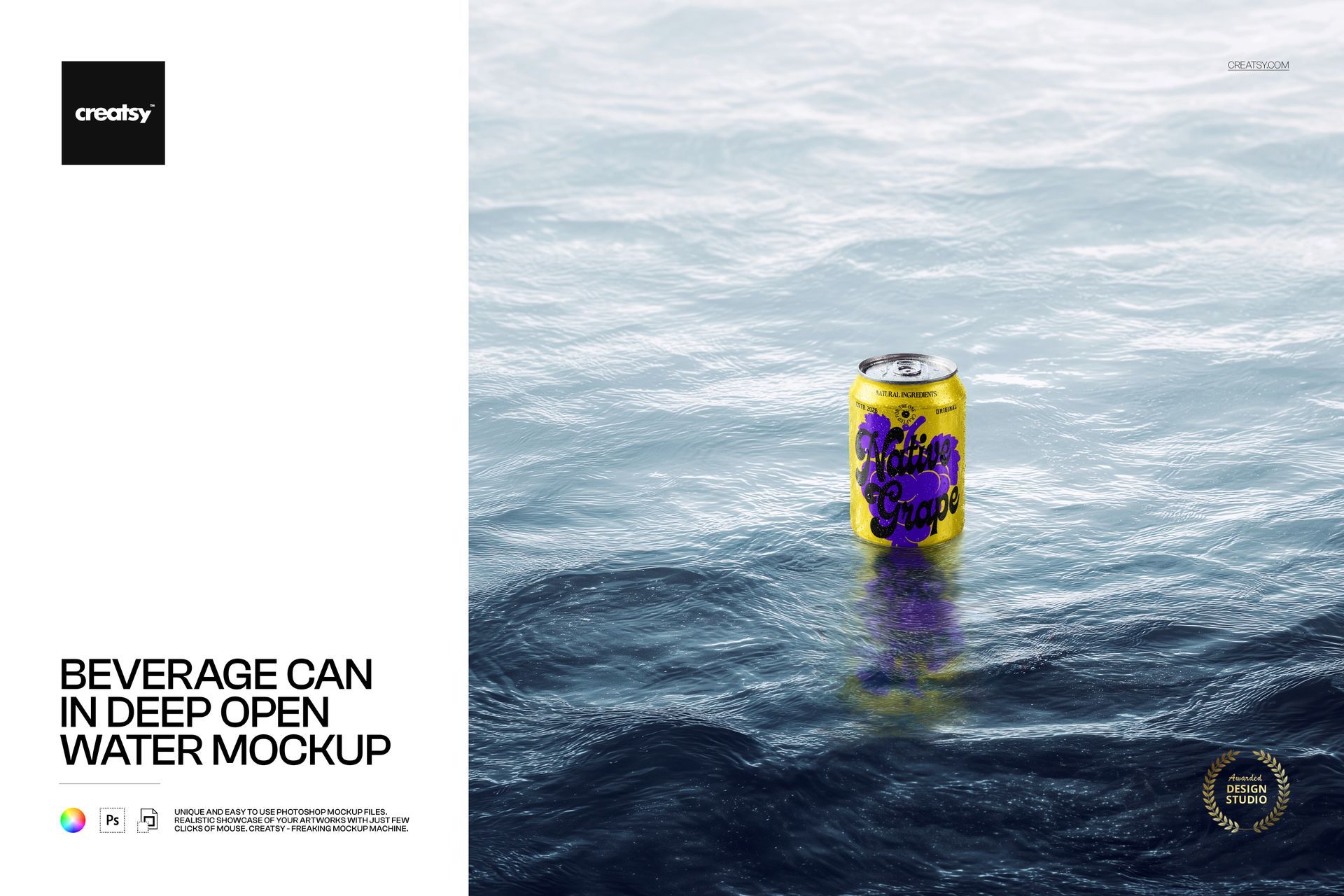
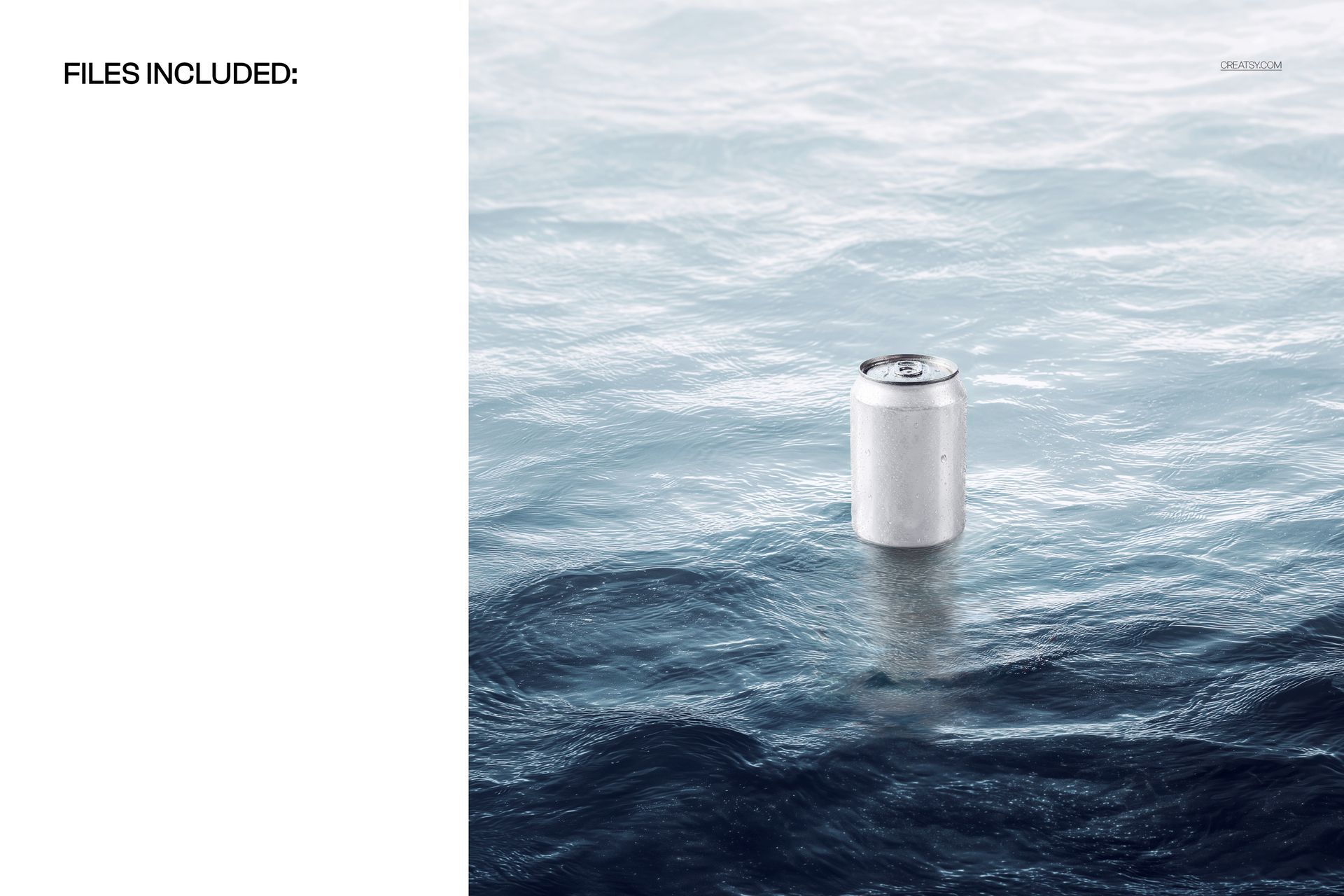
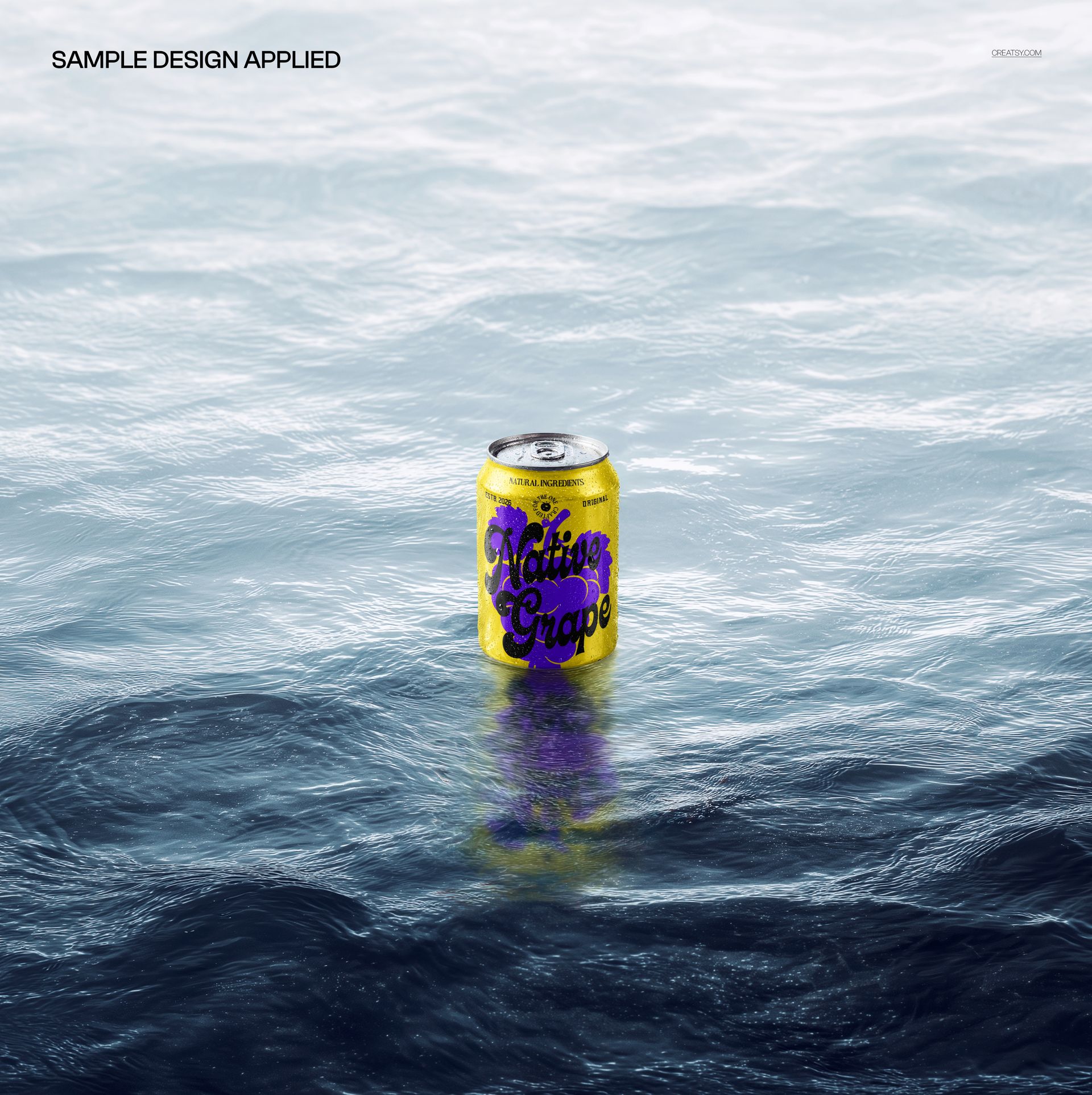
Beverage Can in Deep Open Water Mockup shows an aluminum beverage can submerged in clear, deep blue open water with light rays filtering down from the surface and air bubbles rising around the can body. The PSD file captures the underwater scene with realistic water color, caustic light patterns, and the natural distortion that occurs when a metal object sits below the waterline. Built for beverage brands, energy drink companies, sparkling water labels, craft breweries, and packaging designers who need a dramatic underwater product shot that communicates refreshment, purity, and cold temperature without staging an actual underwater photo shoot.
Why This Mockup Works
Underwater product photography for beverage cans requires specialized equipment, waterproof lighting, and a controlled environment that most studios do not have access to. This mockup delivers that underwater visual in a single PSD file where you place your can design on the smart object layer and get a finished image that looks like it came from a professional underwater shoot. The deep water setting creates a mood of freshness and cooling that works across beverage categories from energy drinks and sparkling waters to craft beers and carbonated juices. The light filtering through the water surface adds depth and atmosphere that flat studio shots cannot replicate, giving your product listing or advertising creative an immediate visual advantage.
What Is Included
The download contains 1 PSD file at 4000x4000 pixels and 300 DPI. The square format is optimized for social media product posts, e-commerce listing thumbnails, and advertising creatives where the image needs to work in both feed and grid layouts. The underwater scene includes water color gradients, light caustics, bubble elements, and natural water distortion on the can surface. Total download size is 63.13 MB.
What You Can Customize
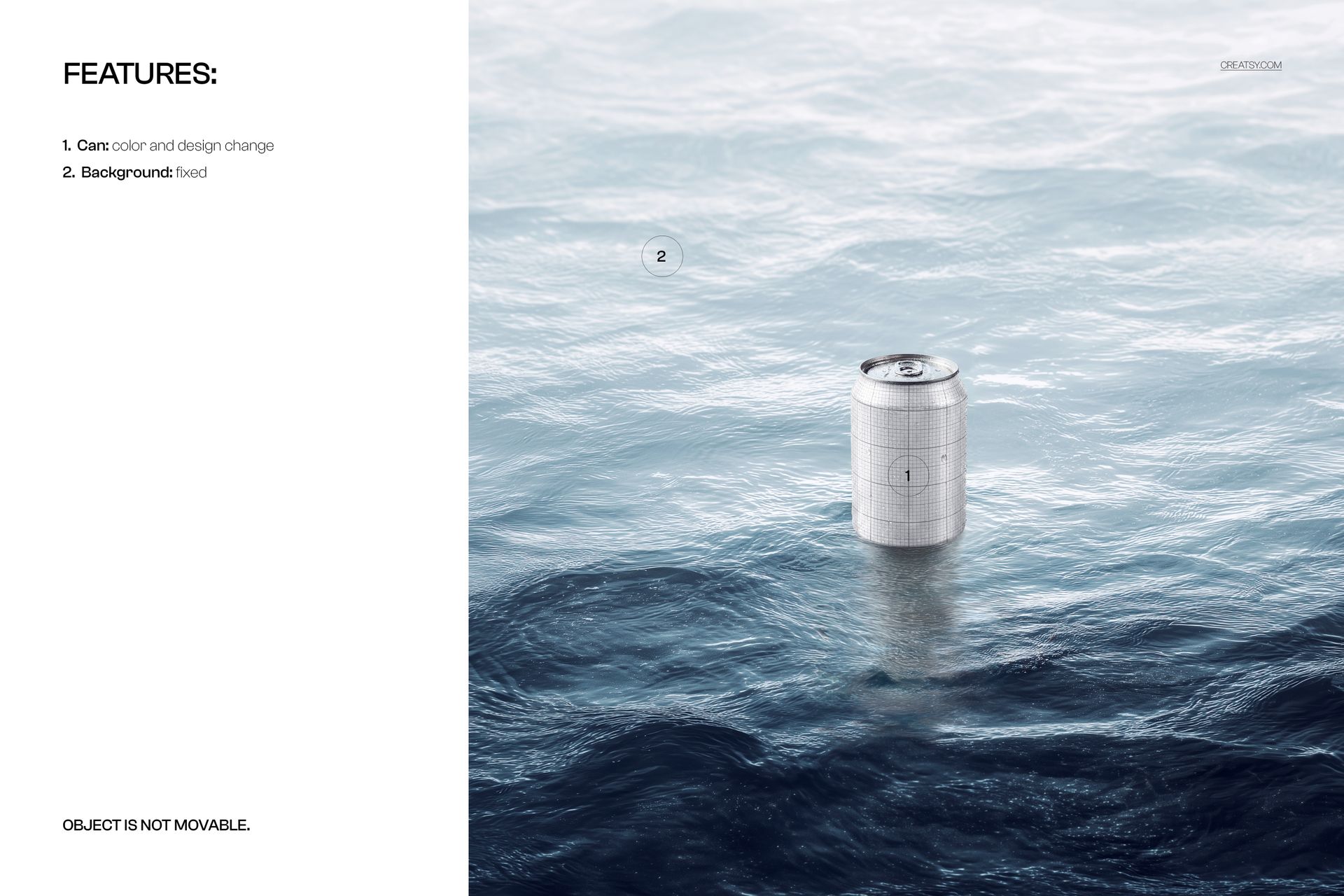
Open the PSD in Adobe Photoshop CC 2020 or later, or use the free browser-based editor at photopea.com. Double-click the smart object layer covering the can surface to open the embedded canvas where you place your beverage label design, brand artwork, or can wrap graphics. Save and close the smart object to see your design applied to the aluminum can in the underwater scene. The displacement follows the cylindrical can geometry for realistic label wrapping. Well organized layers let you adjust water and lighting elements as needed.
Who This Mockup Is For
Energy drink brands launching new flavors where marketing creative needs to communicate intensity and refreshment. Sparkling water and seltzer companies building product listings where the underwater setting reinforces carbonation and purity messaging. Craft breweries creating social media content and e-commerce imagery that stands out from standard studio shots. Soda and soft drink brands producing advertising assets where the water environment adds a cooling visual context. Beverage packaging designers presenting can concepts to clients who want to see their design in a dramatic lifestyle setting. Marketing agencies producing campaign visuals for beverage launches where the underwater concept drives the creative direction.
File Specifications
Format: PSD (Adobe Photoshop). Files: 1. Resolution: 4000x4000 px (square). DPI: 300. Download size: 63.13 MB. Compatibility: Adobe Photoshop CC 2020 and newer, Photopea (free browser-based editor). Smart object layer for can surface label placement. Well organized layer structure. Deep open water scene with light caustics, bubbles, and natural water distortion.