ID: 1129275733 | Updated: Nov 6, 2022

Product Details

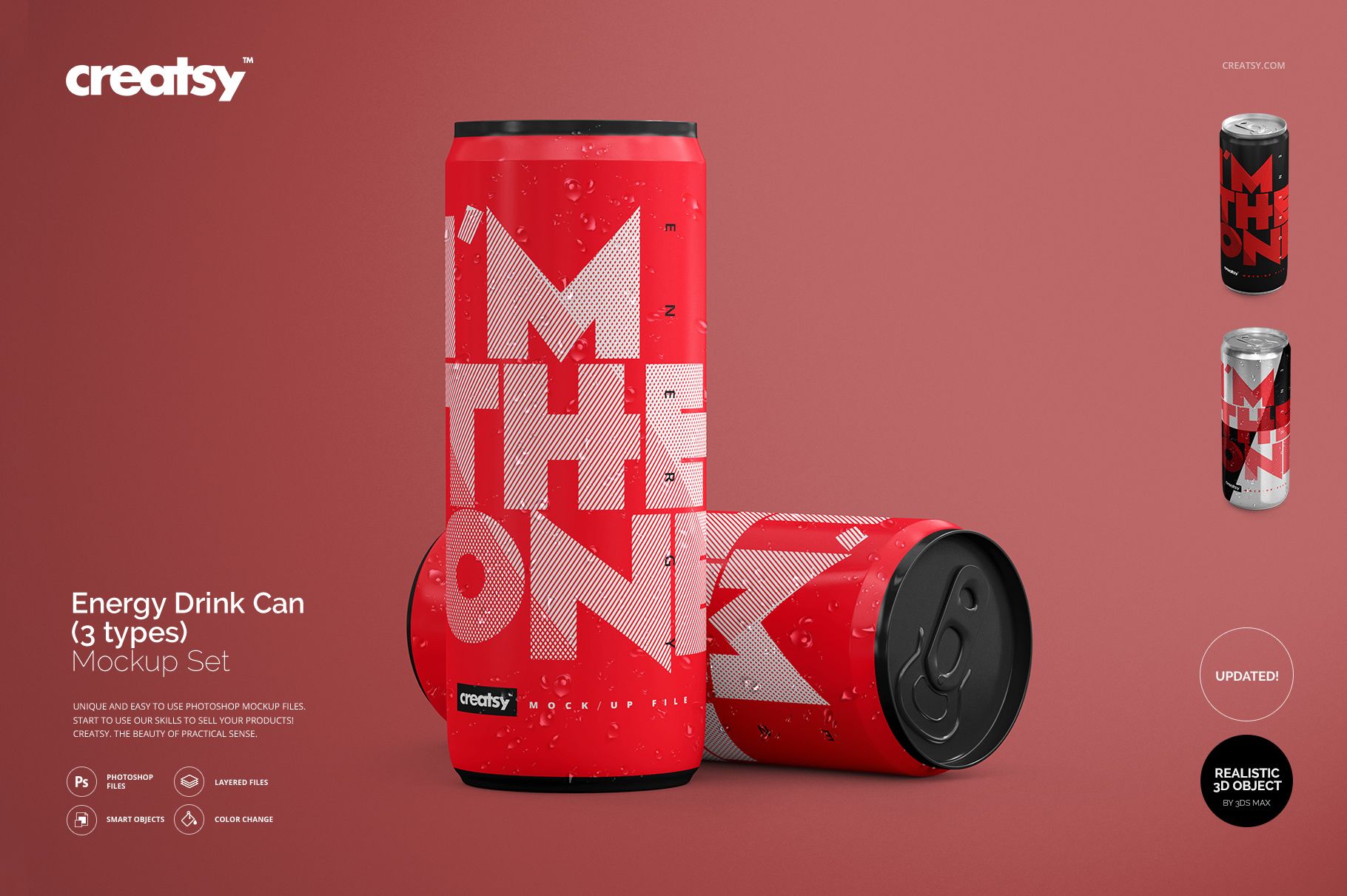
Energy Drink Can Mockup Set

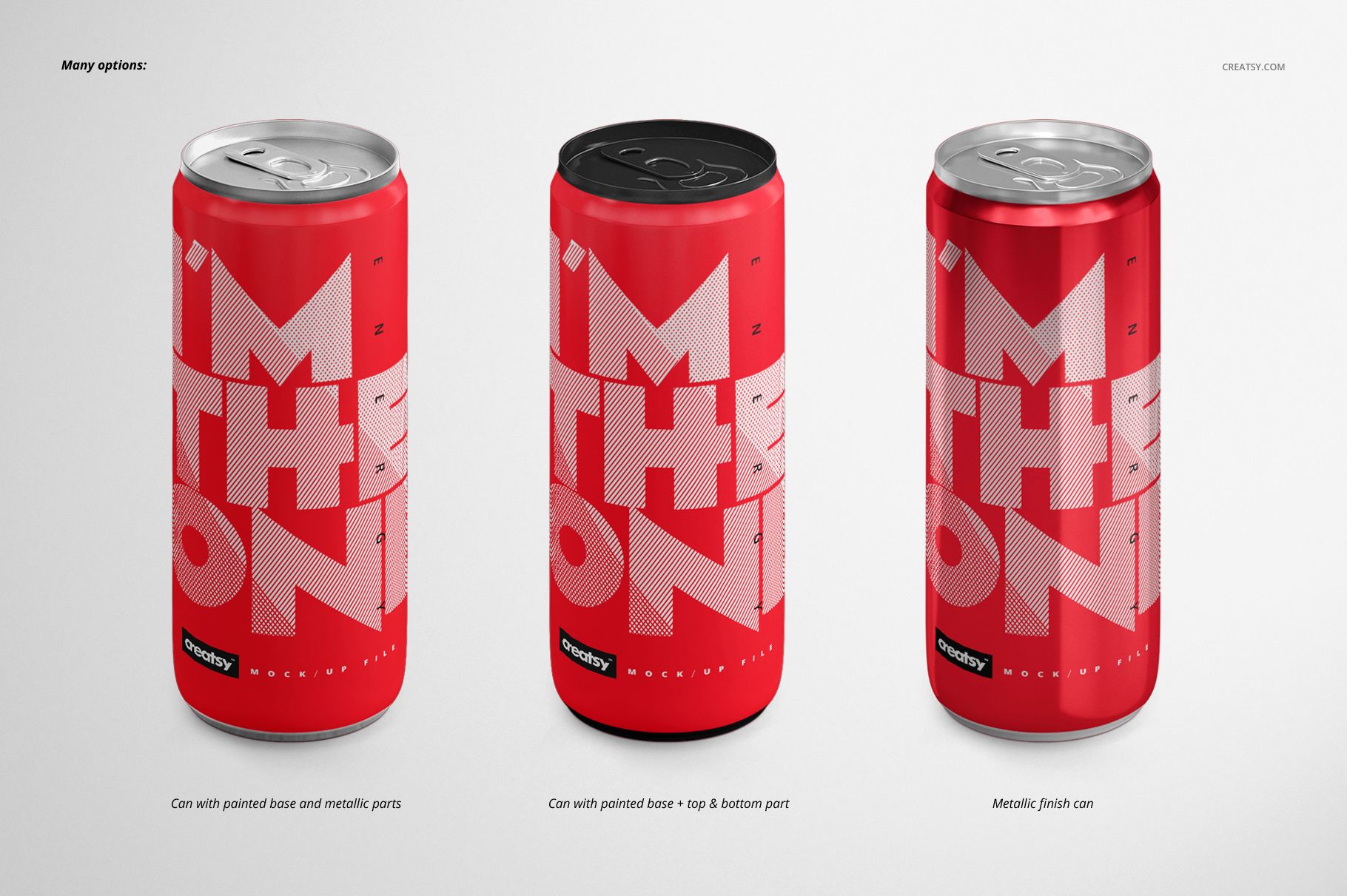
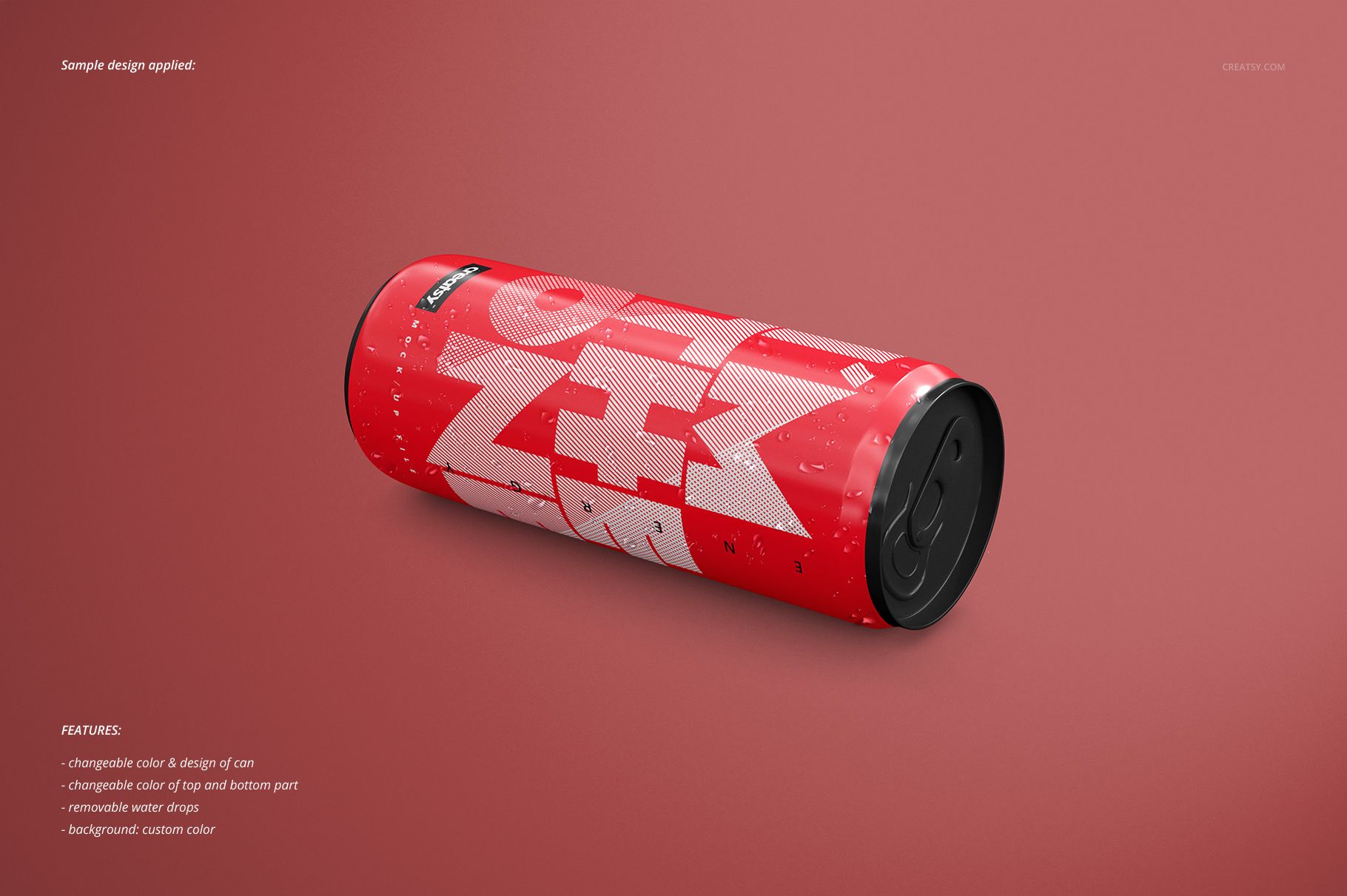
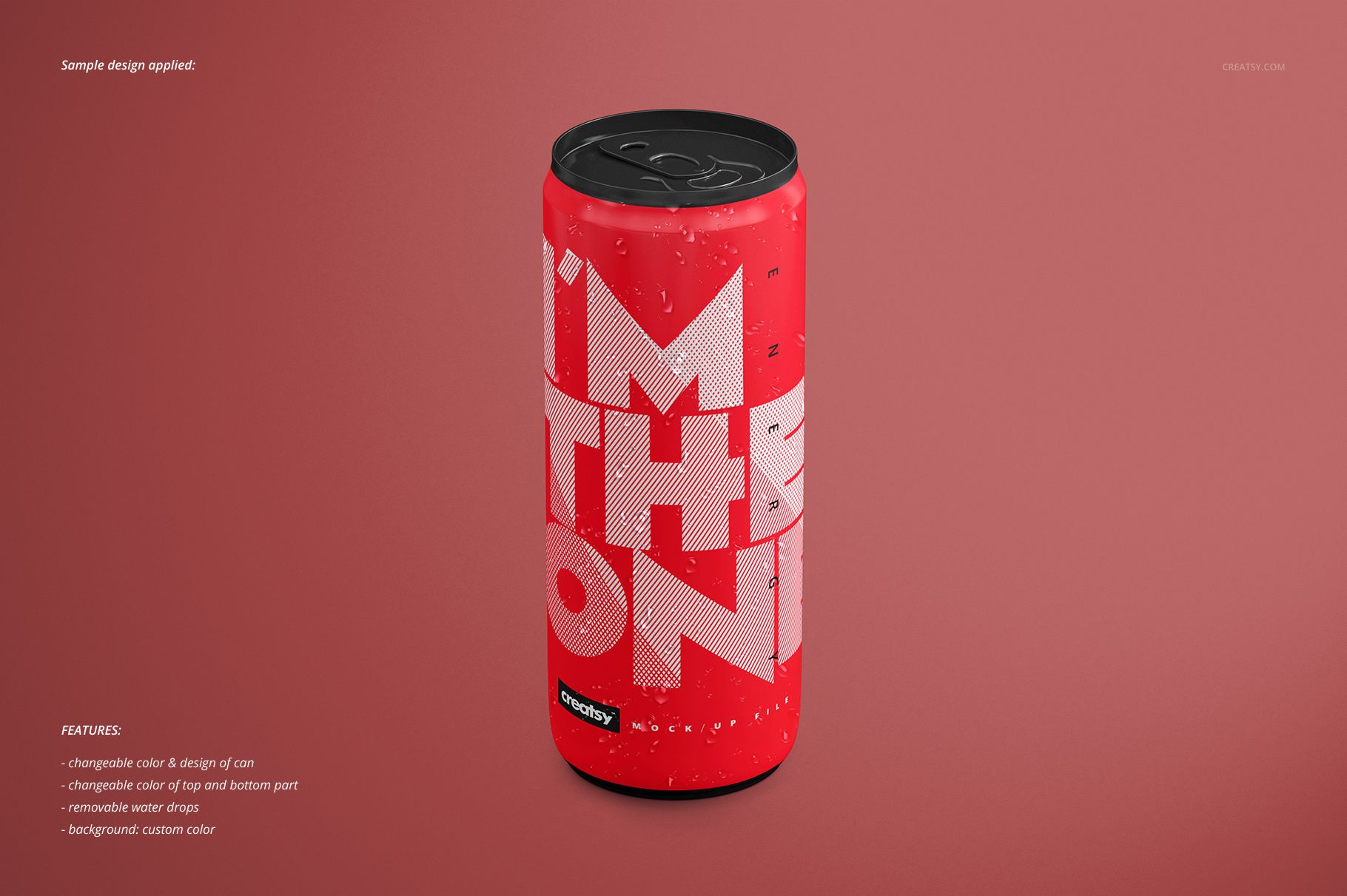
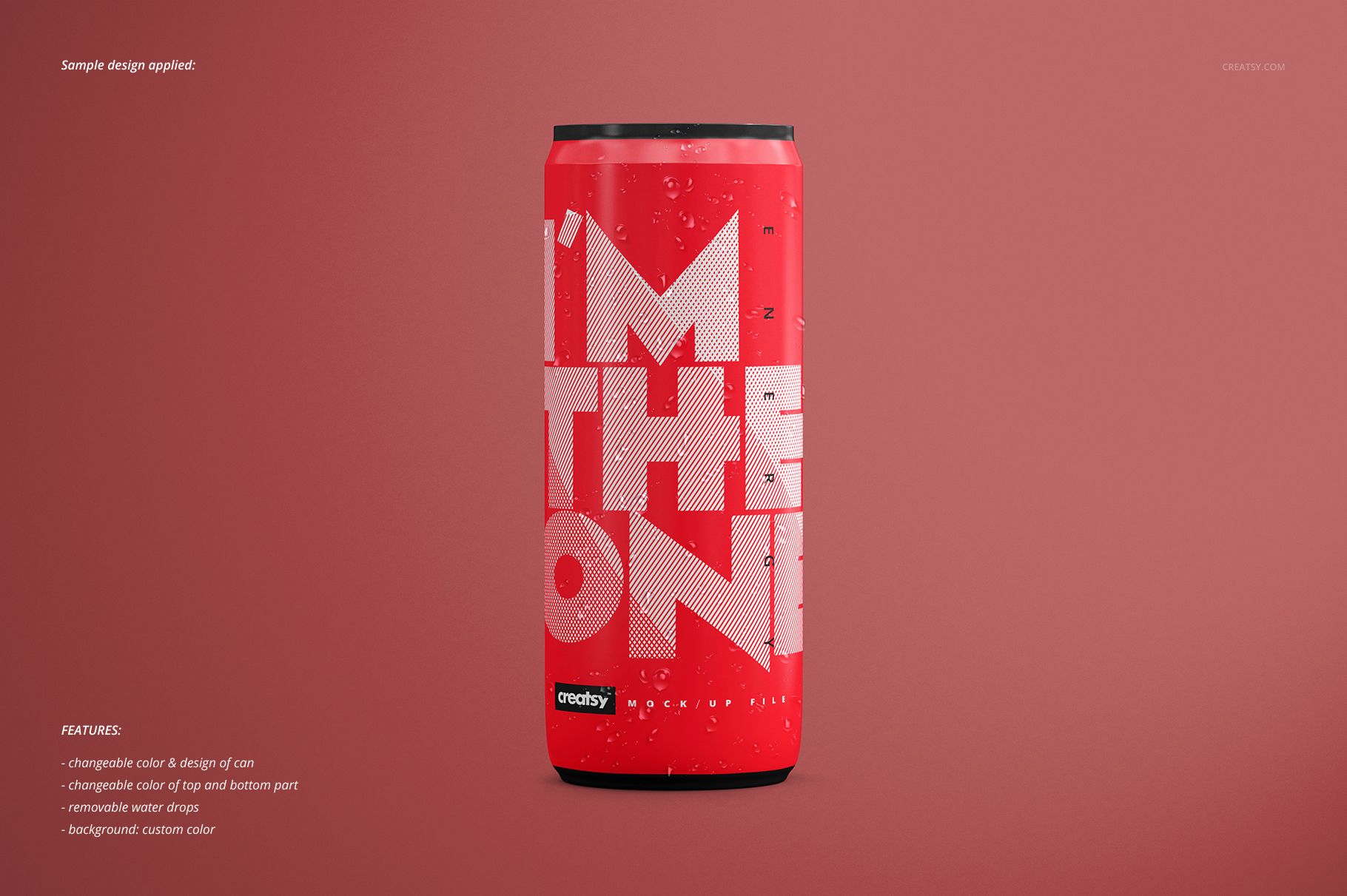
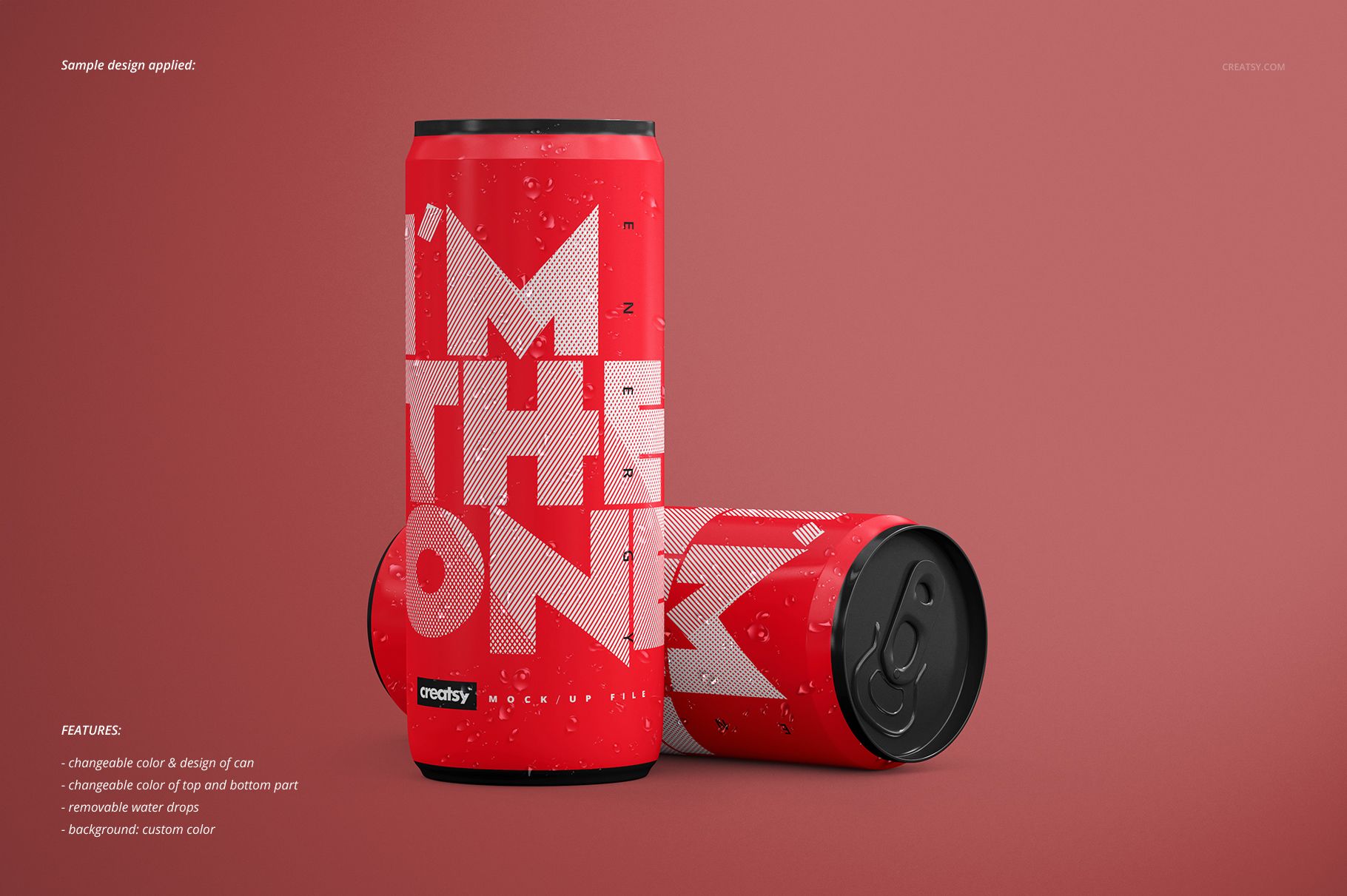
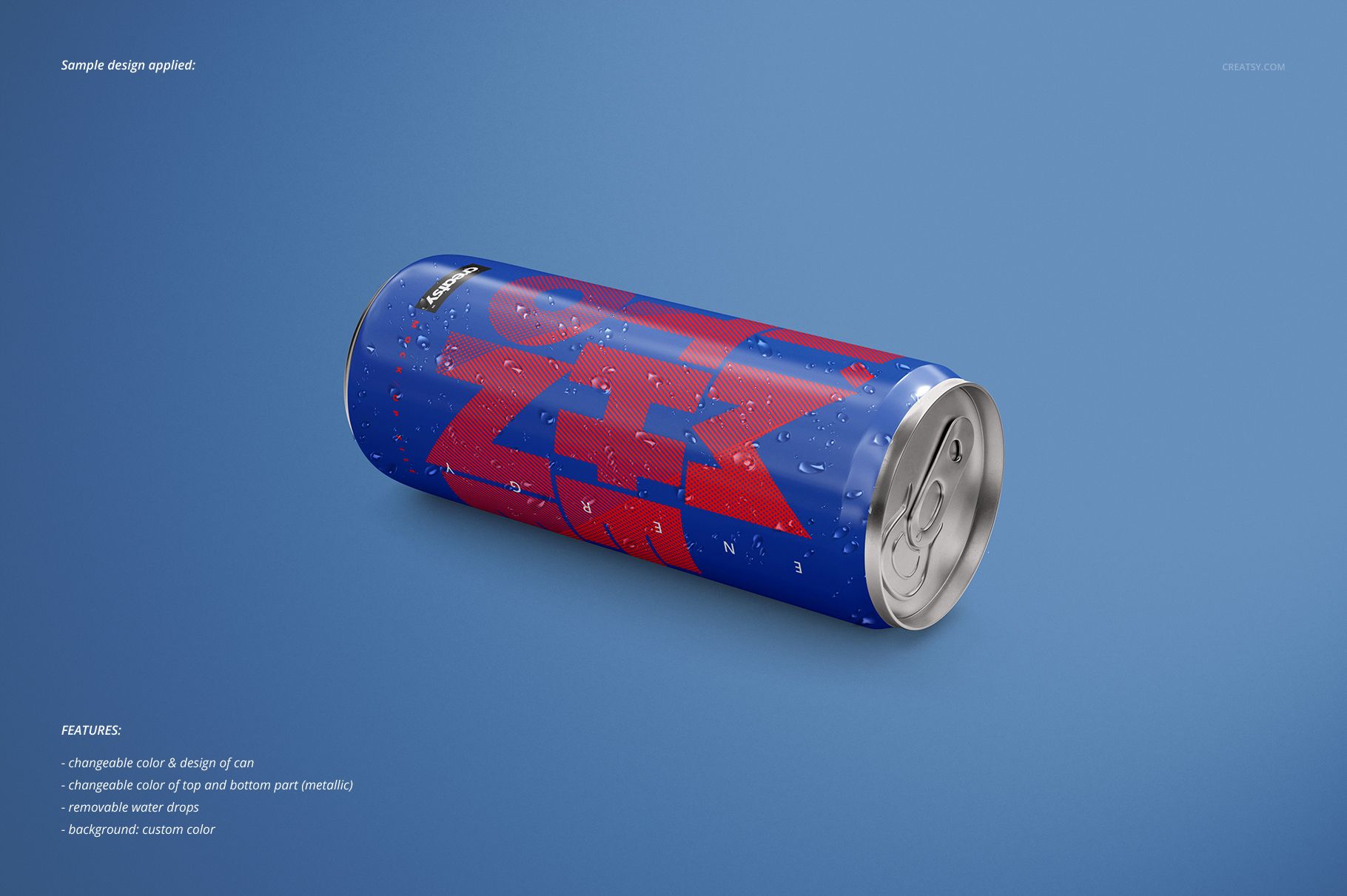
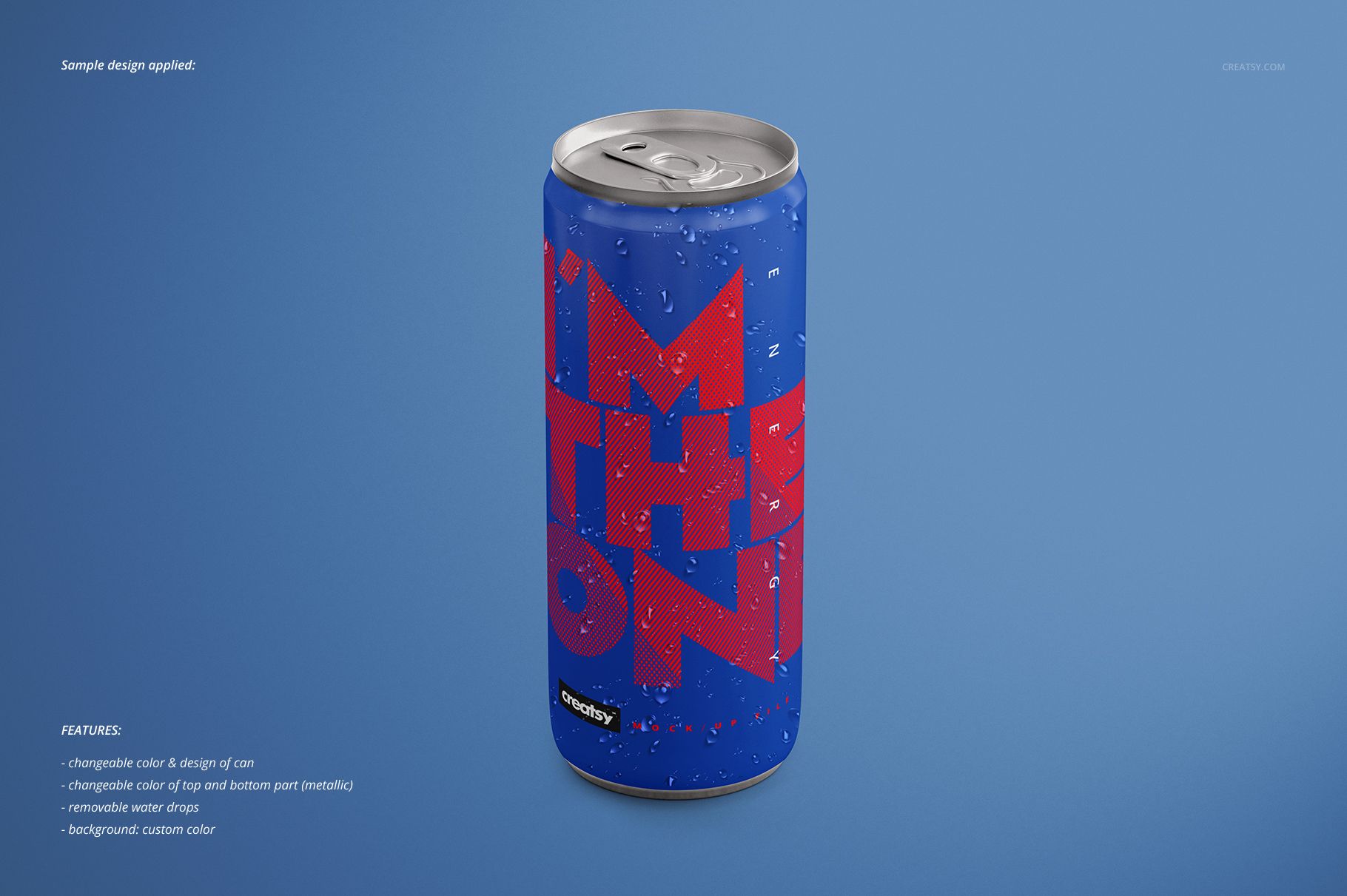
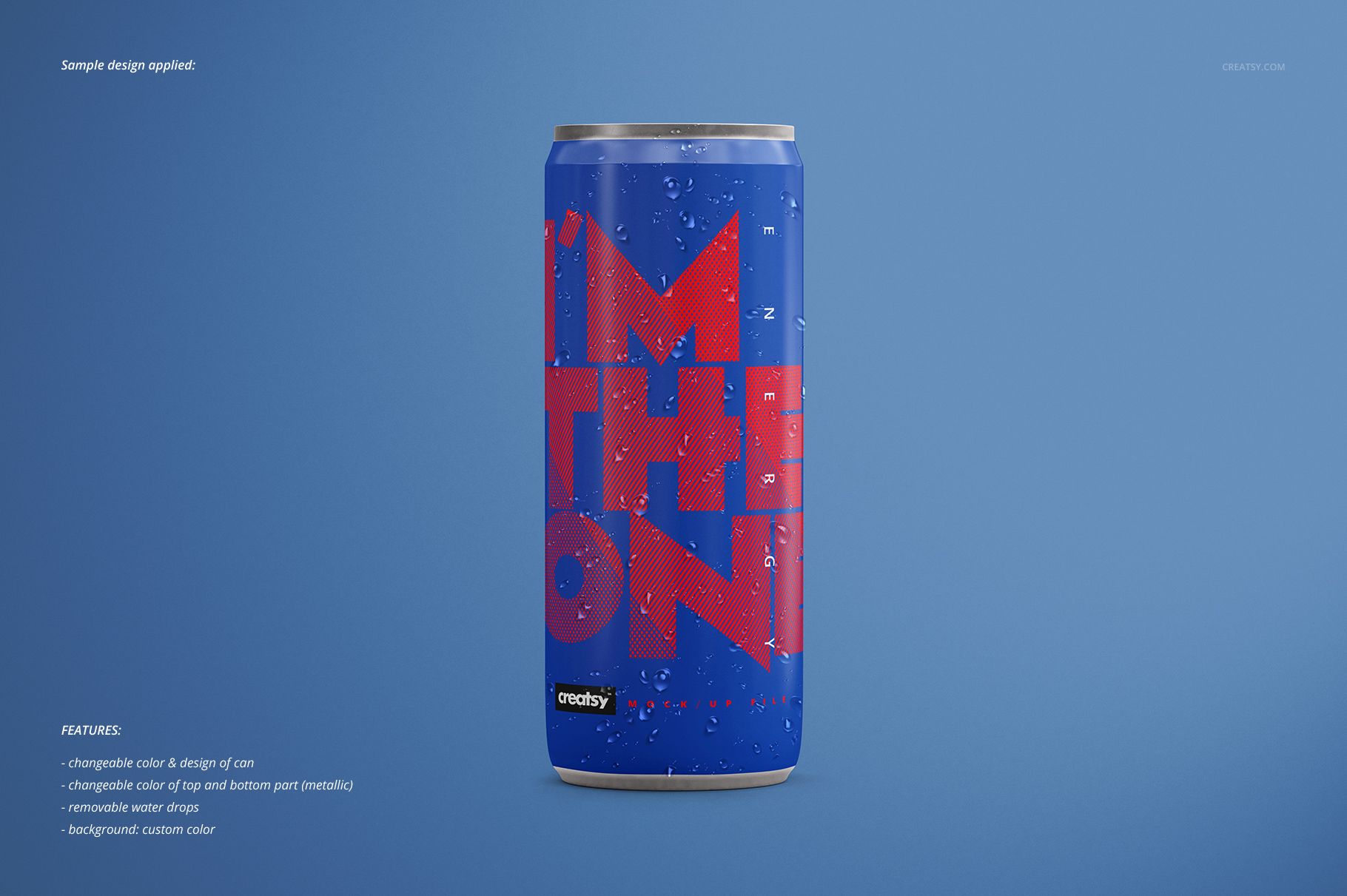
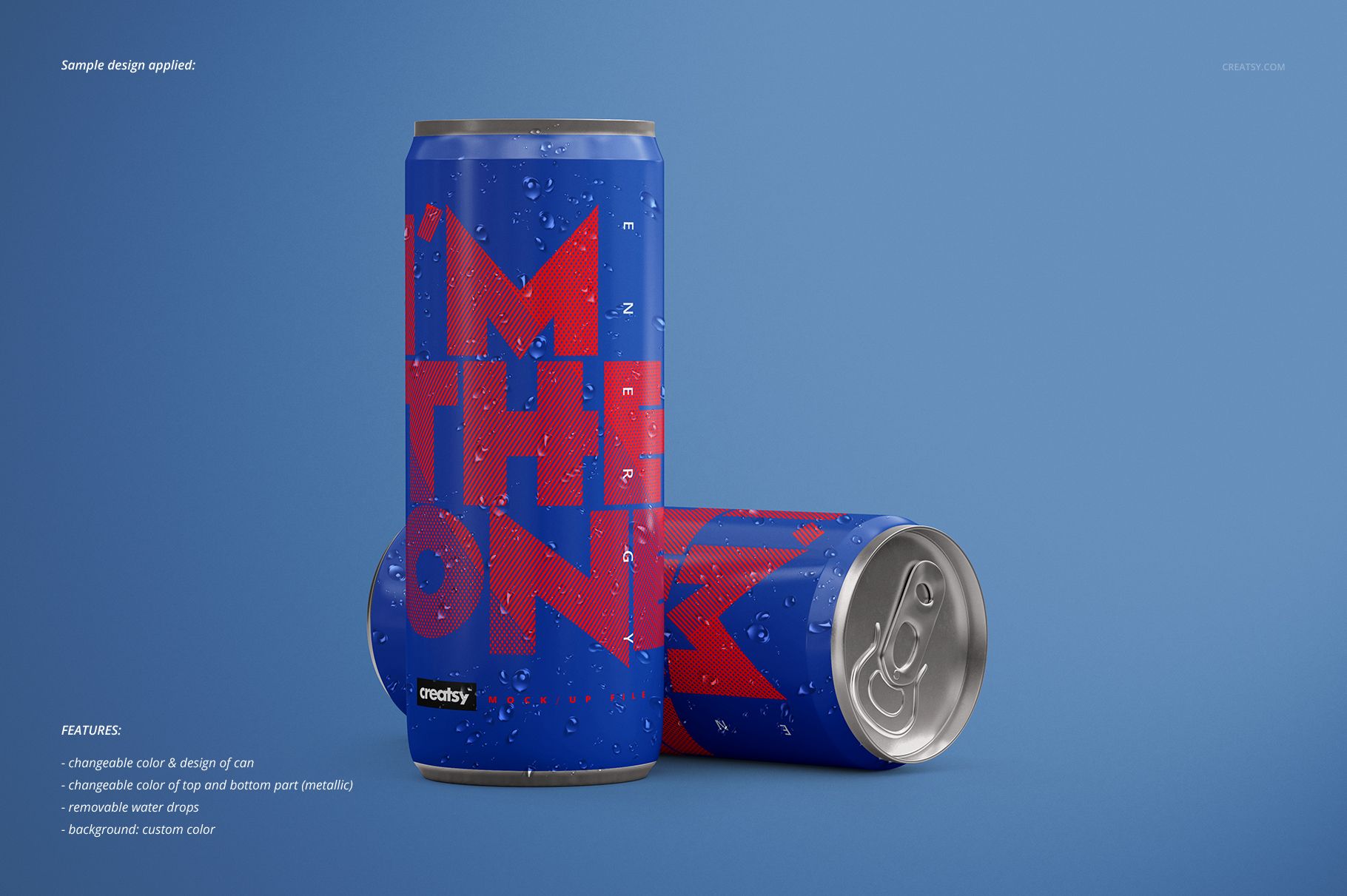
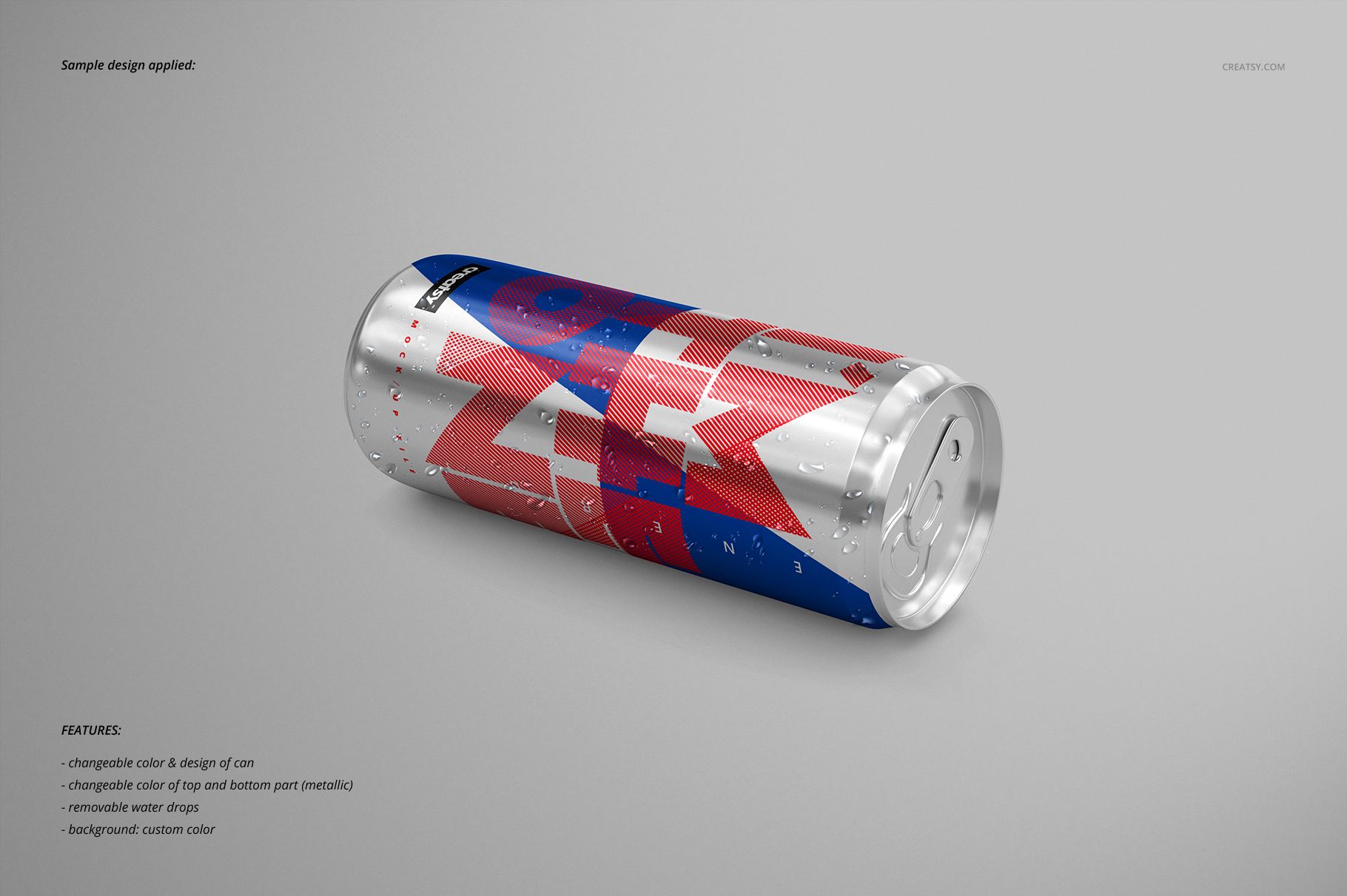
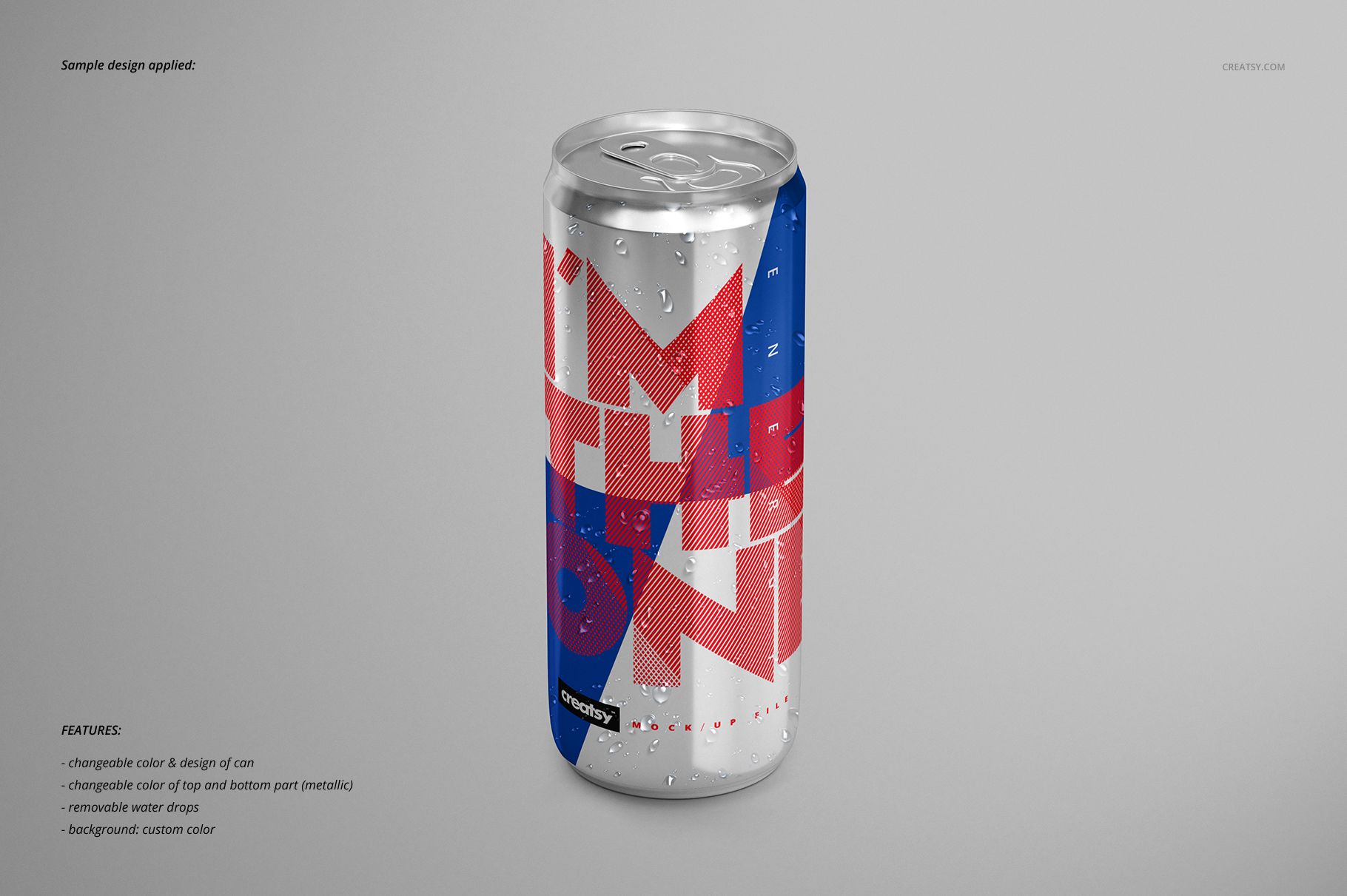
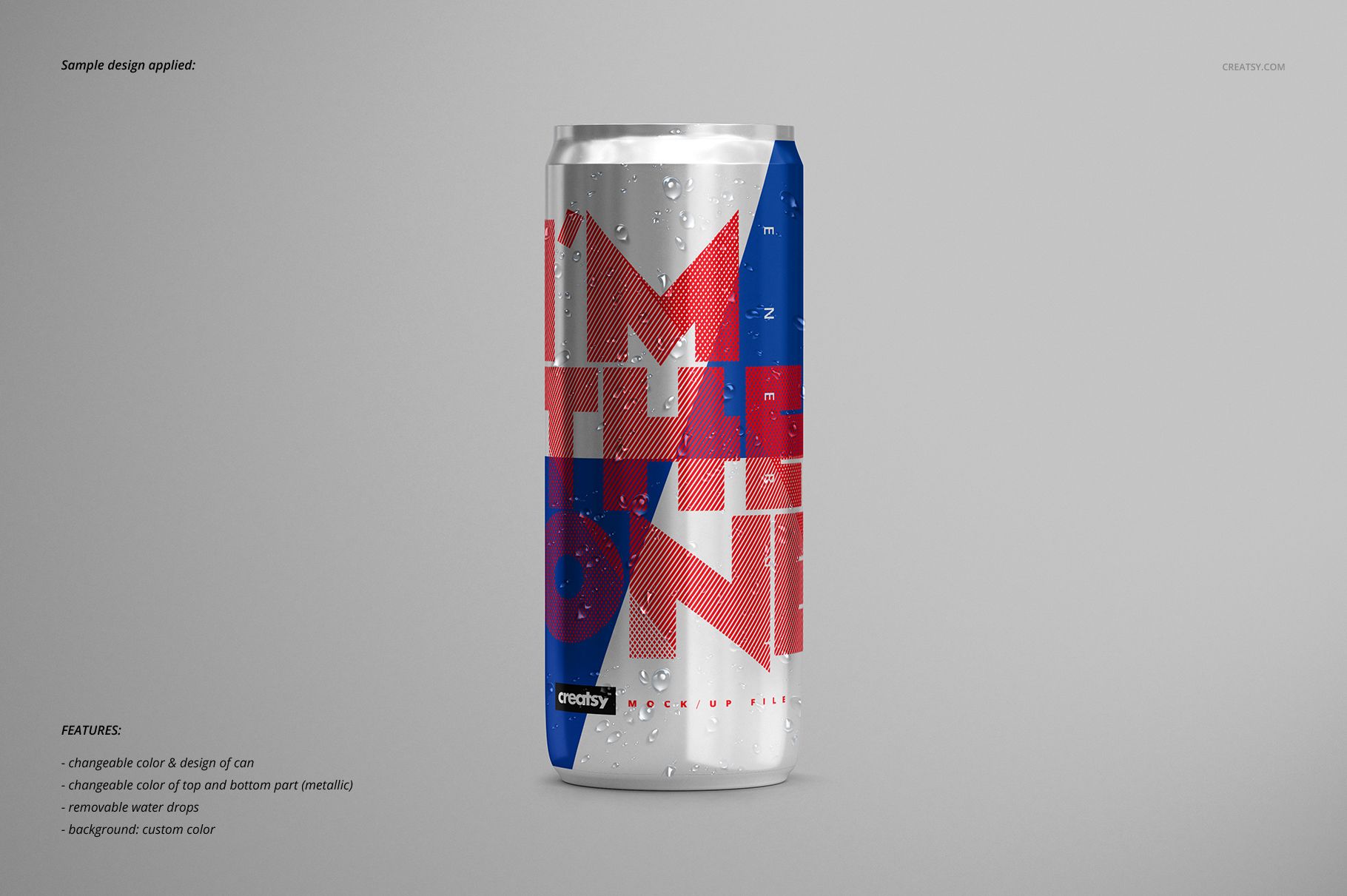
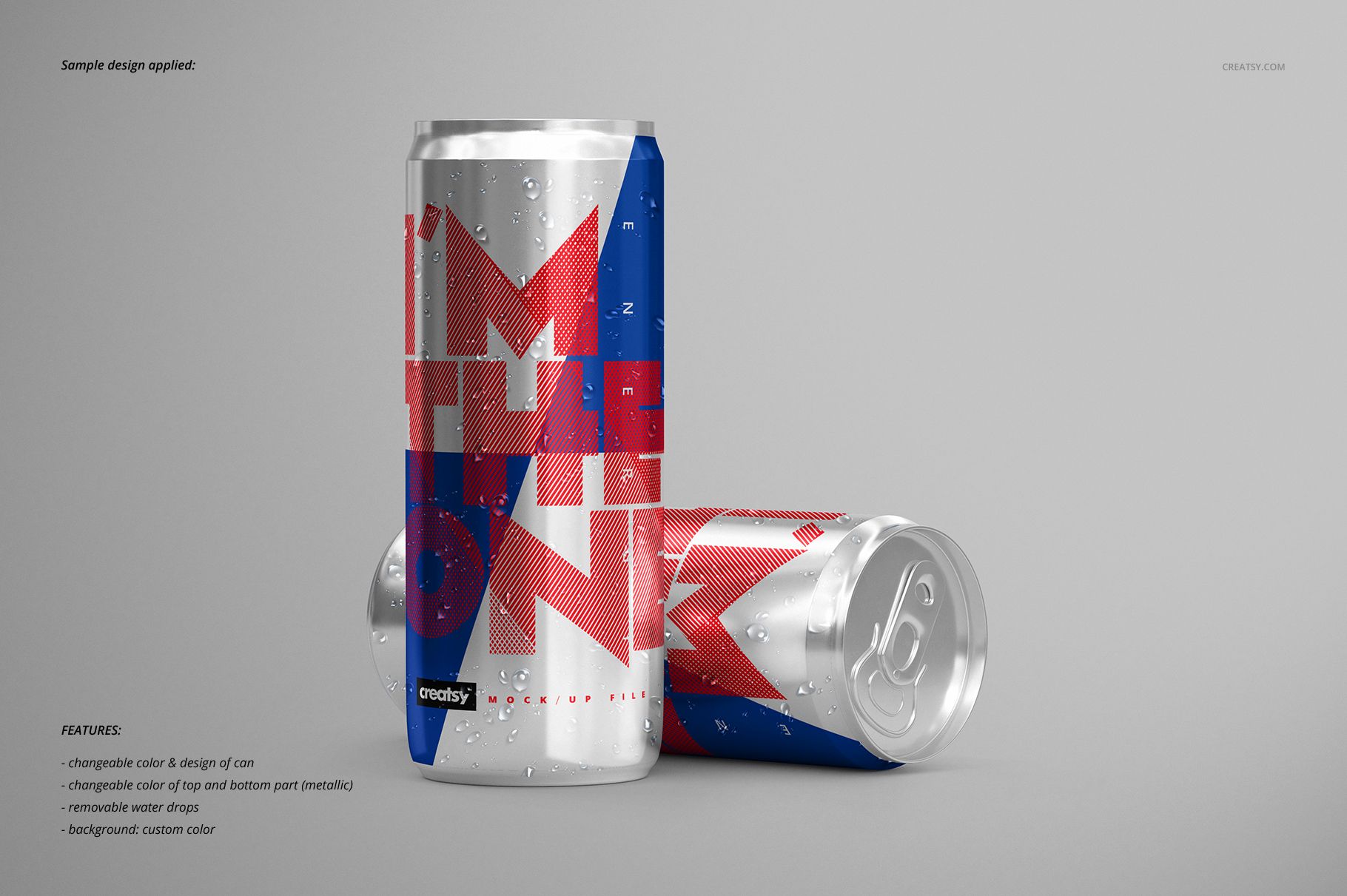
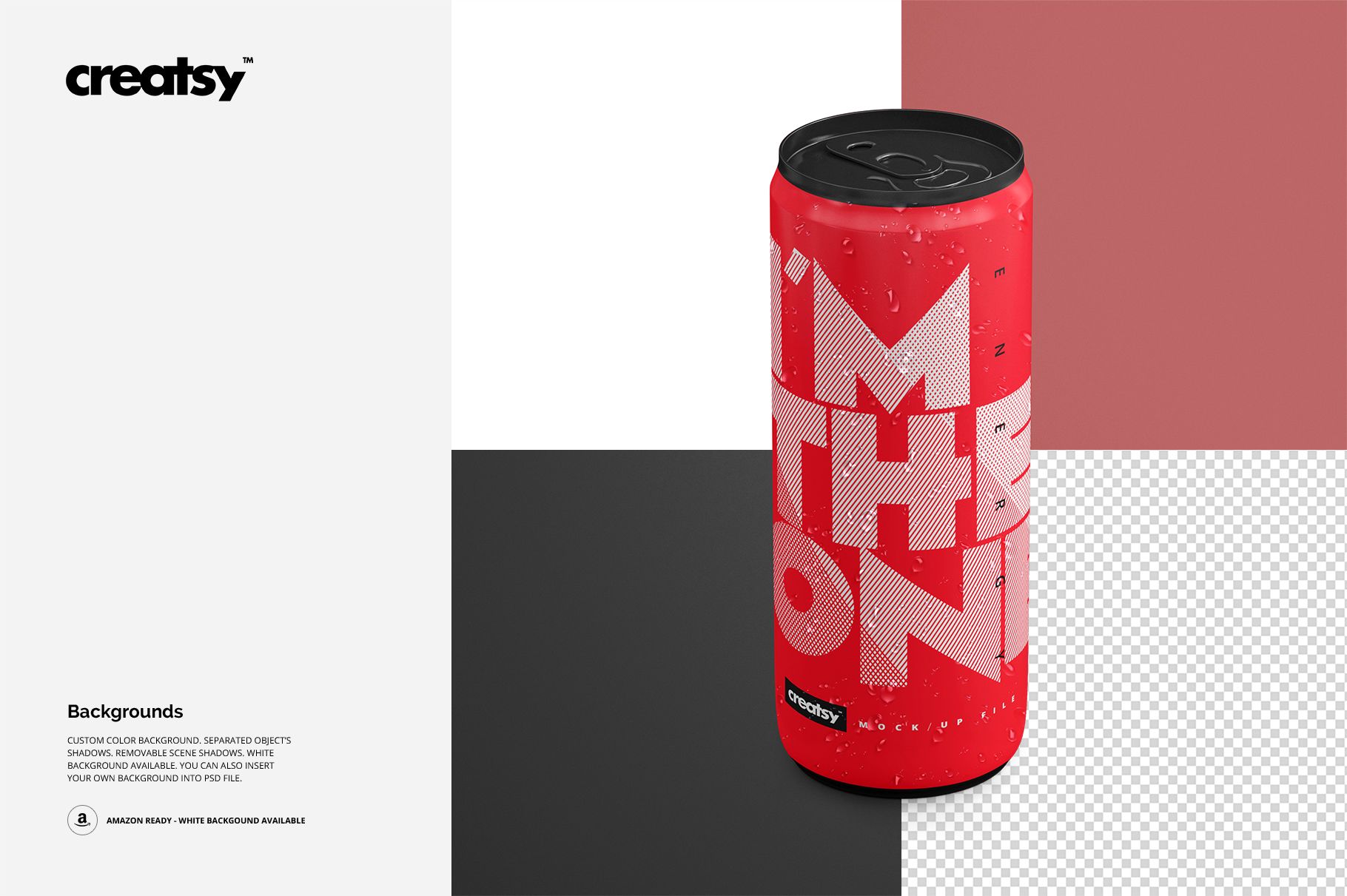
The same graphic can look very different on a painted body and a fully metallic can. This energy drink mockup set lets you explore that distinction across twelve PSD files, combining three finish treatments with four recurring compositions.

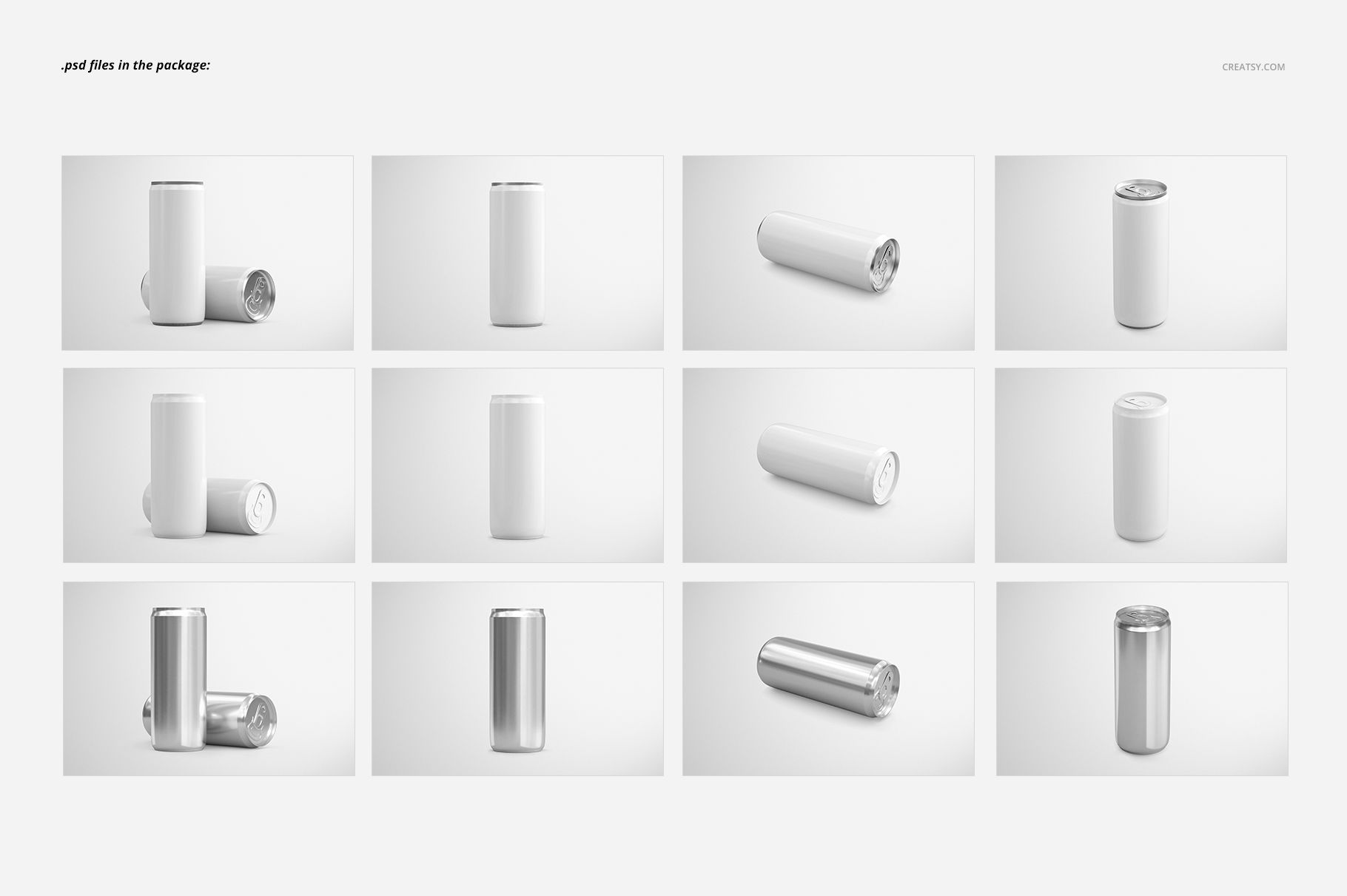
The tall, slim silhouette suits vertical lettering, large brand marks and color-coded flavor ranges. Front, elevated, horizontal and paired views help you compare the identity beyond a single hero image while keeping the presentation consistent.

What Is Included

  • 12 layered PSD mockups, 4500 × 3000 px at 300 DPI each.

  • 3 finish groups with 4 PSD compositions in each group.

  • 12 JPG scene previews and 1 JPG guide, 25 files in total.

  • Compatibility with Adobe Photoshop CS5 or newer and Photopea.

Compare Painted and Metallic Treatments

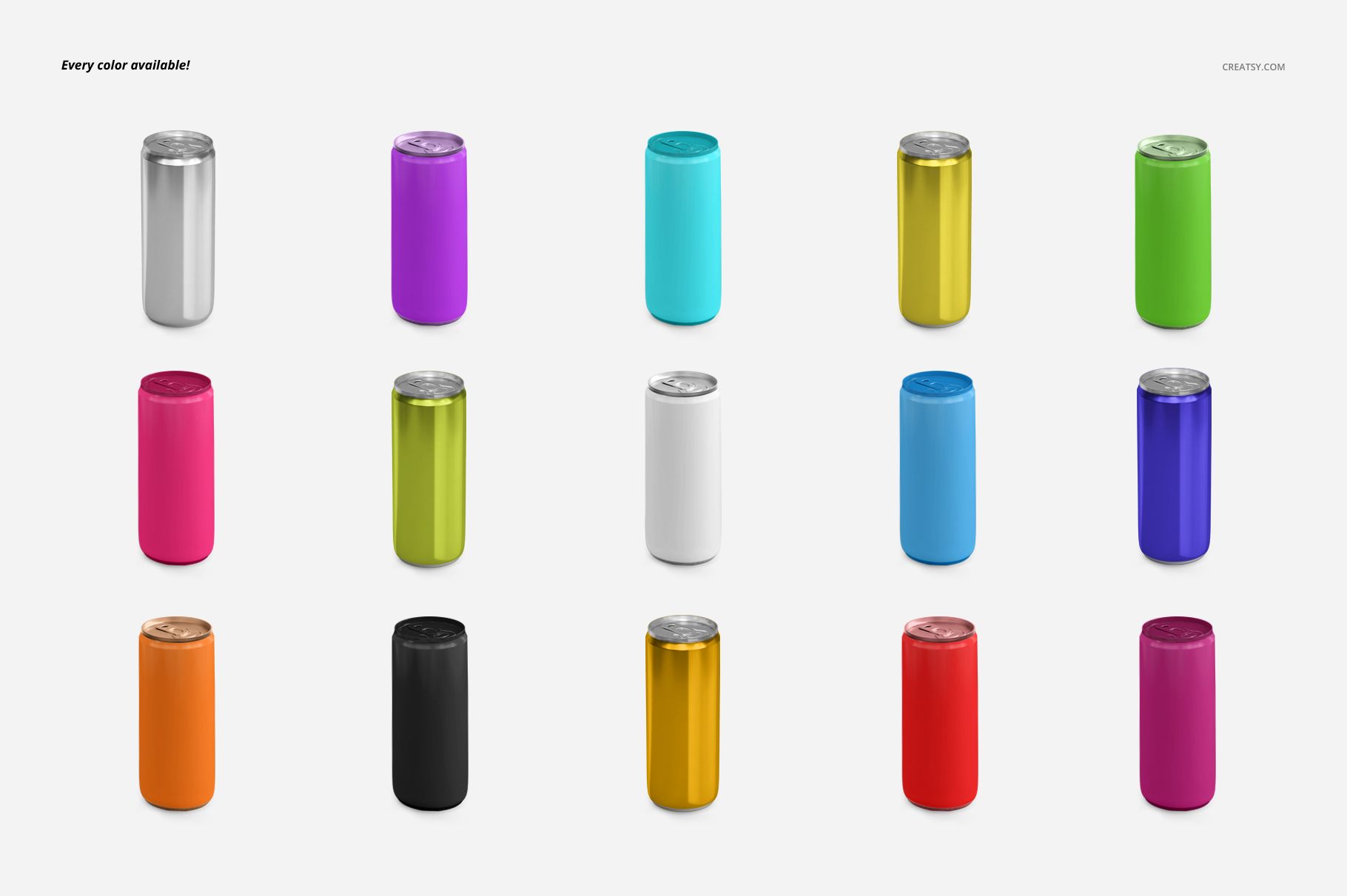
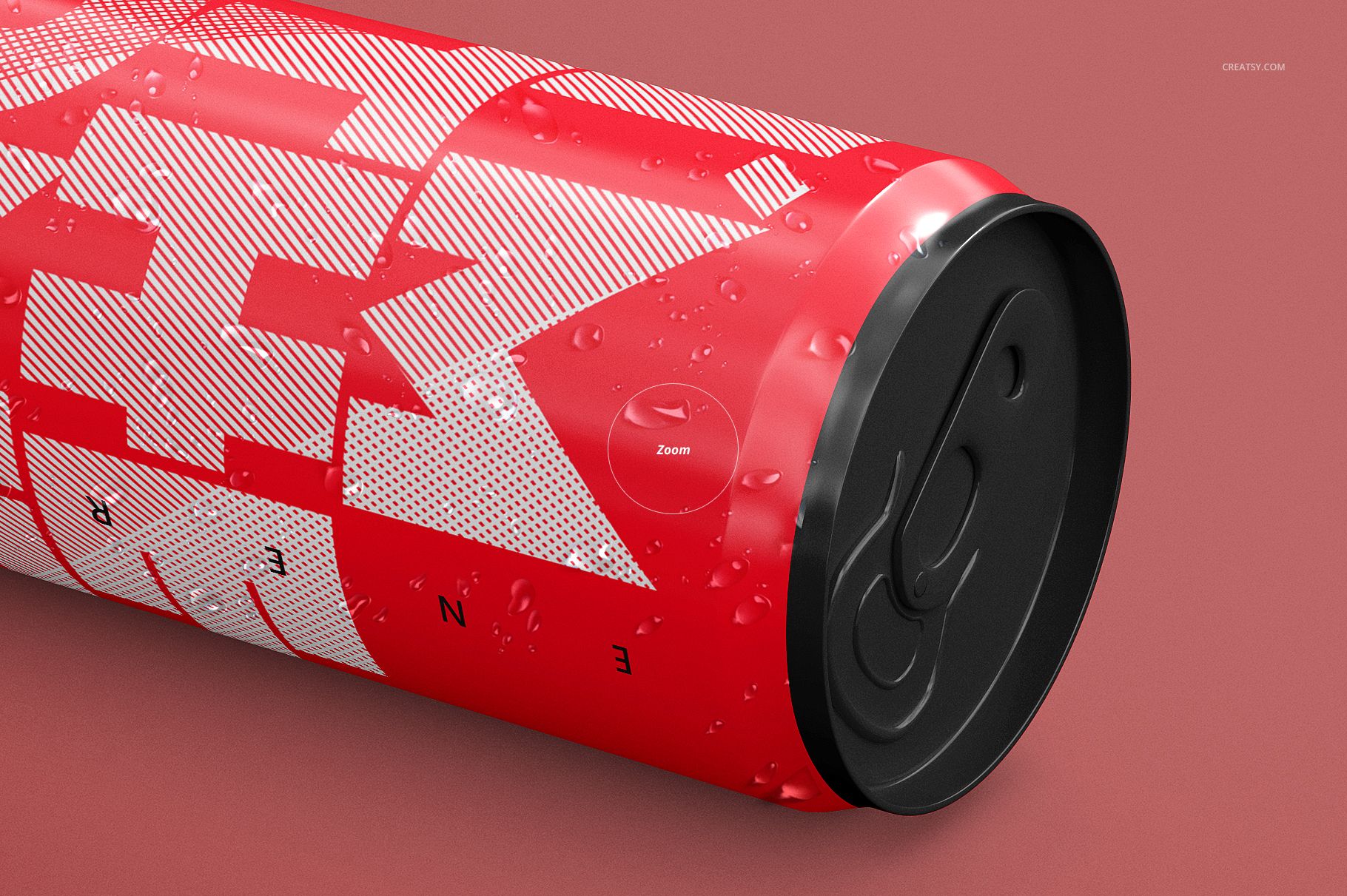
Choose a painted can body with metallic top and bottom, a painted body with custom-color top and bottom, or a fully metallic can. Change colors and artwork, and remove the water-drop effect when you want an unobstructed design view. The set also supports custom-color or white backgrounds, separate object shadows, removable scene shadows and insertion of your own background.

Easy Smart Object Editing

Place your artwork in the selected PSD's Smart Object, save the embedded document and return to the mockup. Adjust the finish-specific color layers and water drops. Apply the same artwork separately to the other finish groups to make a controlled comparison.

Perfect For

  • Energy drink identities and tall-can beverage concepts.

  • Finish comparisons for packaging clients and creative teams.

  • Flavor-range presentations, retailer pitches and branding portfolios.

This is a digital mockup set, not a physical beverage product. The sample graphics shown in the previews are not included.


File details

Compatibility
PhotopeaAdobe Photoshop
Package size
2.17 GB2.17 GB|2.33 GB2.33 GB
Files type
.psd, .jpg
Files size
4500x3000
TEST FOR FREE

Reviews

Professional PSD mockups built in-house - editable, realistic, high-resolution, and supported by real people.

5 (1 rating)
Sort by:

Fis_Ihsani avatar
Fis_Ihsani
Oct 4, 2024

Works perfectly on my latest project. Like it!

Malgorzata Hapon avatar
Malgorzata Hapon Author
Jun 9, 2026

Thank you so much! We’re so happy to hear the mockup worked perfectly for your latest project. We truly appreciate your support.


MEET THE SHOP

Creatsy logo

Creatsy

Poland
4.8 (686)

Bring your ideas to life.

We're a family-run studio in Katowice, Poland, making PSD mockups by hand since 2016. Everything in this shop starts in our own studio. We shoot the photography, build the 3D, and put together every Smart Object PSD ourselves - then we test it, organize the layers, and only ship it once it actually works...
GO TO SHOP

HOW IT WORKS

3 clicks. That's it.

No tutorial needed. If you can copy-paste, you can use this.

  1. 1OpenDouble-click the smart object inside the PSD - in Adobe Photoshop, or free in your browser with Photopea.
  2. 2PasteDrop in your pattern, print, or artwork. Any design, any style.
  3. 3SaveHit save and the mockup wraps it in for you - shadows, folds, and lighting included.

FROM IDEA TO IMAGE

Built for real workflows

Get the label signed off before the print run Wrap your design onto the box, pouch, or bottle and show the client exactly what ships.

See it on the product, not a swatch Drop your file into the smart object and the scene's lighting and folds wrap around it, so you judge the real thing before you commit.

Smart Objects

Edit once and you're done. Your artwork drops into a smart object and the mockup updates itself - no masking, no warping by hand.

Perfectly Organized

Named layers and folders you can actually navigate. Find what you need, change what you want, and get out fast.

Print-Ready

High-resolution files built to hold up on screen and in print. Exact size and DPI are in this product's Details above.