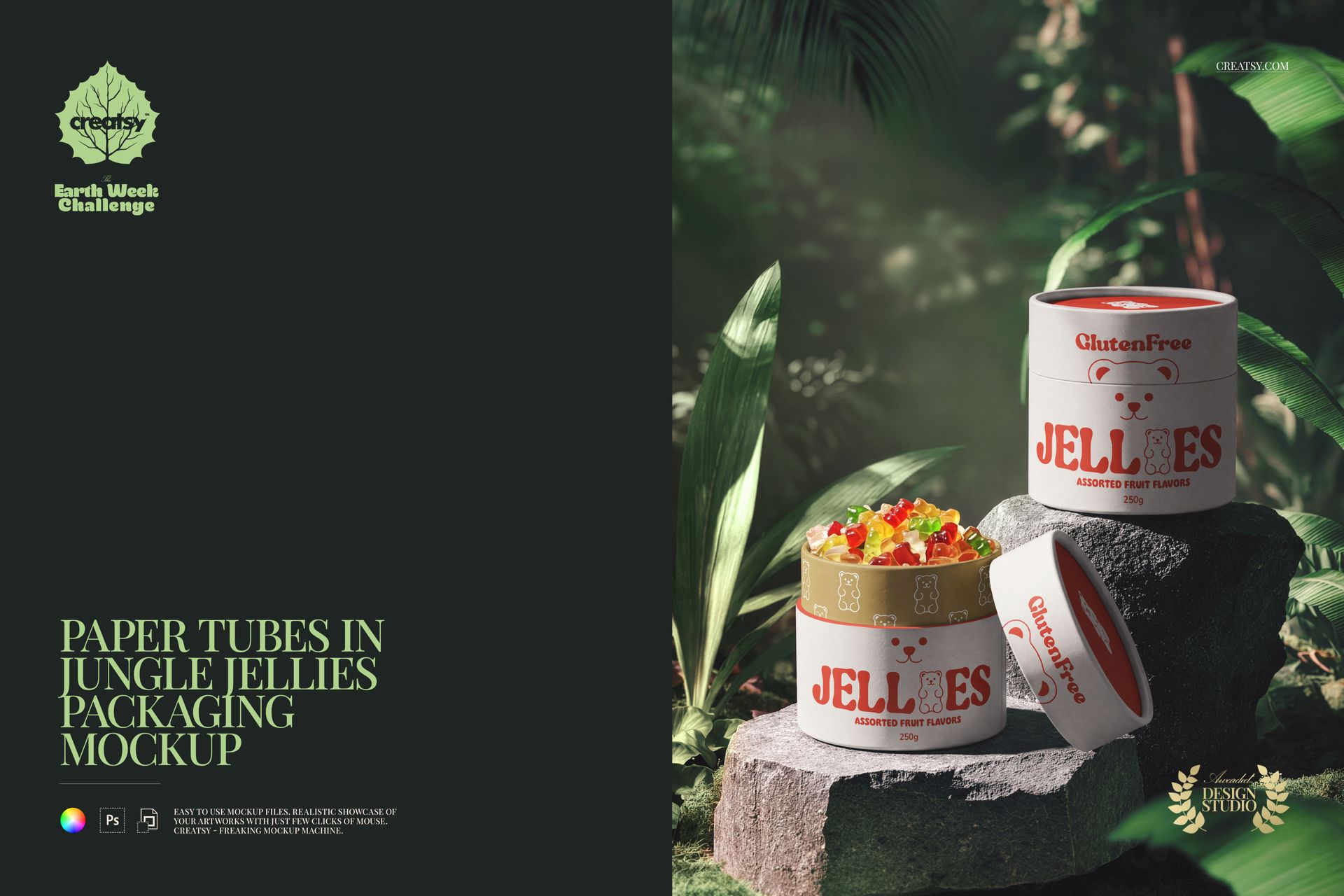
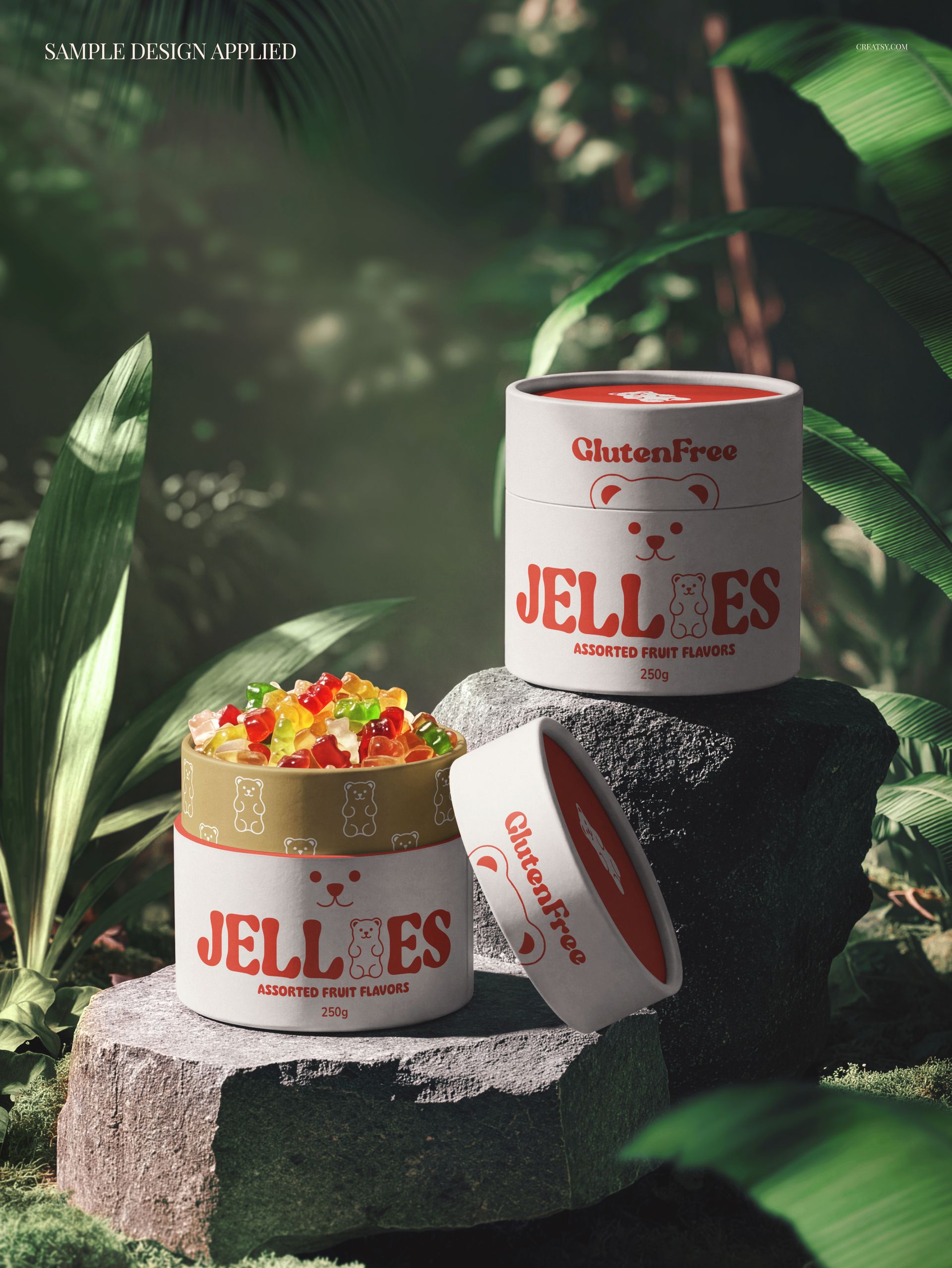
Present your paper tube packaging designs in a lush, tropical setting with the Paper Tubes in Jungle Jellies Packaging Mockup - a premium PSD template featuring paper tube containers placed in an exotic jungle scene with jellies and vibrant natural elements, creating a playful, tropical atmosphere perfect for candy, supplement, and specialty food branding.
What's Inside
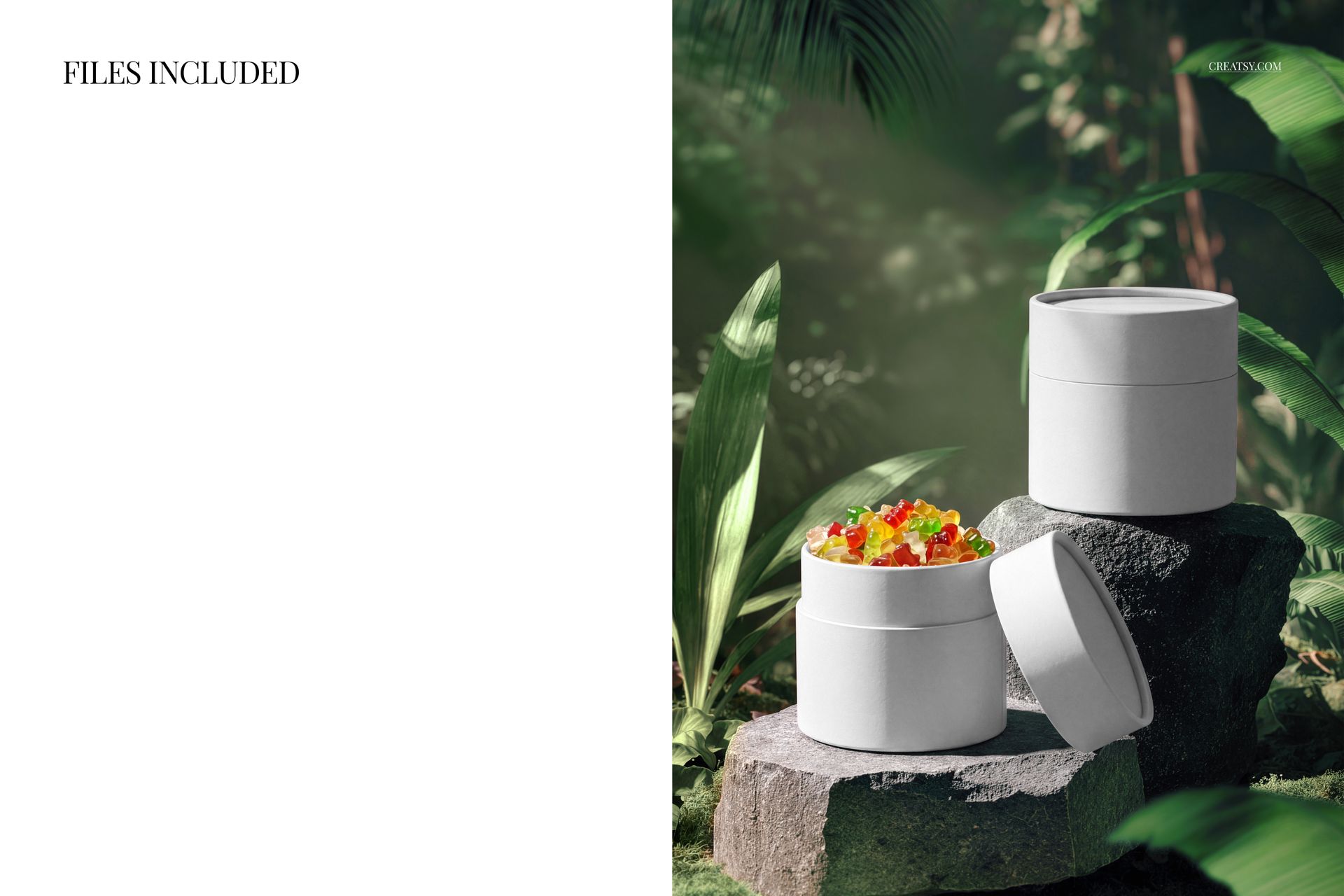
This mockup pack includes 1 high-resolution PSD file showcasing paper tube packaging arranged in a jungle-themed scene with jellies and tropical details. The file dimensions are 5500x3000 pixels at 300 DPI, delivering crisp detail for both digital presentations and print materials.
Design Capabilities
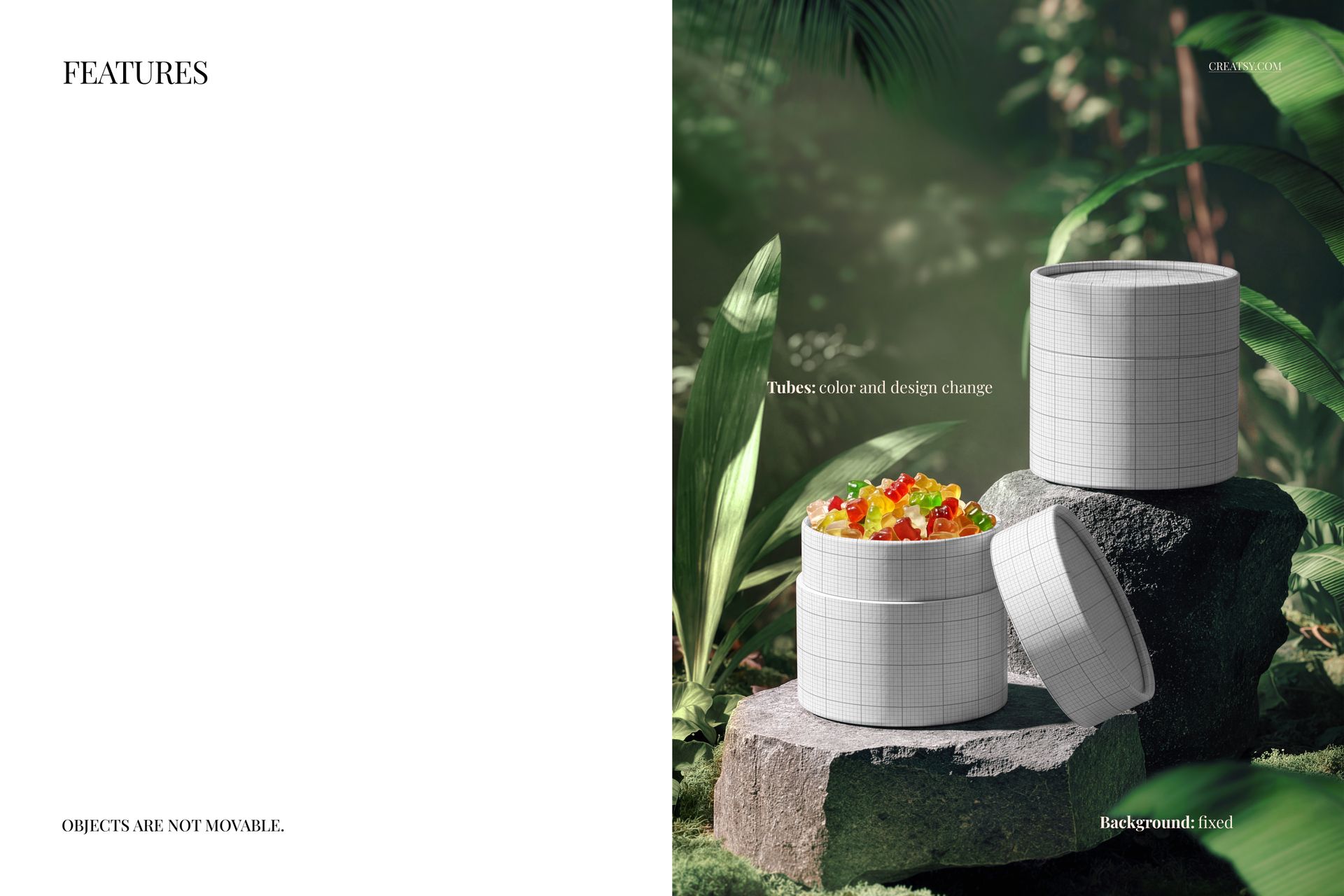
Paper tube surfaces with realistic cylindrical wrapping and texture
Multiple tube placement for varied design showcasing
Smart object layers for instant artwork application
Well-organized layer structure for easy customization
Tropical jungle backdrop with jellies and colorful accents
Authentic shadow and light interaction with the environment
File Specifications
1 PSD file - 5500x3000 px, 300 DPI
Compatible with Adobe Photoshop CC2020 and newer
Works with free online editor Photopea.com
Smart object layers for non-destructive editing
Print-ready and web-optimized resolution
Ideal For
Paper tube packaging brands, candy and jelly companies, supplement container designs, tea and spice tube packaging, cosmetic tube branding, artisan food packaging, eco-friendly cylindrical packaging concepts, e-commerce product listings, and social media content for food, wellness, and specialty product businesses.















Creatsy has the best mockups!
Thank you so much for your lovely review! We’re so happy to hear you love our mockups. Your support truly means a lot to us.