About this soda can mockup
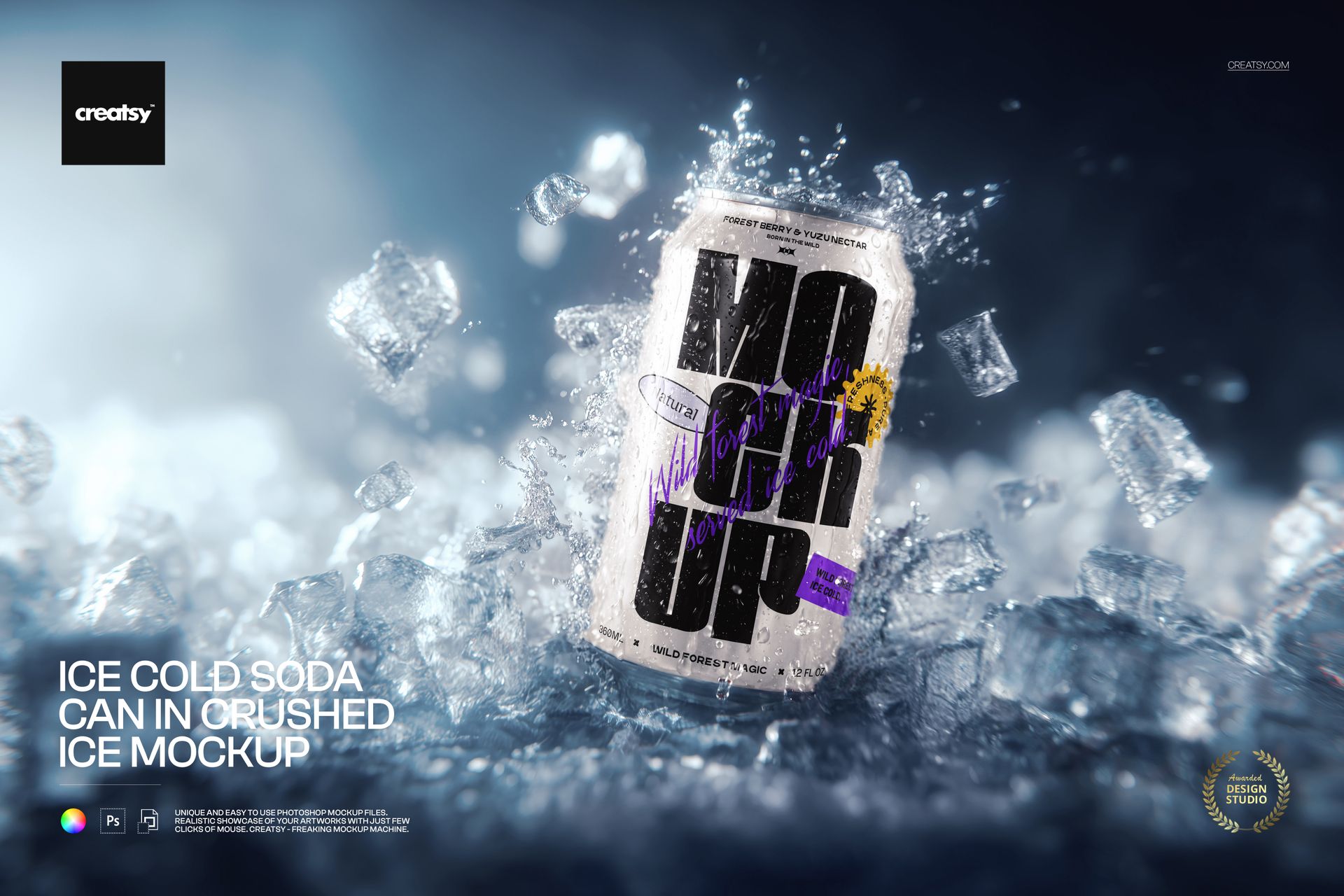
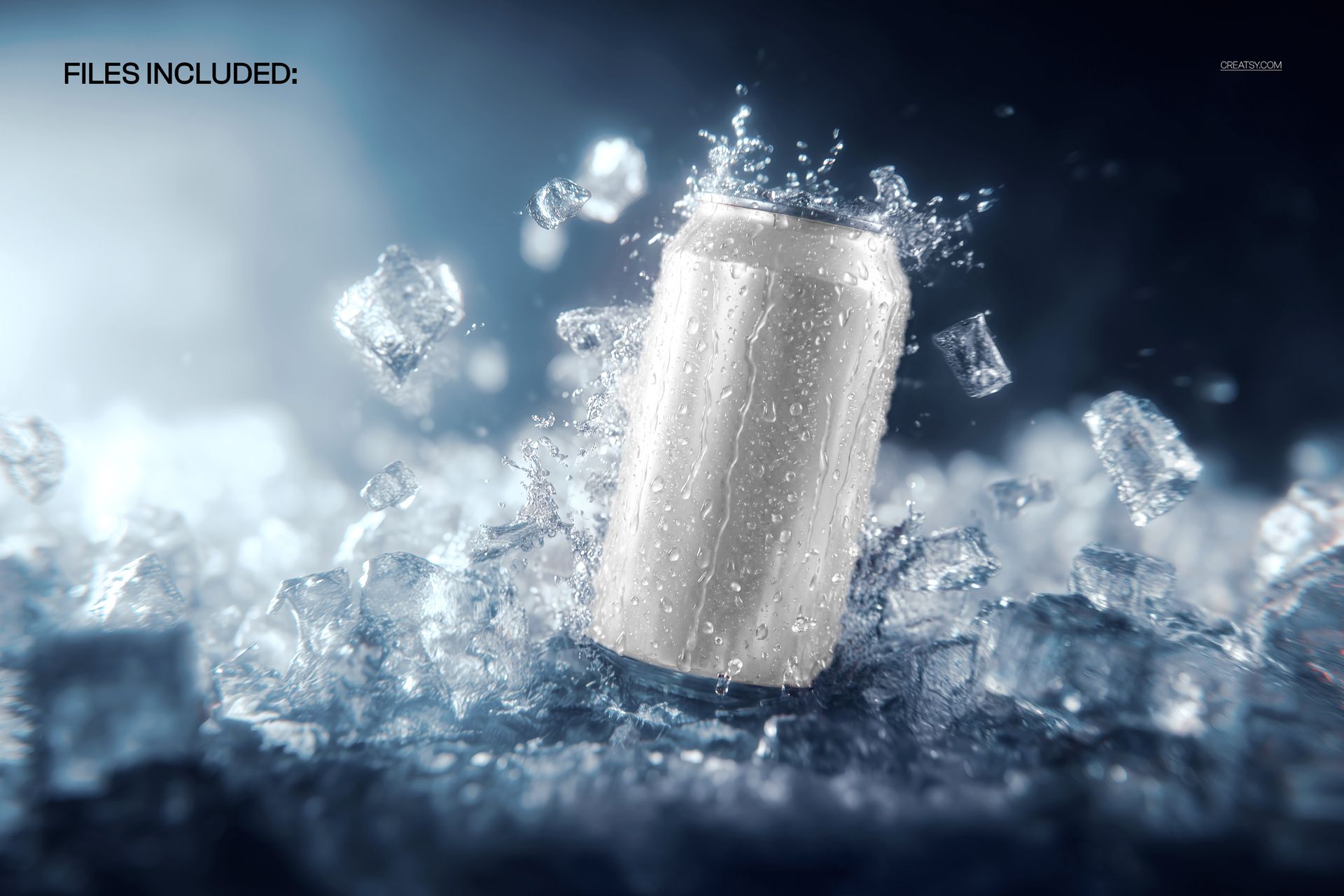
The Ice Cold Soda Can in Crushed Ice Mockup by Creatsy is a soda can mockup that drops your label onto an aluminum can nested in a bed of crushed ice, with cold droplets and a burst of splash caught around it. It comes as a single layered PSD at 5300 x 3500 px and 300 dpi, a wide landscape frame that suits banner crops, email headers, and product cards. The extra width leaves room for the can to sit off-center with ice and splash filling the rest of the frame, the same composition drinks brands use for hero banners.
What sells here is the contrast. Set a smooth, printed can against jagged, glinting ice and the label becomes the one clean surface the eye locks onto. The rough texture and the cold highlights carry the atmosphere while your artwork stays crisp and central. It reads as a can pulled straight from the cooler and shot for a summer campaign, without you renting studio lights or melting through bags of ice.
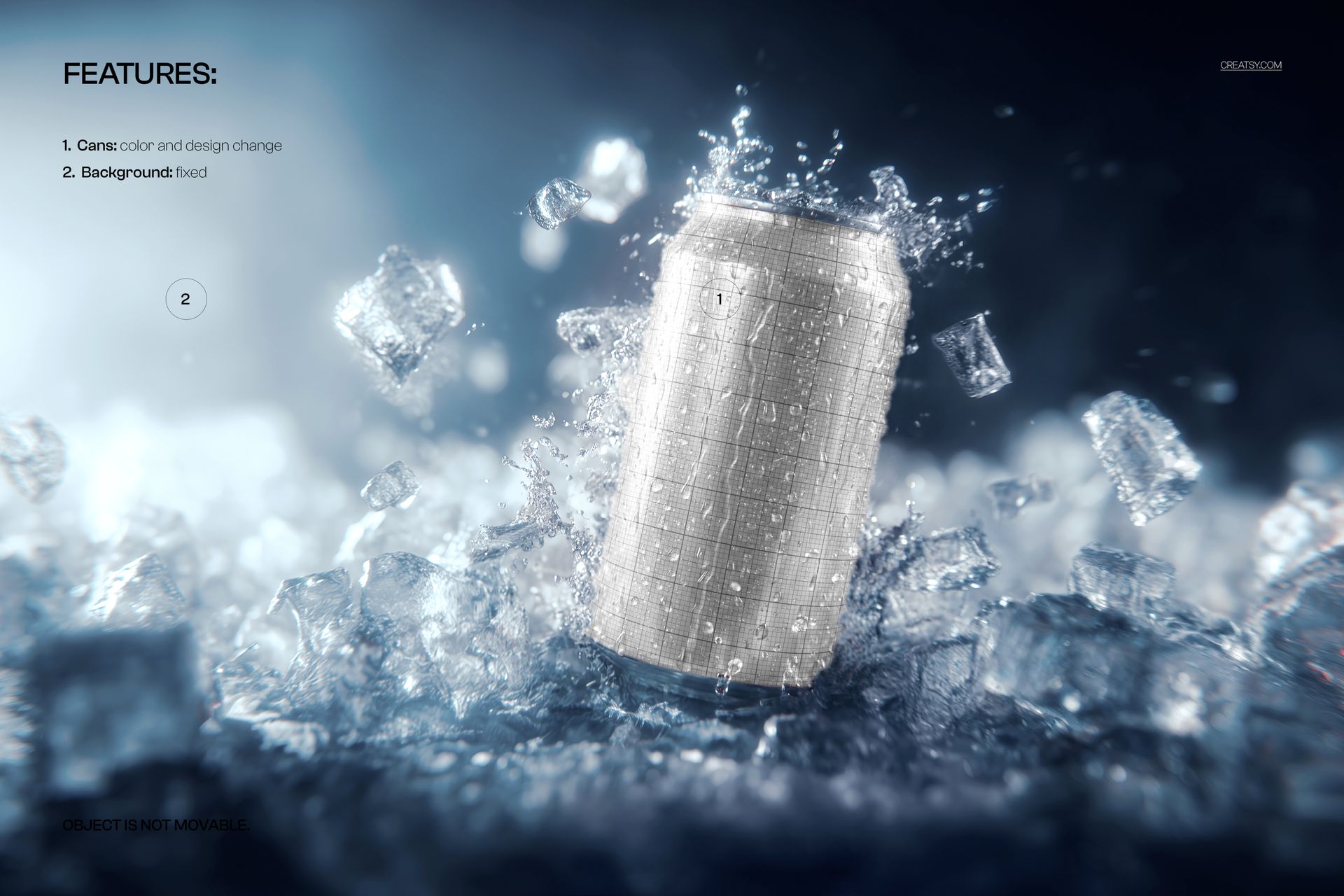
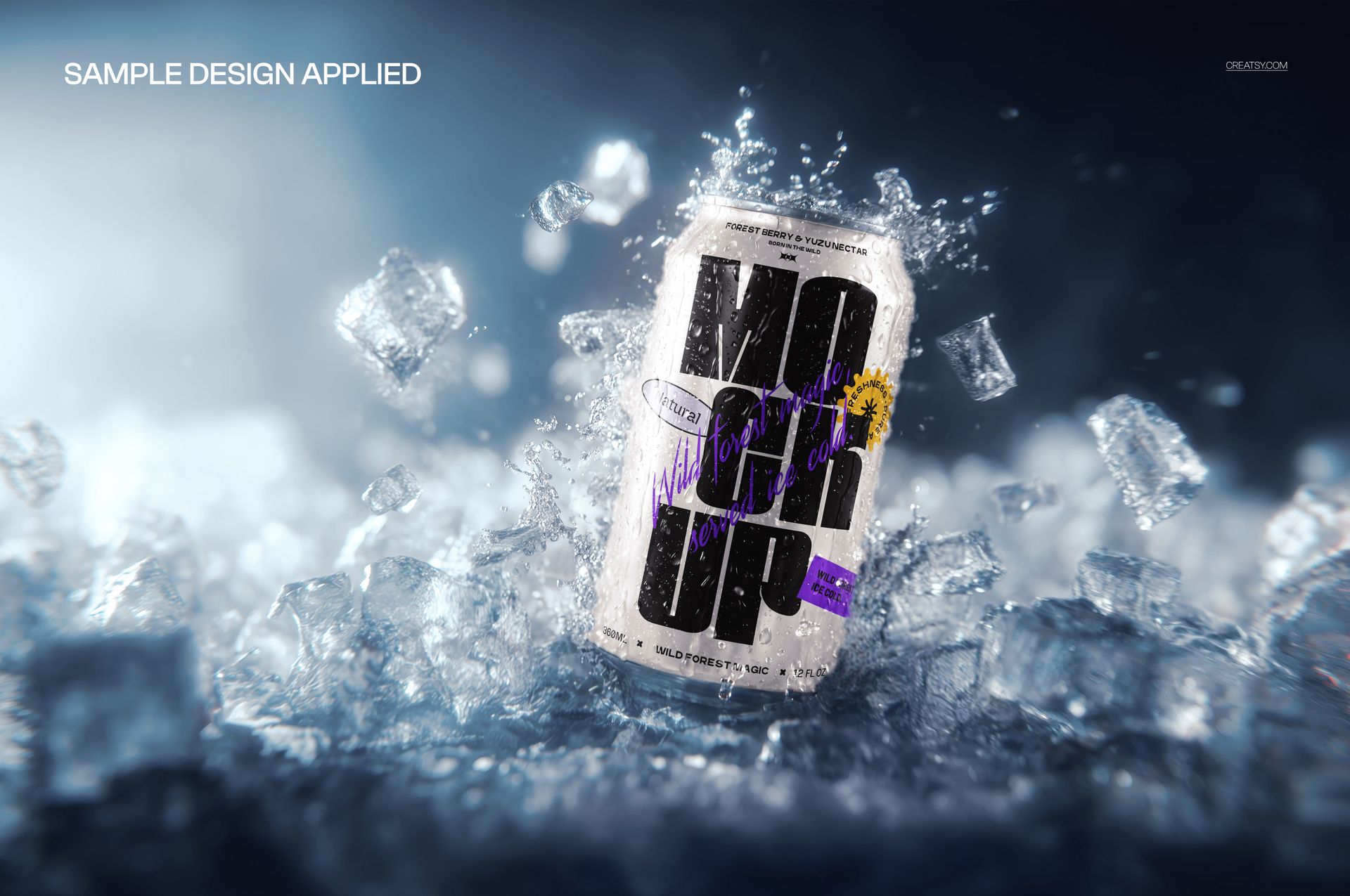
The can face is a smart object. Double-click it, paste your label or a full wrap, and save - the design bends around the can and picks up the scene's shadows, splashes, and frosty sheen, so it looks printed on the metal rather than laid over a photo. The download is blank; the placeholder design on the can in the previews is display artwork for scale and is not part of the file. You add the label, and the ice, the splash, and the light are already set.
Use it to preview a can design before a production run, to build a listing image that looks like a paid product shoot, or to give a client a cold, high-energy hero for a launch, a menu, or a paid social ad. One PSD replaces a session that would otherwise mean a photographer, a tub of crushed ice, and a very wet table.
What you get
One layered .psd mockup of a soda can set in crushed ice with splash and droplets, plus a .jpg of the scene
5300 x 3500 px at 300 dpi, wide enough for banners and sharp enough for print
A smart object for the can label, so your design maps on in one step
Well organized, clearly named layers
About 164 MB on Windows and 172 MB on Mac once unzipped
How it works
Open the .psd in Adobe Photoshop (CC2020 or newer), or free in Photopea.
Double-click the can smart object to open its own canvas.
Drop in your label, fit it to the guide, and save that tab.
Return to the main file and export your can-in-ice shot as a JPG or PNG.
Specifications
Files: layered .psd plus a .jpg
Dimensions: 5300 x 3500 px, landscape
Resolution: 300 dpi
Can shown: standard aluminum soda can
Editable: can label through a smart object
Software: Adobe Photoshop CC2020 or newer, and Photopea (free, browser-based)
File size: 164 MB Windows / 172 MB Mac
Layers: organized and named
Who it is for
It fits beverage and soda brands proofing a can design, print-on-demand and drinkware sellers who need a scroll-stopping listing image, and branding or packaging designers pitching a concept. Because the can itself is plain aluminum, the same scene carries sparkling water, seltzer, energy drinks, iced tea, or a craft cola label. For an Etsy or Shopify shop, a summer promo, or a beverage pitch deck, it gives you a chilled, editorial-looking shot without the shoot. It is also handy for a bar or cafe promoting a canned range on a menu board, and for a social team that needs a steady run of cold-drink posts through the warm months.