About this soda can mockup collection
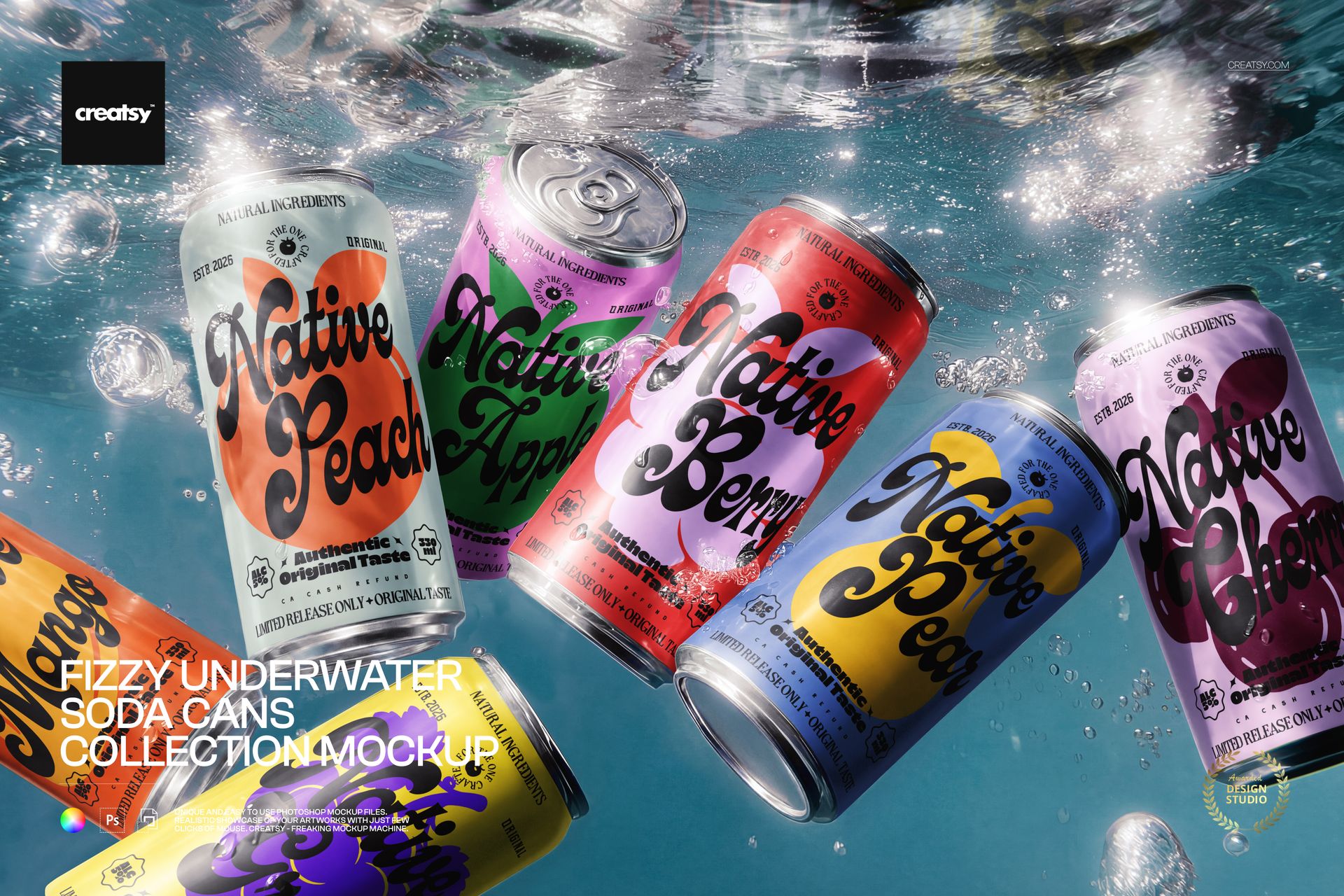
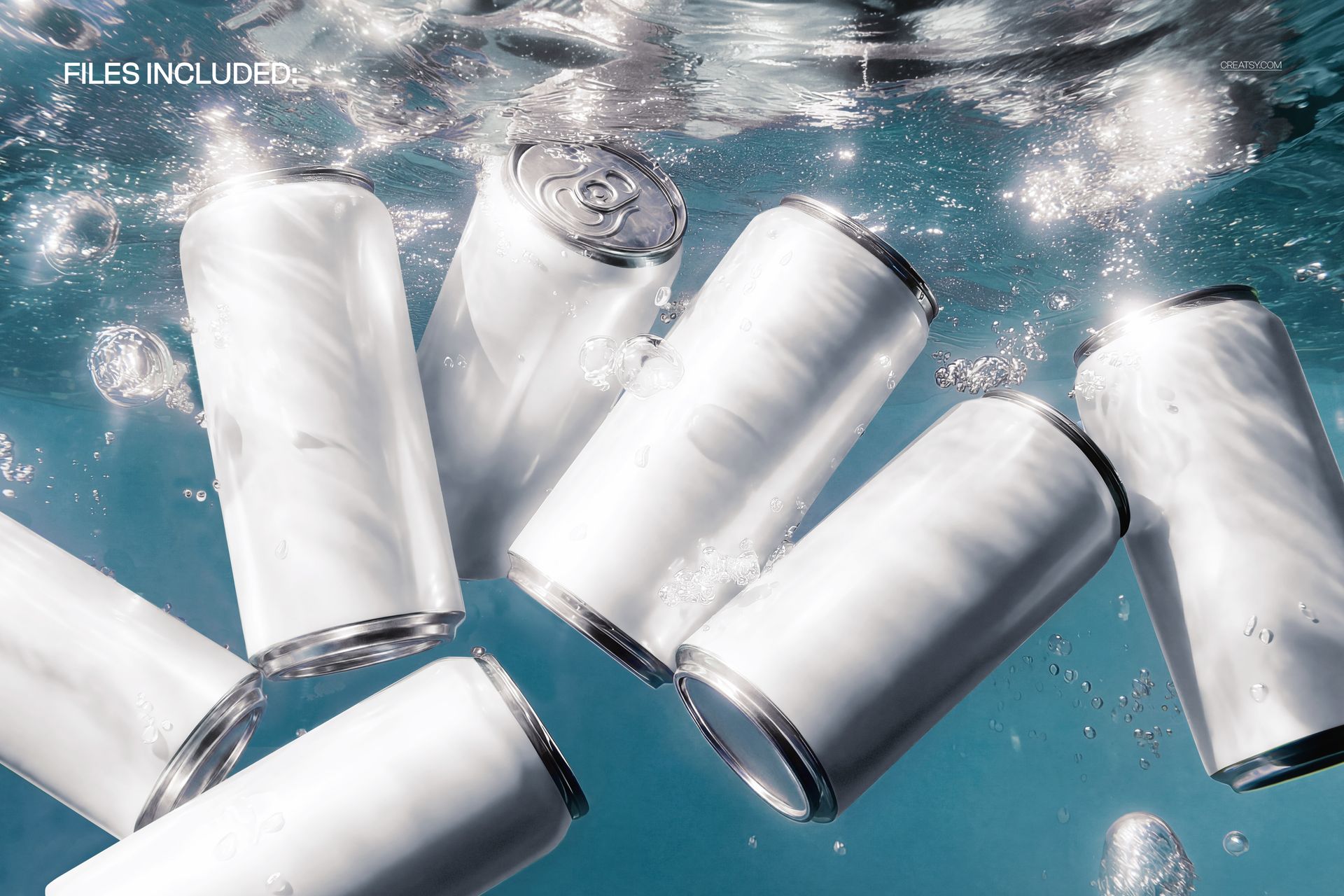
The Fizzy Underwater Soda Cans Collection Mockup by Creatsy is a soda can mockup set that shows six aluminum cans drifting underwater in a stream of bubbles, lit by the rippled, caustic light you get just under the surface. It arrives as a single layered PSD at 5000 x 3300 px and 300 dpi, wide enough to sit as a website banner or a full-bleed hero. The wide frame gives the cans room to spread out and tumble at different depths, which is what makes the group look photographed rather than pasted together.
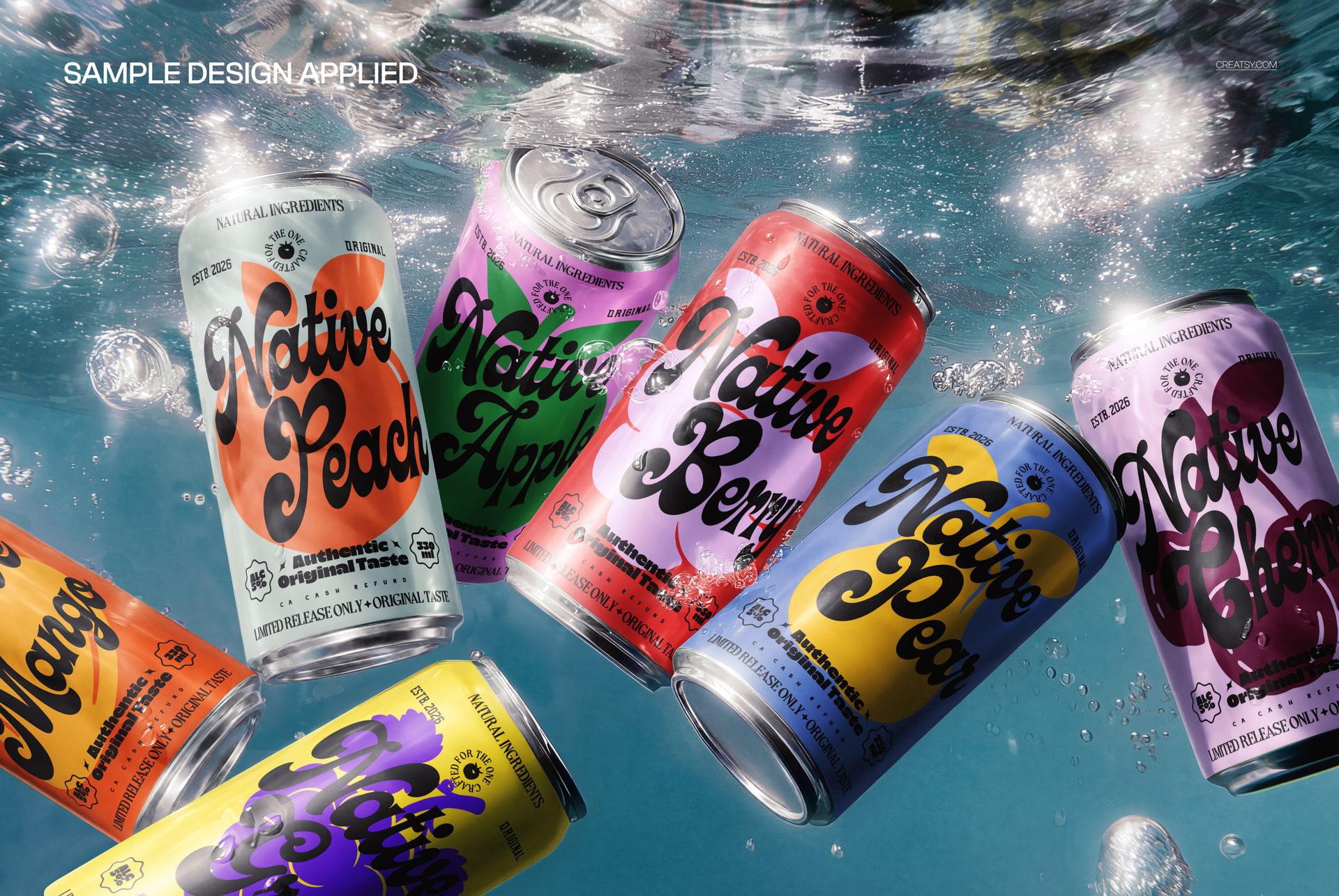
The reason to reach for a collection rather than a single can is the lineup. Drop your artwork onto the cans and you can give each one its own label, so a whole flavor range or a set of color variants shows up together in one shot. A single-can mockup proves one design; this one proves the family - the core flavor next to the limited edition next to the seasonal, all in the same water.
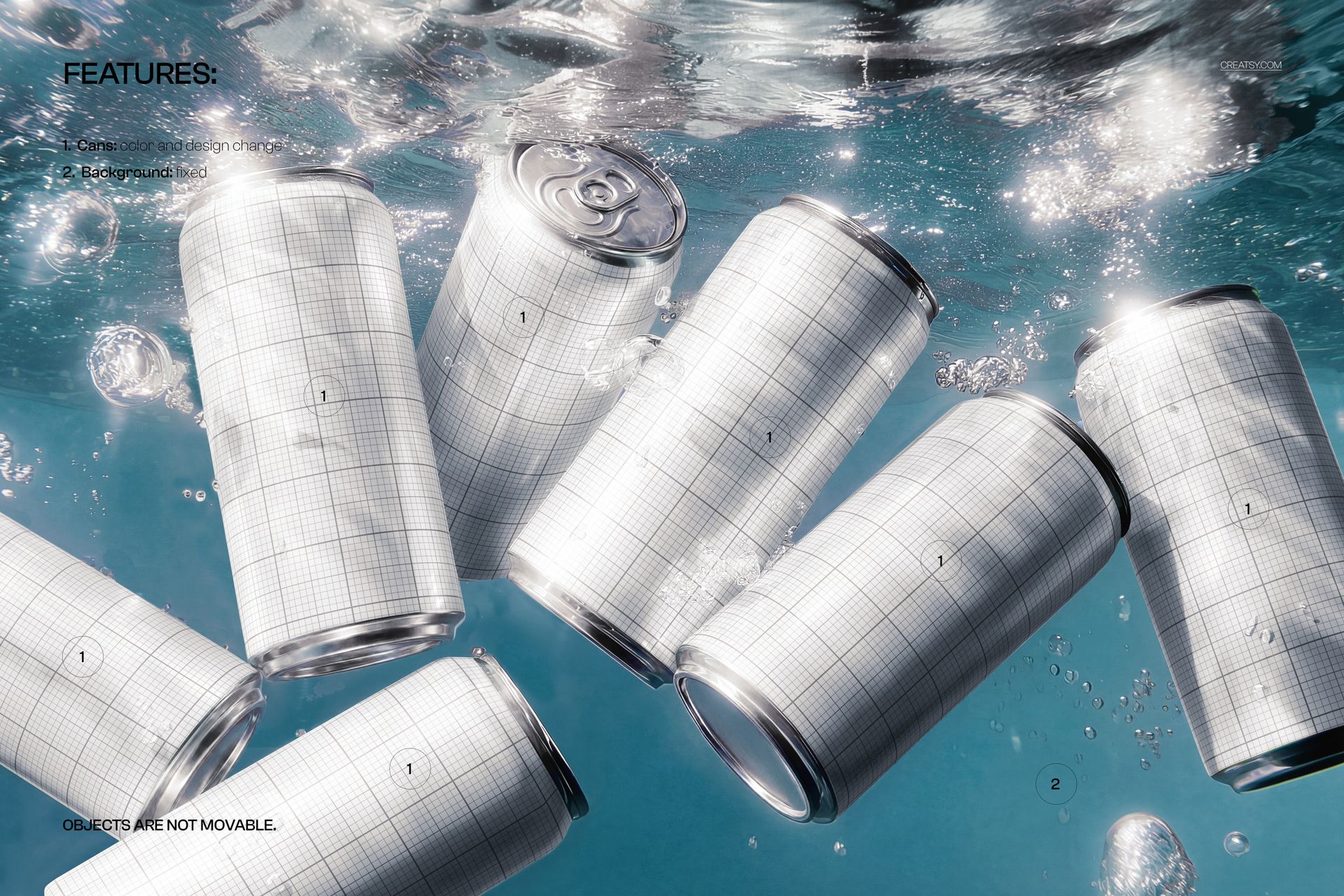
Each can is a smart object. Double-click one, paste your label or full wrap, and save - the design curves onto the can and picks up the scene's bubbles, highlights, and soft underwater blur, so it reads as printed metal rather than a flat sticker. The file ships blank; the colorful cans in the previews are display artwork, shown to demonstrate a full range, and they are not included. You bring the labels, and the water, light, and bubbles are already built.
Use it to present a product line to a client, to anchor a launch page for a multi-flavor drink, or to fill a brand deck and social feed with one cohesive, high-energy image. One PSD stands in for a tank shoot that would otherwise need a dive housing, a lighting rig, and a very patient photographer.
What you get
One layered .psd mockup of six soda cans underwater with bubbles and caustic light, plus a .jpg of the scene
5000 x 3300 px at 300 dpi, wide landscape format
Smart objects on the cans, so each one takes its own label
Well organized, clearly named layers
About 260 MB on Windows and 272 MB on Mac once unzipped
How it works
Open the .psd in Adobe Photoshop (CC2020 or newer), or free in Photopea.
Double-click a can smart object to open its own canvas.
Paste your label, fit it to the guide, and save that tab.
Repeat for the other cans, then export the full underwater scene as a JPG or PNG.
Specifications
Files: layered .psd plus a .jpg
Dimensions: 5000 x 3300 px, landscape
Resolution: 300 dpi
Scene: six aluminum cans, underwater with bubbles
Editable: can labels through smart objects
Software: Adobe Photoshop CC2020 or newer, and Photopea (free, browser-based)
File size: 260 MB Windows / 272 MB Mac
Layers: organized and named
Who it is for
It suits beverage brands showing a full flavor range, print-on-demand and drinkware sellers who want a lineup image rather than a single can, and branding or packaging designers pitching a whole product family. Because the cans are plain aluminum, the set works for sodas, sparkling water, seltzer, energy drinks, or iced coffee. For a launch page, an Etsy or Shopify listing, or a summer campaign, it hands you a cohesive range shot without a shoot. It is also a strong fit for a distributor or wholesaler presenting a catalog of house brands, and for a social team that needs one hero image to carry a multi-flavor launch across a week of posts.