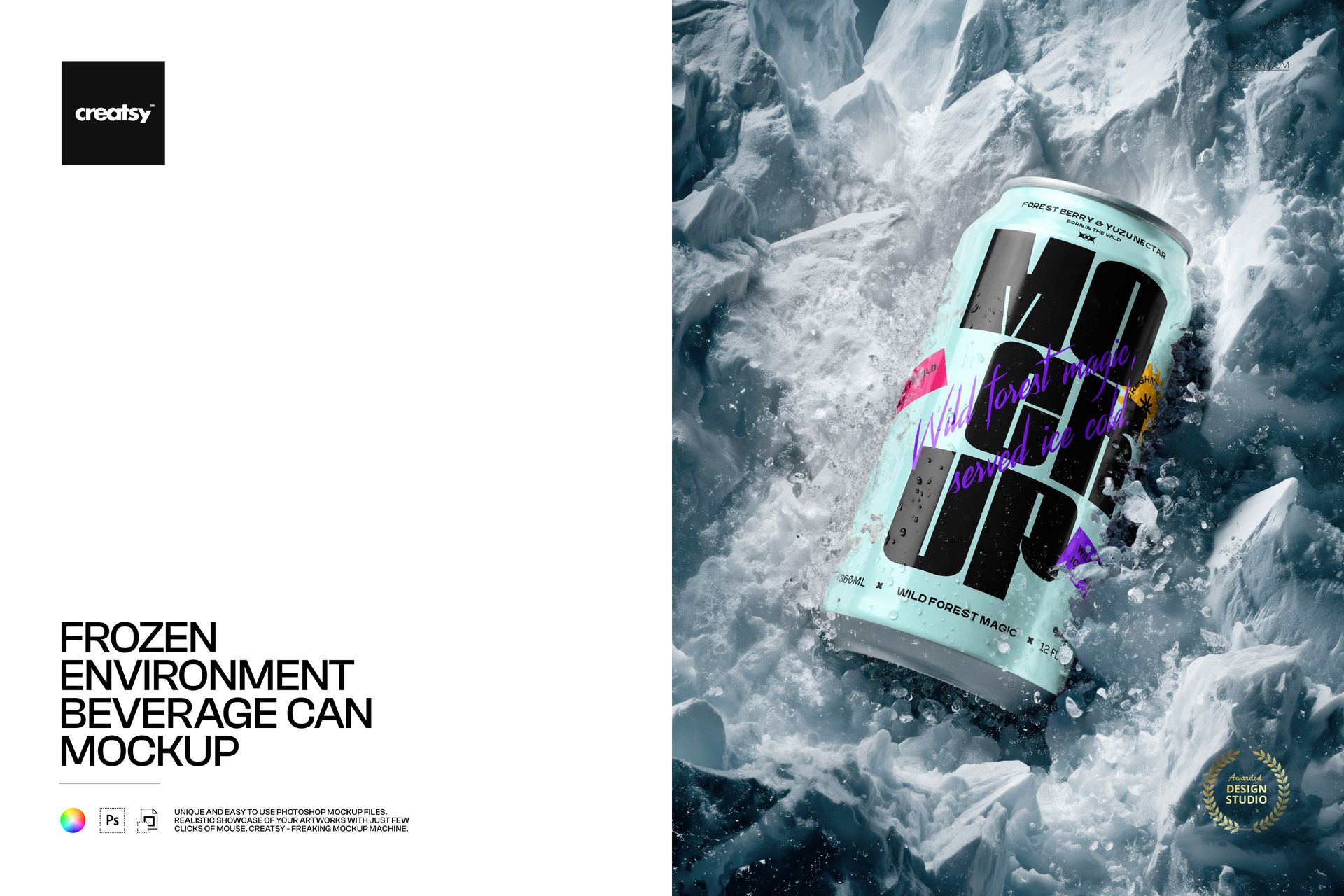
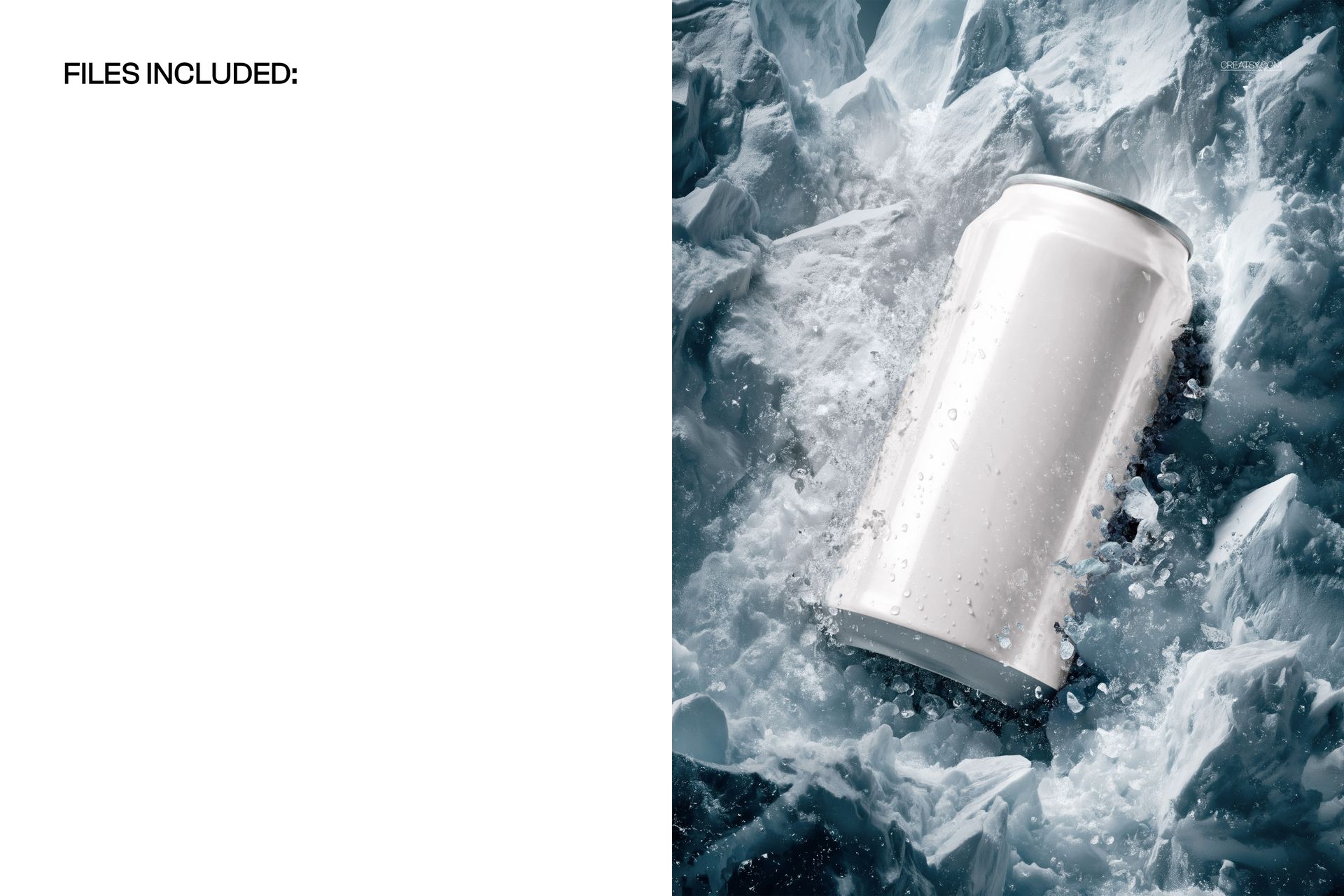
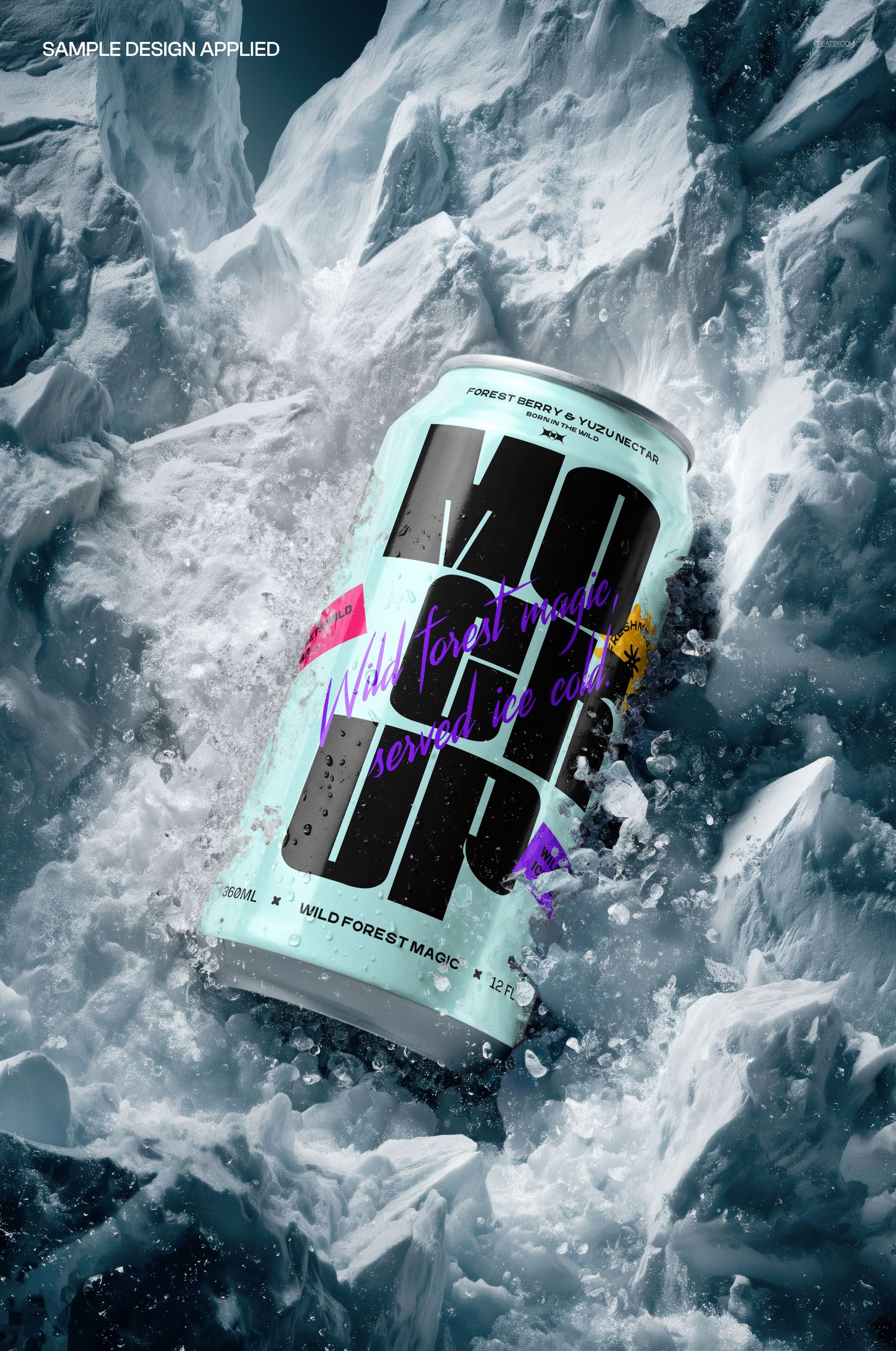
The Frozen Environment Beverage Can Mockup from Creatsy places a standard beverage can on a surface of crushed ice with frozen water spray and frost particles suspended around the can. The icy environment creates an immediate visual association with cold refreshment, making this mockup ideal for energy drinks, sparkling water, craft beer, hard seltzer, and any beverage brand that wants to communicate ice-cold temperature in a single product image.
Why This Mockup Works
Beverage packaging that sits on a plain white background communicates nothing about the drinking experience. Buyers and retail partners respond to product images that trigger a sensory reaction, and a can surrounded by crushed ice and frozen spray does exactly that. This mockup places your label design in a setting that instantly signals refreshment, cold temperature, and premium quality. The frozen particles and ice texture add depth and visual interest that stops viewers mid-scroll on crowded marketplace pages and social media feeds. Use this as your hero product image, seasonal campaign visual, or point-of-sale display artwork where immediate impact matters.
What Is Included
You receive 1 layered PSD file at 5300x3500 px and 300 DPI resolution. The file contains a beverage can centered on a frozen surface of crushed ice, surrounded by airborne frost particles and frozen water spray. All elements are organized in clearly labeled layers, giving you precise control over the can label, ice surface, background, and atmospheric frost effects. The frozen environment was built from real ice and water photography, producing natural light refraction, ice texture, and frost details that look authentic rather than digitally rendered.
What You Can Customize
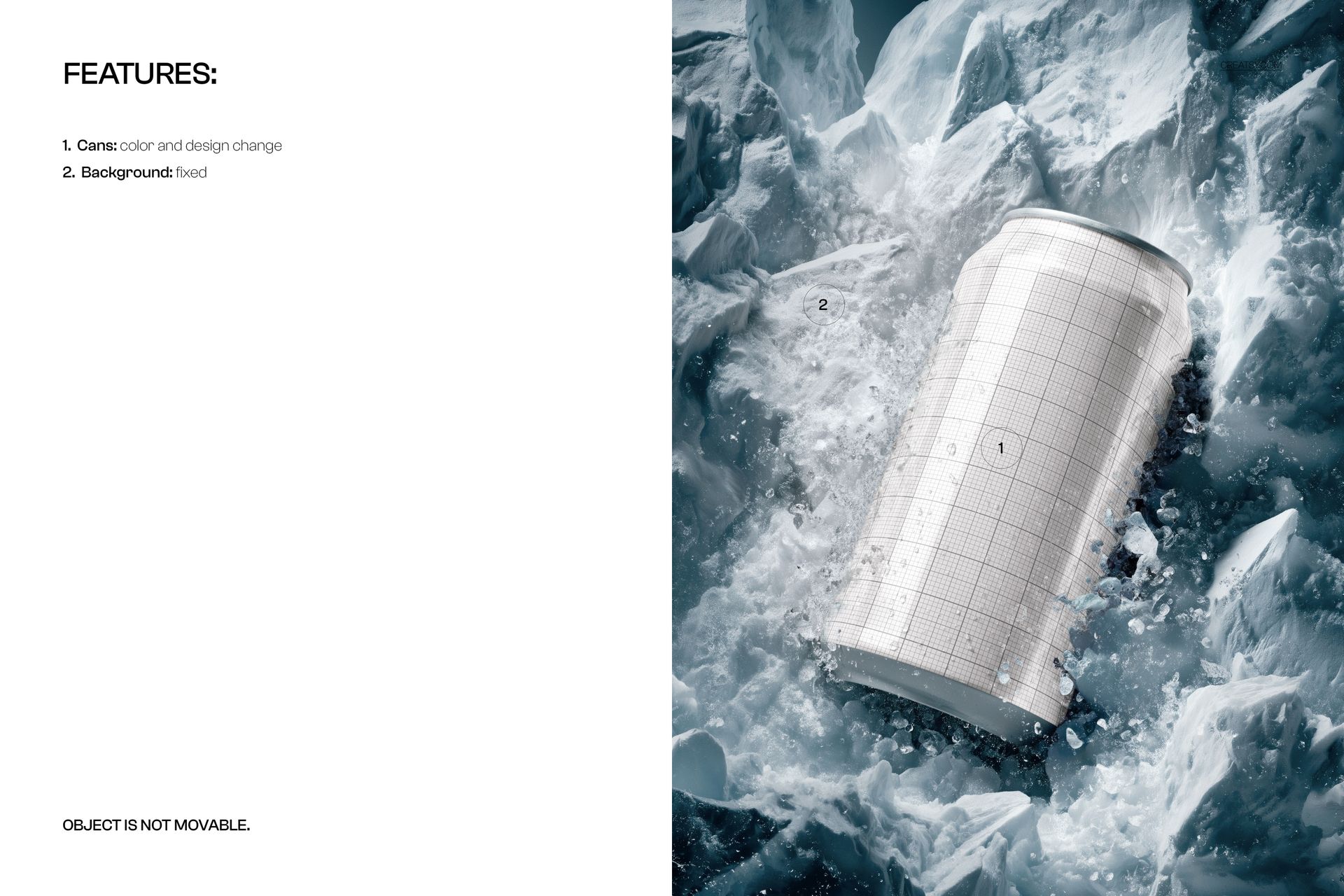
The can label is applied through a smart object layer. Double-click, paste your artwork, save, and the main canvas updates with your design wrapped around the cylindrical can surface with accurate curvature, highlight reflections, and shadow interaction with the surrounding ice. Background color and lighting intensity are adjustable through dedicated layers. The frost and ice particle effects can be modified in opacity or repositioned to frame your label design. The can maintains realistic metallic reflections and condensation details that respond naturally to whatever label artwork you apply.
Who This Mockup Is For
This mockup serves beverage brands launching new products who need packaging visualization before production runs are complete. Energy drink and sparkling water companies use the frozen setting to reinforce cold refreshment positioning in marketing materials. Craft breweries and hard seltzer brands create seasonal promotional images and tap room display artwork. Packaging designers present label concepts to clients in a context that sells the drinking experience, not just the graphic design. Print on demand sellers and Amazon FBA brands create product listing images that stand out from competitors using flat studio shots on white backgrounds.
File Specifications
Format: 1 PSD file with organized smart object layers. Canvas: 5300x3500 px. Resolution: 300 DPI for web, social media, print advertising, and point-of-sale displays. Compatibility: Adobe Photoshop CC 2020 or newer. Also works in Photopea, a free browser-based PSD editor with smart object support. File size: 146.1 MB.