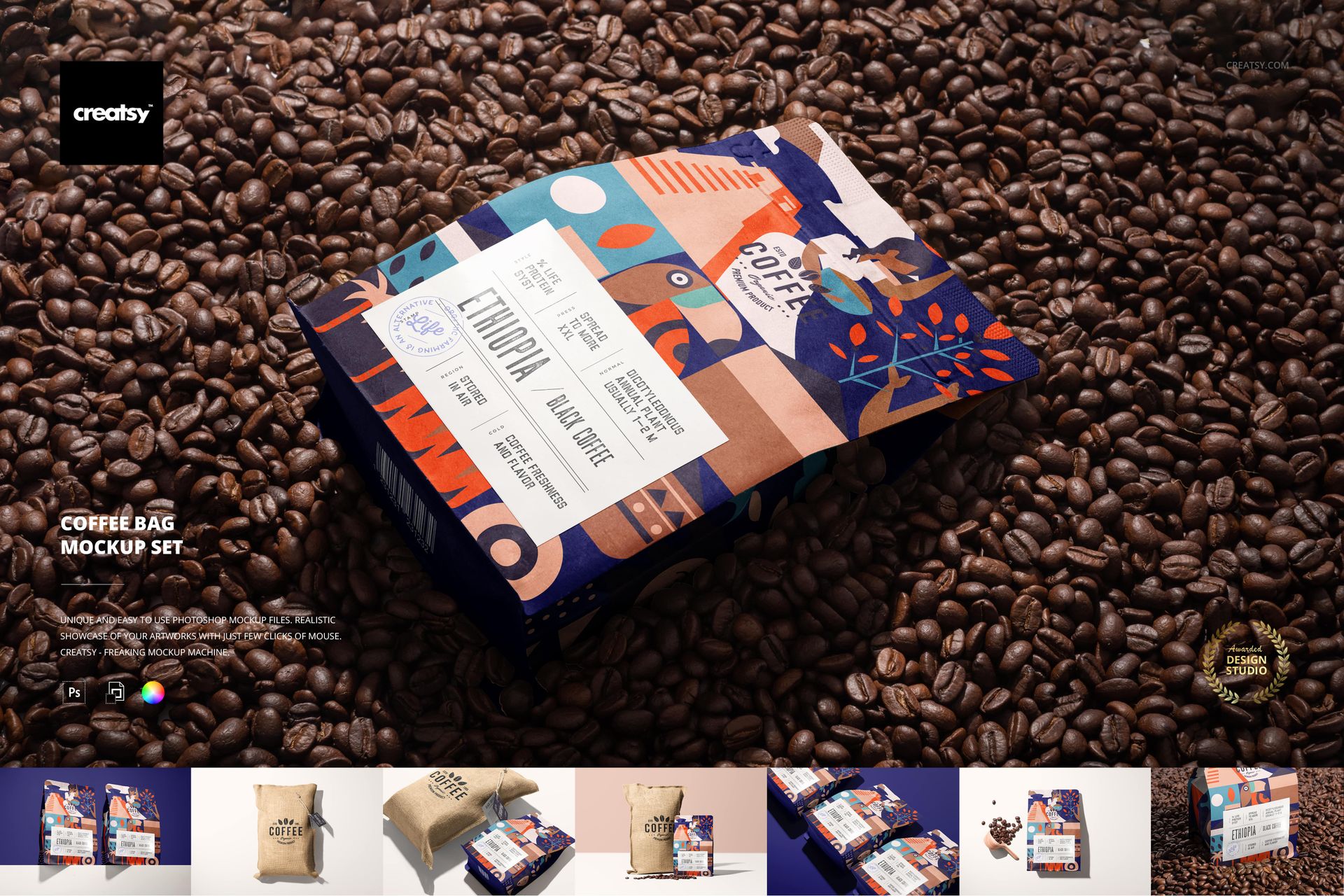
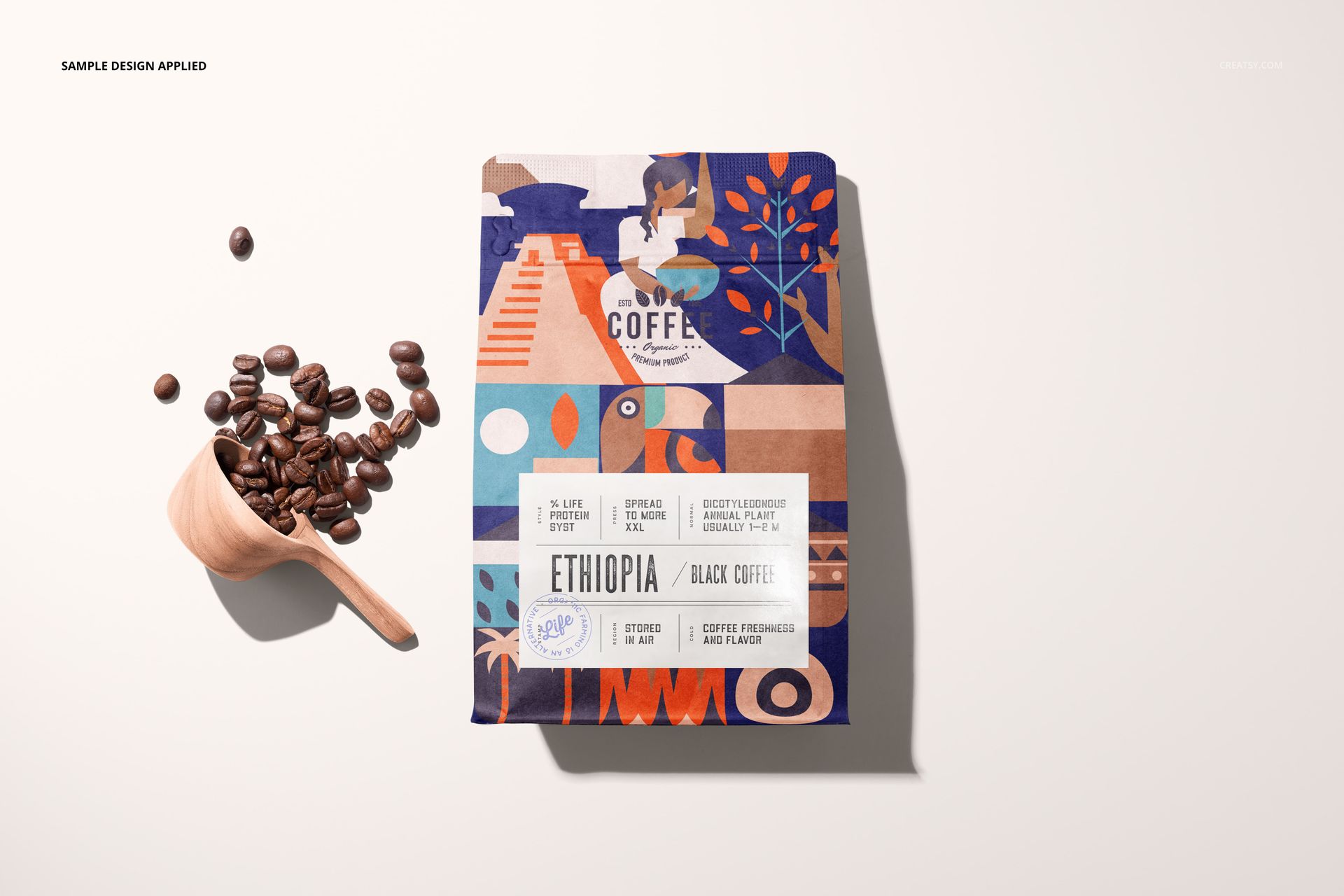
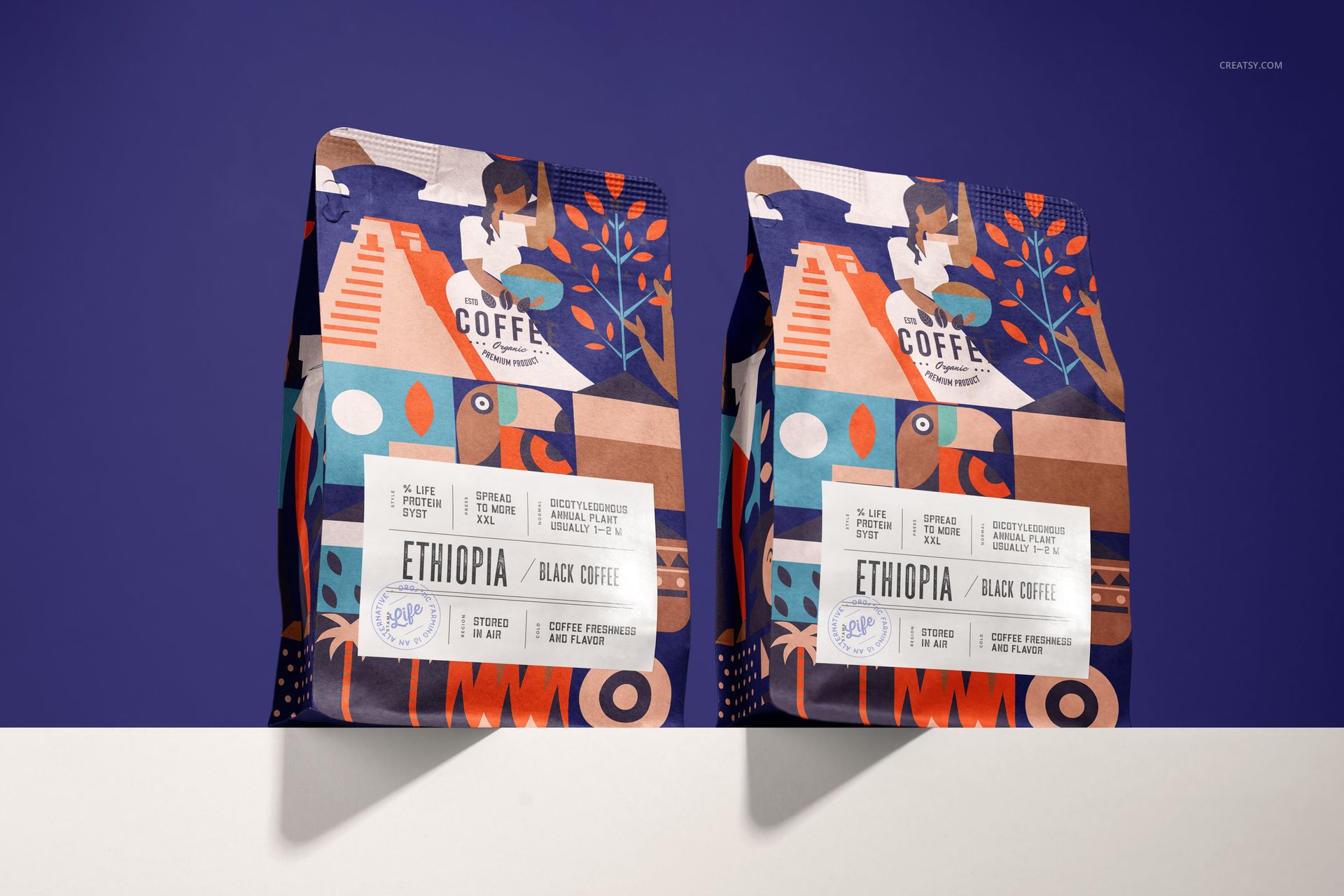
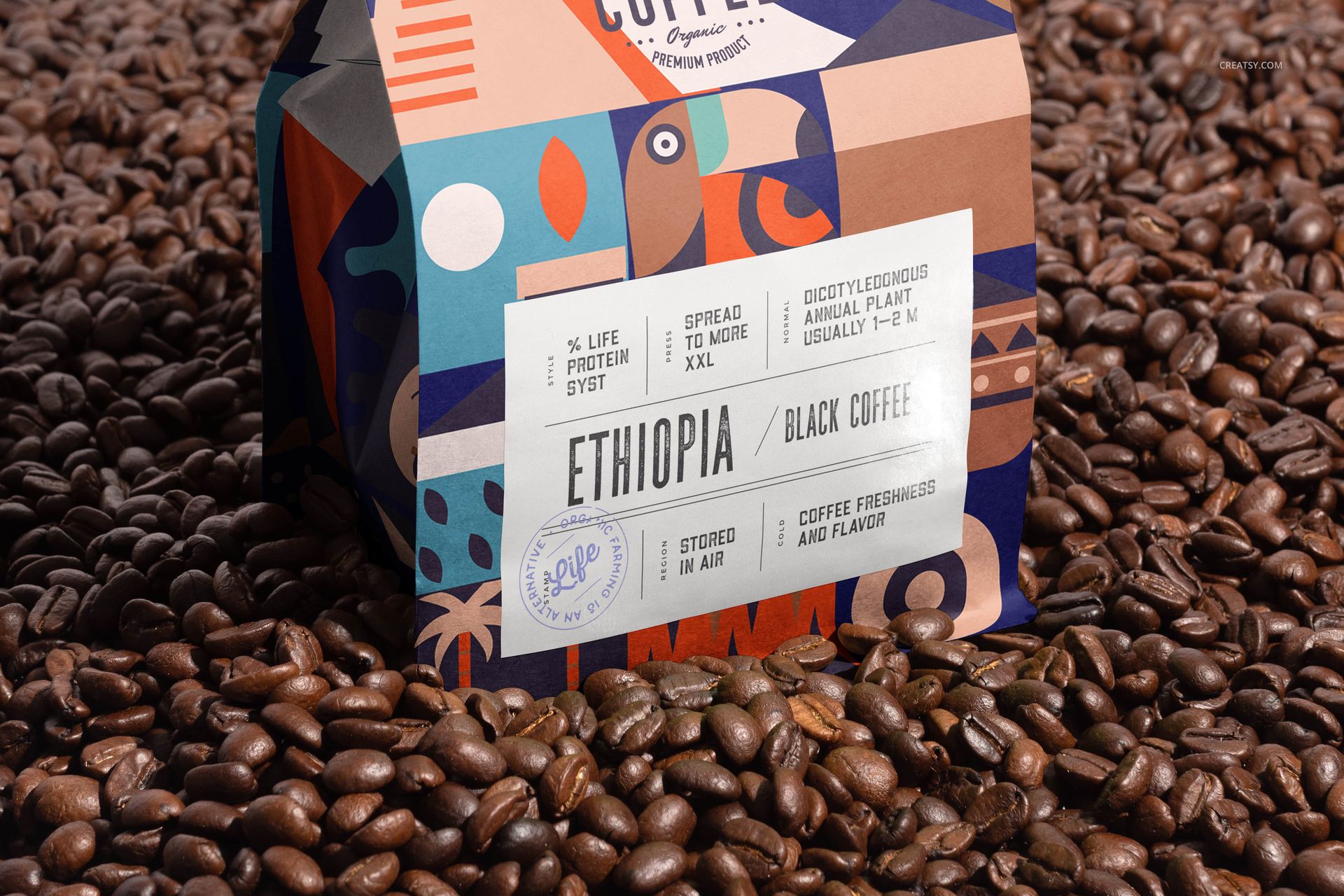
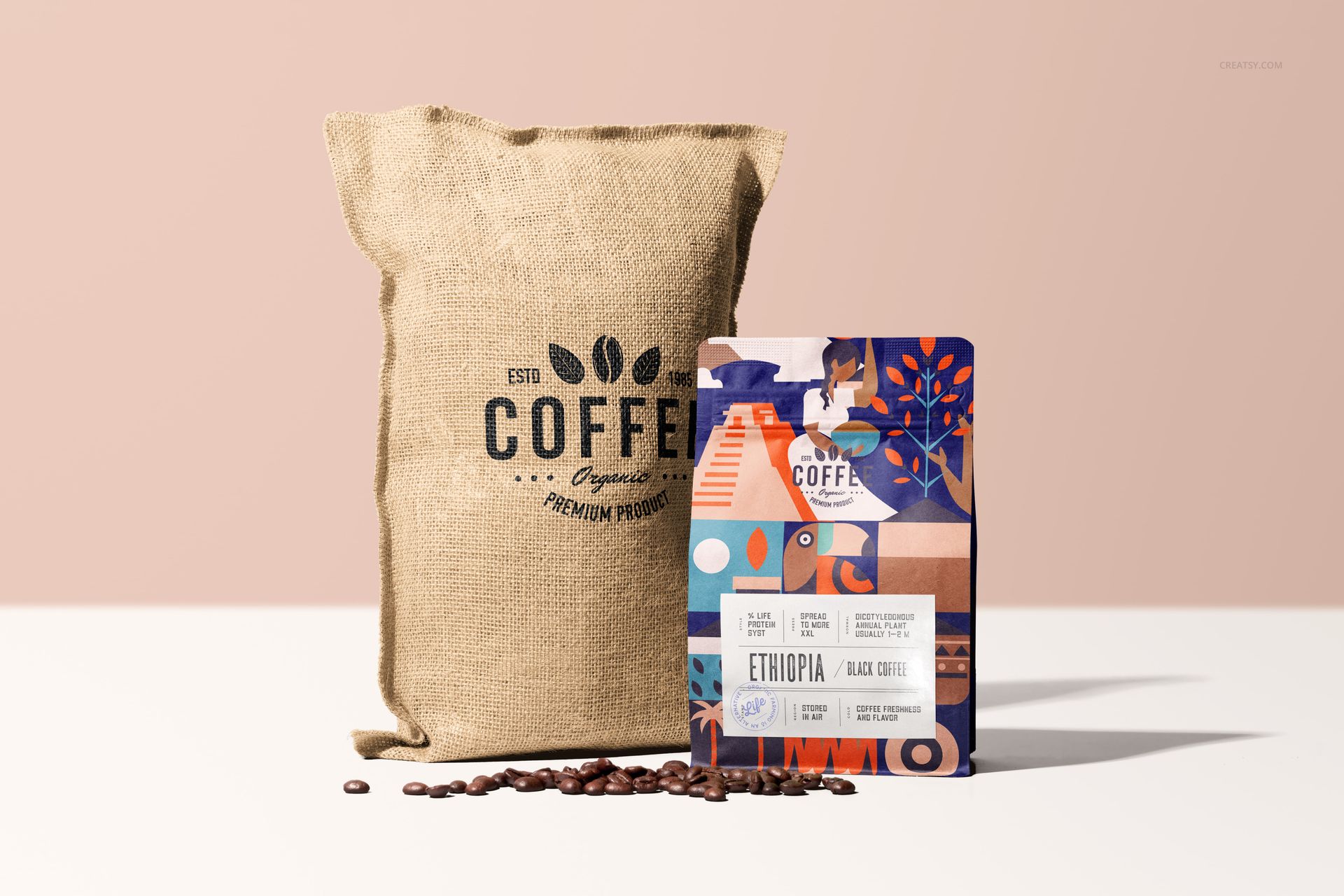
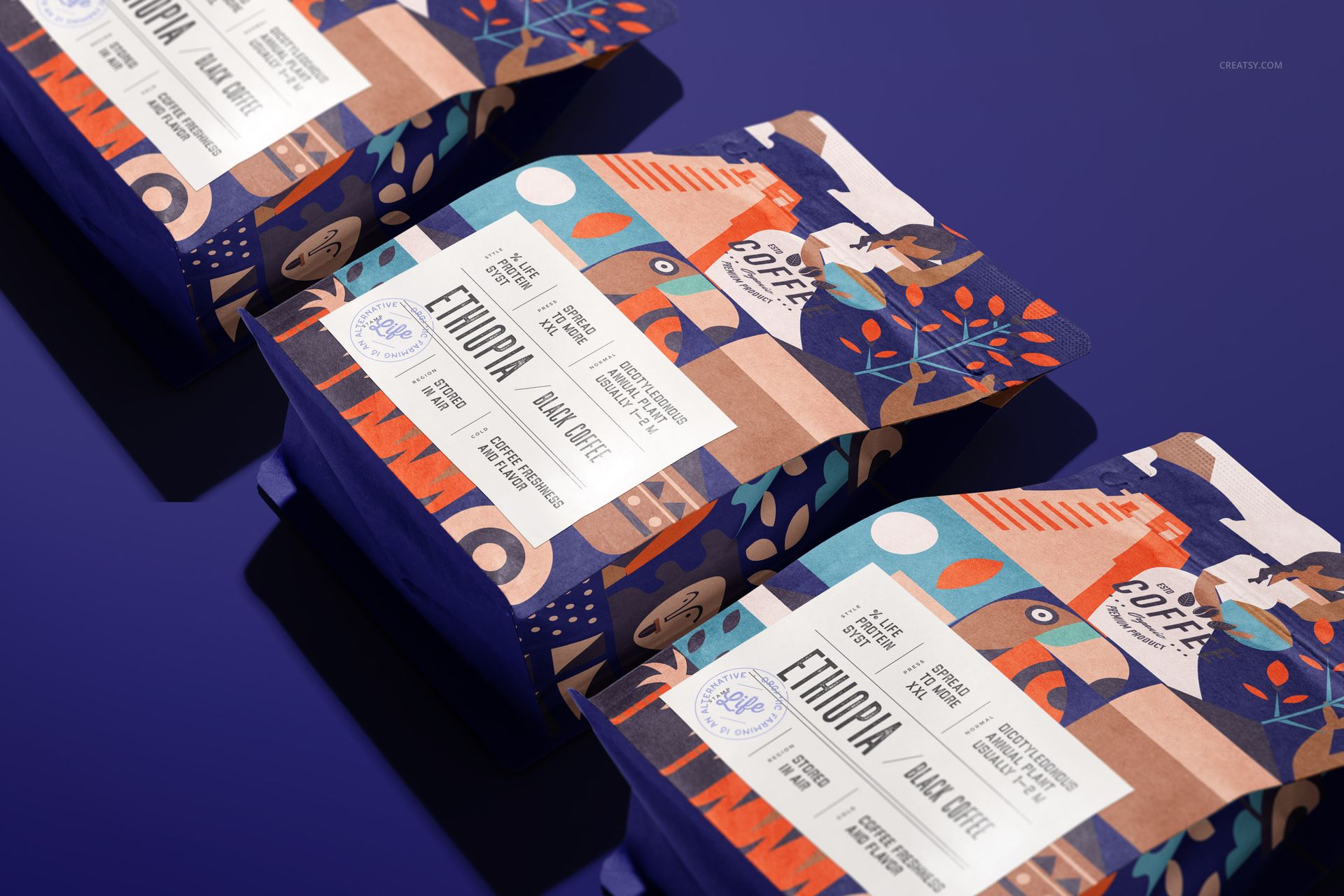
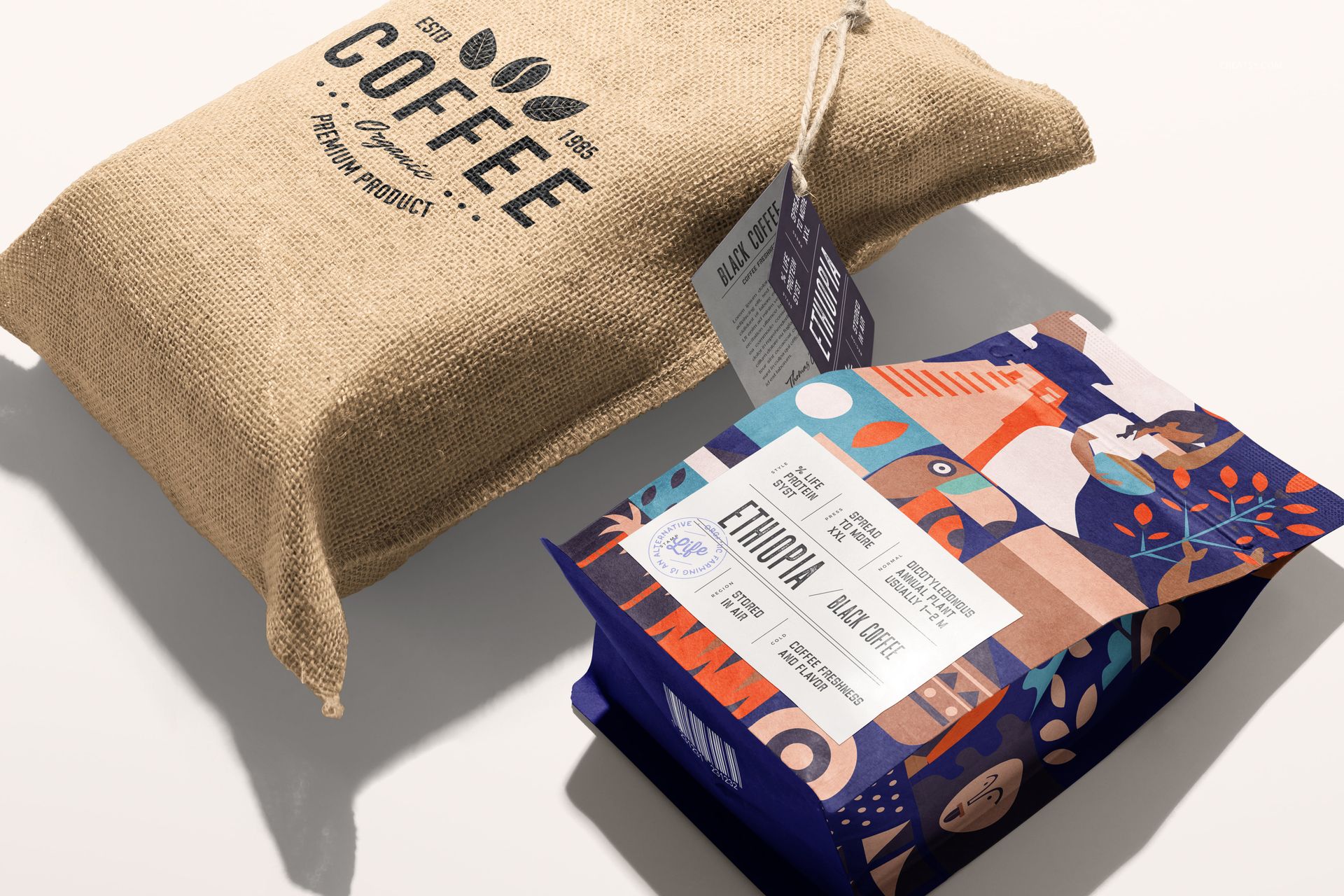
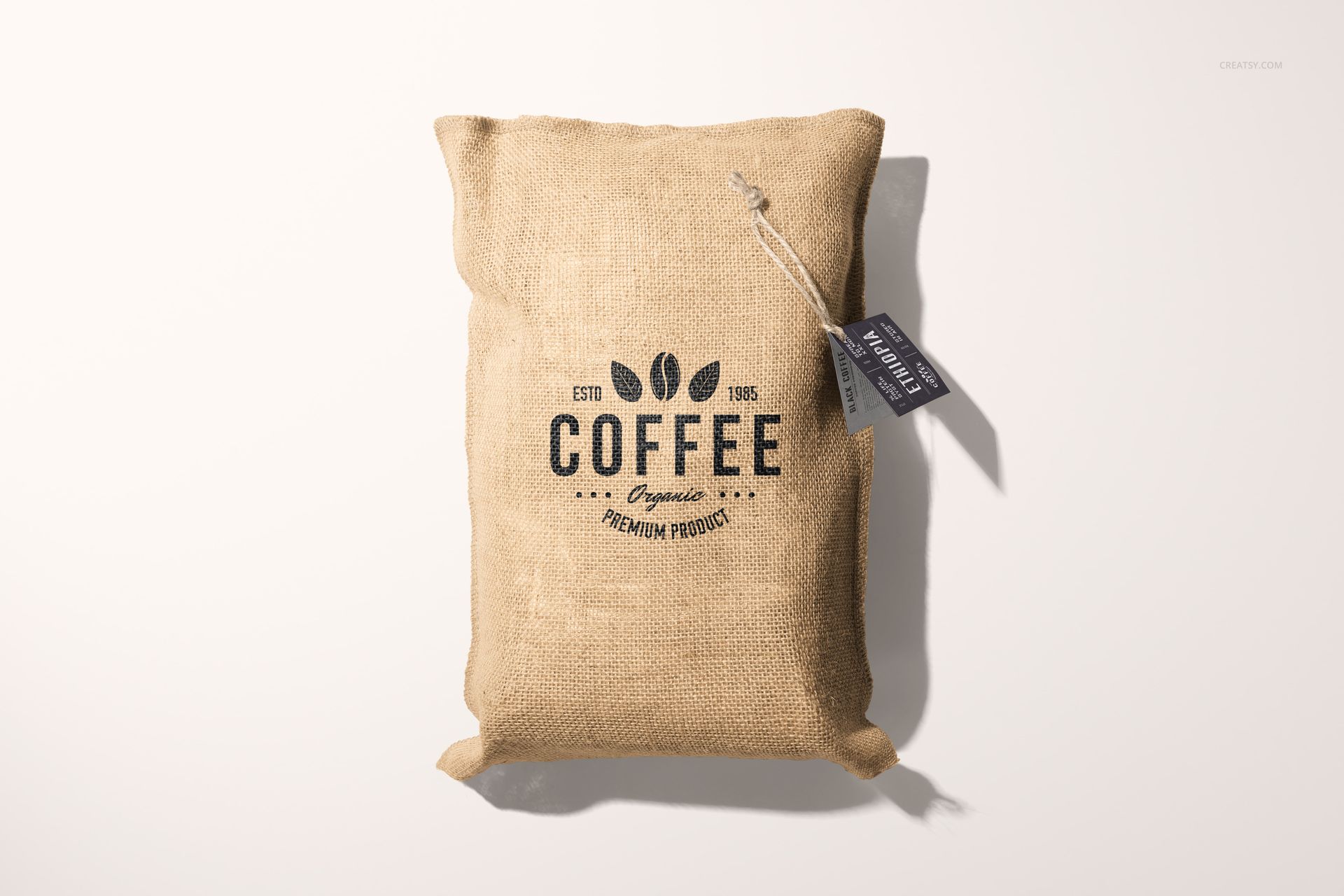
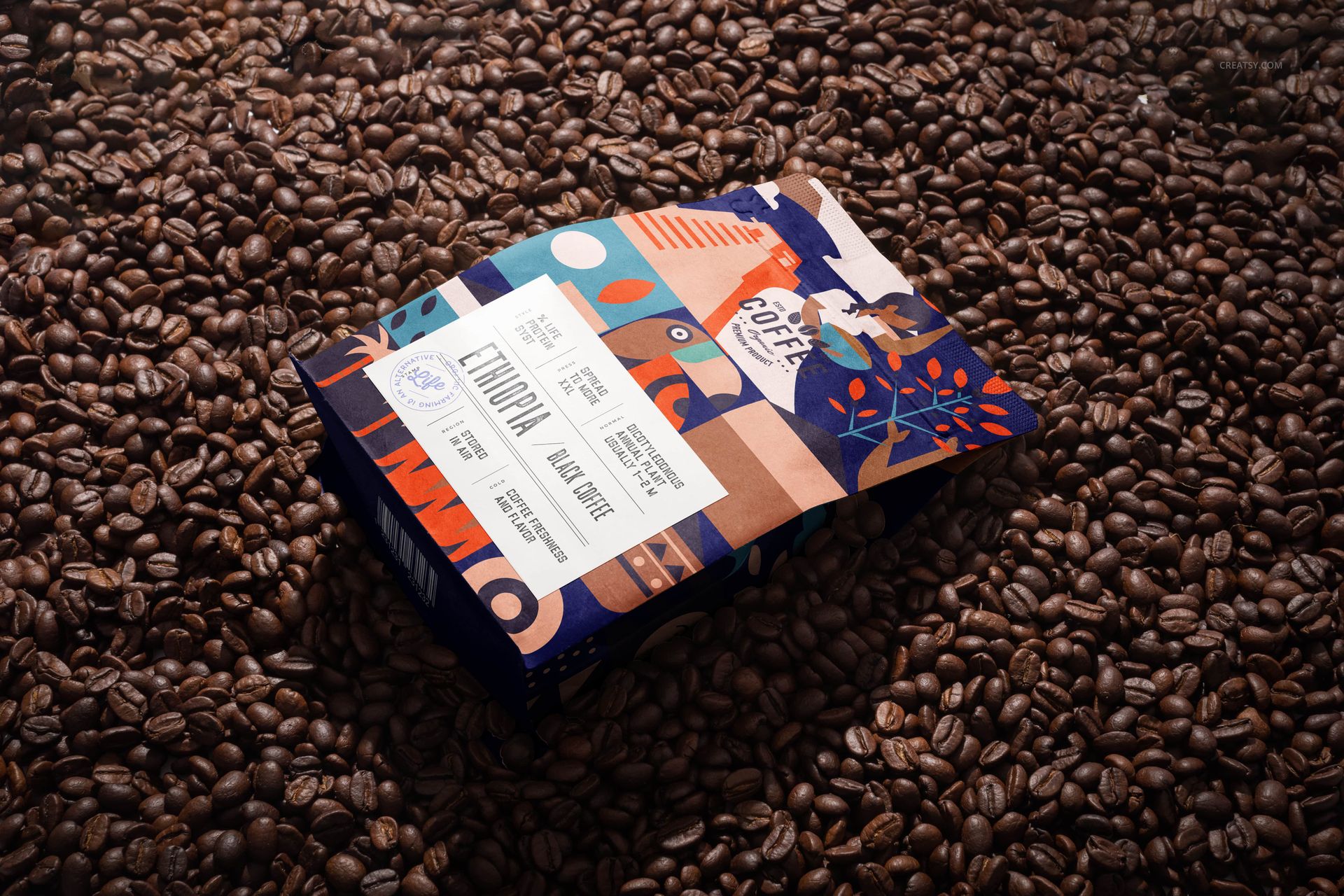
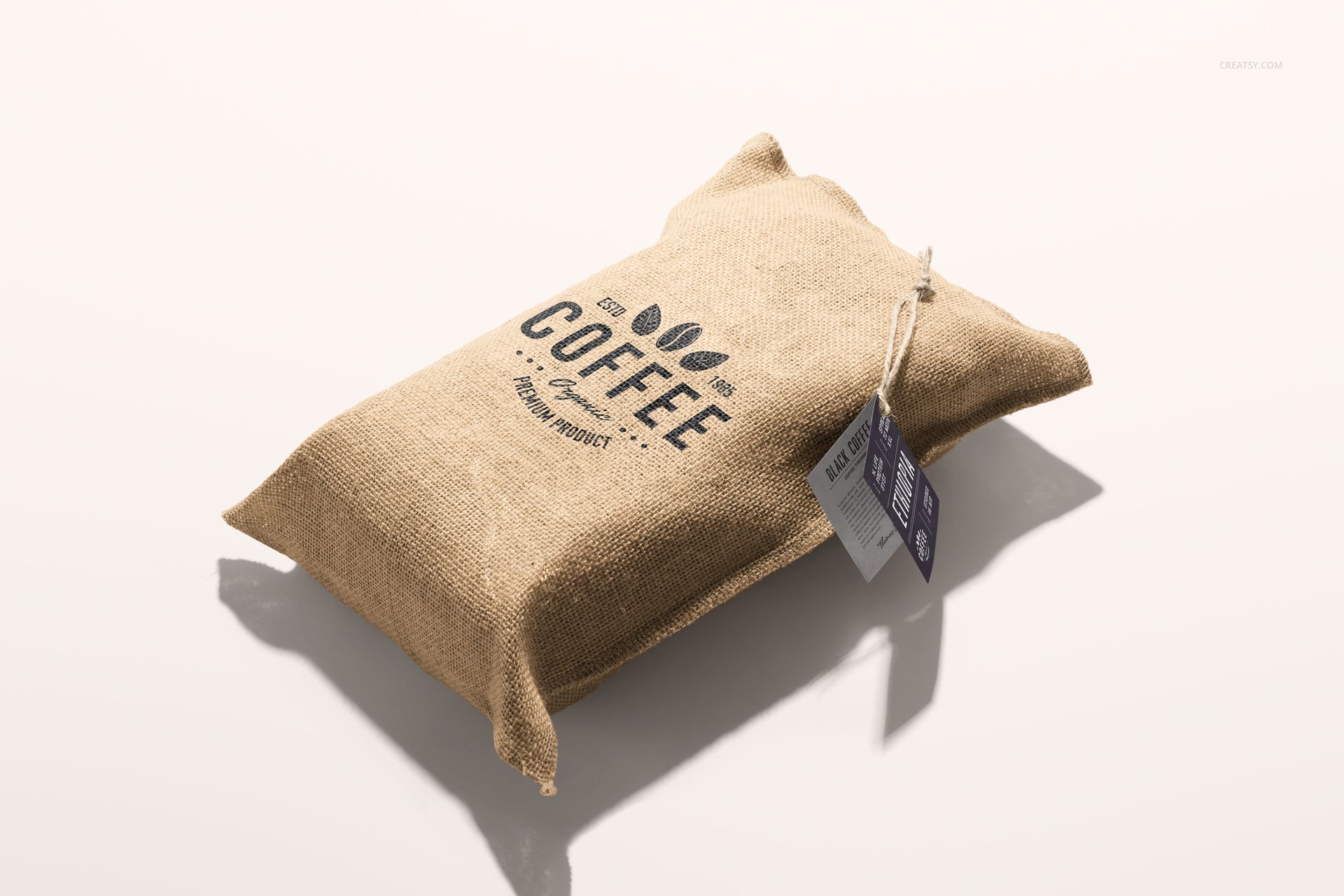
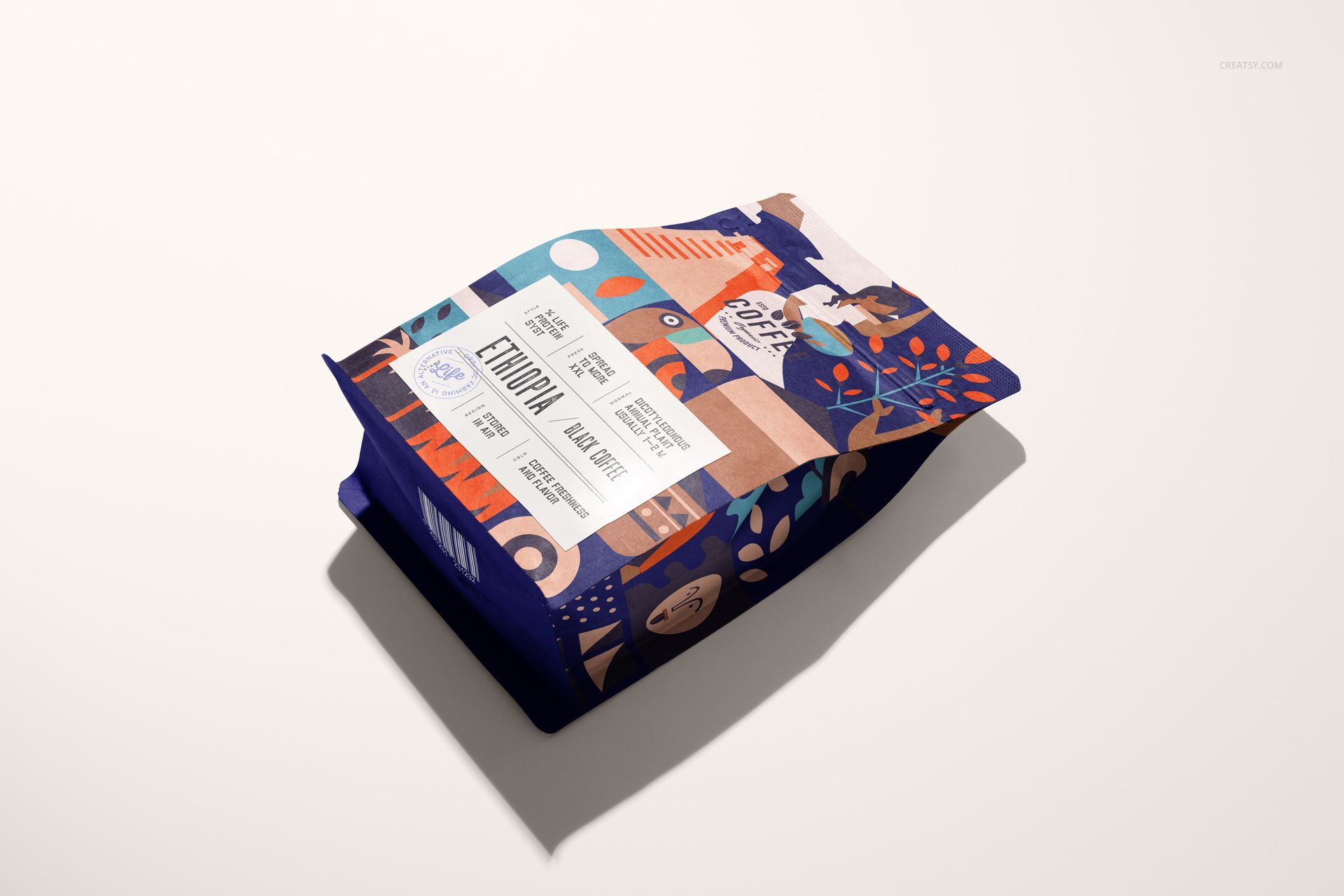
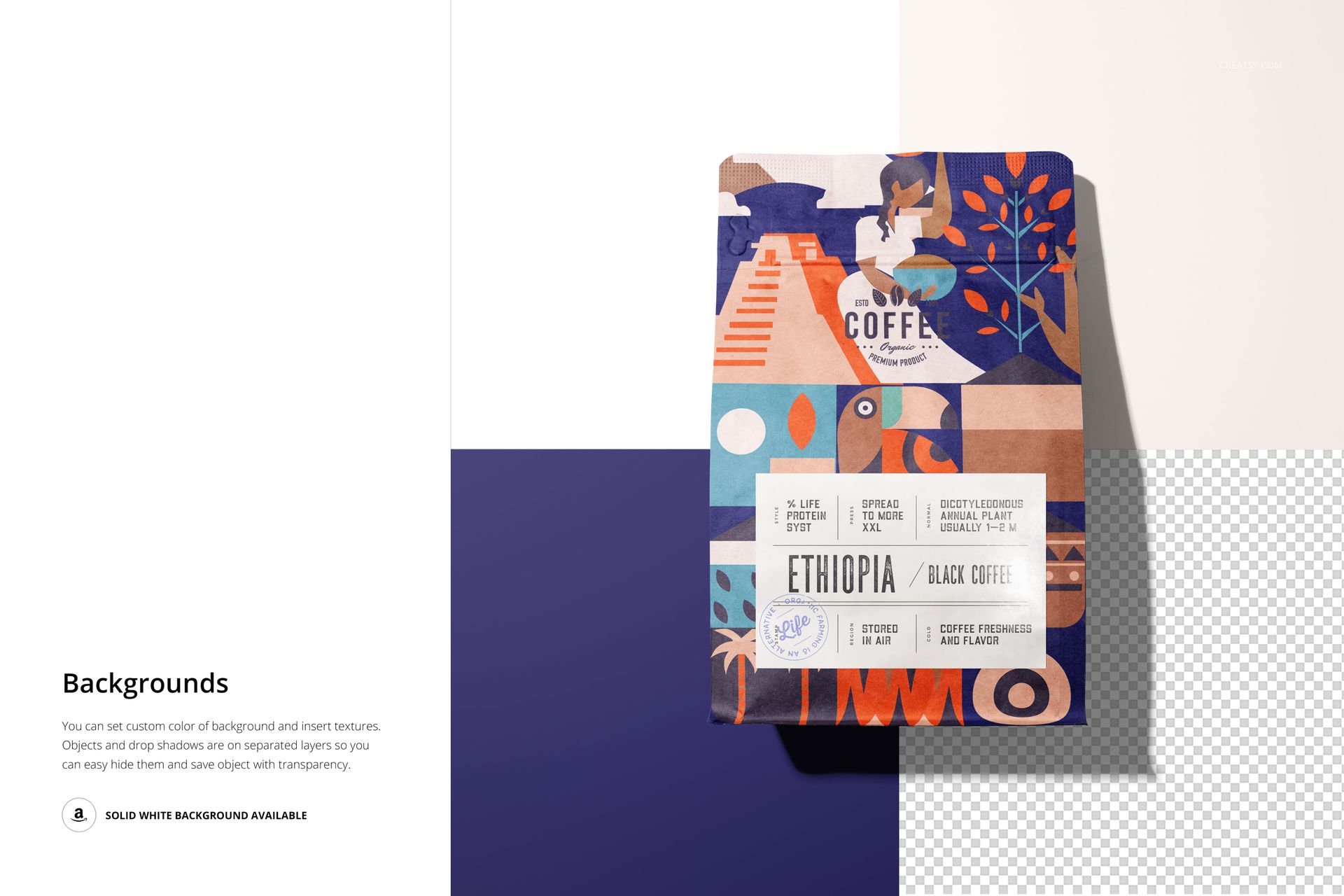
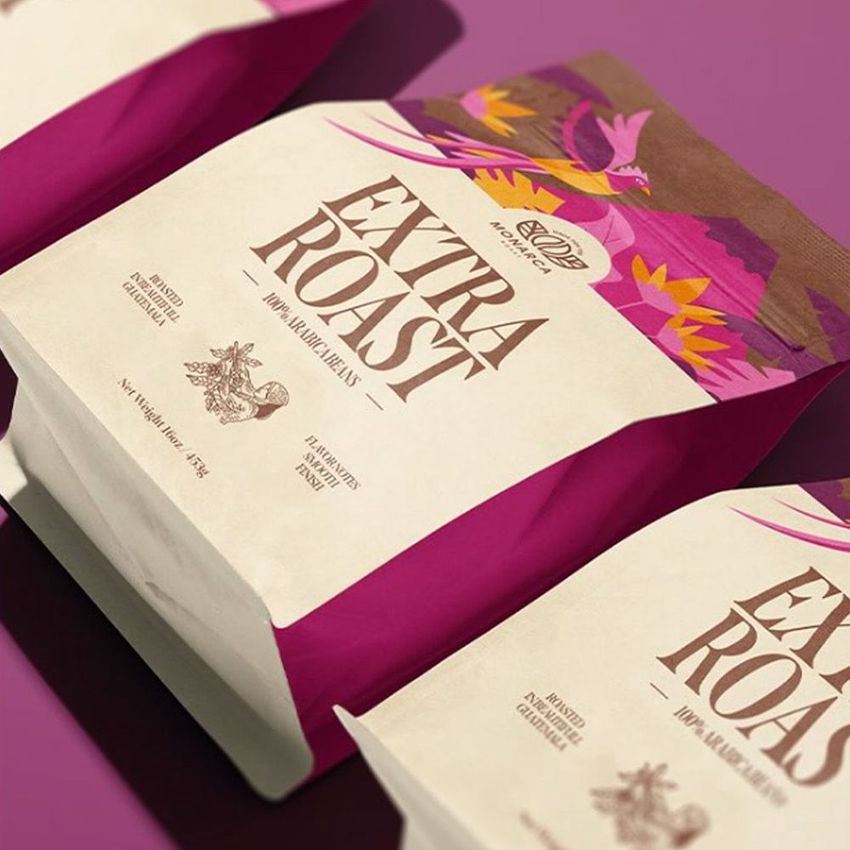
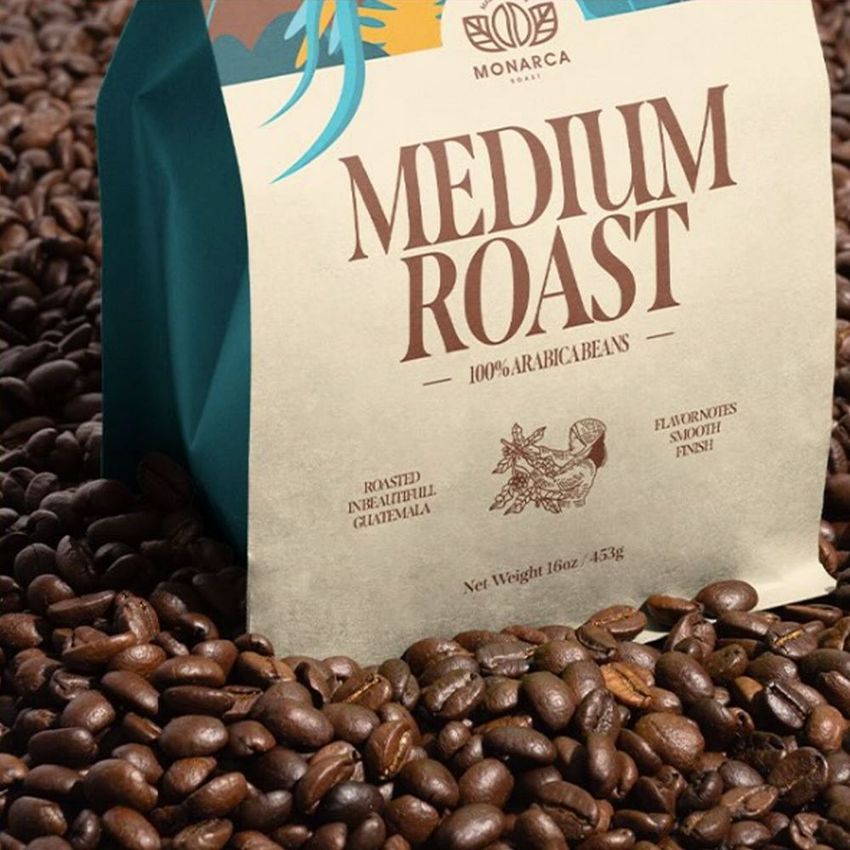
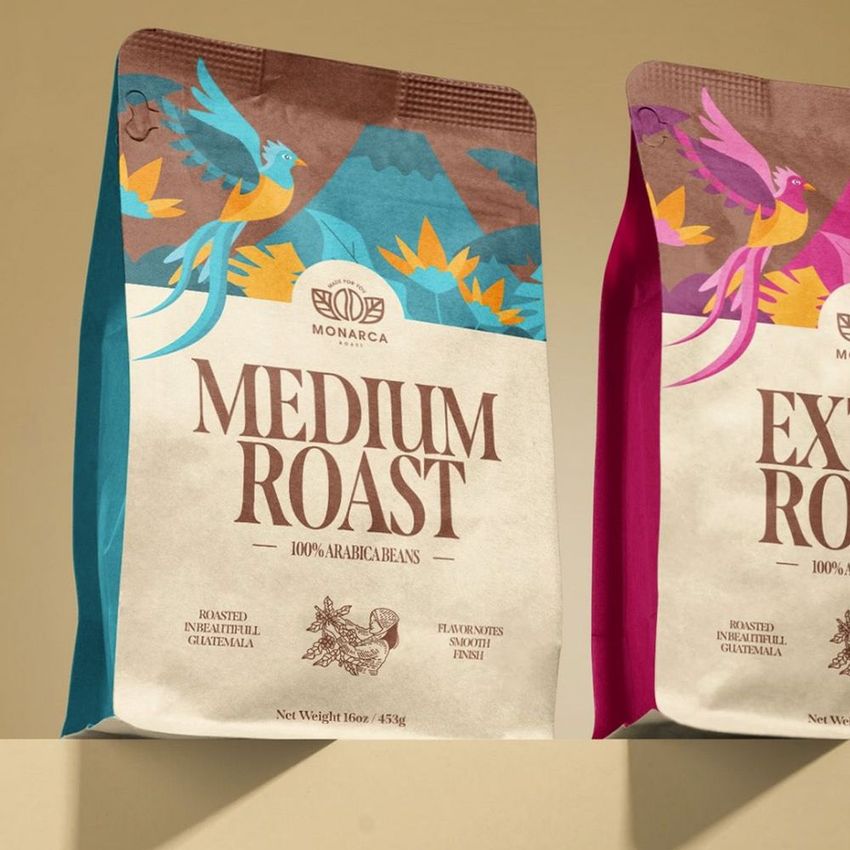
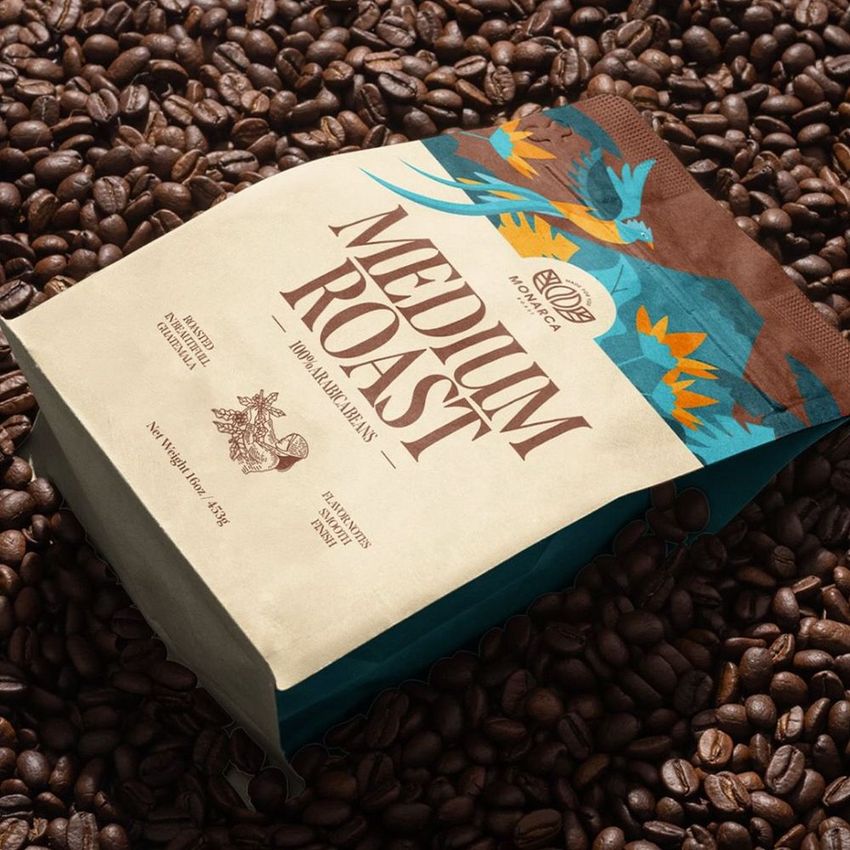
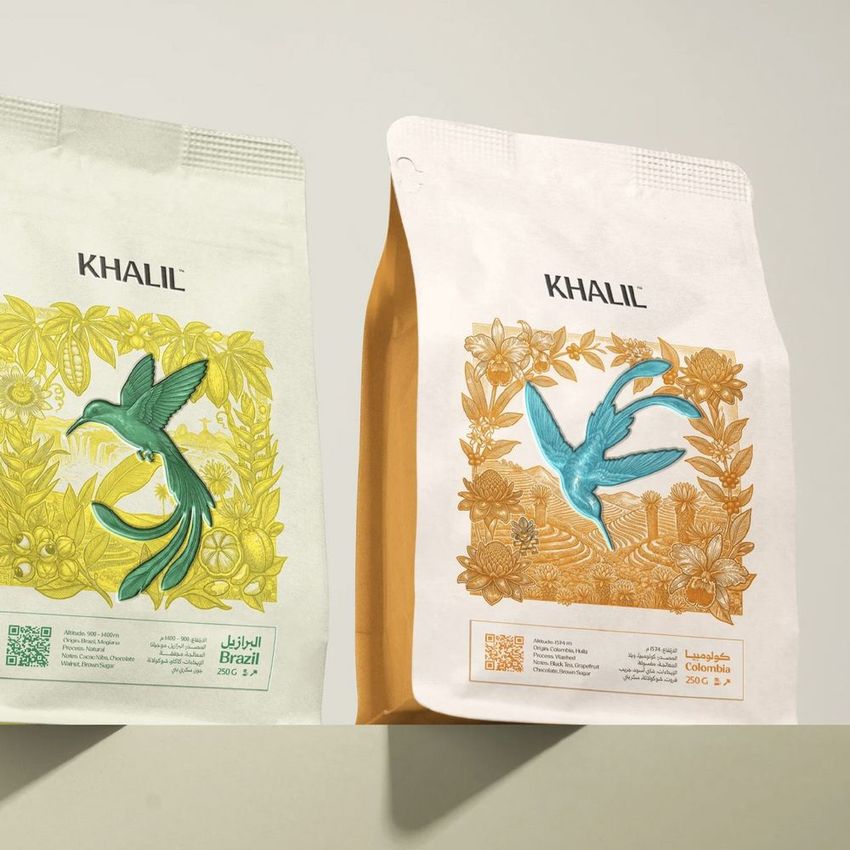
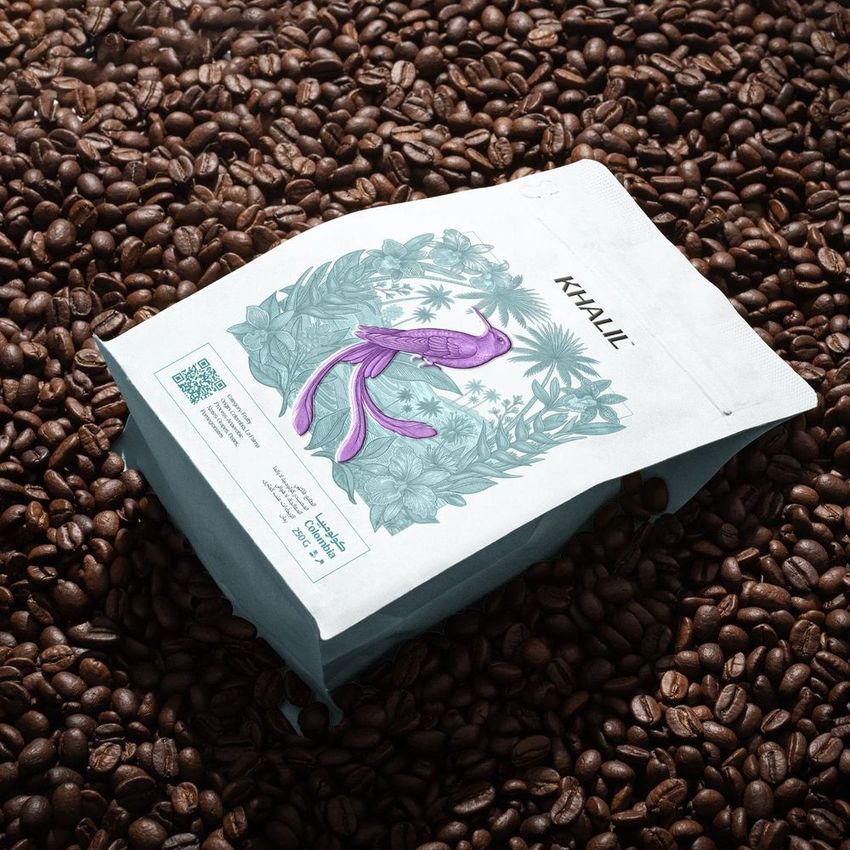
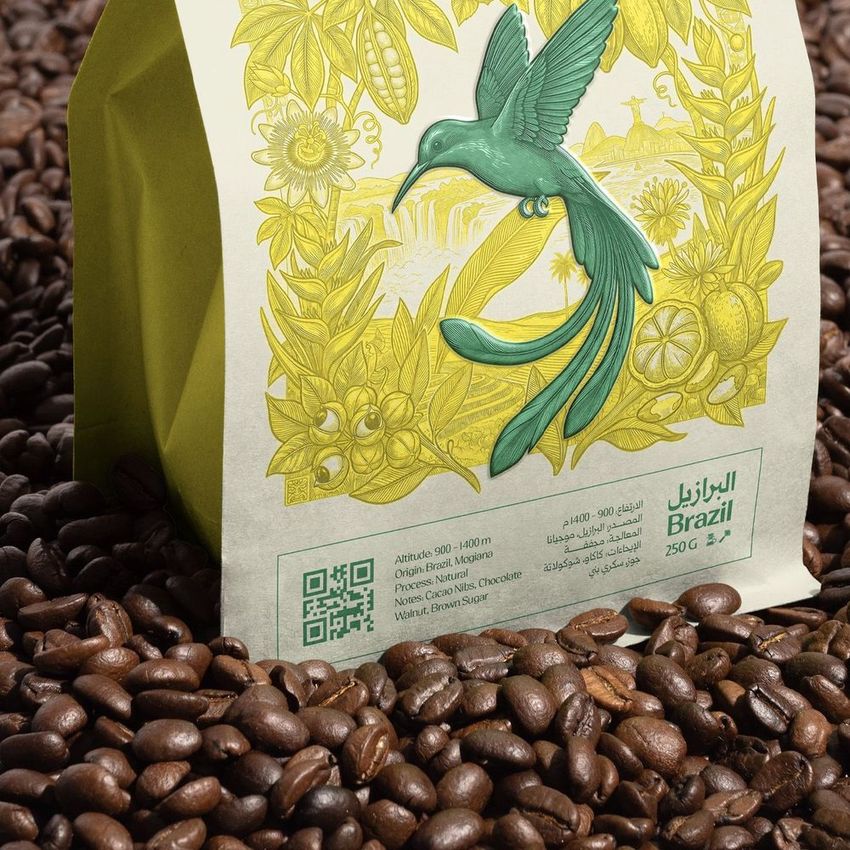
Show your coffee brand on a full set of bags and sacks. This coffee bag mockup set gives you ten Photoshop scenes of coffee packaging: flat-bottom pouches and jute sacks, standing and lying, on clean white and on a bed of roasted beans. Place your design and shape it to the bag with the Photoshop warp tool, so your label wraps around the folds and gussets like real printed packaging. The bag, the jute sack, the hang-tag label and the background each take your own color and design, so the whole shot works around your brand.
You get 10 PSD files at 6000 x 4000 px, 300 dpi. They are made for Adobe Photoshop, version CC2020 or newer, because the fitting uses the new warp tool from that version. Layers are named and well organized, so each part is easy to find.
What is in the set
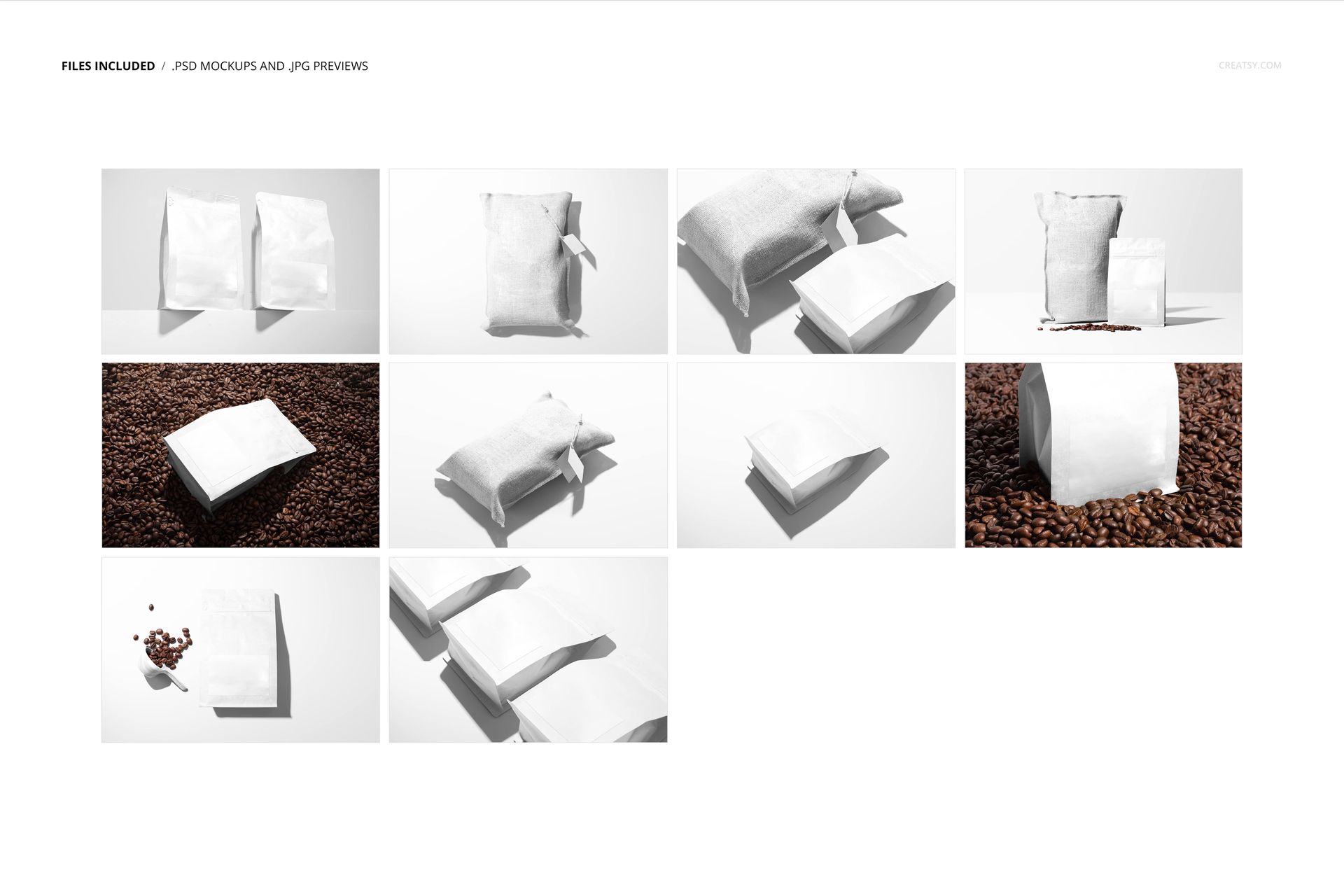
Ten separate scenes cover two packaging looks and several angles:
Flat-bottom coffee pouches, single and paired, standing and lying flat.
Rustic jute sacks with a hang tag, for a craft, roastery feel.
Clean white studio backgrounds for a catalog look.
Styled shots on a bed of roasted coffee beans for atmosphere.
What you can change
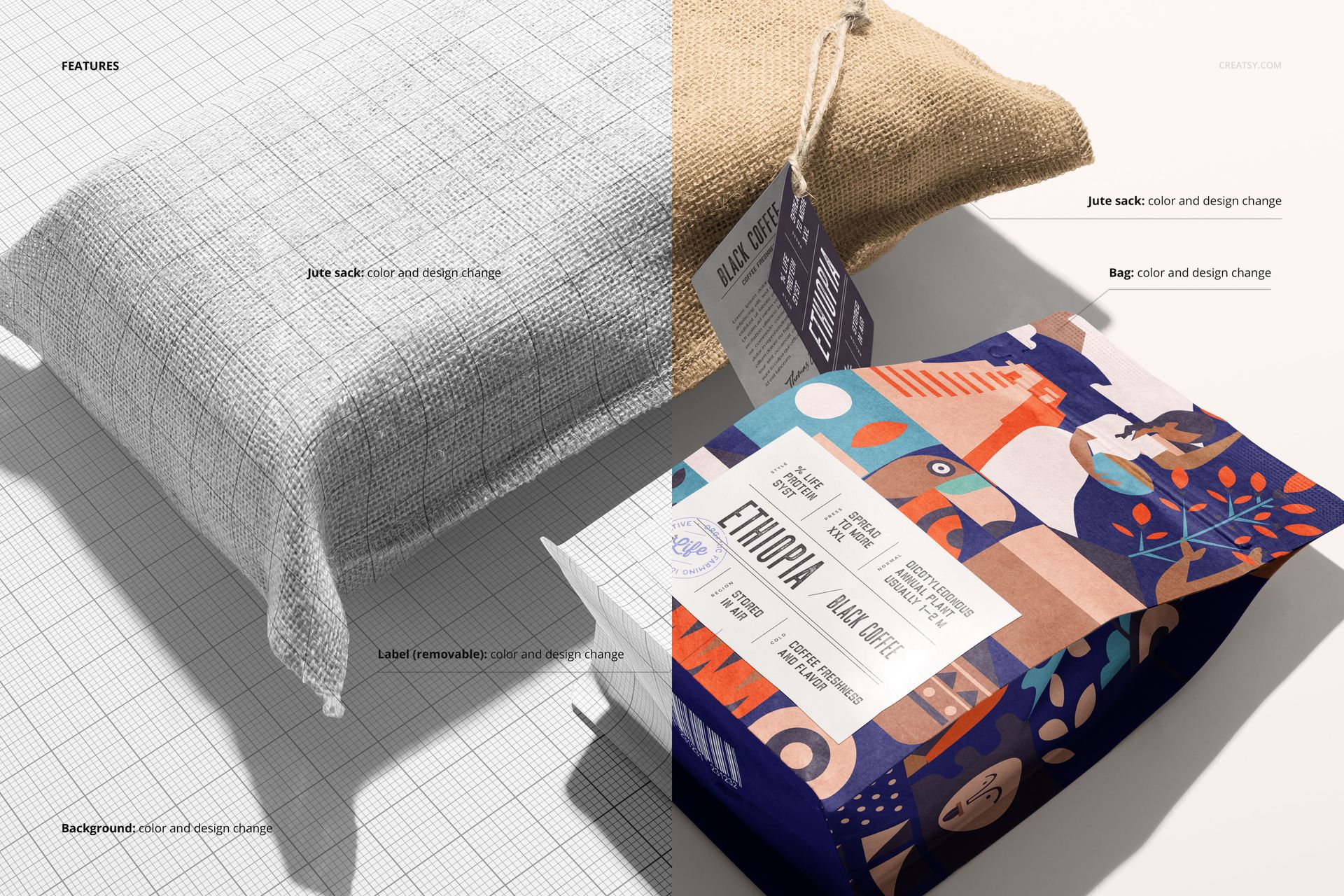
Every scene is set up so the packaging and the setting are yours:
Bag: color and design, for the flat-bottom coffee pouch.
Jute sack: color and design, for the burlap sack style.
Label: color and design, and it is removable, for the hang tag.
Background: color and design, so you can keep the white studio look, the coffee-bean scene, or add your own.
How the edit works
Place your artwork on the bag, then use the warp tool to shape it so it follows the seams, gussets and folds. Set the label and the background, and the scene is done. Because there are ten files, one brand design gives you a full gallery of packaging shots, from a clean studio pack to a styled scene on beans, without setting up a photo for each one. Everything stays on named layers, so you can go back and adjust a color or swap a design at any time.
Two bag styles in one set
The download covers two packaging looks at once: a modern flat-bottom coffee pouch and a rustic jute sack. That lets you show the same brand on a shelf-ready bag and on a craft, roastery-style sack, which is useful when a coffee brand runs more than one line or wants to test a direction before printing.
No photo shoot, no printed sample
Photographing coffee packaging well means printing a sample, styling beans and lighting a set. This set skips all of that: you fit a design, set the colors and export a clean, styled shot, then repeat across the ten files. It is a fast way to pitch a label to a client, test a direction or fill a shop listing before anything goes to print.
Who it is for
Coffee roasters and coffee brands, food and beverage packaging designers, branding studios, and Etsy or Shopify sellers with coffee or specialty food packaging. It suits a single-origin label, a subscription pack or a wholesale range, and gives a new roastery a photographed, on-shelf look before the first bag is printed.
What is in the download
Ten .psd scenes plus .jpg previews in a single zip. Layers are named and grouped by element, so you can move through the set quickly and keep your edits tidy.
File and software details
10 layered PSD files
6000 x 4000 px, 300 dpi
Adobe Photoshop CC2020 or newer, using the new warp tool
bag, jute sack, label and background take color and design
removable hang-tag label
well organized, named layers