About this soda can mockup
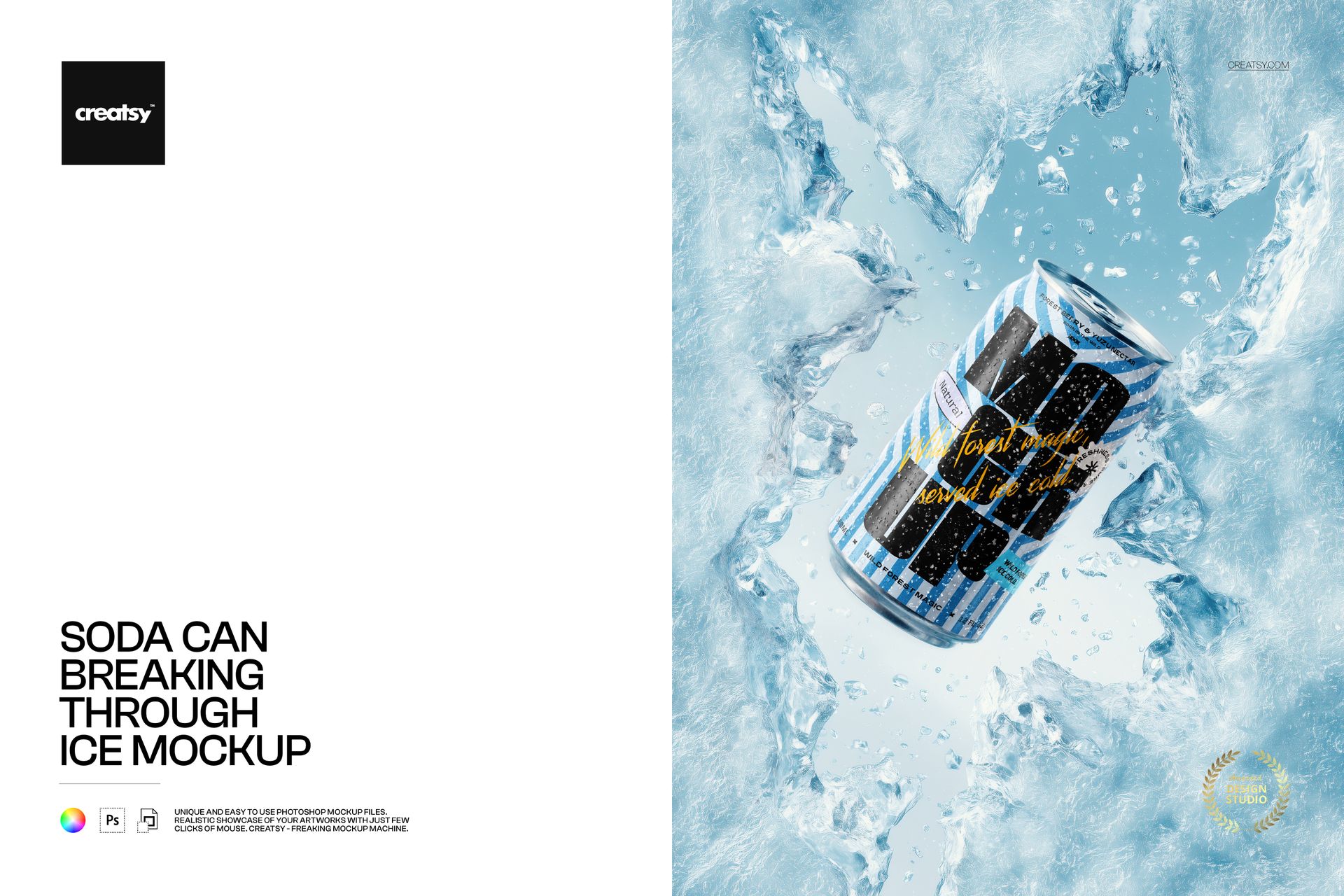
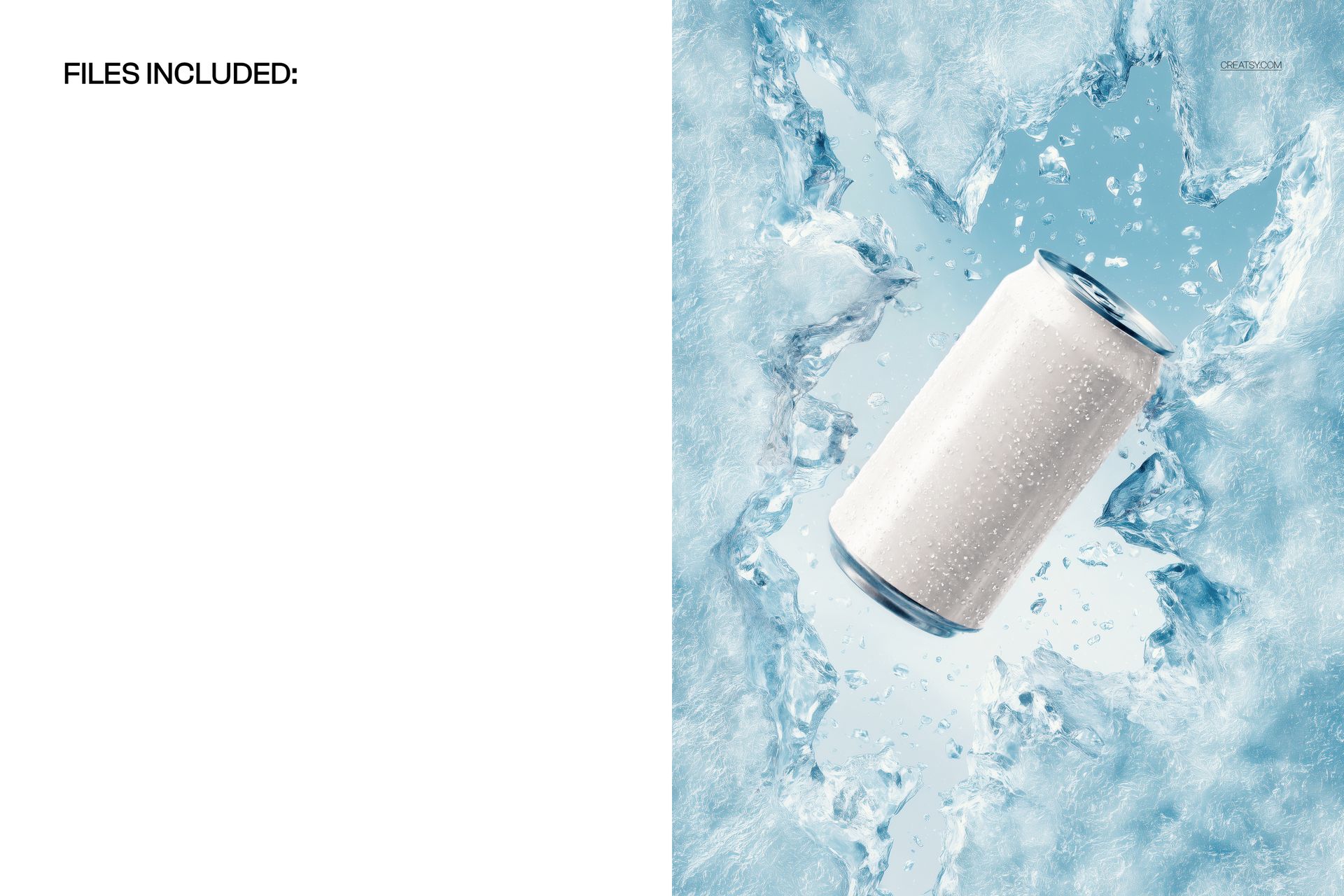
The Soda Can Breaking Through Ice Mockup by Creatsy is a soda can mockup that catches an aluminum can mid-burst, punching up through a sheet of ice with shards and cold spray frozen around it. It comes as a single layered PSD at 5300 x 3500 px and 300 dpi, a wide landscape frame with room for the ice to spread out around the can.
This is the high-energy end of the drinks-mockup shelf. Where a can sitting calmly in water reads chilled, a can breaking through ice reads powerful, cold, and alive, which is the note an energy drink, a hard seltzer, or a winter-launch soda wants to hit. Your label lands in the middle of the action, so a customer feels the impact before they read the flavor.
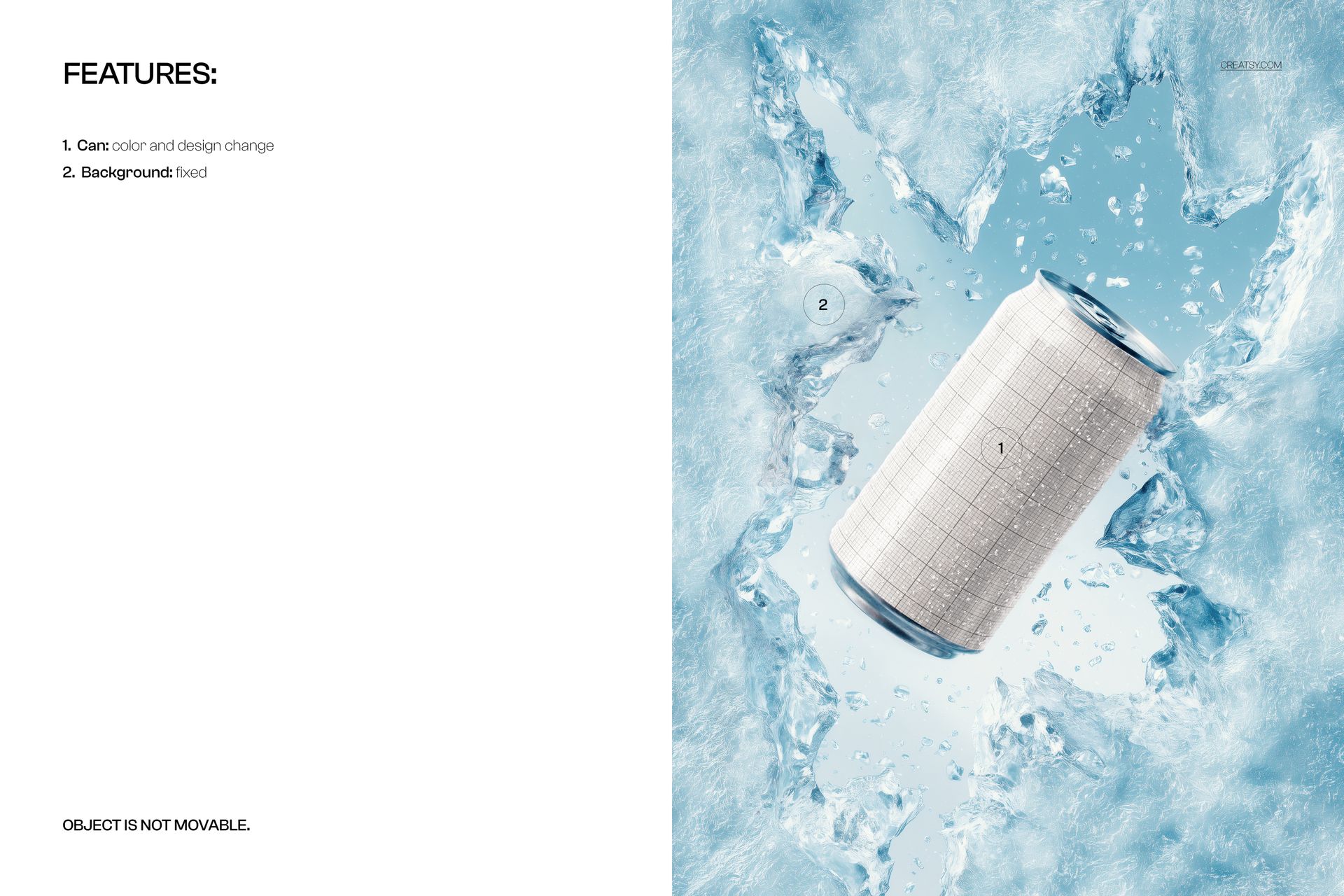
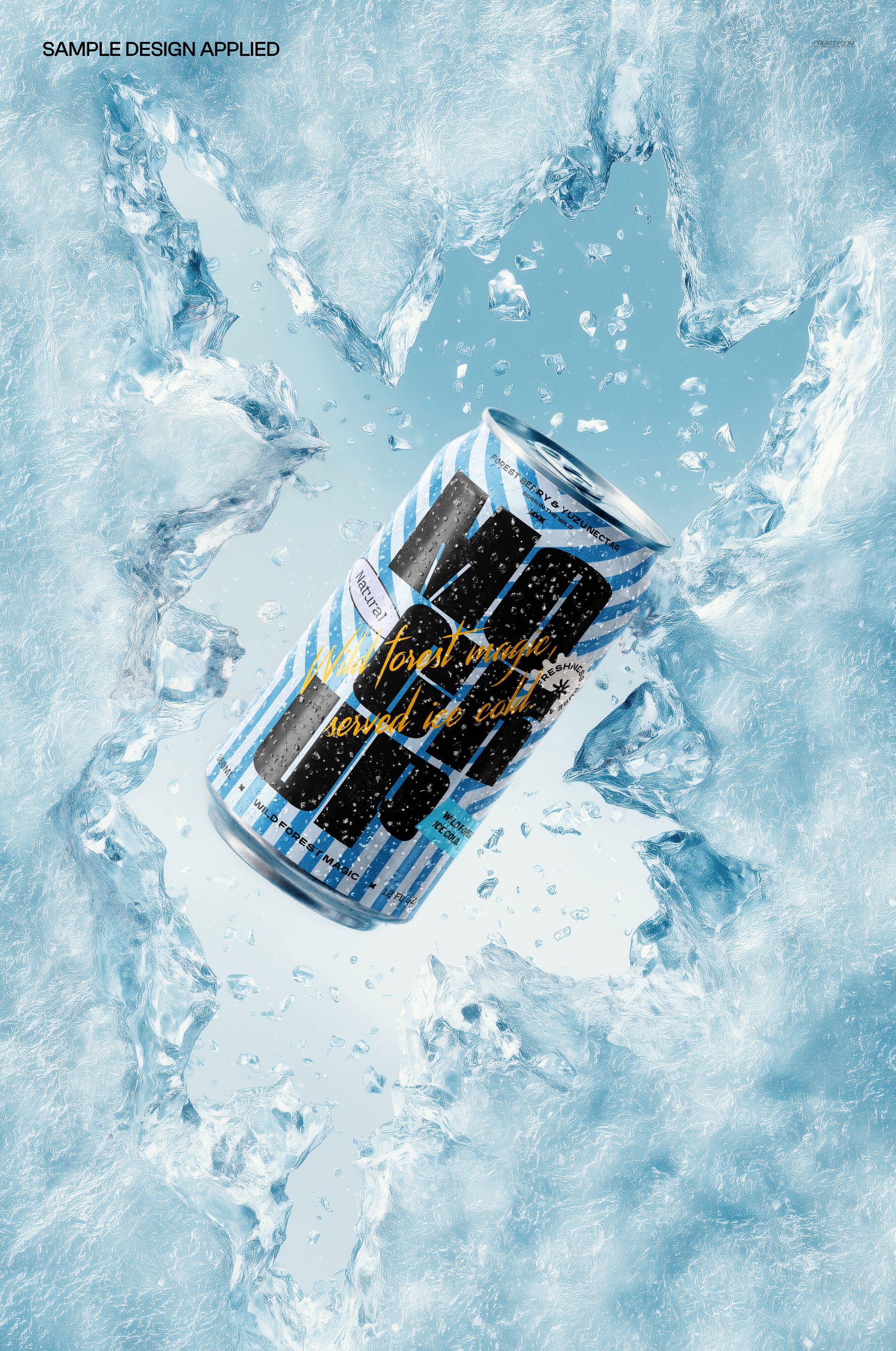
The can is a smart object, and its color changes too, so you can wrap the can in your artwork and set the aluminum to silver, black, or a brand shade. Double-click the can smart object, drop in your label, and save - it maps onto the can with the scene's ice, spray, and cool light on top, so it looks like a real printed can caught in the burst rather than a flat paste-in. The can arrives blank; the blue design in the previews is placeholder artwork and is not included. To set expectations up front: the ice background is fixed and the can stays in place, so this is built around one dramatic hero angle rather than a movable scene.
Use it to launch an energy or winter drink, to pitch a bold can concept to a client, or to build an Etsy or Creative Market listing for a beverage or packaging template. One PSD covers a shoot that would otherwise mean freezing real ice, timing a splash, and lighting fast action.
What you get
One layered .psd mockup of a soda can breaking through ice, plus a .jpg of the scene
5300 x 3500 px at 300 dpi, wide landscape format
A smart object for the can label, so your design maps onto the can
Editable can color, so you can switch between silver, black, or a brand shade
Well organized, clearly named layers
About 111 MB on Windows and 116 MB on Mac once unzipped
How it works
Open the .psd in Adobe Photoshop (CC2020 or newer), or free in Photopea.
Double-click the can smart object to open its own canvas.
Paste your label or full wrap, fit it to the guide, and save that tab.
Set the can color to taste, then export a JPG or PNG.
Specifications
Files: layered .psd plus a .jpg
Dimensions: 5300 x 3500 px, landscape
Resolution: 300 dpi
Scene: soda can breaking through a fixed ice background
Editable: can design and can color via smart object
Fixed: the background and the can position
Software: Adobe Photoshop CC2020 or newer, and Photopea (free, browser-based)
File size: 111 MB Windows / 116 MB Mac
Who it is for
It suits beverage and energy-drink brands after a bold, cold hero image, packaging and branding designers pitching a can concept, and print or Etsy sellers offering beverage mockup templates. Because the can is plain aluminum, the same scene carries energy drinks, hard seltzer, sparkling water, or a winter-edition soda. It is also a strong pick for a sports or gaming sponsorship graphic, a seasonal winter refresh, and any social ad that needs to stop a thumb mid-scroll. If you want a dramatic, ice-cold can shot for a launch or an ad without a photo shoot, this is built for it.