Matte Paper Resealable Stand-Up Pouch on Stone Mockup
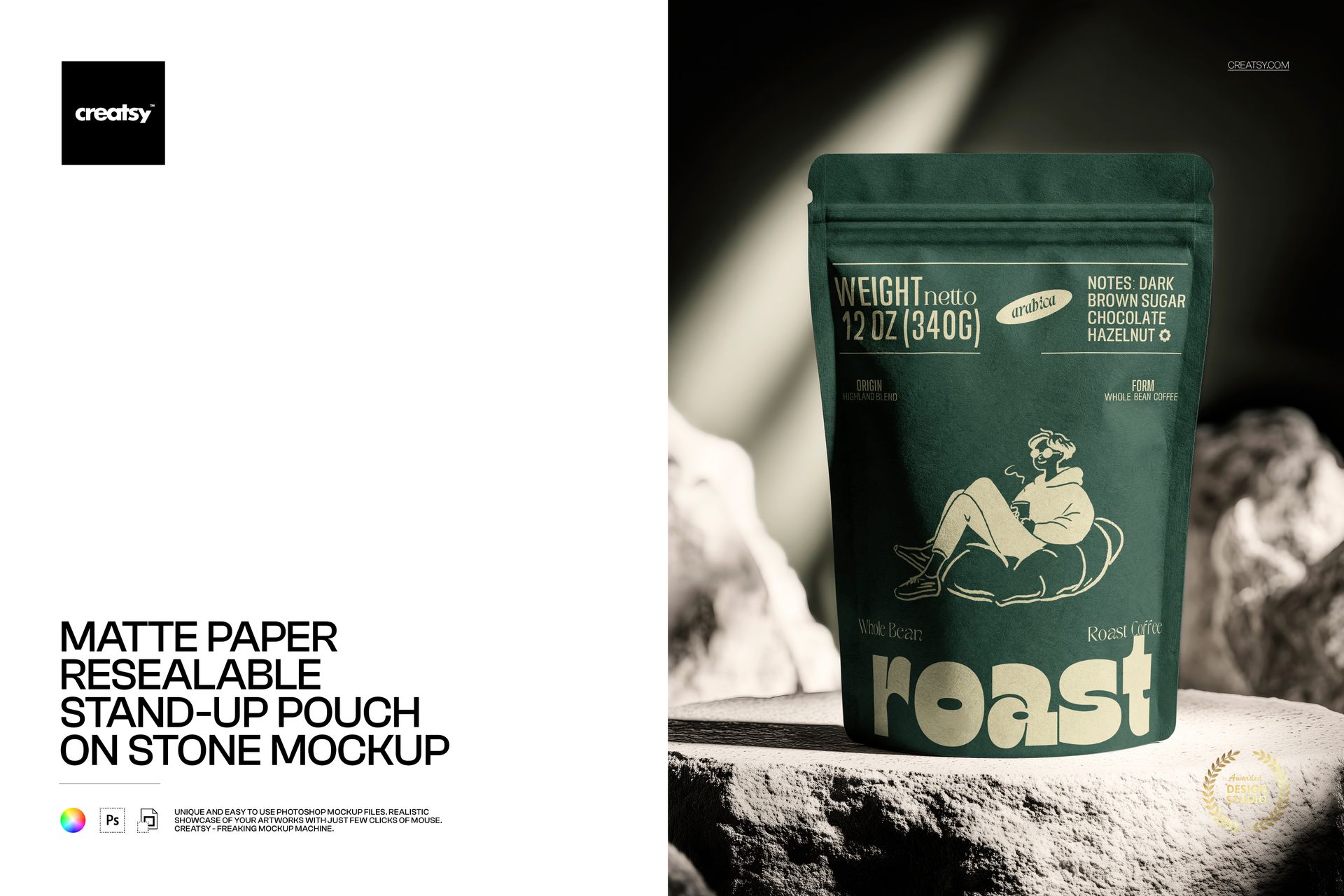
Set a matte paper resealable stand-up pouch against rugged stone and a focused beam of light. The centered front view keeps the full packaging face readable while giving coffee, tea, snack and natural-product branding a tactile, editorial setting.
Use this single hero scene to review artwork hierarchy, test a pouch color and prepare a polished presentation without arranging a physical photoshoot.
What Is Included
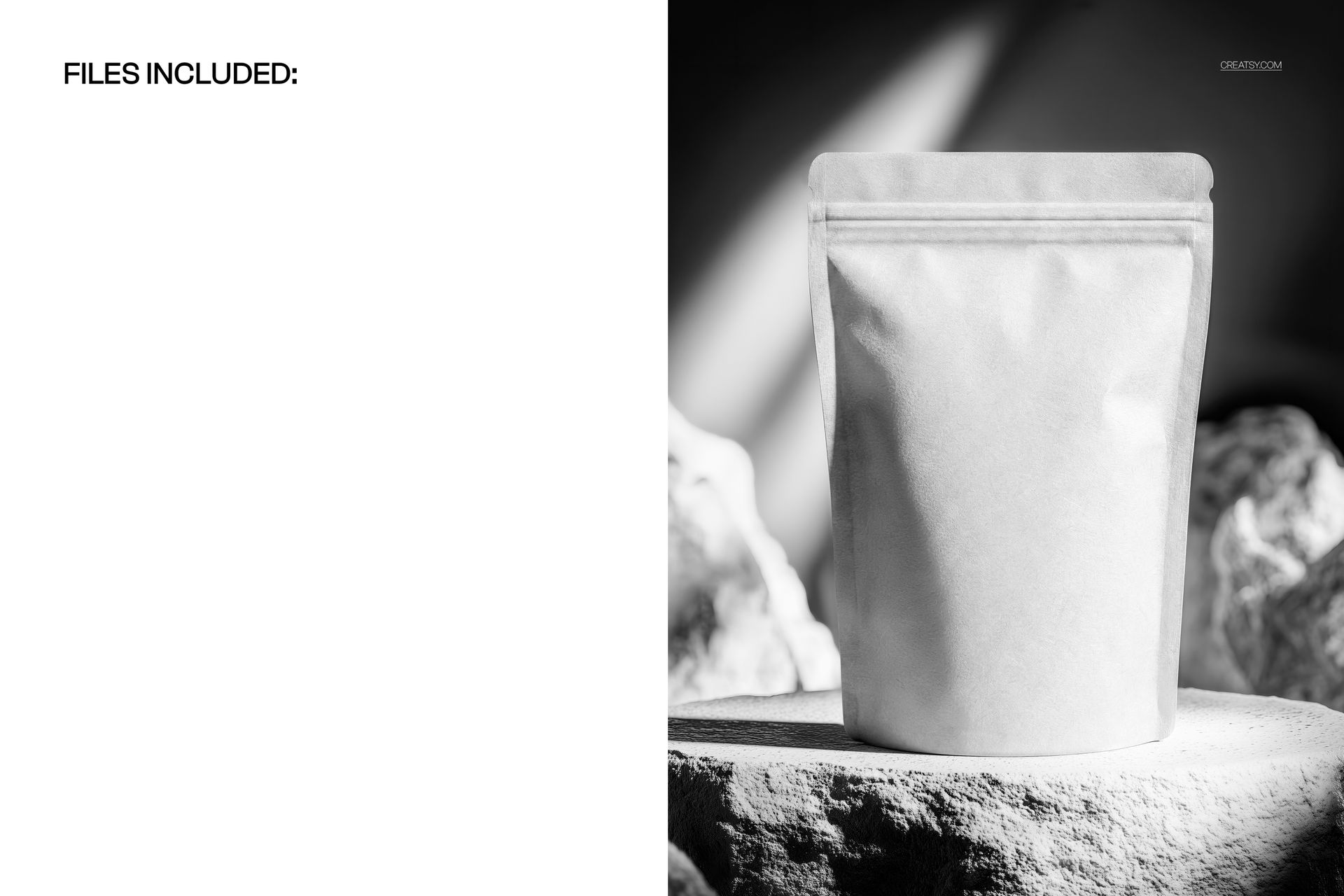
1 layered PSD mockup file
1 JPG preview file
2 files in total
Resolution listed at 300 DPI
Adobe Photoshop CC 2020 or newer
Photopea compatibility
A Fixed Front View with Flexible Color Control
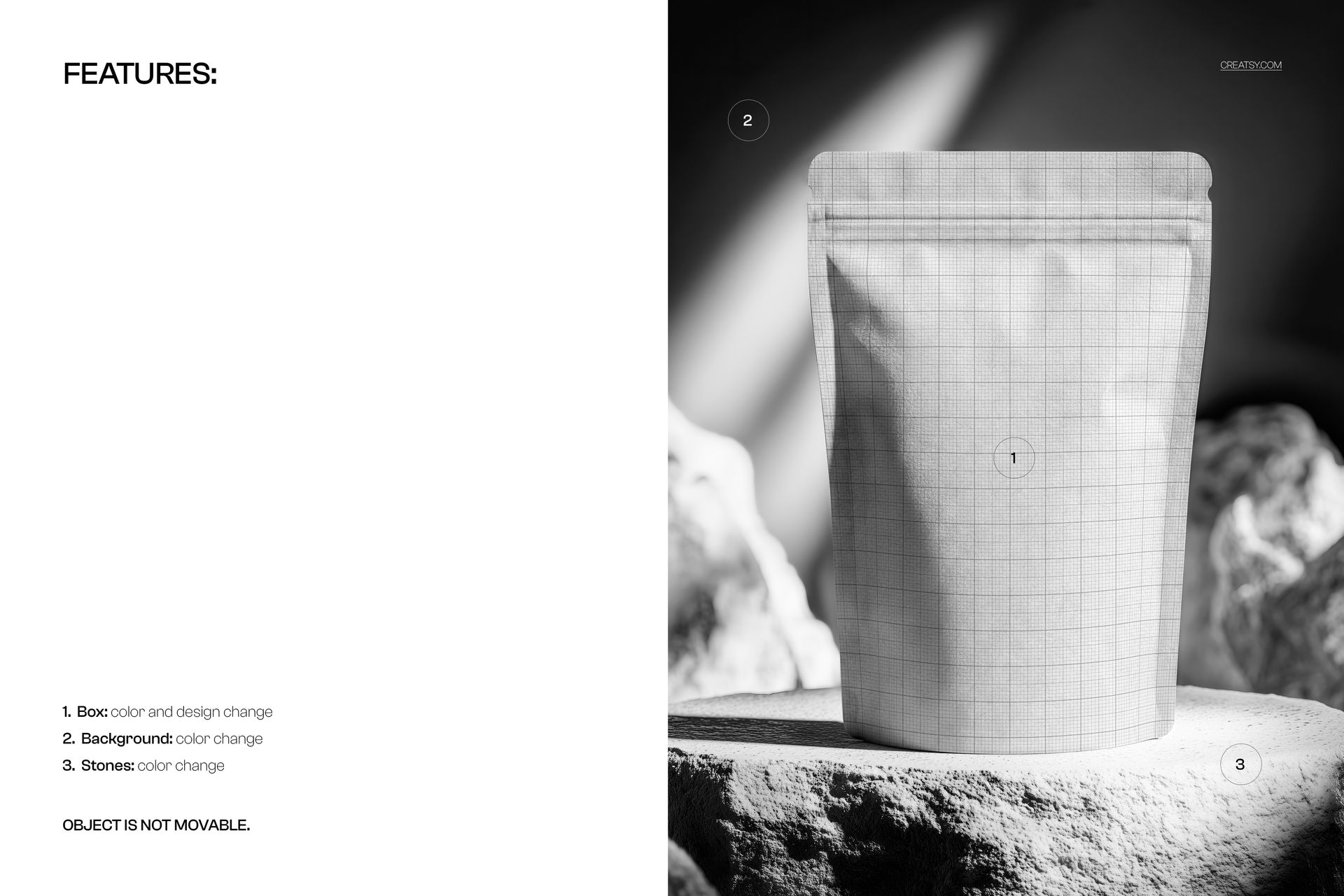
The pouch object stays in its supplied centered position and cannot be moved. Within that fixed composition, you can coordinate the packaging and scene palette for a focused brand image.
Replace the pouch artwork through a Smart Object
Change the pouch color
Change the background color
Change the stone color
Keep the supplied front-facing placement
Easy Smart Object Editing
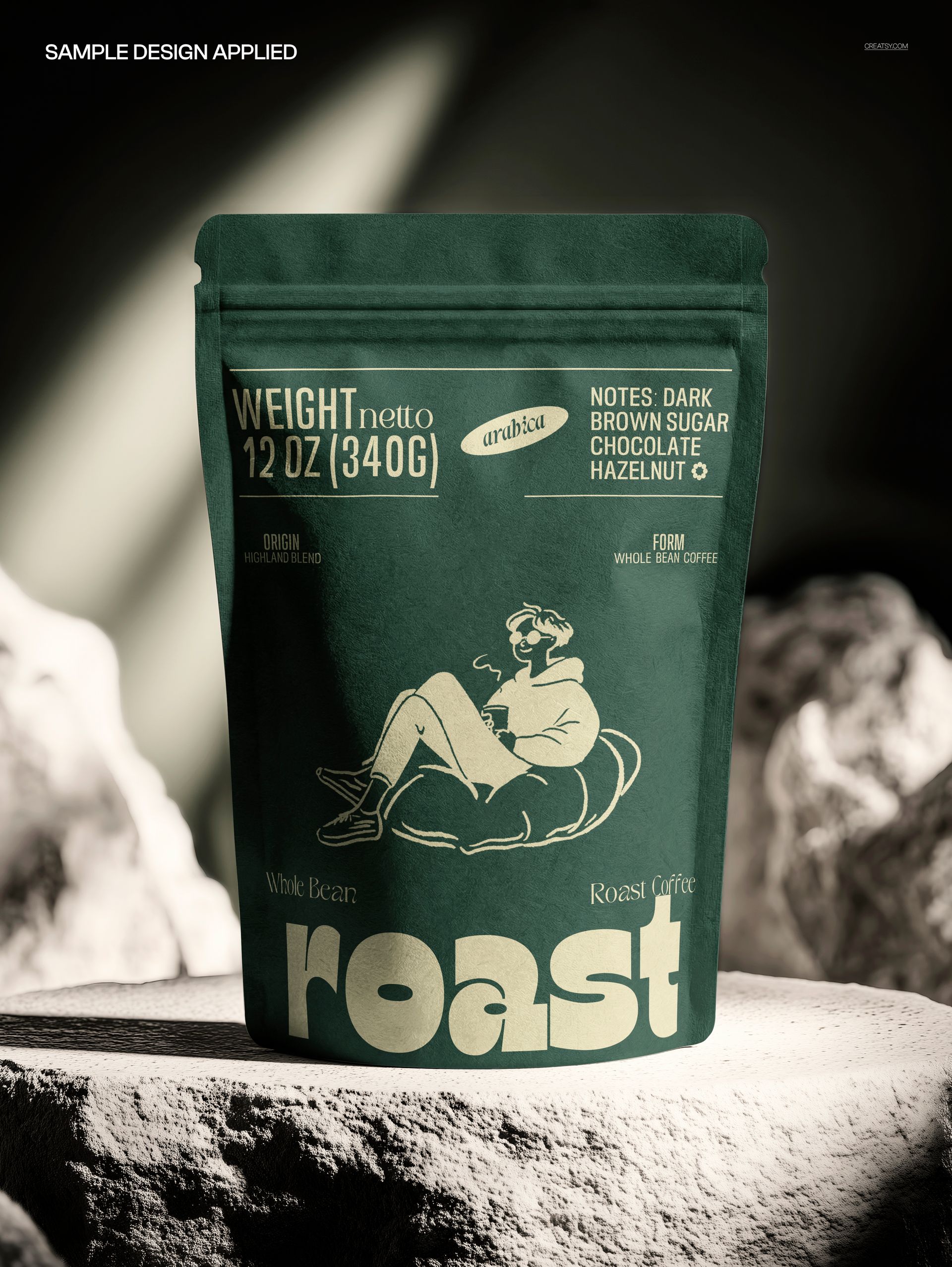
Open the designated Smart Object, place the packaging artwork and save it to update the scene. The matte paper surface, natural folds and dramatic lighting remain part of the presentation while your design follows the visible front panel.
Perfect For
Coffee and tea packaging concepts
Snack, spice and dried-food branding
Supplement and natural-product presentations
Ecommerce hero images and campaign graphics
Client proofs and packaging portfolios
This is a digital mockup product. No physical pouch, stones or other props are supplied. The sample artwork shown in the previews is for presentation only and is not included.