Standing Can in Surging Water Mockup
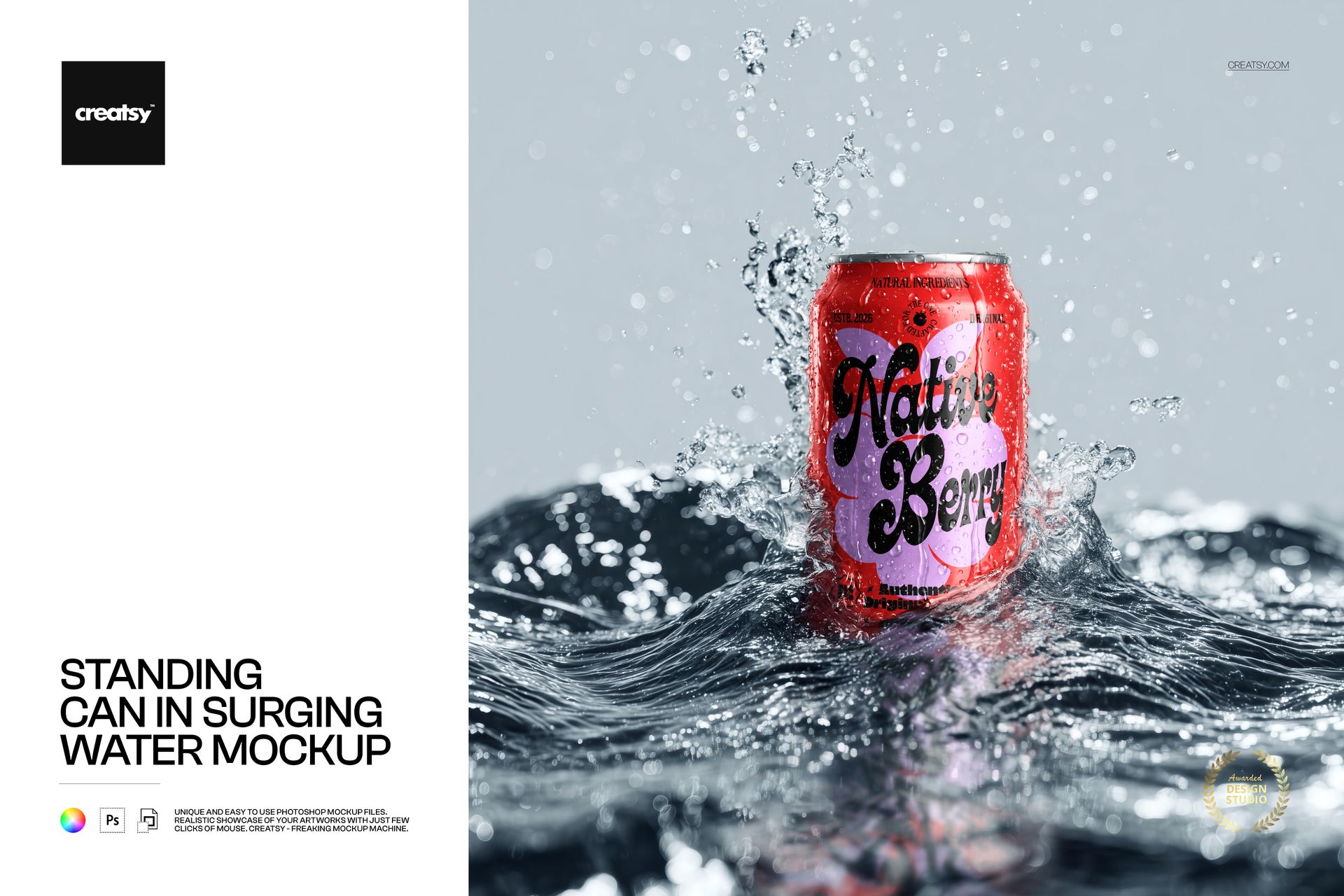
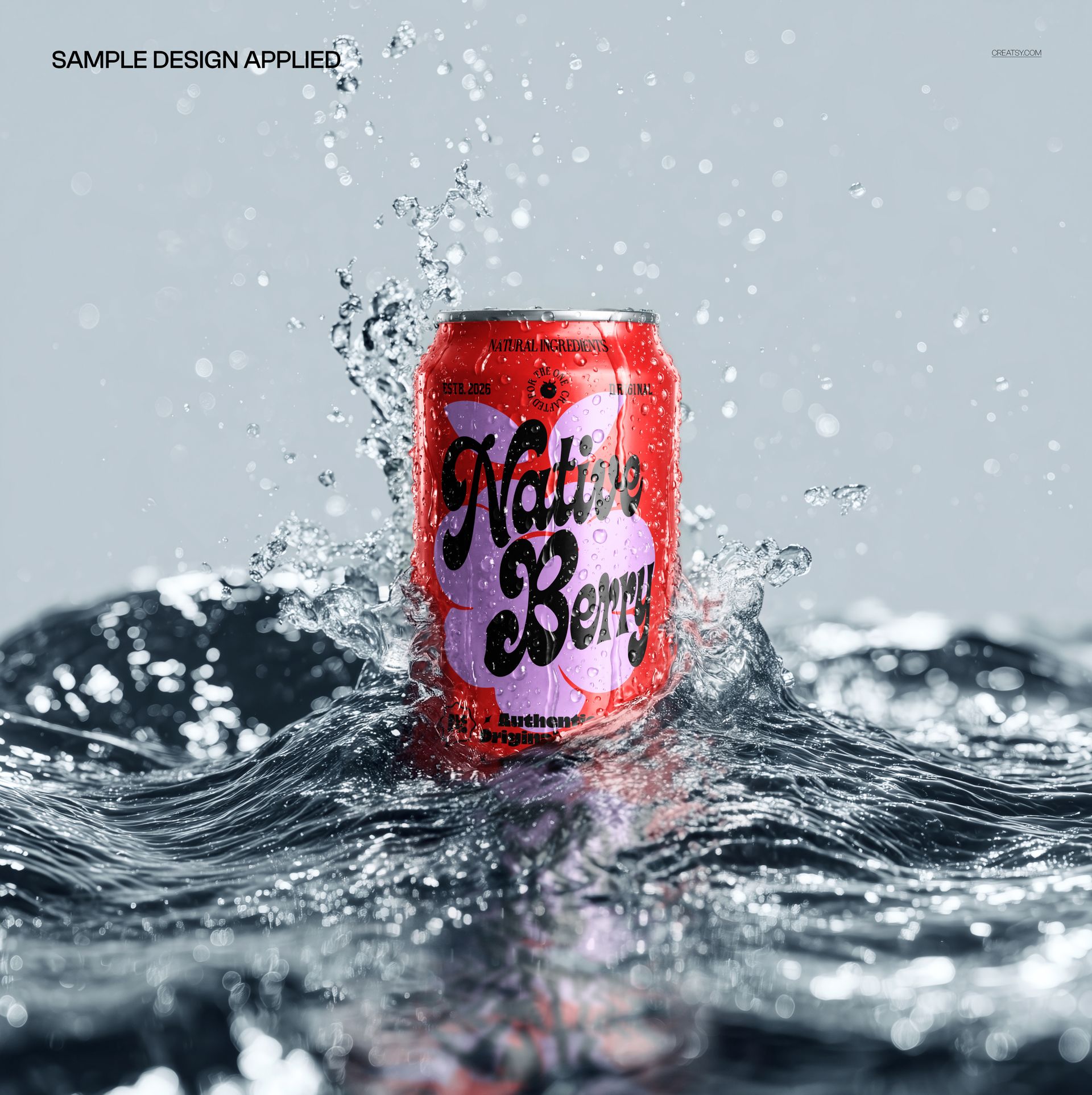
Put your label at the center of the action. An upright can rises above dark, surging water while splashes and suspended droplets frame the packaging against a pale background. The square, front-facing composition gives the brand name a prominent position.
A Splash-Led Setting for Beverage Branding
Use the scene to present a bold wordmark, a flavor illustration or a new color direction for a canned drink. The wet surface and surrounding waves add visual energy, while the upright pose keeps the main face of the artwork easy to assess.
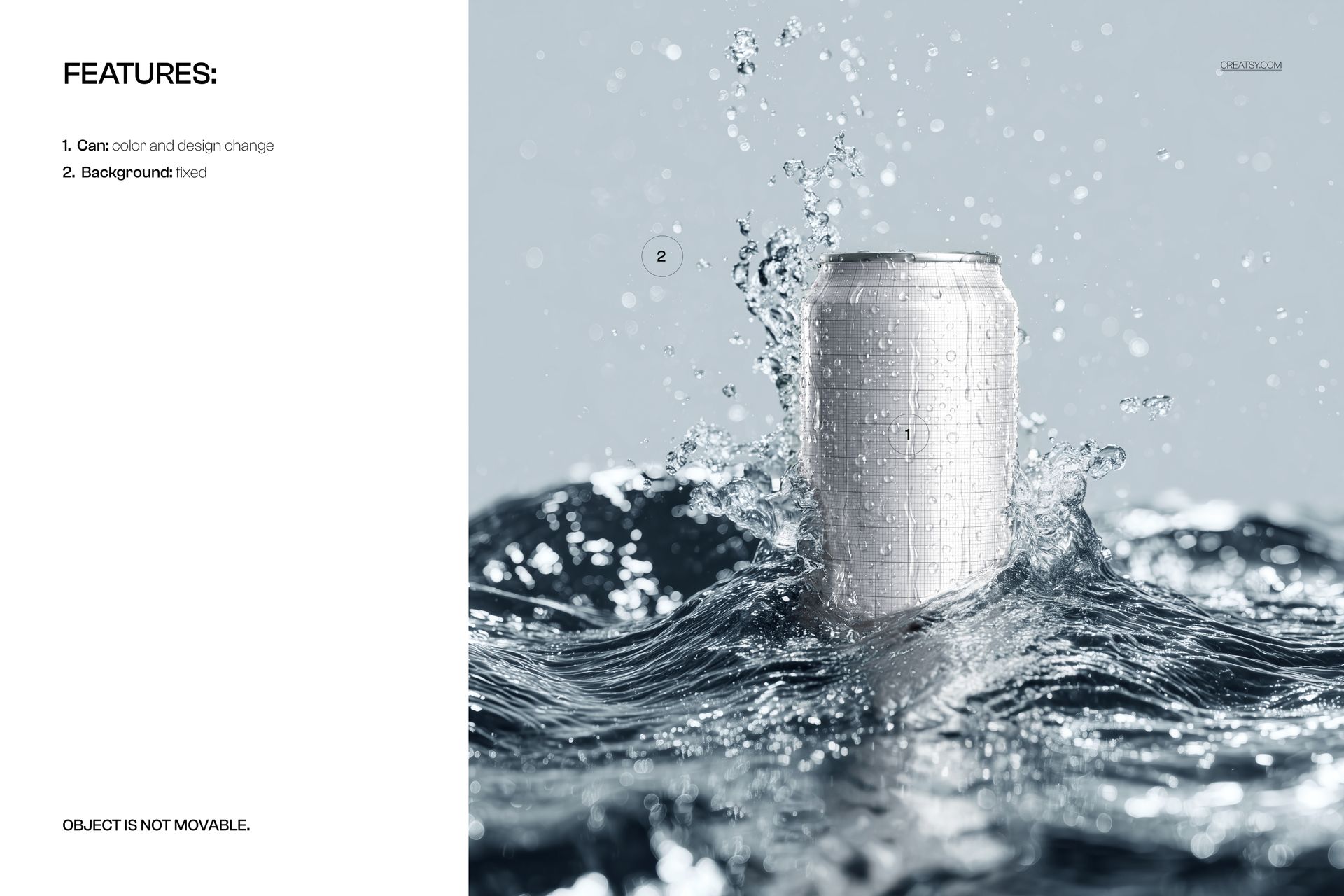
Can color and design are editable. The background is fixed and the object cannot be moved, so every artwork variation uses the same viewpoint and water arrangement.
What Is Included
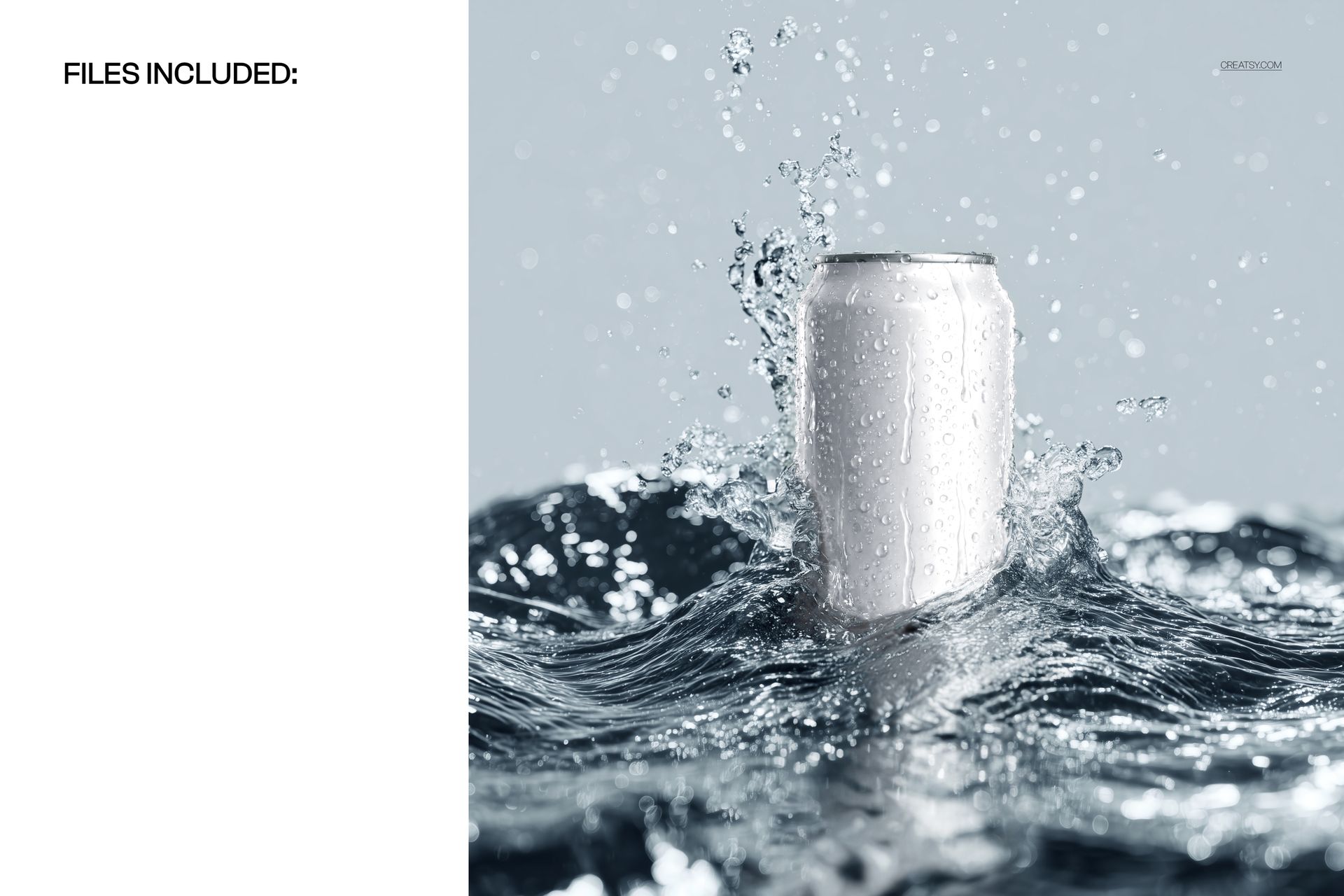
1 layered PSD mockup with one standing can scene
4050 × 4050 px at 300 DPI, square format
1 JPG preview, 2 files in total
Easy Smart Object Editing
Work in Adobe Photoshop CC2020 or newer, or Photopea. Open the artwork Smart Object, insert your label and save it to update the mockup. The organized layers also let you access the can color controls.
Perfect For
Soda and energy drink launch presentations
Sparkling beverage artwork and flavor identity concepts
Square campaign images, packaging portfolios and client design reviews
Digital files only. No physical can or drink is included. The example artwork shown in the product previews is not supplied.