About this soda can mockup
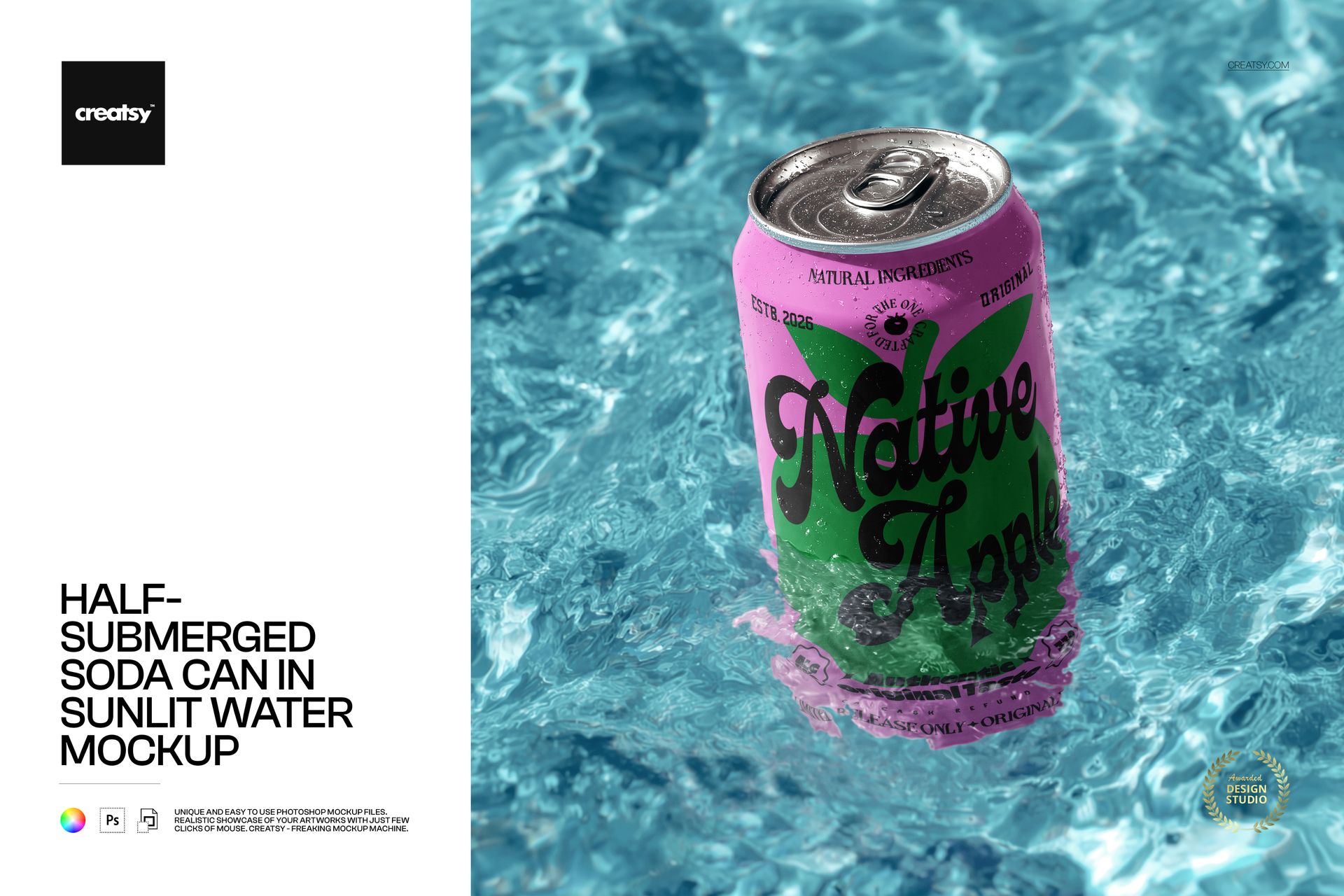
The Half-Submerged Soda Can in Sunlit Water Mockup by Creatsy is a soda can mockup that sets your label on a standard aluminum can resting right at the waterline, half in bright pool water and half in open sun. It is built from a single layered PSD at 4000 x 4000 px and 300 dpi, in a square 1:1 frame that fits marketplace thumbnails, Instagram, and hero banners without awkward cropping.
The waterline is the whole idea. Condensation beads across the aluminum, the surface ripples throw back the light, and the eye reads one thing before it reaches a single word of copy: cold. The lid and pull-tab stay in full view above the surface, so the can still reads as a real, openable product rather than a floating cylinder. You get that "just pulled from the ice" cue without booking a pool, a photographer, or a clear-sky afternoon.
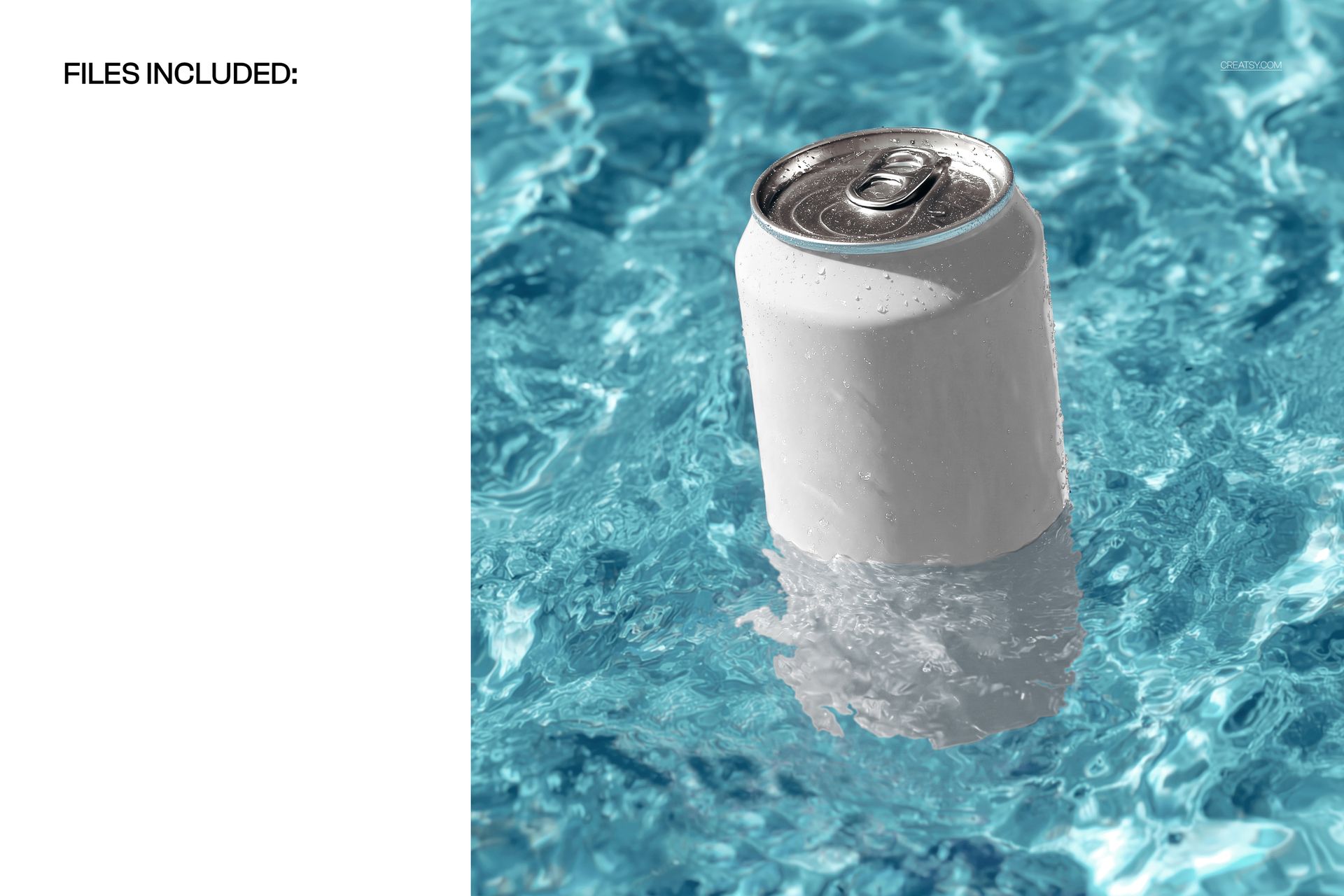
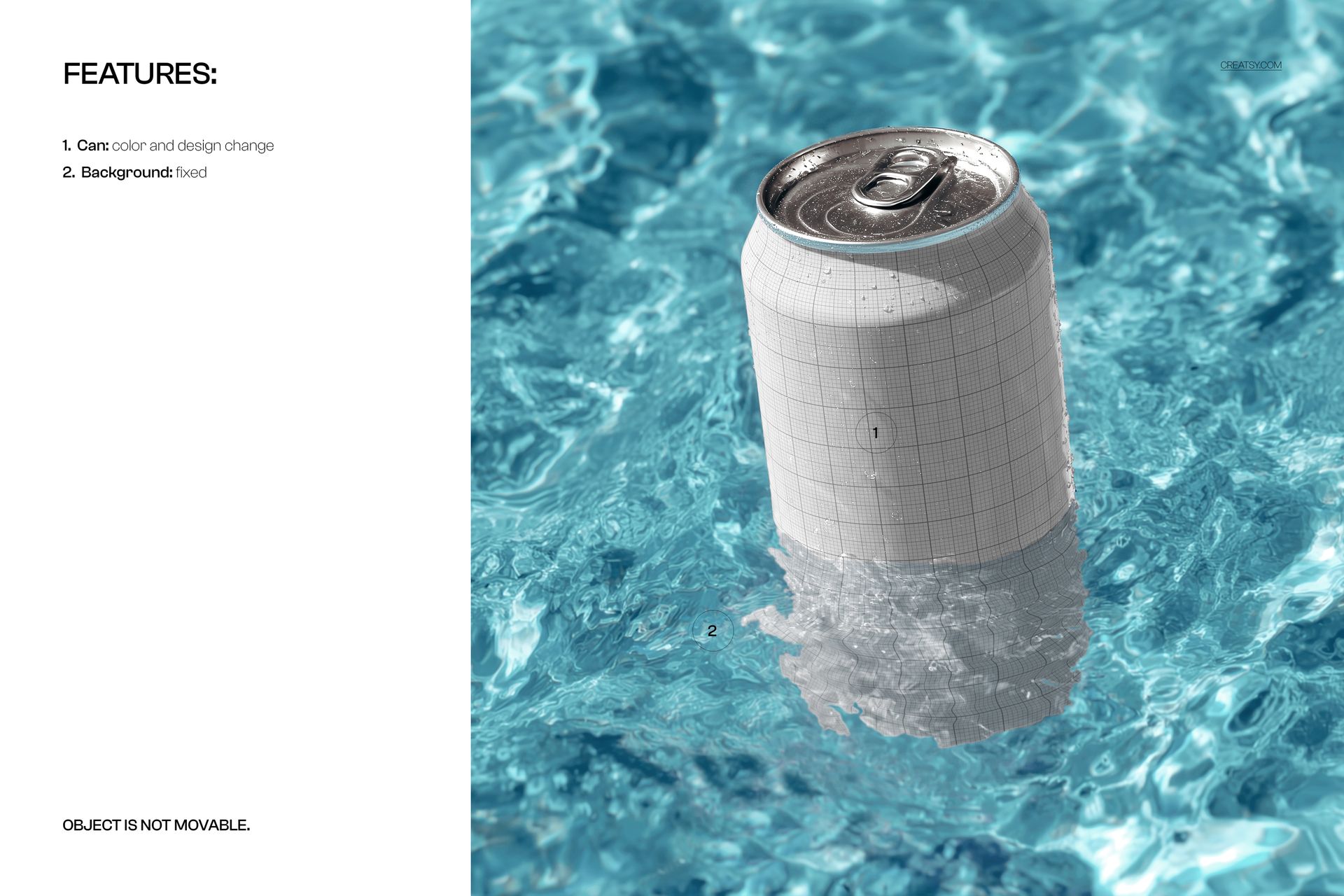
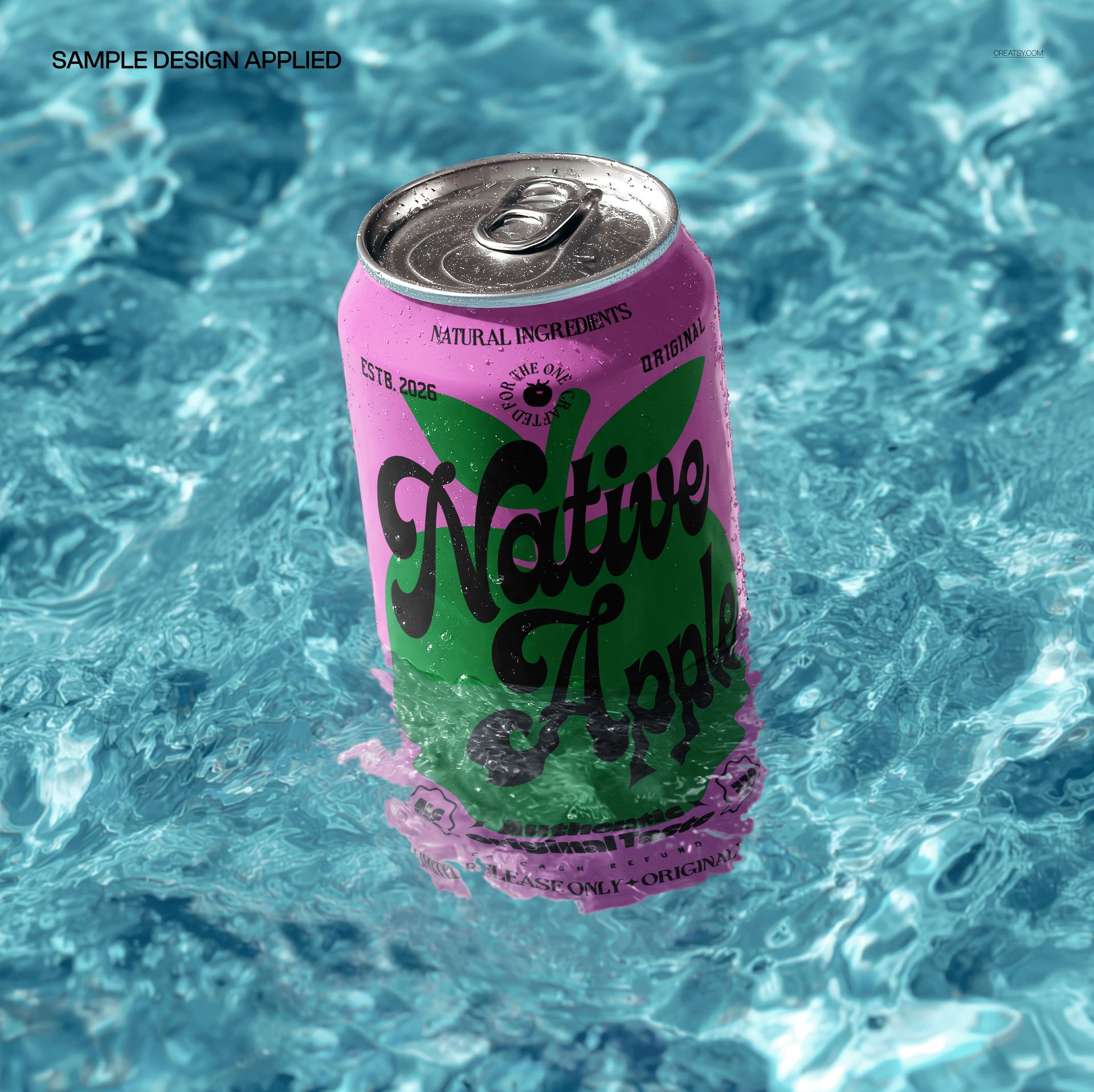
The can face is a smart object. Double-click it, drop in your artwork or a full wrap, and save - your design curves onto the can with the scene's highlights, shadows, and a touch of water glare already sitting on top, so it looks printed on the metal rather than pasted over it. The file arrives blank; the green summer-drink can in the previews is display artwork shown only for scale and fit, and it is not included. You supply the label, and the water and the light are already handled.
Reach for it when you want to lock a flavor or a rebrand before committing to a print run, fill a Shopify or Etsy listing with an image that reads like a real product shot, or hand a client a chilled, summery hero for a launch deck or a paid ad. One PSD stands in for a shoot that would otherwise need a stylist, a tank of water, and a stack of towels.
What you get
One layered .psd mockup of a soda can half-submerged in sunlit water, plus a .jpg of the finished scene
4000 x 4000 px at 300 dpi, large enough for web listings and print-resolution crops
A smart object for the can label, so your artwork maps on in a single step
Well organized, clearly named layers you can move through without hunting
About 94 MB on Windows and 99 MB on Mac once unzipped
How it works
Open the .psd in Adobe Photoshop (CC2020 or newer), or free in Photopea in your browser.
Double-click the can smart object to open it as its own canvas.
Paste or place your label, line it up with the guide, and save that tab.
Switch back to the main file to see your design on the can, then export a JPG or PNG.
Specifications
Files: layered .psd plus a .jpg
Dimensions: 4000 x 4000 px, square 1:1
Resolution: 300 dpi
Can shown: standard aluminum soda can
Editable: can label through a smart object
Software: Adobe Photoshop CC2020 or newer, and Photopea (free, browser-based)
File size: 94.3 MB Windows / 98.9 MB Mac
Layers: organized and named
Who it is for
It suits beverage and soda brands trying a can design before production, print-on-demand and drinkware sellers who need clean listing images, and packaging or branding designers presenting a concept to a client. Because it is a plain aluminum can, it works just as well for sparkling water, seltzer, energy drinks, cold brew, or a craft soda label - anything sold in a standard can. If you run an Etsy or Shopify shop and want a summer-ready product shot without a photo shoot, this is built for that. It is equally useful for a social media manager building a summer content calendar and for an agency that needs a believable comp before a shoot is greenlit.