Close-Up Floating Can in Dark Waves Mockup

ID: 1079769429 | Updated: Feb 27, 2026

Product Details

Close-Up Floating Can in Dark Waves Mockup

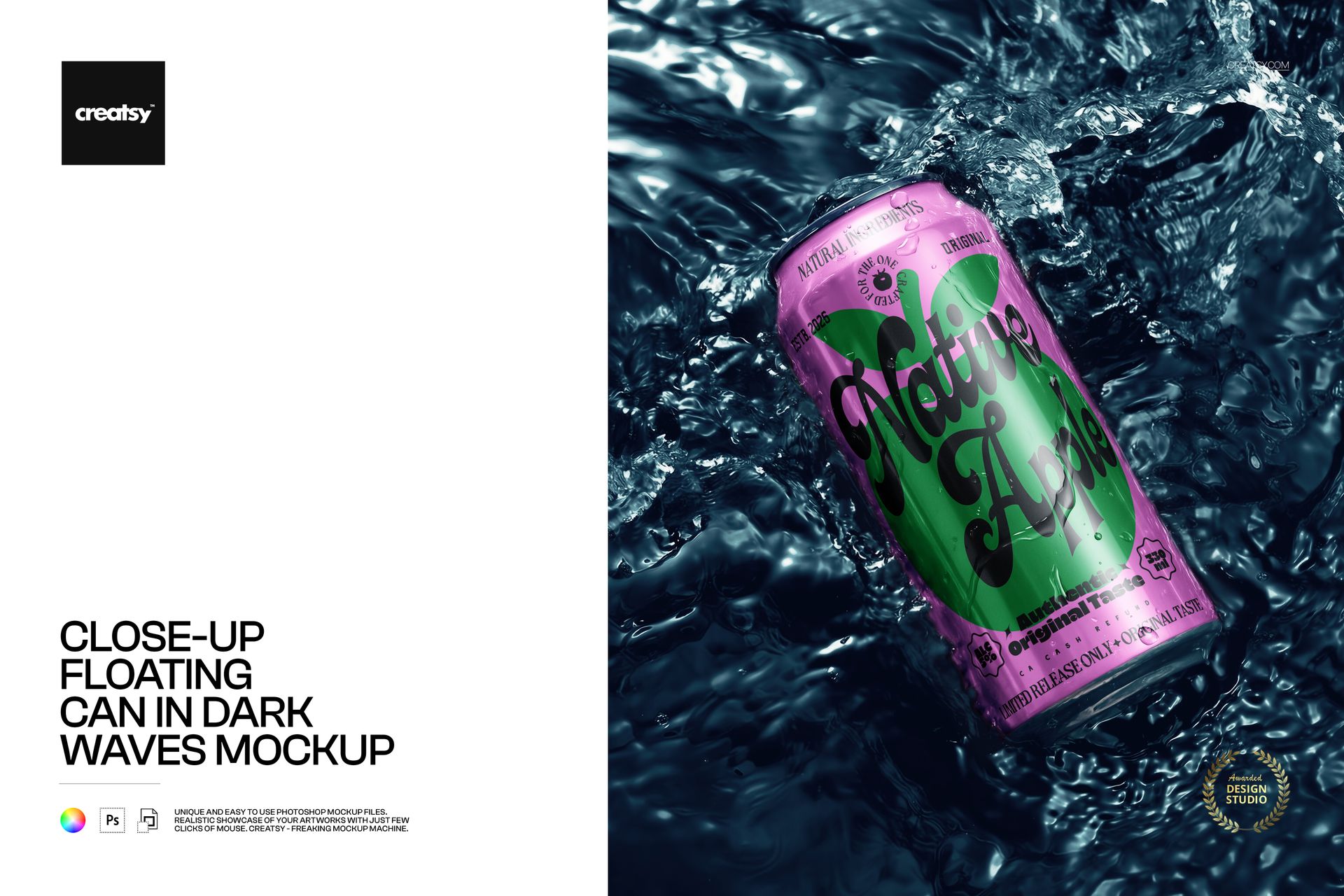
Dark water wraps around a diagonally placed can, with bright reflections, droplets and visible creases bringing texture to the close-up. The tight portrait composition makes the label the main subject and gives beverage branding a more dramatic setting than a clean studio background.

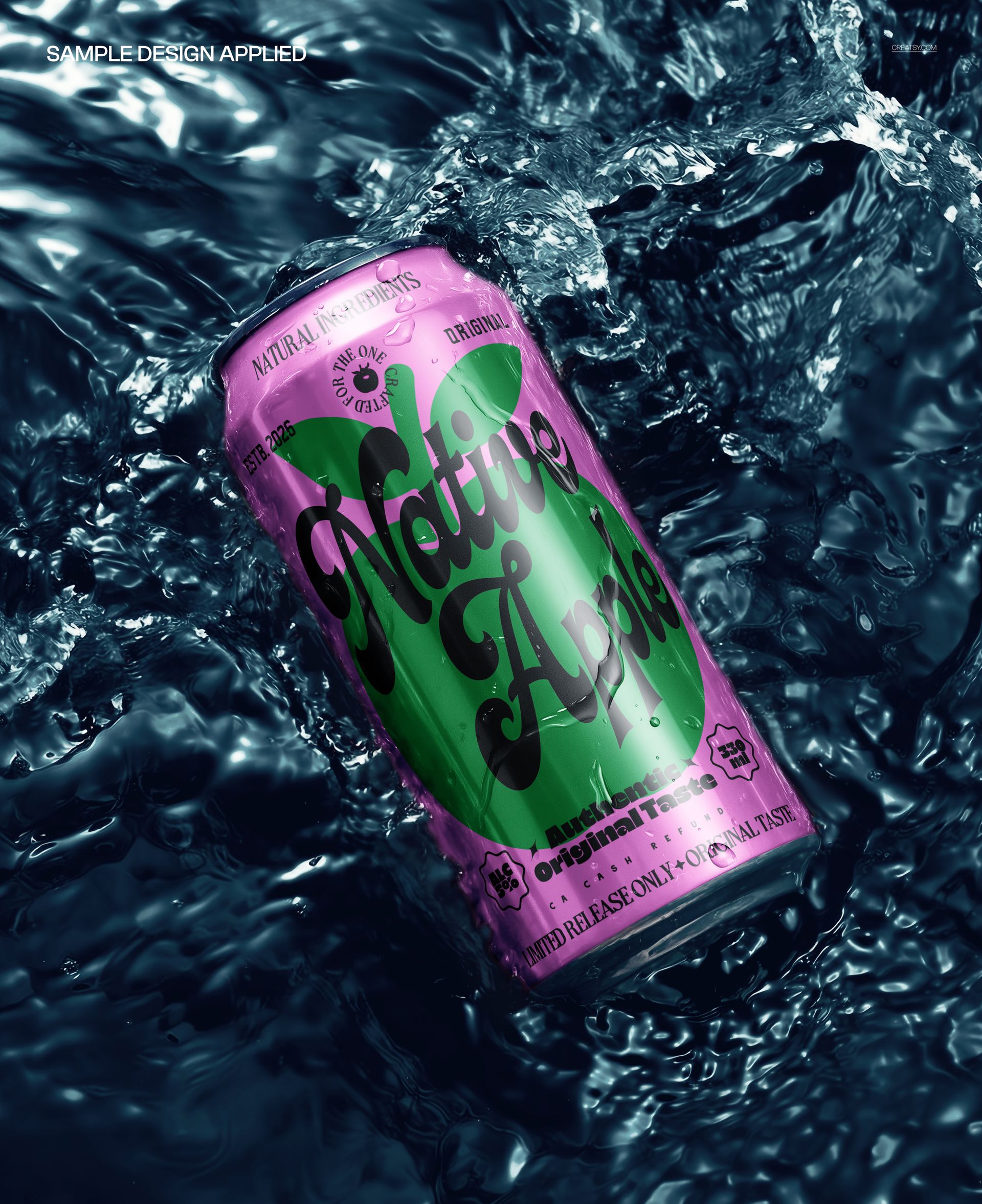
Place a bold wordmark or flavor illustration on the can and see how it reads across the curved, creased surface. The surrounding navy waves provide a useful contrast for pale, vivid or high-contrast packaging artwork.

What Is Included

  • 1 layered PSD mockup with one close-up floating can scene

  • 3920 × 4805 px at 300 DPI, portrait orientation

  • 1 JPG preview, 2 files in total

Can Artwork Against Reflective Dark Water

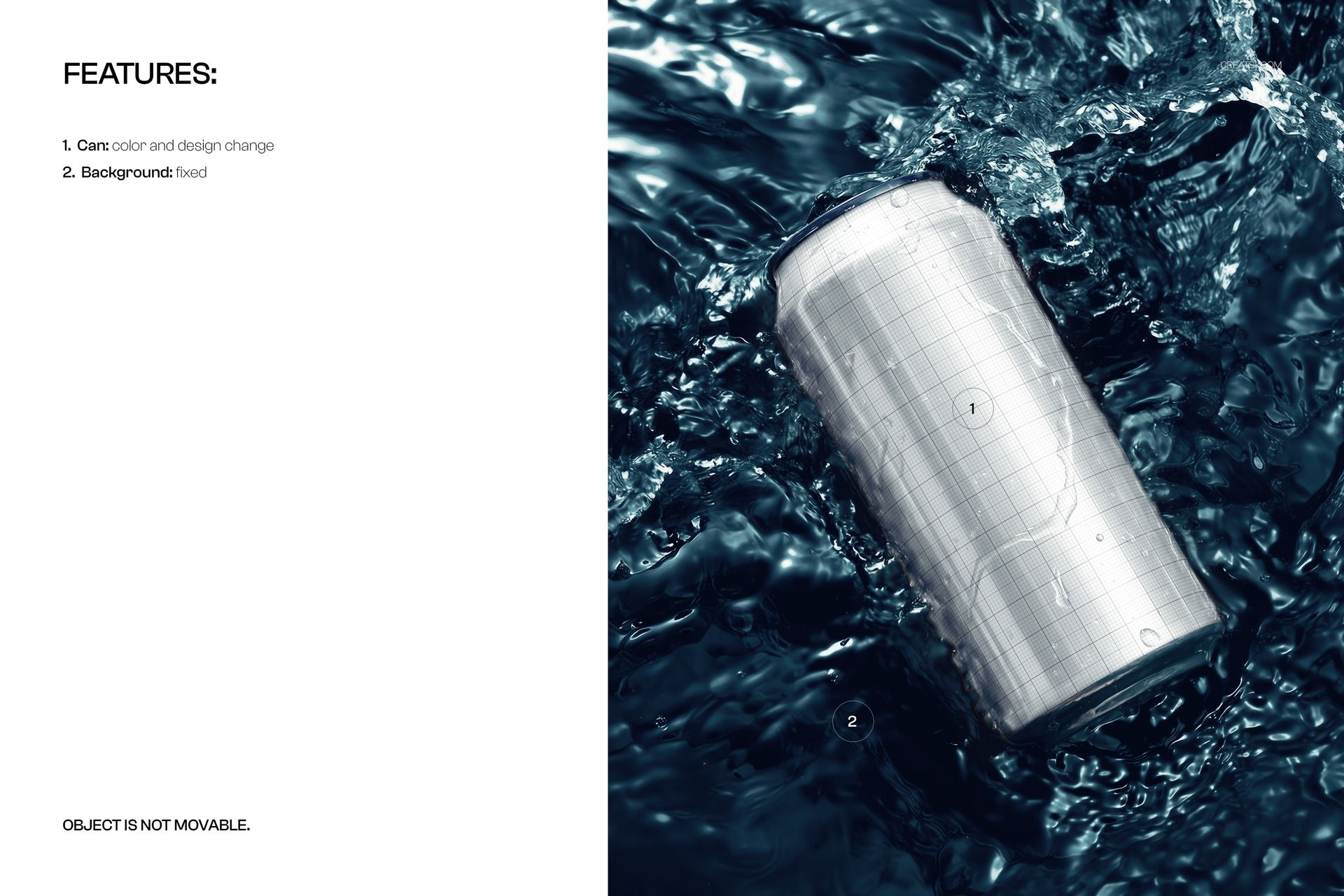
Customize the can color and design within the existing composition. The water background is fixed and the can cannot be moved. Reflections and surface texture remain part of the scene, rather than separate scene-building options.

Easy Smart Object Editing

Open the file in Adobe Photoshop CC2020 or newer, or Photopea. Replace the artwork inside the Smart Object, save it and return to the mockup. The well-organized layers also provide access to the can color controls.

Perfect For

  • Soda, sparkling drink and energy drink campaign concepts

  • Close-up label presentations with a dark, reflective setting

  • Beverage branding portfolios and client artwork comparisons

This digital download is a visual mockup, not a physical beverage product. Sample artwork shown in the previews is not included.

File details

Compatibility
PhotopeaAdobe Photoshop
Package size
144 MB144 MB|151 MB151 MB
Files type
.psd, .jpg
Files size
3920x4805
TEST FOR FREE

MEET THE SHOP

Creatsy logo

Creatsy

Poland
4.8 (691)

Bring your ideas to life.

We're a family-run studio in Katowice, Poland, making PSD mockups by hand since 2016. Everything in this shop starts in our own studio. We shoot the photography, build the 3D, and put together every Smart Object PSD ourselves - then we test it, organize the layers, and only ship it once it actually works...
GO TO SHOP

HOW IT WORKS

3 clicks. That's it.

No tutorial needed. If you can copy-paste, you can use this.

  1. 1OpenDouble-click the smart object inside the PSD - in Adobe Photoshop, or free in your browser with Photopea.
  2. 2PasteDrop in your pattern, print, or artwork. Any design, any style.
  3. 3SaveHit save and the mockup wraps it in for you - shadows, folds, and lighting included.

FROM IDEA TO IMAGE

Built for real workflows

Get the label signed off before the print run Wrap your design onto the box, pouch, or bottle and show the client exactly what ships.

See it on the product, not a swatch Drop your file into the smart object and the scene's lighting and folds wrap around it, so you judge the real thing before you commit.

Smart Objects

Edit once and you're done. Your artwork drops into a smart object and the mockup updates itself - no masking, no warping by hand.

Perfectly Organized

Named layers and folders you can actually navigate. Find what you need, change what you want, and get out fast.

Print-Ready

High-resolution files built to hold up on screen and in print. Exact size and DPI are in this product's Details above.