Tilted Can in Rippled Blue Pool Water Mockup
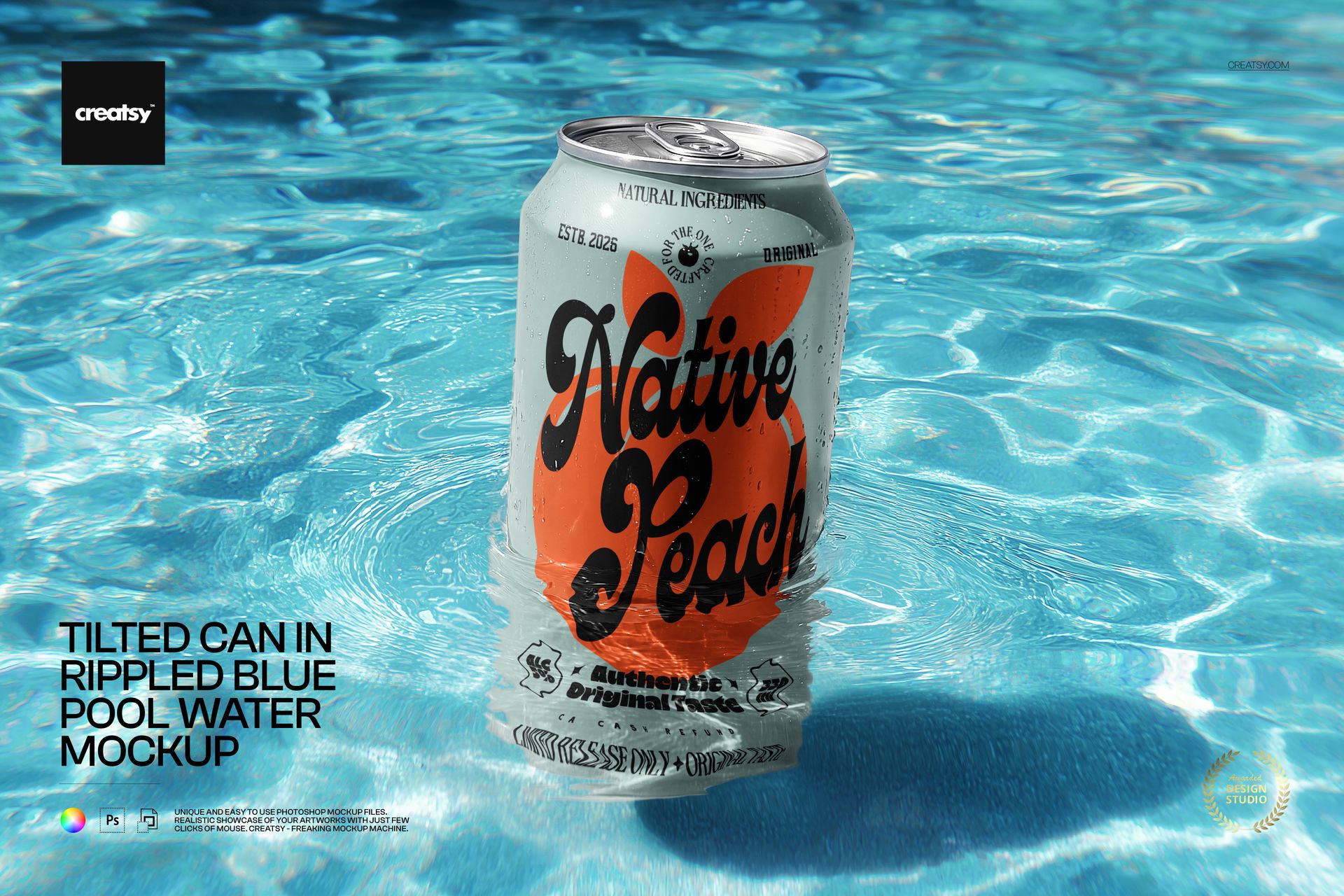
Sunlit ripples surround a slightly tilted can, with droplets on the metal and a rippling band of water across its lower edge. This landscape scene places your beverage artwork in a bright blue pool setting, giving a summer campaign a recognizable sense of refreshment.
The front of the can remains the focal point while the water adds texture and reflected color. Use it to present a seasonal label, compare flavor colorways or give a client a campaign preview beyond the flat packaging artwork.
What Is Included
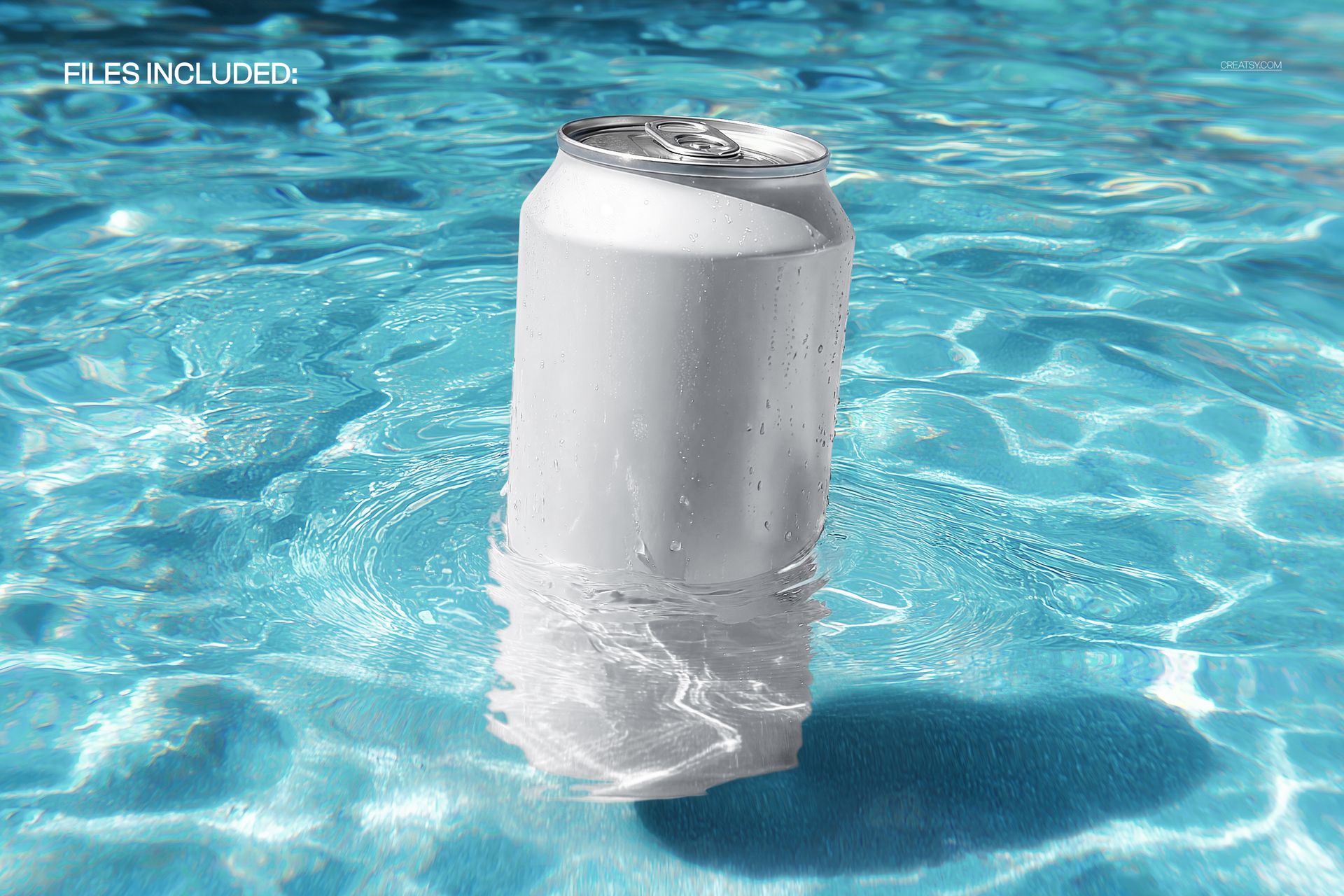
1 layered PSD mockup with one tilted can scene
5350 × 3567 px at 300 DPI, landscape orientation
1 JPG preview, 2 files in total
Your Artwork, a Fixed Sunlit Pool Scene
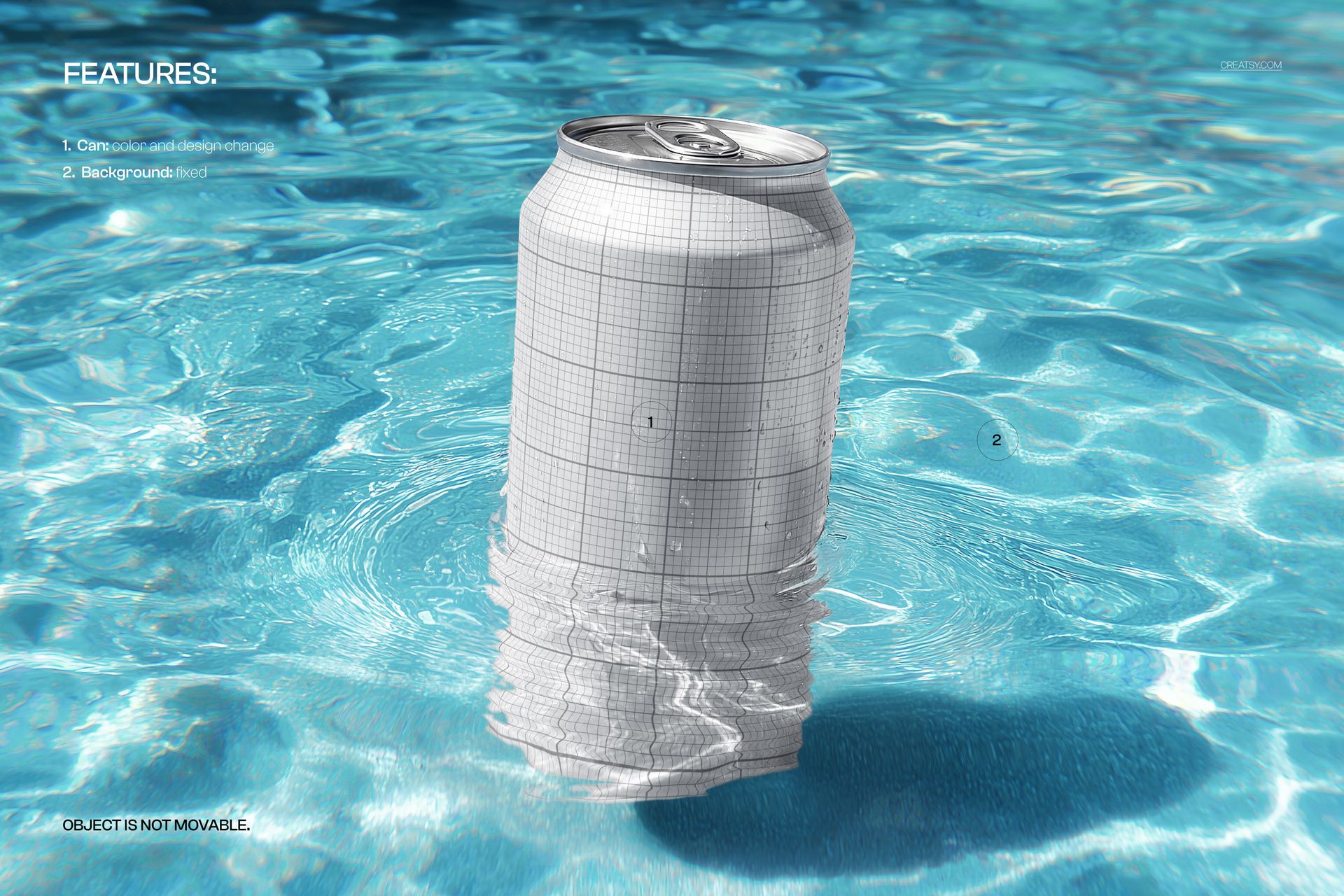
Change the can color and design through the available layers. The blue water background is fixed, and the can cannot be moved. This keeps the sunlit setting and viewpoint consistent while you compare different label treatments.
Easy Smart Object Editing
Open the PSD in Adobe Photoshop CC2020 or newer, or Photopea. Open the artwork Smart Object, replace its content with your label design and save it to update the main mockup. The well-organized layers make it easier to locate the available color controls.
Perfect For
Summer soda and sparkling water branding presentations
Energy drink or canned beverage launch concepts
Packaging portfolios, campaign visuals and client colorway comparisons
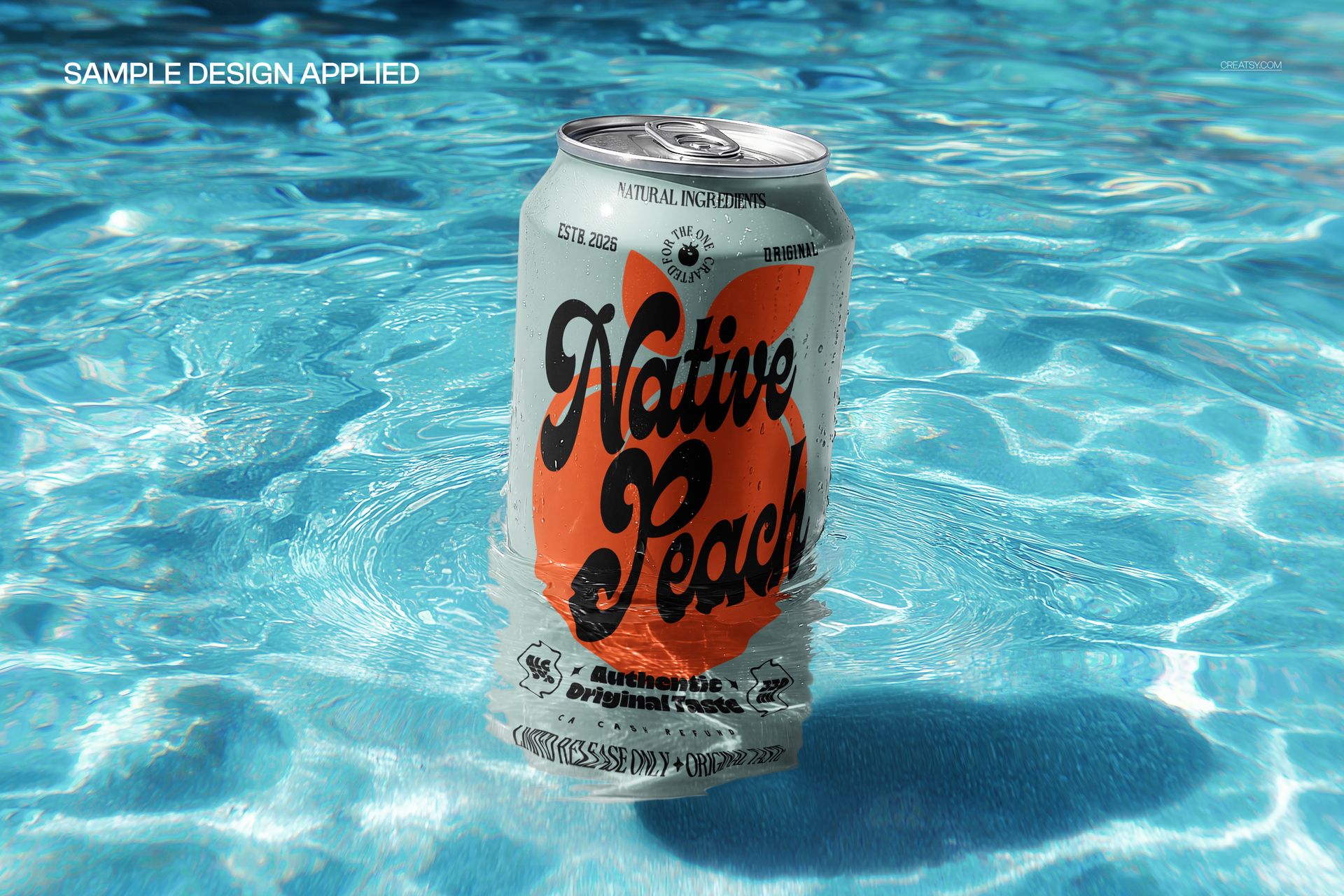
Digital mockup files only. No physical can or beverage is supplied. The sample designs and logos shown in the previews are not included.