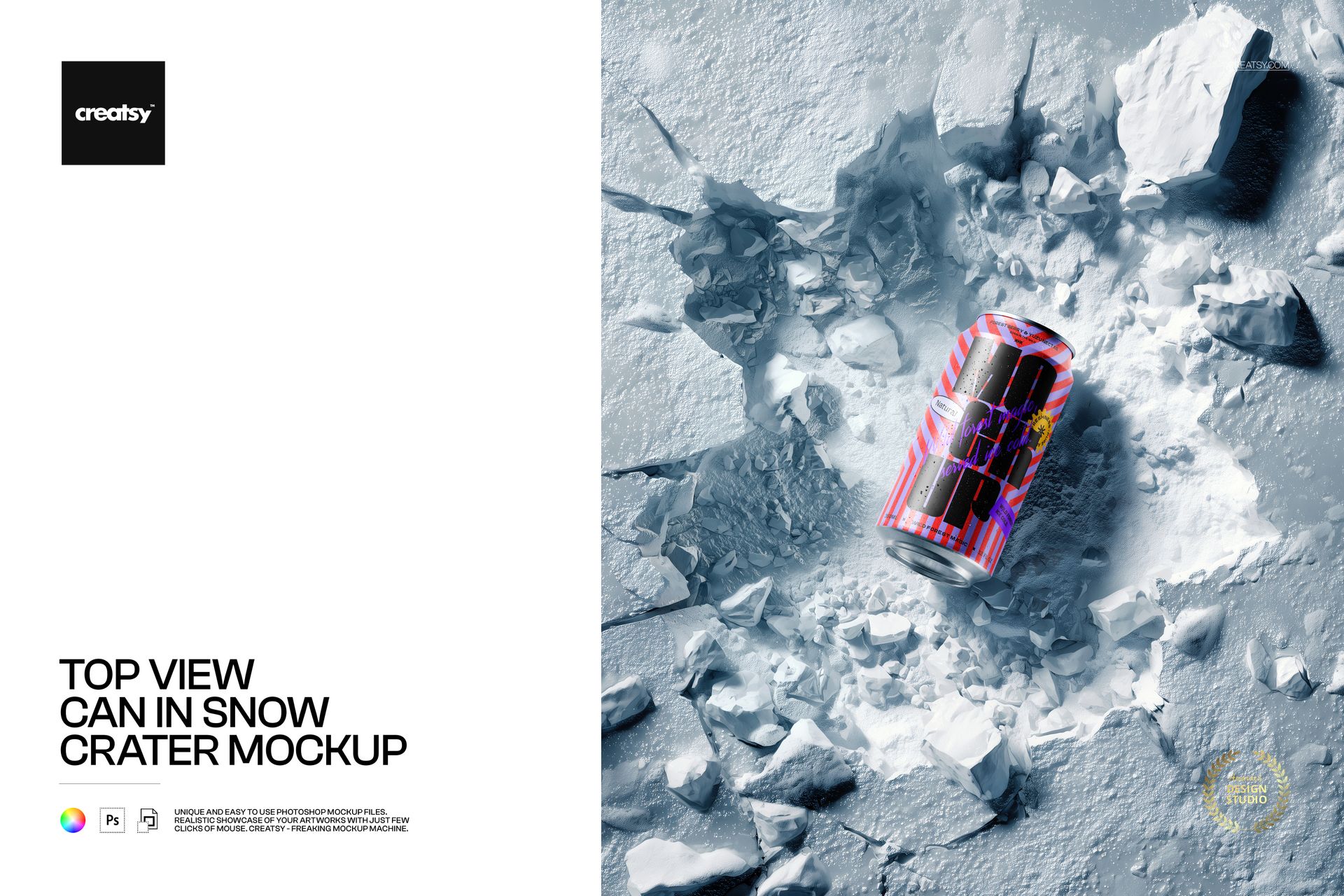
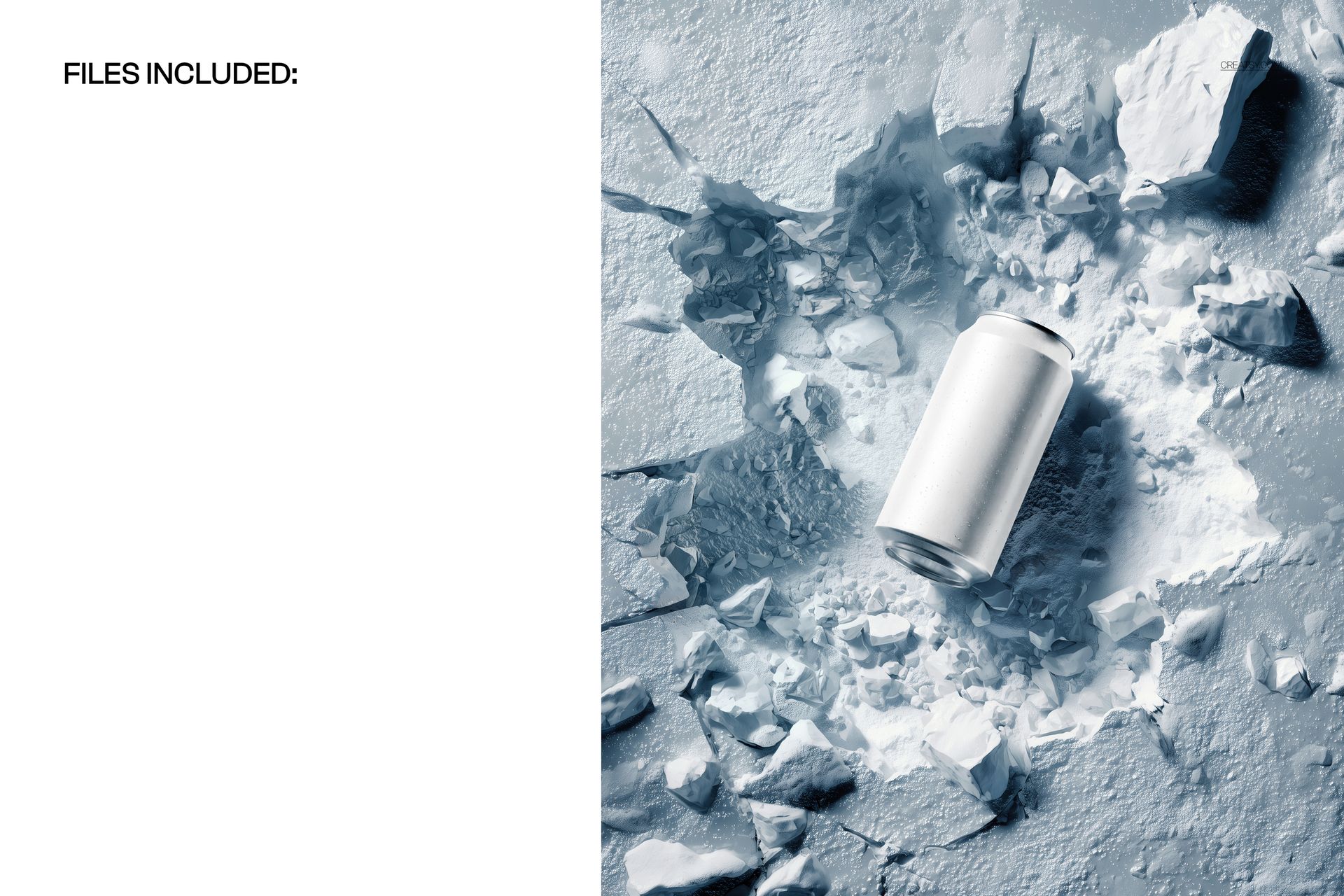
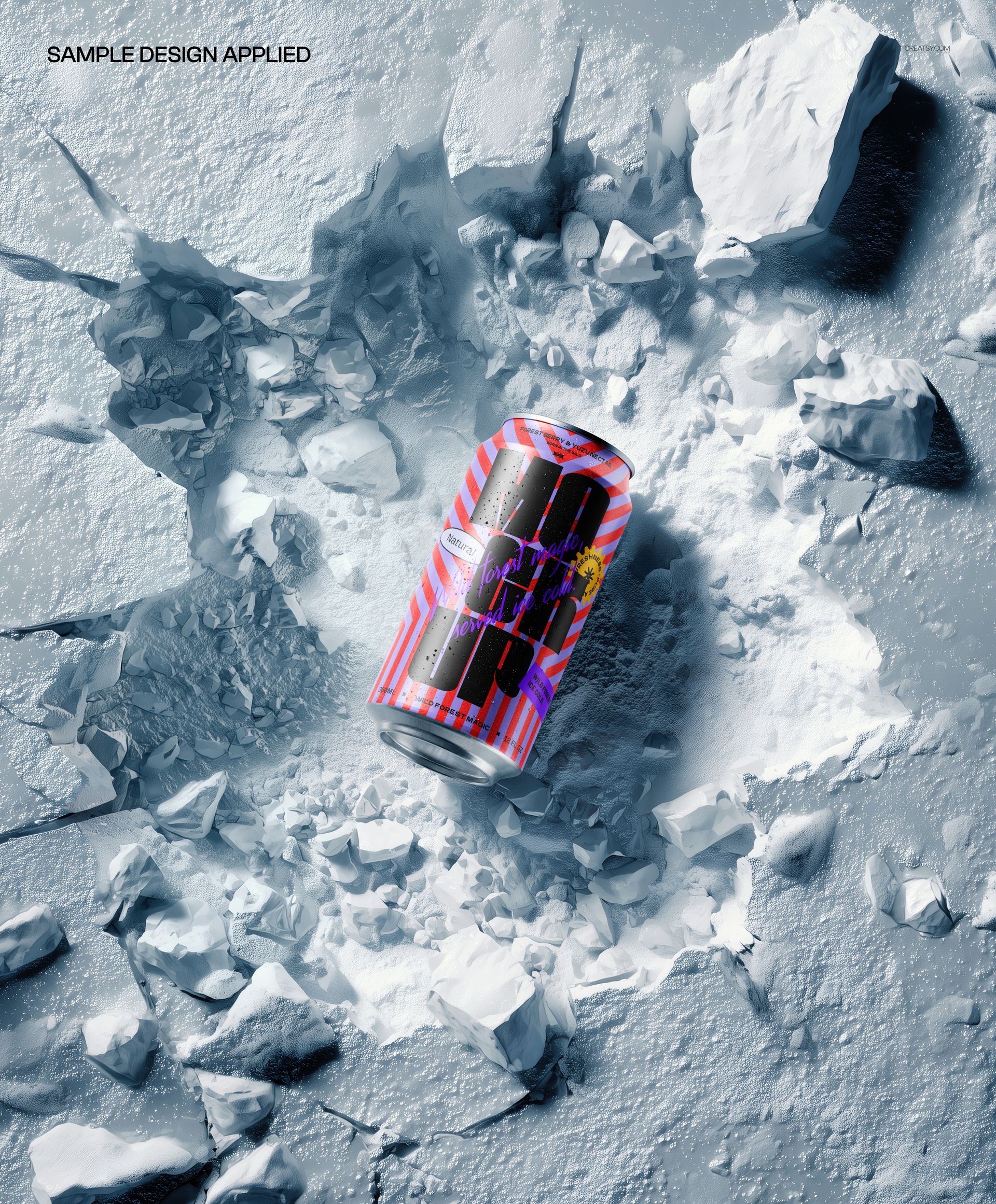
Present your beverage can designs in an eye-catching winter setting with the Top View Can in Snow Crater Mockup - a high-resolution PSD template featuring a beverage can viewed from above, nestled in a dramatic snow crater with realistic ice and snow textures, perfect for drink brands, craft breweries, energy drink companies, and seasonal beverage marketing campaigns.
What's Inside
This mockup includes 1 high-resolution PSD file showcasing a beverage can from a top-down perspective, embedded in a realistic snow crater with detailed ice crystal textures and natural winter lighting. The file measures 4800x3900 pixels at 300 DPI, delivering exceptional detail for both digital marketing and print-ready materials.
Design Capabilities
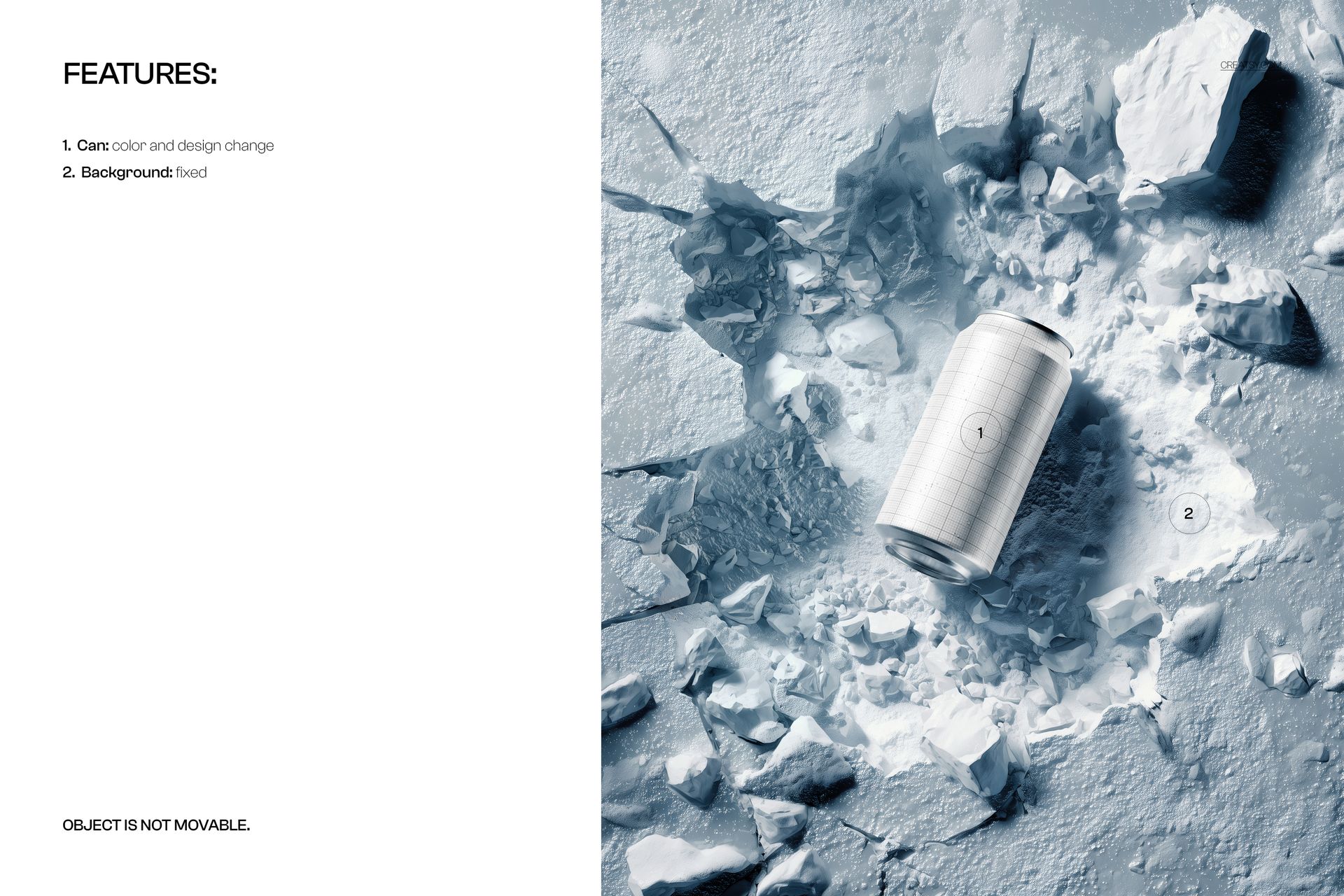
The PSD file features organized smart object layers that let you apply your can label design, logo, or artwork with realistic results. The top-view angle provides a unique perspective that highlights the full can lid and upper label area, while the snow crater environment adds a premium, refreshing context to your presentation.
File Specifications
Format: PSD (Adobe Photoshop). Resolution: 4800x3900 pixels at 300 DPI. Total files: 1 PSD scene. File size: 253.15 MB. Compatibility: Adobe Photoshop CC 2020 or newer, Photopea (free online editor). Features: smart object layers, changeable background, high-resolution output, realistic snow and ice textures.
Ideal For
Winter beverage campaign visuals, craft beer and brewery branding presentations, energy drink packaging design, cold drink and iced beverage mockups, seasonal product launch imagery, beverage e-commerce listings, social media content for drink brands, and crowdfunding campaign visuals for new beverage products.