

 $1900
$1900
Premium Mockup Templates
Premium PSD mockups across product categories - editable layered Photoshop files with organized layers (many with smart objects and color layers) for photorealistic design previews.
Reviews
What designers and brand owners say after using these PSD mockups in real client work.
Sort by:


I have used this mock up a couple ot imes. Hard to find mock ups that are a bit different to the norm and would buy more like this on a nautical theme Maybe boat interiors
 Garden Furnitures & Cushions Mockup 3 View product
Thank you, Lynda! So glad you keep coming back to it 🧡 Boat interiors - now that’s a great idea, we’ll keep that in mind!

Great mockup! Thank you.
 Free Classic Small Bathroom Wallpaper Interior PSD Mockup View product
 You’re welcome, thank you! 🧡

Love love love this mockup!
 Free Outdoor Pool Deck Inflatable Swim Rings Pattern Design PSD Mockup View product
 That makes us so happy to hear - thank you! 🧡

awesome mockups i will use it on my next branding project
 Raspberry Jam Jar Mockup Set View product
 Thank you! Can’t wait to see how it turns out 🧡
Creatsy's mockups are top quality! This one is especially fun because you can add multiple prints to the different parts of the mockup which makes it feel a bit more exclusive. I love using their mockups!
 Free Baby Ruffle Swimsuit and Hat Apparel PSD Mockup View product
 Thank you so much - so glad you’re enjoying the multiple print areas! That’s exactly what makes it fun to work with 🙌


What you get
Professional PSD mockups built in-house - editable, realistic, high-resolution, and supported by real people.
Layered PSD Files
Creatsy mockups are delivered as fully layered Photoshop .psd files, with layers sorted into clearly named groups. Shadows, highlights, and the background each sit on their own editable layer, and nothing is flattened into a single image. Open it in Photoshop or the free browser editor Photopea and get to work.
- Clearly named, organized layer groups
- Shadows and highlights on separate layers
- Editable background, never flattened
- Works in Photoshop or free Photopea
Smart Objects
Open the smart object, paste your artwork, and save. The design lands on the product with the perspective, warp, and wrap already worked out. Scene lighting and shadows fall back on top, so it reads as a photograph, not a flat paste-in. Swapping a design takes seconds, so one file can carry a whole run of variants and colorways.
- Double-click, paste your design, save
- Perspective, warp, and wrap pre-built
- Scene lighting and shadows sit back on top
- One file covers many variants and colorways
High-Resolution Output
Many scenes are built from real product photography rather than 3D renders, so the fabric and surface read like a studio shot. Files export at high resolution and stay sharp at full zoom, with clean edges where the print sits. The same file works for a hero banner, a paid ad or a product listing.
- Real product photography in many scenes
- Exports ready for print
- Holds detail at full zoom
- Works for banners, ads and listings
Easy to Edit
Colors, backgrounds, and artwork sit on separate, clearly named layers, so you swap a color or background without disturbing the rest of the scene. There is no relighting or shadow work to redo, and the same file works for your next project.
- Edit color and background layers directly
- No relighting or shadow rework needed
- No masking or layer skills required
- One file reused across projects
Fast Support
There is a real in-house team behind every file, not a ticket bot. Before you buy, ask whether a specific mockup fits what you have in mind, and we will tell you. When a smart object or a layer group is tripping you up, send the question and you usually get a reply within 48 hours.
- Real in-house team behind every file
- Replies within 48 hours
- Pre-purchase help picking the right mockup
- Answers on smart objects and layer setup
Who are these mockups for?
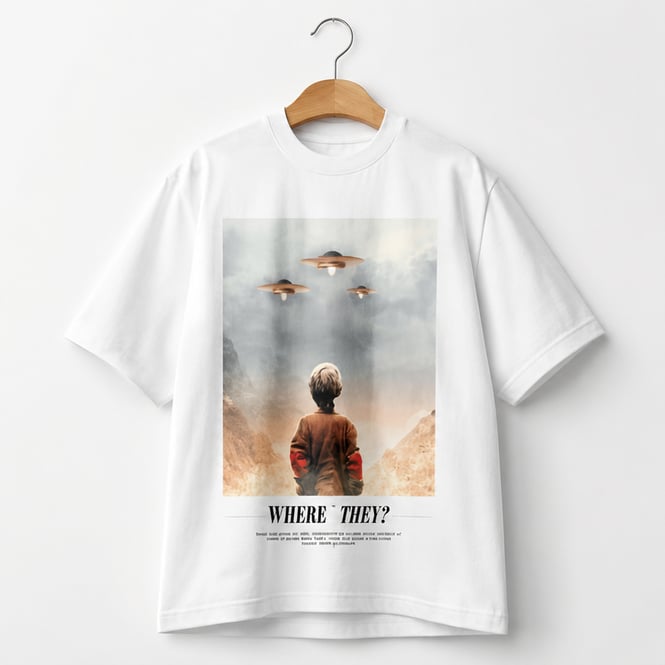
For apparel & merch brands
Place one graphic across tees, hoodies, and caps to read how it sits on each fabric before a print run.
Designing apparel? Browse apparel mockups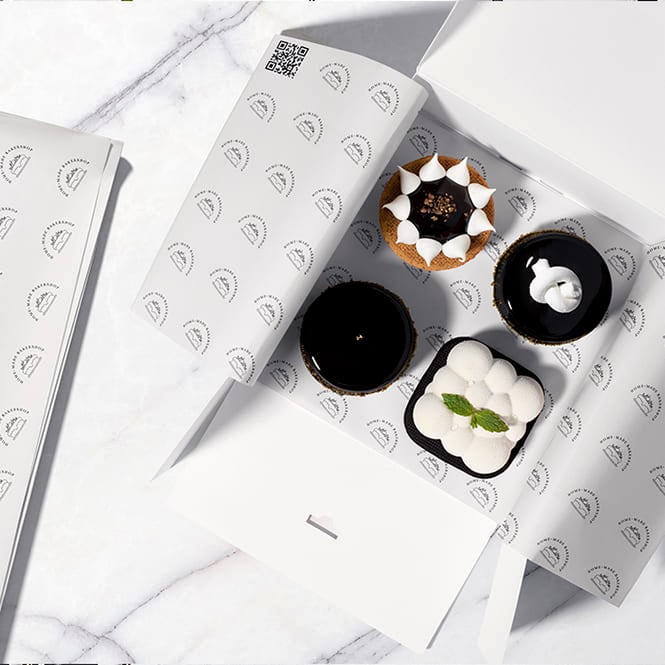
For packaging designers
Show a client the box, label, and pouch as one branded system in a single pitch deck.
Pitching packaging? Browse packaging mockups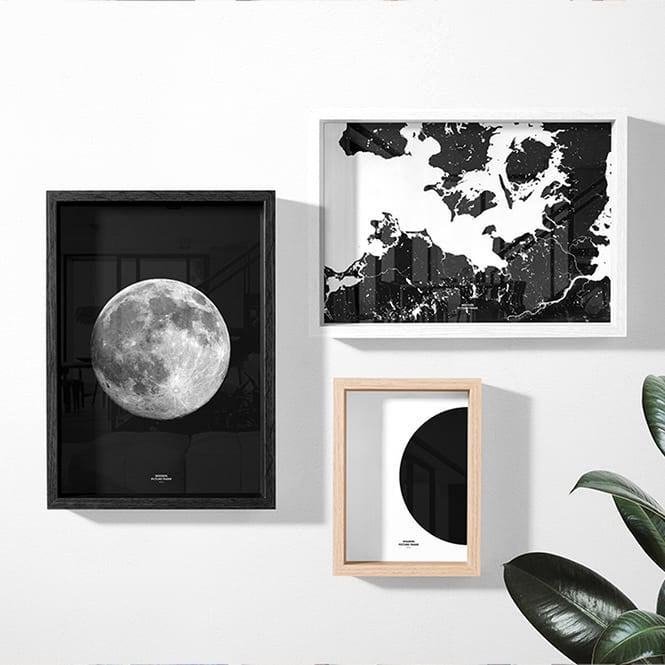
For artists & print sellers
Hang a canvas or poster in a room scene so buyers judge the scale, not a flat file.
Selling wall art? Browse prints & wall art mockups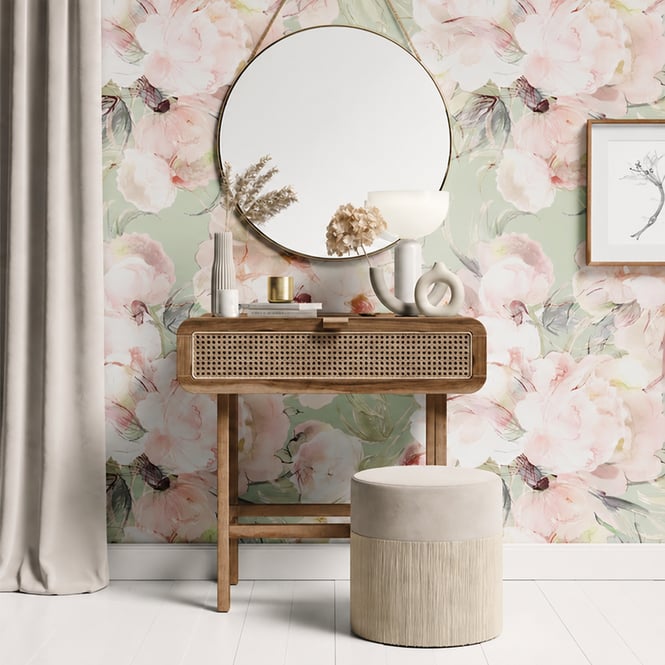
For homeware & decor brands
Drop a pattern onto cushions, bedding, and curtains in one room to pitch a coordinated collection.
Styling a collection? Browse home & living mockups
FAQs
Mockups are delivered as layered Adobe Photoshop (PSD) files. You edit them with smart objects and color layers and export a high-resolution preview. The minimum required Photoshop version is listed on each product page - it varies by product (for example, some require CS6 while others require CC or CC2015).
Open the PSD in Photoshop. Most sets use a smart object - double-click it, then paste or place your artwork inside and save, and the mockup updates automatically. On sets without a smart object, edit the design layer directly; the exact placement steps are on each product page. Many sets also include editable color layers so you can recolor the product or background to match your brand.
No. A mockup is a staging file for your own artwork - as the 11oz & 15 oz White Mug Mockup Set Bundle notes, patterns are not included and the product is intended for you to add your own designs.
The mockup library is organized into more than 30 hubs, including apparel, packaging and wrapping, drinkware and tableware, home and living, stationery, electronics and accessories, prints and wall art, cosmetics and beauty, holidays and seasonal, and more. Use the categories on this page to browse to the product type you need.
Yes. A commercial license is available on every mockup, so the previews you create can be used for product listings, ads, portfolios, and client work, and an Extended Commercial tier exists for broader usage. See each product page for the full license details.
Resolution varies by product and is listed on each product page - many mockups are 300 DPI, and pixel dimensions differ between sets (for example, 6000x4000 px or 3000x3000 px). Check the product page for the exact specs before purchase.
Why use mockups?
Premium PSD mockups across product categories - editable layered Photoshop files with organized layers (many with smart objects and color layers) for photorealistic design previews.
Mockups let you present artwork on a realistic product before anything is printed or manufactured - a faster, cheaper alternative to physical samples and studio photography. Because Creatsy mockups are layered PSD files - many with smart objects and editable color layers - you place a design once and export a polished preview in minutes, then reuse the same file to show colorways, variants, or new artwork. This page is the entry point to the whole mockup catalog. Instead of hunting through individual categories, you can start here and drill into the hub that matches your work - apparel, packaging, drinkware, home goods, stationery, electronics, prints, and beyond. A commercial license is available on every mockup, so previews can go straight into listings, ads, and client work, and an Extended Commercial tier exists for broader usage.
FreeCreatsy® Mockups
good
Thank you! 🧡