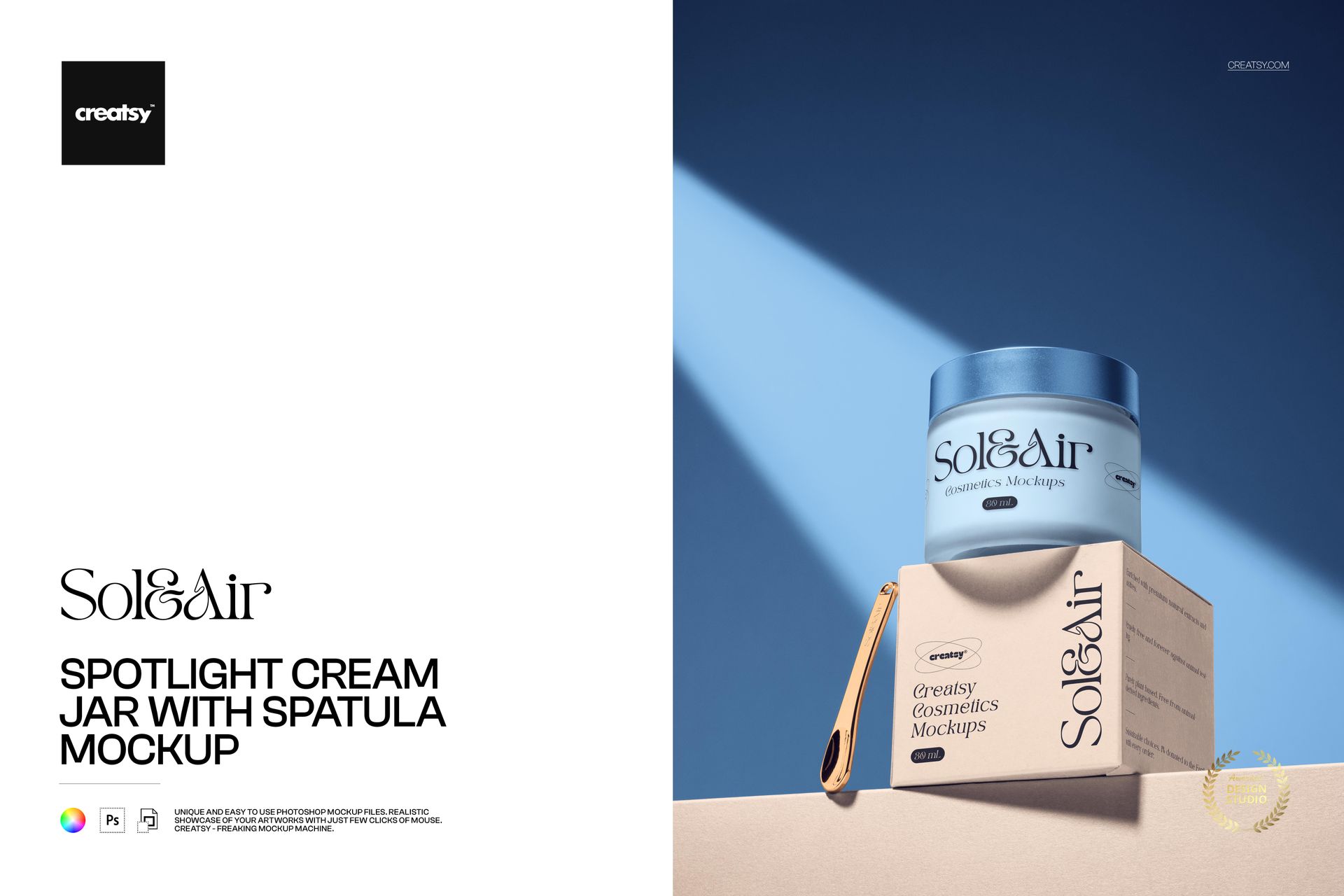
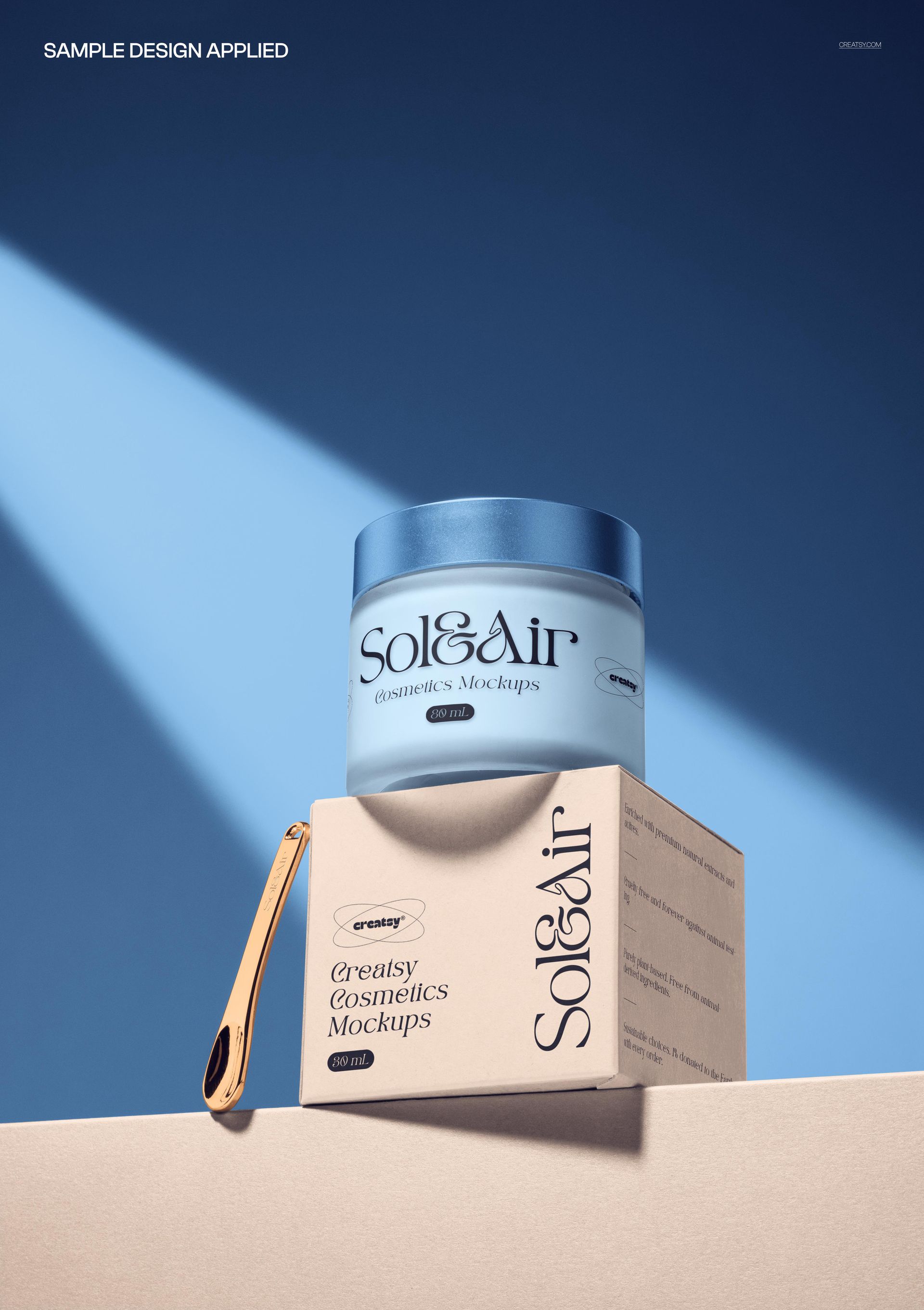
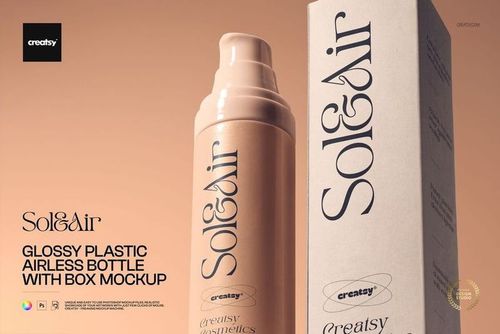
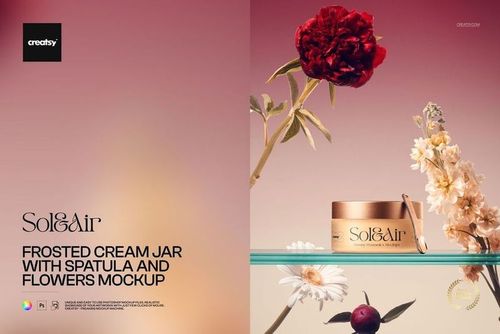
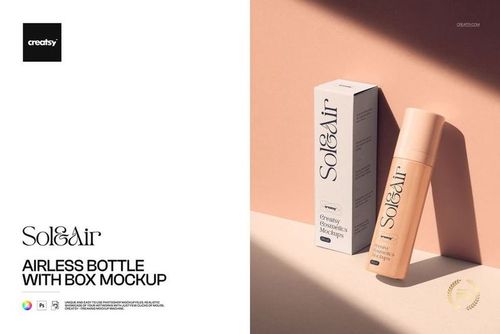
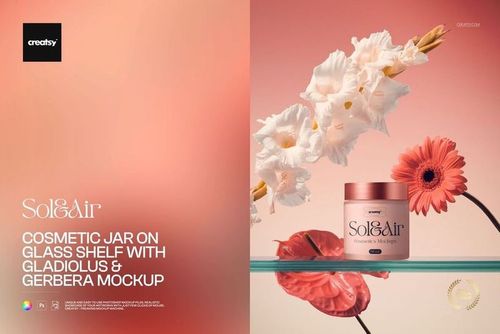
Make your skincare look like it is already on the shelf. This cream jar mockup drops your label straight onto a glass cosmetic jar lit by a soft spotlight, so a flat design file becomes a product people can picture buying. Add your artwork, set your colors, and in a few minutes you have a clean, high-end beauty image ready for your store, your pitch deck or your next launch.
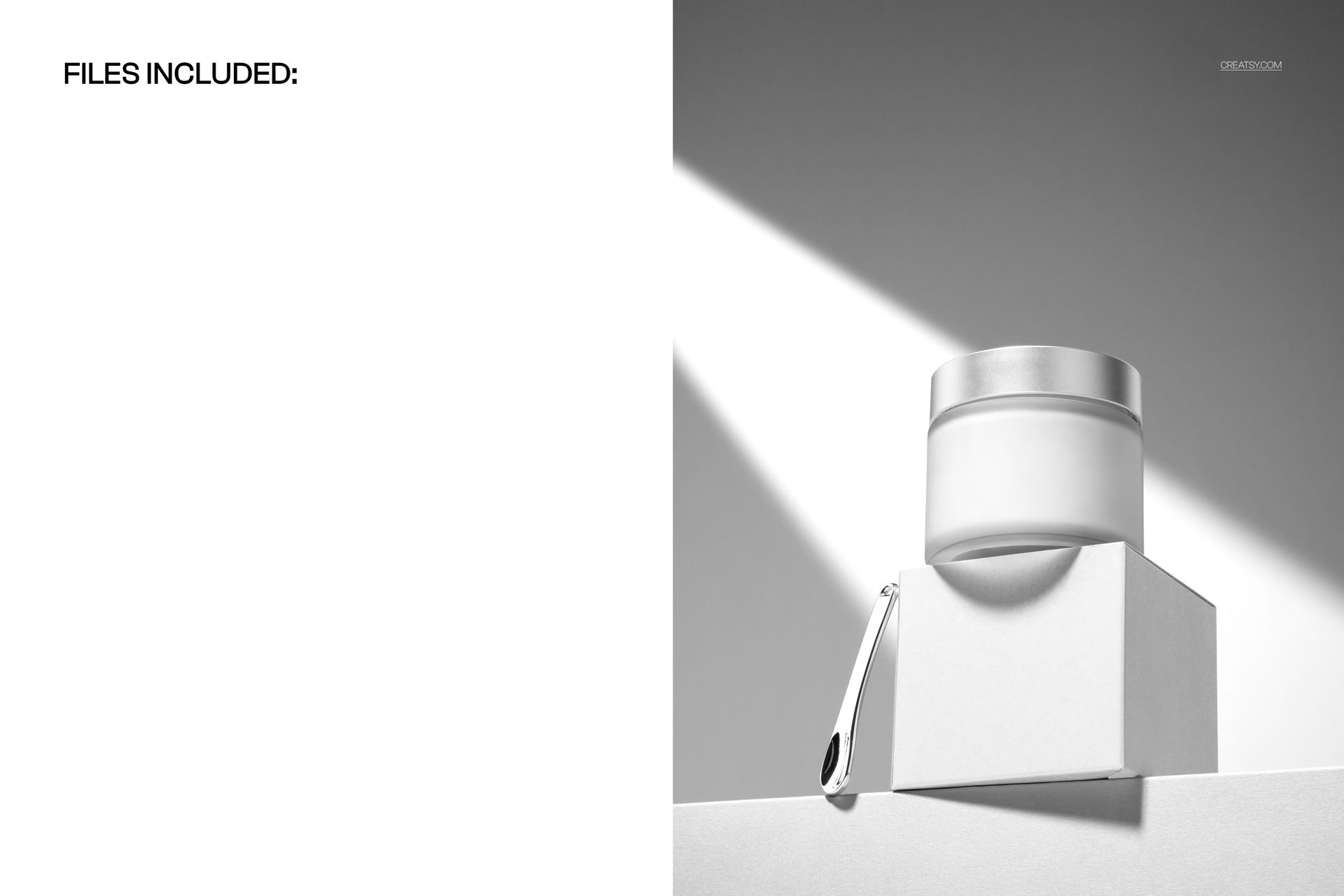
Built for skincare and cosmetic brands, packaging designers, beauty studios and Etsy or Shopify sellers, this editable PSD mockup gives your cream jar design a real product photography setting: a glass jar, a matching box, a gold spatula and a focused beam of light on a calm, modern backdrop. Everything runs on smart objects, so your label, your logo and your colors go in without a studio or a camera.
Why a cream jar mockup sells your design
Skincare is bought with the eyes first. Before anyone reads your ingredients or your story, they judge the jar. A crisp, well lit product image tells a shopper that the brand is careful, clean and worth the price. This mockup gives your label that context in one file, so your design looks finished and trustworthy from the first scroll, whether it lands on a product page, an Instagram launch or a client presentation.
What you can customize
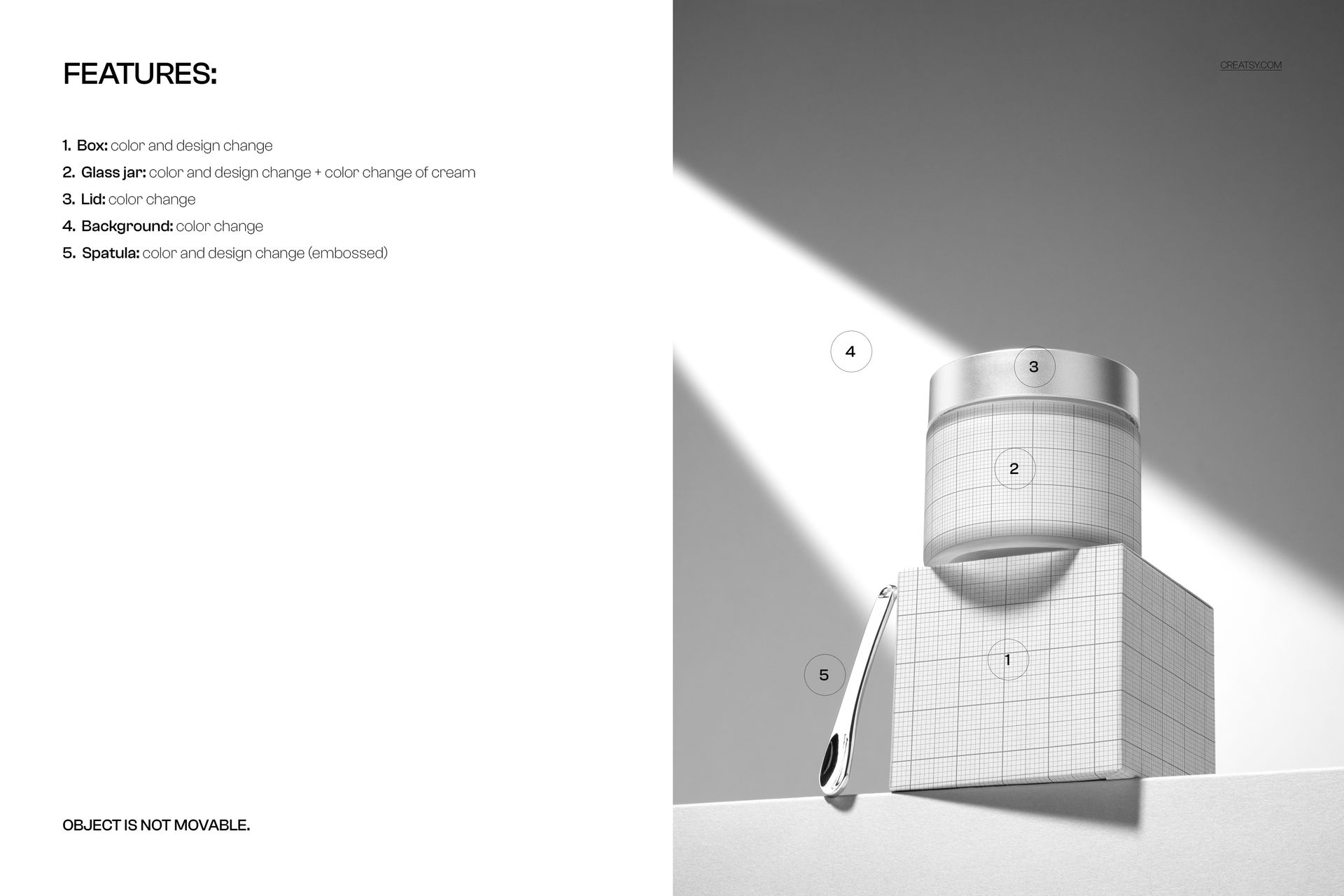
The scene is fully yours to brand. Every part that matters sits on its own smart object or color control:
Glass jar: add your label design, set the jar color, and even change the color of the cream inside.
Box: place your own packaging artwork and color on the carton under the jar.
Lid: set the lid color to match your palette.
Spatula: add an embossed design or logo to the applicator.
Background: change the backdrop color to warm, cool or neutral in one step.
How it works
You do not need to be a retoucher. Open the smart object for the jar, drop in your label, and save. The lighting, the shadows and the perspective are already built into the scene, so your artwork wraps onto the jar and the box like a real photo. Set the jar, lid and background colors, tint the cream if you want, and export. The scene is styled and set, so you focus on the branding rather than moving the props, and you can try a new colorway or a whole product line from the same file in minutes.
Where to use it
One clean render goes a long way. Use it for ecommerce product listings, Etsy and Shopify images, brand and packaging portfolios, client approvals, label previews before you print, Instagram and Pinterest posts, digital catalogs and beauty campaign graphics. It is a fast way to show a moisturizer, a face cream, a body balm or a full skincare line looking like a finished product.
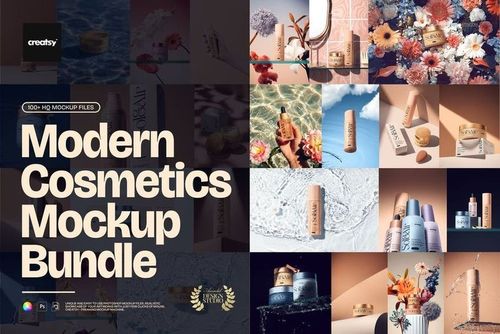
Part of the Modern Cosmetics Packaging Mockup Bundle
This spotlight cream jar scene is one piece of the Modern Cosmetics Packaging Mockup Bundle, so it shares the same clean, editorial style as the other beauty mockups in that collection. Brand one design across the jar, the box and the applicator here, then carry the same look through the rest of the set for a launch that feels cohesive.
File details
part of the Modern Cosmetics Packaging Mockup Bundle
1 layered PSD file plus a JPG preview (2 files in total)
PSD size 6000 x 4000 px, 300 dpi
Adobe Photoshop CC2020 or newer, and Photopea (free online editor)
smart objects for the jar label, box and spatula, plus color controls for the jar, cream, lid and background
well organized, named layers