About this stationery branding mockup
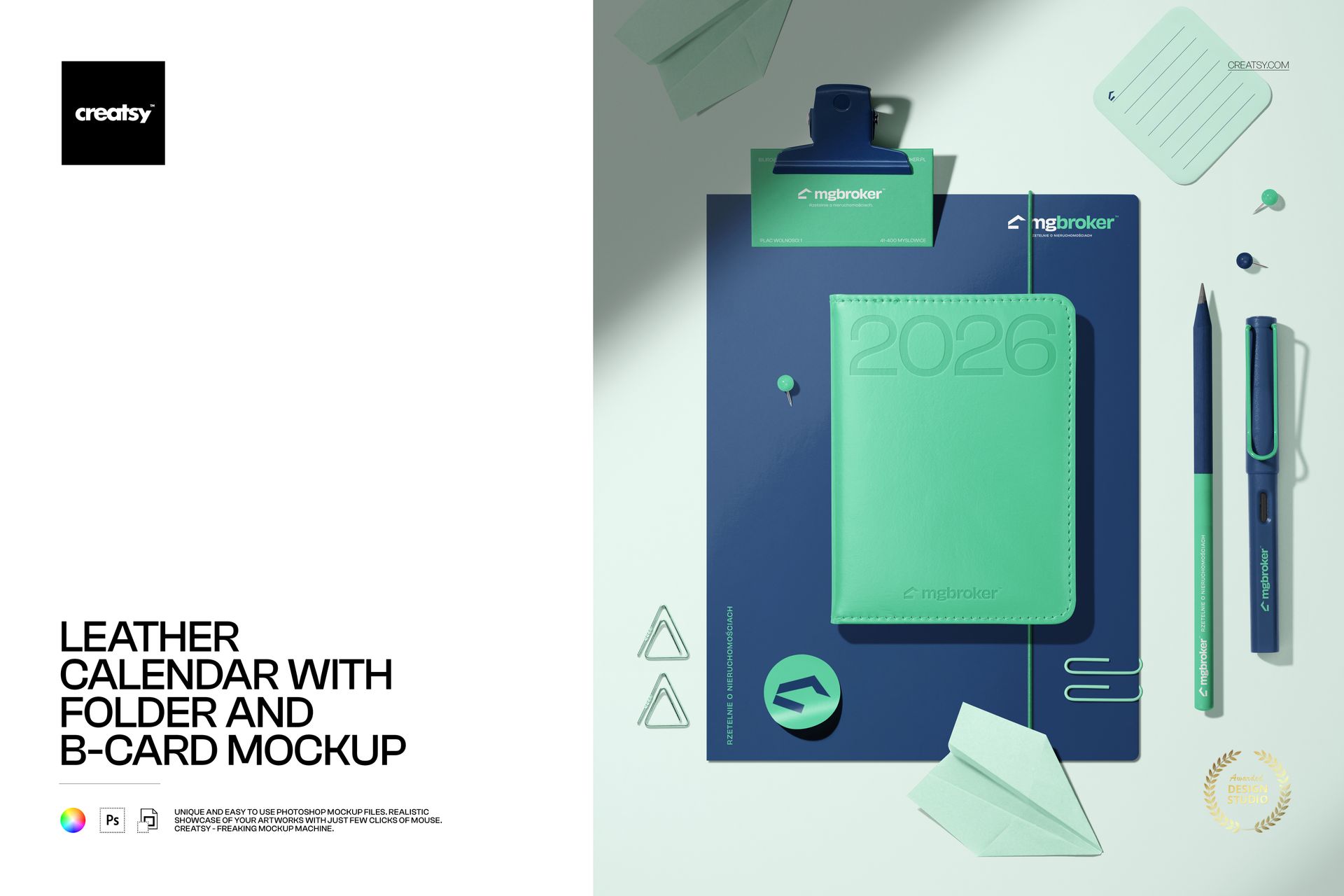
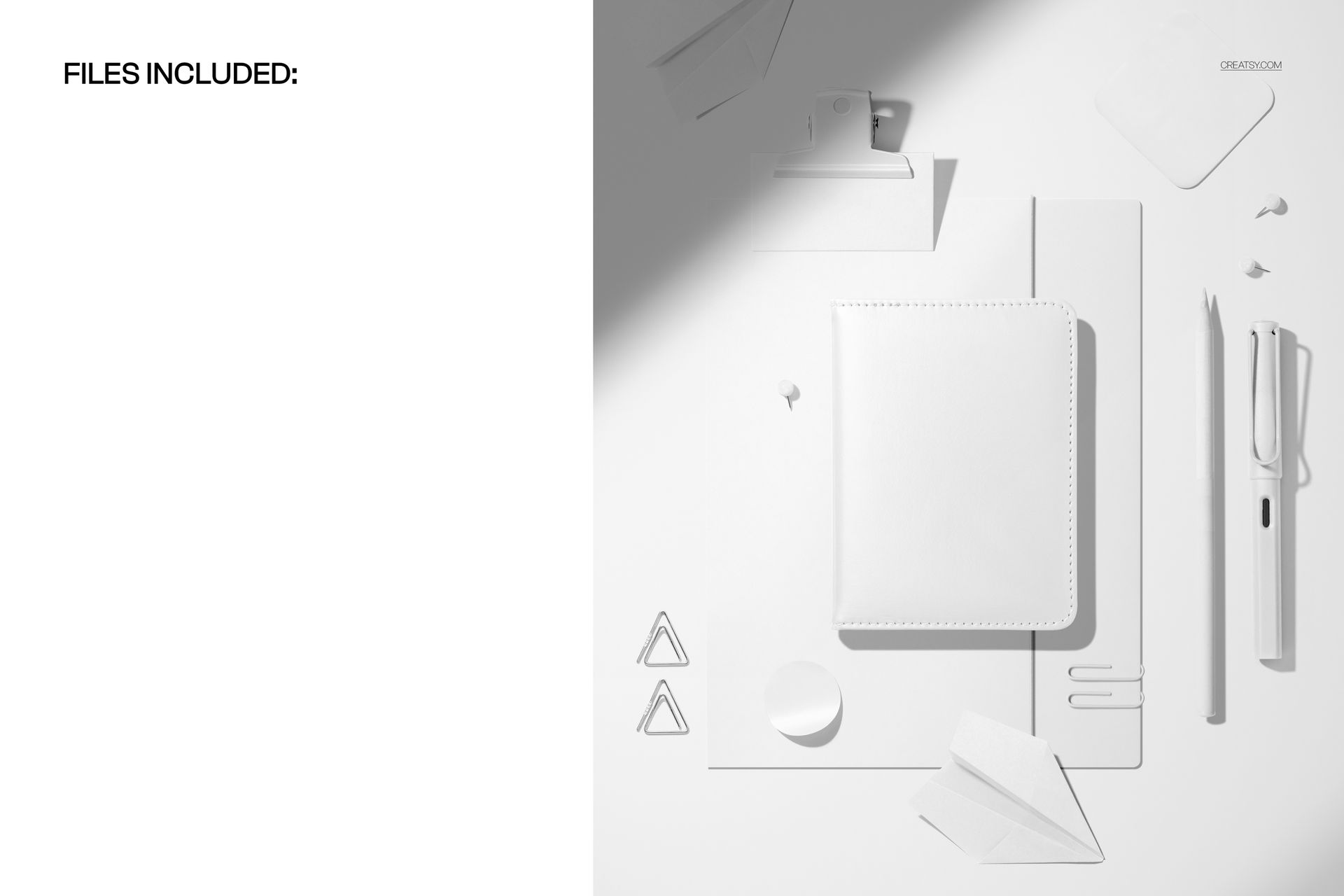
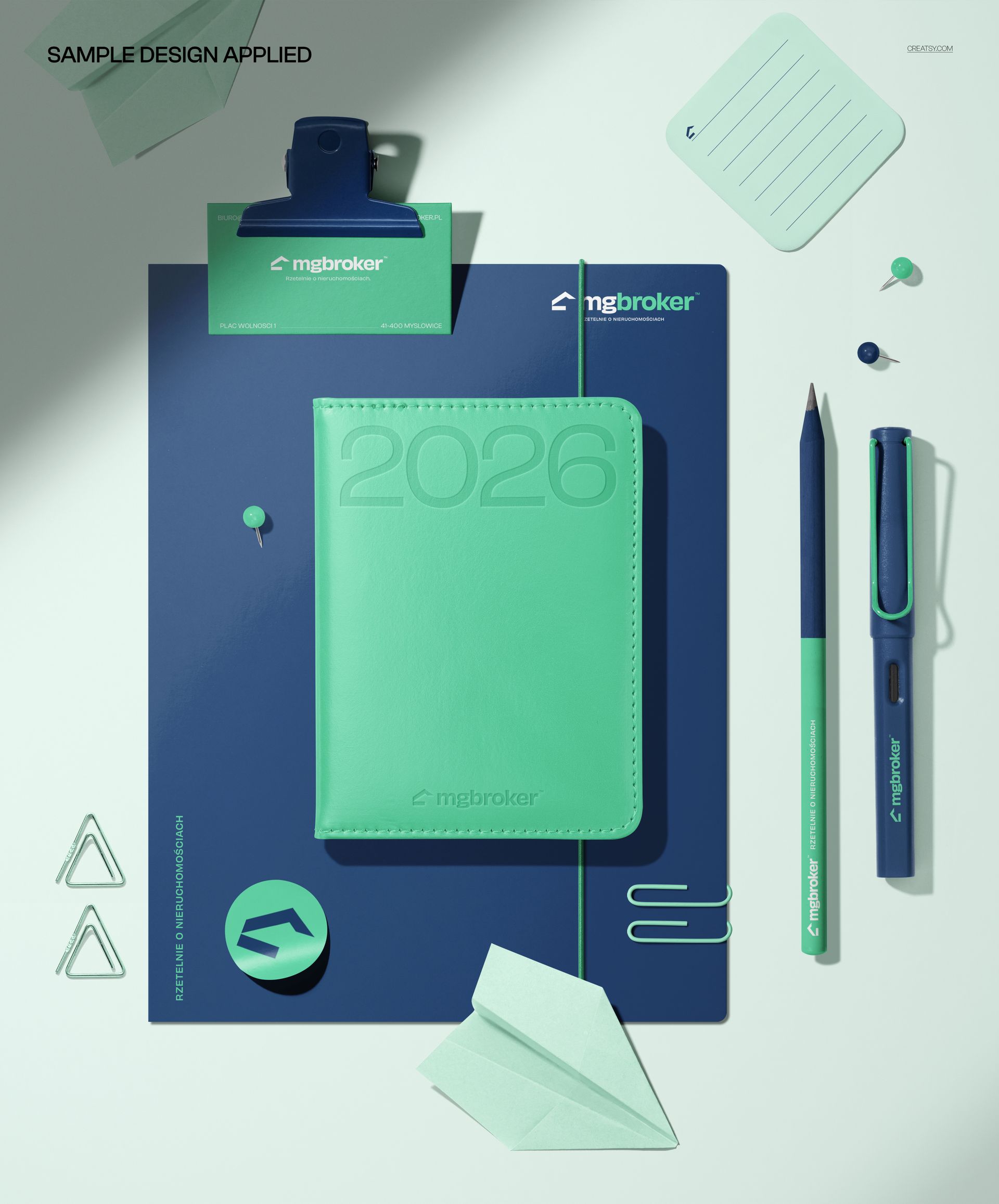
The Leather Calendar with Folder and B-card Mockup by Creatsy is a branding stationery mockup that lays out a full desk kit - a leather-cover calendar, a folder, a business card, a pen, a pencil, clips, pins, sticky notes, and a sticker - in one overhead flat-lay. It comes as a single layered PSD at 5300 x 4400 px and 300 dpi, big enough for a print portfolio and sharp enough to crop in on any single piece.
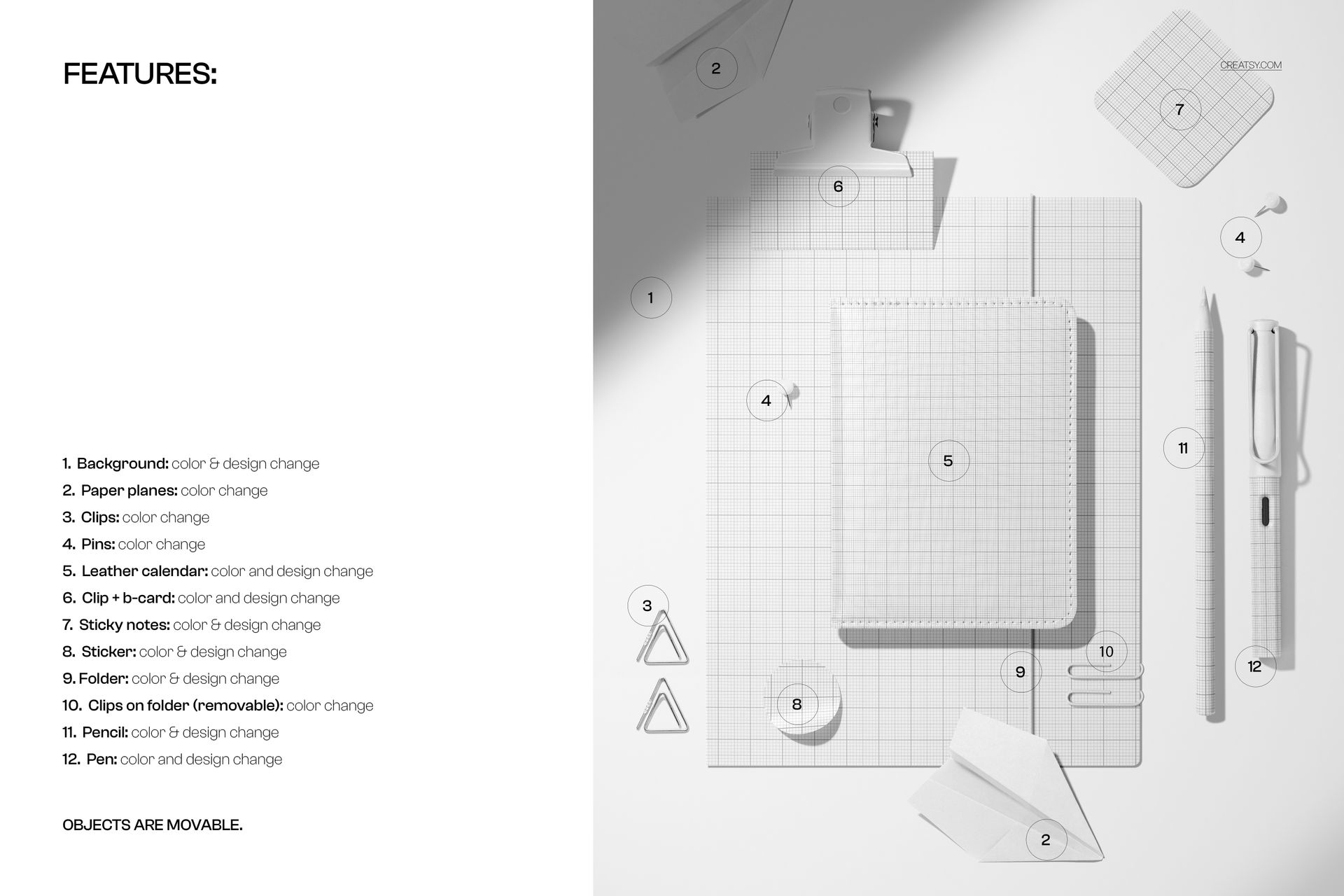
Almost every element is yours to change. The calendar cover, folder, business card, sticky notes, sticker, and pen each take your own artwork, so a whole identity carries across the set. On top of that, the background, clips, pins, paper planes, and pencil all recolor, and the objects are movable, so you can restage the layout, pull a piece to the front, or clear space for a wider crop. It is less a fixed photo than a set you dress.
The design areas are smart objects. Double-click one, drop in your logo, pattern, or card layout, and save - your artwork wraps onto the leather grain and paper with the scene's shadows and highlights already on top, so it reads as a real printed sample. The kit arrives with placeholder branding to show the effect; swap in your own and the mockup does the rest. Change the background color to match a brand palette and the whole flat-lay shifts with it.
Use it to present a full brand identity to a client in one image, to anchor a portfolio case study, or to fill an Etsy or Shopify listing for a stationery or branding template. One PSD covers a shoot that would otherwise mean sourcing real leather goods, printing samples, and styling a table under even light.
What you get
One layered .psd flat-lay of a leather calendar, folder, business card, pen, pencil, clips, pins, sticky notes, and a sticker, plus a .jpg of the scene
5300 x 4400 px at 300 dpi
Smart objects for the calendar, folder, business card, sticky notes, sticker, and pen designs
Color changes on the background, clips, pins, paper planes, and pencil; objects are movable
Well organized, clearly named layers
About 314 MB on Windows and 330 MB on Mac once unzipped
How it works
Open the .psd in Adobe Photoshop (CC2020 or newer), or free in Photopea.
Double-click a design smart object, such as the calendar or the business card.
Paste your logo or layout, fit it to the guide, and save that tab.
Recolor the background and props to your palette, move any pieces you like, then export a JPG or PNG.
Specifications
Files: layered .psd plus a .jpg
Dimensions: 5300 x 4400 px
Resolution: 300 dpi
Scene: leather calendar, folder, business card, pen, pencil, clips, pins, sticky notes, sticker
Editable designs: calendar, folder, business card, sticky notes, sticker, pen (via smart objects)
Editable colors: background, clips, pins, paper planes, pencil
Layout: objects are movable
Software: Adobe Photoshop CC2020 or newer, and Photopea (free, browser-based)
File size: 314 MB Windows / 330 MB Mac
Who it is for
It suits brand and identity designers presenting a stationery system, studios building portfolio mockups, and print or Etsy sellers offering branding and calendar templates. It works for a corporate rebrand, a boutique or agency identity, a wedding or event suite, or a personal portfolio piece. If you sell or pitch brand identities and want one clean image that shows the whole kit at once, this is built for it.