Four Wrapping Paper Rolls with Ribbon and Paper Label Mockup
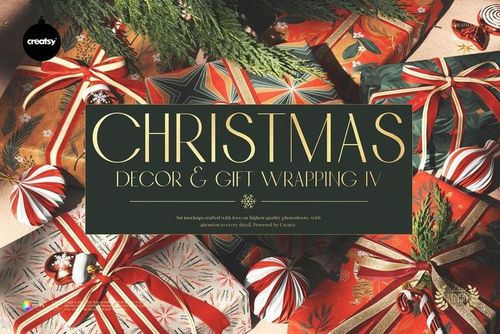
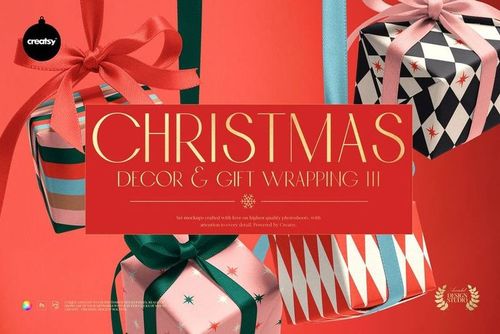
This product is a part of Christmas Decor & Gift Wrapping Mockup Bundle III
Product Details
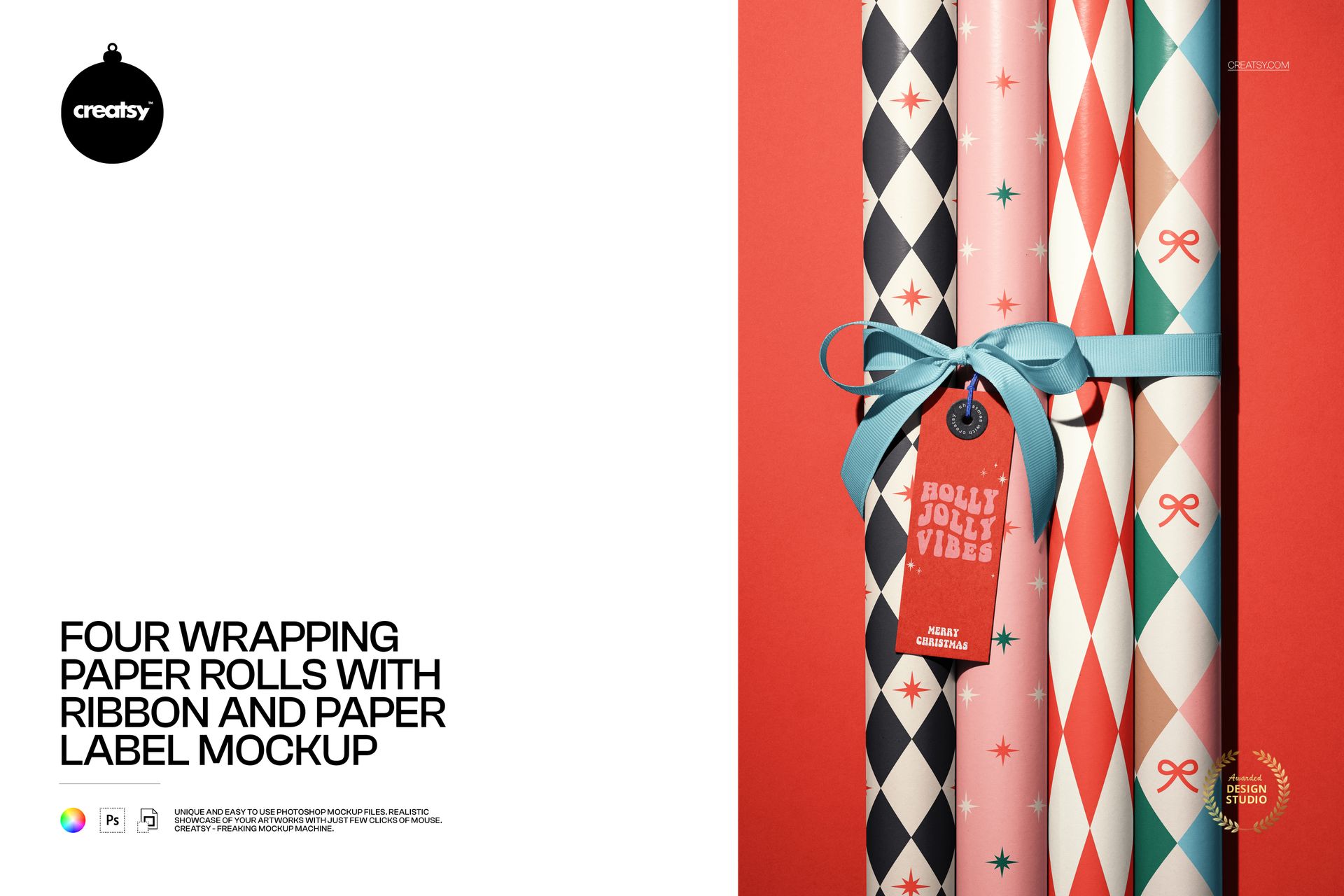
Wrapping paper mockup with four rolls, ribbon, and a tag
This is a wrapping paper mockup built as a product shot: four standing rolls of gift wrap, a ribbon bow, and a paper gift tag, all ready for your designs. Load your patterns through smart objects, recolor the paper, the ribbon, the tag, and the background, and you present a whole coordinated gift-wrap set in one image, with no printing and no photographer. Almost every part of the frame is yours to change.
The scene
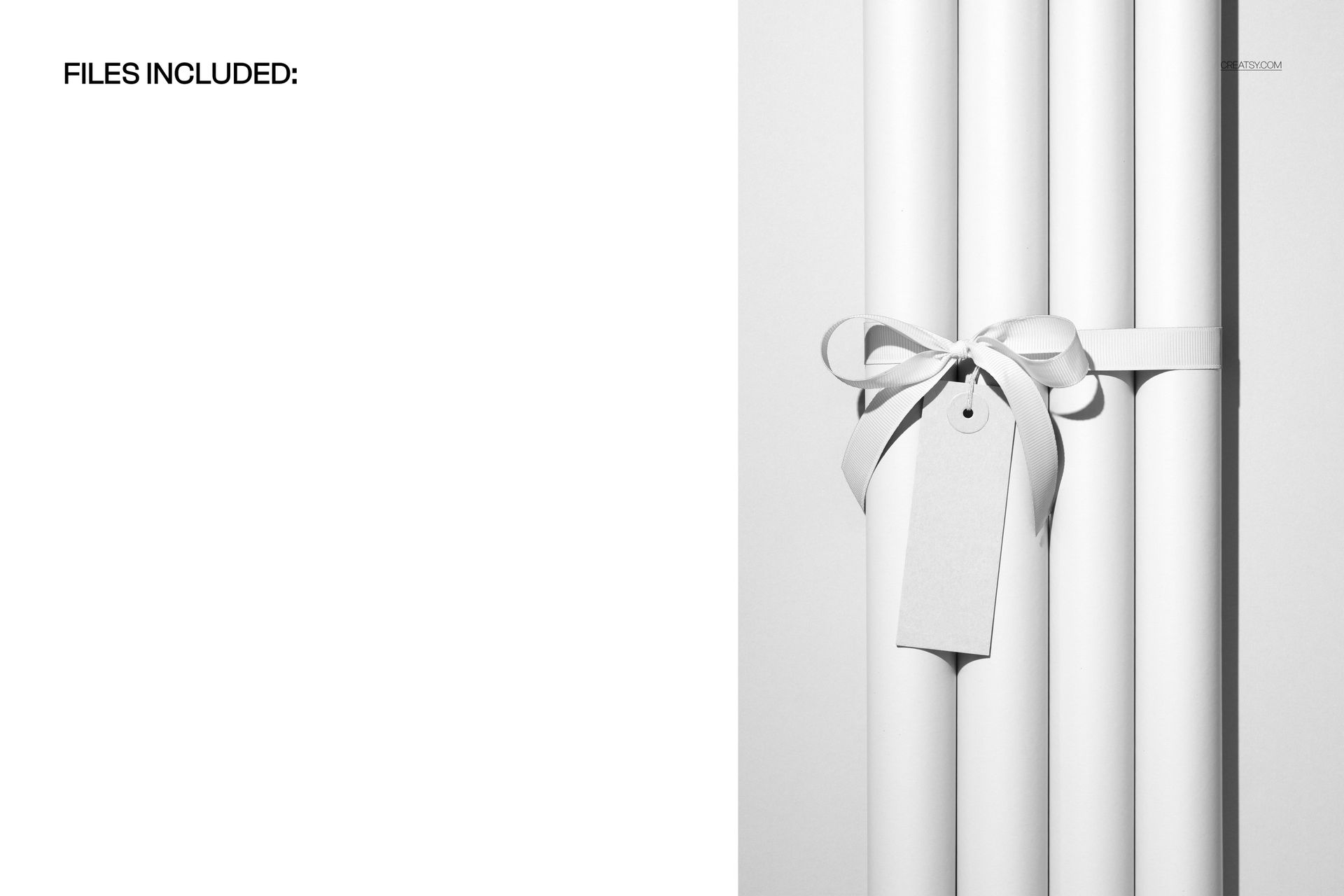
Four paper rolls stand together, wrapped with a ribbon and finished with a hanging paper tag, shot straight on like a product on a shelf. The setup reads gift, festive, and retail-ready, the kind of frame that suits holiday wrap, birthday and wedding paper, and any seasonal stationery line. Because the rolls and the props stay in place, every pattern you load sits in the same tidy arrangement, so a collection of prints reads as one set.
What you can edit
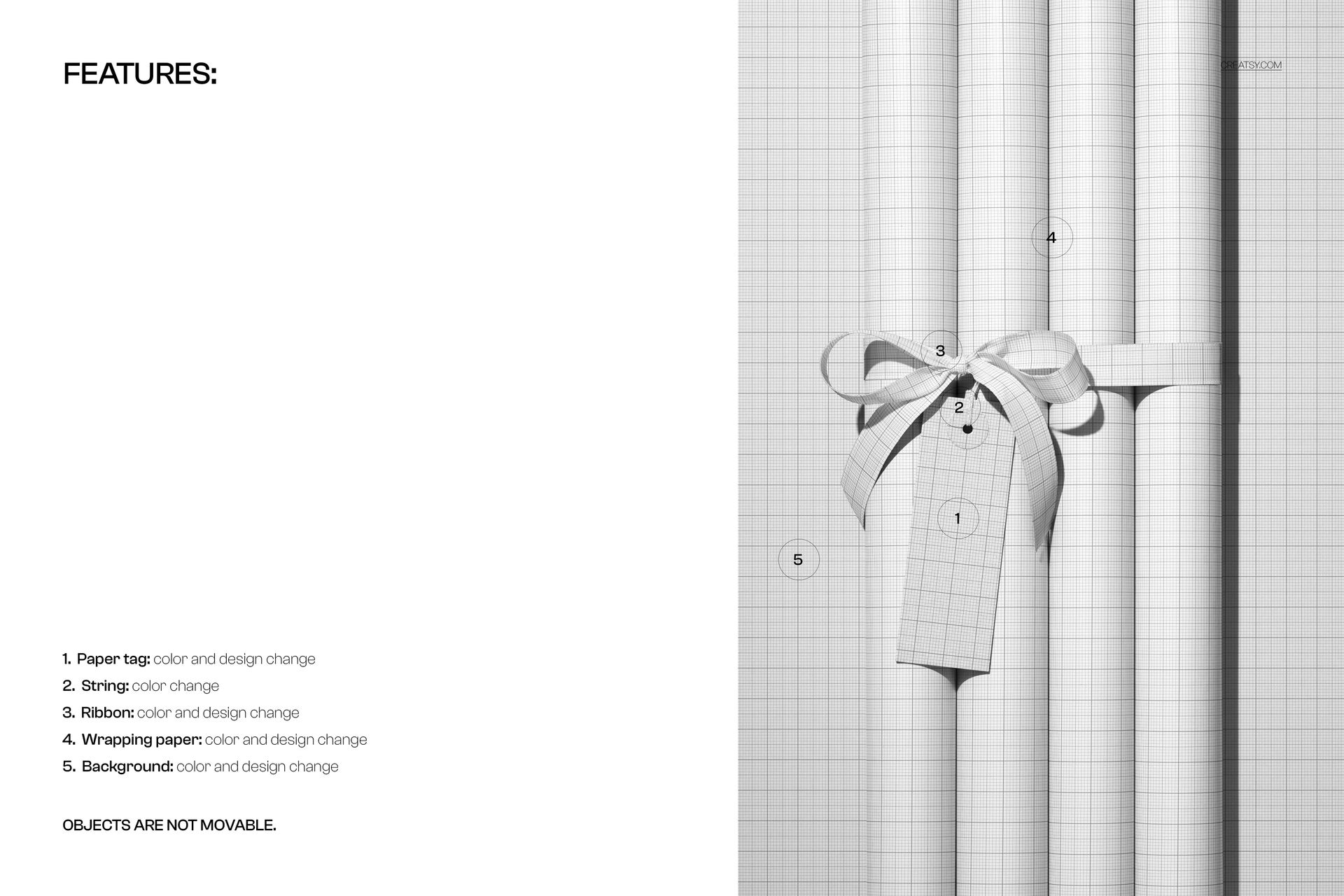
You control five parts of the scene. The wrapping paper on the four rolls takes a color and a design change through smart objects, so your pattern wraps each roll with real curl and shadow. The ribbon and the paper tag each change color and design, the string on the tag changes color, and the background changes color and design too. The objects do not move, so this is one clean, product-style angle rather than a scene you rearrange.
Show a coordinated collection
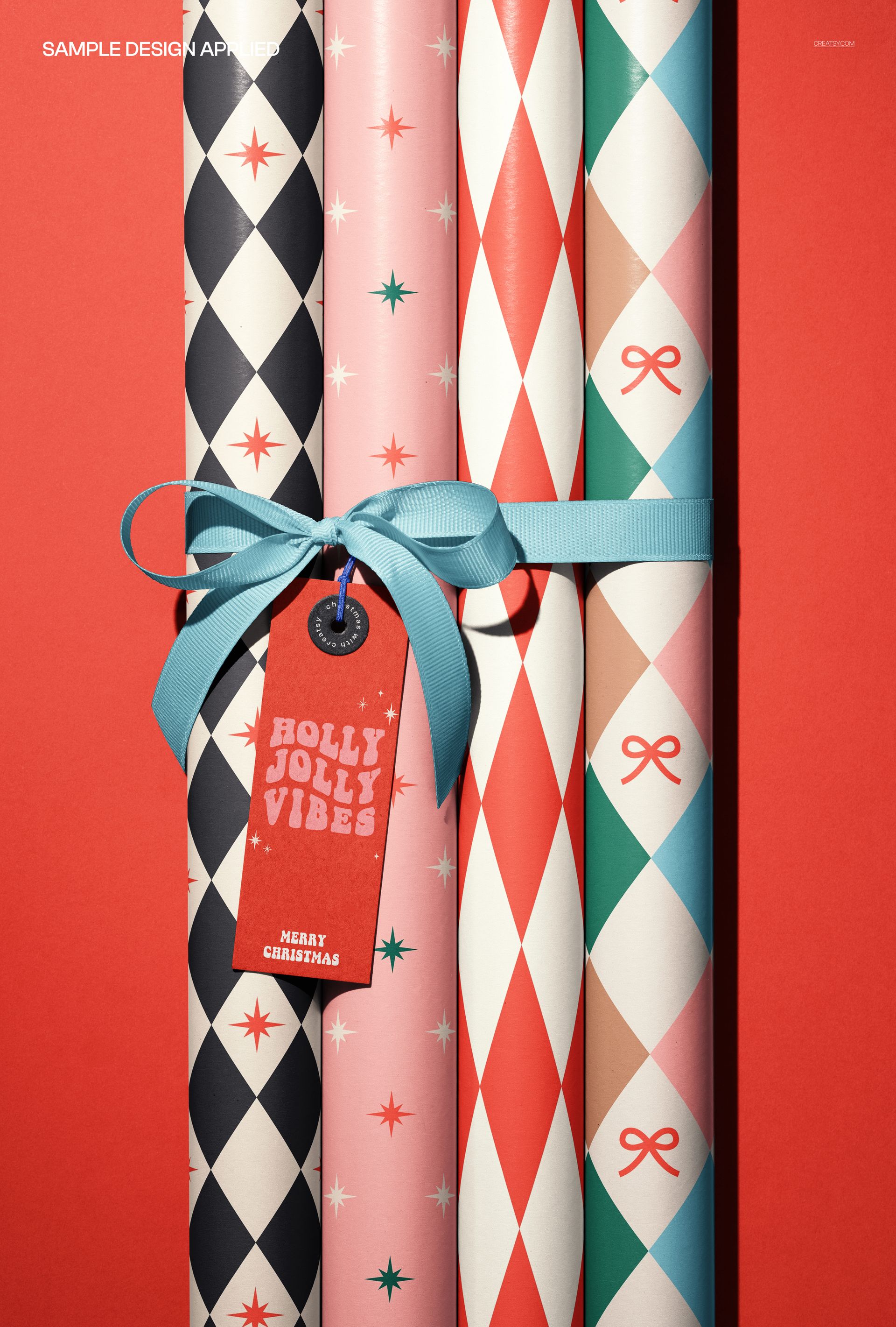
Four rolls means you can present a range, not a single sheet. Load a different pattern on each roll to show a full collection, or run one hero print across all four for a focused product shot, then tie it together with a matching ribbon, tag, and backdrop. For a gift-wrap or stationery brand that is the fast way to show how a set works together before anything goes to print.
How it works
Open the PSD in Photoshop or in Photopea, the free browser editor. Double-click a smart object, drop in your pattern, and save, and it appears on the roll, the ribbon, or the tag with the folds and highlights already in place. Recolor each layer to match, export a JPG or PNG, and the shot is ready for an Etsy listing, a shop banner, a social post, or a seasonal ad.
Any theme, one file
Because the paper, ribbon, tag, and background all change color and design, the same file works for Christmas, birthdays, weddings, baby showers, or a plain everyday range. Swap the patterns and colors and the scene re-themes itself, so you are not buying a new mockup for every season, just loading new art into one you already know.
Specifications
1 layered PSD file
6000 x 4000 px, 300 dpi
Editable wrapping paper on four rolls (color and design)
Editable ribbon, paper tag, and background (color and design)
Editable string color
Designs placed through smart objects
Objects are not movable
Well organized, clearly named layers
Works in Adobe Photoshop CC2020 or newer and in Photopea
Package size about 409 MB
Who it is for
It fits gift-wrap and stationery brands, surface and pattern designers, and Etsy or Shopify sellers launching wrapping paper, gift tags, or a seasonal range. Studios can use it to present a paper collection to a client without a print run. If you want a clean, product-style wrapping paper shot in a few minutes, this delivers it and keeps working for every new pattern and season.
Print-ready detail
At 6000 x 4000 pixels and 300 dpi, the file has room for more than a web thumbnail. Crop in on a single roll for a hero banner, or export the full set for a catalog page, and the pattern detail stays sharp. One master covers the small listing image and the larger print piece at the same time.
File details
- Compatibility
- Package size
- 408 MB
|428 MB
- Files type
- .psd, .jpg
- Files size
- 6000x4000


Made with Creatsy
Real designs. Real customers. See how creatives use Creatsy mockups to turn their artwork, branding, and product ideas into polished visuals.
MEET THE SHOP
- $1615$19.00
- $1870$22.00
- $1615$19.00
- $2125$25.00

HOW IT WORKS
3 clicks. That's it.
No tutorial needed. If you can copy-paste, you can use this.
- 1OpenDouble-click the smart object inside the PSD - in Adobe Photoshop, or free in your browser with Photopea.
- 2PasteDrop in your pattern, print, or artwork. Any design, any style.
- 3SaveHit save and the mockup wraps it in for you - shadows, folds, and lighting included.
FROM IDEA TO IMAGE
Built for real workflows
Get the label signed off before the print run Wrap your design onto the box, pouch, or bottle and show the client exactly what ships.
See it on the product, not a swatch Drop your file into the smart object and the scene's lighting and folds wrap around it, so you judge the real thing before you commit.
Smart Objects
Edit once and you're done. Your artwork drops into a smart object and the mockup updates itself - no masking, no warping by hand.
Perfectly Organized
Named layers and folders you can actually navigate. Find what you need, change what you want, and get out fast.
Print-Ready
High-resolution files built to hold up on screen and in print. Exact size and DPI are in this product's Details above.