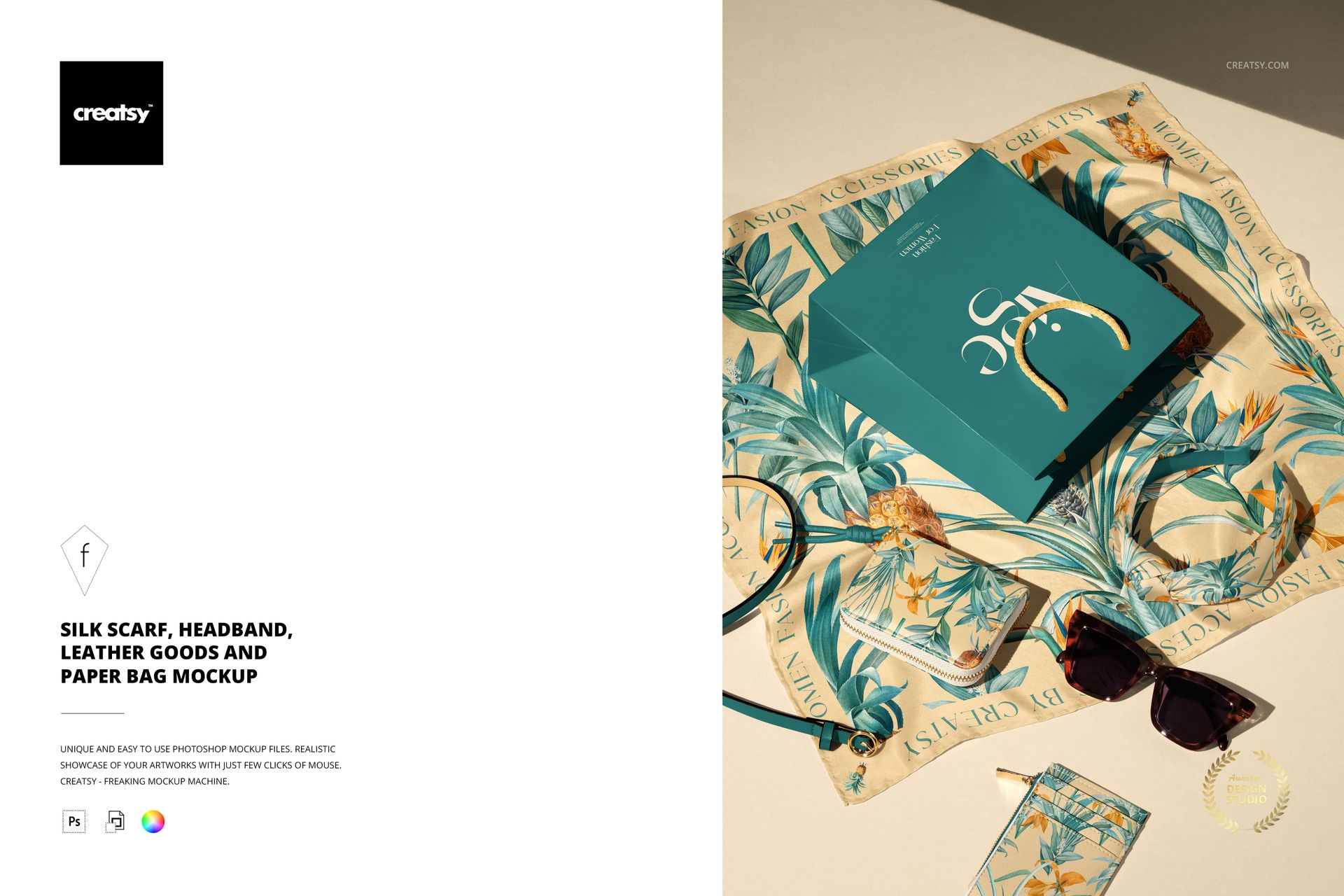
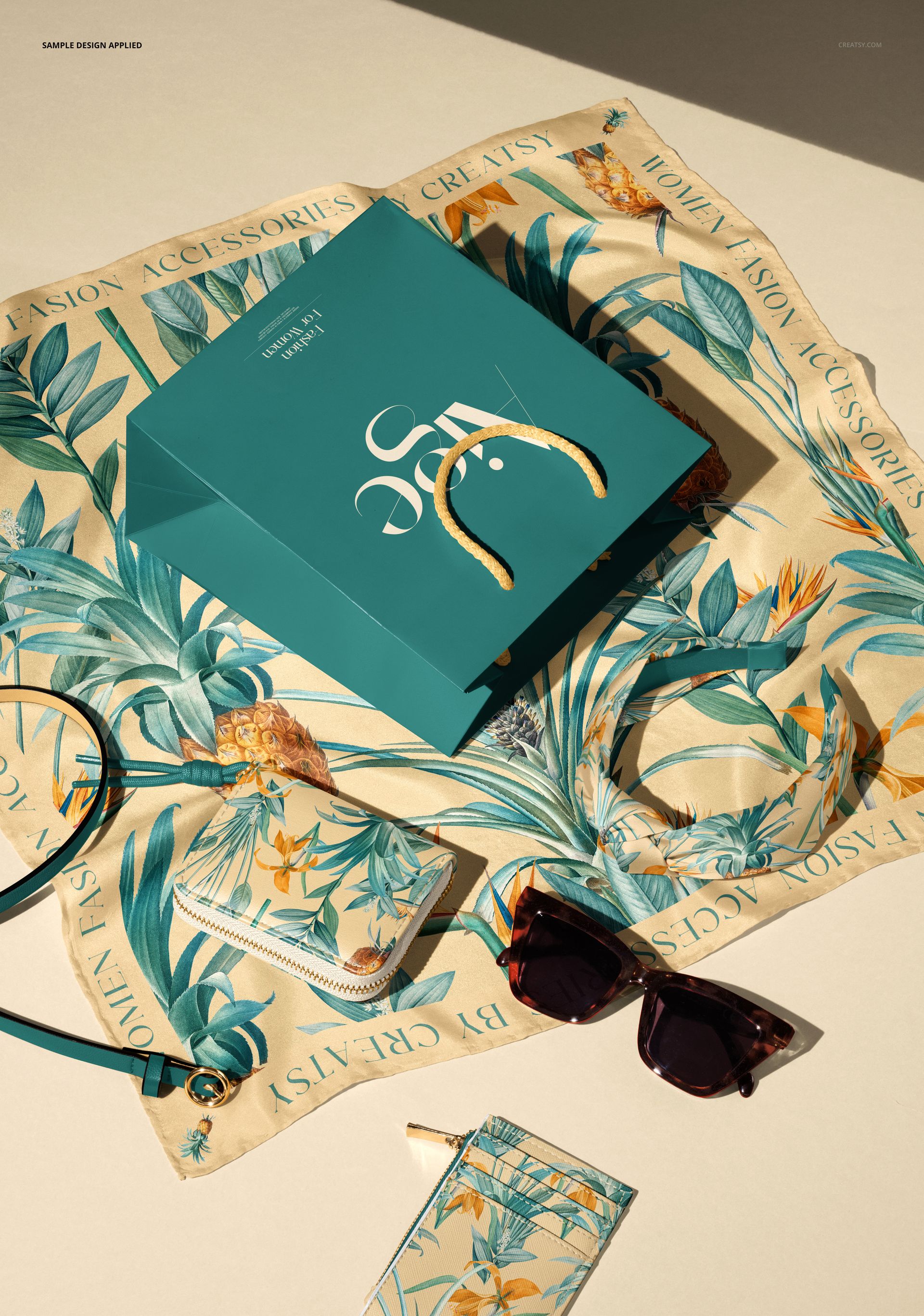
Showcase coordinated accessory collections in one stylish scene with this Free Silk Scarf, Headband, Leather Goods and Shopping Bag Mockup. Present fashion prints and branding across a silk scarf, paper shopping bag, belt, wallet, headband, and card holder laid out under a directional spotlight. Perfect for luxe lookbooks, launches, and online shop imagery. Free for commercial use – see license for details.
Highlights
Format: 1× PSD, 6000×4000 px, 300 dpi
Workflow: Smart Objects; tidy, well-organized layer structure
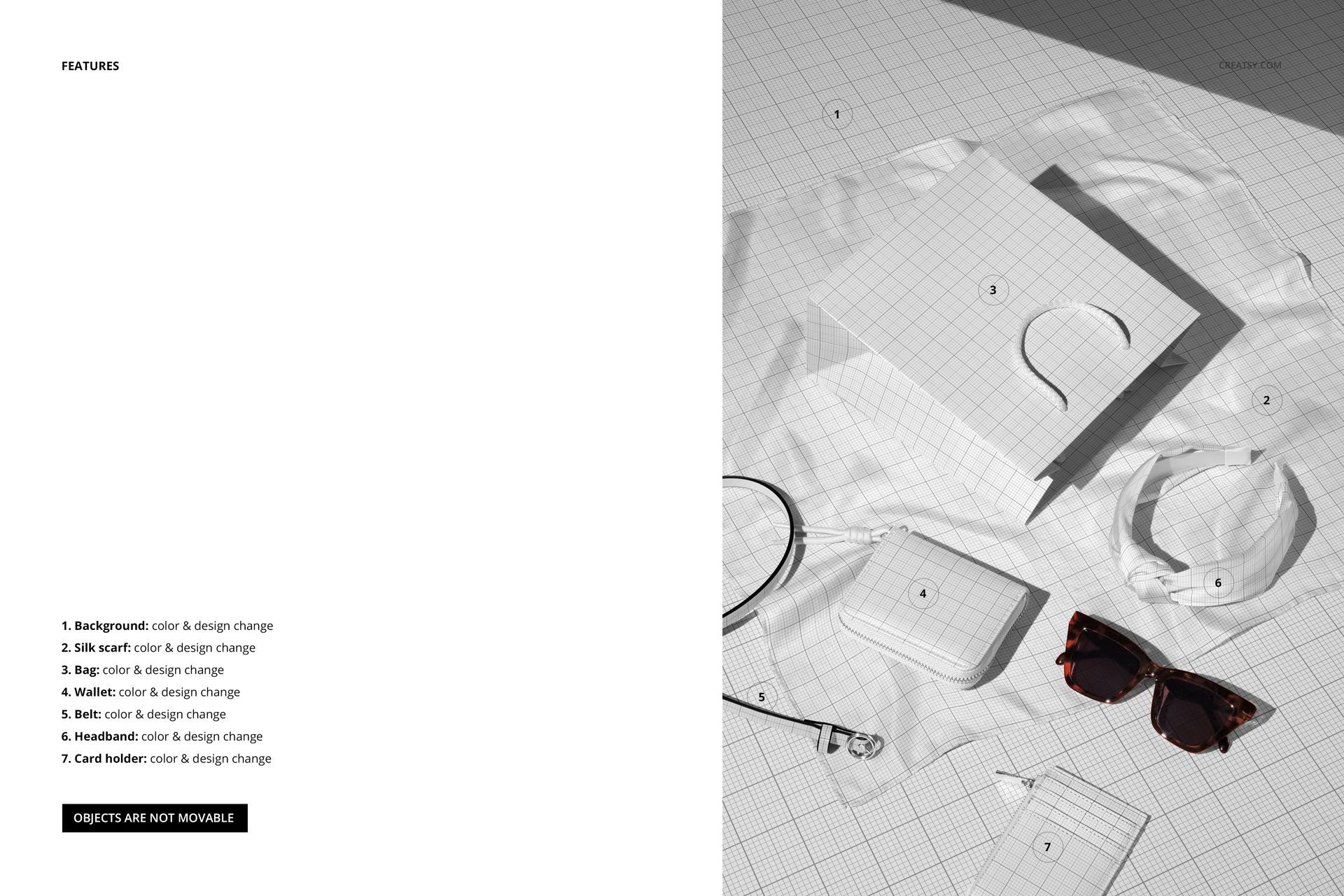
Editable: background, silk scarf, paper bag, wallet, belt, headband, card holder (color & design)
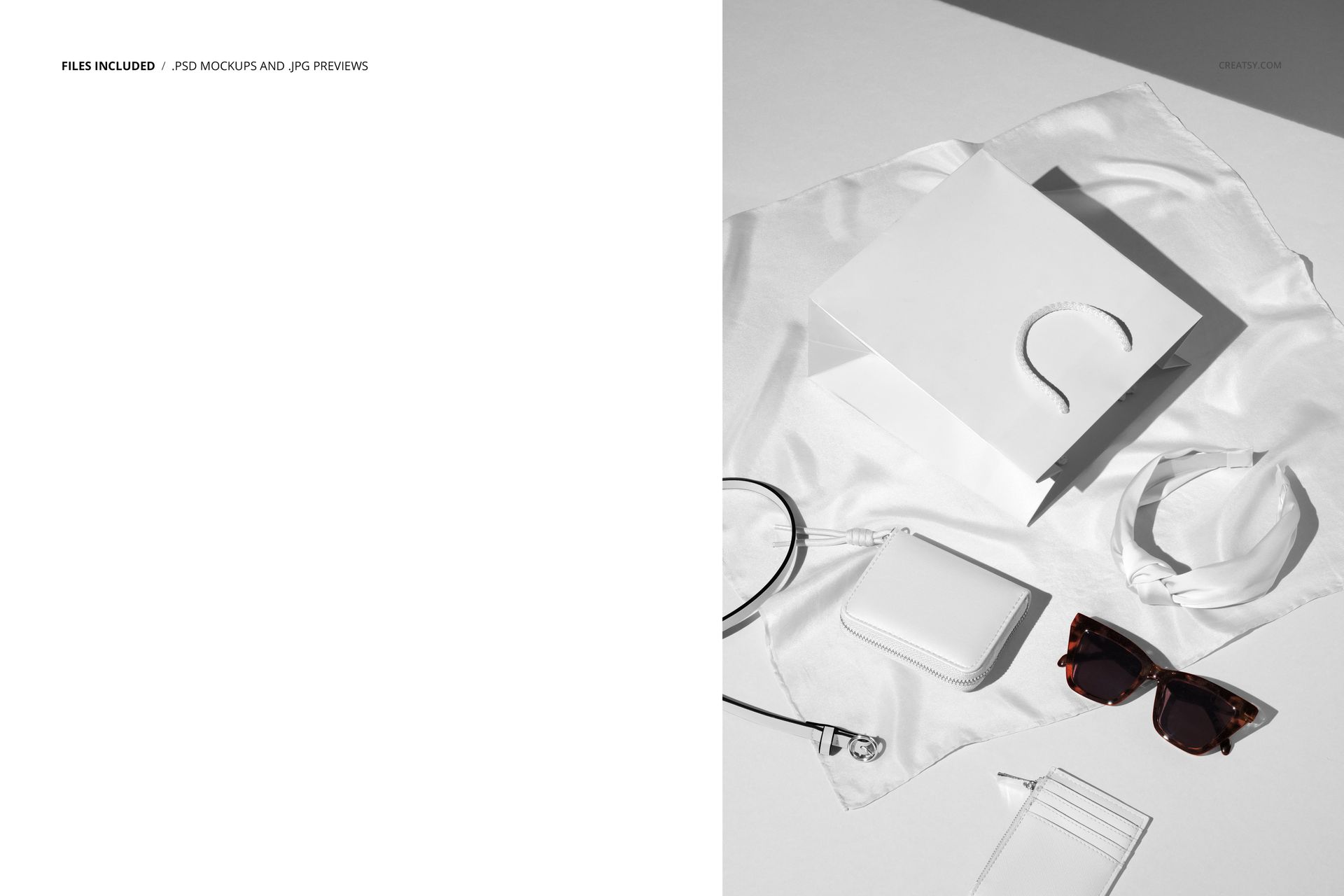
Scene: fashion flat lay with scarf as the base and matching leather goods + branded bag on top
Objects: composition is fixed (objects are not movable)
Apps: Photoshop (min. CC 2020) + Photopea (free online editor)
Use cases: accessory collections, scarf and leather goods sets, branding presentations, ecommerce, social media, portfolios
License: free for personal & commercial use (see terms)
What’s inside / Specs
- Smart Objects for silk scarf, bag, wallet, belt, headband, and card holder
- Background color/design layer for creating custom setups or adding textures
- Prebuilt shadows and highlights to keep the fabric drape and leather structure realistic
Style: warm, fashion-forward still life with strong light and soft shadow for a premium editorial feel
Compatibility: Photoshop CC 2020 or newer; works in Photopea
Approx. size: ~371–389 MB (archive may vary by compression)
How-to (Photoshop & Photopea)
Open the PSD in Photoshop (CC 2020+) or Photopea.
Place your artwork into each product’s Smart Object (scarf, bag, wallet, belt, headband, card holder) and Save to update the mockup.
Adjust the background color or pattern to match your campaign or branding.
Fine-tune overall contrast, shadows, and highlights if needed.
Export high-resolution JPG/PNG/WebP files for web shops, printed materials, or client presentations.
License & usage
Free for personal & commercial use (for 1 business, up to 5,000 end products). PSD source files cannot be resold, shared, or redistributed as-is. Please refer to the full license – “Freebie” row – for all terms and restrictions.














Creatsy make the best Mockups on the market, no matter what you need to showcase. These mockups are highly customizable, and the lighting in them makes everything look very realistic. You can keep or turn off many of the Items in the mockup, also a great feature giving control over the look you want. They have the most friendly and very helpful support. I highly recommend these mockups!