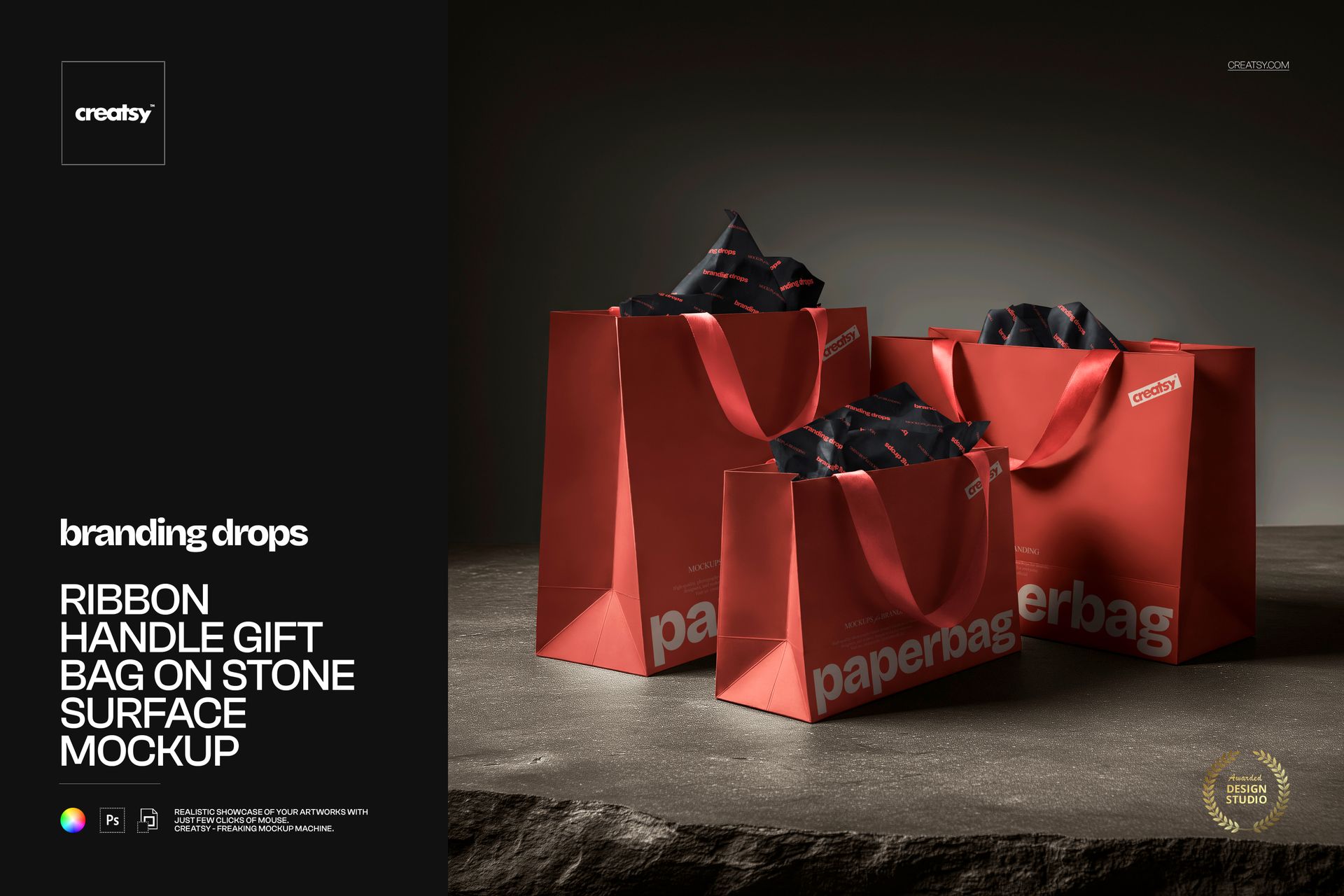
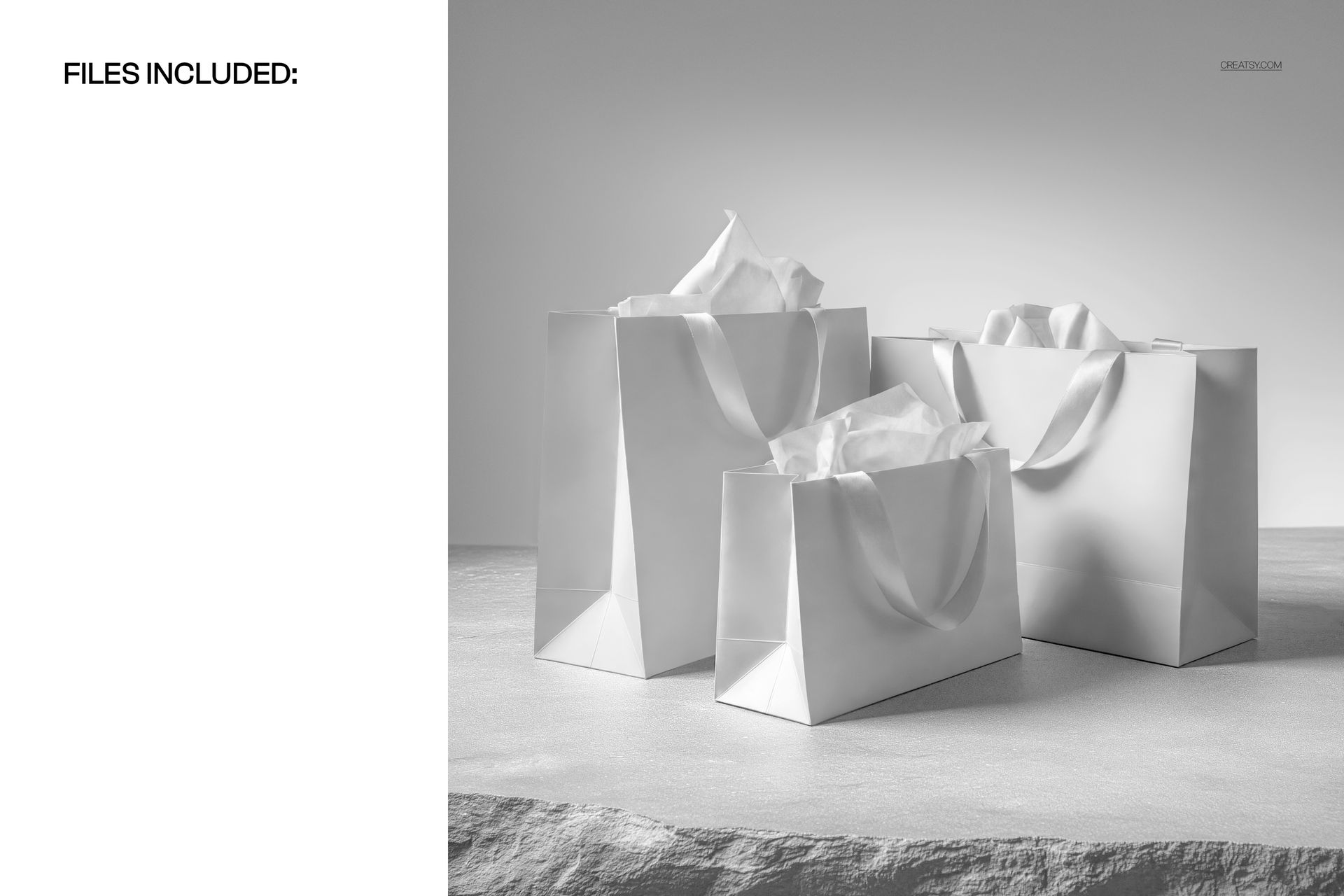
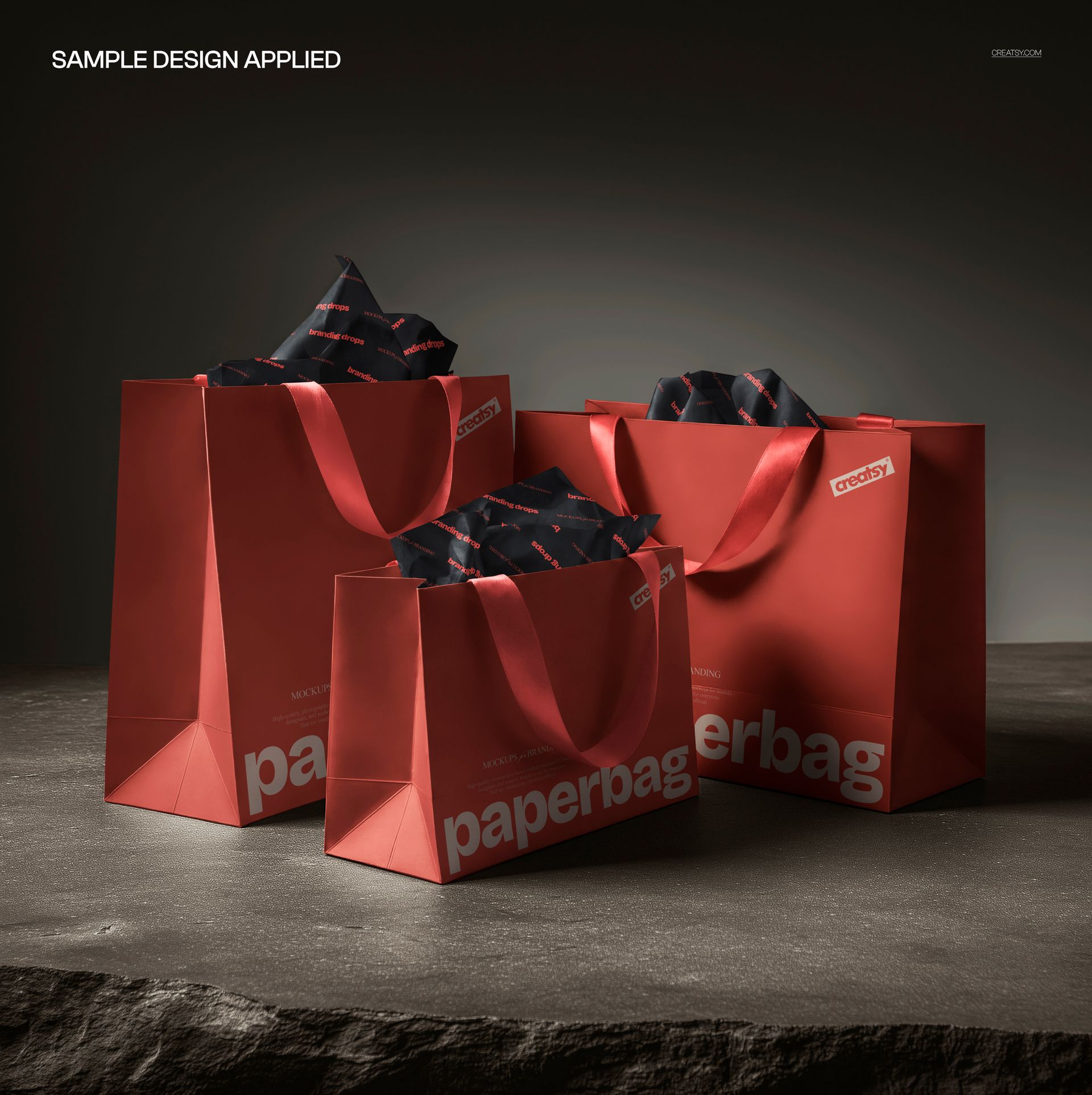
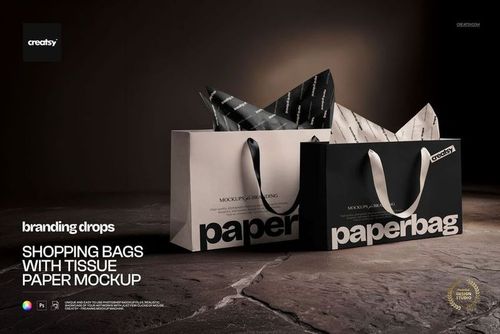
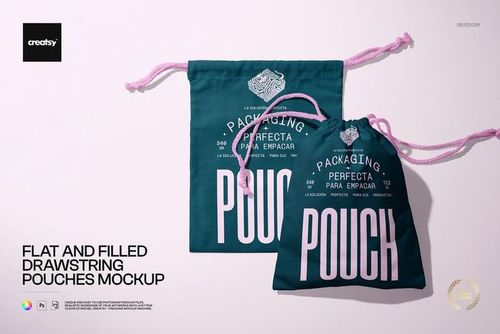
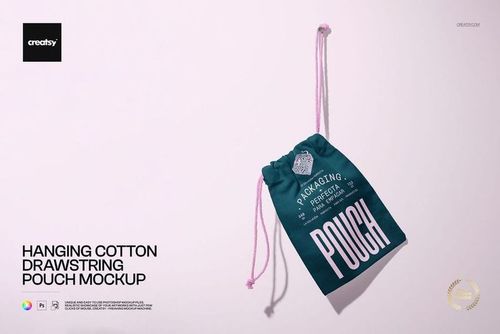
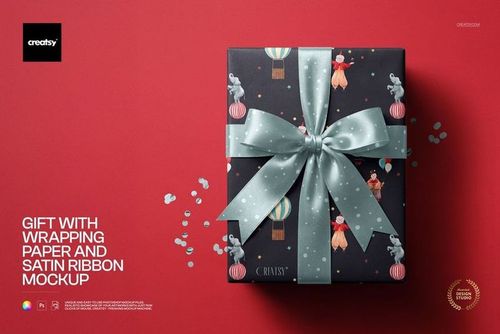
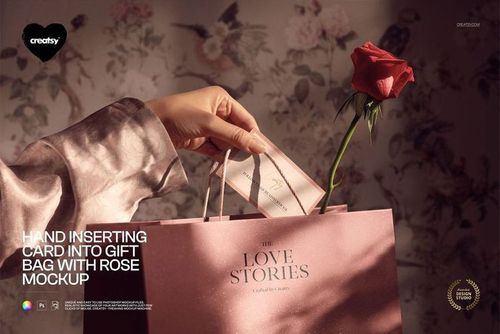
This Gift Bag Mockup by Creatsy features a premium ribbon-handle paper gift bag styled on a warm stone surface with tissue paper peeking out — a clean, editorial studio scene built for retail, luxury, and boutique brand presentations. The pack ships as one high-resolution, layered PSD at 4000×4000 px / 300 dpi with smart-object editing for fast, photorealistic artwork swaps.
What's Inside
1 high-resolution PSD file (4000×4000 px, 300 dpi, RGB)
Editable smart-object layer for the gift bag front panel artwork
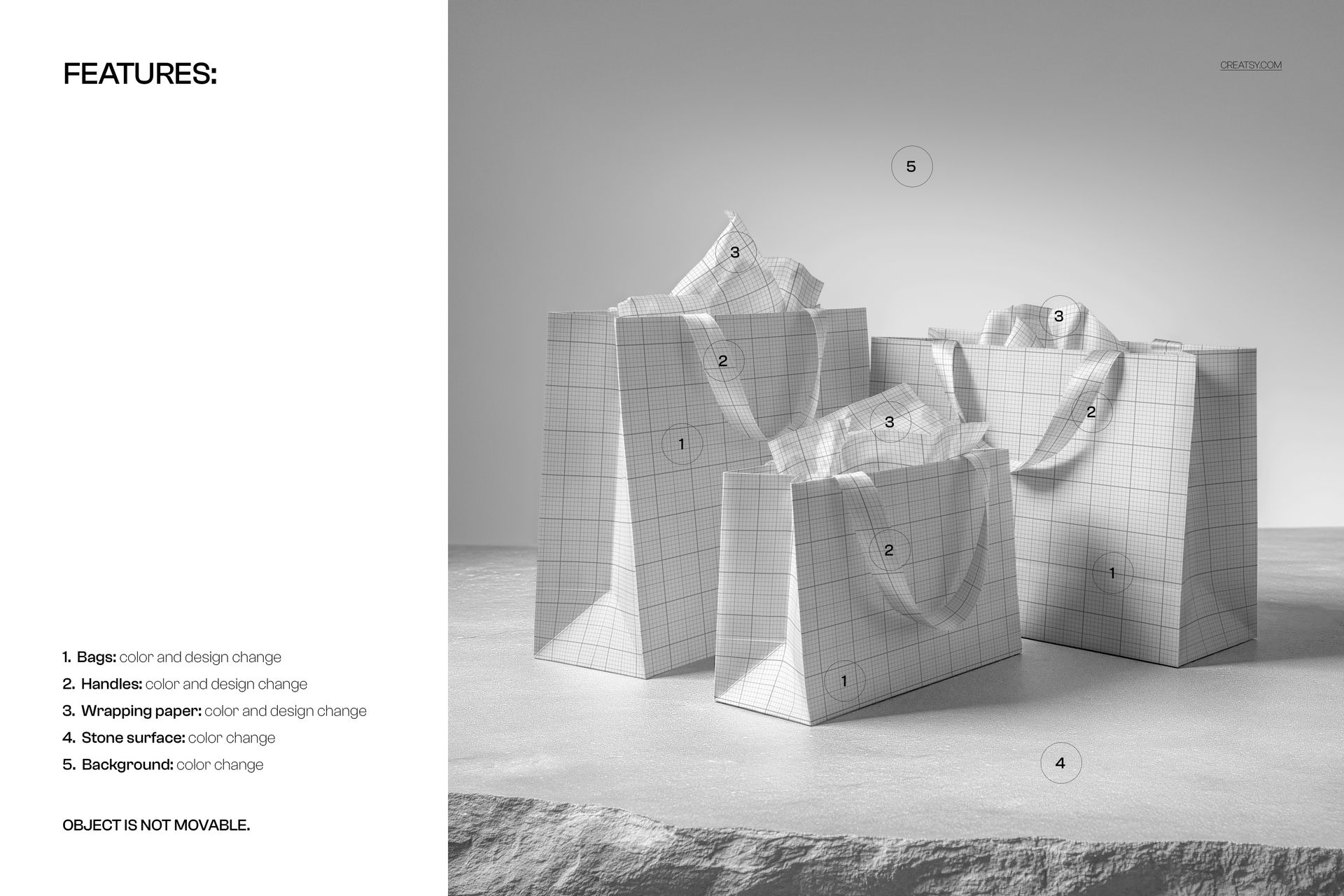
Separate color-control layers for bag body, ribbon handles and tissue paper
Independent lighting, highlight and shadow layers for photorealistic blending
Well-organized, clearly labeled layer groups and folders
Design Capabilities
Swap the gift bag artwork, logo and typography via the smart object in seconds
Recolor the bag body, ribbon handles, and tissue paper with a single click
Fine-tune shadow intensity and highlights to match studio or natural light
Export print-ready 300 dpi visuals or web/social-ready JPG and PNG files
Compatibility
Fully compatible with Adobe Photoshop CC 2020 and newer, and the free browser-based Photopea editor. No third-party plugins required. The smart-object workflow works in any PSD-supporting application.
Ideal For
Retail, boutique and luxury shopping bag branding
Gift packaging and premium unboxing presentations
Etsy, Shopify and Amazon sellers needing lifestyle product photography
Agency mood boards and client pitches for fashion and beauty brands
Seasonal gifting campaigns (holiday, birthday, wedding, corporate)
Instagram, Pinterest and Etsy shop banner hero images