Floating Rectangular Flyer Mockup

ID: 1476475221 | Updated: Jun 3, 2026

Product Details

Floating Rectangular Flyer Mockup

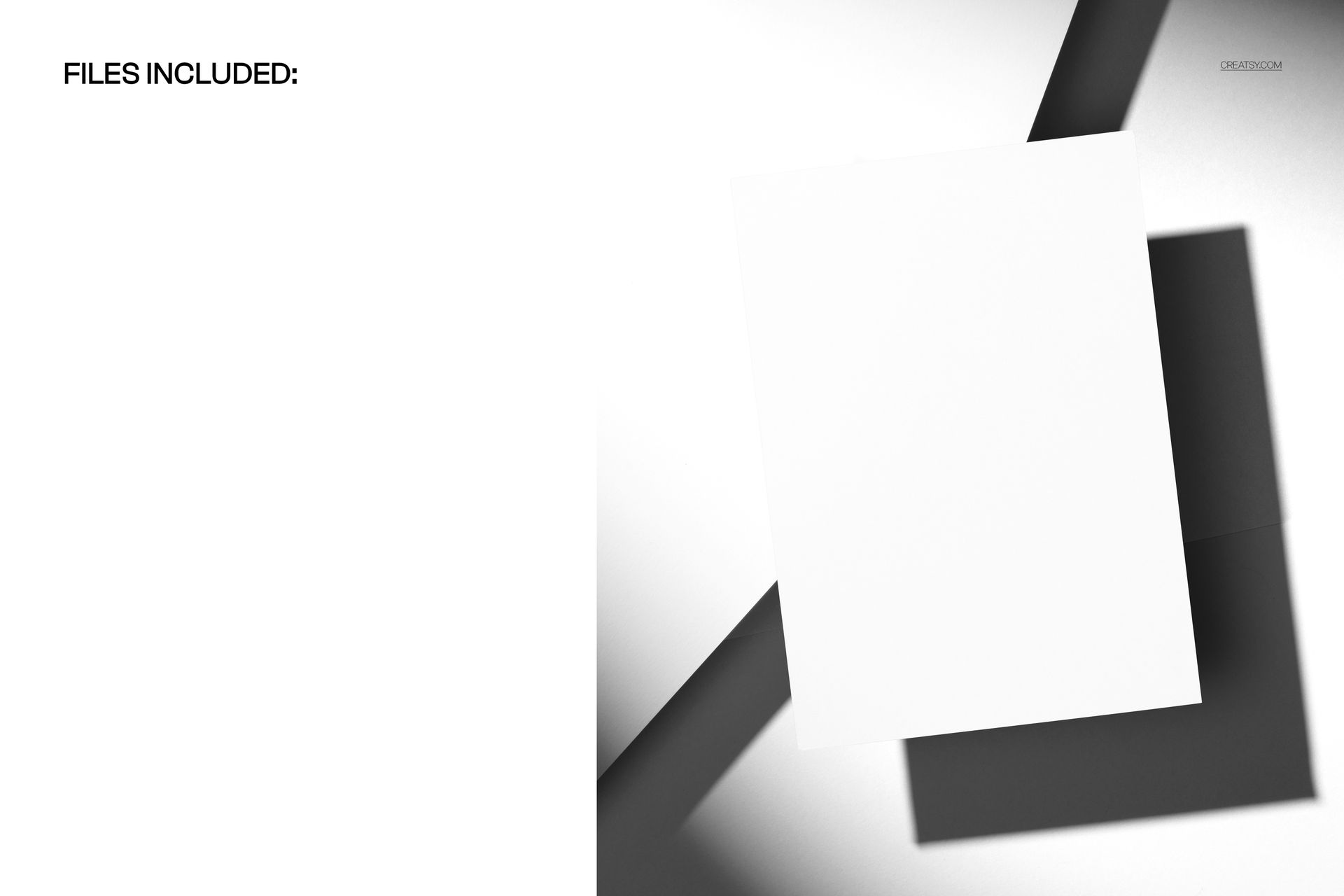
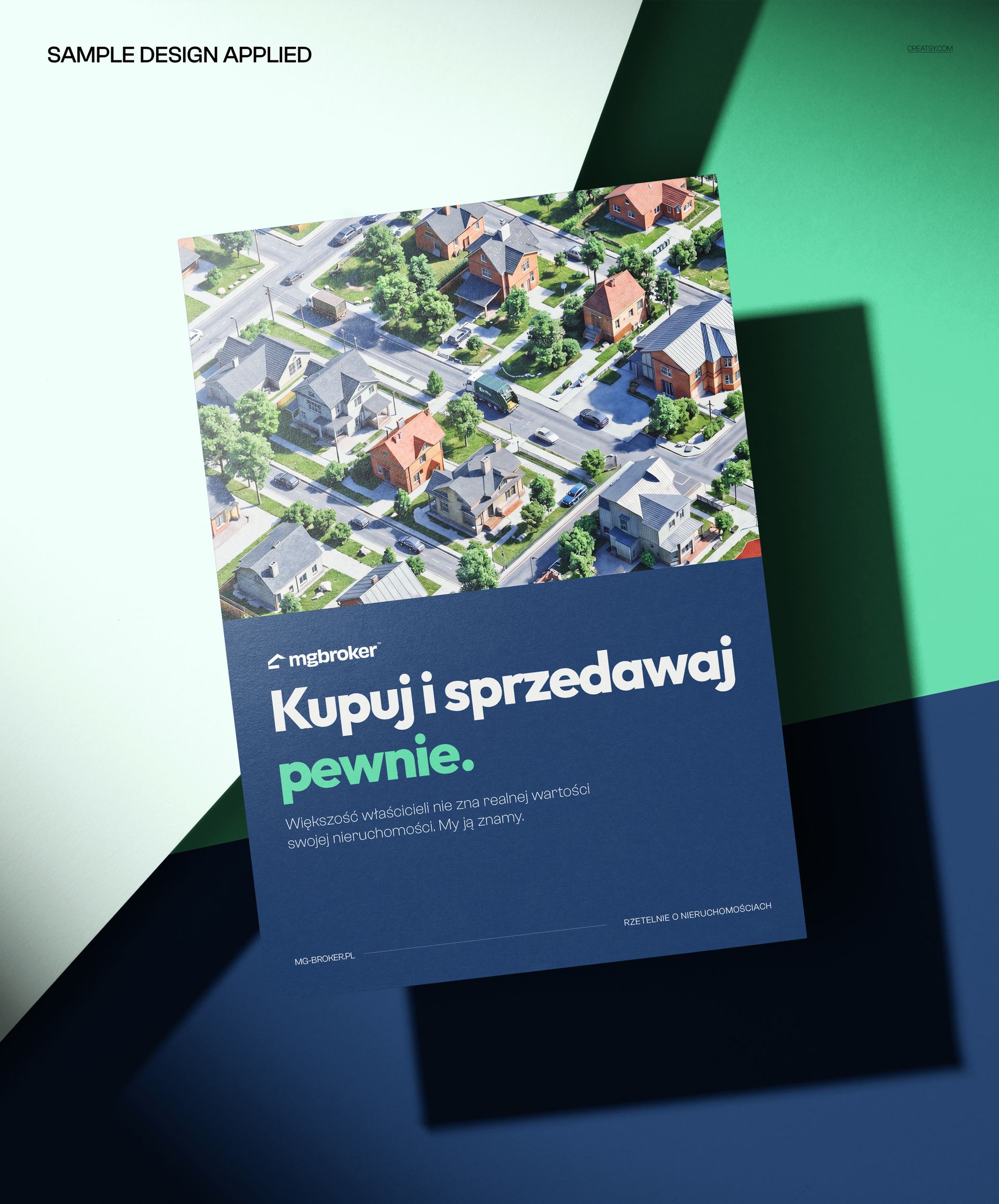
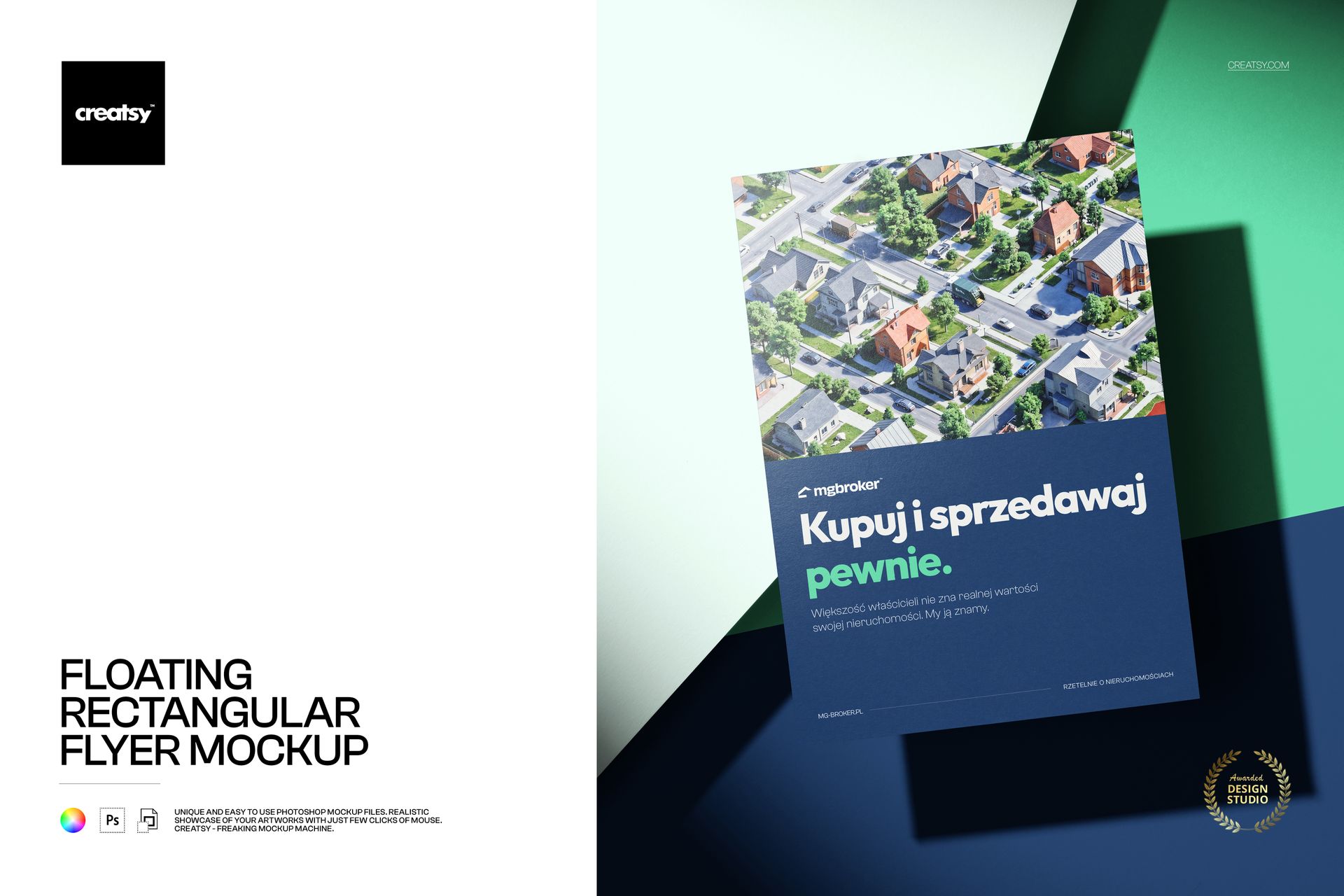
The Floating Rectangular Flyer Mockup by Creatsy is a flyer mockup that shows a rectangular flyer floating at an angle above layered paper shapes, with soft shadows and clean studio light. It ships as one layered PSD file at 5300 x 4400 px, so you can present a flyer design in a modern, dynamic scene.

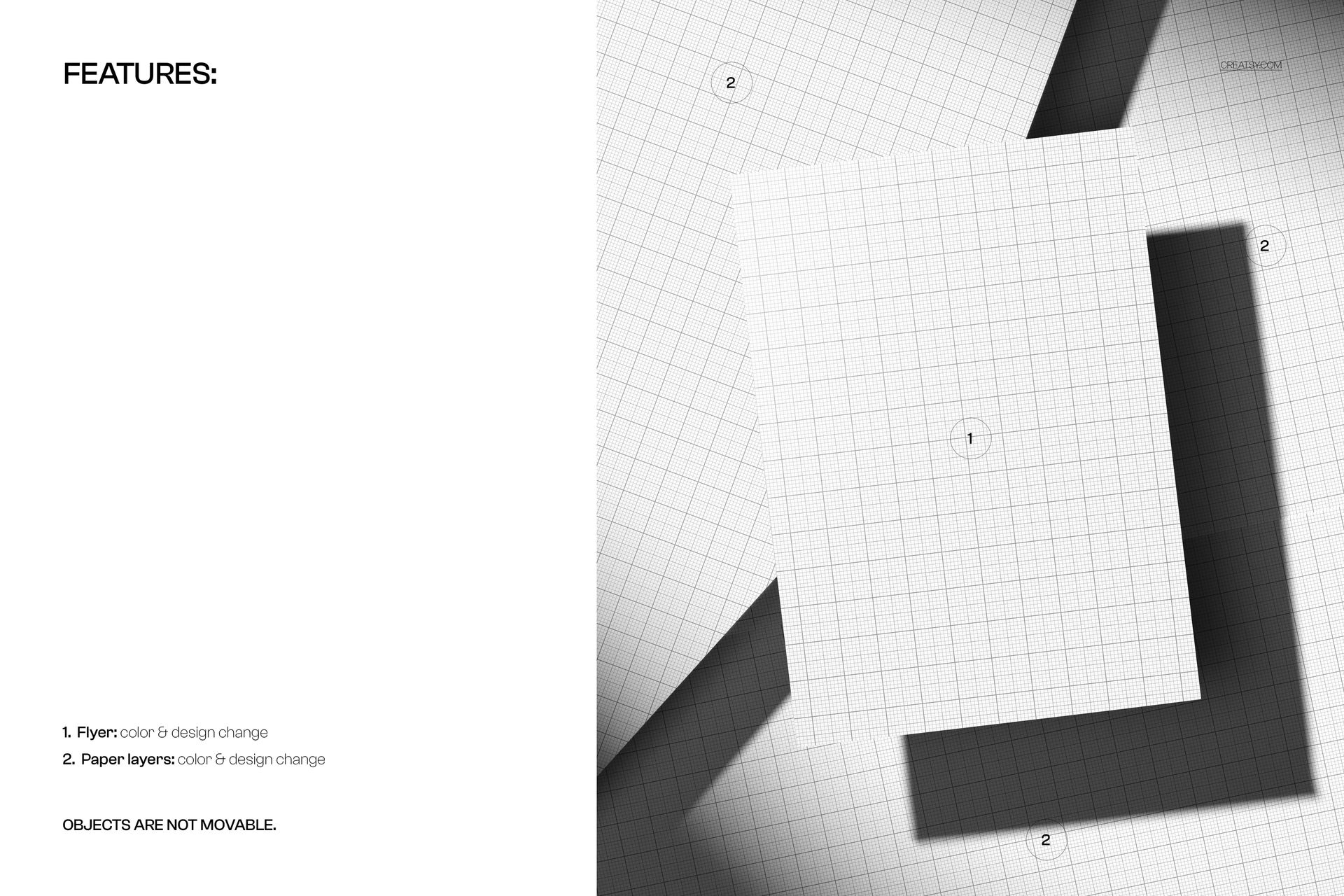
Your artwork goes into a smart object. Double-click it, add your design, and the flyer updates with the scene perspective, shadow, and lighting. You can also change the color and design of the background paper layers. The flyer ships with placeholder art, and the designs shown in the previews are for display only.

It suits promotion and marketing work: event and product flyers, announcements and invitations, agency and studio presentations, portfolio shots, and print-on-demand or Etsy listings for flyer and leaflet templates.

What you get

  • 1 layered PSD file

  • 5300 x 4400 px at 300 dpi

  • Smart object for your flyer design

  • Editable background paper layers (color and design)

  • Organized, clearly named layers

How it works

  1. Open the PSD in Adobe Photoshop (CC2020 or newer) or in Photopea, the free online editor.

  2. Double-click the smart object thumbnail.

  3. Paste or place your design, then save and close the smart object.

  4. Adjust the background, then export as JPG or PNG.

Specifications

  • File: 1 PSD with smart object

  • Dimensions: 5300 x 4400 px, 300 dpi

  • Software: Adobe Photoshop (min. CC2020) and Photopea

  • Editable: flyer design and background paper layers

Who it is for

Graphic designers, marketing and event teams, print-on-demand and Etsy sellers, agencies, and anyone presenting a flyer or leaflet design in a floating scene.

File details

Compatibility
PhotopeaAdobe Photoshop
Package size
204 MB204 MB|214 MB214 MB
Files type
.psd, .jpg
FREE MOCKUPS

MEET THE SHOP

Creatsy logo

Creatsy

Poland
4.8 (716)

Bring your ideas to life.

We're a family-run studio in Katowice, Poland, making PSD mockups by hand since 2016. Everything in this shop starts in our own studio. We shoot the photography, build the 3D, and put together every Smart Object PSD ourselves - then we test it, organize the layers, and only ship it once it actually works...
GO TO SHOP

HOW IT WORKS

3 clicks. That's it.

No tutorial needed. If you can copy-paste, you can use this.

  1. 1OpenDouble-click the smart object inside the PSD - in Adobe Photoshop, or free in your browser with Photopea.
  2. 2PasteDrop in your pattern, print, or artwork. Any design, any style.
  3. 3SaveHit save and the mockup wraps it in for you - shadows, folds, and lighting included.

FROM IDEA TO IMAGE

Built for real workflows

Pitch the whole brand in one scene Lay the cards, tags, and labels out together so the client sees the identity as a set, not separate flat files.

See it on the product, not a swatch Drop your file into the smart object and the scene's lighting and folds wrap around it, so you judge the real thing before you commit.

Smart Objects

Edit once and you're done. Your artwork drops into a smart object and the mockup updates itself - no masking, no warping by hand.

Perfectly Organized

Named layers and folders you can actually navigate. Find what you need, change what you want, and get out fast.

Print-Ready

High-resolution files built to hold up on screen and in print. Exact size and DPI are in this product's Details above.