Two Gift Boxes and Donut Ornament Mockup
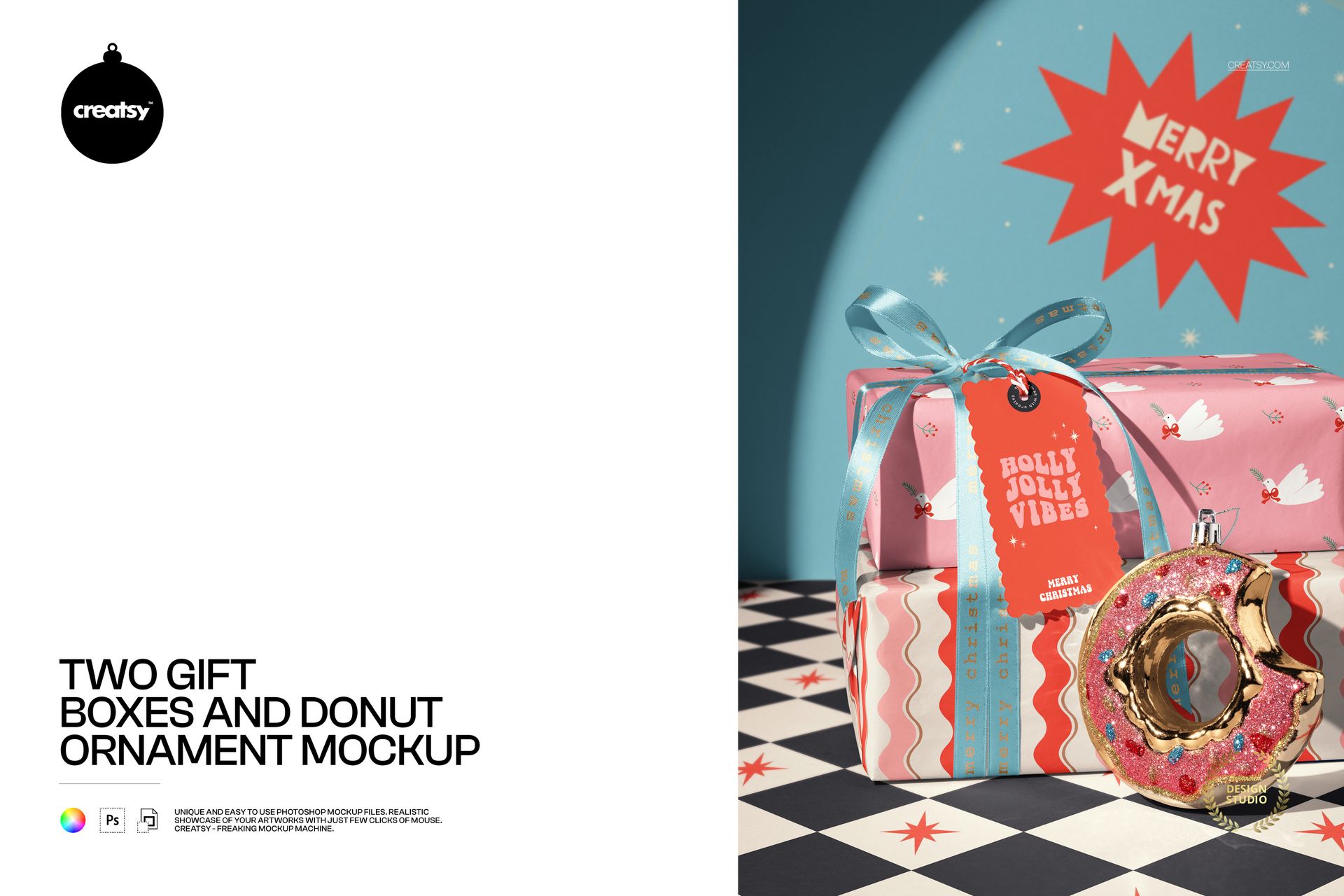
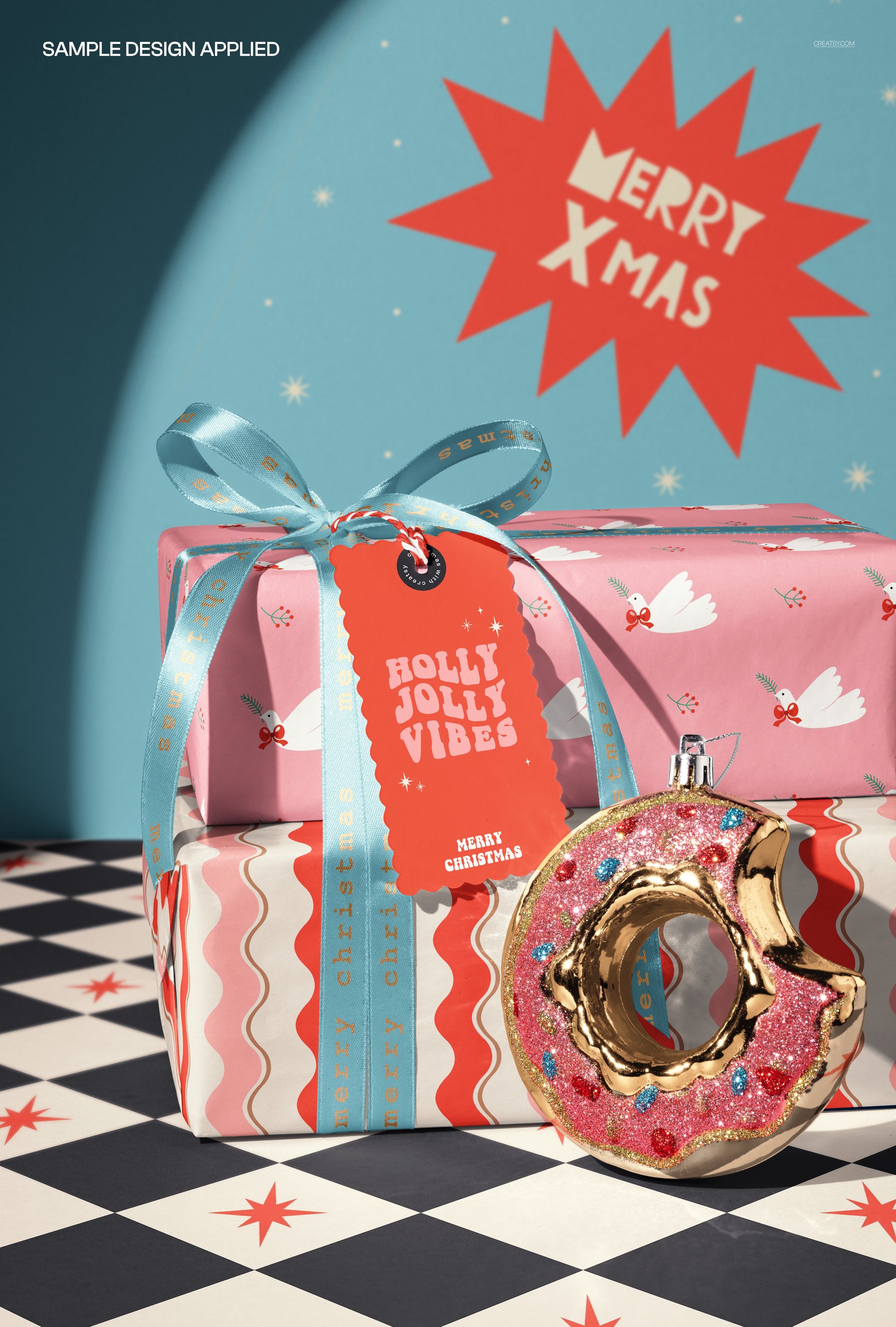
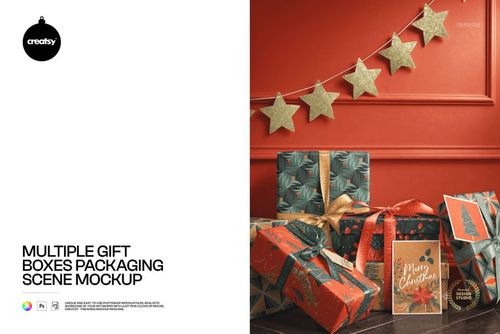
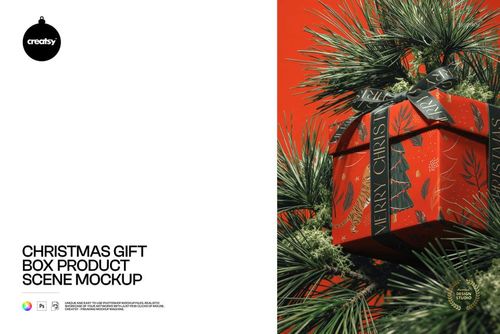
A glittered donut-shaped ornament gives this two-box gift display a playful seasonal accent. The stacked parcels, ribbon bow and scalloped paper tag sit in a floor-and-wall setting with a curved sweep of light. Use the portrait-style composition to connect wrapping patterns, a short tag message and a campaign backdrop in one image.
What Is Included
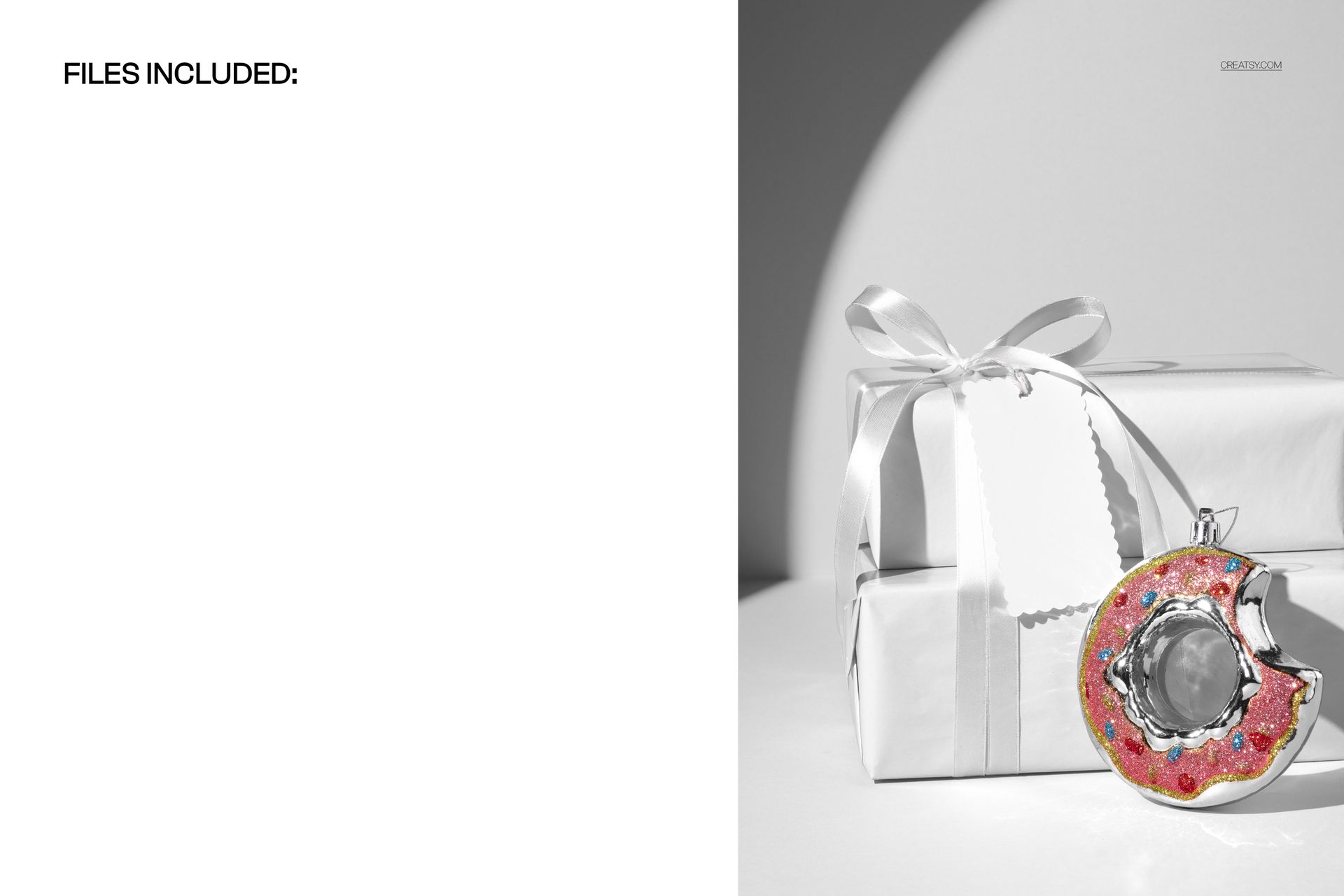
1 layered PSD showing two wrapped gift boxes and one donut ornament in a single scene.
1 JPG reference image, 2 files in total.
PSD 4000 × 6000 px and 300 DPI, with organized layers.
Works in Adobe Photoshop CC2020 or newer and Photopea.
Know Which Details You Can Edit
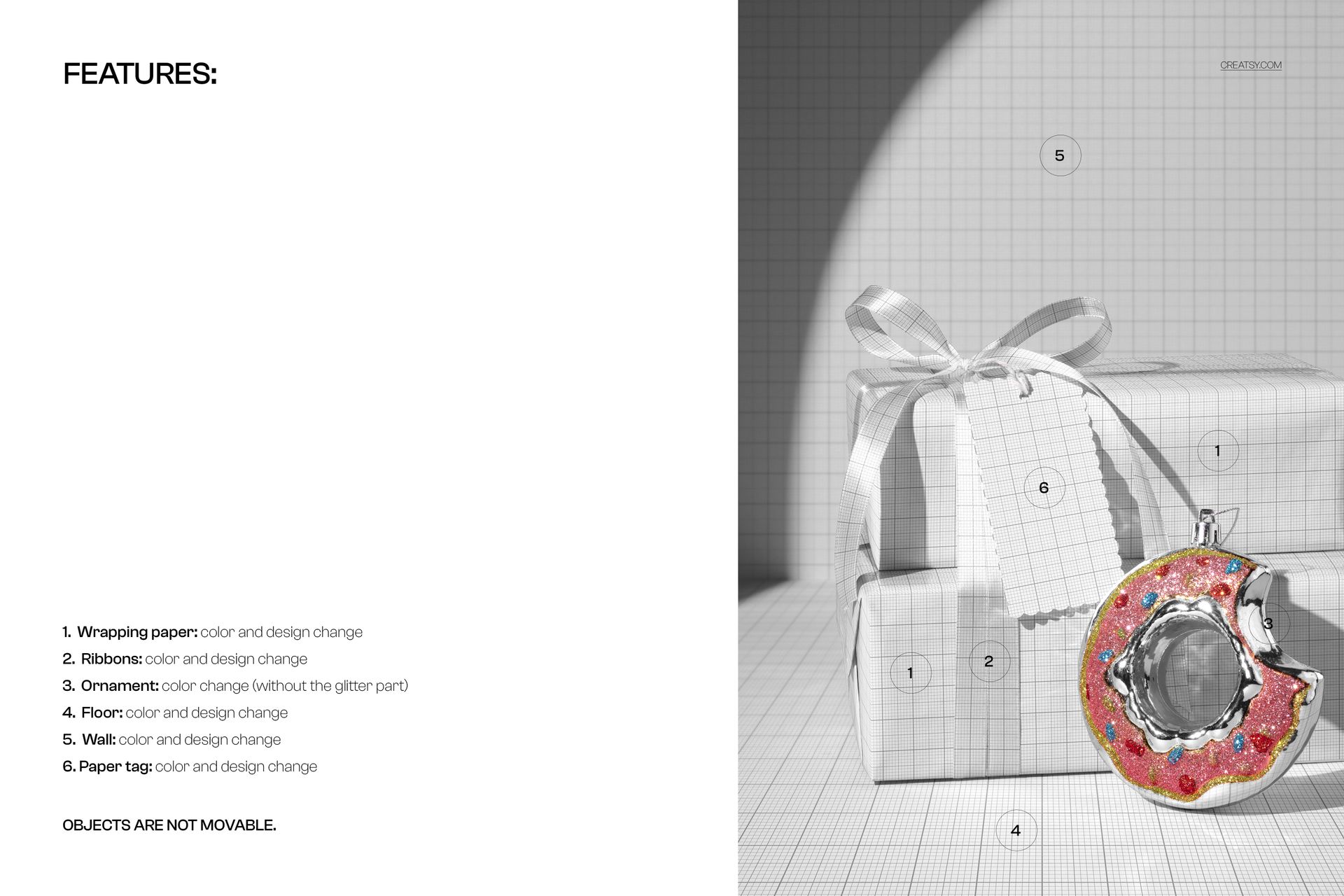
Change wrapping paper colors and designs.
Customize the paper tag color and artwork.
Change ribbon colors and replace the printed ribbon designs.
Adjust the ornament color outside its glittered area.
Change floor and wall colors and designs.
Objects are not movable, so the arrangement stays as shown.
Smart Object Workflow
Open the PSD in Photoshop or Photopea, then open the relevant Smart Object and place your design inside it. Save the Smart Object to update the scene. Repeat for the wrapping, ribbon, tag and background artwork areas, then coordinate their colors and the editable ornament surface.
Perfect For
Christmas wrapping collections, playful gift-shop branding, festive retail campaigns and surface pattern portfolios. The donut is a decorative ornament, not a food product or a demonstration of donut-box construction.
This is a digital mockup. Physical gifts, ornaments and sample preview artwork are not included, and the PSD is not a manufacturing dieline.