About this brochure mockup set
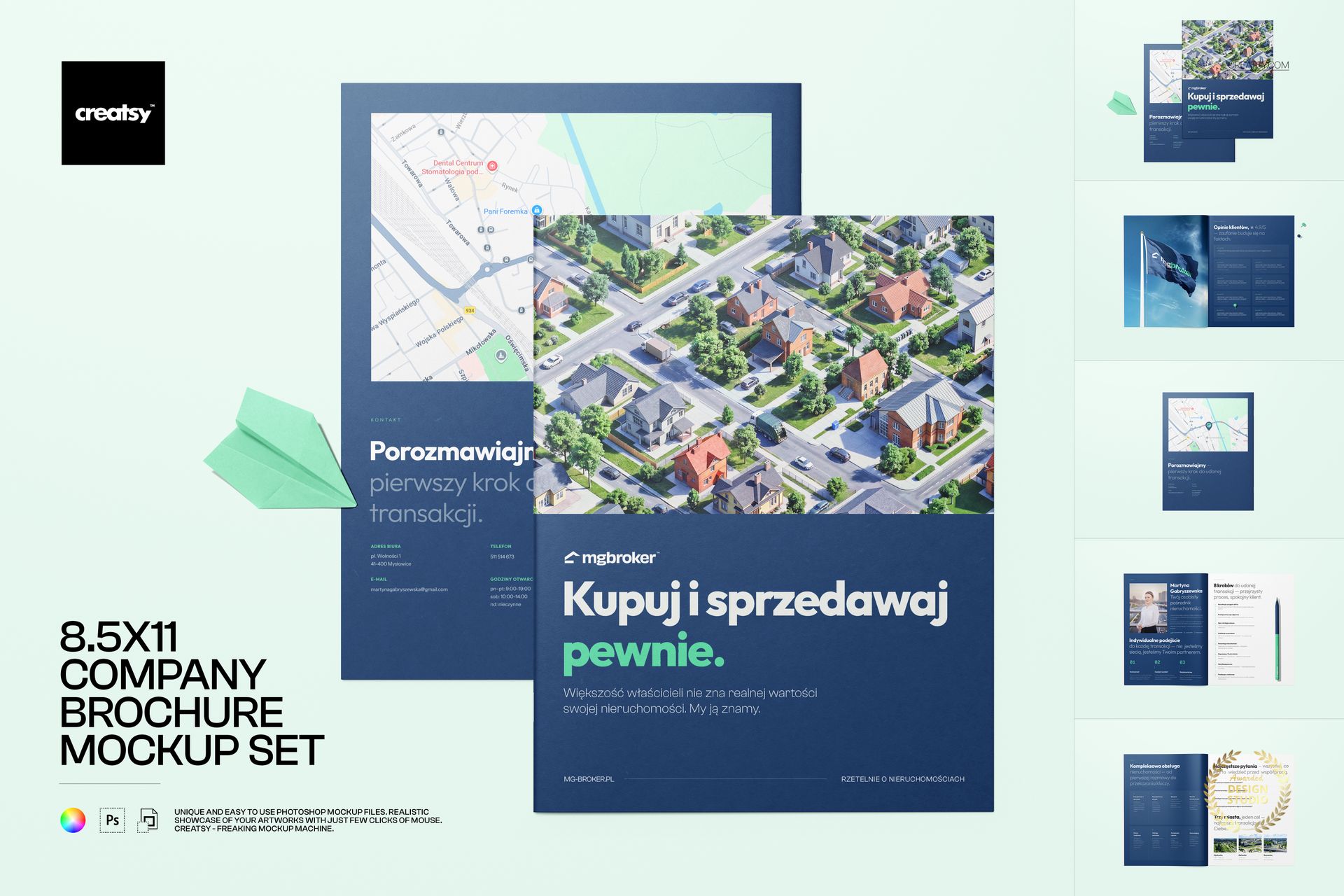
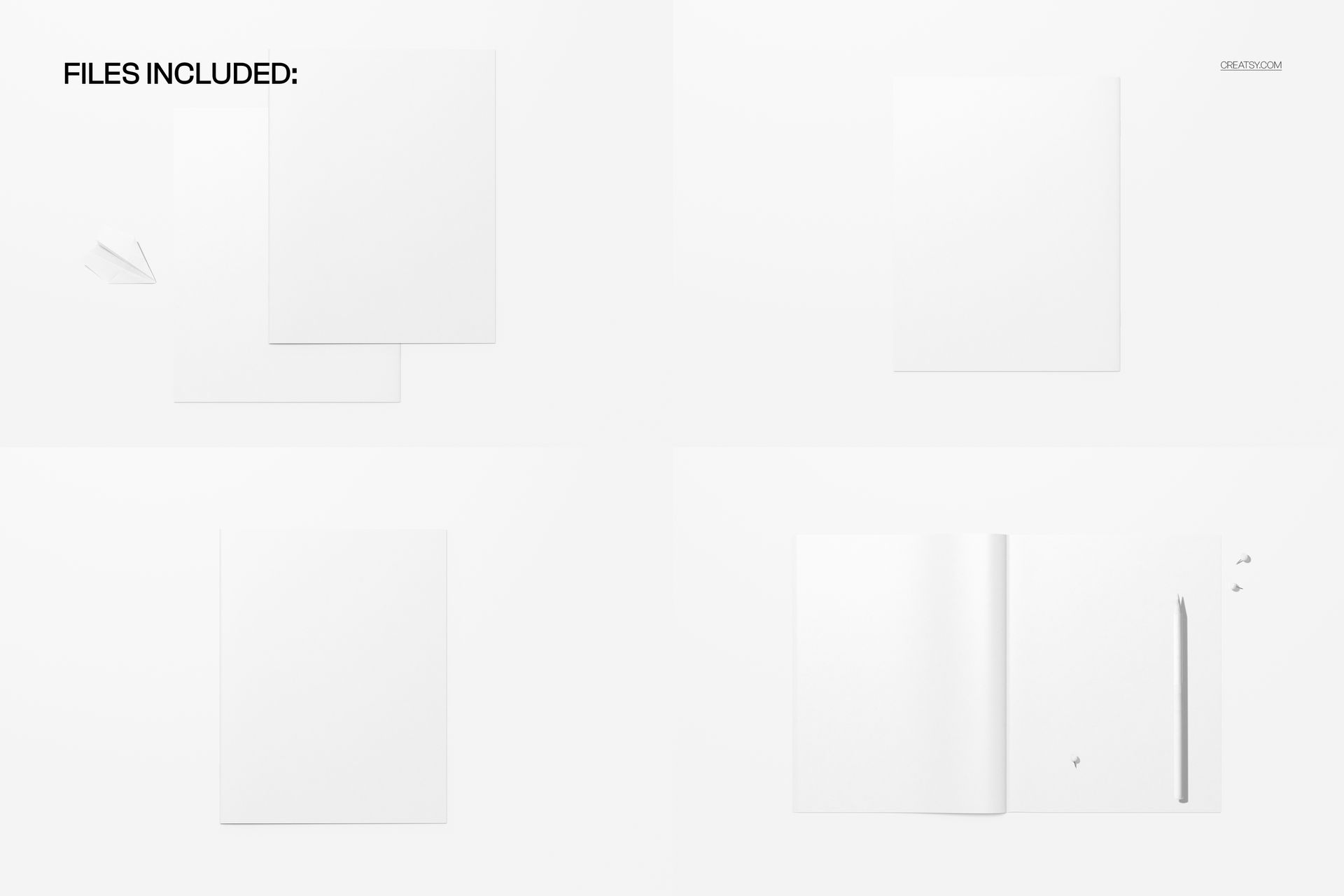
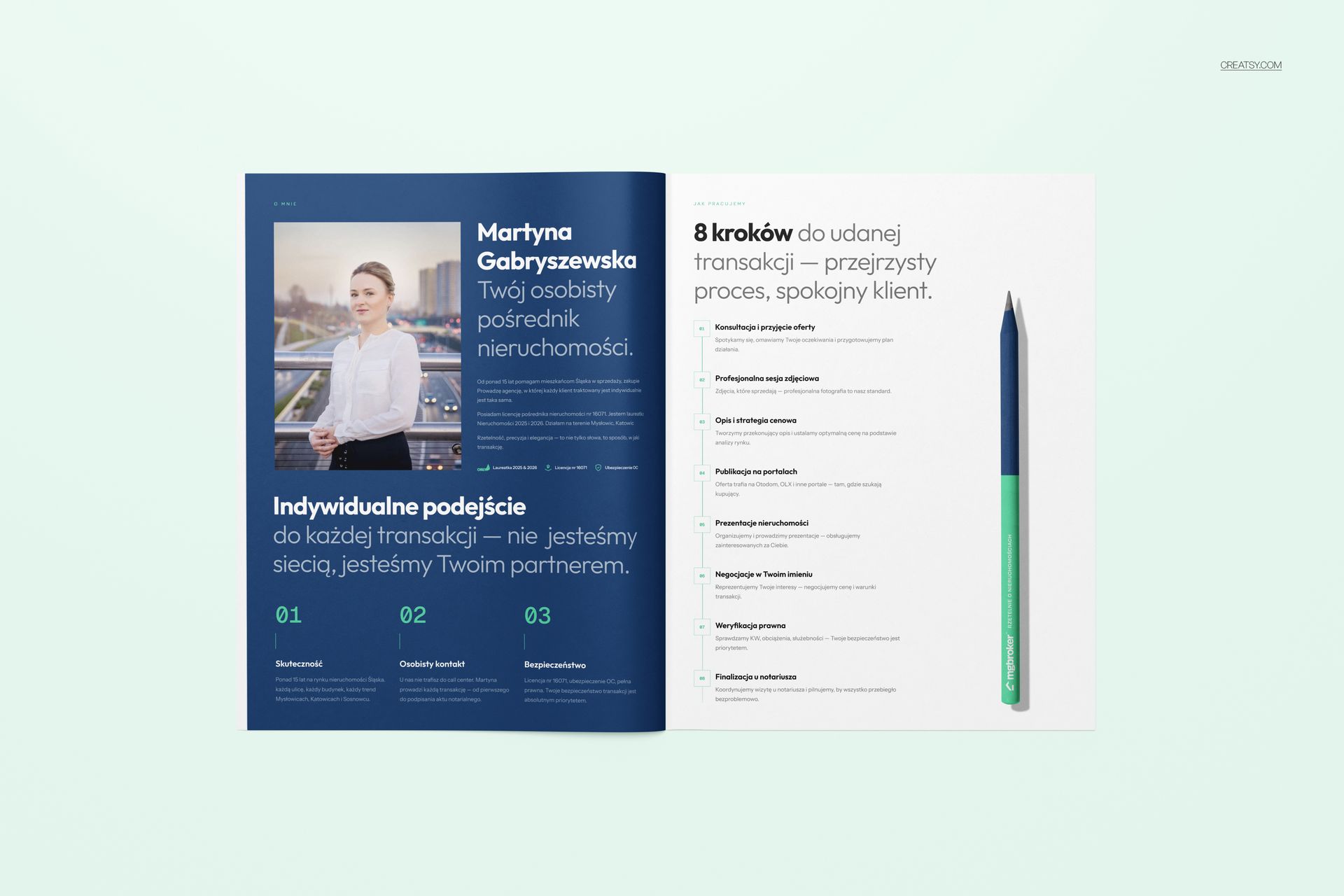
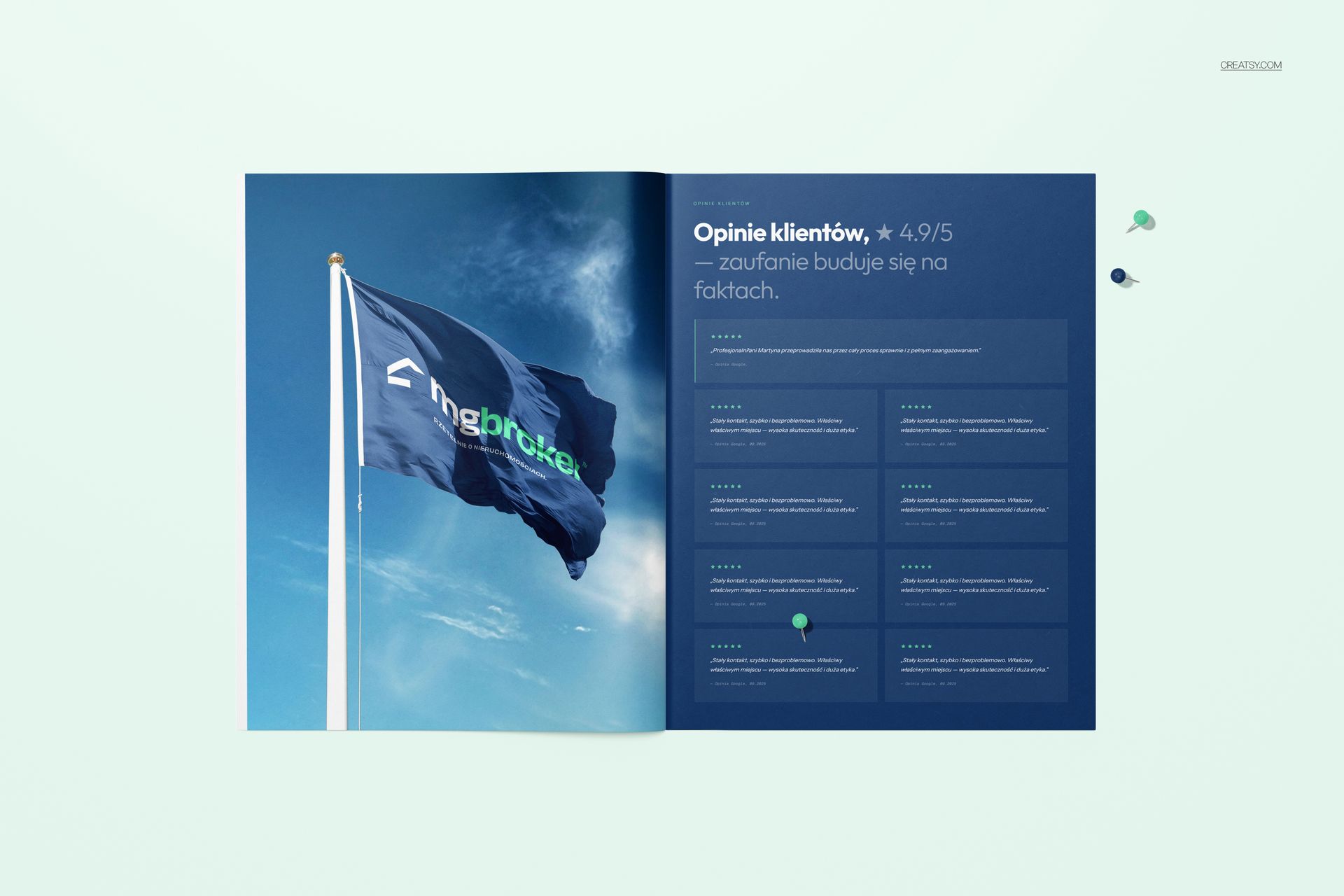
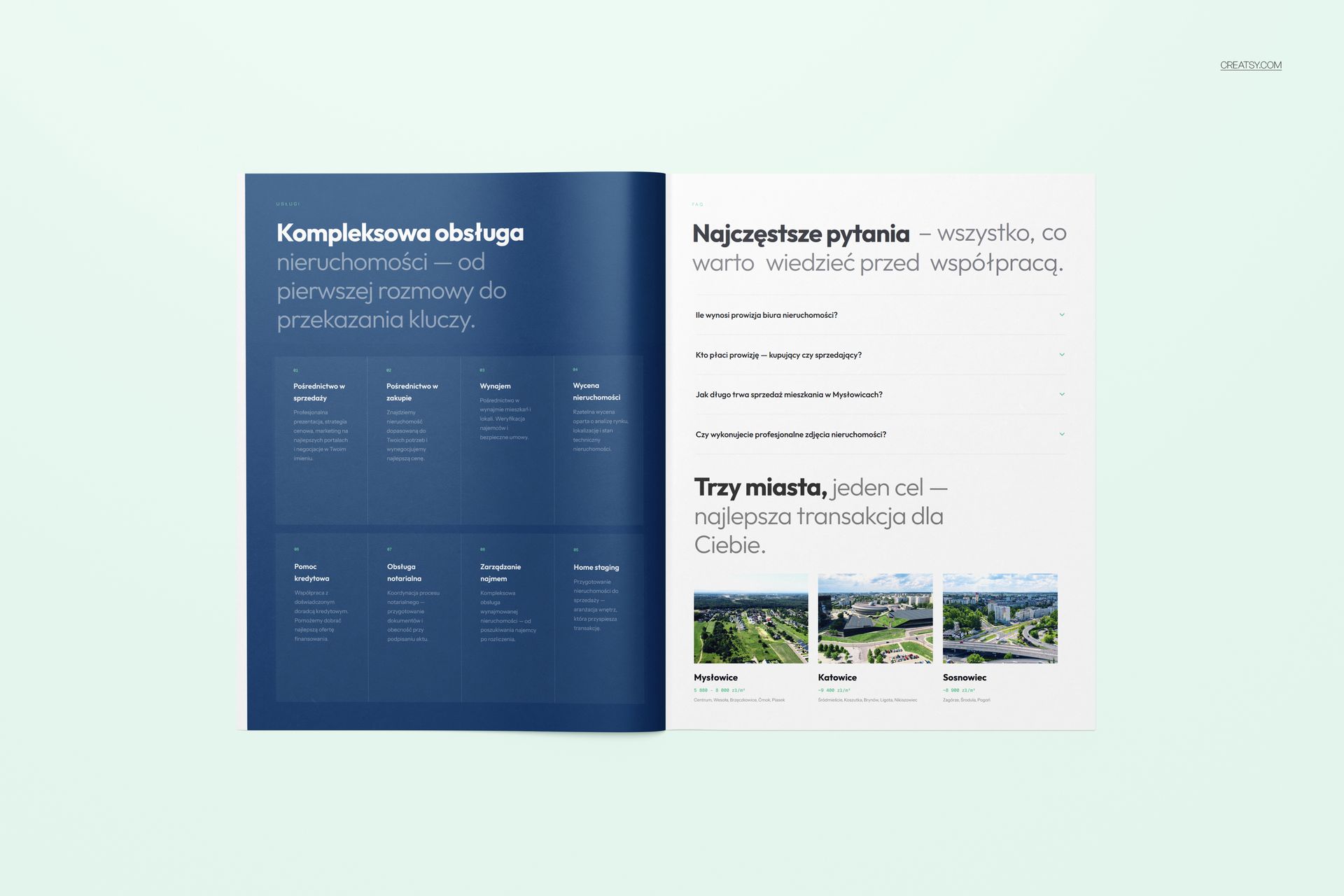
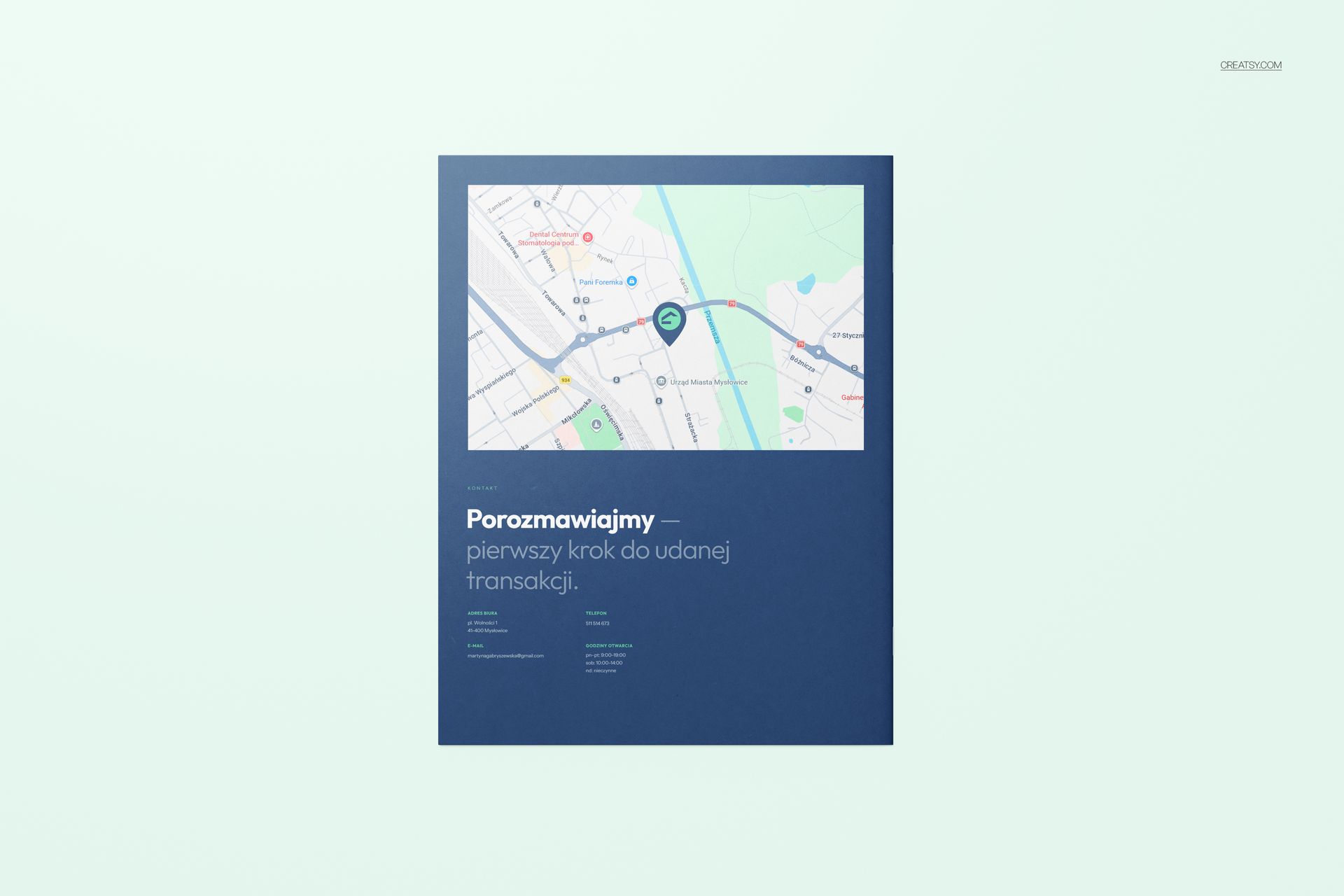
The 8.5x11 Company Brochure Mockup Set by Creatsy is a brochure mockup set that shows your 8.5 by 11 inch brochure across four ready-made scenes, mixing front-cover shots with open-spread presentations. It comes as four layered PSD files at 6000 x 4000 px and 300 dpi, so you can present the same brochure from more than one angle without opening a single new file.
A brochure needs two shots to sell: the cover that gets it picked up, and the inside spread that does the talking. This set covers both. Drop your artwork in once and you get the closed cover for the hero image and the open spread for the detail, each staged with real paper, soft shadows, and studio light, so the piece reads like a printed sample a client can almost pick up.
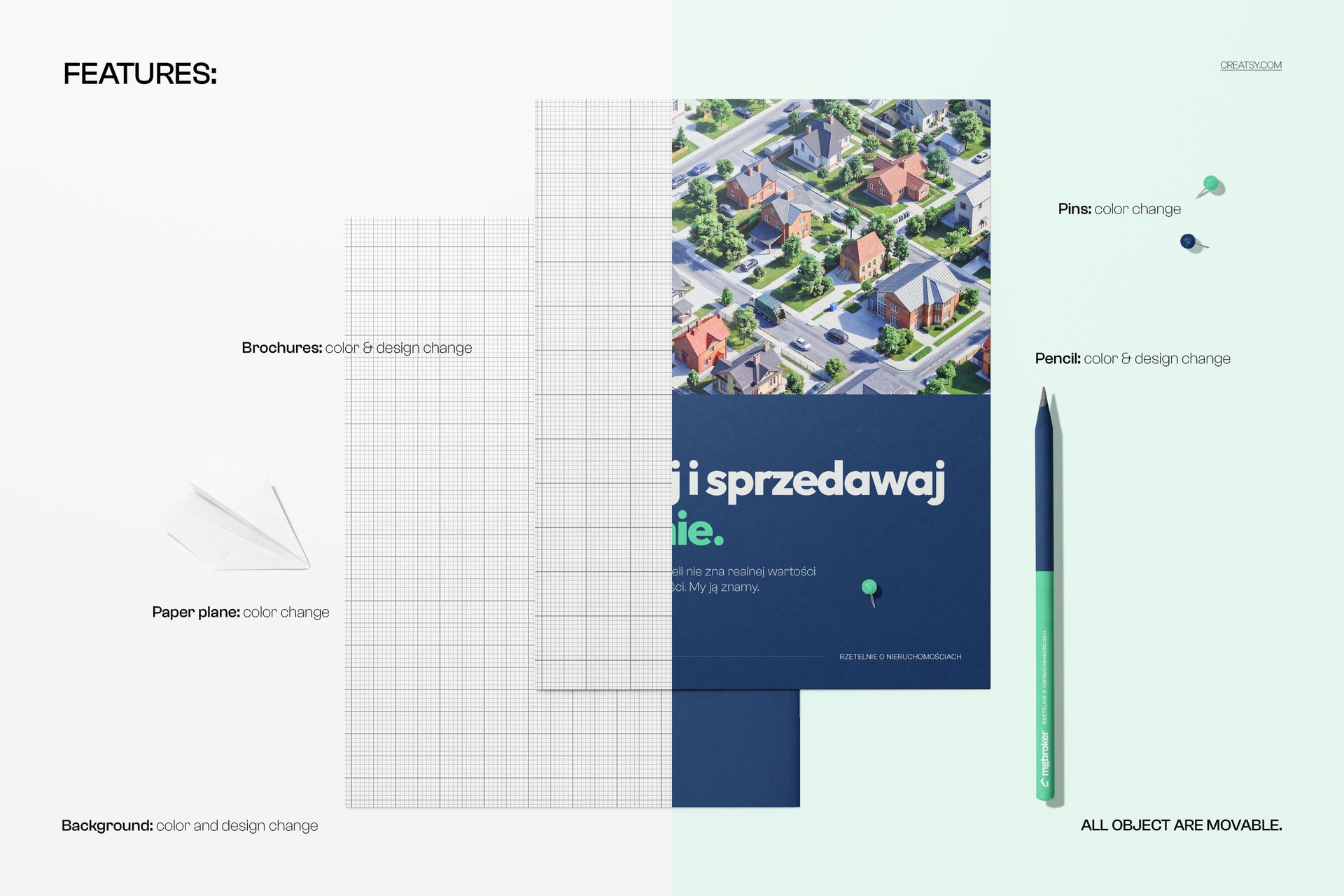
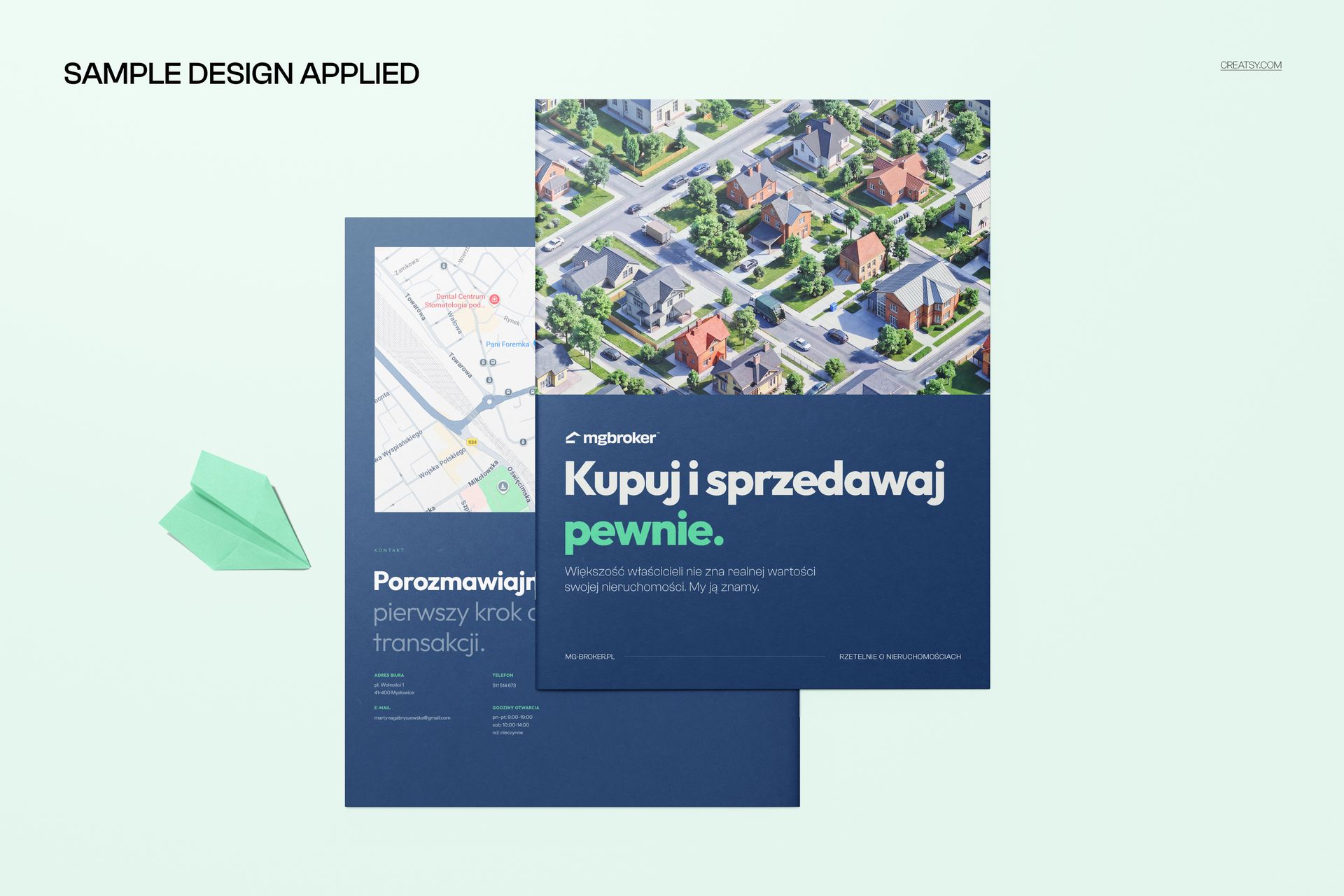
Each scene is set up with smart objects for the brochure artwork - the cover on the cover scenes, and the inside pages on the open ones. Double-click a smart object, paste your layout, and save - it maps onto the paper with the scene's fold, curve, and shadow on top, so it looks printed and bound rather than flat. The brochures arrive blank; the design shown in the previews is placeholder artwork and is not included. You bring the layout, and the paper, the surface, and the light are already set.
Use it to present a company brochure, a service guide, or a product catalog to a client, to anchor a portfolio case study, or to build an Etsy or Creative Market listing for a brochure or print template. Four scenes from one file set cover a photo session that would otherwise mean printing and folding real brochures and lighting each shot.
What you get
Four layered .psd brochure scenes (front cover and open spread presentations), plus a .jpg of each
6000 x 4000 px at 300 dpi per scene
Smart objects for the brochure artwork in every scene
Sized for an 8.5 x 11 inch (US Letter) brochure
Well organized, clearly named layers
About 487 MB on Windows and 511 MB on Mac once unzipped
How it works
Open a .psd in Adobe Photoshop (CC2020 or newer), or free in Photopea.
Double-click the brochure smart object to open its own canvas.
Paste your cover or spread layout, fit it to the guide, and save that tab.
Return to the scene to see your brochure, then export a JPG or PNG. Repeat for the other scenes.
Specifications
Files: 4 layered .psd scenes plus 4 .jpg previews
Dimensions: 6000 x 4000 px per scene
Resolution: 300 dpi
Brochure size: 8.5 x 11 inch (US Letter)
Scenes: front cover and open spread presentations
Editable: brochure artwork via smart objects
Software: Adobe Photoshop CC2020 or newer, and Photopea (free, browser-based)
File size: 487 MB Windows / 511 MB Mac
Who it is for
It suits brand and print designers presenting a brochure, agencies and studios building portfolio mockups, and businesses proofing a company brochure, service guide, or catalog before a print run. It fits corporate profiles, real estate and travel brochures, product catalogs, event programs, and nonprofit reports. It is a strong fit for a marketing team assembling a sales kit, a real estate agent presenting a listing, and a designer showing a client the same brochure in cover and spread views side by side. If you design 8.5 x 11 brochures and want a set of clean, printed-looking previews without a photo shoot, this is built for it.