Glossy Posters and Stationery Items Mockup
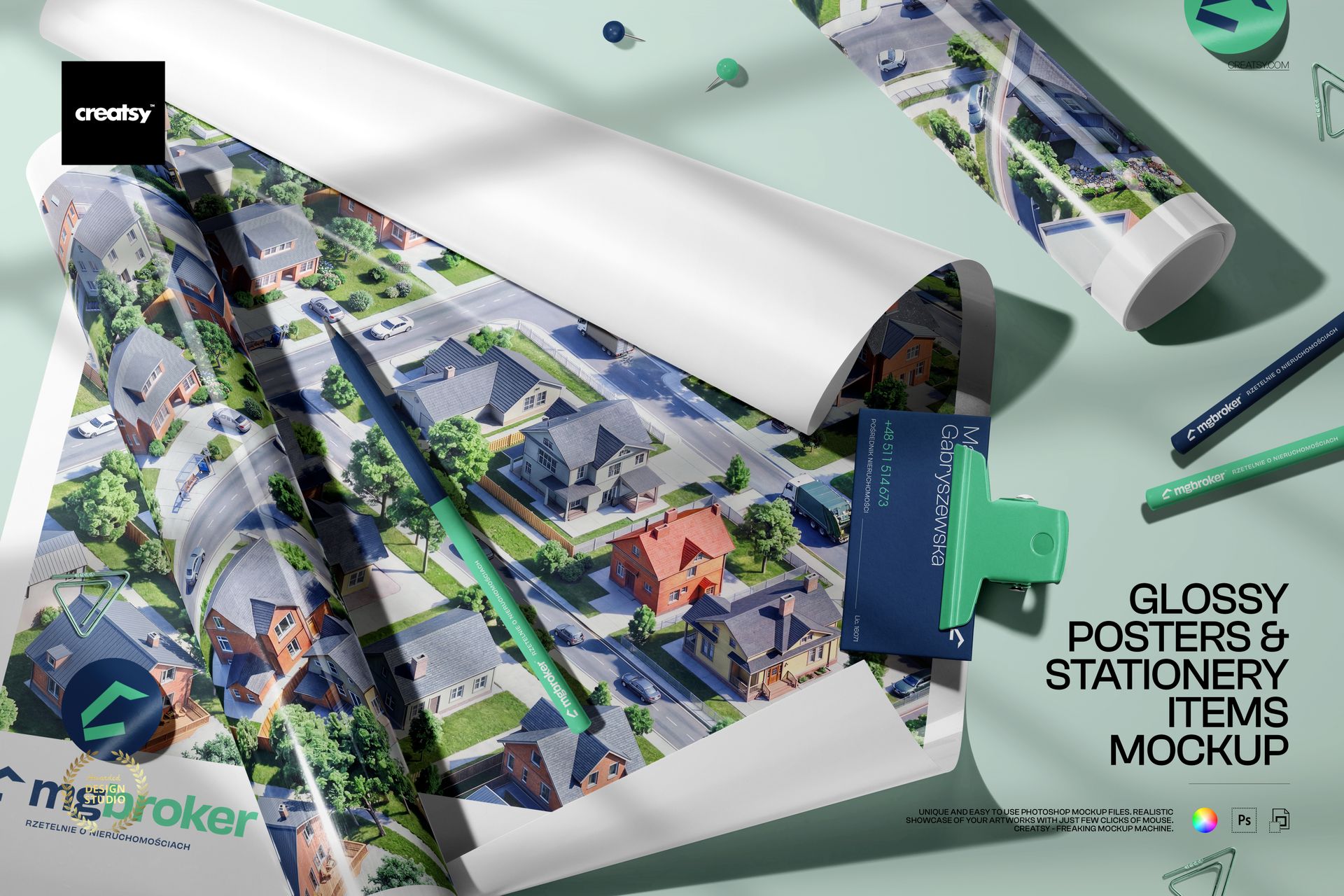
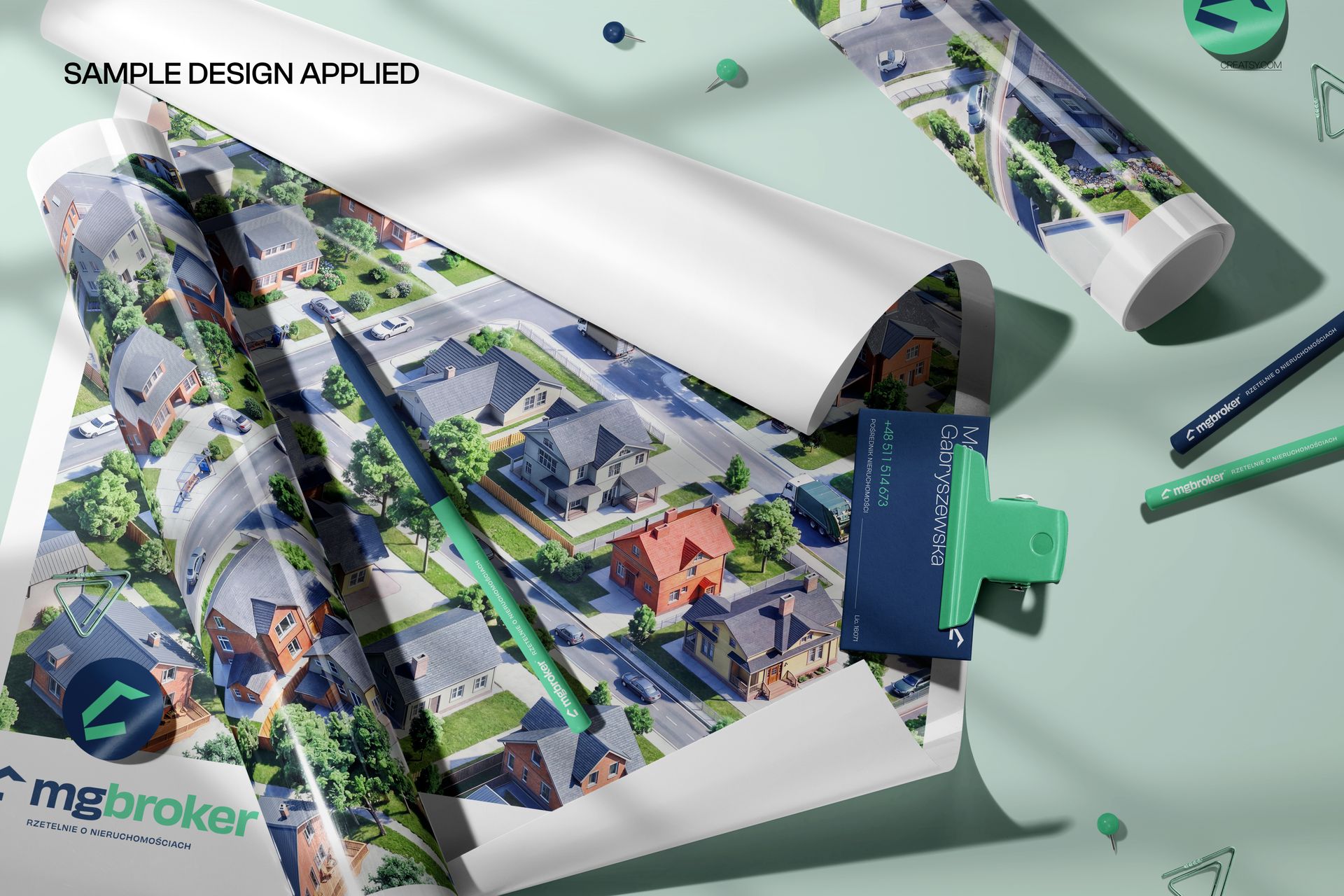
The Glossy Posters and Stationery Items Mockup by Creatsy is a glossy poster and stationery mockup that stages rolled, curled posters alongside a business card, pencil, push pins, and clips on a soft studio surface. It ships as one layered PSD file at 6000 x 4000 px, so you can present a full print identity in one polished scene.
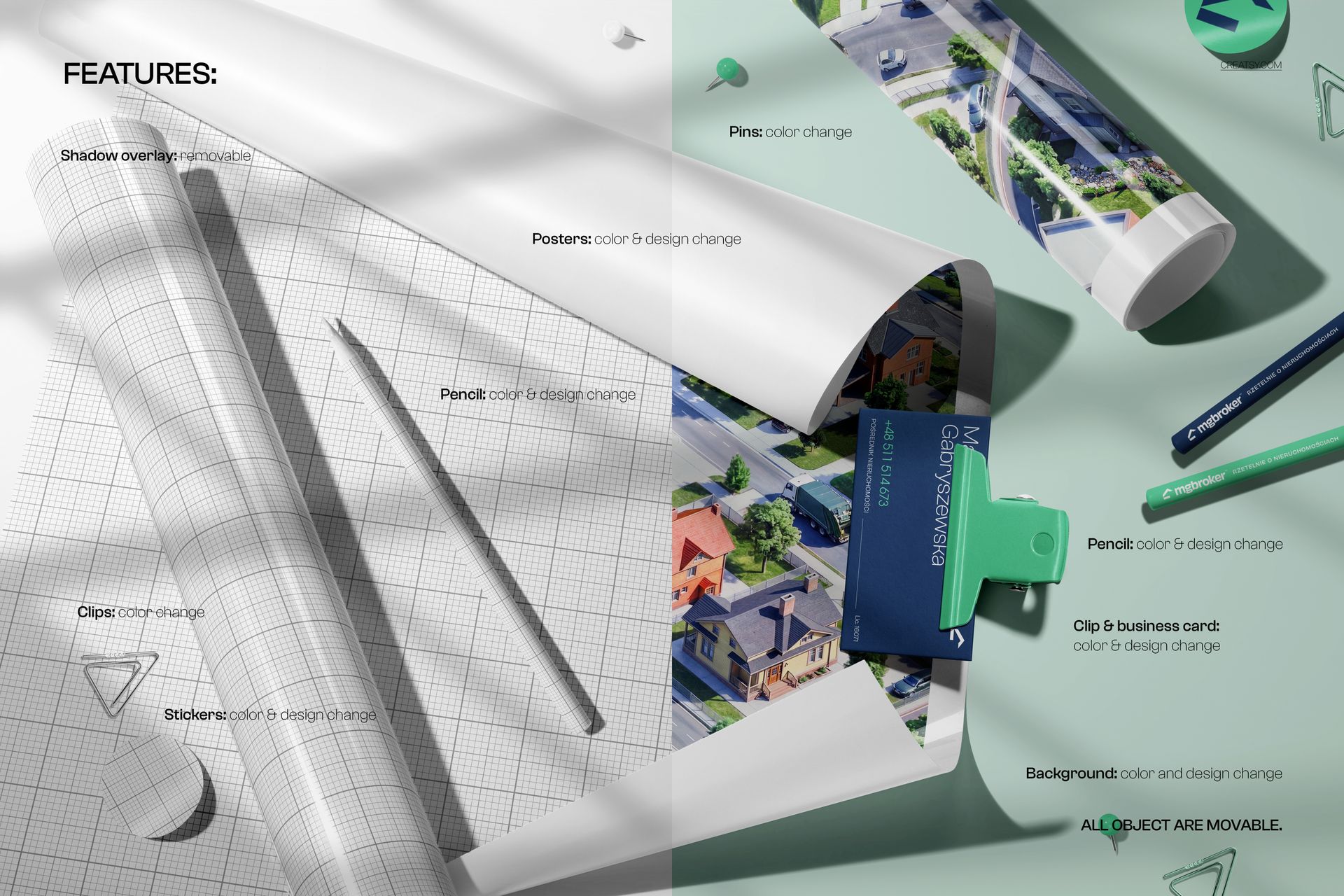
Most of the scene is editable. Drop your artwork into the smart objects to change the posters, the business card, the pencil, and the stickers, and recolor the pins and clips. The background color and design can change, the shadow overlay is removable, and every object can be moved to rebuild the layout. The items ship with placeholder art, and the designs shown in the previews are for display only.
It fits branding and marketing work that spans more than one piece: poster and flyer campaigns, real estate and event promotion, agency pitches, portfolio shots, and print-on-demand or Etsy listings that need a clean, professional presentation.
What you get
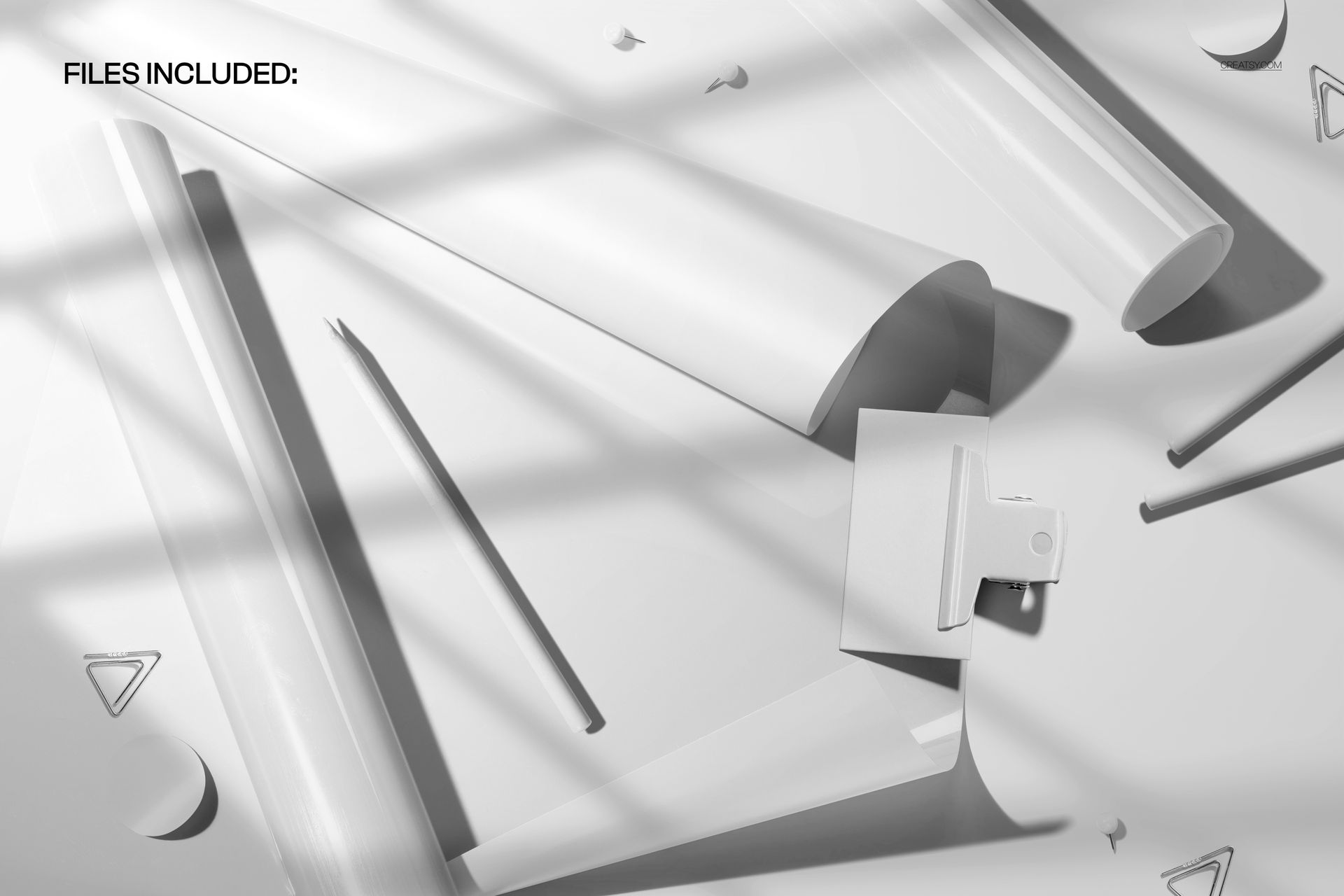
1 layered PSD file
6000 x 4000 px at 300 dpi
Smart objects for posters, business card, pencil, stickers, and pins
Editable background color and design
Removable shadow overlay, all objects movable
Organized, clearly named layers
How it works
Open the PSD in Adobe Photoshop (CC2020 or newer) or in Photopea, the free online editor.
Double-click a smart object thumbnail.
Paste or place your design, then save and close the smart object.
Adjust colors, move objects, and export as JPG or PNG.
Specifications
File: 1 PSD with multiple smart objects
Dimensions: 6000 x 4000 px, 300 dpi
Software: Adobe Photoshop (min. CC2020) and Photopea
Editable: posters, business card, pencil, stickers, pins, clips, background; removable shadows
Who it is for
Graphic designers, branding and marketing studios, real estate and event promoters, print-on-demand and Etsy sellers, and anyone presenting posters and stationery together in one scene.