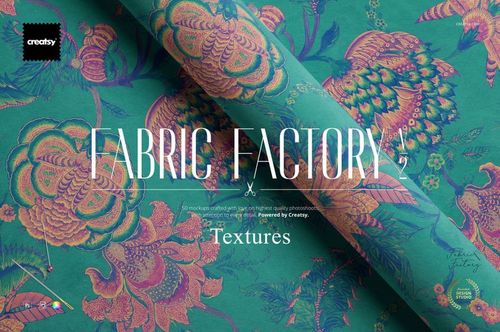
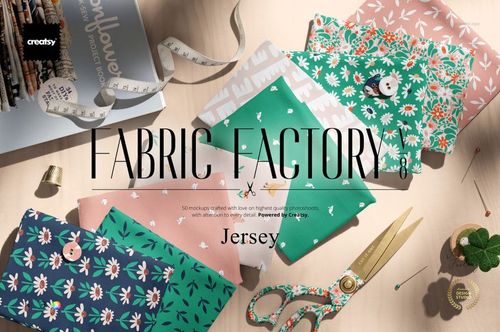
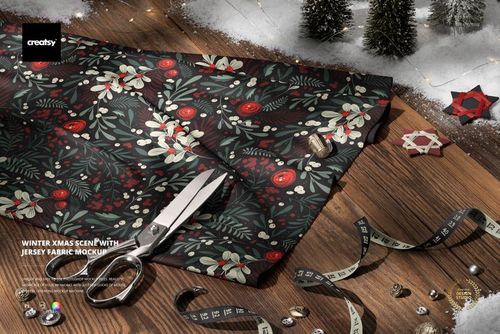
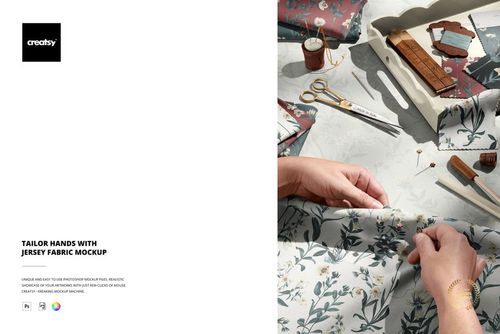
Fabric Stack on Basalt Rock with Palm Trees Mockup
This product is a part of Fabric Factory v.14 Mockup Bundle (outdoors)
Product Details
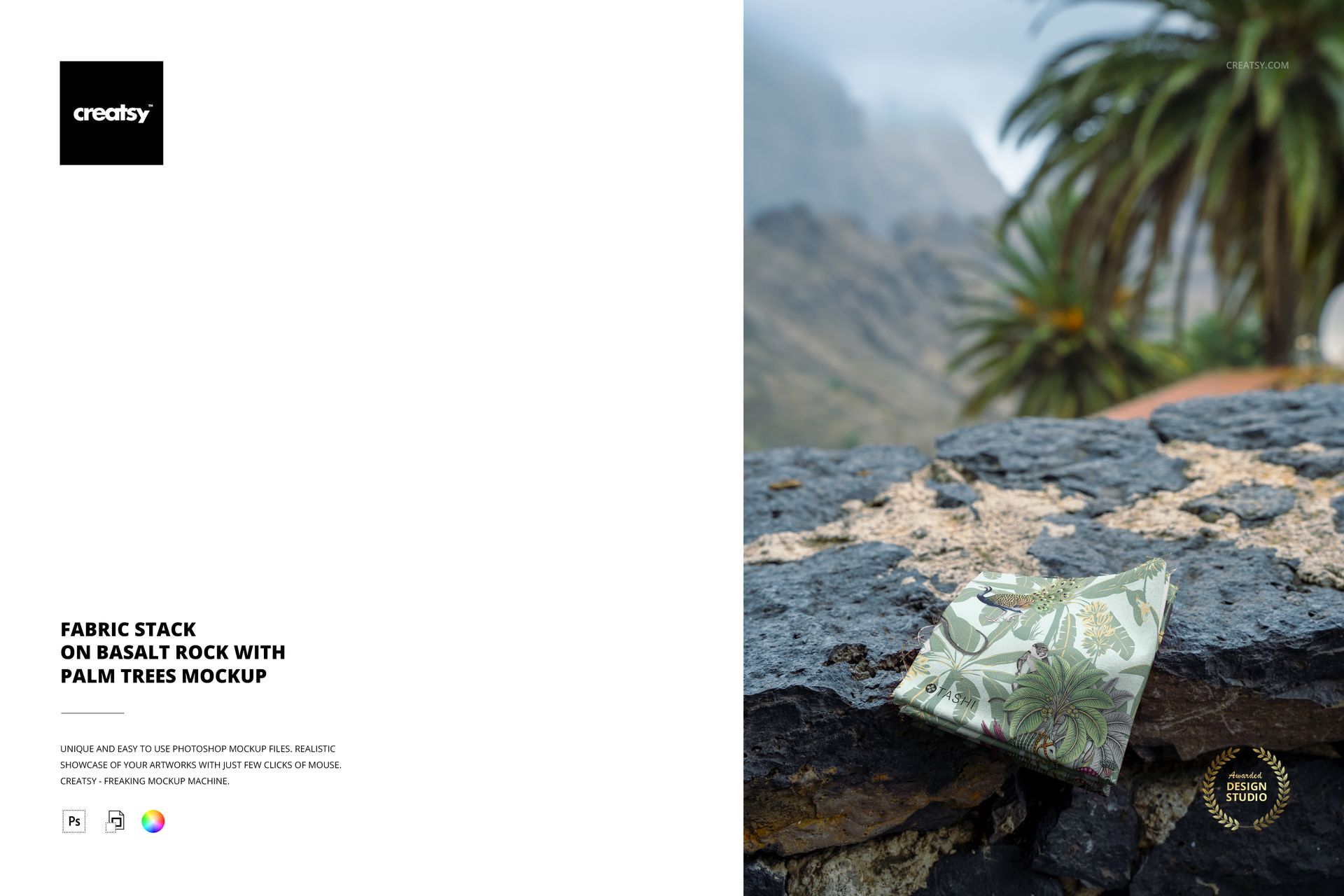
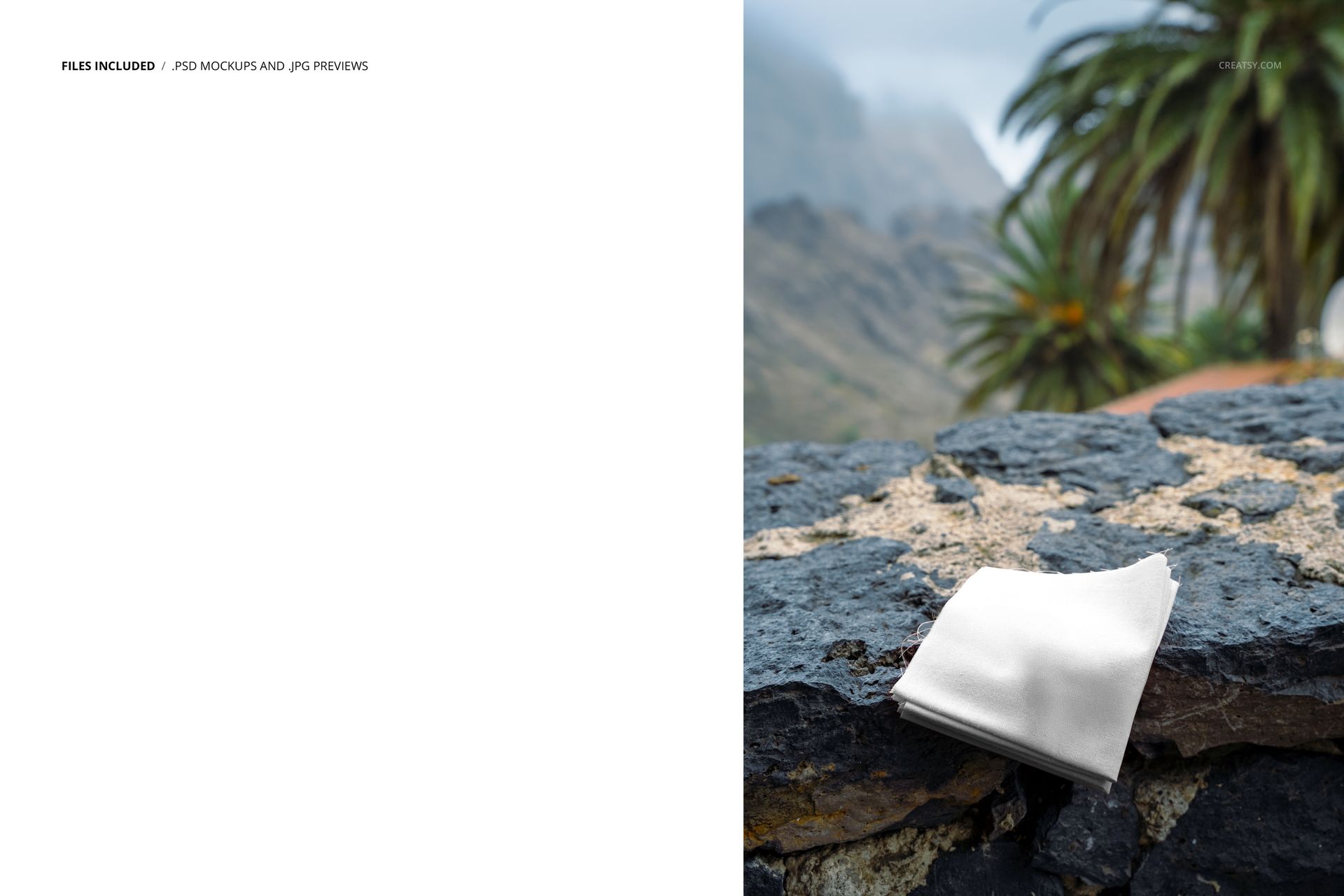
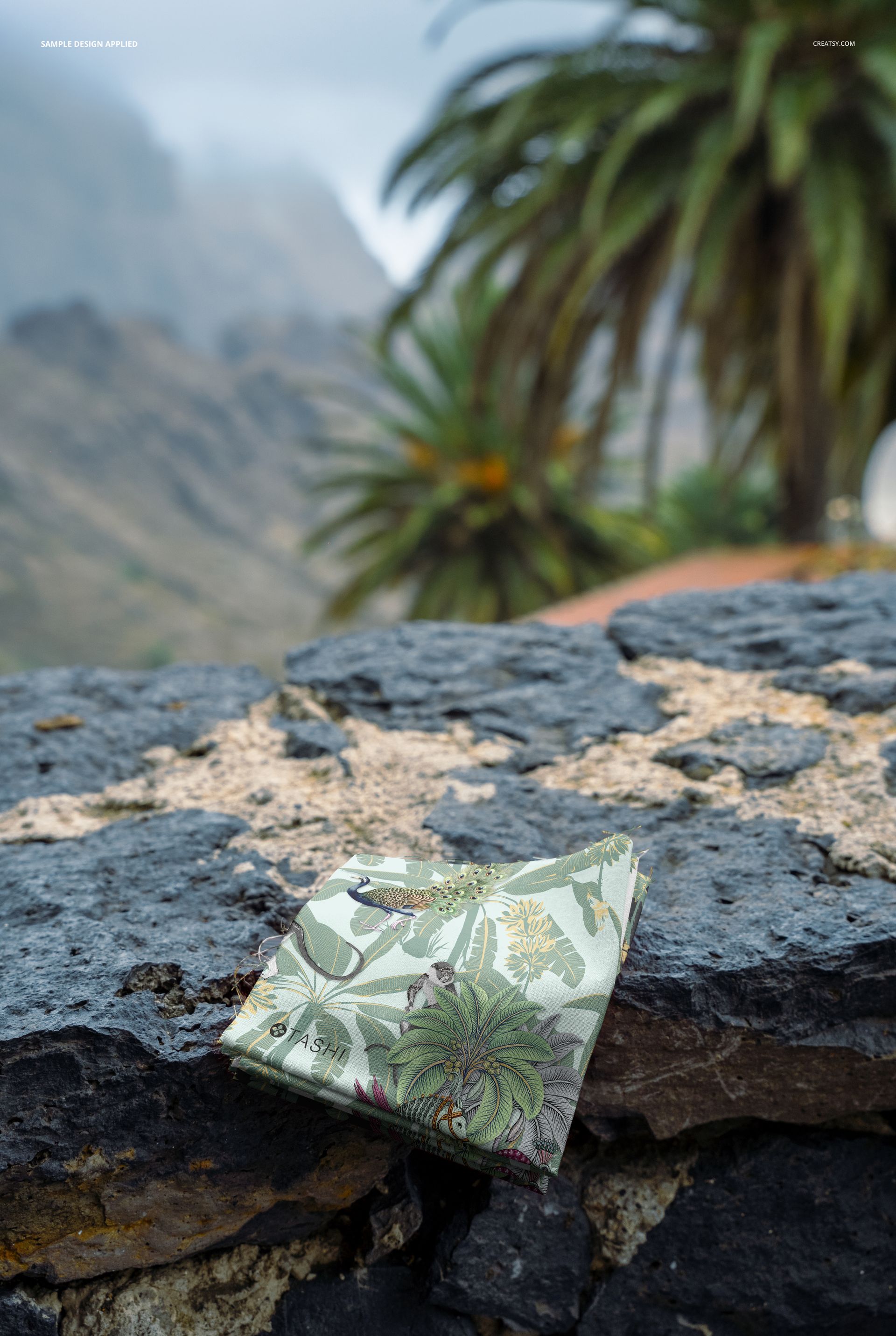
Studio backgrounds neutralize context. White seamless paper, gray gradients, and blank canvases show fabric without telling the viewer where it belongs. This mockup takes the opposite approach. It places a stack of folded fabrics on volcanic basalt rock with palm fronds filling the background, immediately anchoring your textile design in a specific world - resort wear, tropical home textiles, sustainable fashion, island hospitality, or coastal lifestyle branding. The location does half the storytelling before the viewer even looks at the pattern.
Why the Setting Matters for Fabric Mockups
Surface pattern designers and textile brands selling through wholesale channels or direct-to-consumer platforms need mockup images that communicate target market, not just thread count. A linen print draped on basalt with palms overhead tells a buyer this fabric belongs in a boutique hotel room in Bali, a resort wear collection for a Caribbean brand, or a home textiles line marketed to customers who curate tropical-modern interiors. That positioning context arrives instantly through the environment, saving the designer from writing a paragraph of market positioning copy that the buyer would not read anyway.
The Fabric Stack Format
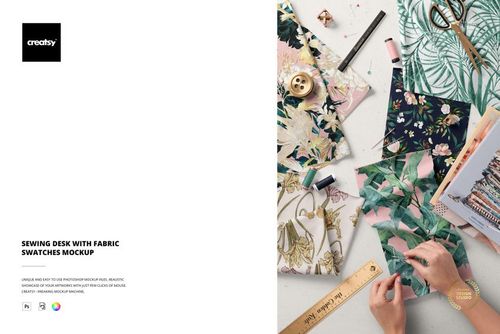
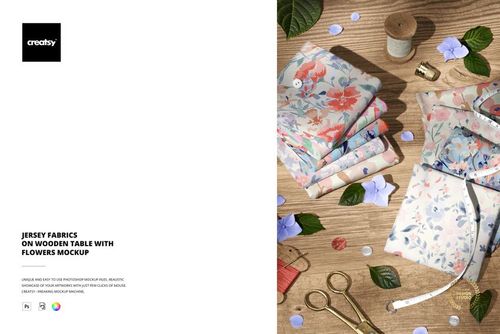
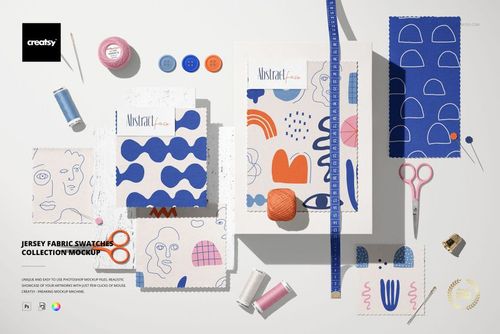
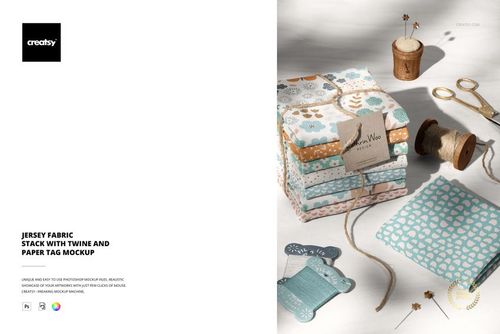
Stacked fabrics communicate collection depth. A single draped swatch says one pattern. A stack says range - multiple colorways, coordinating prints, a curated assortment ready for retail. The folded presentation also shows how the fabric behaves at a fold line, which reveals weight, drape, and body in a way that flat swatches cannot. For pattern designers selling digital files on Spoonflower, Creative Market, or their own websites, the stack format answers the buyer's implicit question about how the pattern scales across a physical piece of cloth.
Technical Specifications
The download contains a single PSD file at 6000 x 4000 pixels and 300 DPI in landscape format. The file requires Adobe Photoshop CC 2020 or newer - it does not support Photopea or other free PSD editors due to advanced layer features that require native Photoshop rendering. At 119 MB, the file loads efficiently on modern hardware and stores comfortably in cloud sync workflows. Smart object layers accept your fabric patterns, textile designs, or solid color fills through the standard double-click placement workflow.
Layer Organization
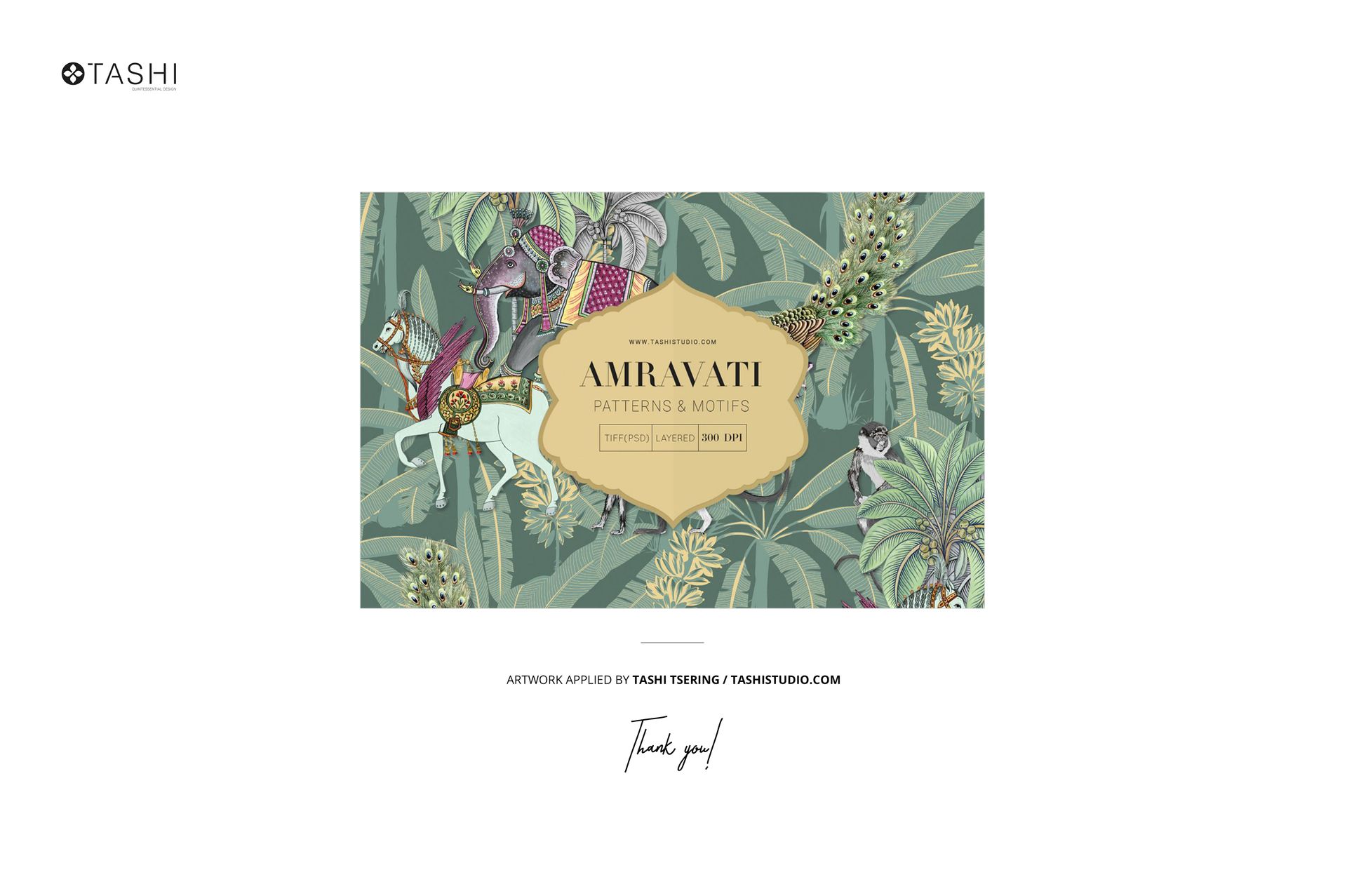
The PSD separates the basalt rock surface, palm tree foliage, fabric stack, lighting effects, and shadow maps into clearly labeled layer groups. This separation means you can adjust the brightness of the background foliage independently of the fabric surface lighting, darken or lighten the rock surface to match different color palettes in your textile designs, or modify the shadow intensity beneath the fabric stack without affecting the tropical environment. The example designs shown in the product screenshots were created by Tashi Studio and are not included in the download file.
Market Applications
Resort wear brands preparing seasonal lookbooks use outdoor-environment fabric mockups to establish the lifestyle context that plain studio shots lack. Home textile companies launching tropical-themed bedding, cushion, and table linen collections use this type of environmental staging in trade show booth graphics and wholesale catalog pages. Independent surface pattern designers listing fabric designs on Spoonflower or Etsy use tropical-scene mockups to target buyers searching specifically for coastal, island, and resort-inspired prints. The basalt-and-palm setting signals premium positioning without the cost of an on-location photo shoot in an actual tropical destination.
The landscape 3:2 aspect ratio works naturally in website hero sections, email marketing headers, Pinterest pins cropped to horizontal format, and Facebook or Instagram ad placements where environmental context drives click-through rates higher than isolated product shots.
File details
- Compatibility
- Number of files included
- 2
- Package size
- 119 MB
|125 MB
- Files type
- .psd, .jpg
- Files size
- 6000x4000


Made with Creatsy
Real designs. Real customers. See how creatives use Creatsy mockups to turn their artwork, branding, and product ideas into polished visuals.
MEET THE SHOP
- $1540$22.00
- $1330$19.00
- $1750$25.00

HOW IT WORKS
3 clicks. That's it.
No tutorial needed. If you can copy-paste, you can use this.
- 1OpenDouble-click the smart object inside the PSD - in Adobe Photoshop, or free in your browser with Photopea.
- 2PasteDrop in your pattern, print, or artwork. Any design, any style.
- 3SaveHit save and the mockup wraps it in for you - shadows, folds, and lighting included.
FROM IDEA TO IMAGE
Built for real workflows
Skip the photo shoot Show your artwork on the real product type for approvals or listings - no studio, no model, no sample.
See it on the product, not a swatch Drop your file into the smart object and the scene's lighting and folds wrap around it, so you judge the real thing before you commit.
Smart Objects
Edit once and you're done. Your artwork drops into a smart object and the mockup updates itself - no masking, no warping by hand.
Perfectly Organized
Named layers and folders you can actually navigate. Find what you need, change what you want, and get out fast.
Print-Ready
High-resolution files built to hold up on screen and in print. Exact size and DPI are in this product's Details above.