ID: 1179287893 | Updated: Jun 18, 2022

Product Details

Beach Towel Mockup

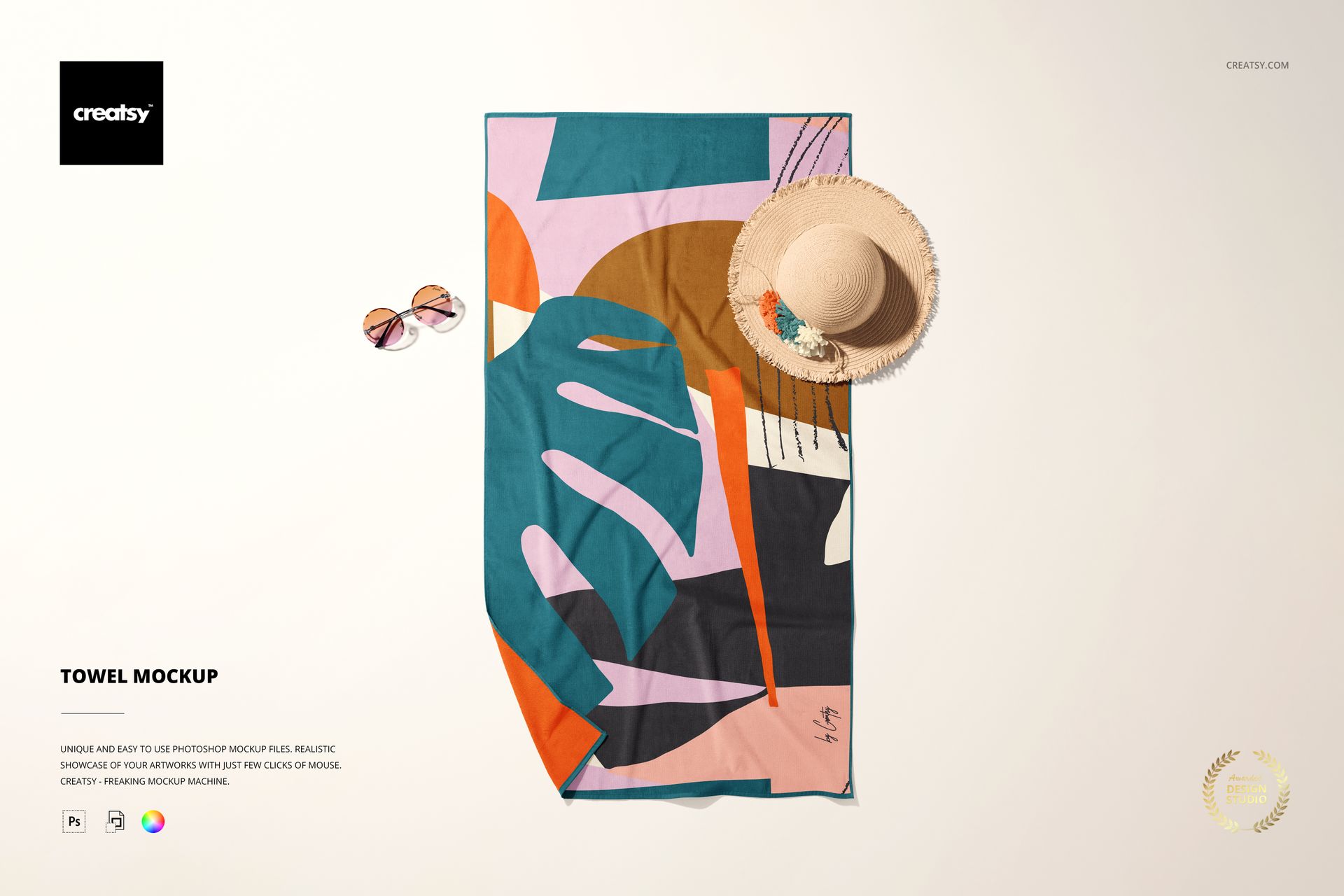
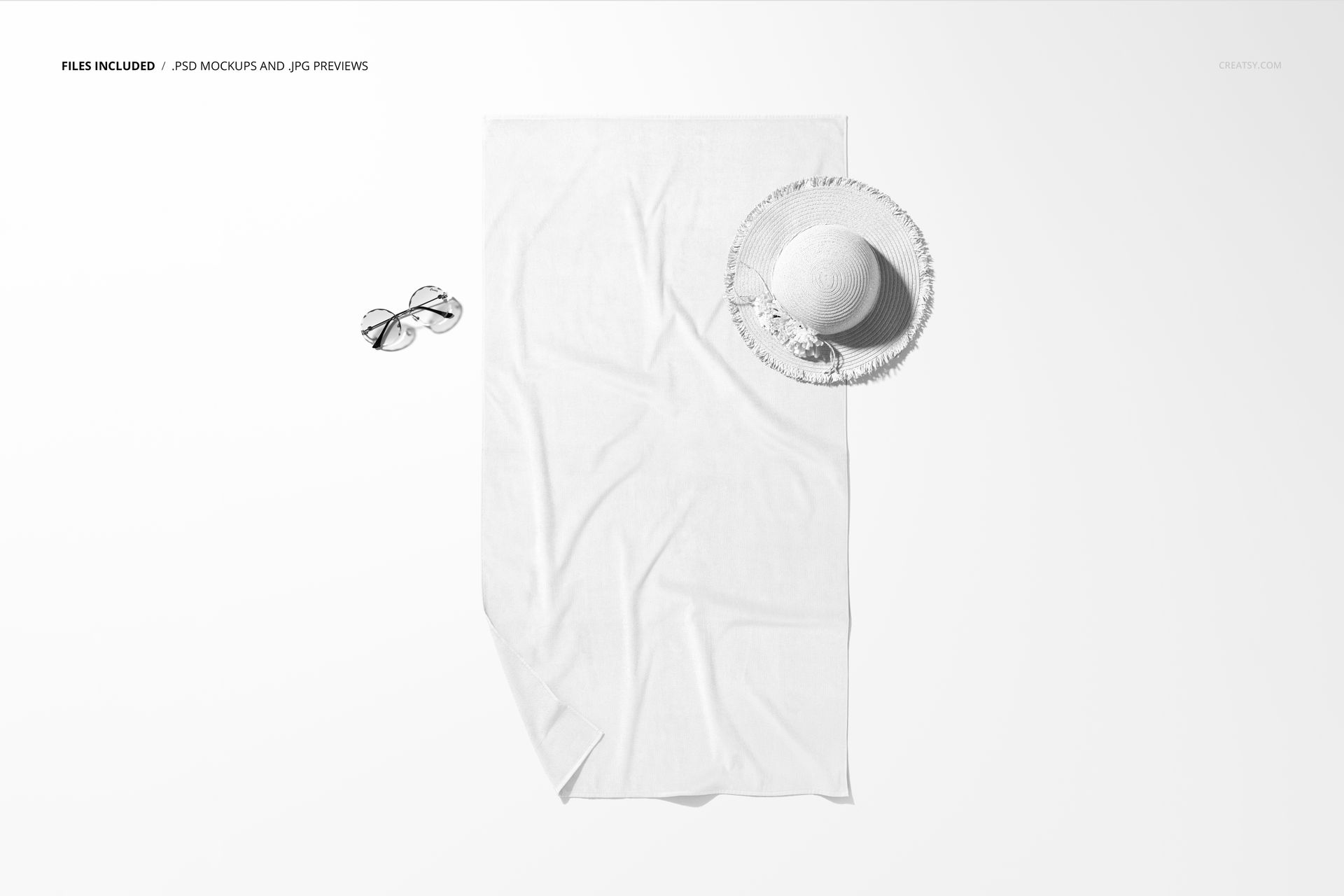
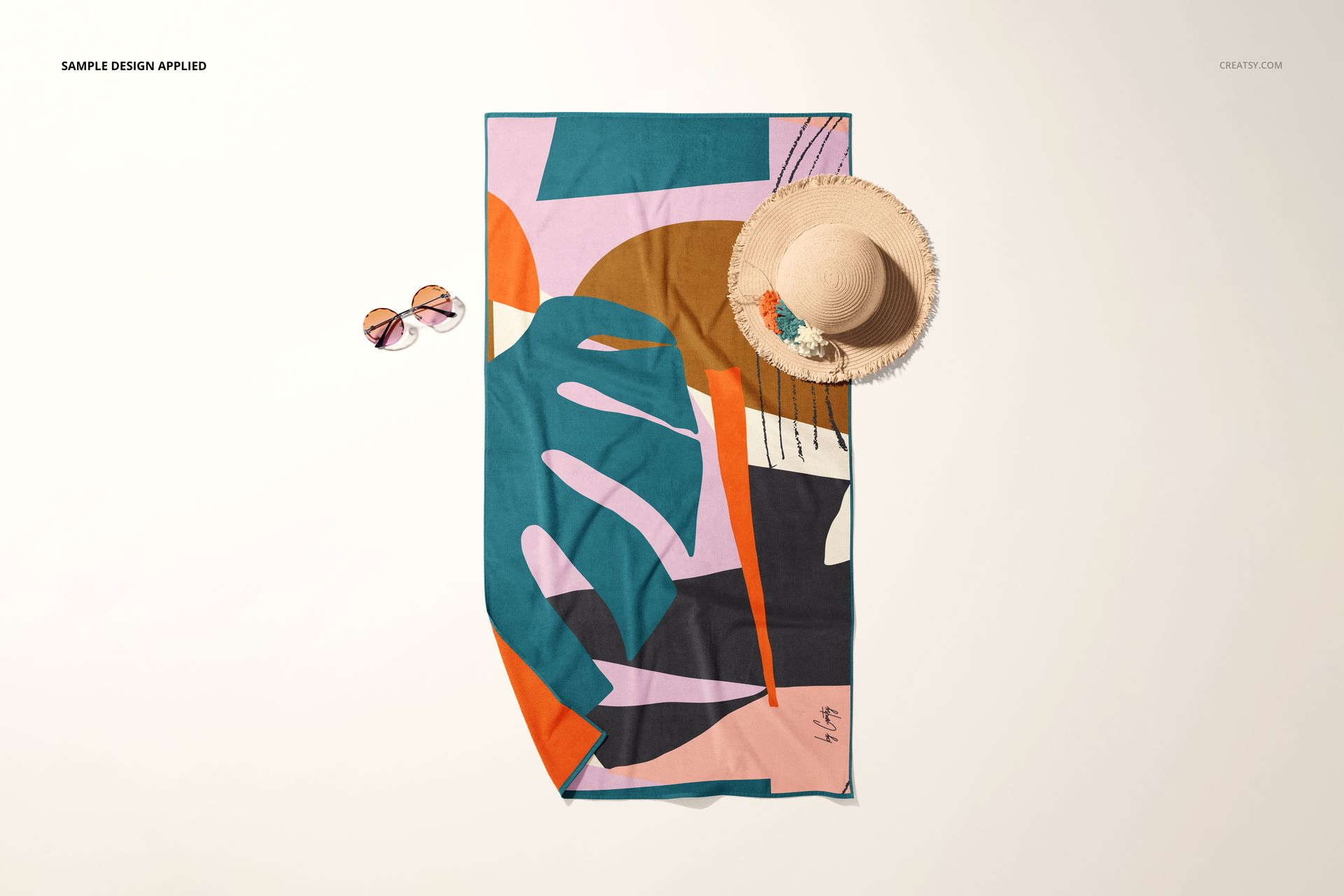
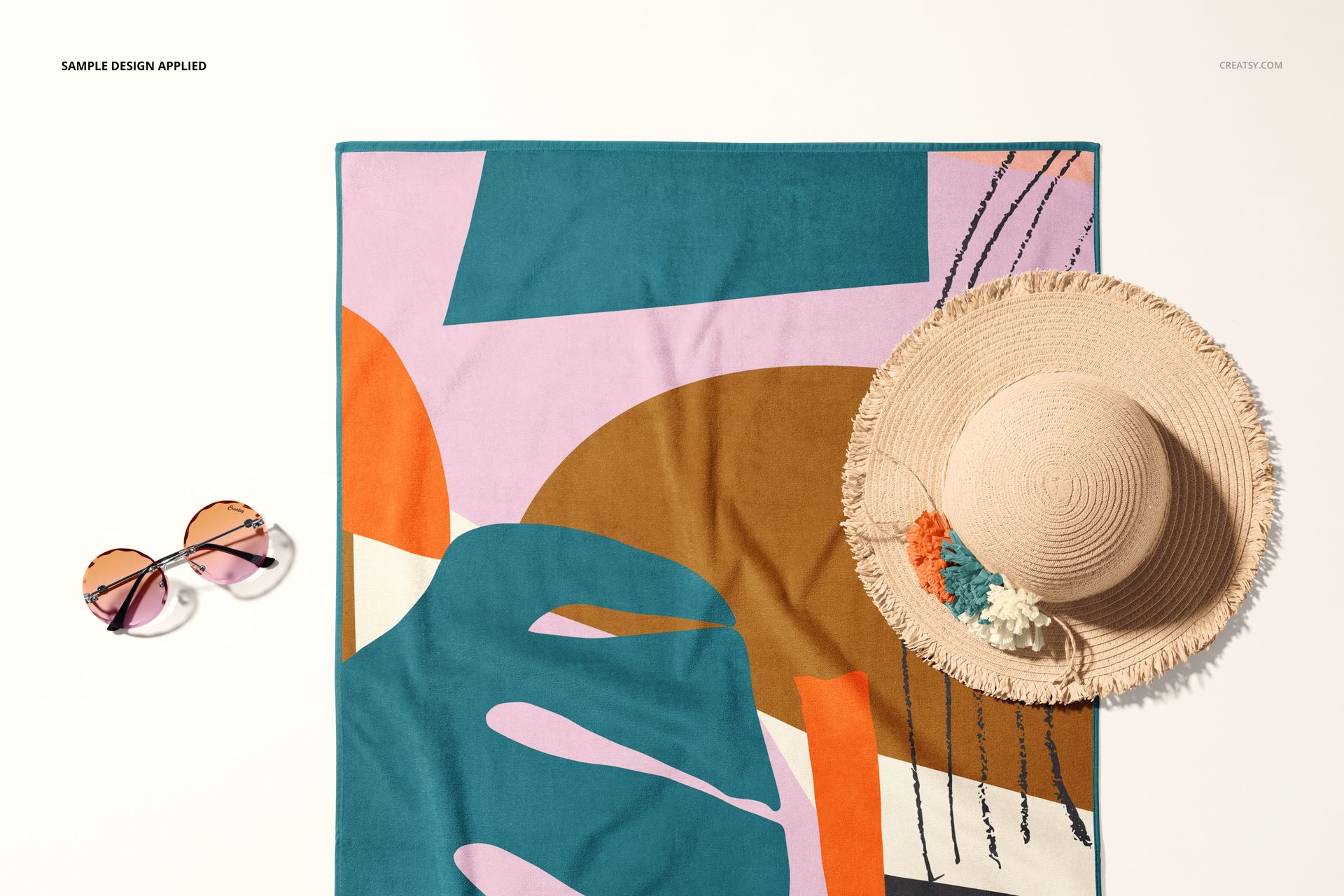
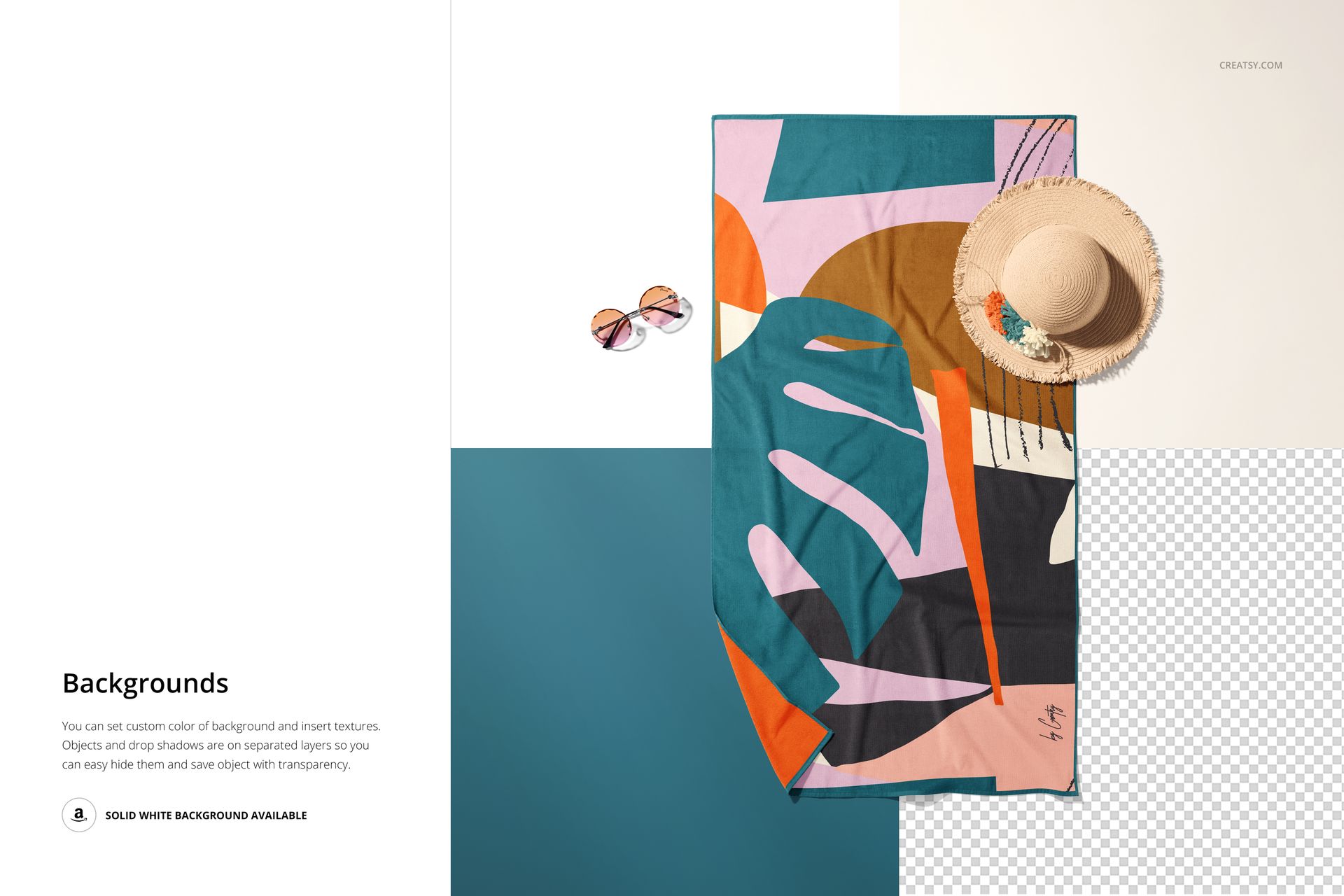
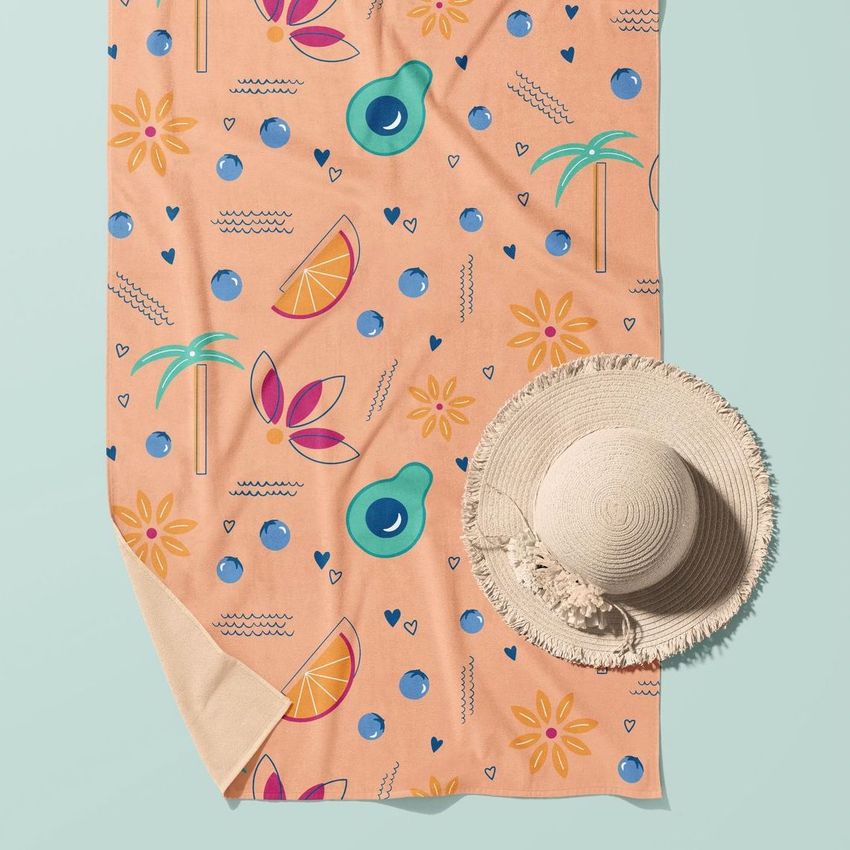
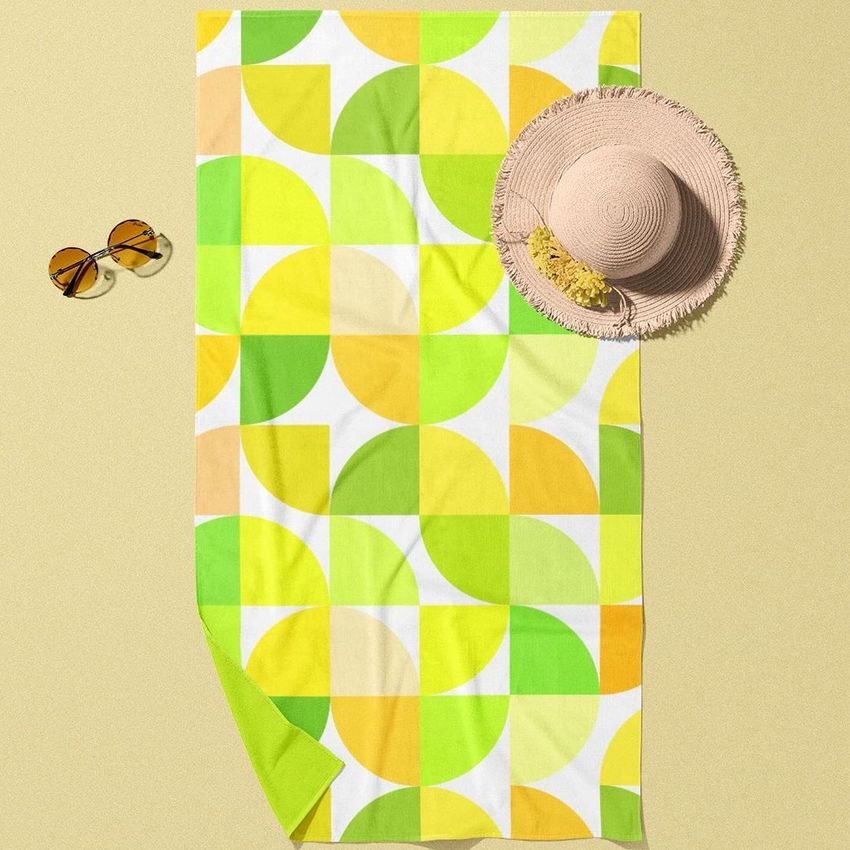
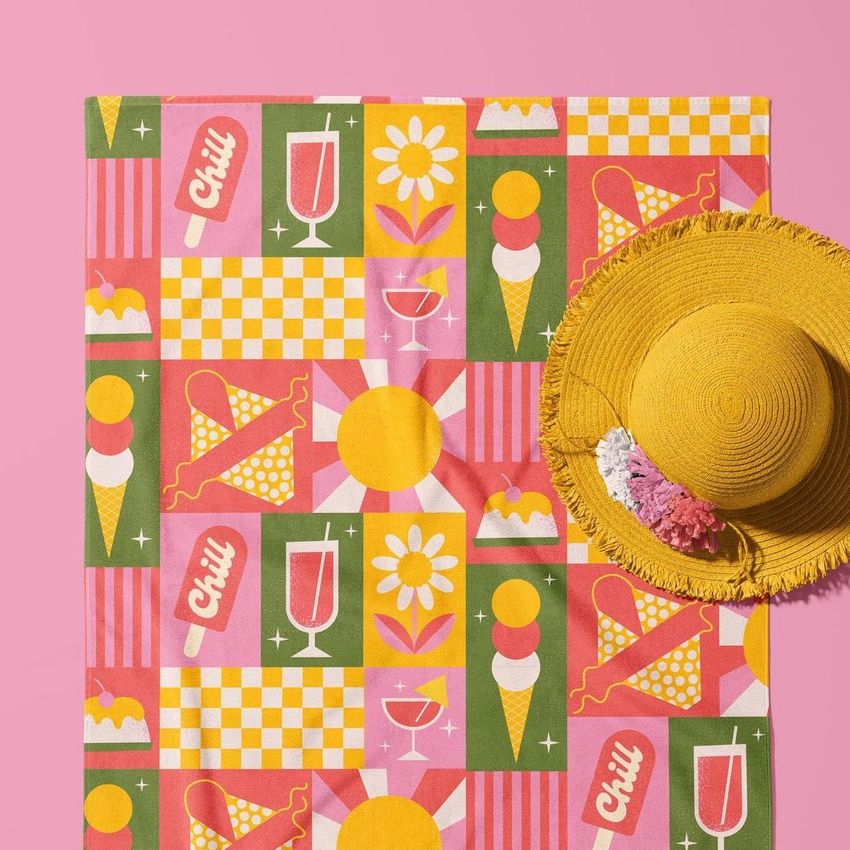
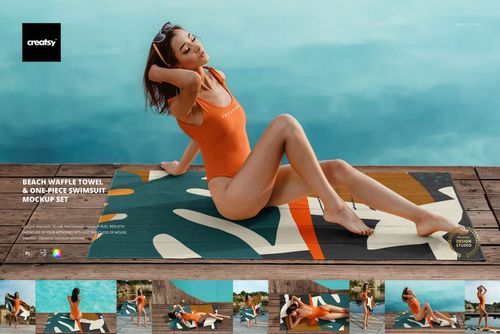
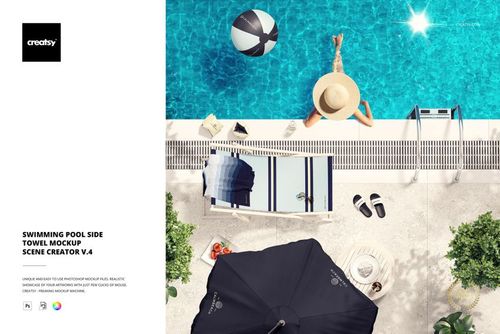
Give a 100 x 180 cm rectangular towel design a clean, full-length presentation in one overhead scene. The flat layout keeps the complete artwork visible, while a straw hat and sunglasses add summer context without turning the composition into a crowded lifestyle image.

An Unobstructed Top View for Pattern Decisions

Use the direct perspective to check motif distribution from end to end, compare repeat scale, and see how an optional border frames the print. The controlled viewpoint also makes several colorways easier to compare because the camera angle and styling remain consistent.

What Is Included

  • 1 layered PSD mockup file

  • 1 JPG preview image

  • 1 PDF user manual

  • 3 files in total

  • PSD canvas of 6000 x 4000 px

  • 300 DPI PSD resolution

  • JPG preview of 6000 x 6000 px

  • Represented towel size of 100 x 180 cm

  • Standard PSD format with well-organized layers

Confirmed Editing Options

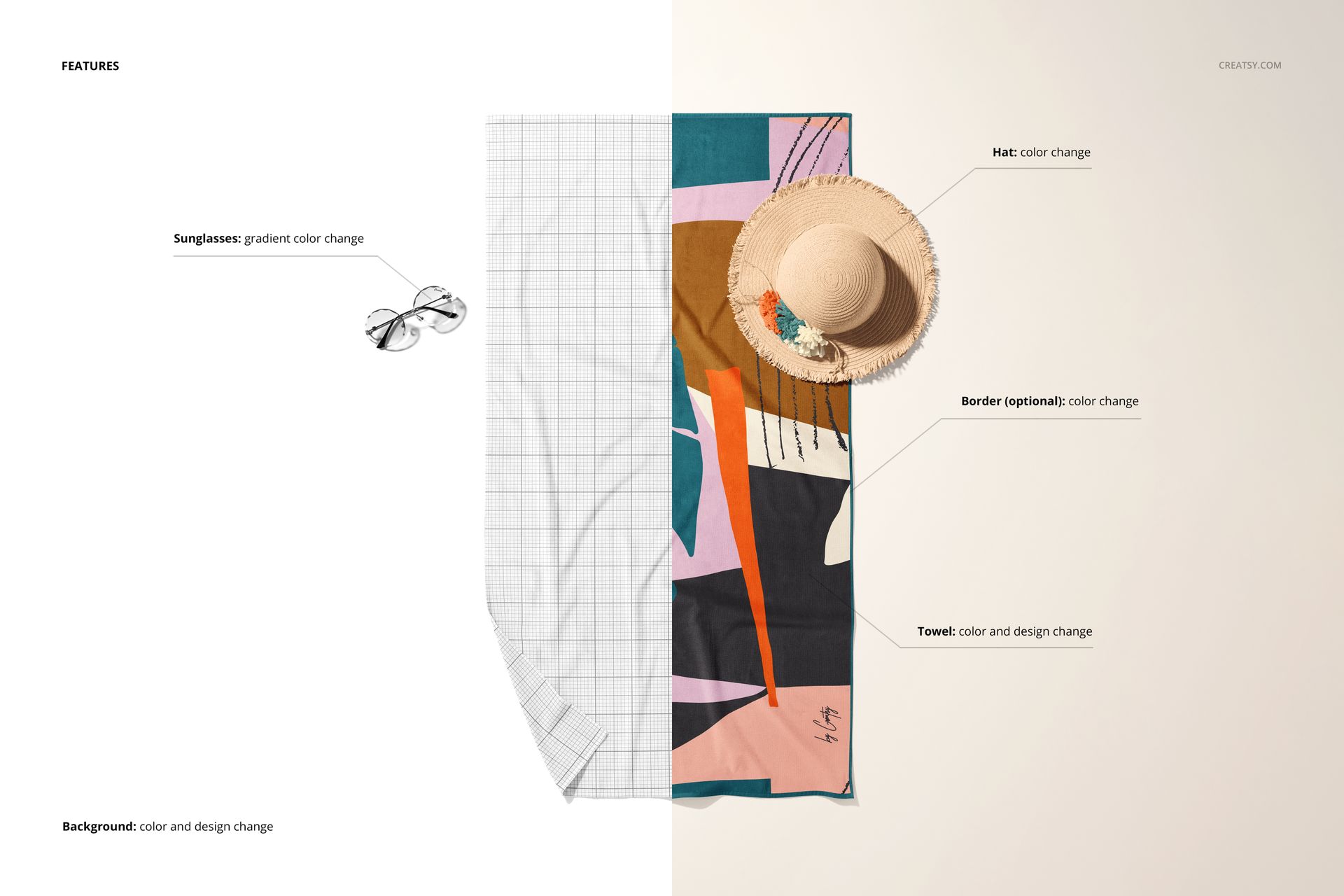
  • Replace the towel artwork using a Smart Object

  • Change the towel base color

  • Add or remove the optional border and change its color

  • Change the hat color

  • Adjust the sunglasses with a gradient color control

Use the Border as a Design Decision

A border can create a deliberate visual finish around a repeating pattern, improve separation from the background, or introduce a brand accent. Compare the bordered and border-free versions before export to see which option supports the artwork instead of competing with it.

Useful For

  • Surface pattern and textile portfolios

  • Full-length towel print reviews

  • Client colorway approvals

  • Beach and resort collection concepts

  • Ecommerce and campaign gallery images

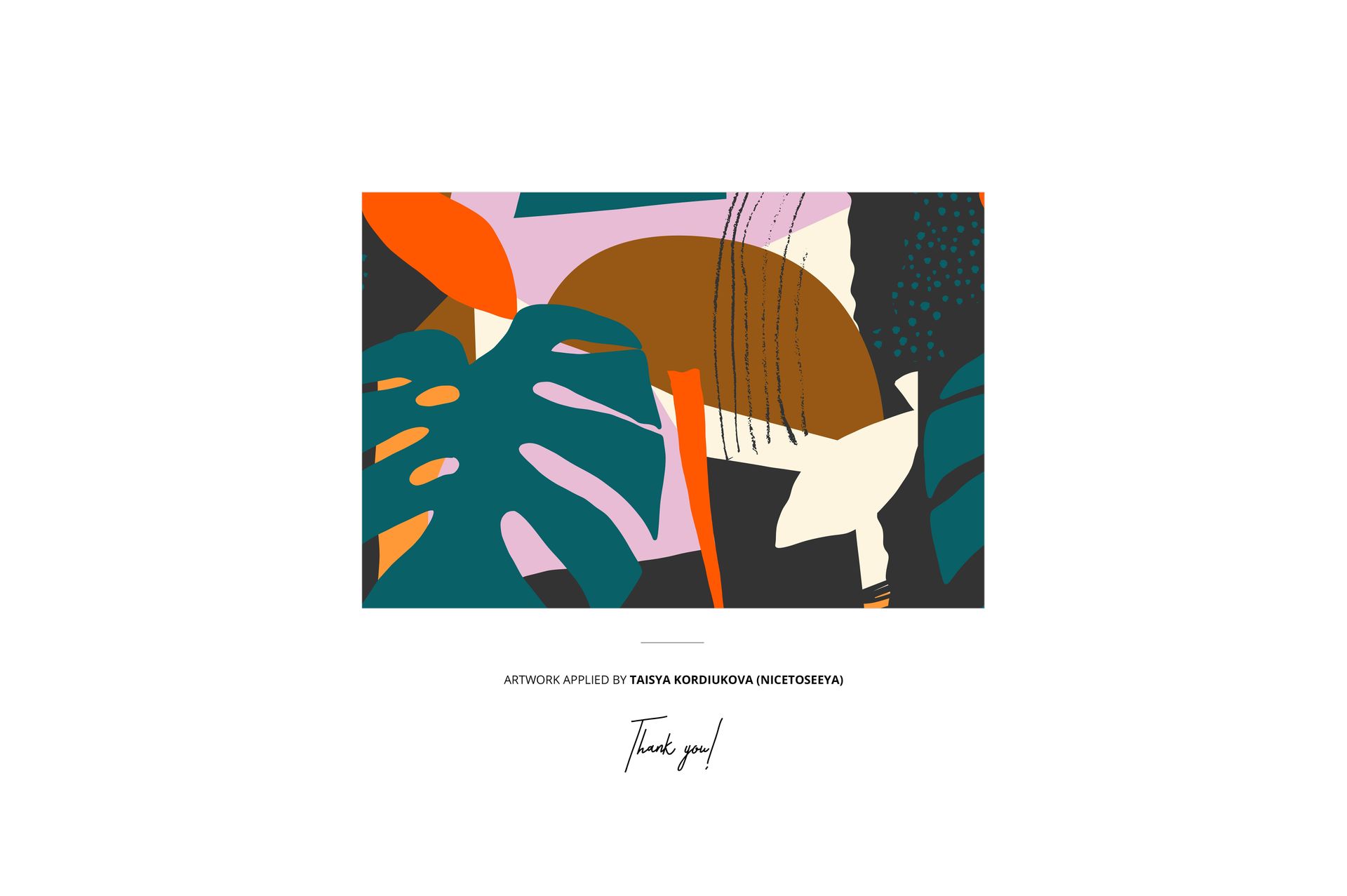
Preview Artwork Credit

Diana Hlevnjak / Polarvectors

The sample artwork is used for presentation purposes only and is not included with the mockup files.

This is a digital product. No physical towel, hat, or sunglasses are included.

File details

Compatibility
PhotopeaAdobe PhotoshopAffinity Photo
Package size
496 MB496 MB|520 MB520 MB
Files type
.psd, .jpg, .pdf
Files size
6000x4000
TEST FOR FREE

Reviews

Professional PSD mockups built in-house - editable, realistic, high-resolution, and supported by real people.

5 (1 rating)
Sort by:

Jakub_Gruszka1 avatar
Jakub_Gruszka1
Apr 4, 2023

Love it for my blanket! Easy to use.

Creatsy avatar
Creatsy Author
Apr 4, 2023

Thank you! <3


Made with Creatsy

Real designs. Real customers. See how creatives use Creatsy mockups to turn their artwork, branding, and product ideas into polished visuals.

MEET THE SHOP

Creatsy logo

Creatsy

Poland
4.7 (679)

Bring your ideas to life.

We're a family-run studio in Katowice, Poland, making PSD mockups by hand since 2016. Everything in this shop starts in our own studio. We shoot the photography, build the 3D, and put together every Smart Object PSD ourselves - then we test it, organize the layers, and only ship it once it actually works...
GO TO SHOP

HOW IT WORKS

3 clicks. That's it.

No tutorial needed. If you can copy-paste, you can use this.

  1. 1OpenDouble-click the smart object inside the PSD - in Adobe Photoshop, or free in your browser with Photopea.
  2. 2PasteDrop in your pattern, print, or artwork. Any design, any style.
  3. 3SaveHit save and the mockup wraps it in for you - shadows, folds, and lighting included.
FROM IDEA TO IMAGE

Built for real workflows

Skip the photo shoot Show your artwork on the real product type for approvals or listings - no studio, no model, no sample.

See it on the product, not a swatch Drop your file into the smart object and the scene's lighting and folds wrap around it, so you judge the real thing before you commit.

Smart Objects

Edit once and you're done. Your artwork drops into a smart object and the mockup updates itself - no masking, no warping by hand.

Perfectly Organized

Named layers and folders you can actually navigate. Find what you need, change what you want, and get out fast.

Print-Ready

High-resolution files built to hold up on screen and in print. Exact size and DPI are in this product's Details above.